Product Features
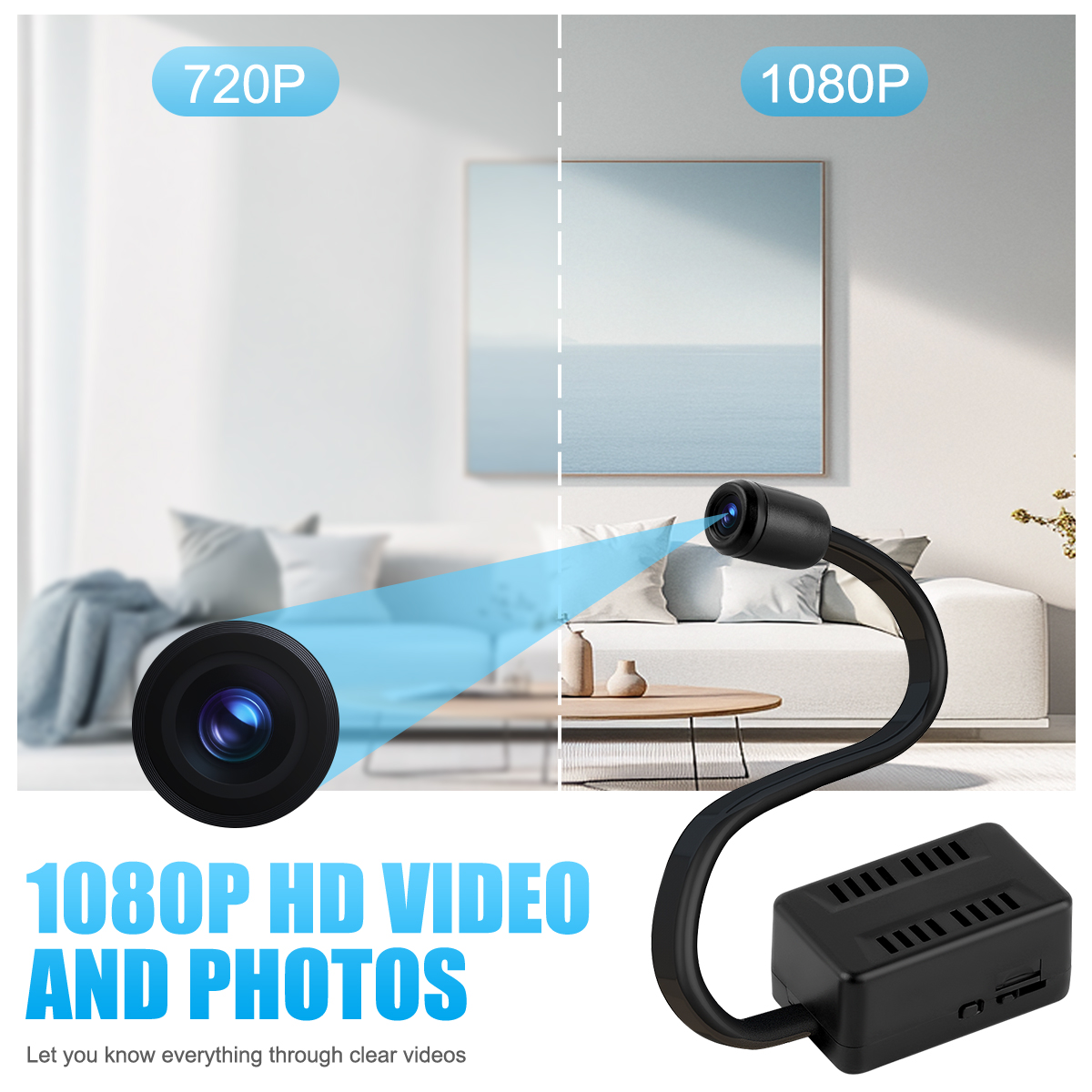
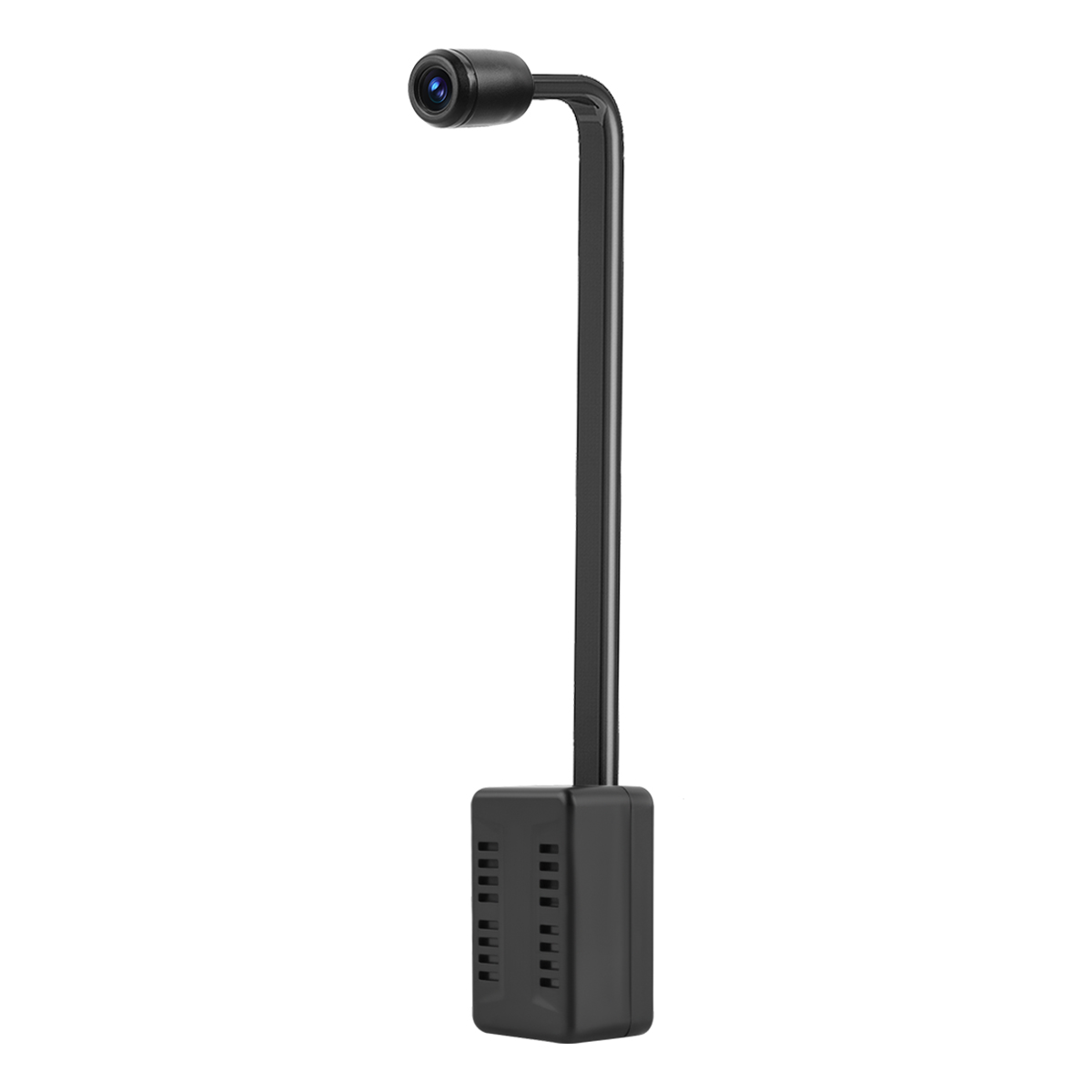
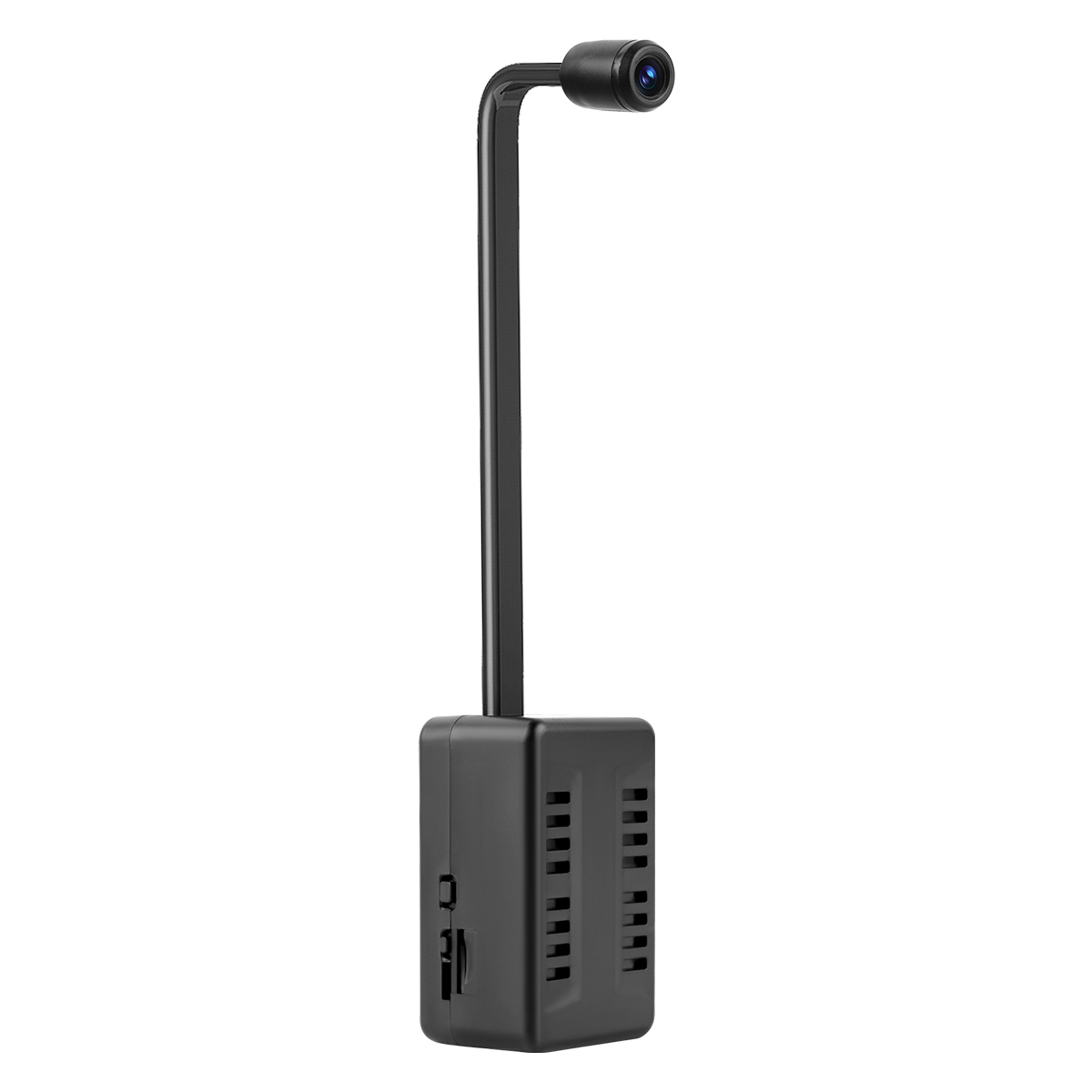
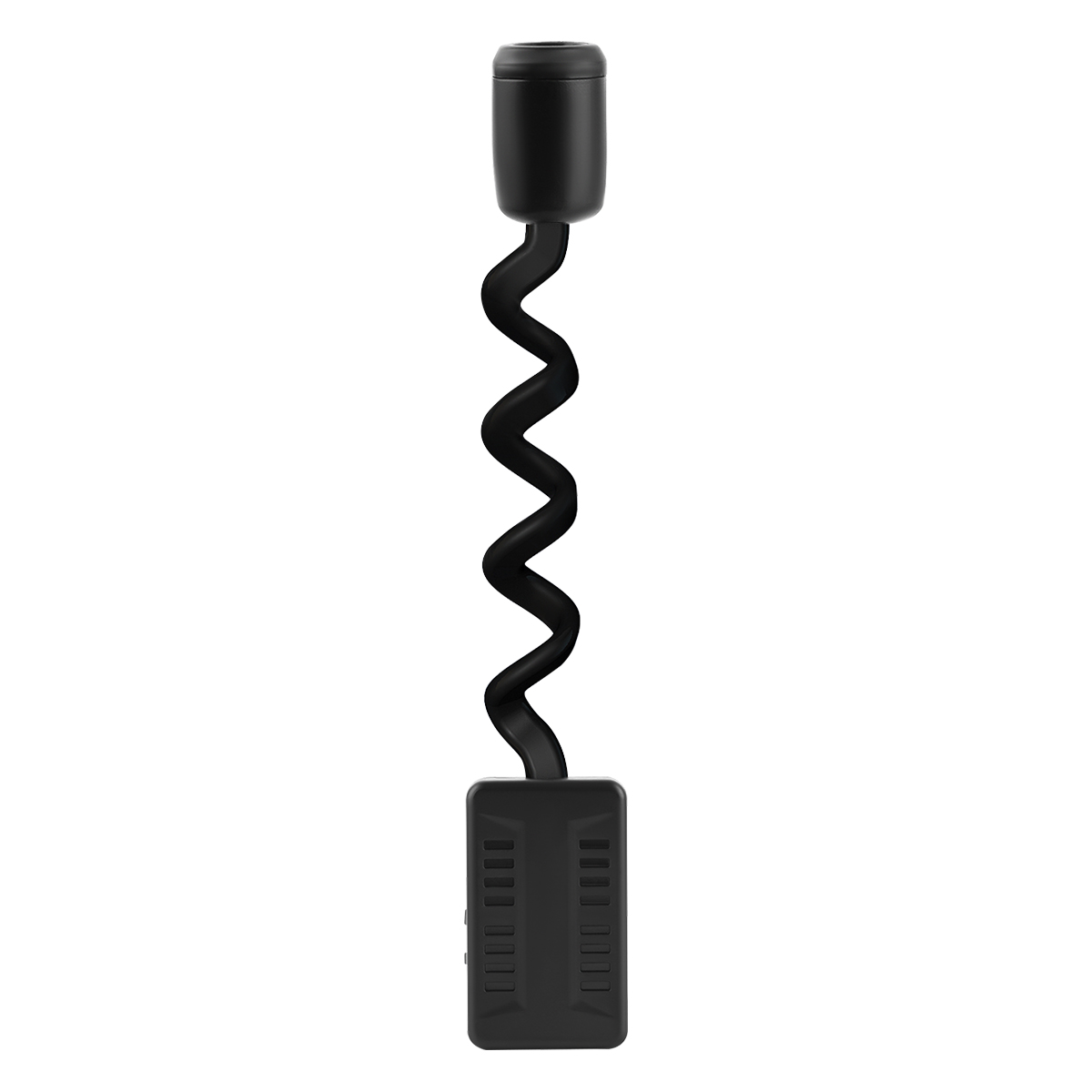
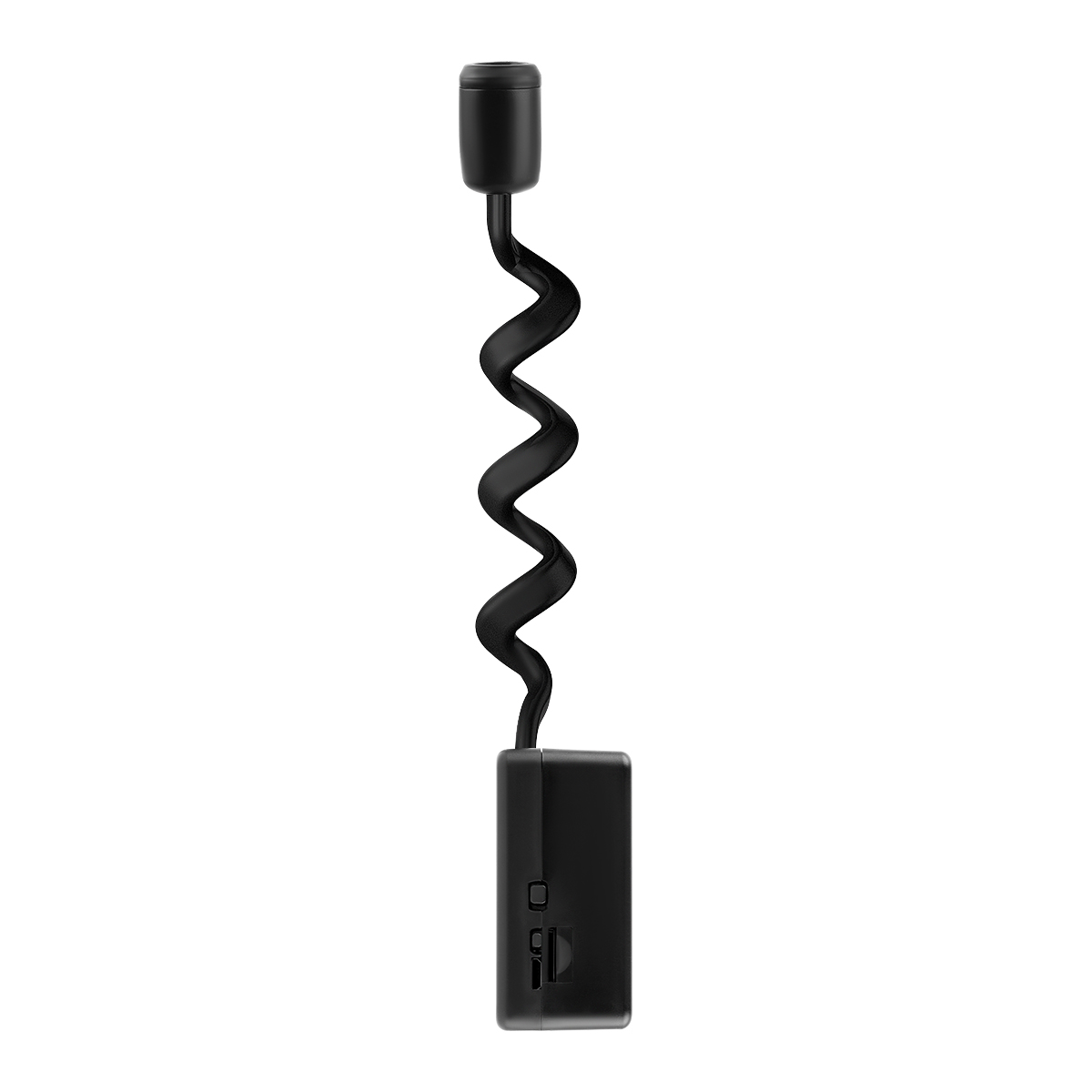
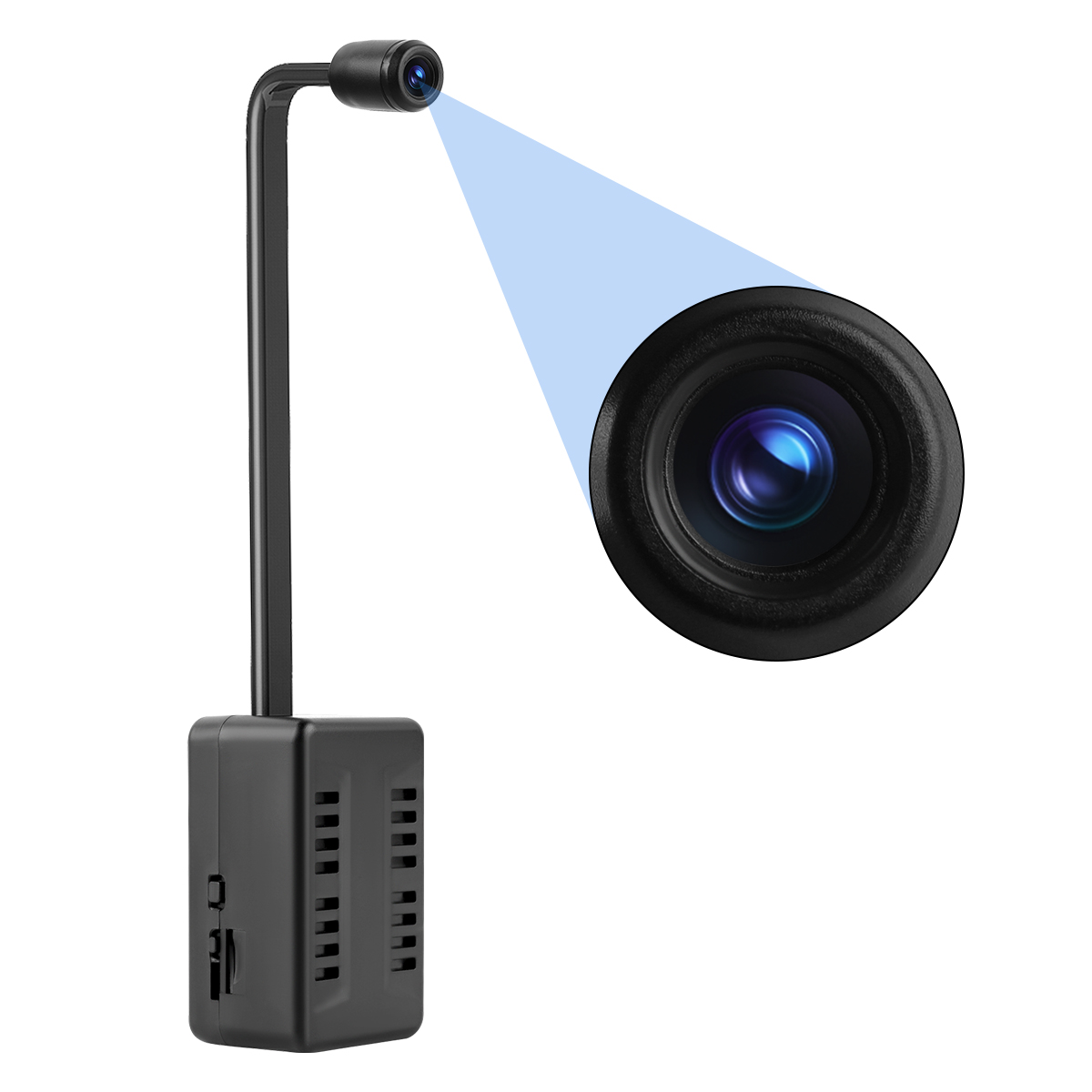
Extended Flexible Lens Design
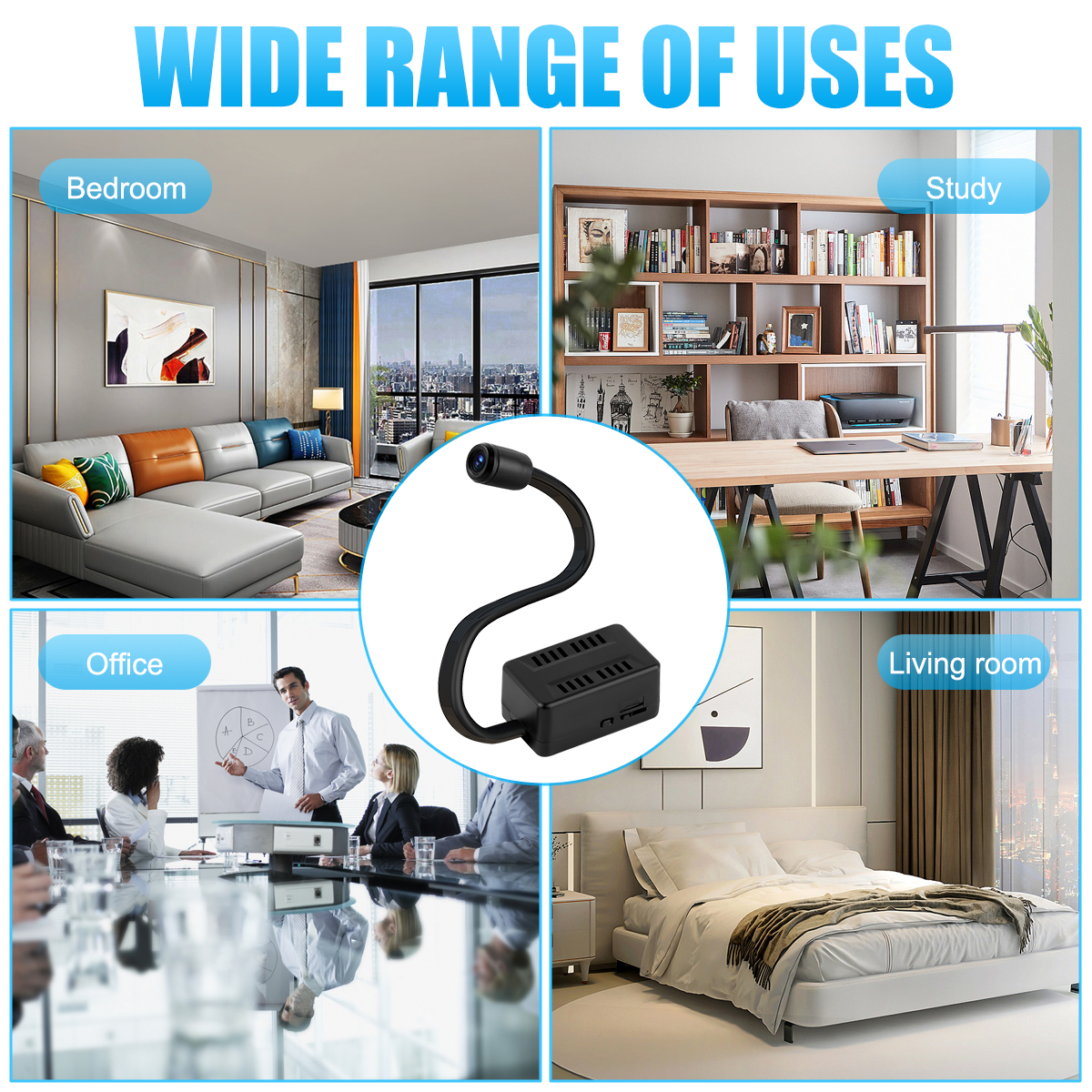
The adjustable lens hose allows free angle adjustment, suitable for placement in various scenarios (home, office, etc.).
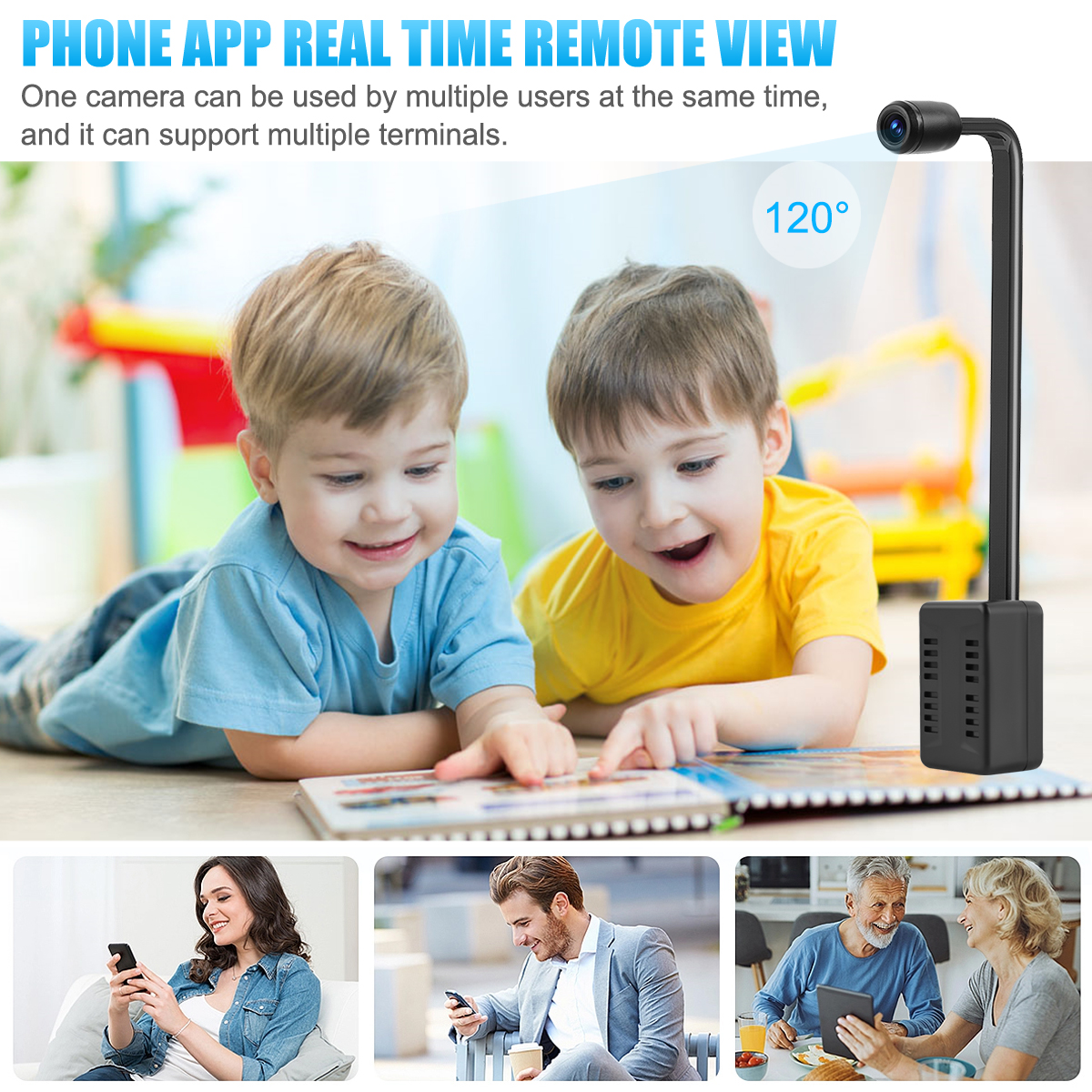
HD WiFi Monitoring
Supports 1080P high-definition video; view real-time footage remotely via the dedicated APP.
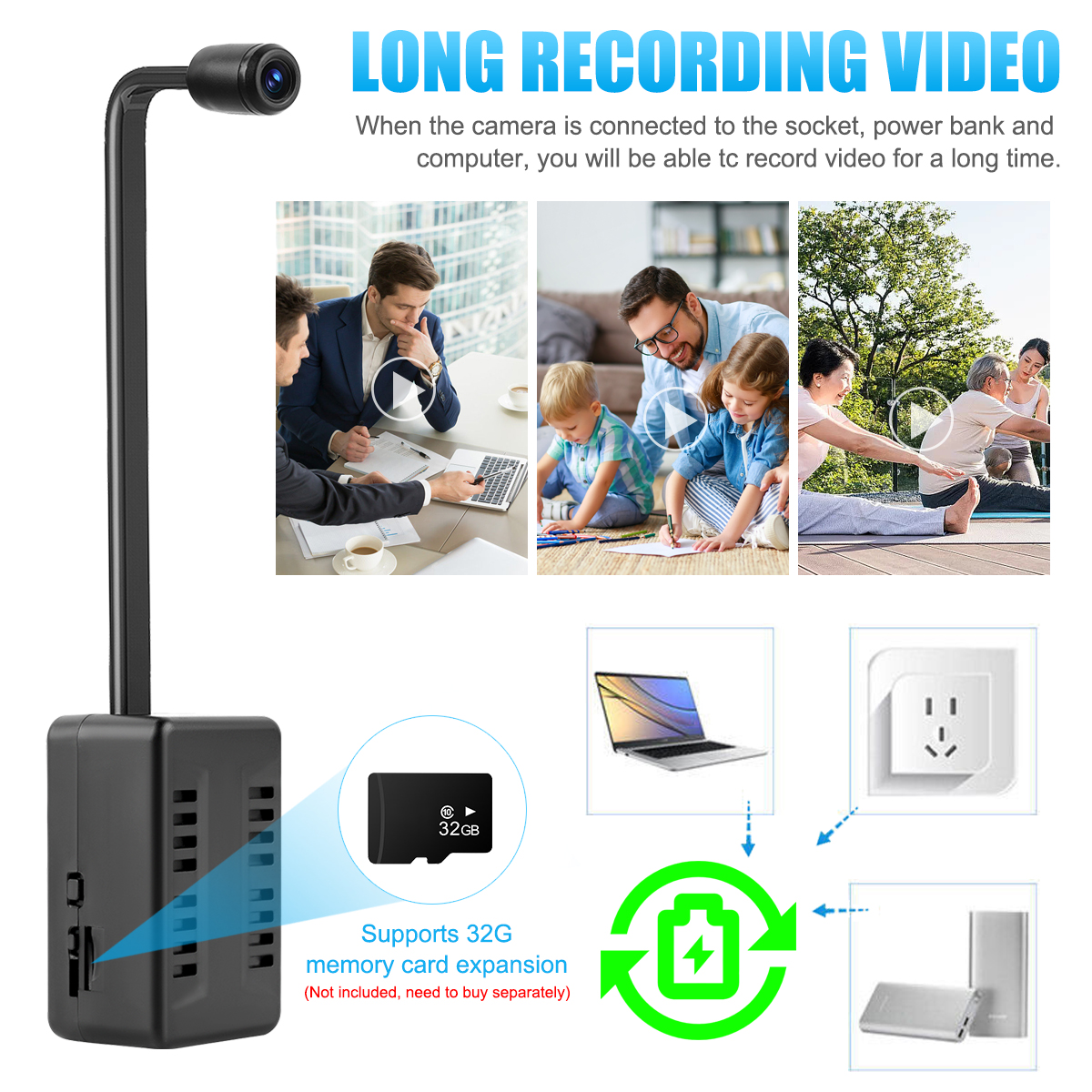
TF Card Expansion & Playback
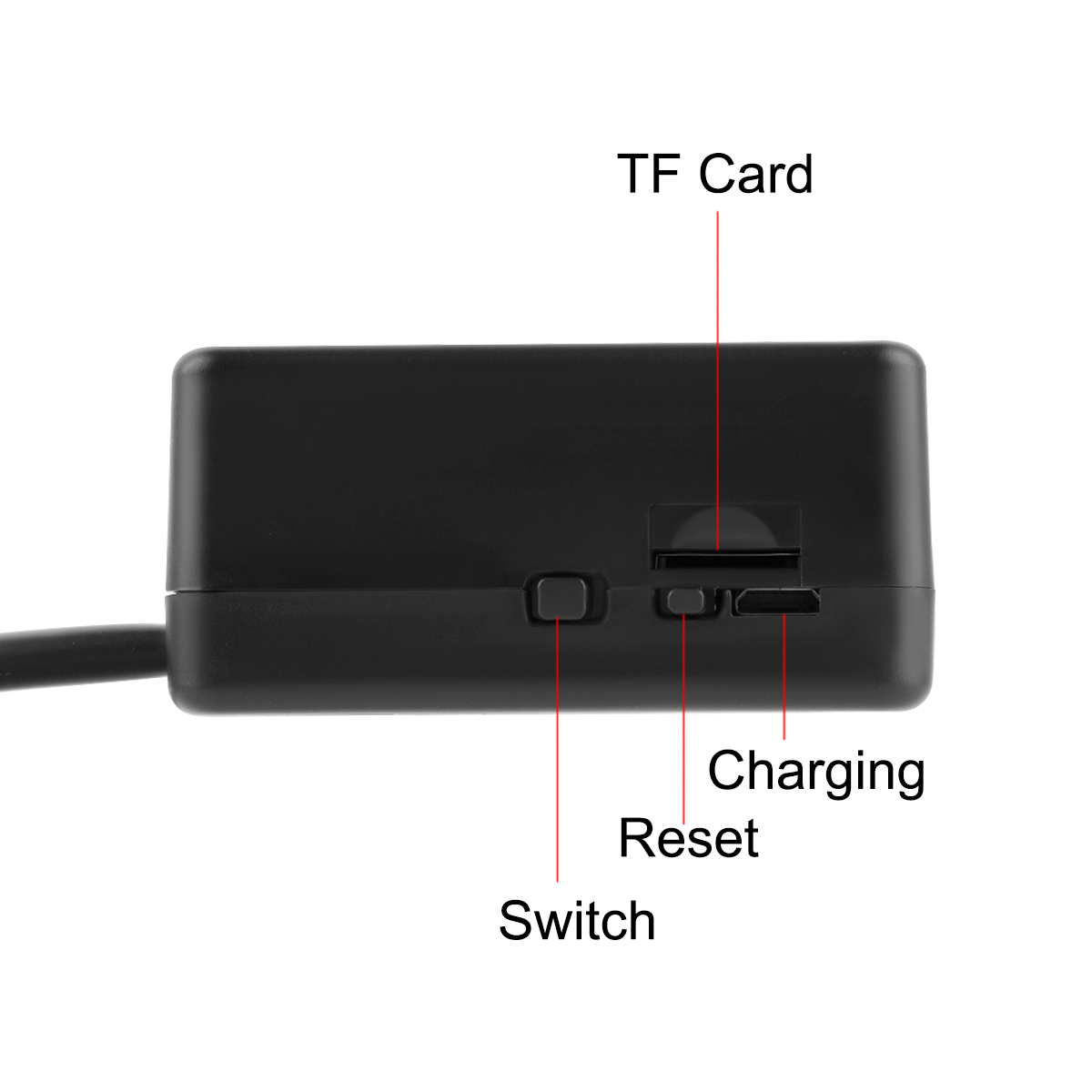
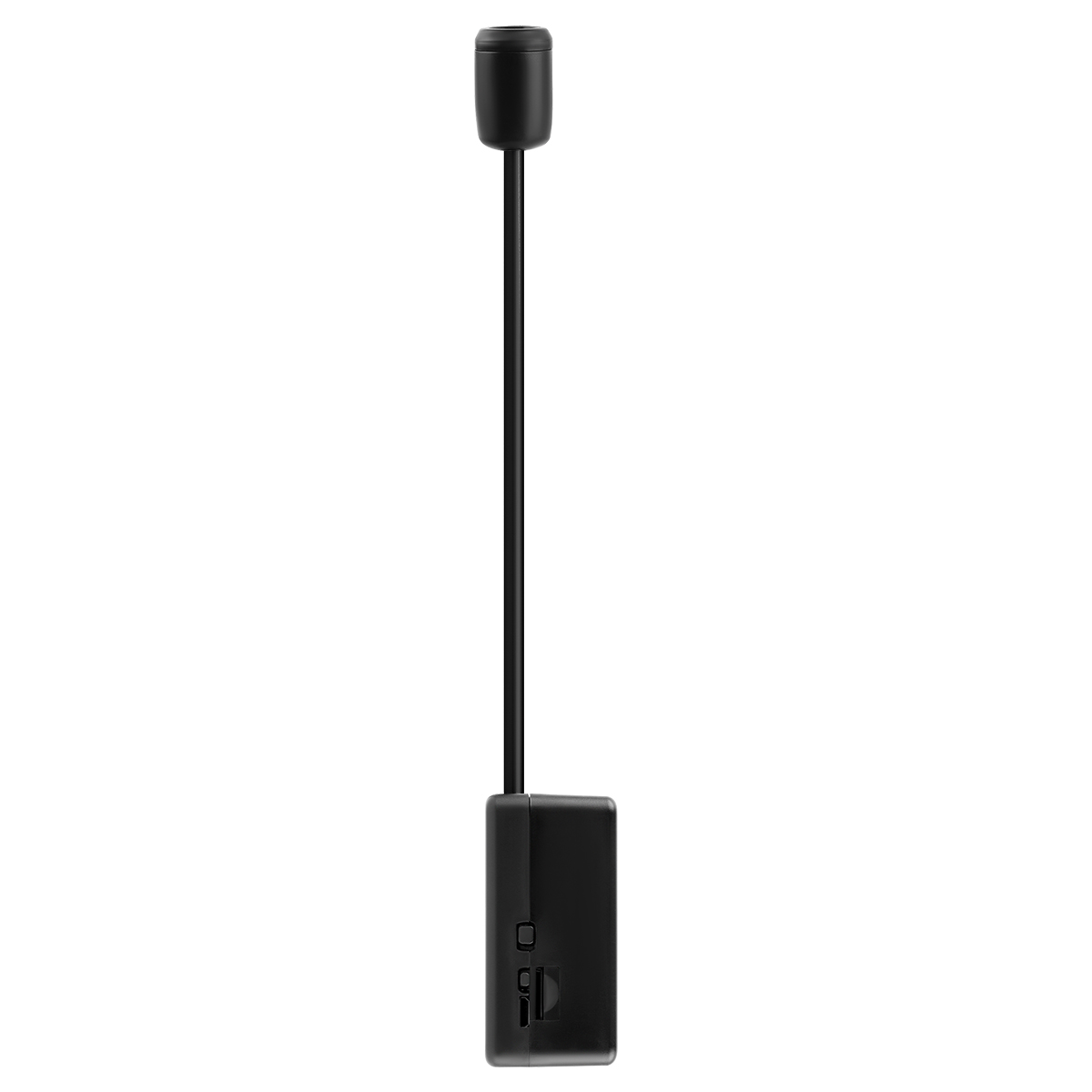
Compatible with up to 32GB TF cards (not included) for local recording and playback.
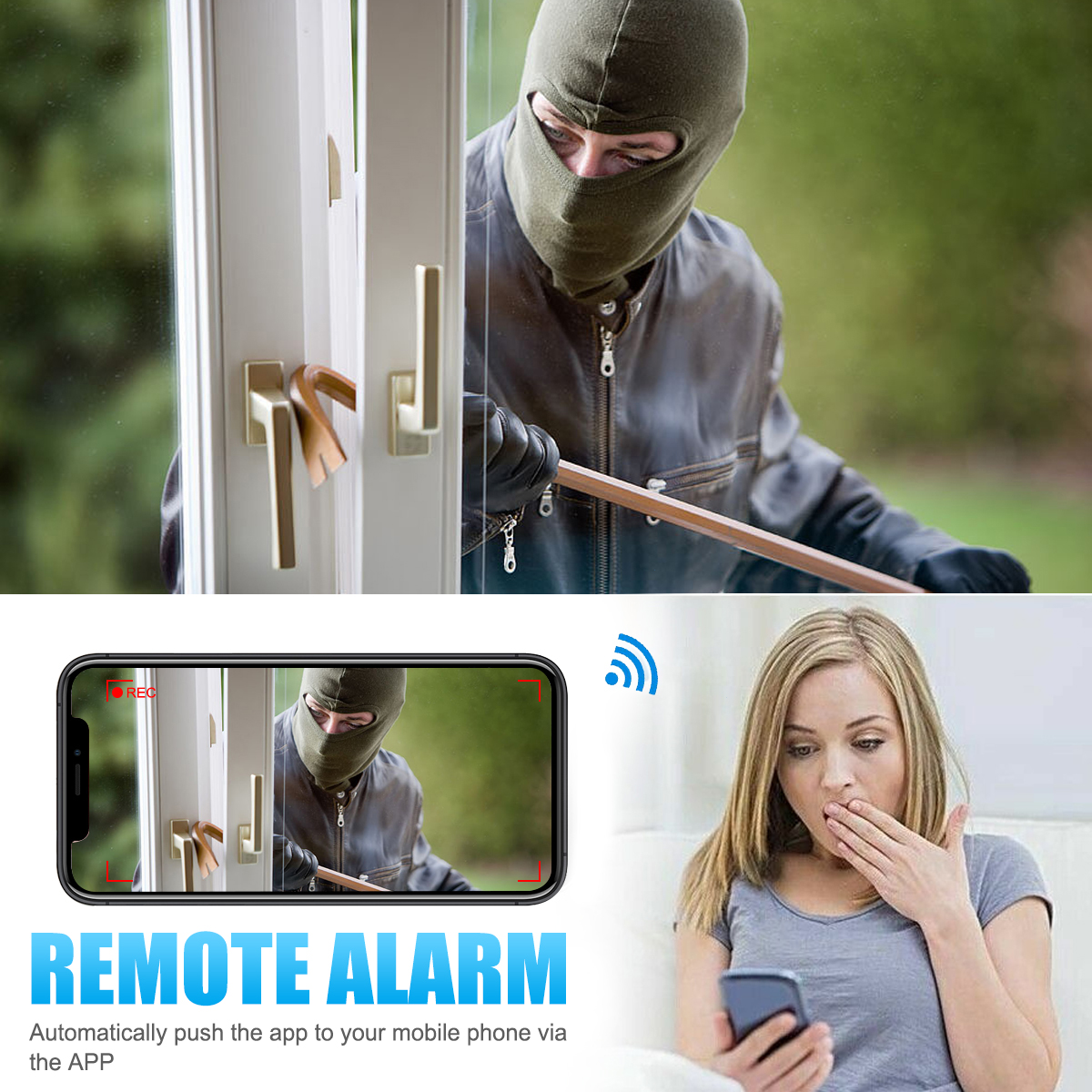
Motion Detection Alerts
Sends instant notifications to your phone when movement is detected (requires APP alert settings).
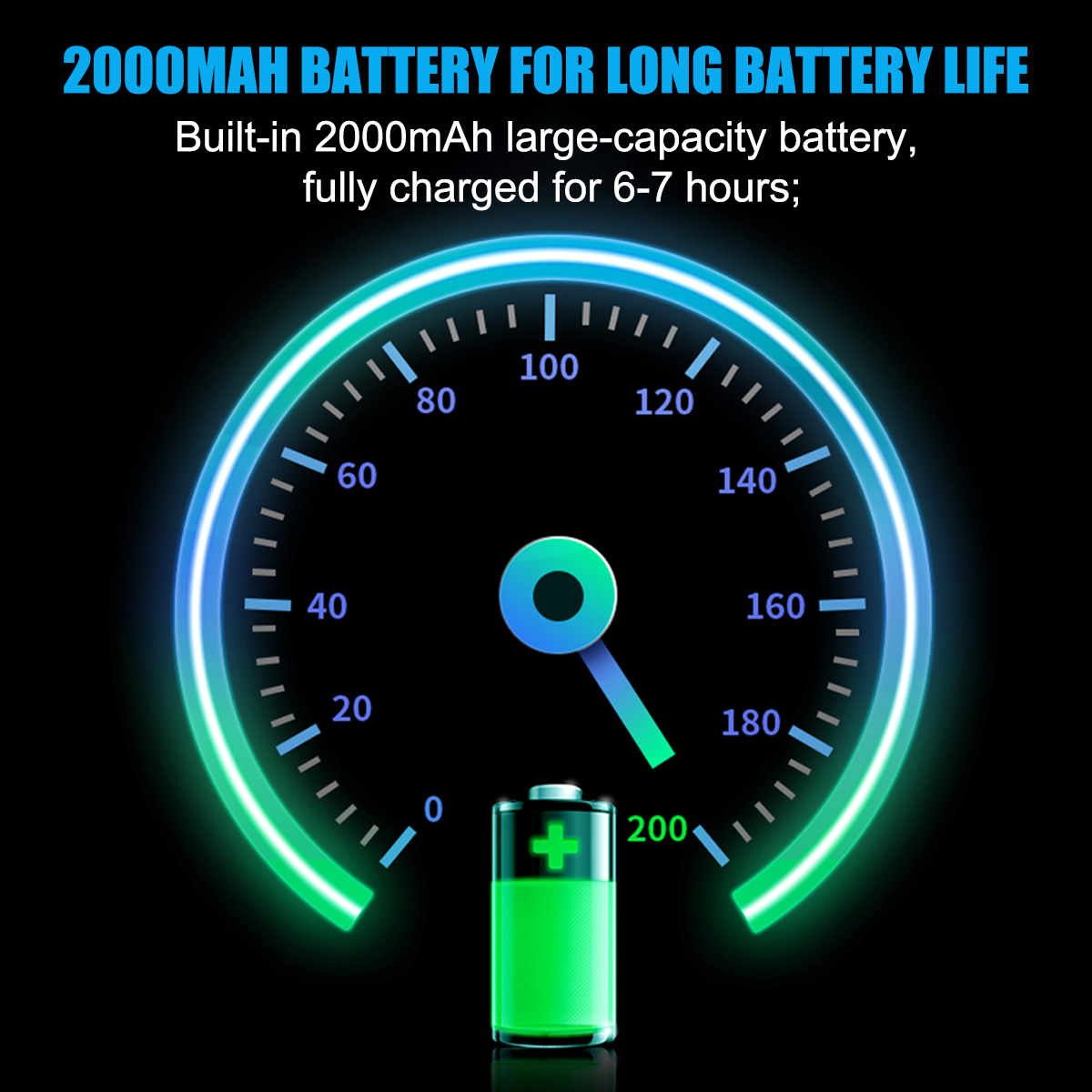
Large-Capacity Battery
2000mAh built-in battery provides 6–7 hours of continuous use on a full charge.
Easy Setup
Simple connection process with no complex configurations—quick to get started.
Technical Specifications
Parameter
Details
Material | Plastic + Silicone |
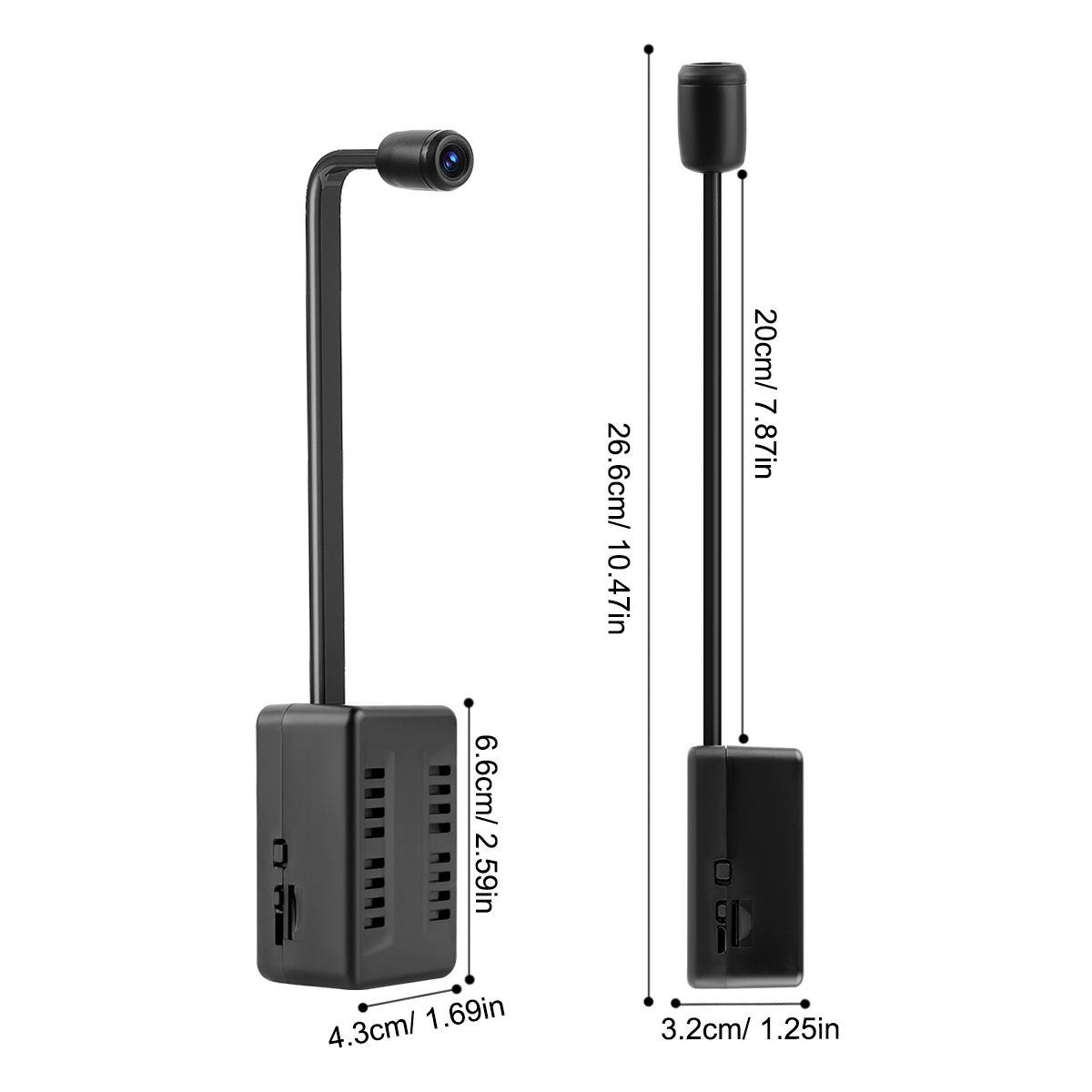
Main Body Size | 6.6×4.3×3.2cm |
Hose Length | 20cm |
Total Length | 26.6cm |
Functions | Security monitoring, video playback |
Key Advantages | Extra-long flexible lens, large battery capacity |
Network Connection | 2.4G WiFi (not compatible with 5G or dual-band WiFi) |
Motion Detection | Yes |
Night Vision | No |
Storage Support | Up to 32GB TF card (not included) |
Battery Capacity | 2000mAh |
Battery Life | Approximately 6–7 hours |
Charging Time | 12 hours |
Charging Indicator | Yellow when charging (powered on), green when full; no light if powered off during charging. |
Connection Steps
Insert a formatted TF card (≤32GB).
Download the APP from the user manual.
Fully charge the camera and power it on—red light stays on, blue light flashes.
Connect your phone to the camera’s WiFi hotspot (starts with "BK---") in phone settings.
Open the APP, pull down to refresh, and the camera will be added automatically.
(Optional) Change the camera password (remember it).
Go to [Settings > WiFi Settings], select your 2.4G WiFi, enter the password, and wait for connection.
The camera restarts—blue light flashes rapidly during connection, stays on when successful.
Troubleshooting
TF card not recognized:
Use ≤32GB card; format it on a computer first. Re-insert if needed.
Failed to connect to WiFi:
Ensure full battery or charge while connecting.
Confirm 2.4G WiFi and correct password; place the camera near the router.
No remote viewing after WiFi disconnection:
Enable mobile data access for the APP in your phone’s settings.
Charging indicator issues:
Light works only when the camera is powered on during charging.
Package Contents
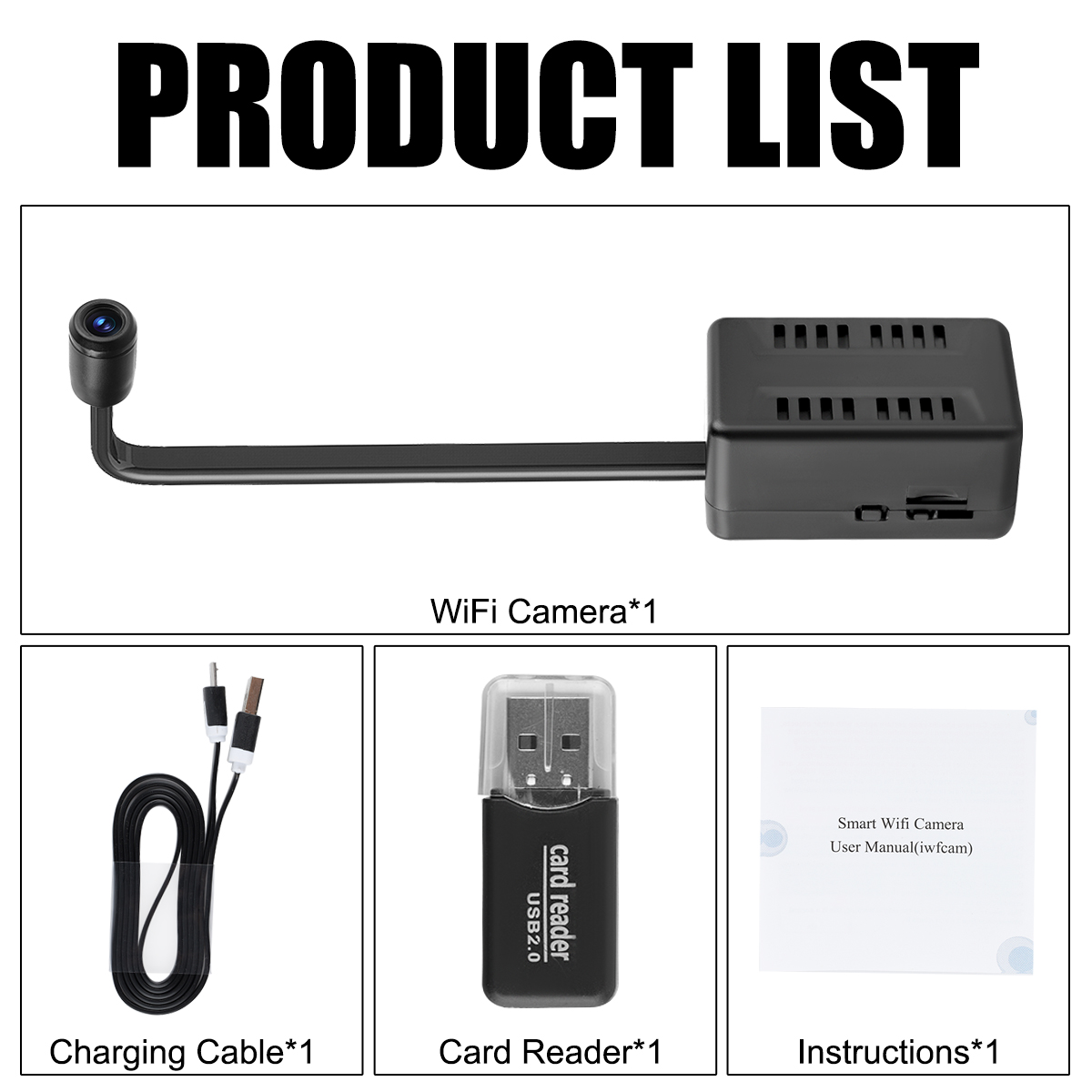
1× WiFi Camera
1× USB Charging Cable
1× User Manual
1× Card Reader