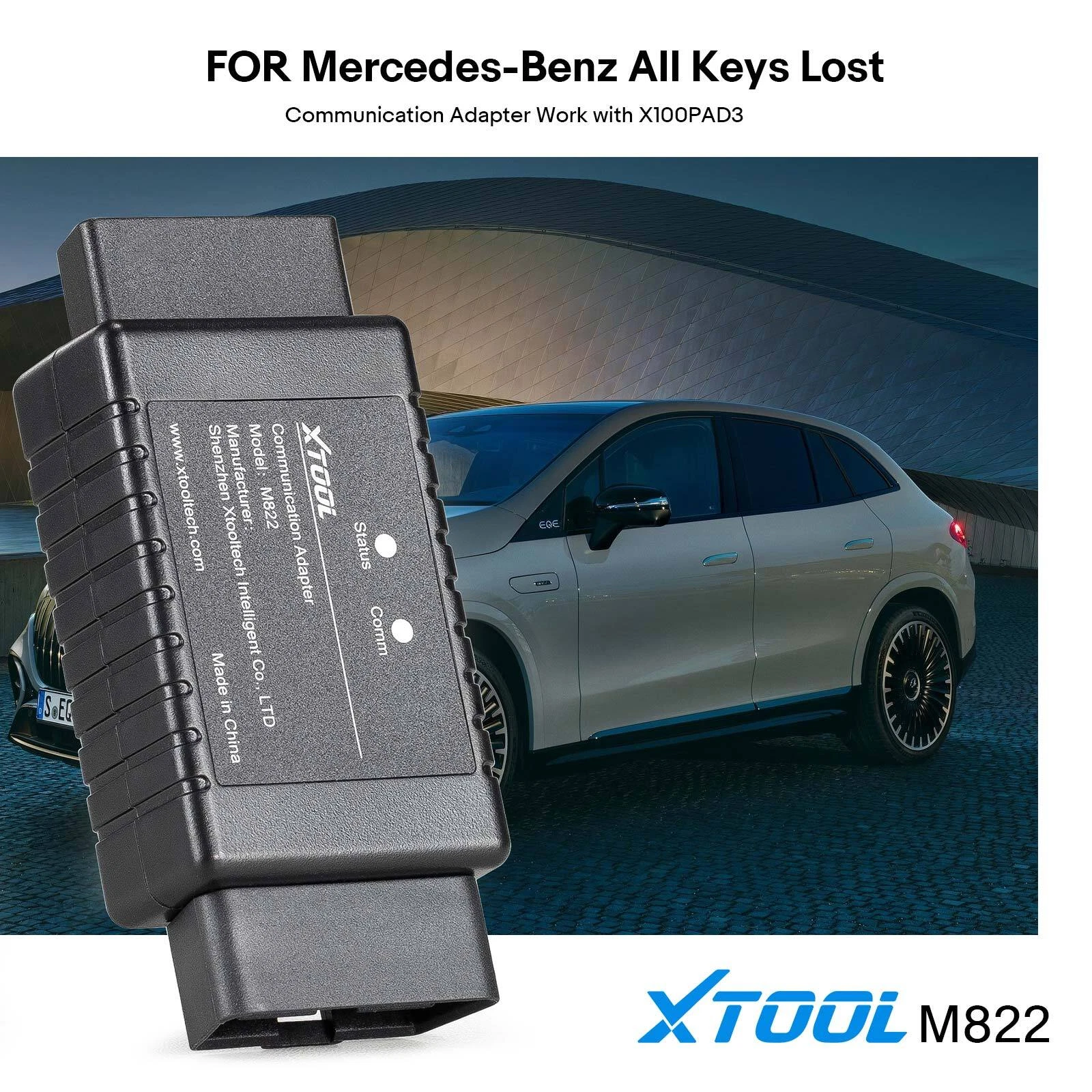
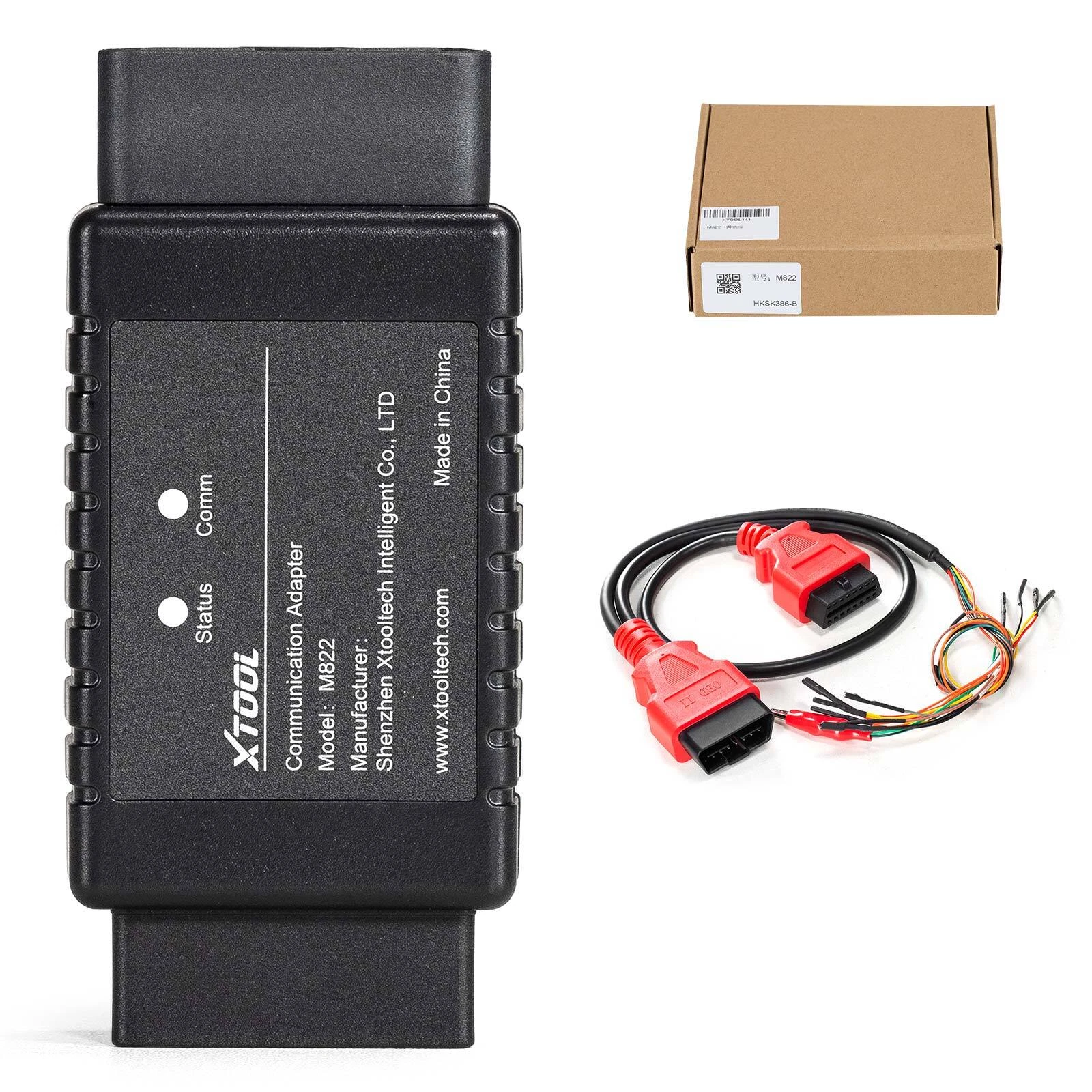
XTOOL M822 A_K_L Program Adapter for Mercedes-Benz use for KC501 X100MAX Scanner


Product Description
*Note: The IR emulator should be plugged into the slot of the module when operating.Connection Method:
1. Connect KC501 to the device via USB.
2. Connect for Mercedes-Benz IR emulator onto KC501.
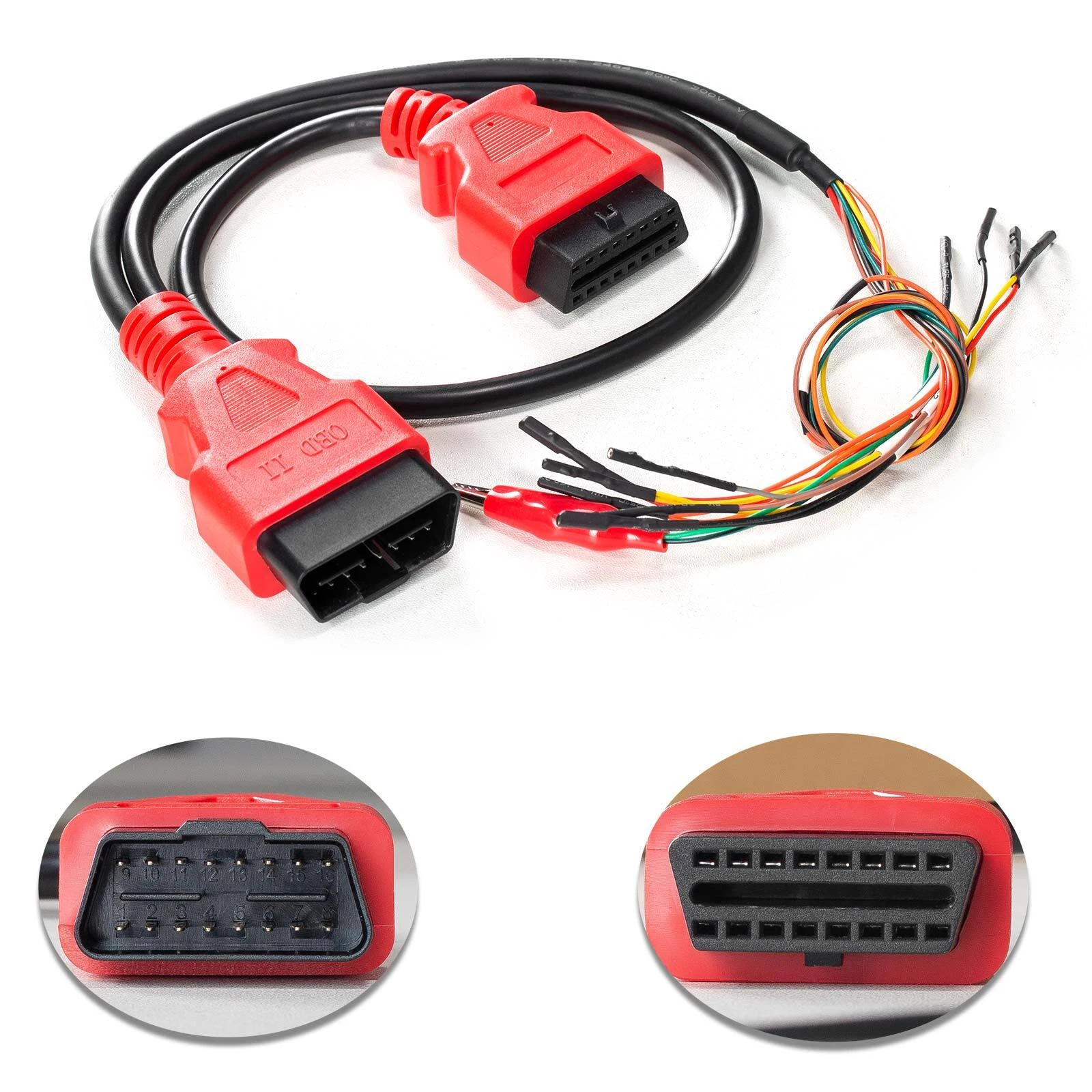
3. Disconnect the OBD2 connector from the main cable, then connect the device (or the VCI box) with the M821 Adapter using the main cable.
4. Connect 12V power supply onto the main cable.
5. Connect the EIS/EZS module with the M821 Adapter using the J1K02_BENZ cable. Please check the device for connection details.
*Note: Please check the pictures in the device when connecting M821 Adapter and EIS/EZS module via J1K02_BENZ cable.
*Note: For devices which comes up with a VCI box, connect the M821 Adapter with the VCI box using the main cable, and keep the VCI box connected with the device via Bluetooth. You can check the connection details for such devices in the device.
We accept Credit cards、Debit card、Apple Pay、Google Pay、PayPal ect. payment.
Please pay for your item within 3 days of the auction end time.
Note: We are not responsible for buyers’ local taxes. Import duties, taxes and charges which are not included in the item price or shipping cost are the buyers' responsbility.
Please include your special requests in eBay note if there is any.
Order will be shipped within 1-3 business days after payment confirmed.
Usually, shipping takes around 5-7 business days. We'll try our best to provide you the most reliable and affordable way of shipping service.
If you do not receive your order in the estimated time, please contact us, we would do our best to serve you solve the problem.
Please make sure it is correct and include phone number for delivery.
We are authorize distributor, our all items are 100% original and Our devices have warranty.
All items are guaranteed to be carefully checked before shipping out.
If the item you received is defective, please contact us firstly, offer us figures/video for proof, we'll help you to deal with the situation and take the duty.
Please feel free to contact with us via ebay message if you have any questions while using the item.
Return Policy: Please return the item within 60 days after receiving if you are not happy with your purchasing. All returns are expected to be in original conditions, please email us first for return address and instructions.
Dear buyers, we will appreciate a positive feedback with all 5 star rating when you are satisfied
Our goal is to make sure you are a happy buyer and have a pleasant shopping experience with us. Please email us before leaving any 1 or 2 ratings, negative feedback or open any dispute. We understand the concerns and frustrations that occasionally occur, and appreciate the opportunity to assist you in resolving any problem associated with your purchases.
Our goal is to make sure you are a happy buyer and have a pleasant shopping experience with us. Please email us before leaving any 1 or 2 ratings, negative feedback or open any dispute. We understand the concerns and frustrations that occasionally occur, and appreciate the opportunity to assist you in resolving any problem associated with your purchases.
We care about our valued buyers, if you have any questions, our Customer Service staffs will be very glad to help you. We try our best to reply to your emails as soon as possible, however, due to high volume of daily incoming emails and time zone difference, we may not be able to reply your emails immediately. Please allow 24 business hours for us to respond.


