Feature:
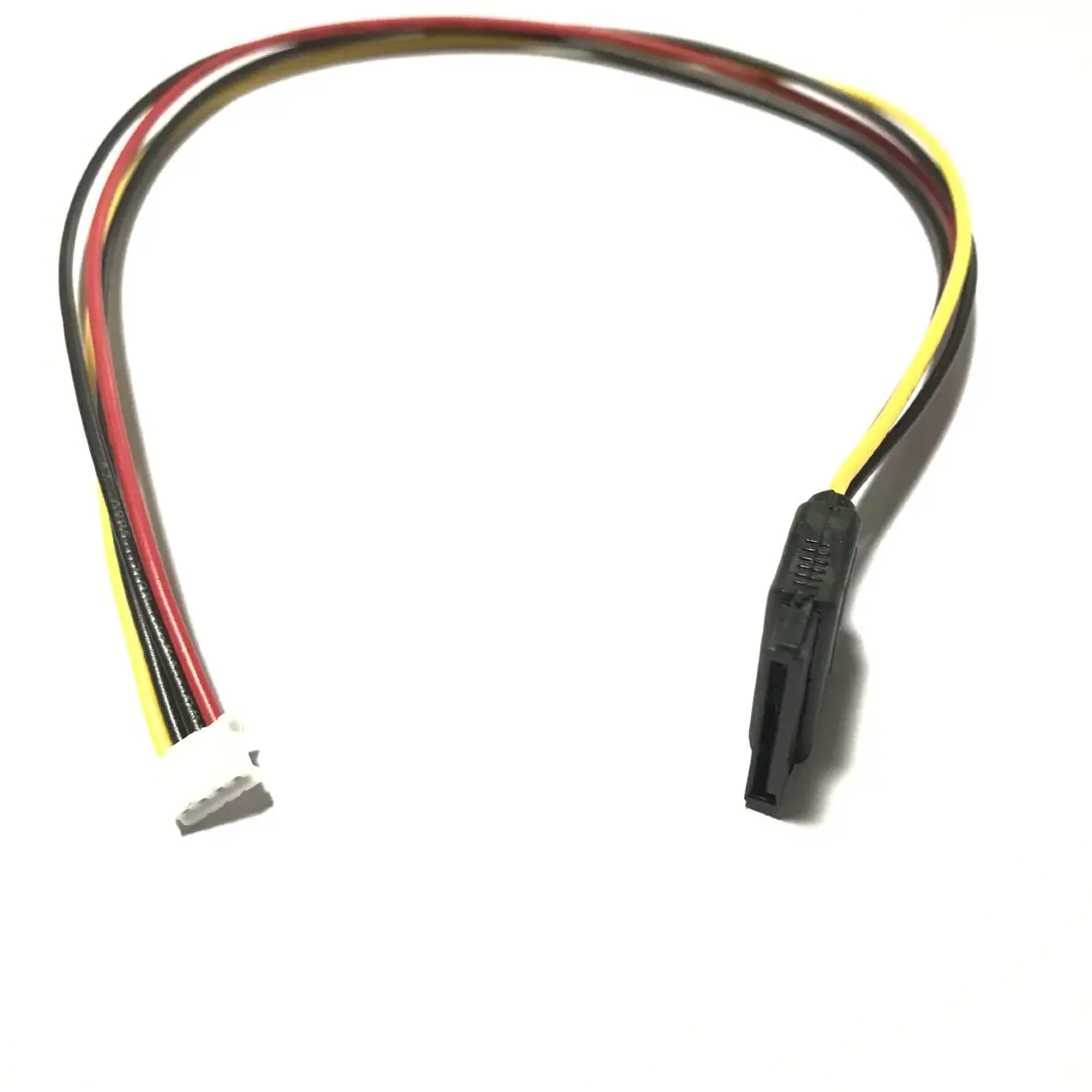
end to end Cable Length:35cm
Cable Specification:20AWG
The red line is 5V power supply and the yellow line is 12V power supply. Don't plug it upside down
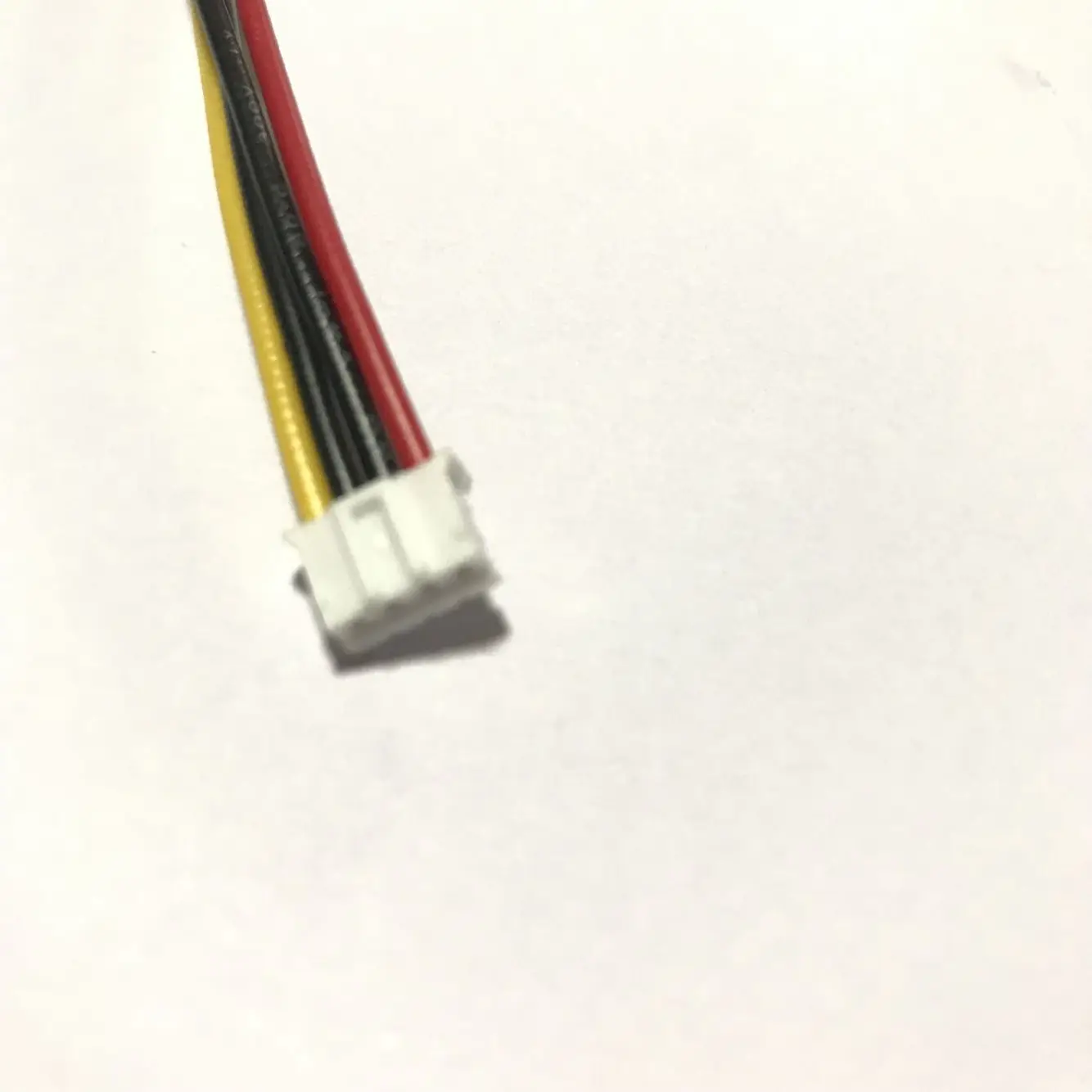
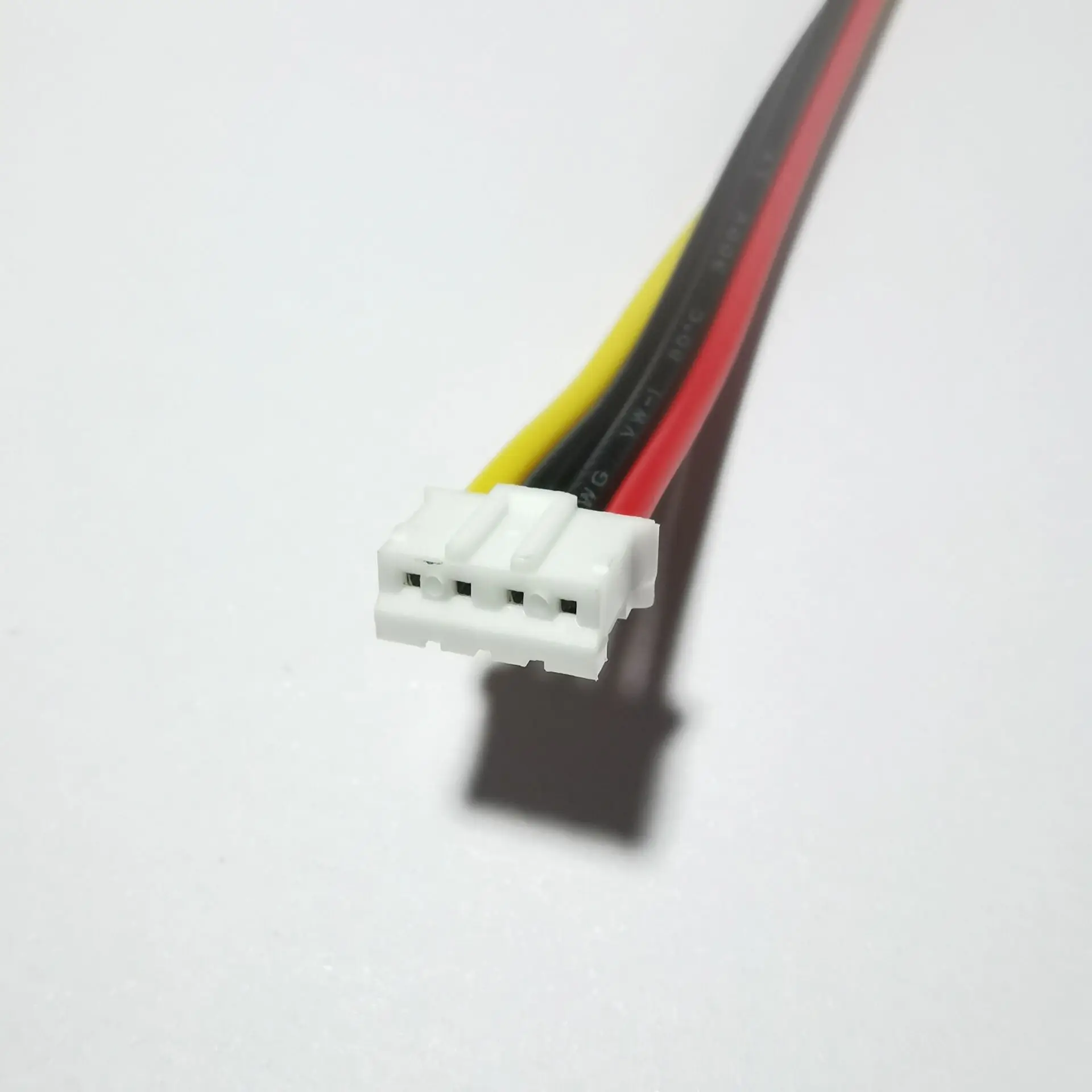
Interface 1:PH 2.0mm 4Pin Mini Type
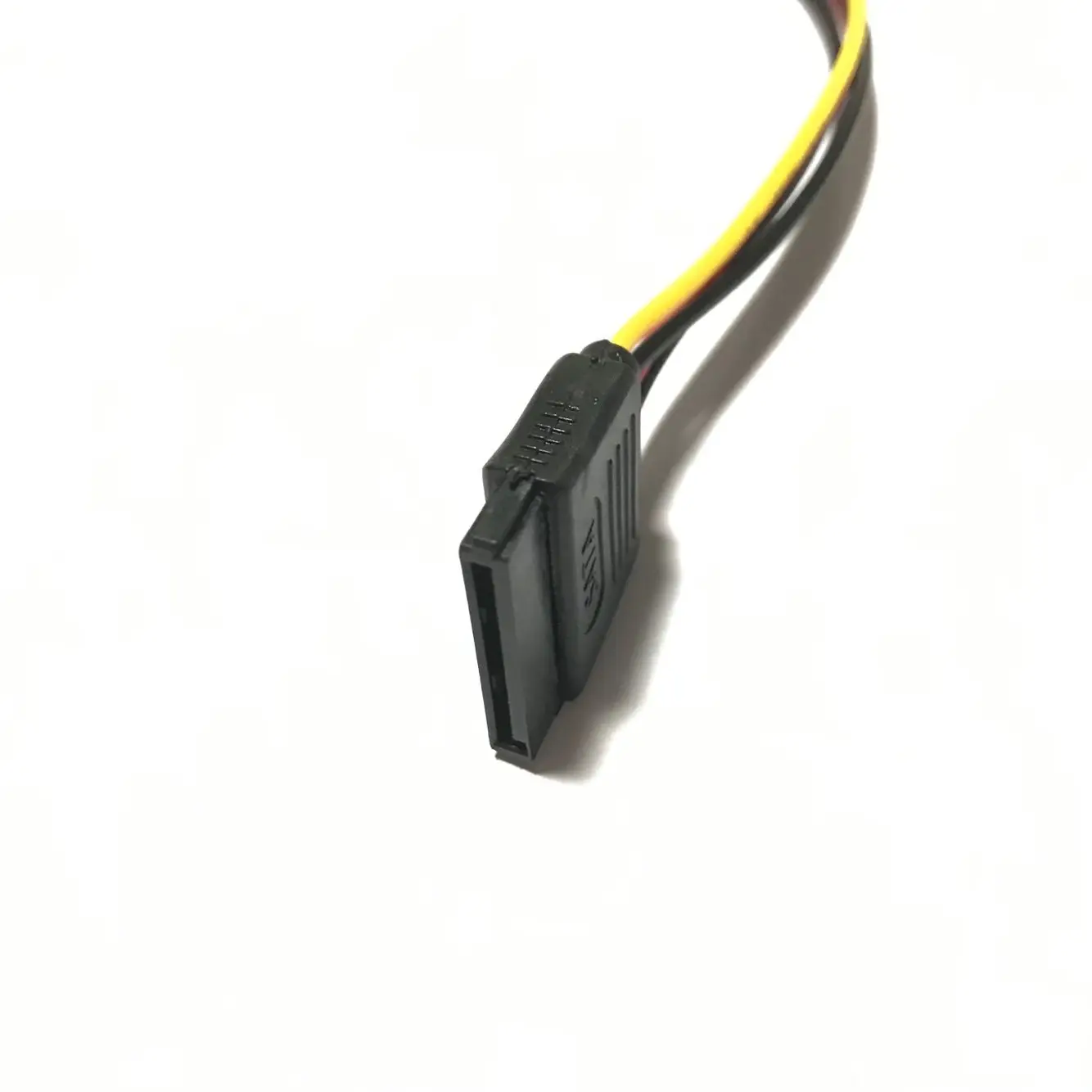
Interface 2:SATA 15Pin Adapter
Because 4Pin / pH2 0 interface is non-standard, and the interface definition of the motherboard is also non-standard. When using, be sure to confirm the interface definition of the power interface.
Product features:
In order to save space and cost, the current itx small motherboards have fewer and fewer power interfaces. Some itx motherboards only retain a 4Pin / pH2 0MM. Now with this kind of conversion cable, the problem can be solved. Directly use the small 4Pin / 2.54mm power connector to switch to SATA power interface and plug it into SATA hard disk, making full use of the power cable
When inserting the wire, be sure to recognize the direction, do not insert it reversely or offset it, so as to prevent burning the equipment. When inserting the wire, first hold the socket of the equipment and then insert the wire, so as to avoid inserting the socket pin too hard.
If the power supply is wrong with the motherboard, please pick the line yourself and change the order. If the power supply of the cable is wrong, never connect the hard disk. Connect the hard disk after confirmation, so as not to burn the hard disk. Otherwise, the consequences will be borne by the side. Just switch between the yellow line (12V) and the red line (5V).
Please carefully look at the power supply sign of the motherboard. It is near the power supply port or on the back of the motherboard. If you don't know, you can ask the motherboard supplier or check the motherboard manual. It's really unclear. Please measure the voltage with a voltmeter.
The 3.5-inch hard disk is used for both 5V and 12V. The color corresponds to the voltage of the motherboard. Do not plug it backwards.
The 2.5-inch small hard disk is only powered by 5V, and SATA power supply (12V pin is empty).
Because 4Pin / pH2 0 interface is non-standard, and the interface definition of the motherboard is also non-standard. When using, be sure to confirm the interface definition of the power interface.
Product features:
In order to save space and cost, the current itx small motherboards have fewer and fewer power interfaces. Some itx motherboards only retain a 4Pin / pH2 0MM. Now with this kind of conversion cable, the problem can be solved. Directly use the small 4Pin / 2.54mm power connector to switch to SATA power interface and plug it into SATA hard disk, making full use of the power cable
When inserting the wire, be sure to recognize the direction, do not insert it reversely or offset it, so as to prevent burning the equipment. When inserting the wire, first hold the socket of the equipment and then insert the wire, so as to avoid inserting the socket pin too hard.
If the power supply is wrong with the motherboard, please pick the line yourself and change the order. If the power supply of the cable is wrong, never connect the hard disk. Connect the hard disk after confirmation, so as not to burn the hard disk. Otherwise, the consequences will be borne by the side. Just switch between the yellow line (12V) and the red line (5V).
Please carefully look at the power supply sign of the motherboard. It is near the power supply port or on the back of the motherboard. If you don't know, you can ask the motherboard supplier or check the motherboard manual. It's really unclear. Please measure the voltage with a voltmeter.
The 3.5-inch hard disk is used for both 5V and 12V. The color corresponds to the voltage of the motherboard. Do not plug it backwards.
The 2.5-inch small hard disk is only powered by 5V, and SATA power supply (12V pin is empty).