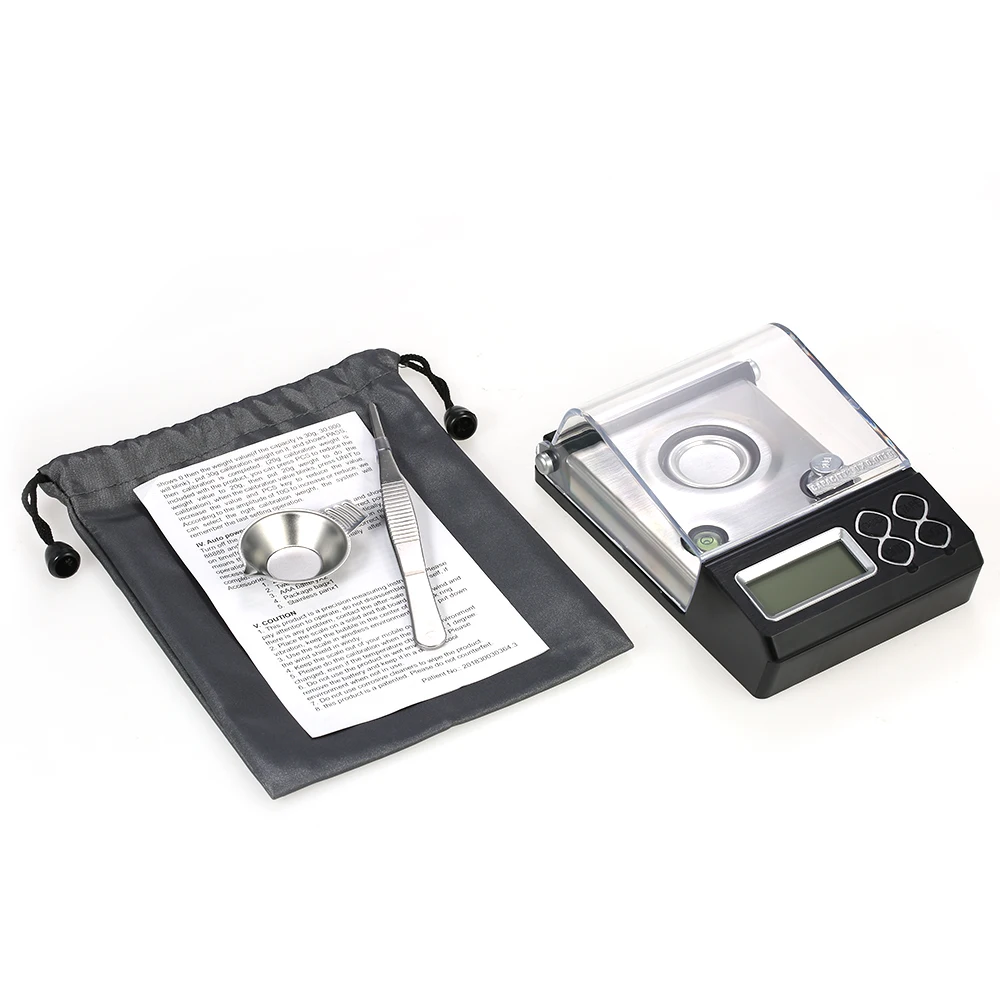
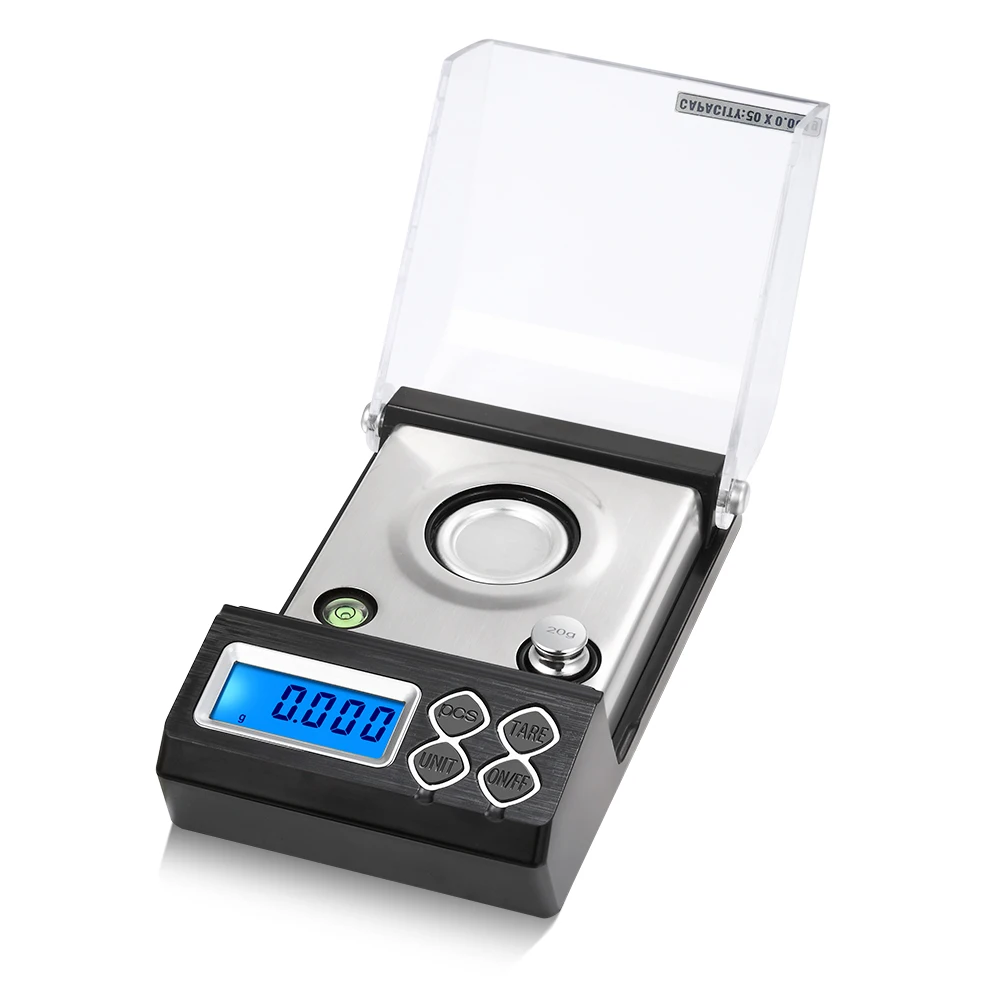
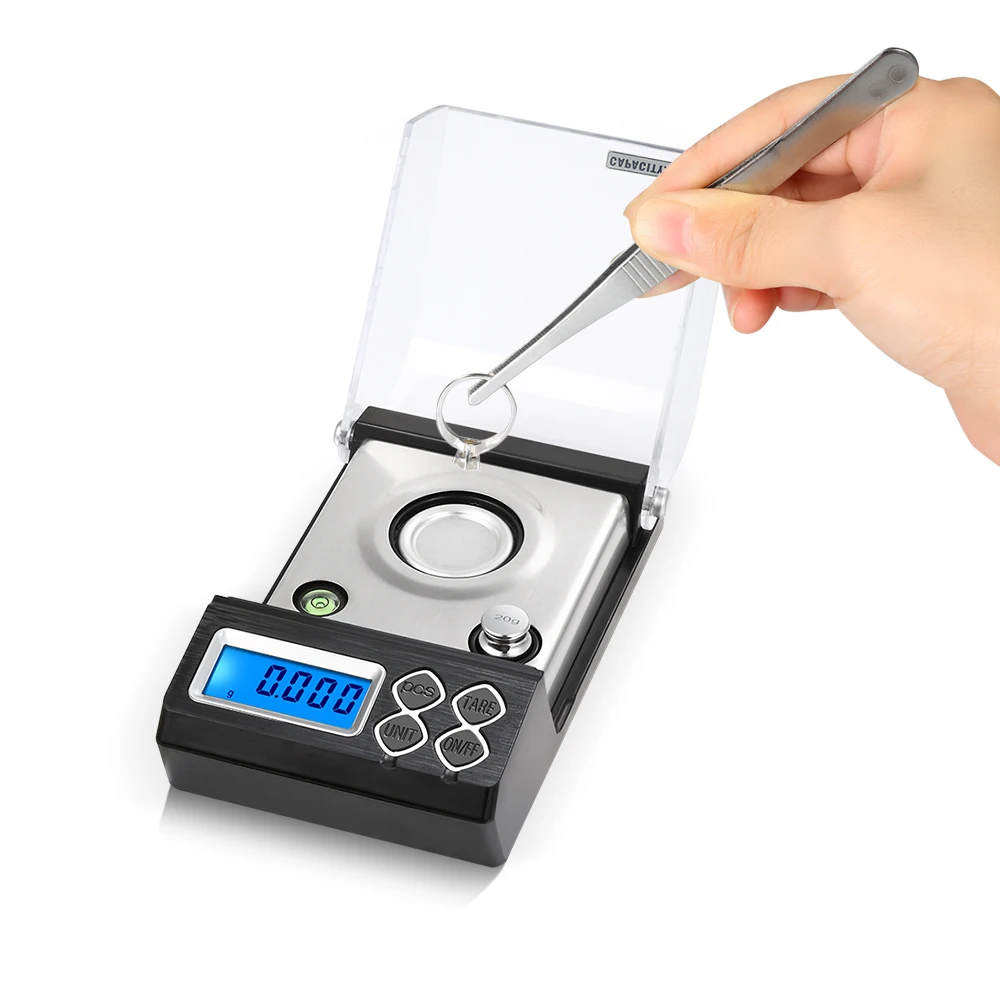
1. This product is a precision measuring instrument, please pay attention to the light holding, please do not disassemble, if there is any problem, contact the after-sales personnel.
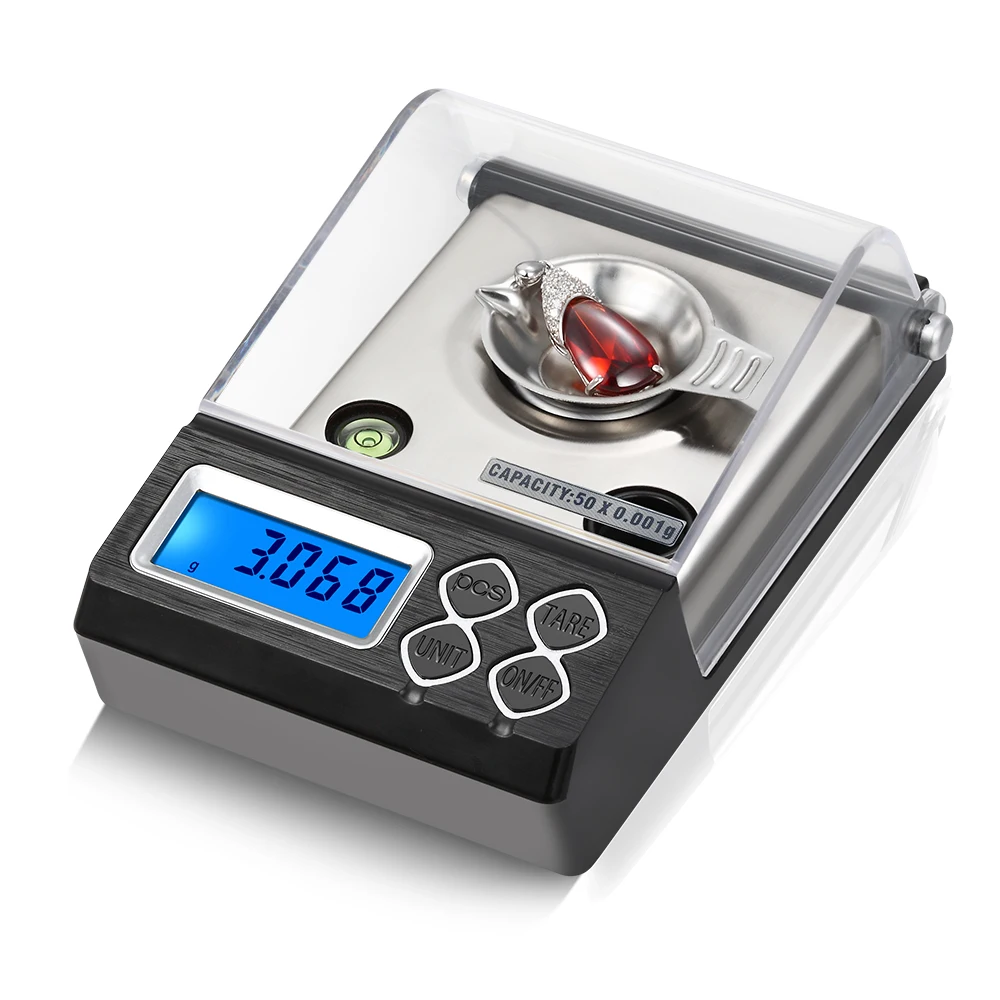
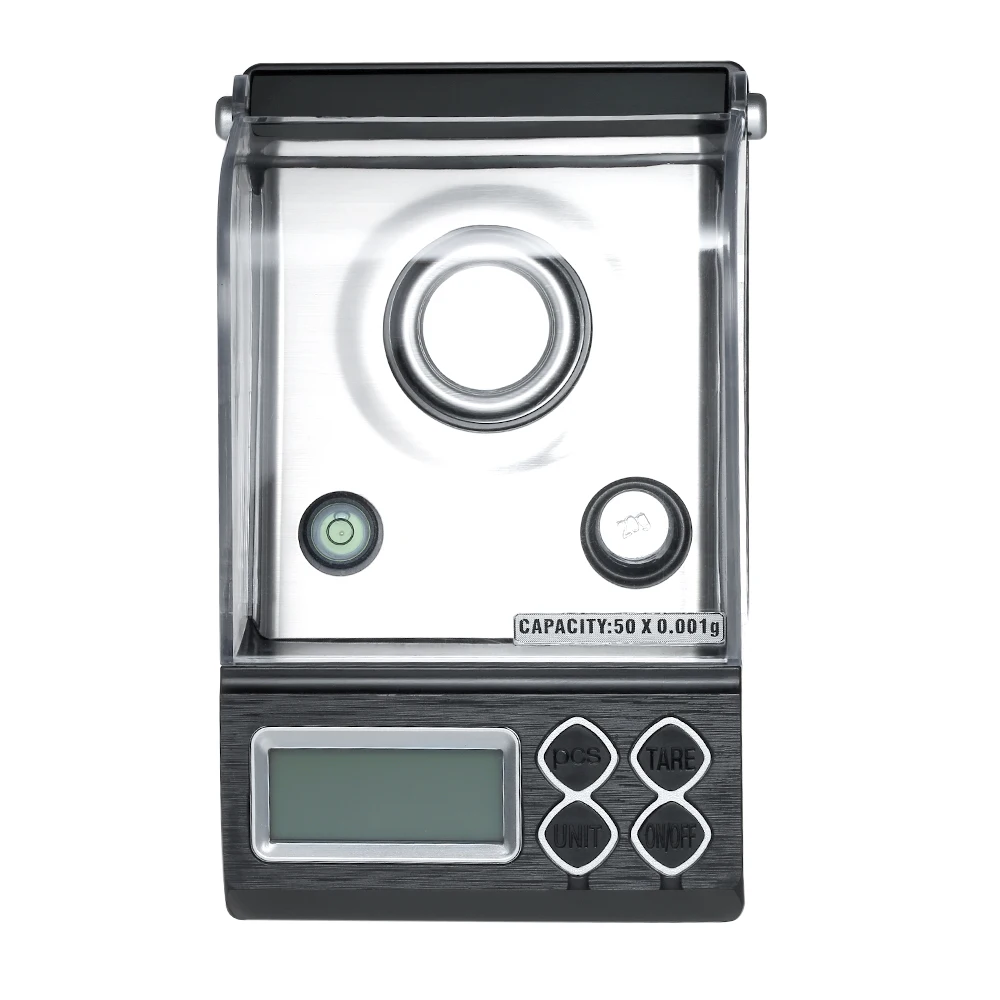
2. Please place the product on a stable desktop. Ensure that the level bubble is in the center of the black circle. 3.
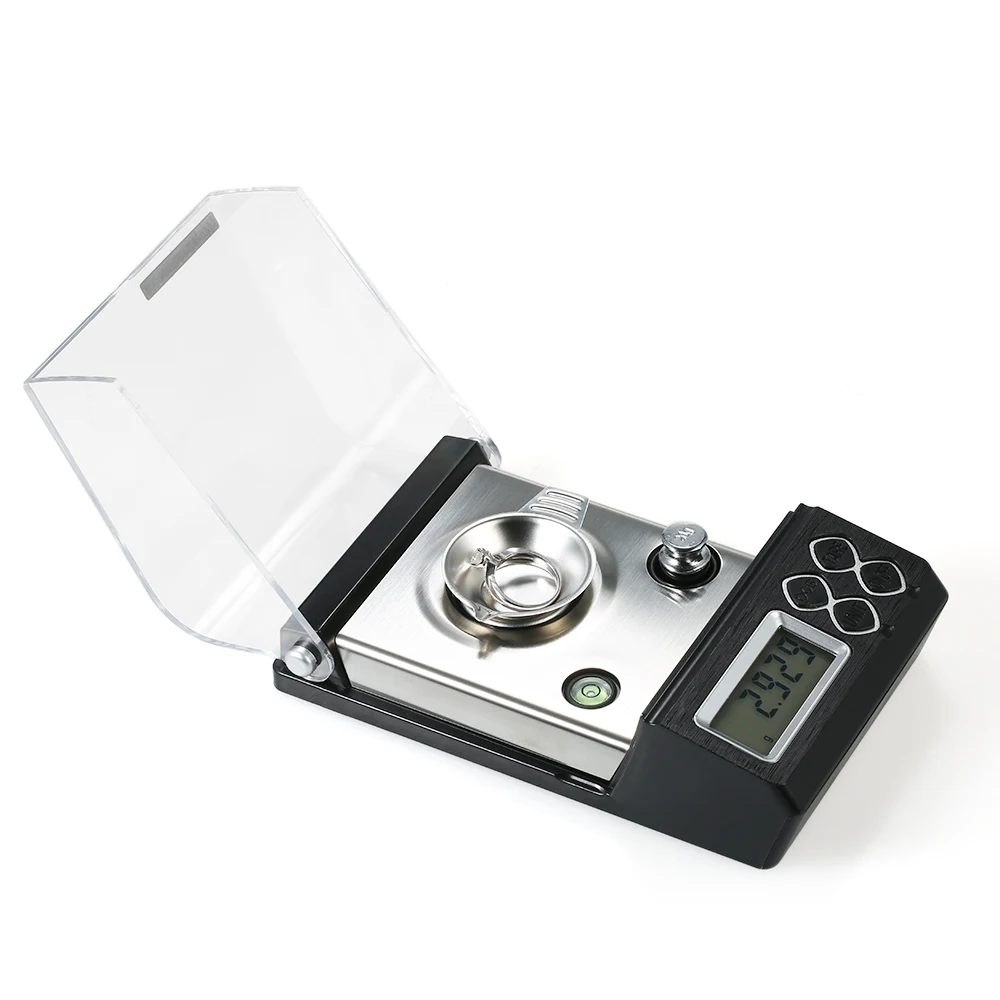
3. Please put down the windproof cover in the windy environment, and try to use it in the windless environment. 4.
4. Please do not use it in the environment of strong electromagnetic interference, and when using cell phone, please leave the scale body more than 50 CM. To avoid the interference caused by the measurement is not accurate. 5.
5. This product is to measure a small amount of products, in the replacement of the environment, move the position, the temperature difference of about 1 degree, we must use weights to calibrate before you can measure again, otherwise there is a certain error. 6!
6. Do not use in a humid environment. Please take out the battery when not in use and keep it in a dry and cool environment.
7. Do not wipe the product with corrosive cleaners.
Specification
1. Optional specifications 20G/0.001 30G/0.001 50G/0.001
2. Starting value: 0.003G Repeatability: 0.002G
3. External dimension: 144X84.5X51MM
4.LCD liquid crystal display (blue backlight) size: 375X15.5MM
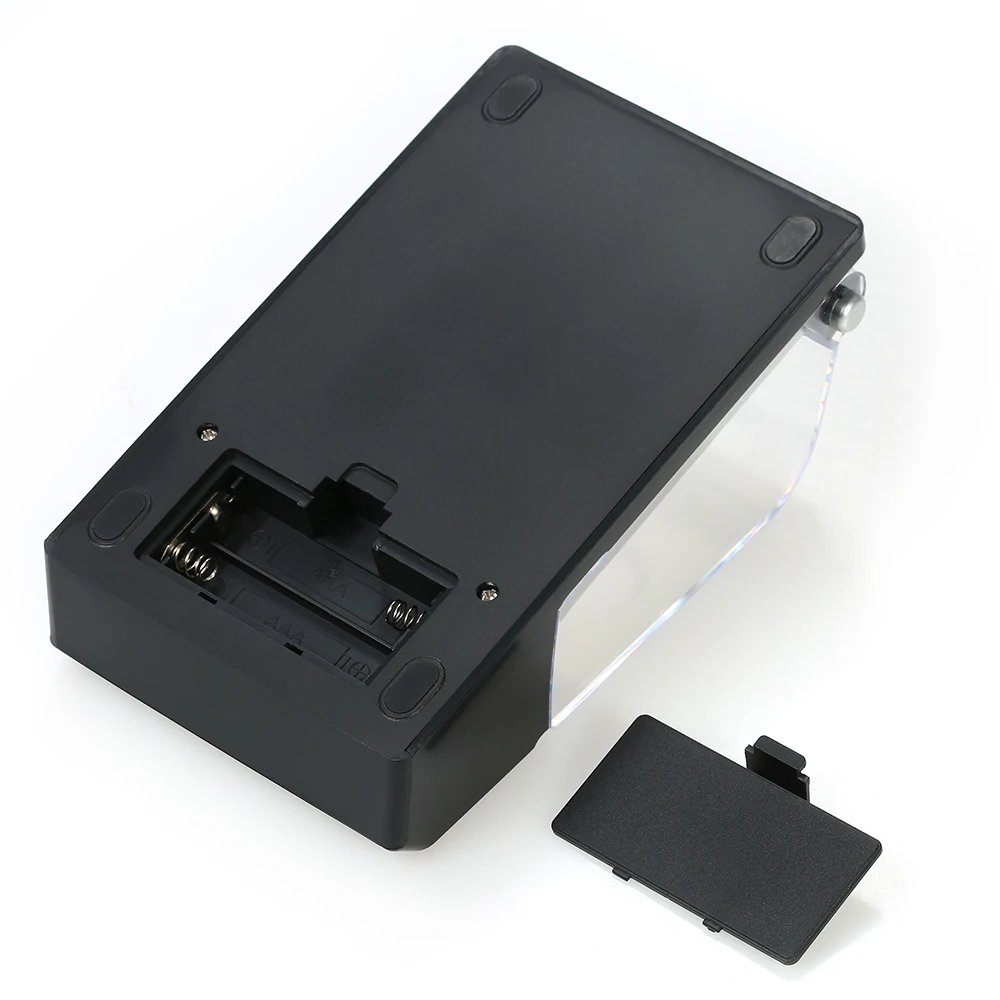
5. Battery: 2X “AAA”
6. Low battery alarm “LO”
7. Scale plate size: diameter 32MM (with stainless steel weighing disk)
- Function buttons and instructions
1. ON/OFF (switch on/off key)
- Load 2 x AAA batteries in the direction specified in the battery compartment cover the battery door. Place the scale body on a stable desktop, keep the level bubble in the center of the black circle, press this key to display “88888” and return to zero to turn on the power, then load the items in the weighing disk that can be weighed, press this key to turn off the power in the weighing state. If there is wind in the weighing environment, please put down the windshield to measure.
2. UNIT (unit conversion key)
- Pressing this key in the power-on state selects the different weighing units: G, OZ, GN, CT, T, OZT, G, OZT, OZT, OZT, OZT, OZT, OZT, OZT, OZT, OZT, OZT, OZT, OZT.
- Long press the unit conversion key for 4 seconds will light up all the units, OZ unit will flash, press the tare key PCS can choose to hide or display, press the unit conversion key to shift another unit, (this function for the customer to choose the practical unit to retain the trade-offs.) Exit long press 4 seconds to return to normal mode, G unit can not be hidden.
1. TARE (Tare function)
Power on weighing turn state press this key can be forced to zero.
4 . PCS (Counting function)
After zeroing, count a sample value of 25 or 50,75,100 and place it on the pan. At this point, press and hold the counting key and the LCD will show a default value (e.g. P 25). Release the counting key, press the unit conversion key to select the value of the sample value that you have just counted, then press the counting key to confirm, at this point the LCD will show the value of the number of PCS + the value of the sampling value (e.g. 50), at this time you can load the items to be counted in the scale.
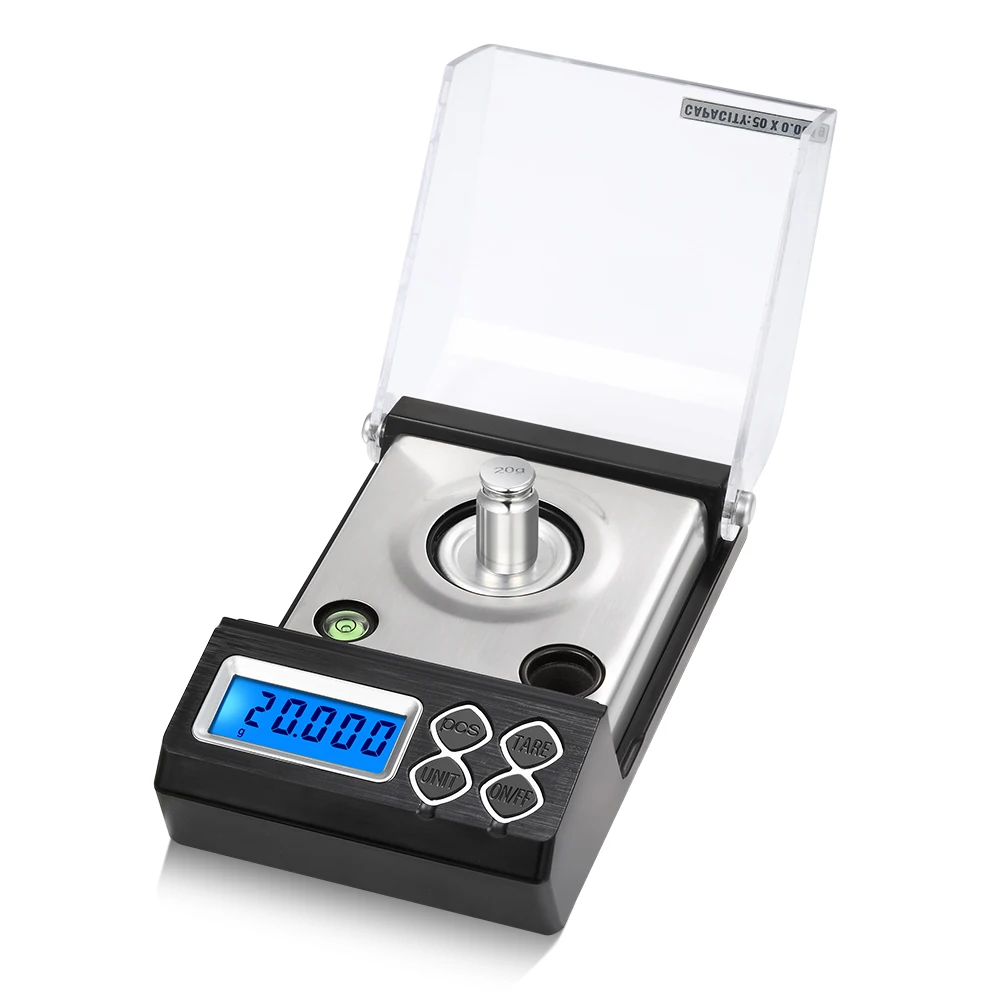
Power on state display 0.00 long press the power on button 4 seconds later, display -0- (zero point), wait 1 second after the display needs to be calibrated weights value, so the scale's maximum weighing capacity is 30G (display blinking 30.000), at this time load 30G weights in the weighing pan, after stabilizing the display PASS, the calibration is complete. (This product is supplied with 20 grams of weights, press the unit counting key to reduce to 20.000, load the 20G weights and display PASS, the calibration is complete.) When the calibration weight value is blinking, press the unit conversion key to add the value, press the counting key to subtract the value, and add or subtract the value of weights in accordance with the amplitude of the 10G to select the appropriate value of weights needed to calibrate the 10G-30G, and memorize the calibration value of the last setting after the power off.
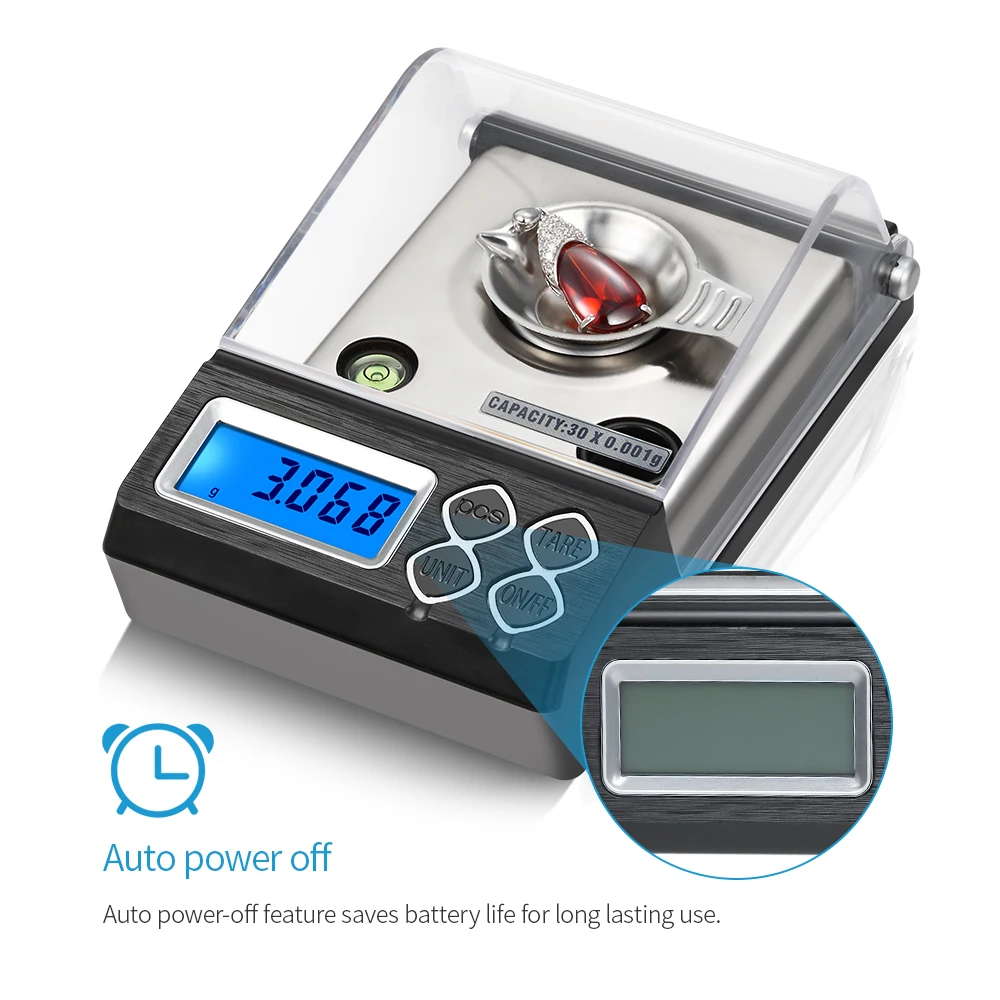
- Automatic shutdown time setting
Long press the ON/OFF key for 4 seconds in the shutdown state to display 88888 and do not let go until the display F1-1 press the UNIT key to select the value of 0-5 corresponds to 0 = no shutdown 1-5 respectively indicates that in the absence of any operation state 1-5 is divided into the automatic shutdown time. According to their own needs to choose the appropriate shutdown time to save battery life. After selecting, press the power on button to reset to zero, then you can weigh.