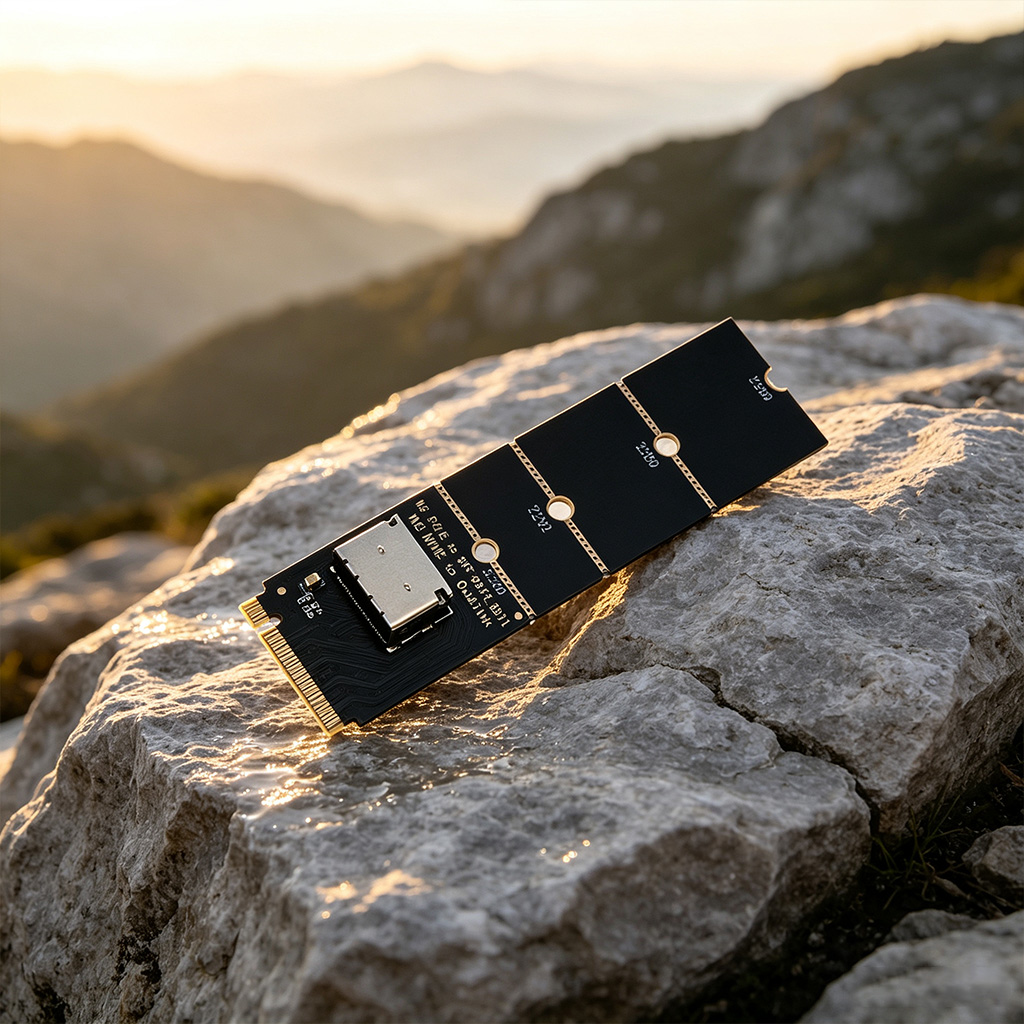
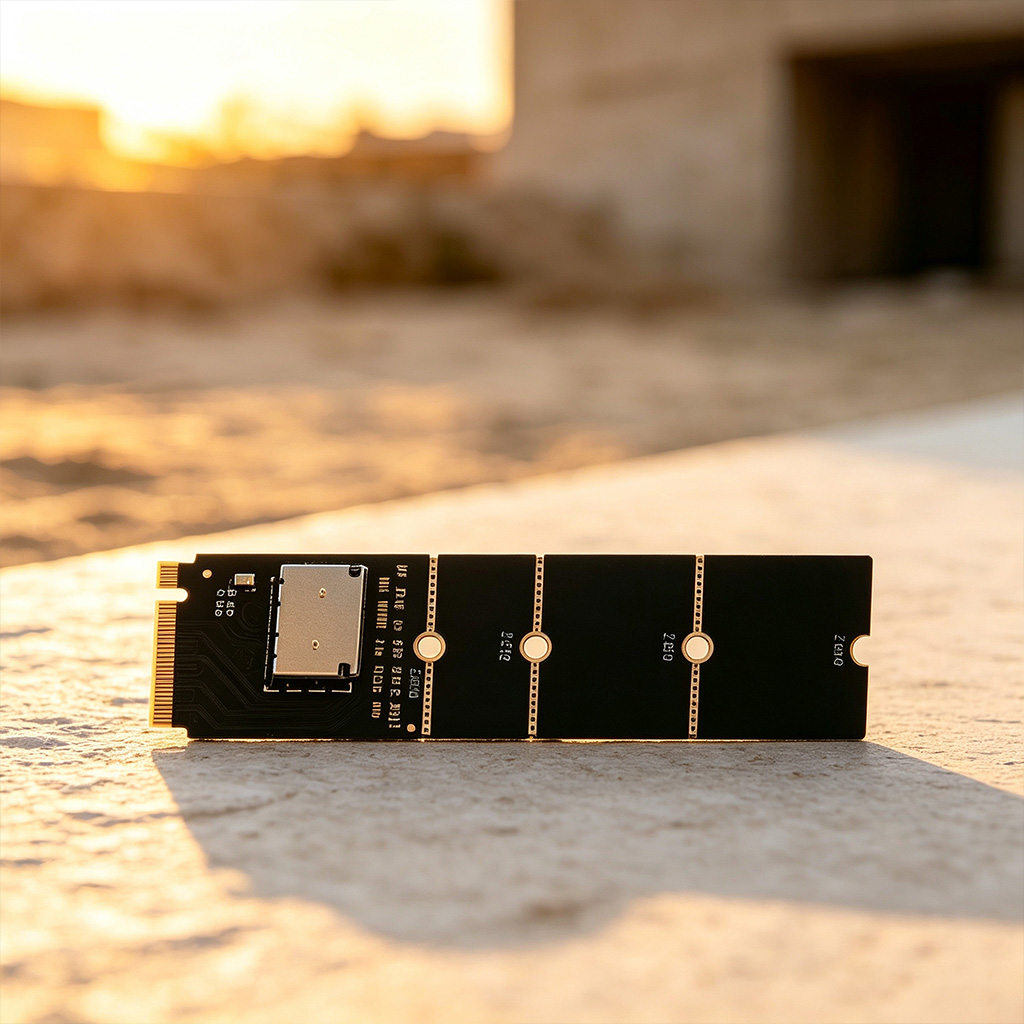
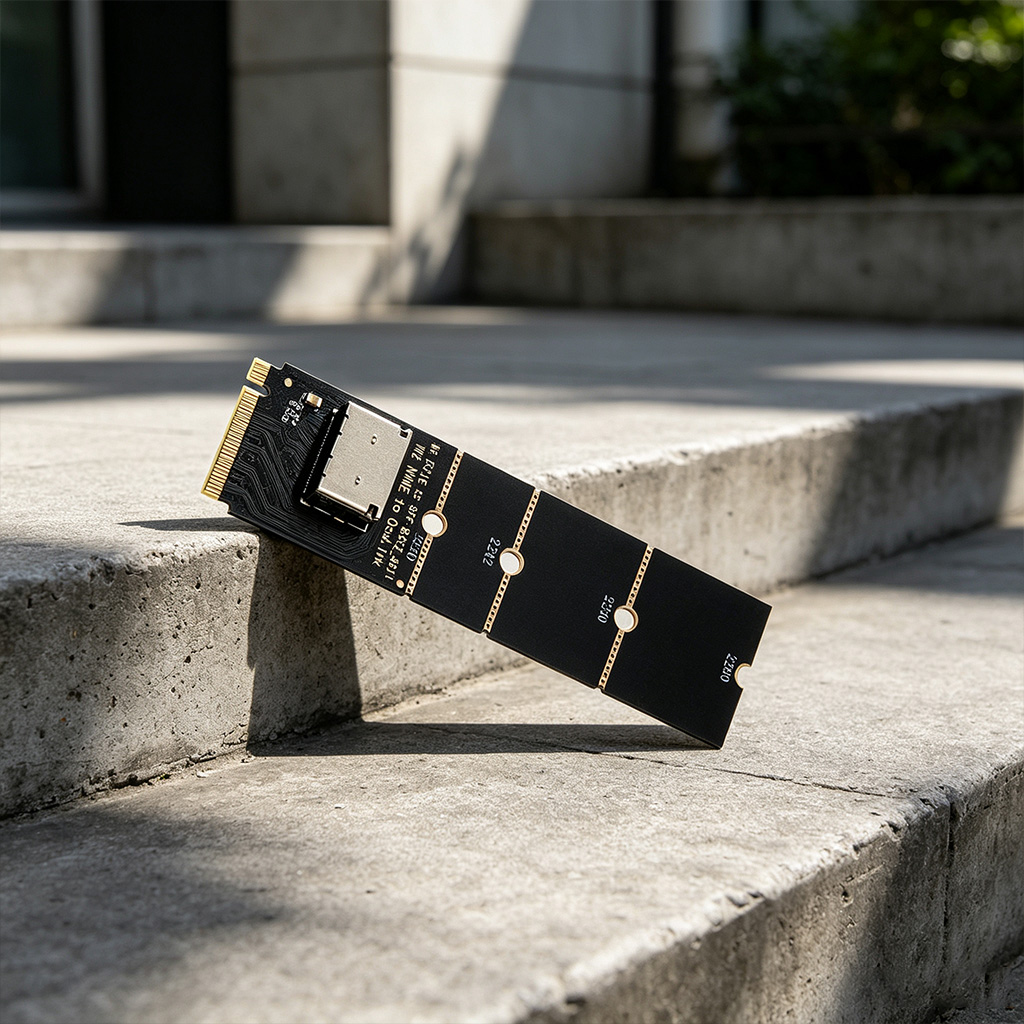
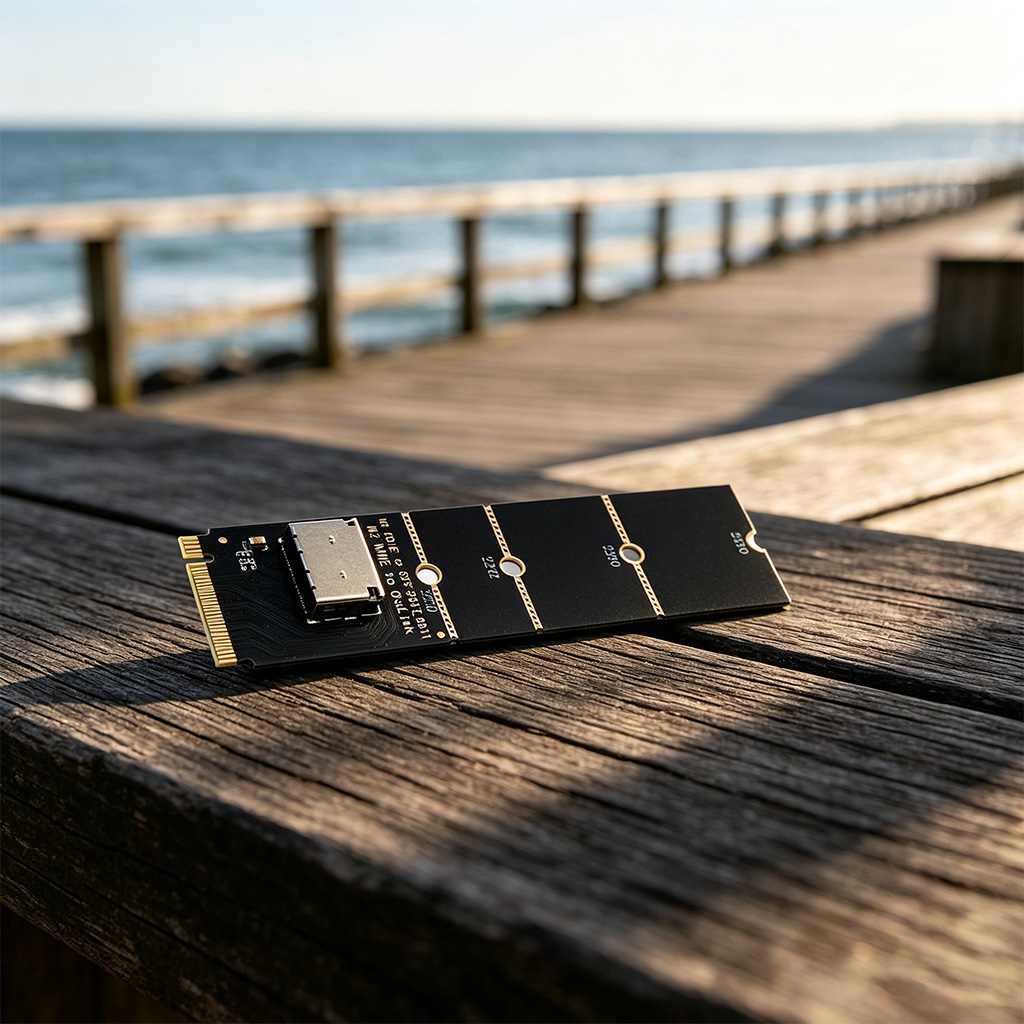
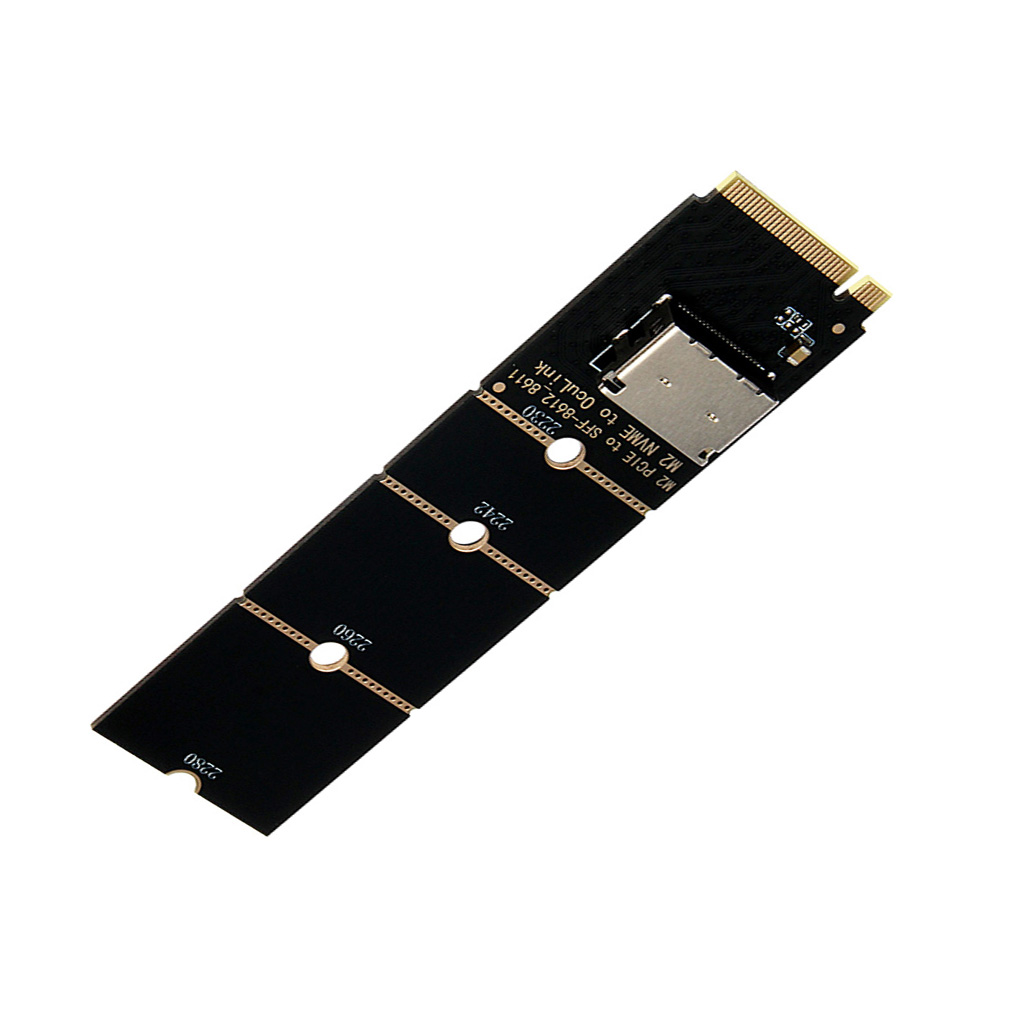
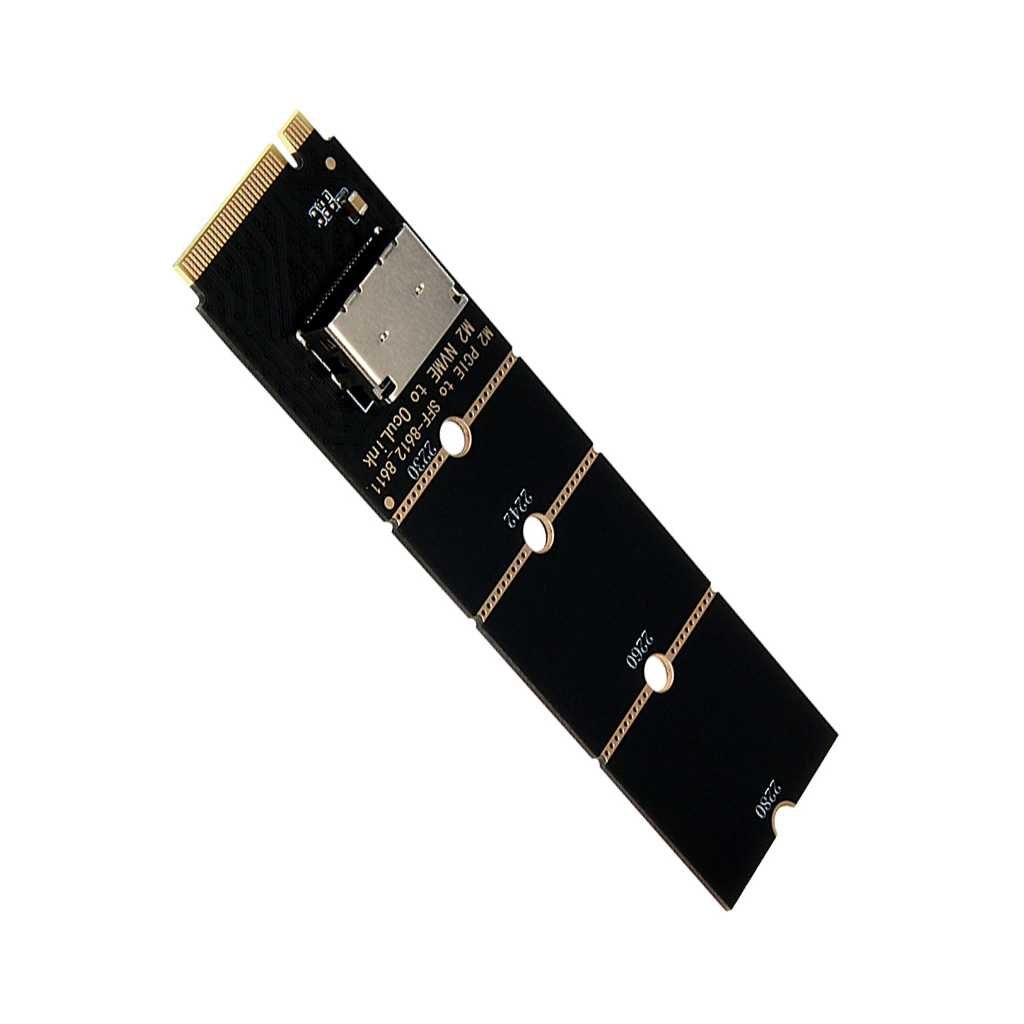
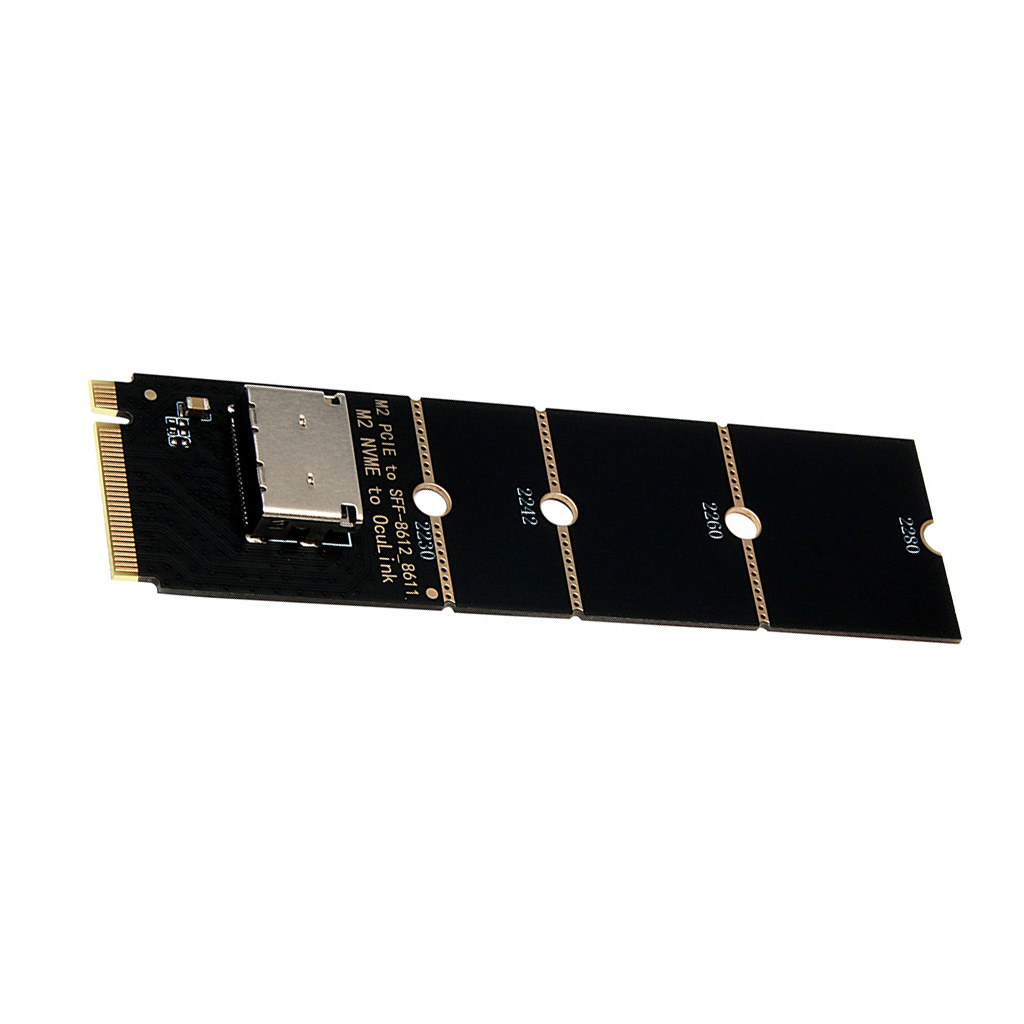
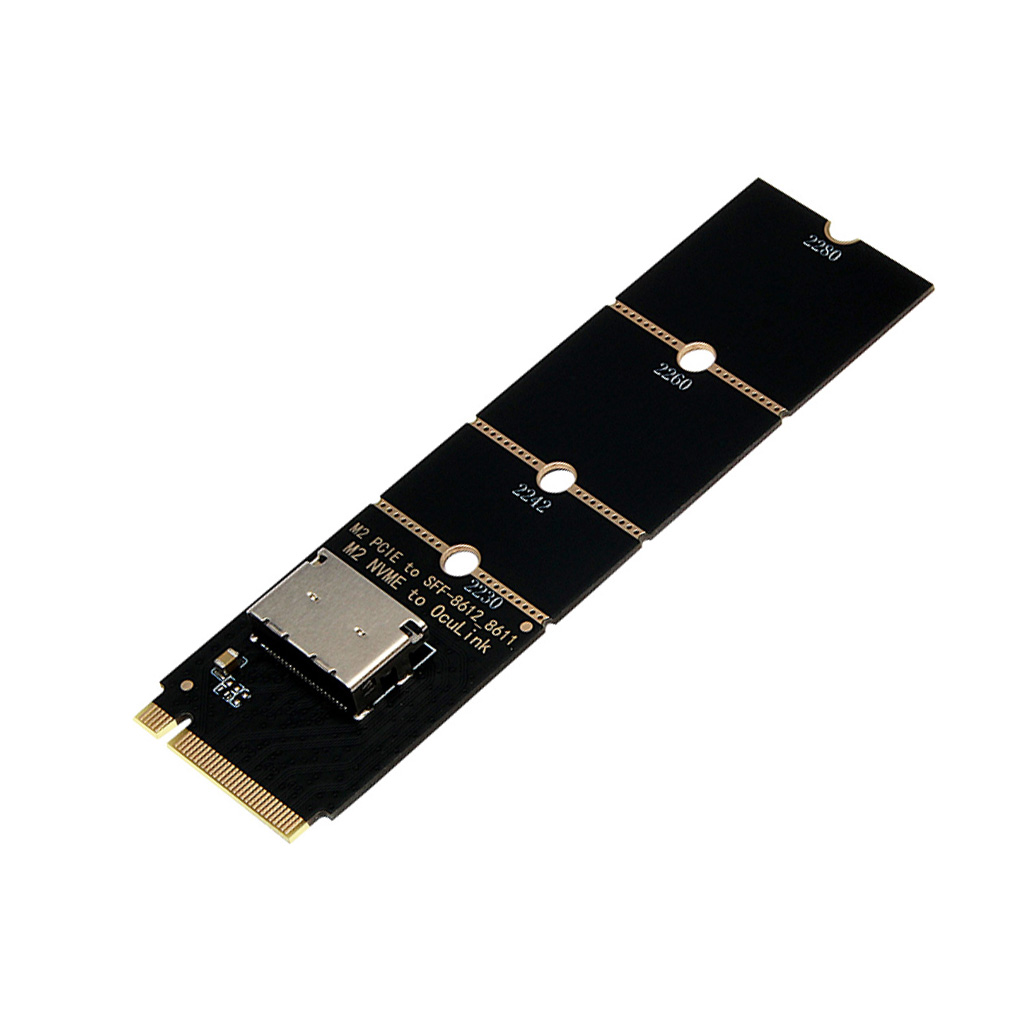
M.2 NVMe to OCuLink Female SFF-8612 Adapter, PCIe x4 Riser Card for U.2 SSD, Gen4, M-Key NVMe SSD Expansion Board
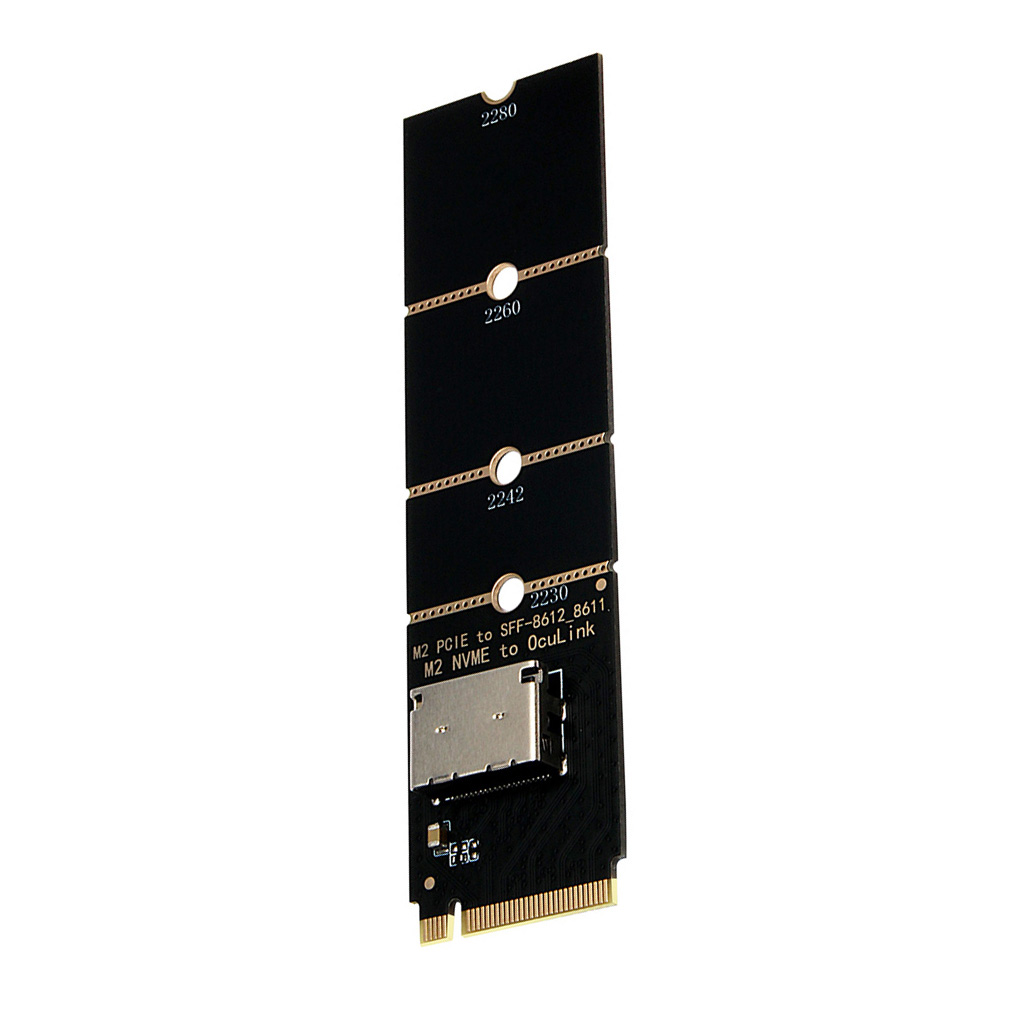
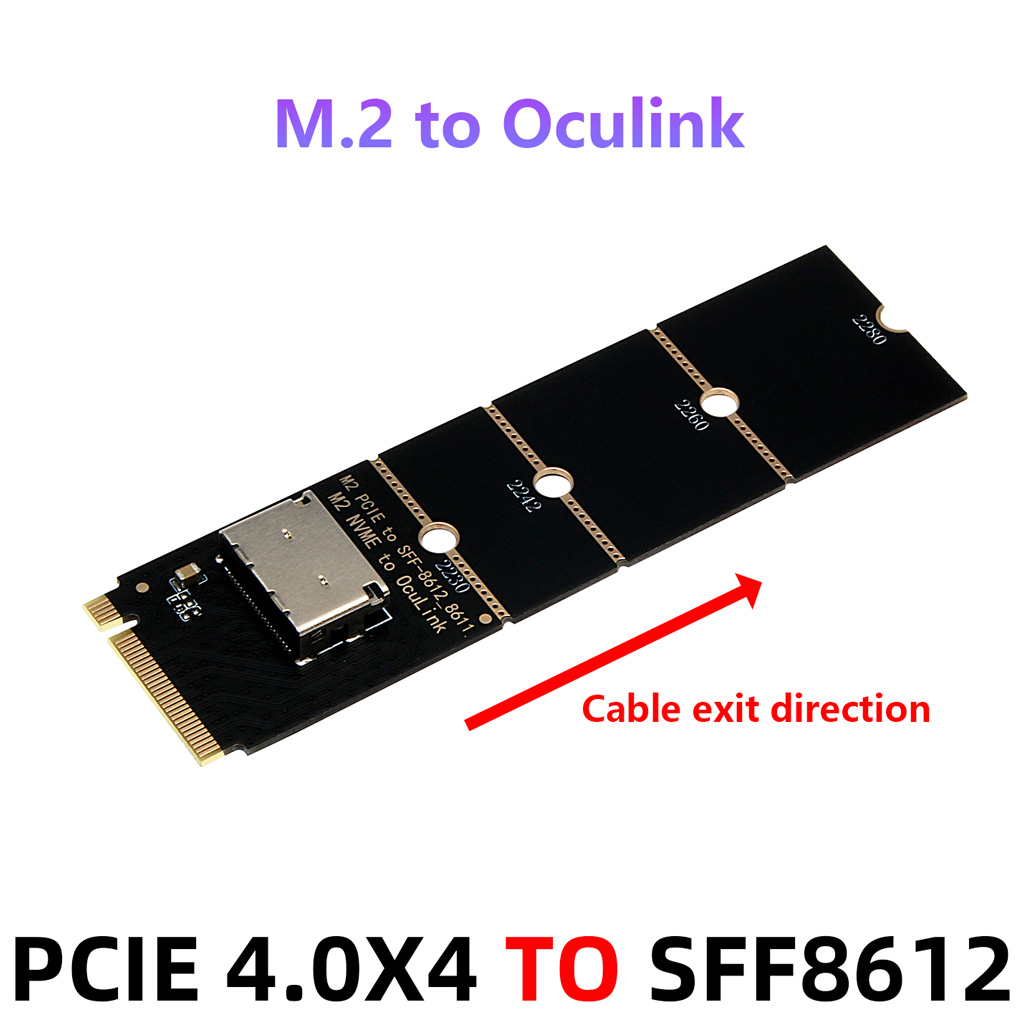
This is a passive M.2 NVMe (M‑Key) to Oculink SFF‑8612 adapter card. It supports full‑speed PCIe 4.0 x4 transmission with backward compatibility for PCIe 3.0 / 2.0 protocols. Driver‑free and plug‑and‑play. It connects external U.2 high‑speed NVMe SSDs, Oculink GPU docks and high‑speed storage expansion devices via cables, delivering lossless native bandwidth. Suitable for hardware expansion on PCs, industrial computers and servers.
II. Core Specifications
Transfer Standard: PCIe 4.0 x4, theoretical peak 64Gbps
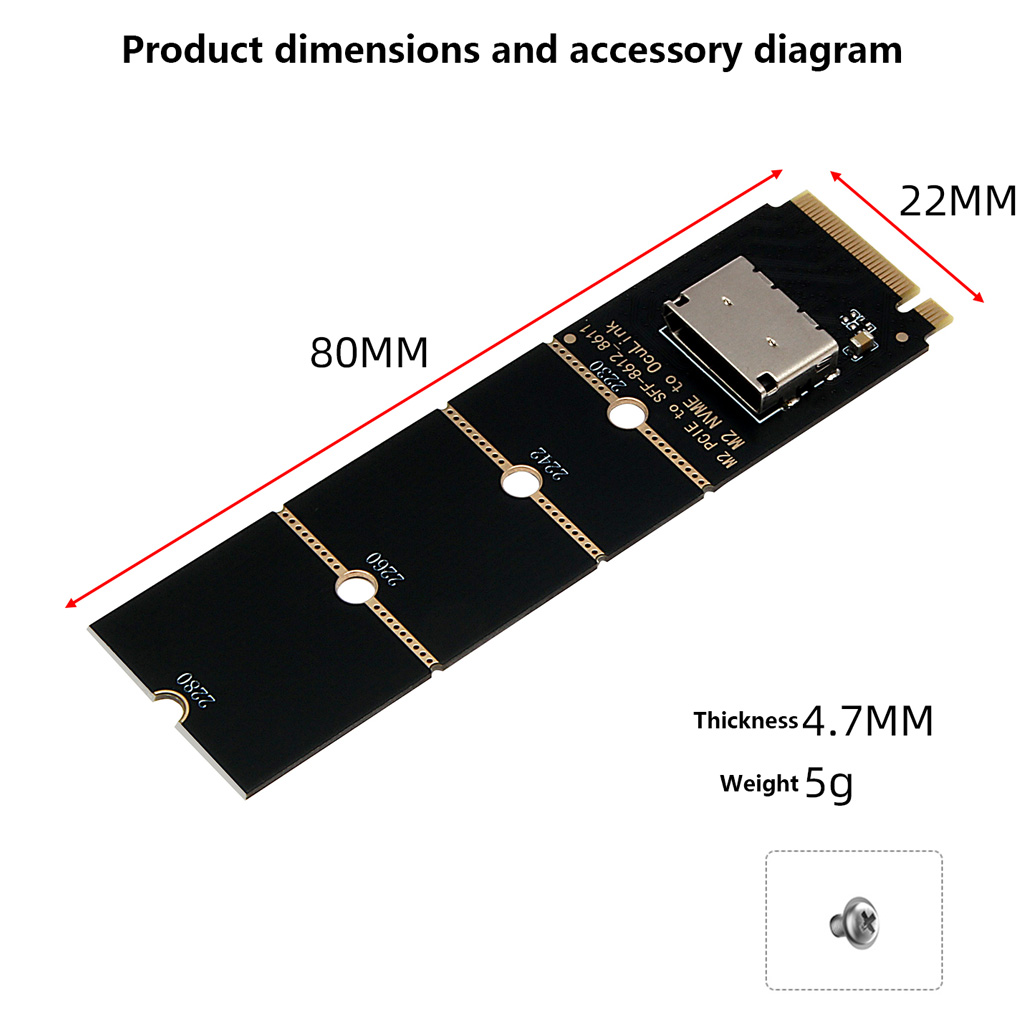
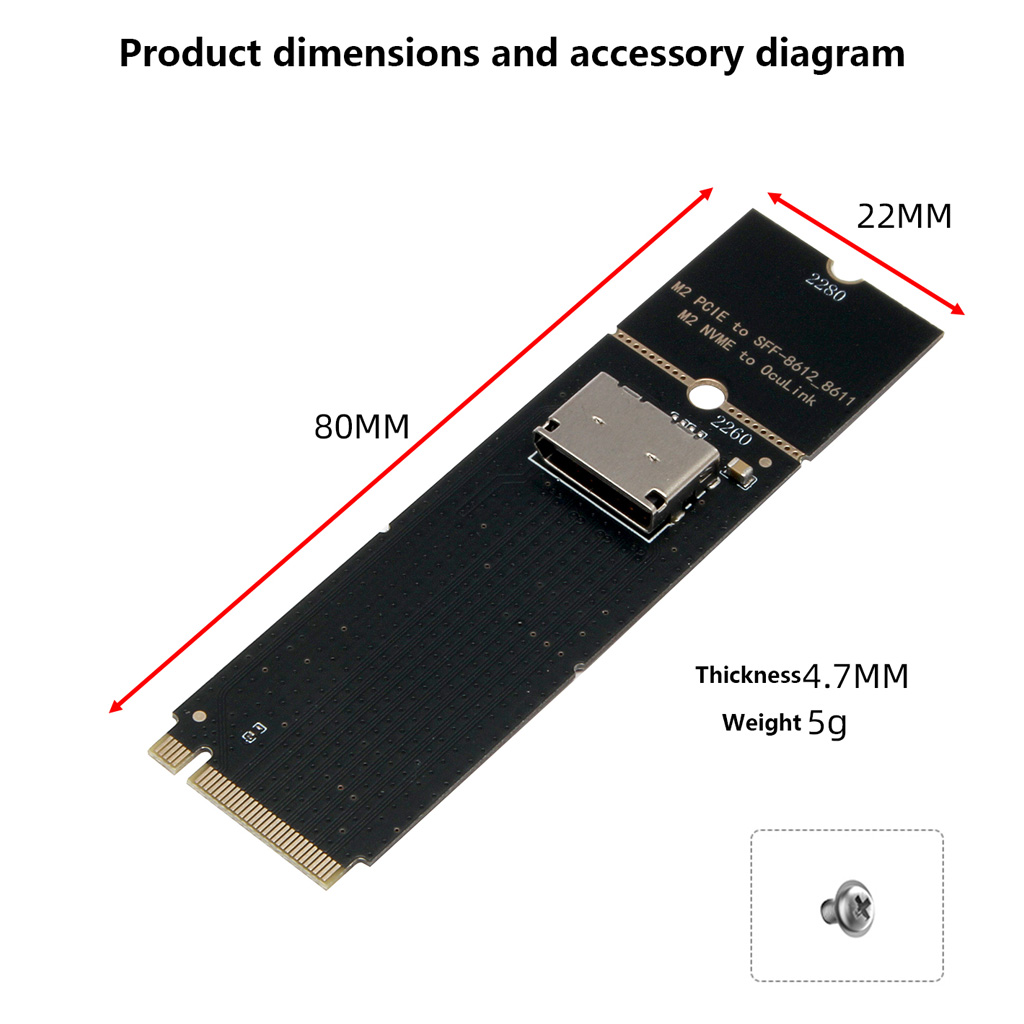
Interface Definition: Input: M.2 M‑Key (NVMe protocol only); Output: Oculink SFF‑8612 female connector
Compatible Hardware: 2230 / 2242 / 2260 / 2280 M.2 NVMe SSDs, standard U.2 SSDs, Oculink expansion docks
Power Supply: Native 3.3V power from motherboard M.2 port; no external power required
System Compatibility: Windows, Linux, macOS, server operating systems
Product Features: Zero‑latency, hot‑swap capable, full‑shield anti‑interference design
III. Installation Steps (Power must be disconnected)
Mount SSD: Insert the M.2 NVMe SSD at an angle into the adapter’s M‑Key slot. Press it flat and secure gently with the included screw.
Install adapter card: Insert the adapter into the motherboard M.2 NVMe M‑Key slot (SATA / B‑Key slots are not supported). Secure with screw after firm seating.
Connect external device: Use dedicated SFF‑8612 to SFF‑8639 cable to link the adapter to U.2 SSD / GPU dock or other devices. A click sound confirms proper connection.
Power‑on for use: Power on the system. Hardware will be auto‑detected. Initialize, partition and format new SSDs before normal use.
IV. Basic Compatibility Requirements
Motherboard must have an NVMe‑based M.2 M‑Key slot with PCIe x4 lanes. PCIe 4.0 speed requires native motherboard support.
Only NVMe‑protocol M.2 SSDs are supported; SATA‑protocol M.2 SSDs are incompatible.
External devices: compatible with standard U.2 SSDs, Oculink GPU docks and high‑speed storage peripherals.
Prerequisite: Power off the host, unplug the power cord and discharge static electricity before operation to avoid static‑damage to hardware.