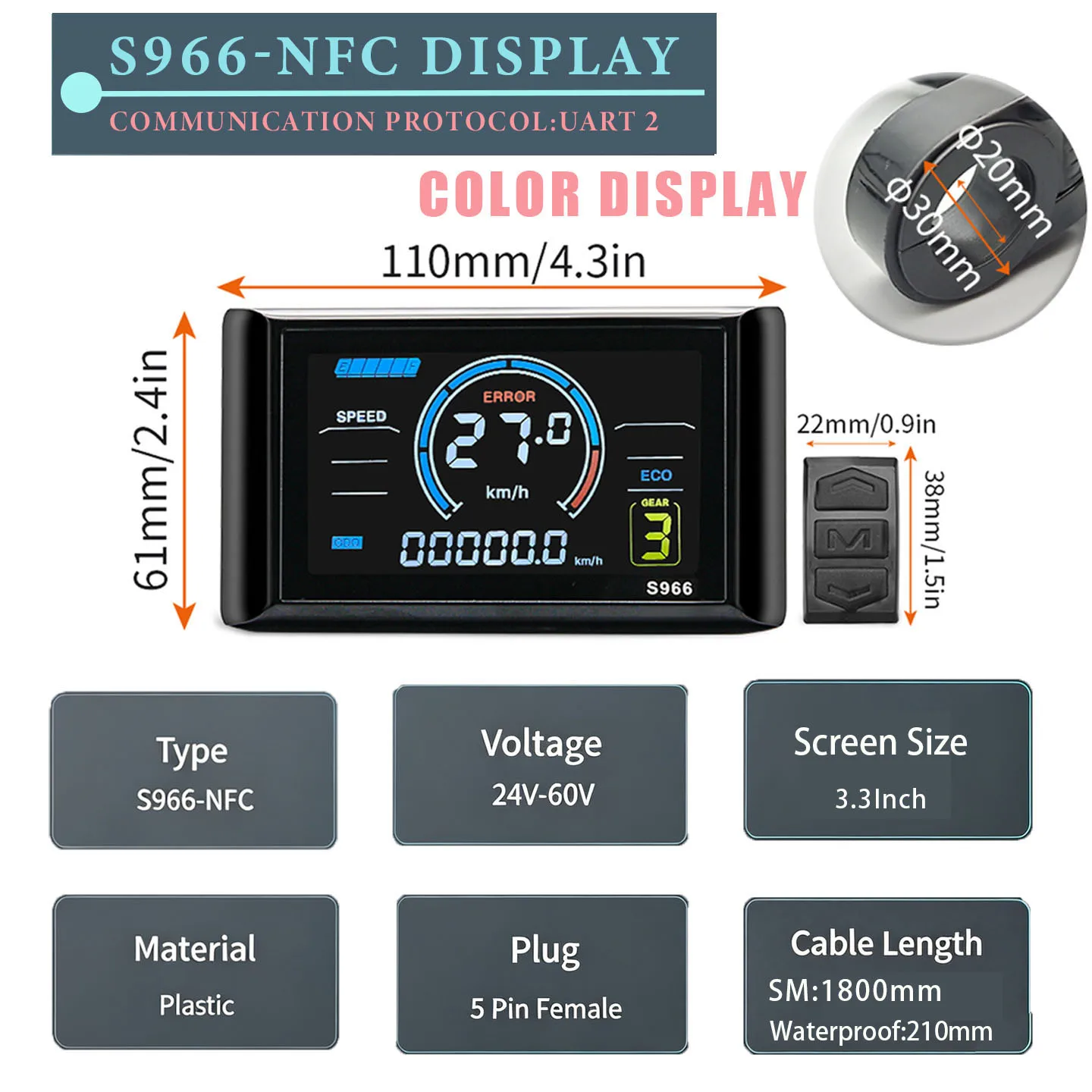
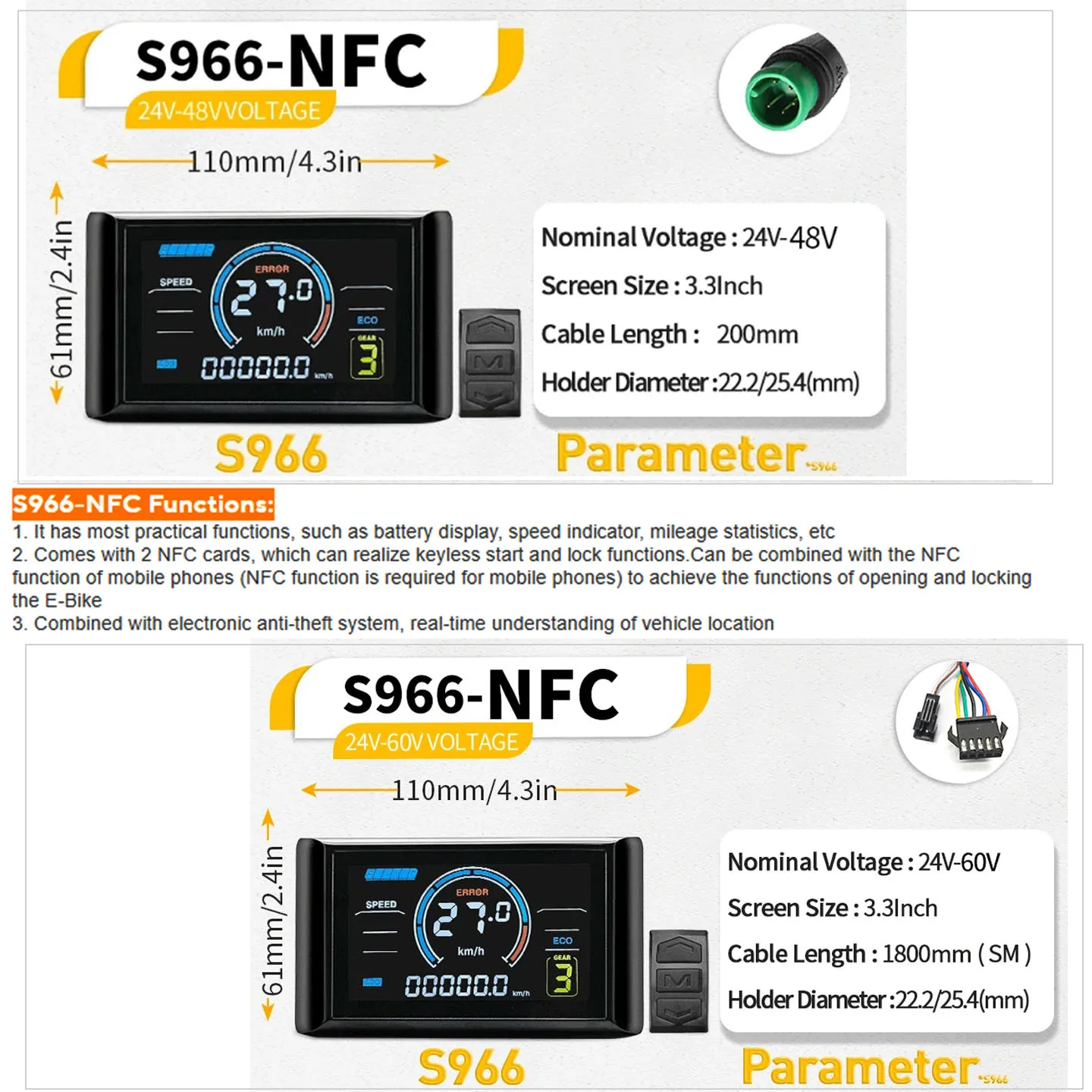
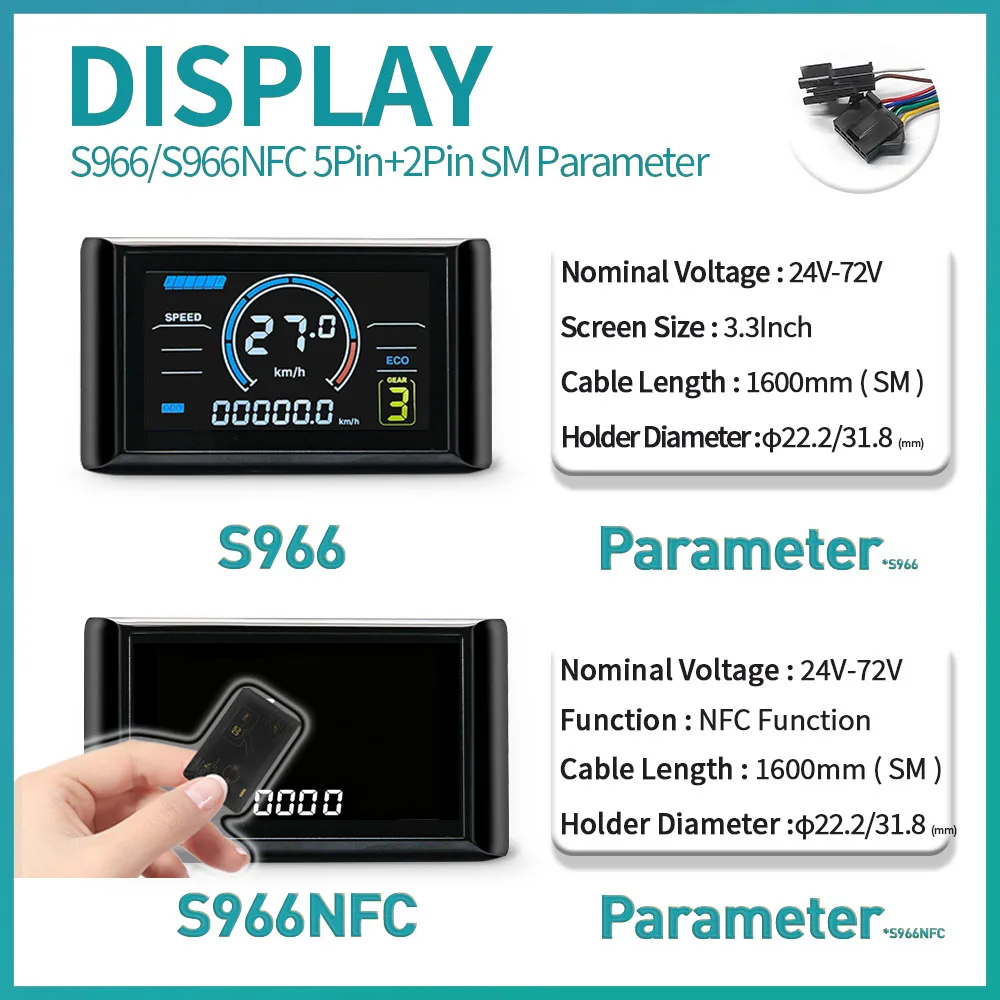
Attention: This display screen can only be used in conjunction with the controller of Communication Protocol 2, and does not match other protocols
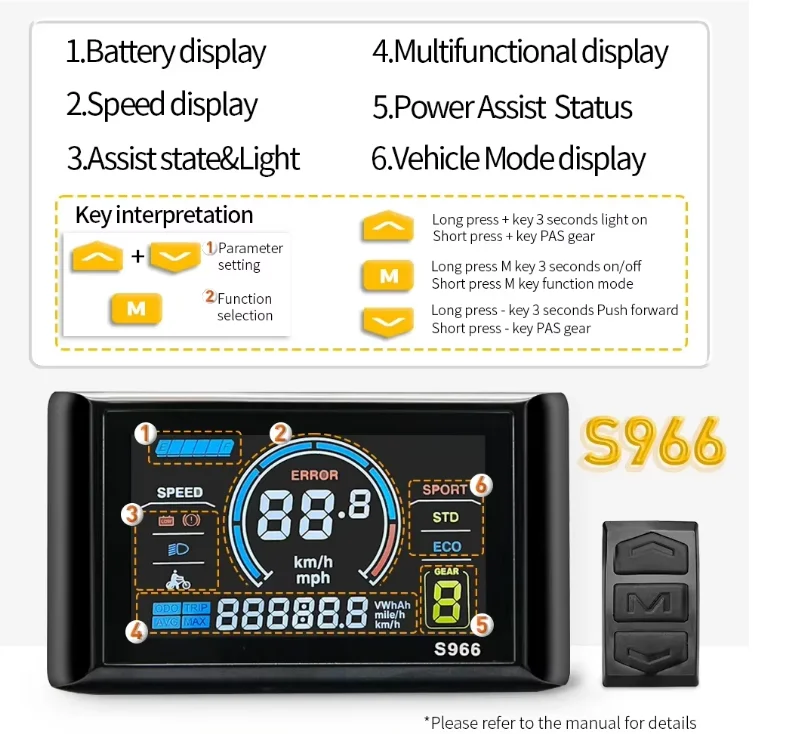
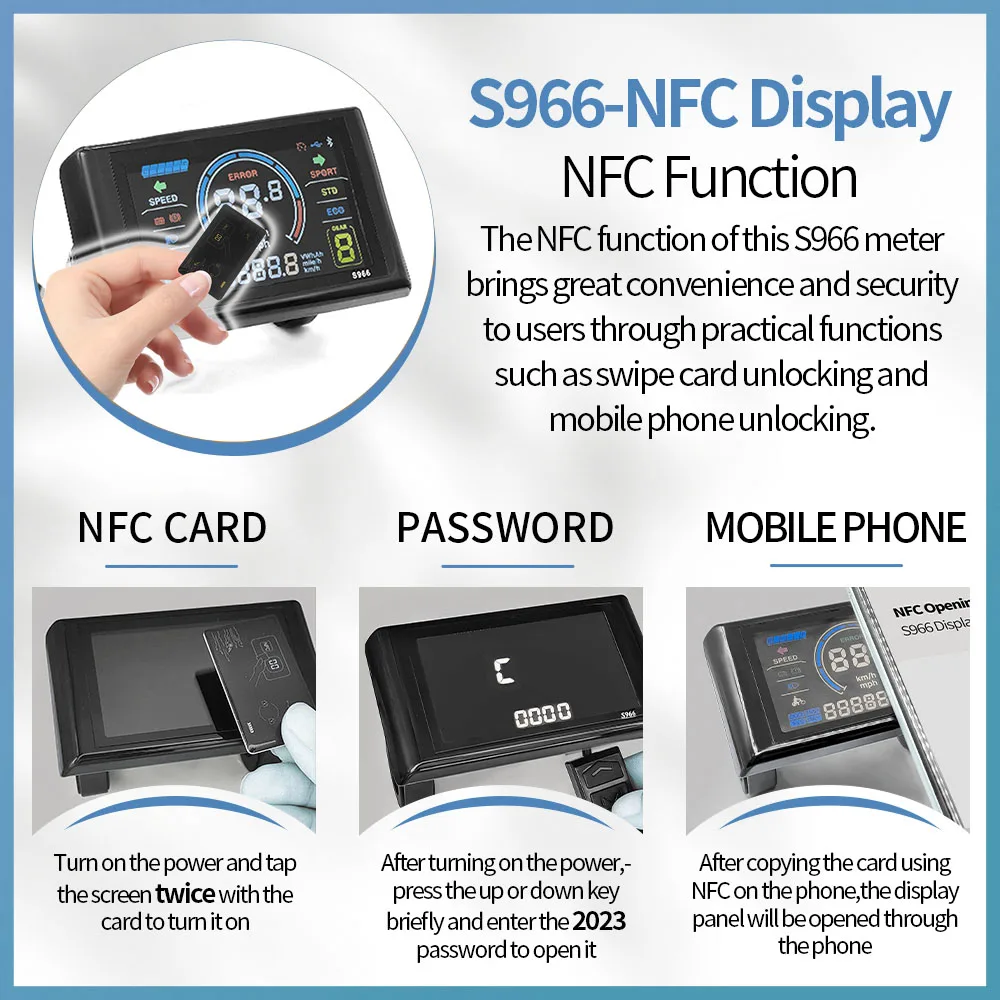
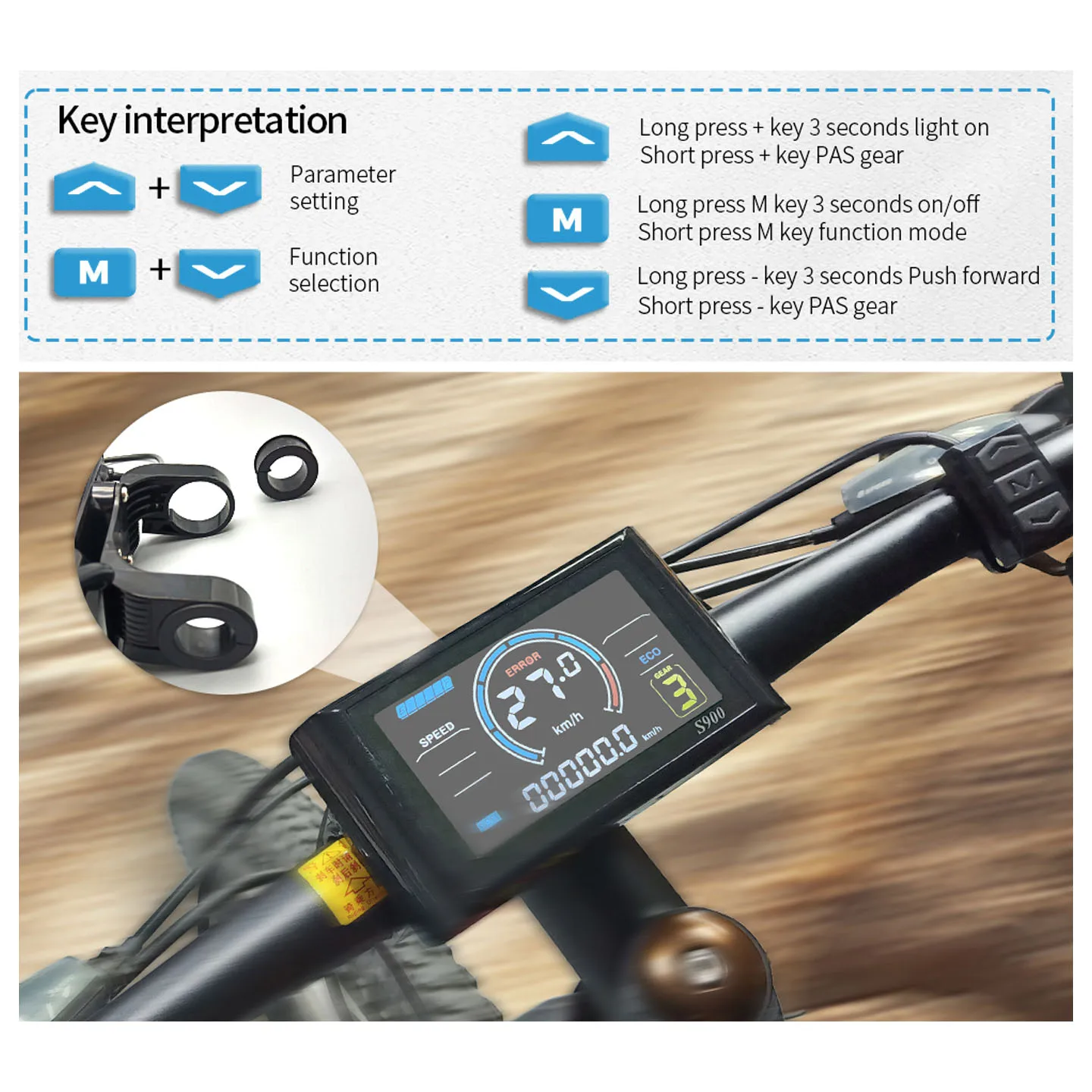
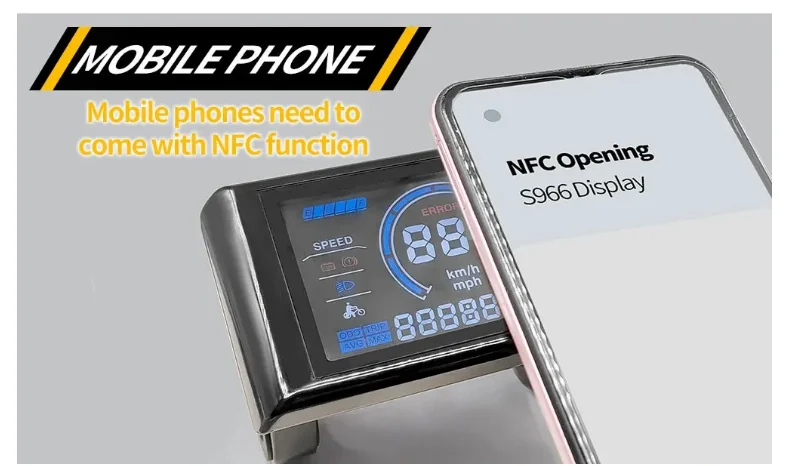
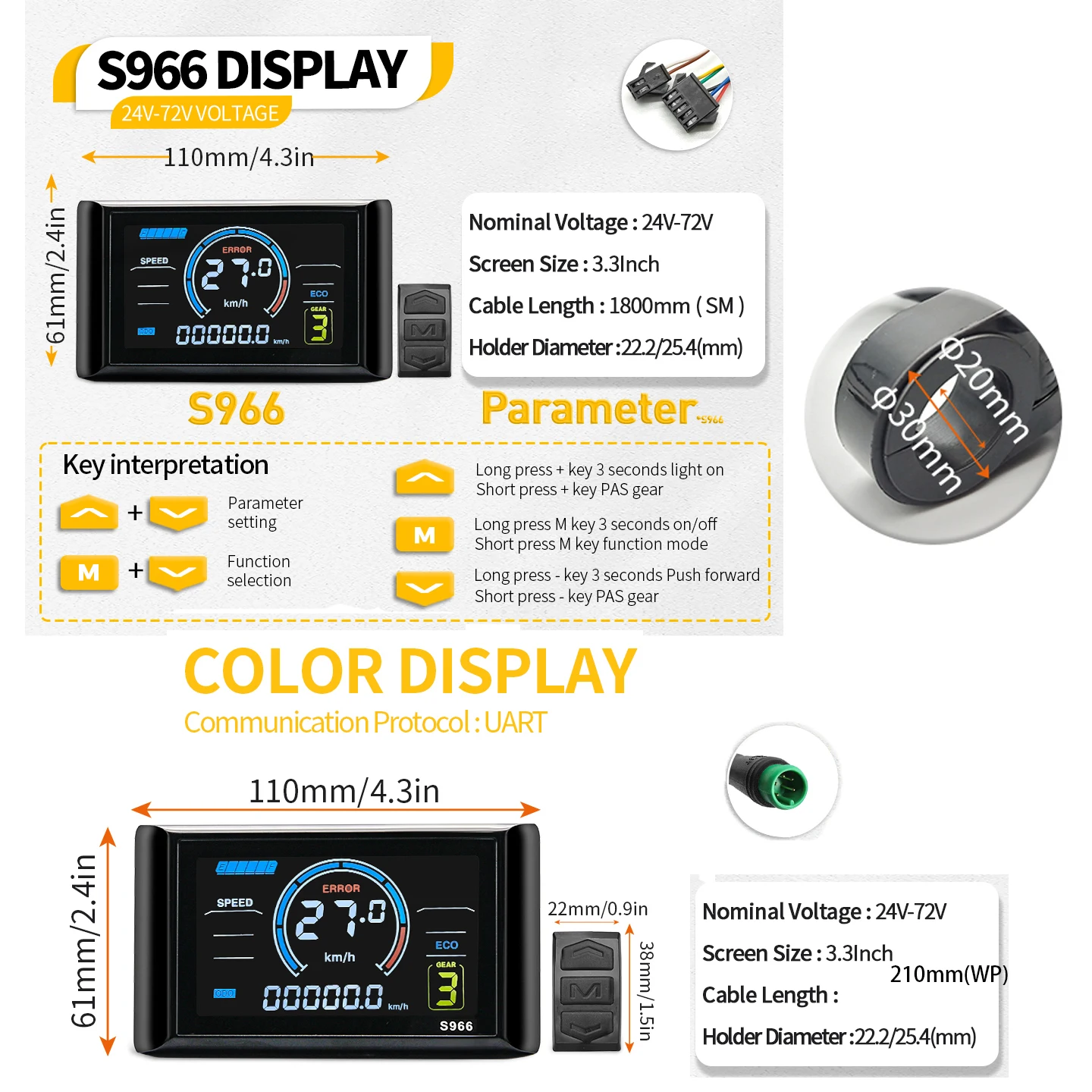
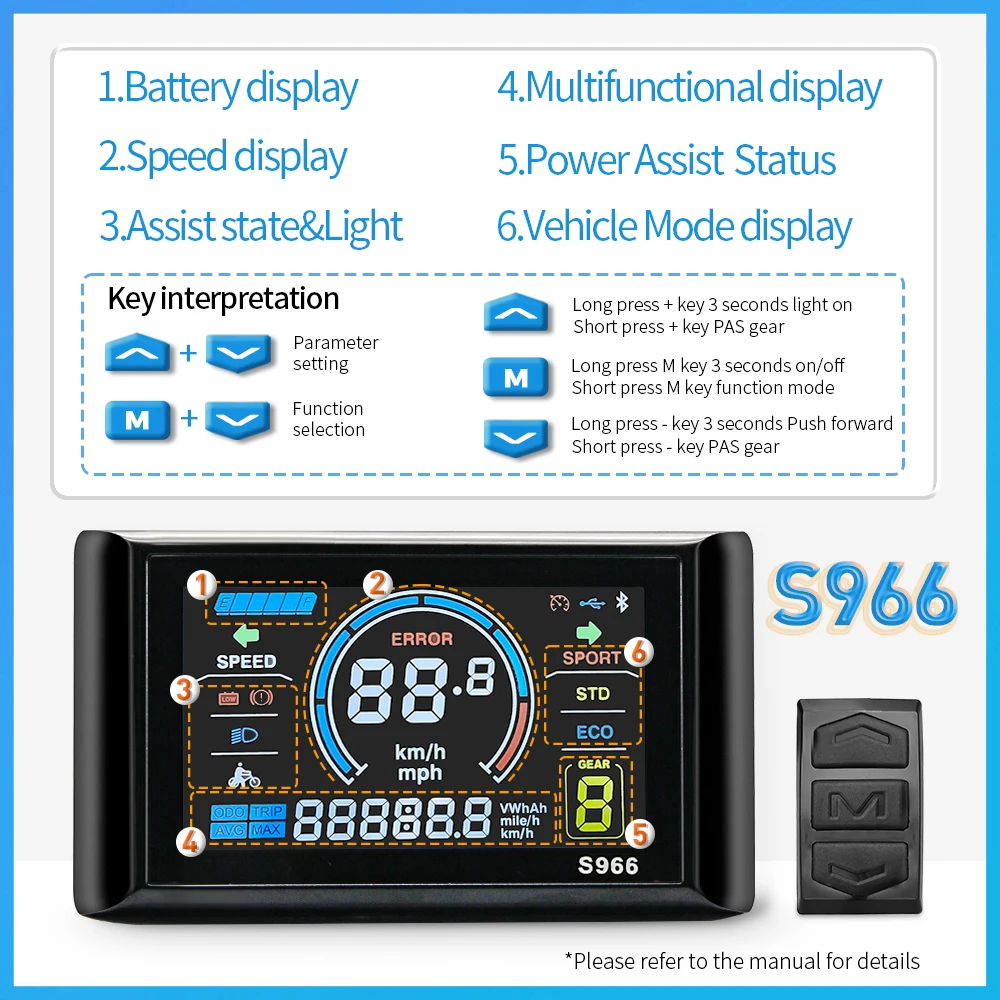
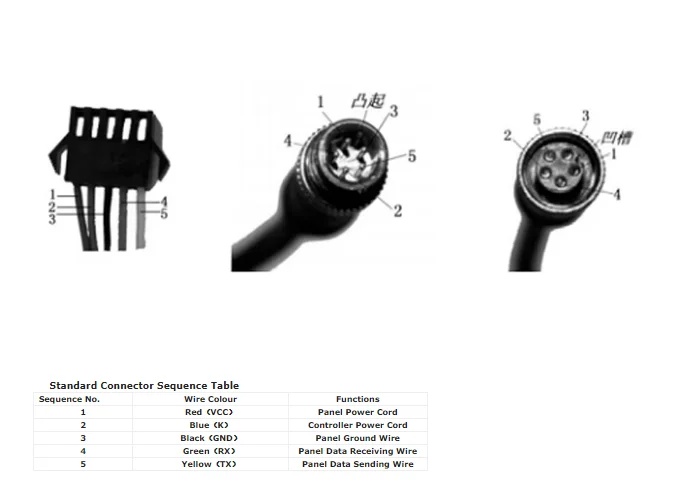
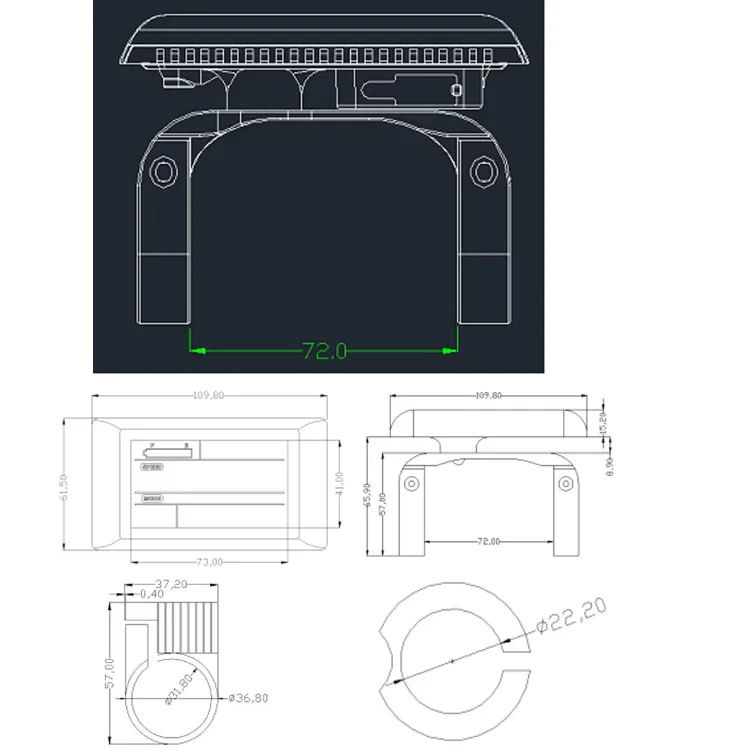
P00: Factory Settings: set the value to 10 and switch to the next item, the interface will show full content and reset all values to original factory settings.
P01: Backlight Brightness (1: darkest; 3: brightest)
P02: Mileage Unit (0: KM; 1: MILE)
P03: Voltage Level: 24V /36V (default) / 48V
P04: Auto-Off Time (0~60, 0: never, other values mean Auto-Off interval) Unit: minute
P05: Assist Level
1. Normally 3 types available: 3/5/9 Levels (requires controller support, subject to actual situation)
2. Some previous products may show 0/1/2 to represent assist level 3/5/9. The latest products will show directly 3/5/9 for 3 types.
3. Some display supports start level setting, by changing the extra first value 0/1.
For example: “0 3” means 0 assist level at start, and 3 assist levels in total.
“1 3” means level 1 at start, and 3 assist levels in total.
1. Some protocols (e.g. Lishui 5S, Protocol 2B as extended Protocol 2) supports manually setting PWM value for each assist level, which allows users enter a secondary menu by long pressing the down key in Assist Level settings (the interface will show from “3” to “31 55” and blinking indication). Then users can set PWM value for each assist level (incl. PWM for 6km/h walk assist mode).
4.1 Forexample: “31 55” means in 3-level mode, the PWM value
for level 1 is 55.
4.2 If the cursor blinks at “31”, press the Power/Mode key, and “55” will blink, then press the up key the value will turn to “31 56”, and the PWM value for level 1 has been set to 56.
4.3 Switch the cursor back blinking at “31”, press the up key the value will turn to “32 110”, now may set PWM value for level 2.
4.4 Long press the down key again, exit the secondary menu to the home menu, the new values will be automatically saved.
Note: The first digit blinking “P” indicates setting PWM value for 6km/h walk assist mode.
For example, “P35” means PWM value for 6km/h walk assist mode is 35, increase the value to speed up, decrease to slow down.
4.5 Some displays use analog voltage output for each level (no protocols), the output voltage for each level:
3-Level Mode: Level 1: 2V, Level 2: 3V, Level 3: 4V;
5-Level Mode: Level 1: 2V, Level 2: 2.5V, Level 3: 3V, Level 4: 3.5V, Level 5: 4V.
P06: Wheel Size. Unit: inch Precision: 0.1
P07: Magnetic Steel Number for Speed Test. Range: 1-100
P08: Speed Limit
Range: 0-50km/h, parameter 50 indicates no speed limit.
1. Non-communications status (panel-controlled)
When the current speed exceeds the speed limit, the PWM output will be shut down; when the current speed falls to lower than the speed limit, the PWM output will be activated and the driving speed will be set as the current speed ±1km/h (only applies to assist power speed, not applicable to the throttle speed).
2. Communications status (controller-controlled)
The driving speed will be kept constant as the limited value.
Error Value: ±1km/h (applicable to both the assist power/throttle speed)
Note: The above-mentioned values are measured by metric unit (kilometers). When the measuring unit is switched to imperial unit (mile), the speed value displayed on the panel will be automatically switched to corresponding imperial unit, however the speed limit value in the imperial unit interface won’t change accordingly.
P09: Zero / Non-zero Start Setting:
0: Zero Start (direct start when throttle turns)
1: Non-zero Start (kick to start)
P10: Drive Mode Setting
0: Pedal Assist Only – The specific gear of the assist drive decides the assist power value. In this status the throttle does not work.
1: Throttle Only – The vehicle is driven by the throttle. In this status the power gear does not work.
2: Pedal Assist+Throttle – Electric drive does not work in zero-start status.
P12: Assist Power Intensity Range: 0-5
P13: PAS Sensor Magnet Steel Number: 5 / 8 / 12pcs
P14: Current Limit Value: 12A by default; Range: 1-20A
P15: Unspecified
P16: ODO Zero-Out: Long press the upper key for 5 seconds and ODO value will be cleared.
P17: (required by customer) Auto Cruise Option.
0: No Auto-cruise
1: Auto-Cruise On. Trigger time of auto-cruise is decided by the controller.
P18: (K5S, APT Protocol Bound) Forward / Backward PAS Option.
0: Forward PAS.1: Backward PAS.
P19: (K5S Protocol Bound) Throttle Level Option.
0: No throttle level. 1: Has throttle levels.
P19: (K5S Protocol Bound) 6km/h Cruise Throttle Definition.
0: Throttle without 6km/h cruise definition.
1: Throttle with 6km/h cruise definition.