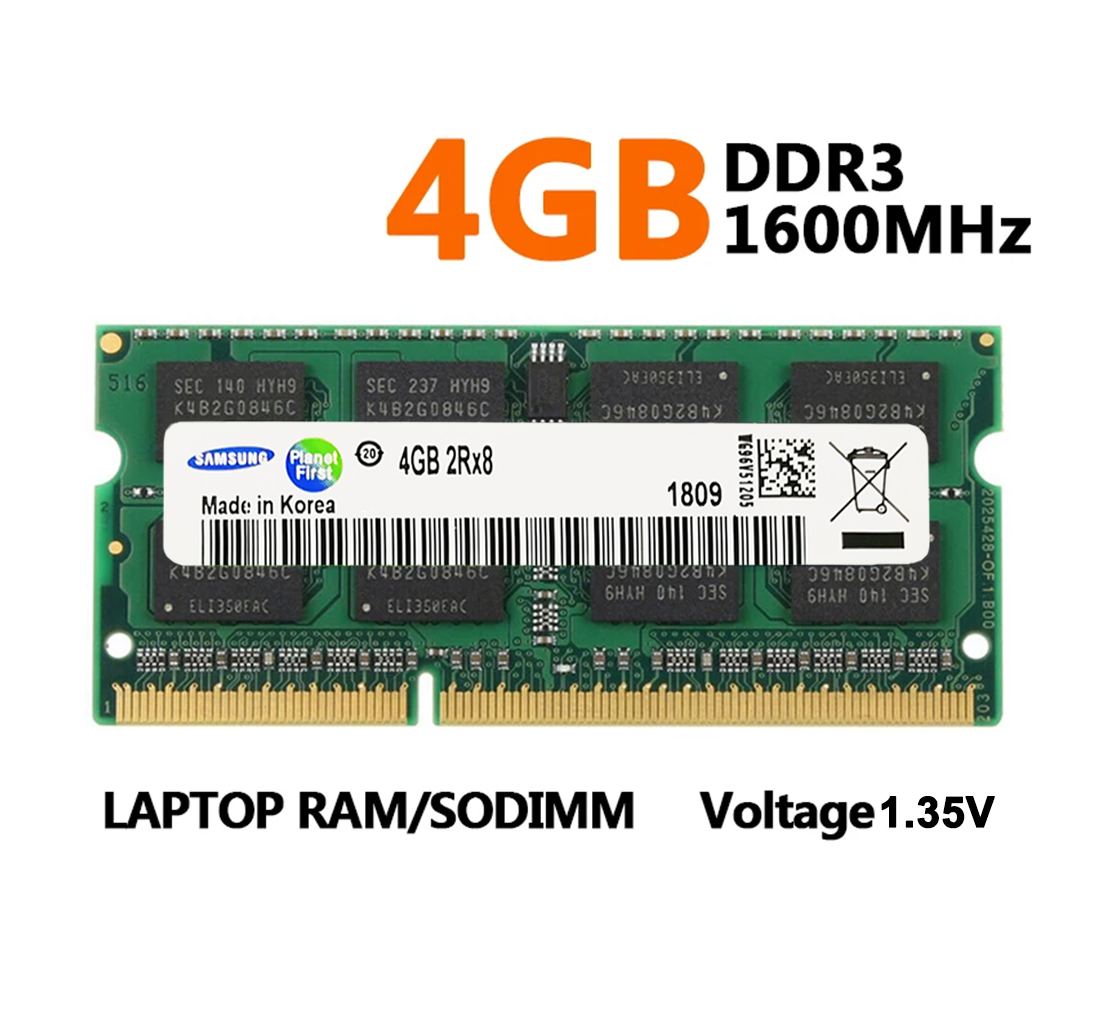
Samsung Laptop Ram DDR3L 4GB 1600Mhz SO-DIMM PC3L-12800 Memory Dual Channel
Please note:
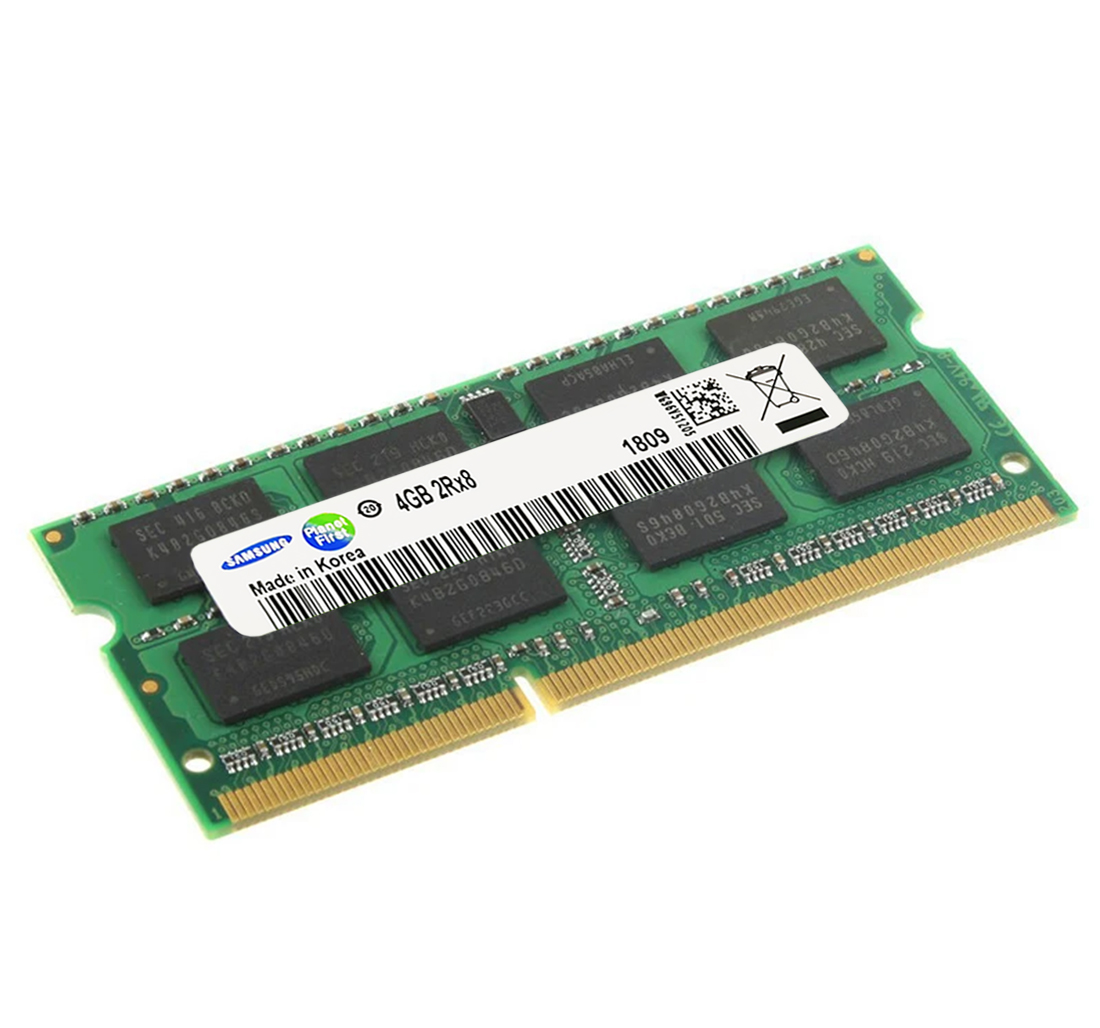
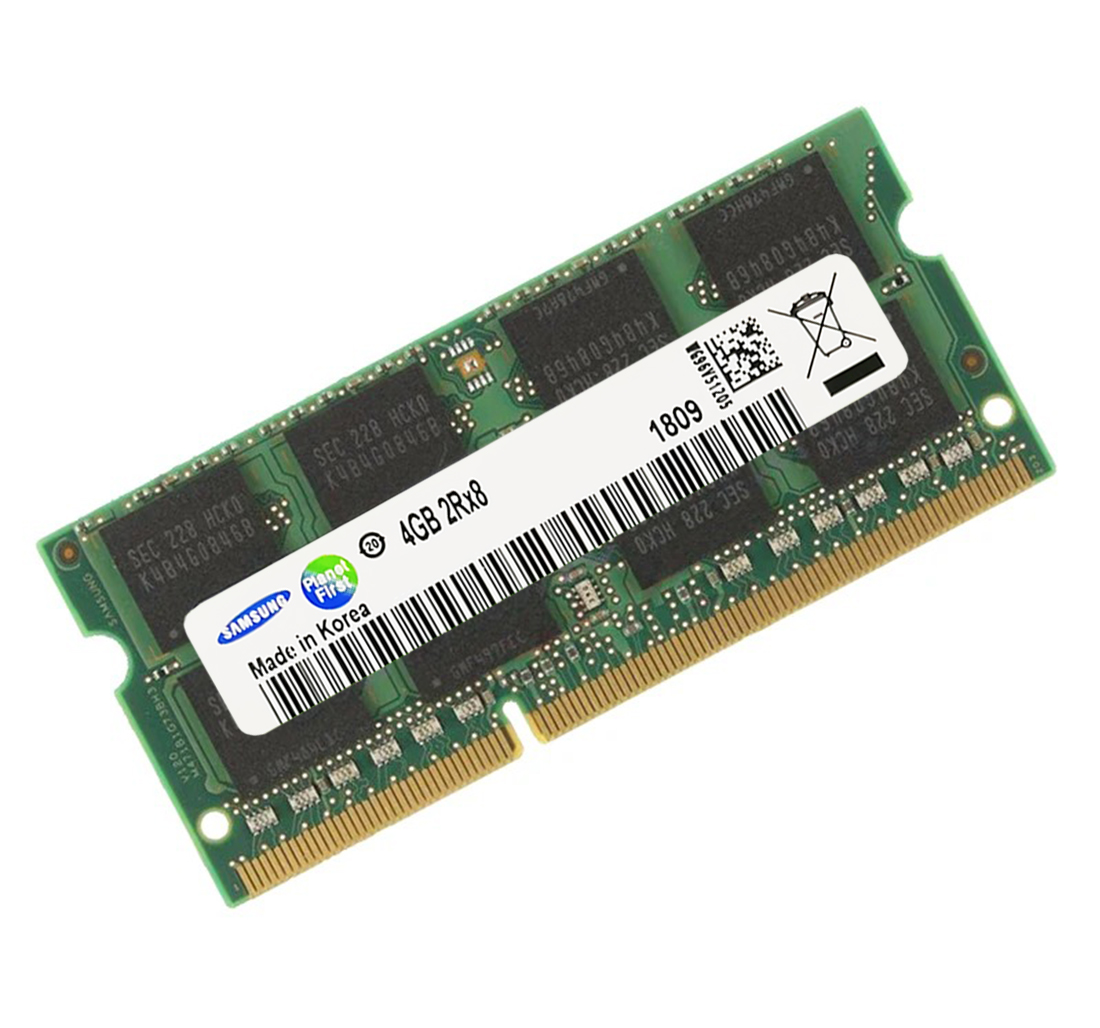
1.Because of the arrival batches of different products, the production date and specific models and serial number is differnet. The picture shown on the mainsite is for referents. if there is fluctuation, according to the real object please! The quality and compatibility of the memory ram will not change based on appearance ,do not worry.
2.The Samsung memory production areas are China, South Korea, Philippines thress big production site!
3.Please contact to get a better priceof need batch.
4.Please notice the totally piece of chipset is randomly.
5.Please notice the assemble place may different. It may Made in China or Made in korea Made in Philippines or ect.
Product Parameters
*Product model:
DDR3L 1600Mhz=PC3L-12800
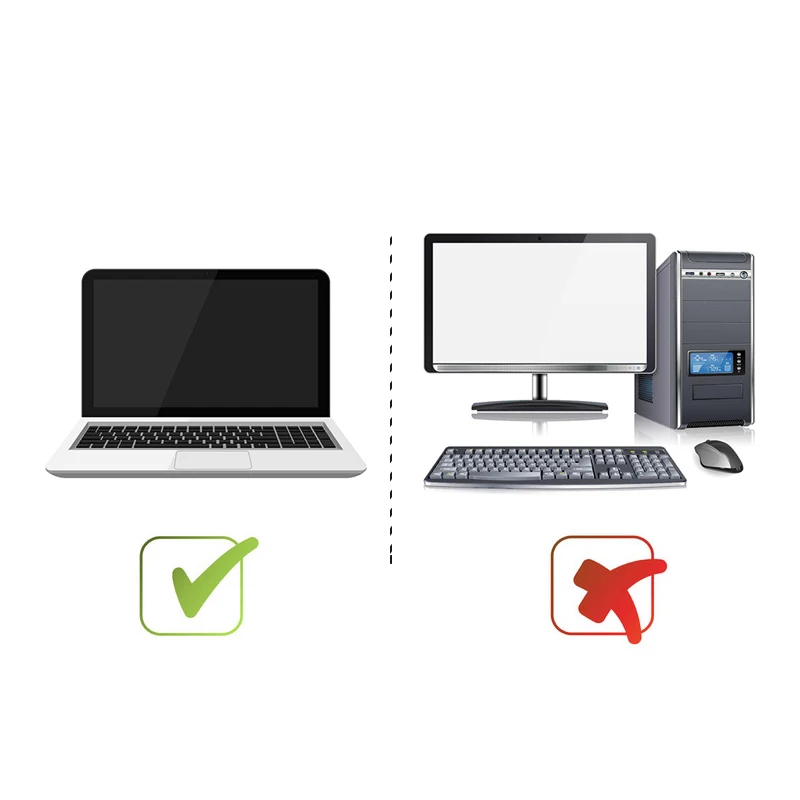
* Application: Laptop / Notebook
* Memory Type: DDR3L
* Memory Capacity: 4GB
* Mail Frequency: 1600MHz
* Voltage: DDR3L=1.35V
* Number of Pins: 204Pins
* Buffering/Ecc: Non-ECC Unbuffered
Package listing :
*Memory Ram x 1
Q&A
Q1: What should I do if my computer won't boot/the screen is black after adding RAM?
A1:
1. Reseat the RAM, cleaning the gold contacts (lightly with an eraser);
2. Try different slots, using only the new RAM and only the old RAM to troubleshoot;
3. Clear the motherboard CMOS and reset settings;
4. Confirm that the motherboard supports the RAM specifications.
Q2: Frequent blue screens, crashes, and freezes after adding RAM?
A2:
1. Incompatible RAM usage causing compatibility issues; manually set a lower frequency;
2. Oxidized or poor contact on the RAM contacts; clean the contacts (lightly with an eraser);
3. Abnormal system drivers; update system and motherboard drivers.
Q3: My computer only shows a portion of the RAM, for example, only 4GB of 8GB is recognized?
A3:
1. Integrated graphics are using some system memory as video memory;
2. One RAM module has poor contact or is not recognized;
3. Motherboard/system memory limit.
Q4: What is the maximum RAM my computer supports? How do I check?
A4: Check the motherboard specifications: The official website/manual indicates the maximum memory capacity/maximum support per module.
Q5: Why does the label on the DDR3 8GB 1600MHz memory say PC3-12800?
A5:
Bandwidth = frequency * bitwidth / 8
PC3-12800 = DDR3 1600MHz
1600 * 64 / 8 = 12800