-
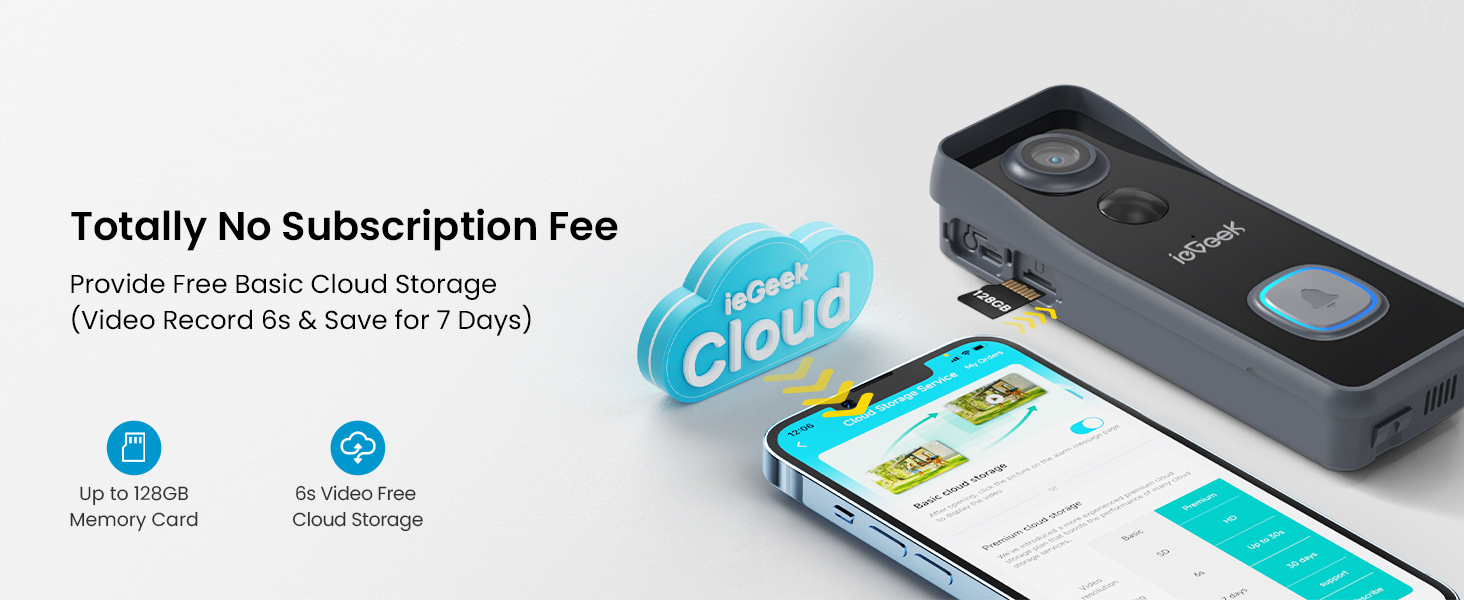
🌐【No Subscription Fee】Support Micro Memory Card & Free Basic Cloud Storage: No monthly fee is needed for ieGeek doorbell camera. You can choose to use a Micro memory card as local storage. ieGeek Cam APP also provides lifetime free cloud storage (Note: Video record 6s & 7 days loop coverage) for extra security. Even if someone corrupts the local storage, free cloud storage records will provide you with enough information. Double protection gives you peace of mind (Works with Alexa)
-
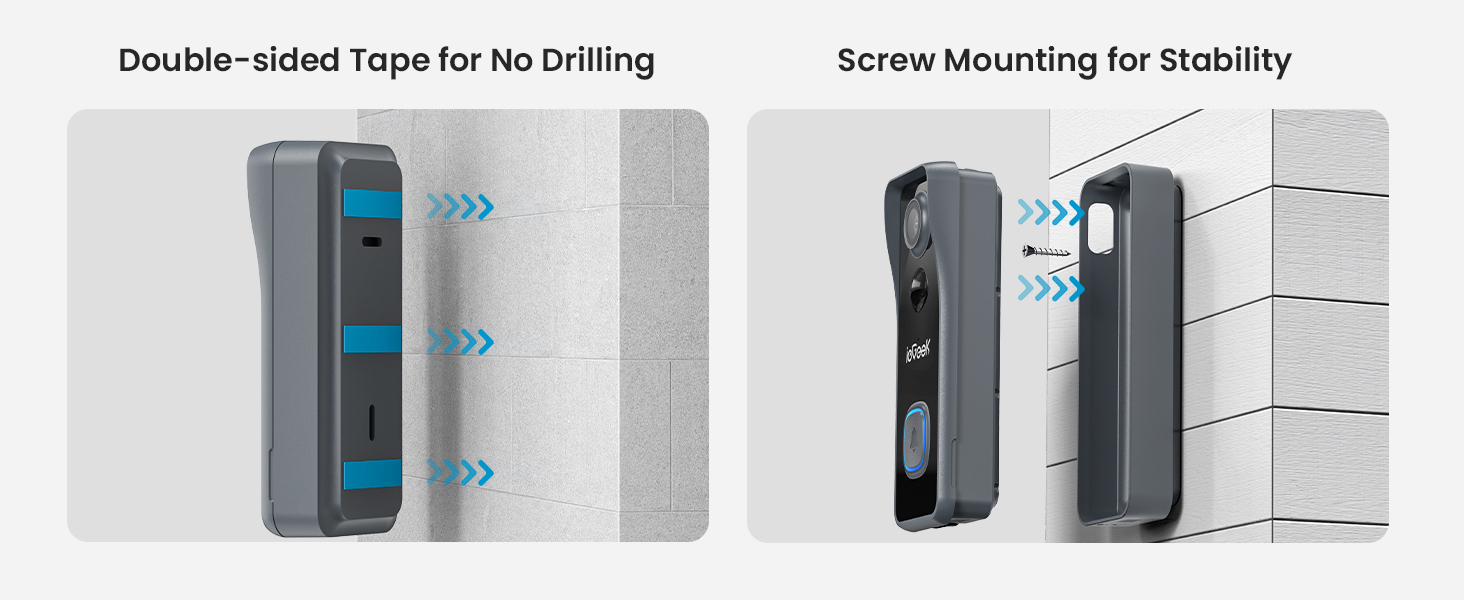
🏃【Install in Minutes】100% Wireless & Enhanced Wifi Connection: The ieGeek battery doorbell use 5600mAh battery and enhanced WiFi-6 module. No need to deal with any wires, you can install and connect doorbell in 3 minutes. Under laboratory environments, the wireless doorbell works 2 months with 20 triggers a day. (May change due to environment and frequency). Wifi6 module enable the doorbell camera to connect to 2.4Ghz WiFi quickly and stably, and video viewing will be smoother with less lag.
-
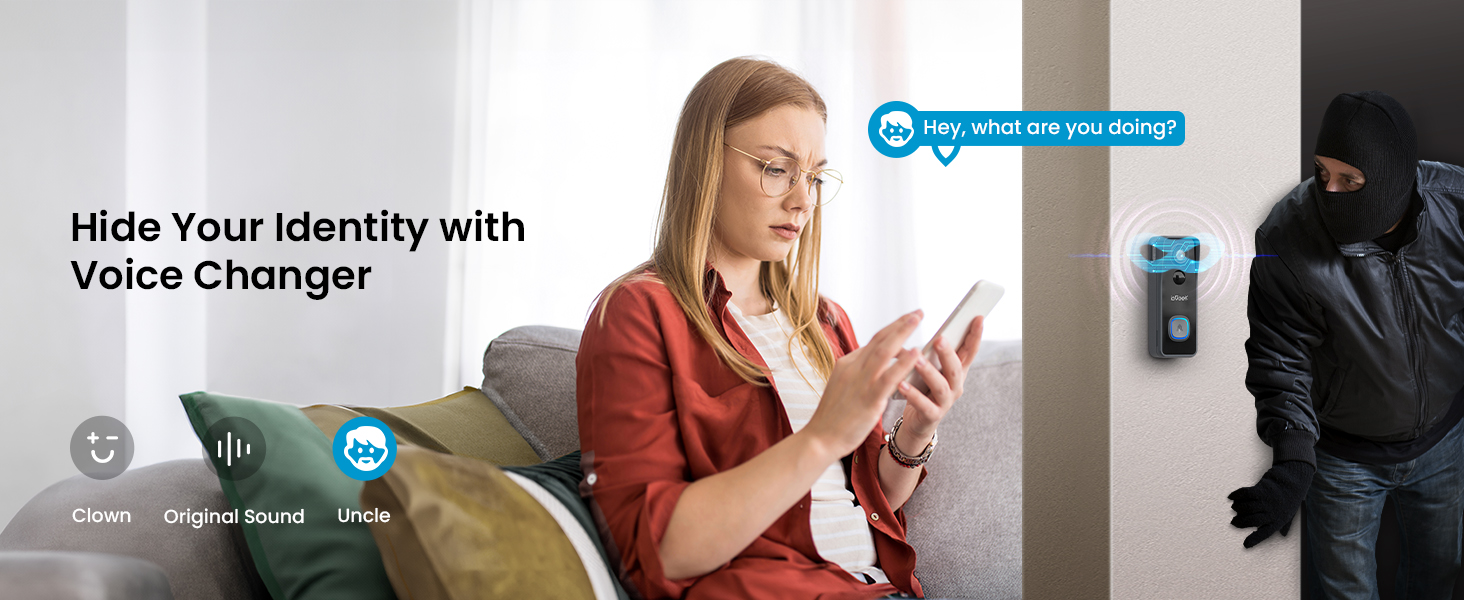
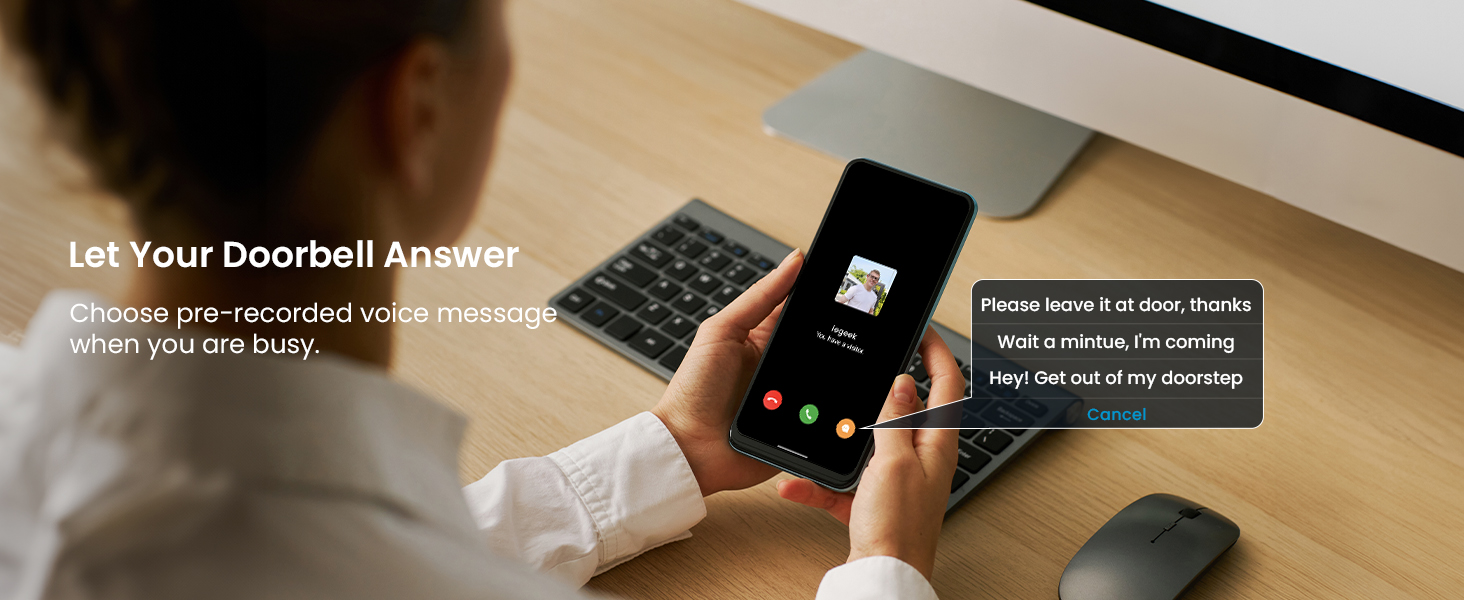
🌓【Let Your Doorbell Answer】2-way Audio & Voice Message: The wifi doorbell camera allows you see, hear and talk to visitors at any time. Imagine how much fun it would be to scare away strangers at the door with a strong male voice or play a lighthearted joke with your children with a clown voice. You can also choose pre-recorded voice messages (up to 3) to quickly reply when you are busy. Ideal protection and gift for the elderly, children and people living alone.
-
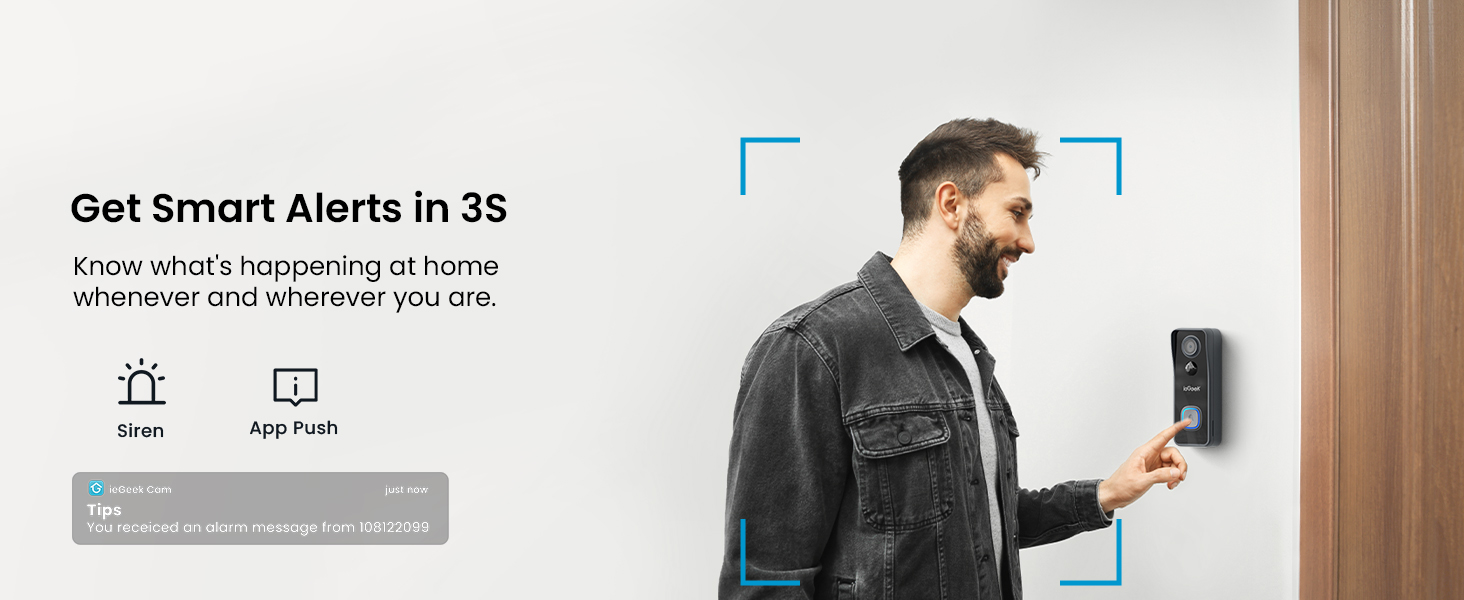
❇️【Bring You Peace of Mind】Motion Detection & Real-time Alert: The ieGeek smart doorbell with camera features a patented PIR motion detector with a monitoring range of up to 20ft. When motion is detected, it will send a notification to your phone in 3s and record footage of visitors who approach your door. You can choose to talk to visitors or turn on the alarm to warn uninvited guests.
-
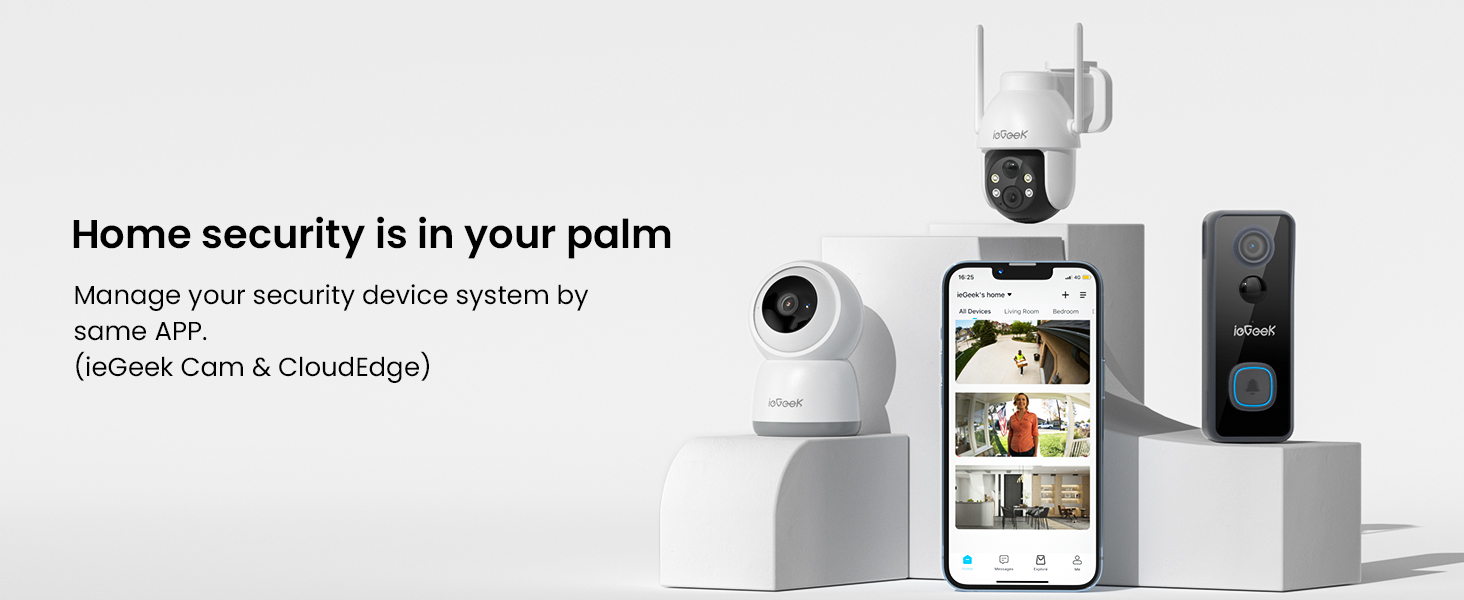
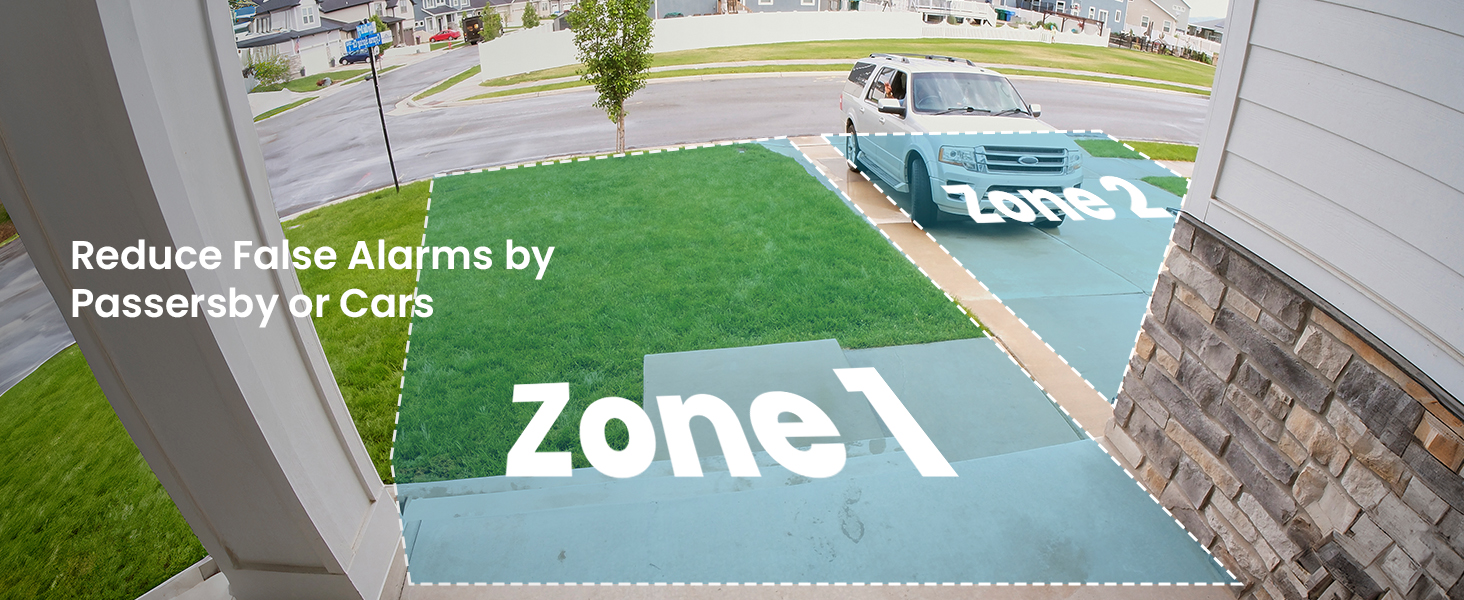
☁【Meet Your Individual Needs】User Friendly ieGeek Cam: No matter when and where you are, you can remotely see the scene at your doorstep and share the doorbell screen with your family. ieGeek Cam App is very easy to navigate and use. Adjusting sensitivity and turning on humanoid recognition can significantly reduce false alarms and reduce battery consumption. Personalize the surveillance area to avoid recording neighbors' scene.
-
💬【100% Customer Satisfaction】 ieGeek provides 90 days of free return and exchange and 3 years of warranty. Our service team is available 24/7, 365 days a year, ready to assist you anytime, anywhere.
-
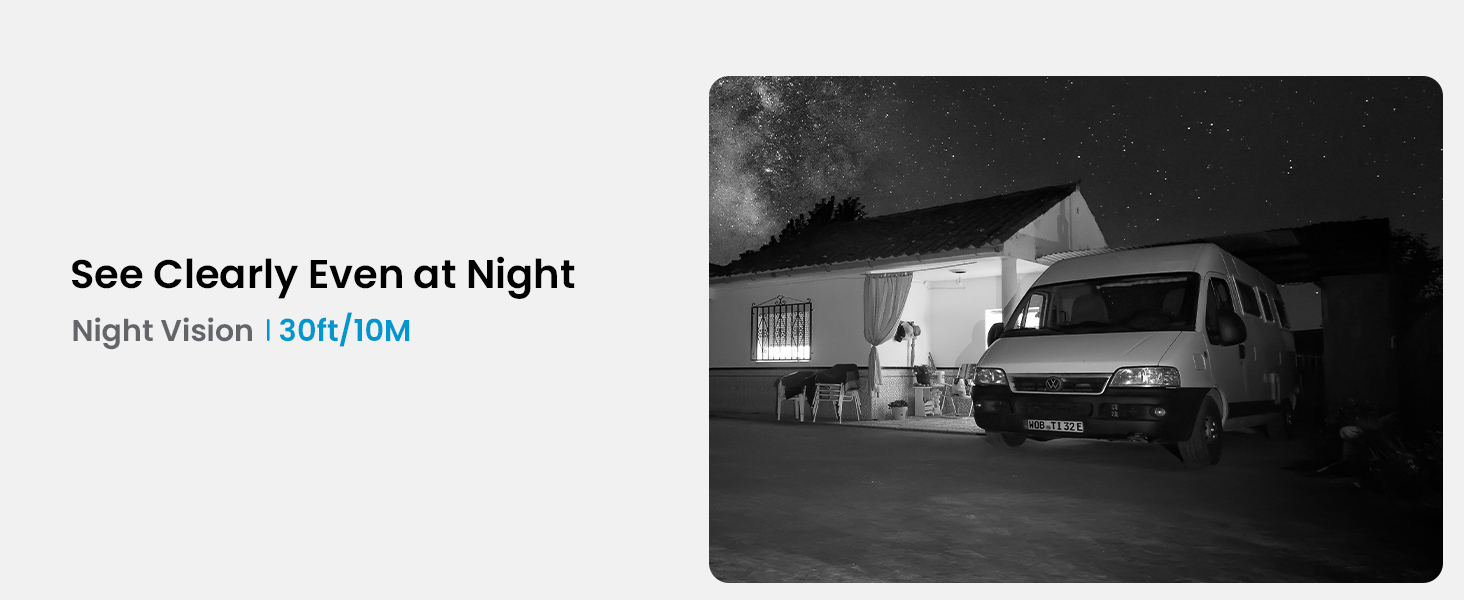
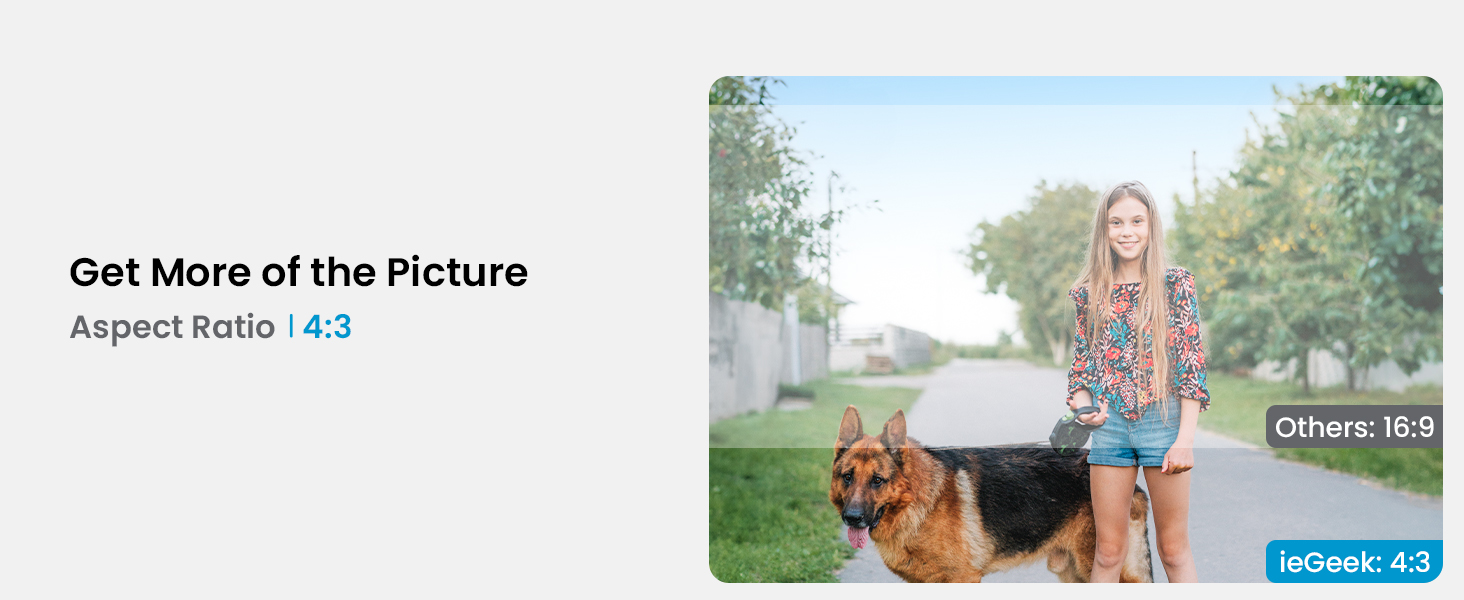
🔍【See More Details】5MP & 166° Range: ieGeek doorbell camera wireless has an upgraded 5MP lens and 166° viewing angle, allowing you to get clear and sharp images even in low light conditions. You can clearly see the visitor's face and the package by the door no matter day or night, reducing the possibility of package loss.
-
🎁【Notes】 ieGeek Bell J9 doorbell does not support 5Ghz WiFi connection and wired installation. To protect the safety of the Micro memory card, it comes with an anti-theft bracket. Please do not remove it by force (refer to the instruction manual and use the included tools).
ieGeek 5MP Doorbell Camera Wireless No Subscription Video Doorbell Wireless
Support both CloudEdge APP or ieGeek Cam APP
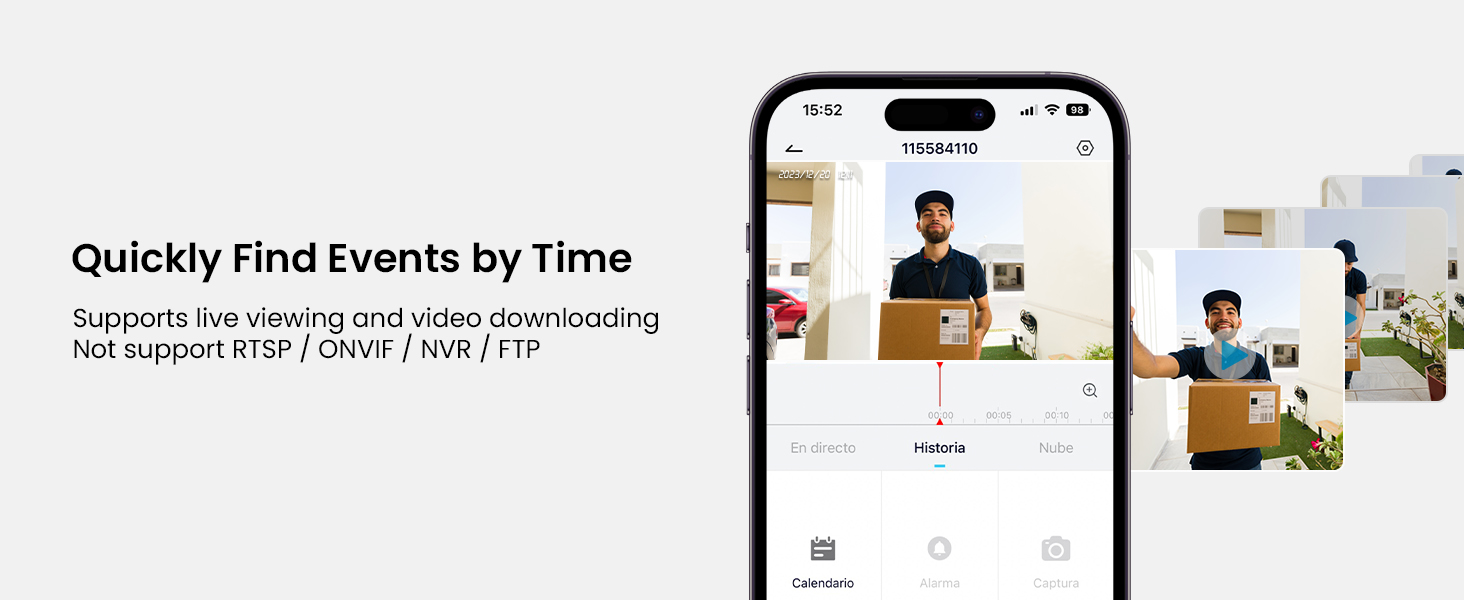
Not support RTSP / ONVIF / NVR / FTP
Only Support 2.4Ghz Wifi( Not support 5Ghz Wifi)
Give You Upgrade Visual Experience

4 Steps to Get FREE Cloud Storage

1.Go to Setting Menu

2.Select Cloud Storage Service

3.Scroll Down the Cloud Page
Scroll down to find "Basic Cloud Storage".

4.Click the Slider to Activate
Don't go "Next" or "Exchange", just tap to on and it will show "Successful".
All you need to know about installation

Voice Changer
Voice Message
PIR Motion Detection
Custom Detection Area
Video Playback
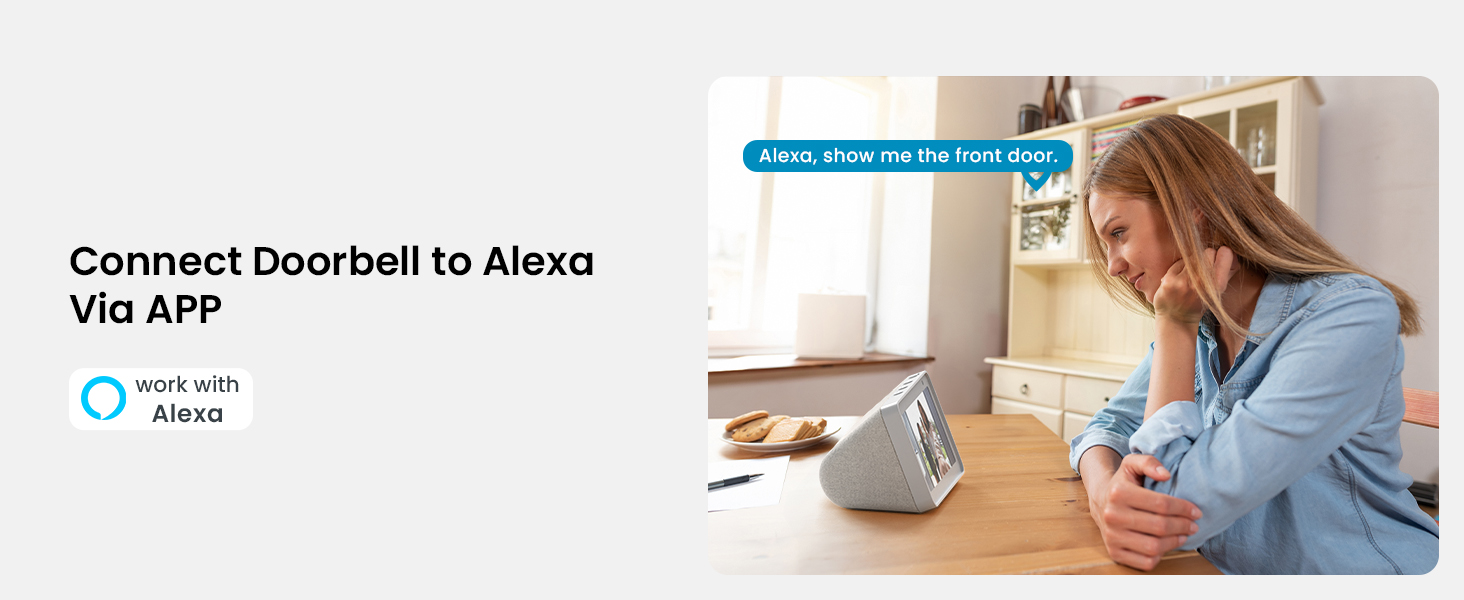
Work with Alexa
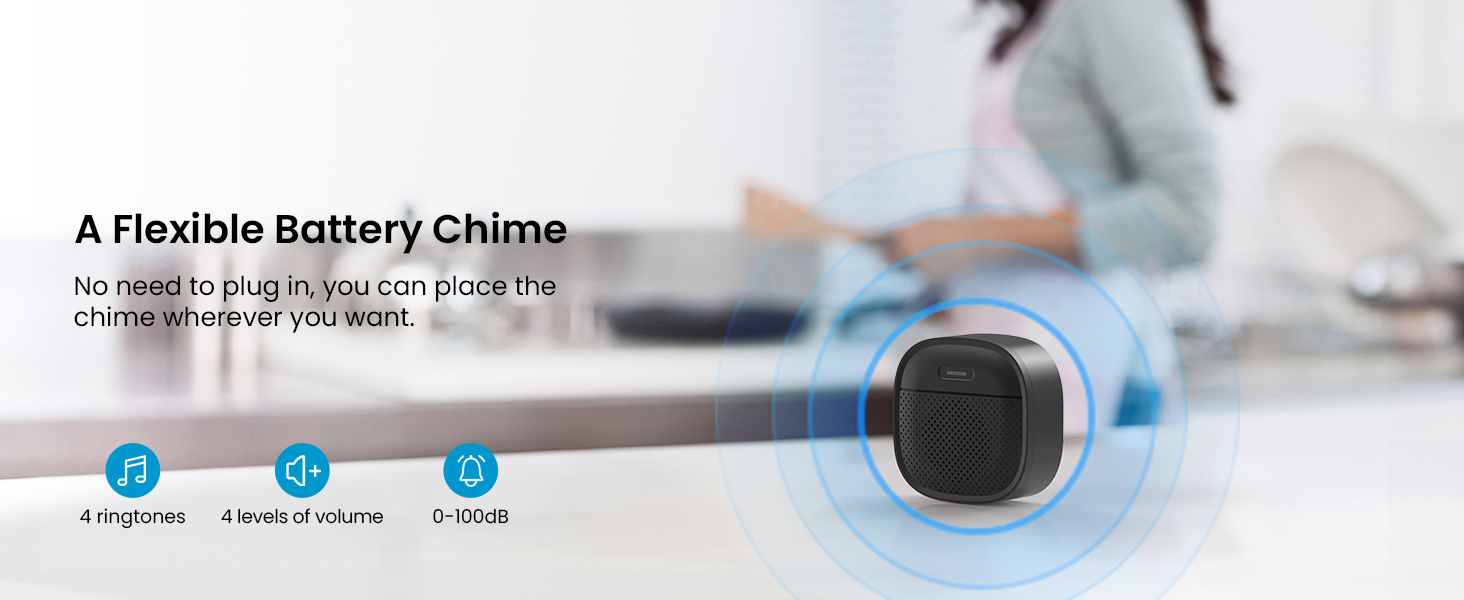
Wireless Battery Chime
Multi-users Remote Access

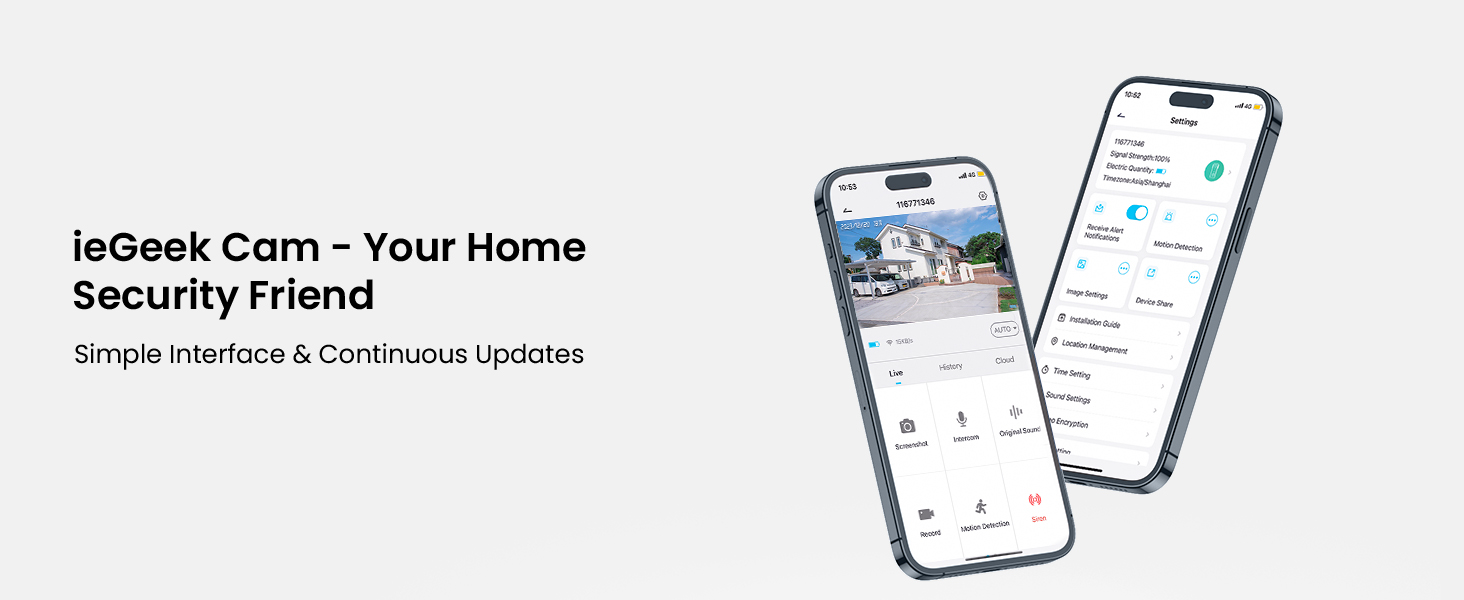
User Friendly APP
What's in the box
- Video Doorbell Camera
Q&A
Why can't I connect my doorbell to WiFi?1.ieGeek doorbell works with 2.4Ghz wifi(NOT SUPPORT 5Ghz WiFi).
2.Wifi signal is not good. It is recommended to use it in a location where the WiFi strength is greater than 80% (the APP will automatically detect and display it).
Are there any subscriptions fees?
No. You can use a local Micro memory card for storage without any additional fee. At the same time, our ieGeek Cam APP provides lifetime free cloud storage. (Video recording time is 6 seconds, cloud recording is saved for 7 days).
What kind of Micro memory card should I configure for this doorbell camera?
he Video Doorbell supports Micro memory cards up to 128GB. We recommend that you use genuine brand memory cards. Requirement Condition: Class10 reading and writing speed requirements and FAT32 file format, being formatted before use.
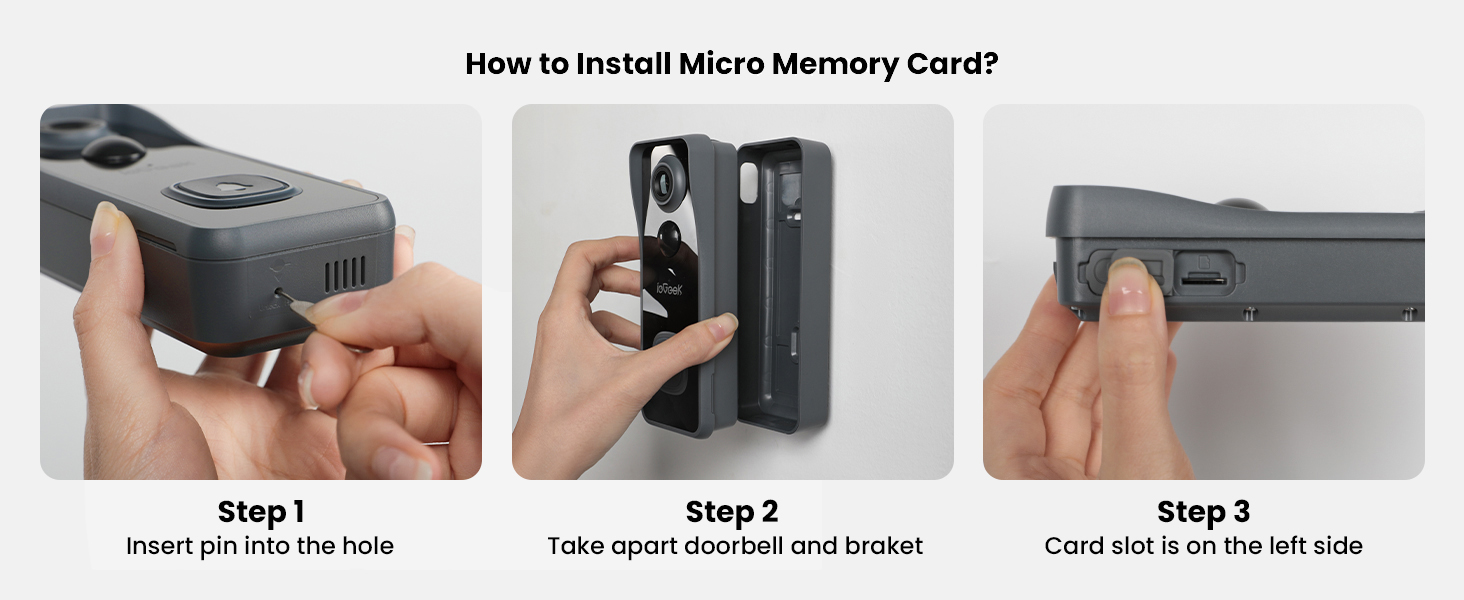
How to install Micro memory Card?
Use the included pin to insert into the small hole at the bottom of the doorbell to remove the doorbell from the bracket. The memory card slot is on the left side. (Normally it will be covered by the bracket for protection)