【Product Features】
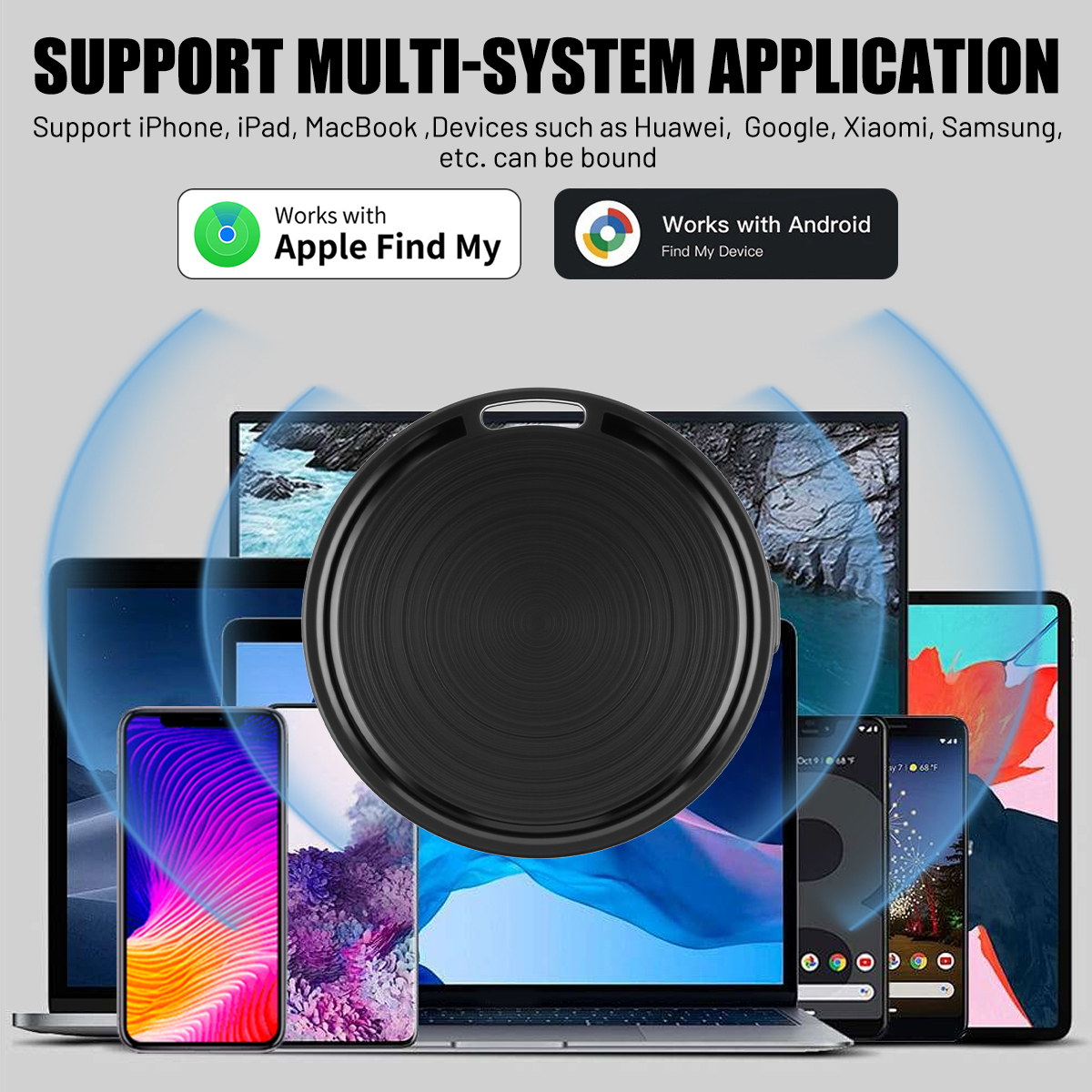
1. Compatible with Google Android and Apple iOS systems; no app download required—simply pair and use.
2. Powered by a CR2032 button battery that can be easily replaced, with a battery life of up to 10–12 months or more.
3. Equipped with the latest chip technology; precise location tracking is a hallmark of quality.
4. Wireless range of approximately 0–50 meters; unlimited tracking distance.
5. Made of ABS material, it is sturdy, durable, and scratch-resistant.
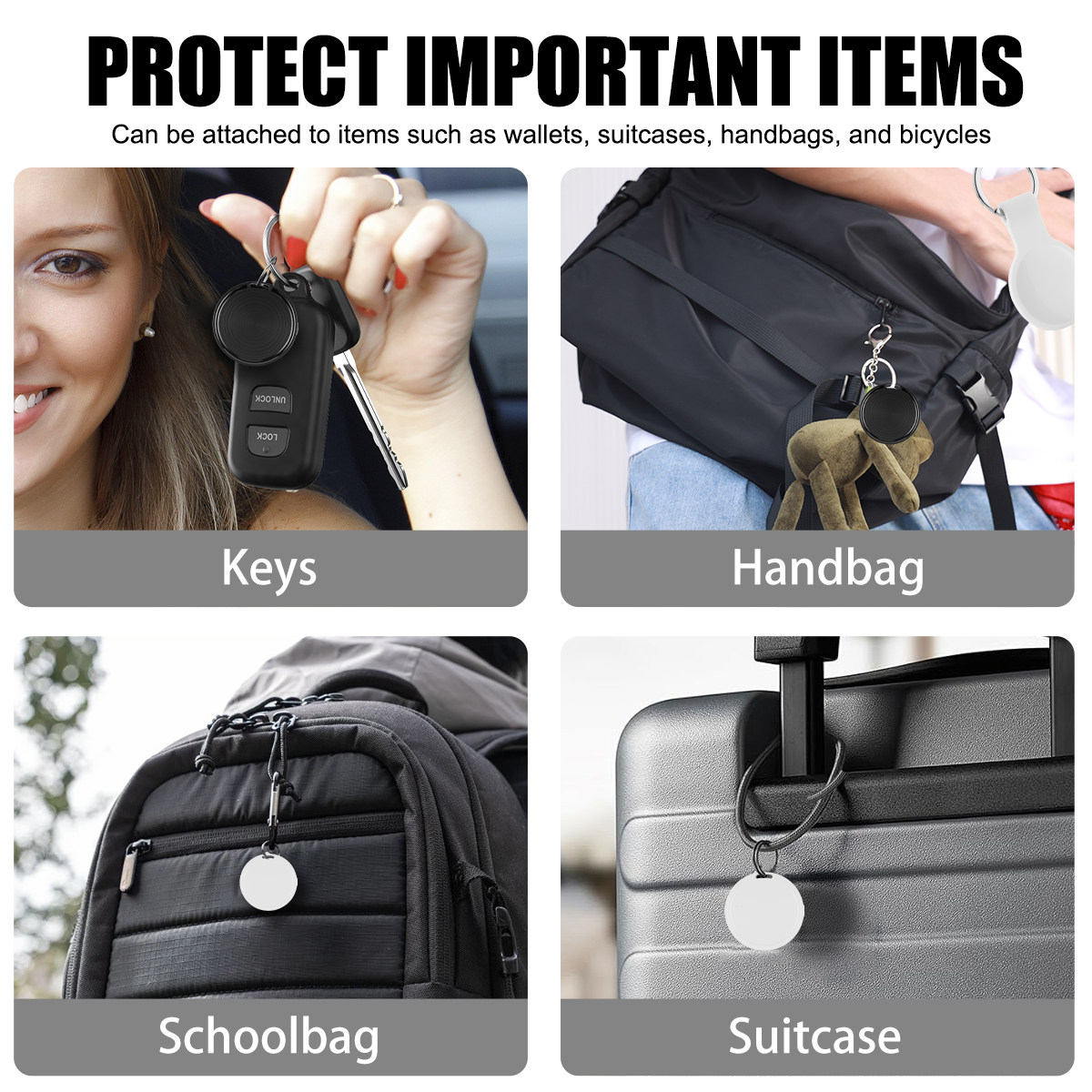
6. Versatile and compact with a discreet, hidden design for easy storage. Ideal for wallets, luggage, keychains, pets, and more, making tracking convenient.
【Product Overview】
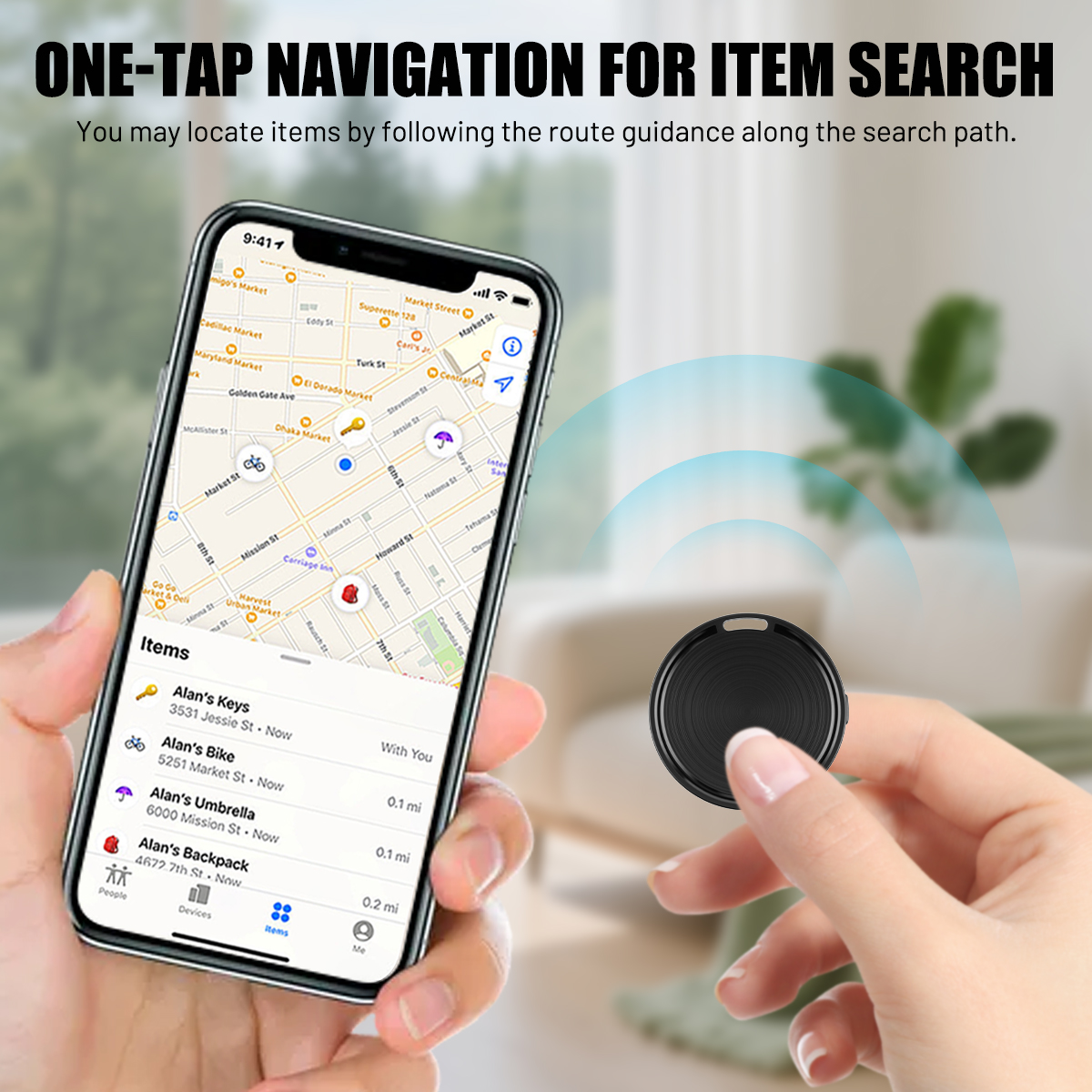
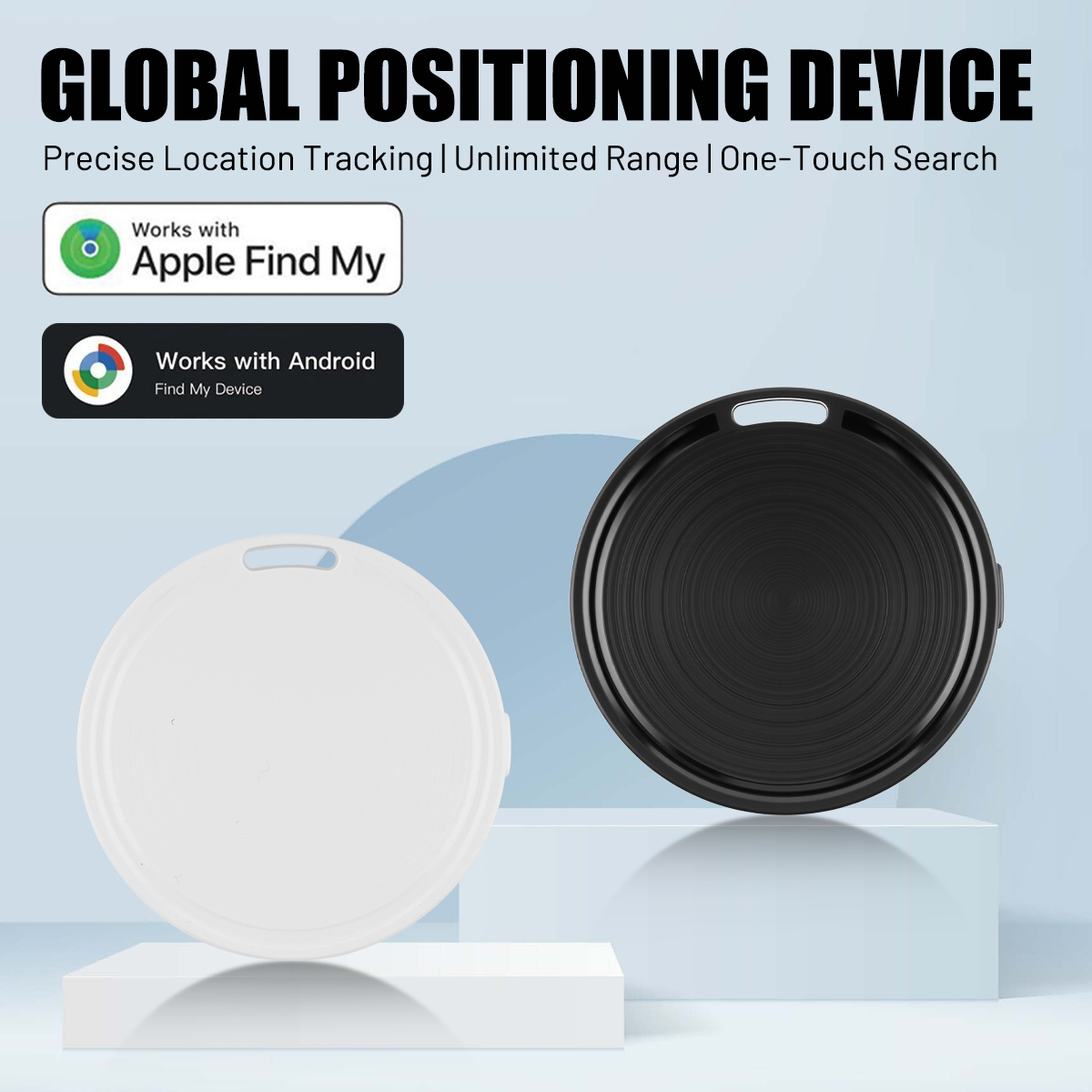
I. This product is compatible with the “Find My” app on iOS or the “Find Hub” app on Android. It is compact, lightweight, and long-lasting, with MFi certification. Global positioning, with a wide range of applications
II. Find My: Officially authorized by iOS, utilizing Find My technology and the iOS ecosystem to connect with various iOS devices, this is a precise location tracking and anti-loss product designed for locating items. FindHub: Officially authorized by Android, utilizing FindHub technology and the Android ecosystem to connect with various Android devices, this is a precise location tracking and anti-loss product designed for locating items.
Product Name: Android/iOS Dual-System Anti-Loss Tracker
Response Range: 0–50 meters
Tracking Range: Global, unlimited
Battery Type: CR2032
Battery Capacity: 210 mAh
Battery Specifications: 3.7V lithium-manganese pouch battery
Standby Time: Over 12 months
Battery Life: 6–12 months or more
Material: ABS
Compatible Systems: [Google] Android, Apple iOS
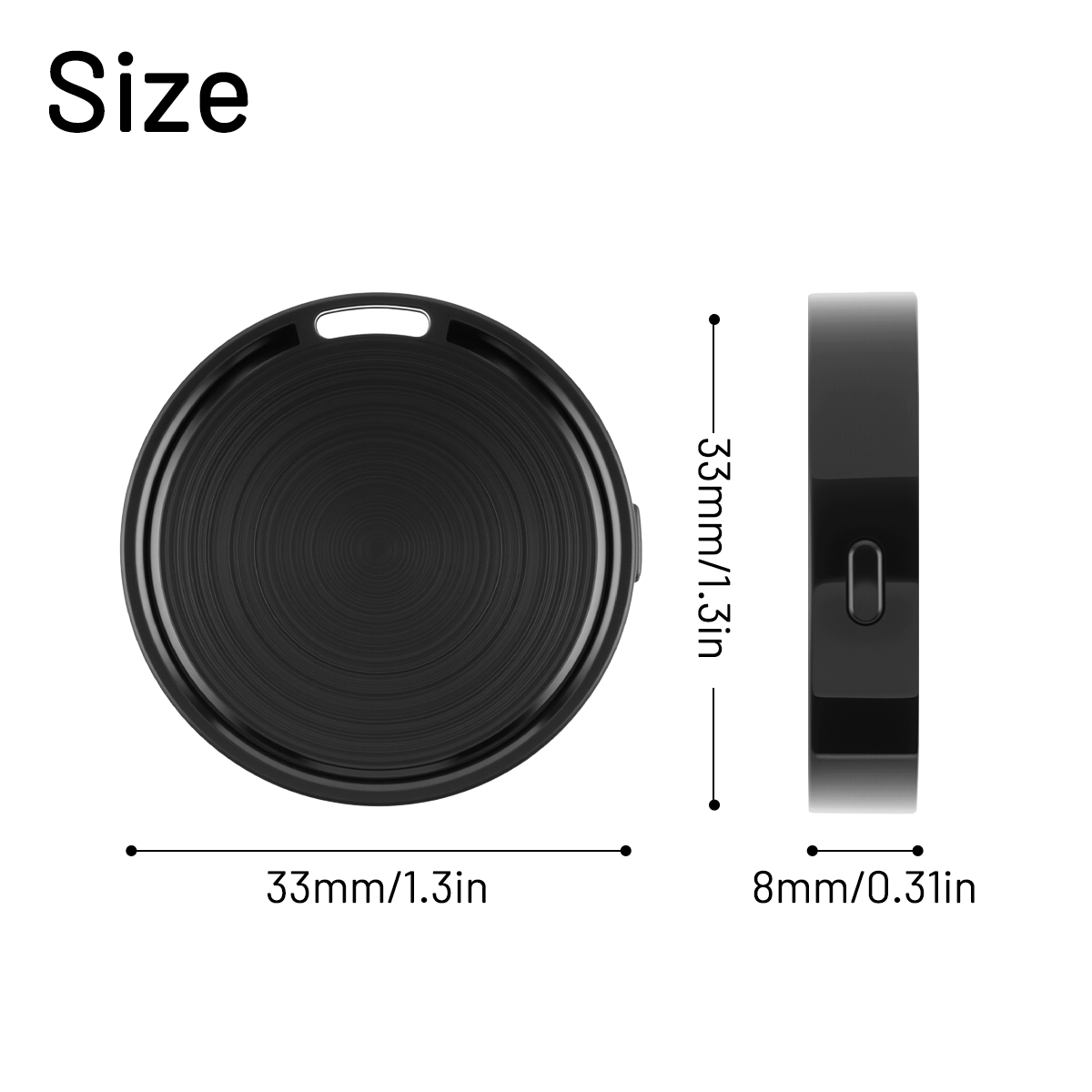
Product Dimensions: 33 x 33 x 8 mm
Product Weight: 7 g
Product Material: ABS
Product Name: Apple World Tag / Google Android Find Hub
Connection Mode: Bluetooth
Power Source: 210 mAh Lithium Button Battery
Product Colors: Black / White
Applications: Suitable for wallets, luggage, keychains, pets, etc.
[Setup and Pairing]
iOS:
1. Open the World Tag app.
2. Open “Find My,” then tap “+”
3. Tap “Add Another Item”
4. Tap “Connect”
5. Follow the on-screen instructions to complete the connection.
[Google] Android:
1. Open the Google Play Store and download Android Find Hub. Wait for the pop-up window displaying Android Find Hub. If you miss the pop-up window:
2. Open “Settings,” go to “Google,” and tap “All Services.”
3. In the “Connected devices & sharing” menu, select “Devices.”
4. Enable “Scan for nearby devices.”
5. Android Find Hub will appear in the list of nearby available devices.
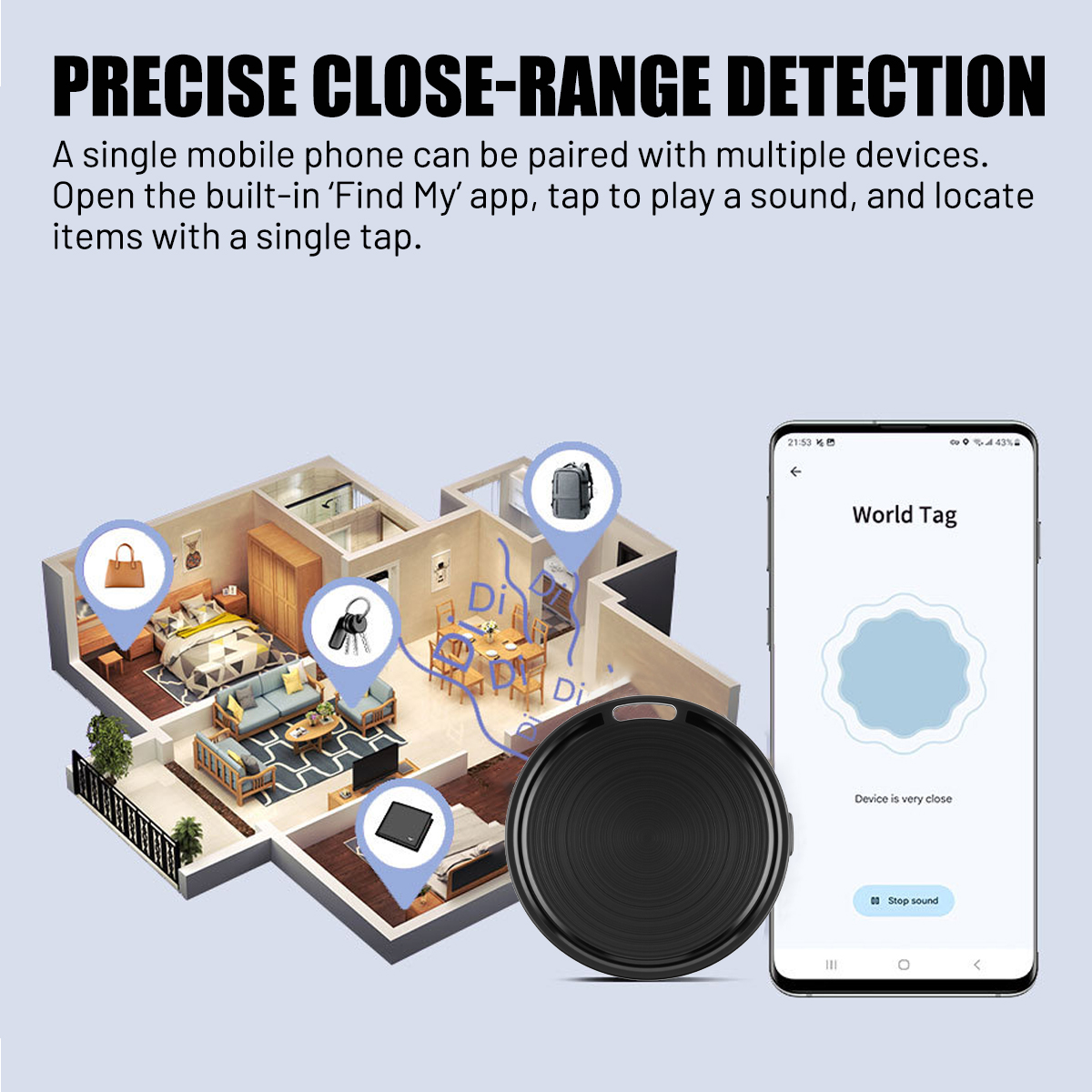
6. Tap it and follow the on-screen instructions to complete the connection. To locate a nearby device in the Android “Find Hub” app, select your Android Find Hub and tap “Play Sound” to locate your device. Once the device is found, tap “Stop Sound” to silence it. To locate a device at a distance in the “Find Hub” app, select your Android Find Hub and tap the device to view its location. To navigate to that location, tap “Get Directions” to open map navigation.
Note: Some Google phones do not come with the app pre-installed; you will need to download the official Find Hub app from the Google Play Store or scan the QR code in the user manual to download it.
Product List:
Dual-System Anti-Loss Device *1
Wrist Strap *1
User Manual *1

 only. If buyer want to delay the payment because of financial problem, please contact me by the ebay message within 3 days