







Note: We come with high and low wiring harnesses, suitable for different needs! Support JBL
Features:
●HD 10.1'' 2.5D Capacitive touch screen
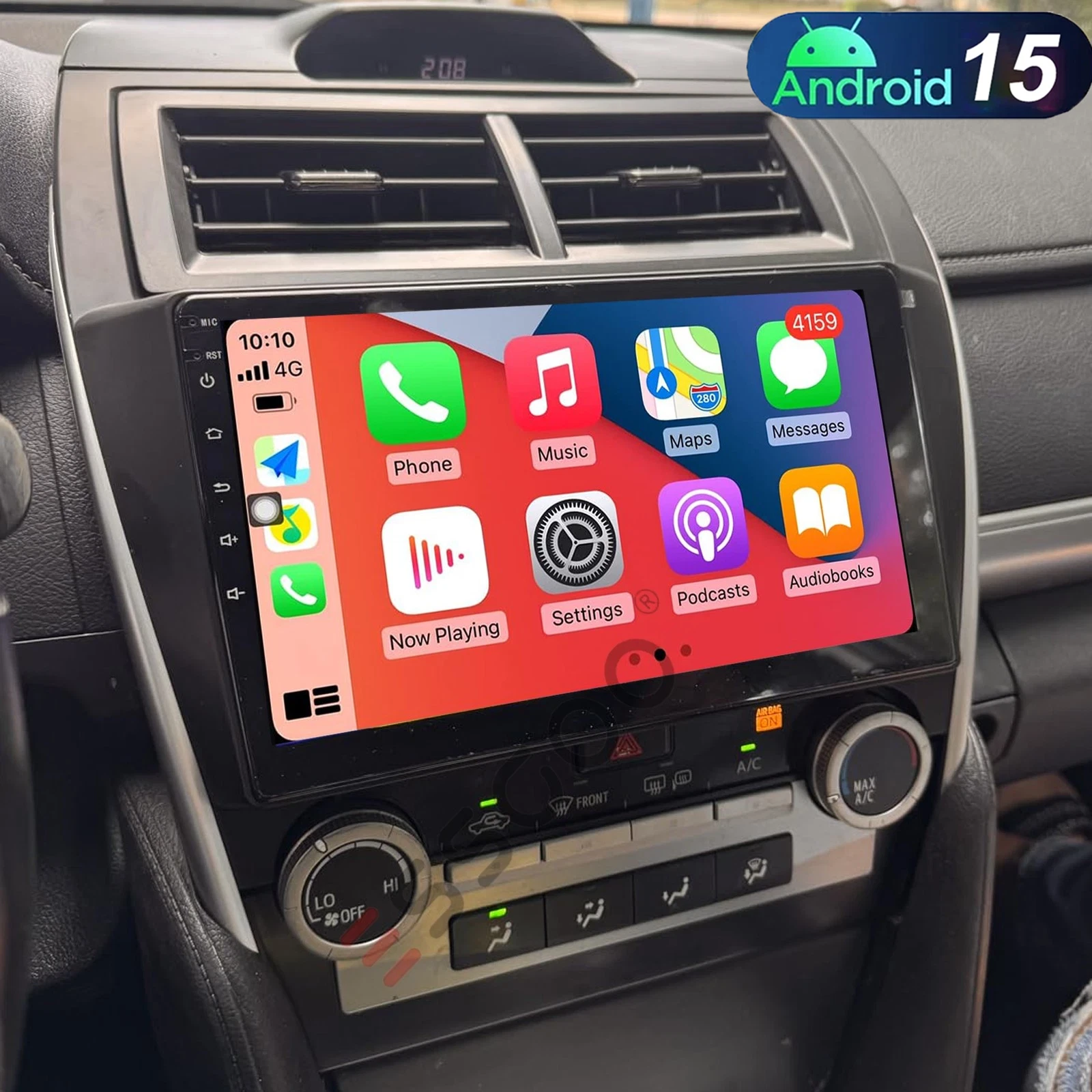
●Wireless & Wired Carplay: wired or wireless Carplay in-vehicle system can closely integrate the user's iOS device and iOS experience with
the dashboard system. Users who use wireless Carplay can connect to the car system via Bluetooth to realize voice-controlled navigation,
make calls, send and receive messages, and listen to music. It is only available for iPhone(ZLINK APP) .
● Wireless & Wired Android auto: wired or wireless Android auto in-vehicle system can closely integrate the user's Android device and Android
experience with the dashboard system. Users who use wireless Android auto can connect to the car system via Bluetooth to realize
voice-controlled navigation, make calls, send and receive messages, and listen to music. It is only available for Android phone(Android phones
need to download android auto APP) .
●Built-in GPS Navigation: Users can purchase directly from play store for offline navigation. With wifi connected, Google Maps can be used
perfectly, you can go anywhere you want and never get lost again.
●High definition 1080P: Full capacitance touch screen for easy operation, well designed user interface for car only.
●Built-in WIFI: Connect to WIFI, and you will find a new world,the most convenient one is the online map.
●Rear camera: support AHD high-definition 1080P camera image input.
●Hi-Fi function: High fidelity, reproduced sound highly similar to your original sound
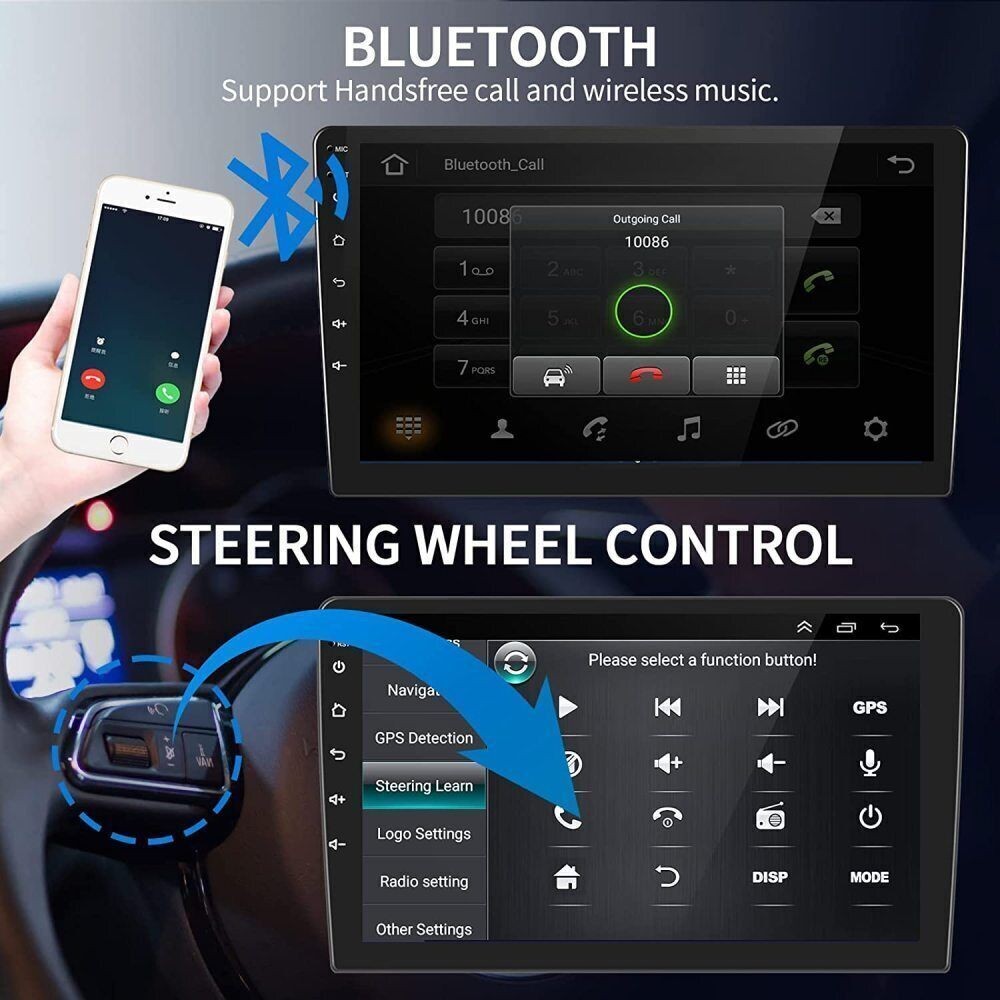
●Steering wheel control: Through it you can control the functions you need by steering wheel, more convenient
●Built-in Bluetooth with A2DP/Hands Free/Phone book:Bluetooth hands-free calls,Bluetooth music player,Auto loading phonebooks
●Double USB adapter input
●Support file manager: Support download, install and delete over thousands of android apps
●Support multilanguage: Support languages, up to 40 national languages
●You can enjoy music from you mobilephone without any cables, and also support USB connetion.
●FM Radio: Online music you can transfer the music to the car stereo by FM to enjoy the original car stereo sound,with 18 preset stations
●Time Setting:You can use the network or GPS to open the date and time automatically, or you can adjust it manually.
●Support external microphone
Specifications
System:Android 15
Screen size: 10.1''
Memory: 2GB (RAM)+32GB (ROM)
Screen Resolution:1280*800
CPU: 4 cores
Bluetooth Version:4.0
Power output:4*45W
Voltage:DC 12V
Work temperature:-20℃-70℃
Apple CarPlay: Support Wireless/Wired Connection
Android Auto: Support Wireless/Wired Connection
Wifi:Support
GPS:Support
Steering wheel control function:Support
camera: support (Backup camera included)
Reversing input: AHD/CVBS
Video output:Support
Maps:Built-in offline maps(requires internet to download data)
USB:Double USB interface
Radio Band:FM
Audio format:APE/FLAC/WAV/MP3/WMA etc
Video format:MKV/RMVB/AVI/MP4/MDV etc
Picture format:PNG/JPEG/JPG/GIF/WBMP/BNP etc
Bluetooth keyword:0000
Factory setting keyword:1617
Language:English, Arabic, Russian, Hebrew, Spanish, Italian, French, Thai, German, Japanese, Korean, Turkish,
Czech, Hungarian, Dutch, Polish, Swedish, Ukrainian, Romanian, Greek, Danish, Finnish
Package Included:
1 X 2 DIN Car Stereo
1 X Bracket & Screws
1 X GPS Antenna
1 X Universal Power Cable
1 X ISO Power Cable
1 X RCA Cable
1 X Backup Camera Input Cable
2 X USB Cable
1 X User Manual
1 X AHD Rear View Camera
Notes:
We provide clear pictures, measurements where possible. Please check as much as possible to make sure the item is the one that you need.
Please allow 0.5-1 inch difference due to manual measurement.(1inch=2.54cm)
Vehicle Compatibility Chart May Vary Depending On Vehicle Options, Production Dates, And Install Application. Please Inquire Before Purchase.
Instruction is for Reference.Professional Installation Is Highly Recommended!!