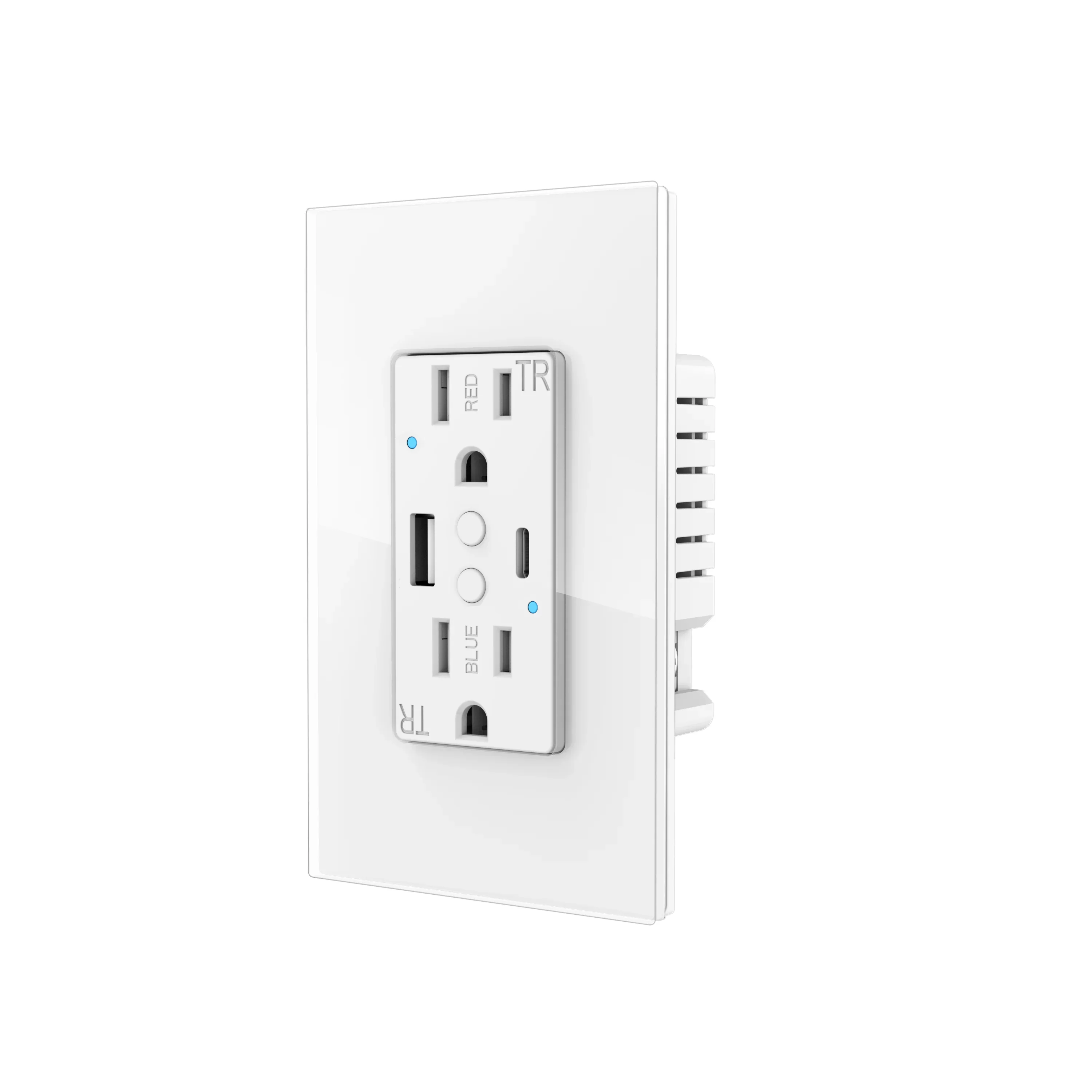
Tuya Smart WiFi USB In-Wall Outlet – ETL&FCC Certified | Voice Control & Fast Charging
Upgrade your home to smart living with our Tuya Smart WiFi USB In-Wall Outlet! Featuring dual high-power sockets, 20W PD fast-charging ports, and seamless voice control compatibility, this outlet combines safety, convenience, and efficiency—no hub required for setup.
✅ Key Specifications
| Parameter | Details |
|---|---|
| Power Supply | Neutral + Live Wire (Standard Wiring) |
| Rated Current | 15A Max |
| Fast Charging |
USB-A: 5V/3A, 9V/2A, 12V/1.5A
|
| Rated Voltage | Labeled AC 90V-125V (Works for 90V-250V Globally) |
| Rated Power | 1500W (Single Socket) / 2500W (Dual Sockets) |
| Wireless Standard | 2.4GHz WiFi (5GHz WiFi Not Supported) |
| Material | PC Fireproof Shell + Tempered Glass Panel |
| Color | White |
| Dimensions | 119×70×47MM (4.69×2.76×1.85in) |
| Certifications | ETL, FCC, ROHS Listed (Safe for Home & Commercial Use) |
✨ Core Features
1. Remote Control Anytime, Anywhere
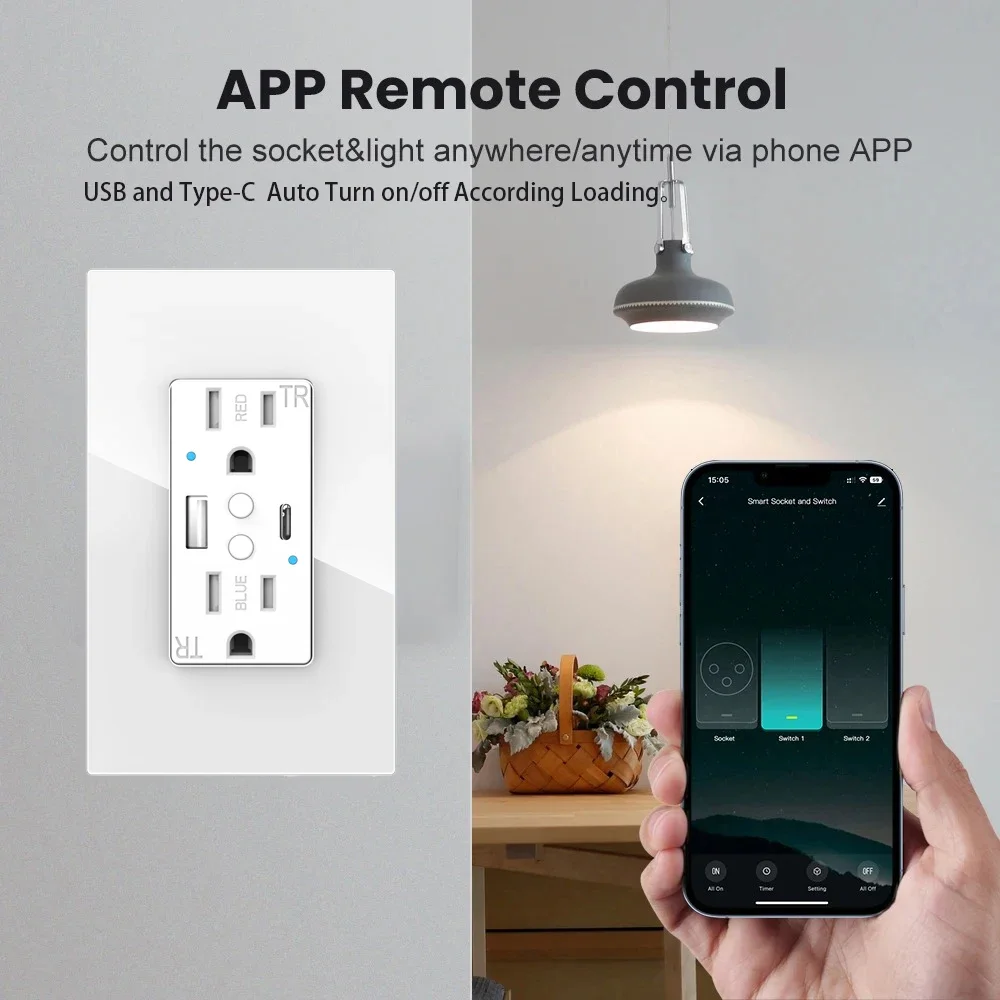
Connect the outlet to the Smart Life/Tuya APP (compatible with Android & iOS) and take full control of your appliances—whether you’re at home, at work, or on vacation.
- Turn devices on/off remotely to save energy.
- Set schedules to automate your daily routines (e.g., turn on the coffee maker before you wake up).
- Note: Only supports 2.4GHz WiFi networks. Ensure your router is set to 2.4GHz during setup.
2. Hands-Free Voice Control
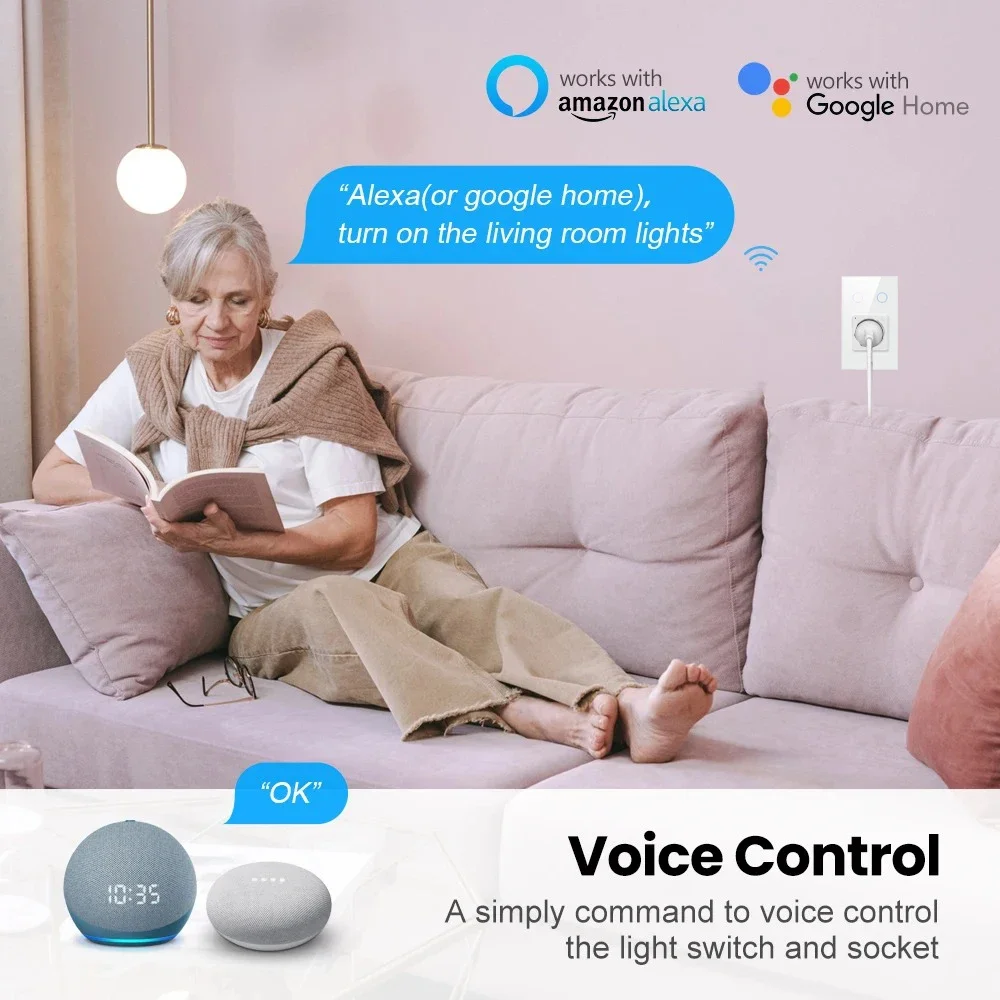
Compatible with Amazon Alexa and Google Home—free your hands with simple voice commands!
-
Example Commands:
- "Alexa, turn on the living room lamp."
- "Hey Google, turn off the bedroom fan."
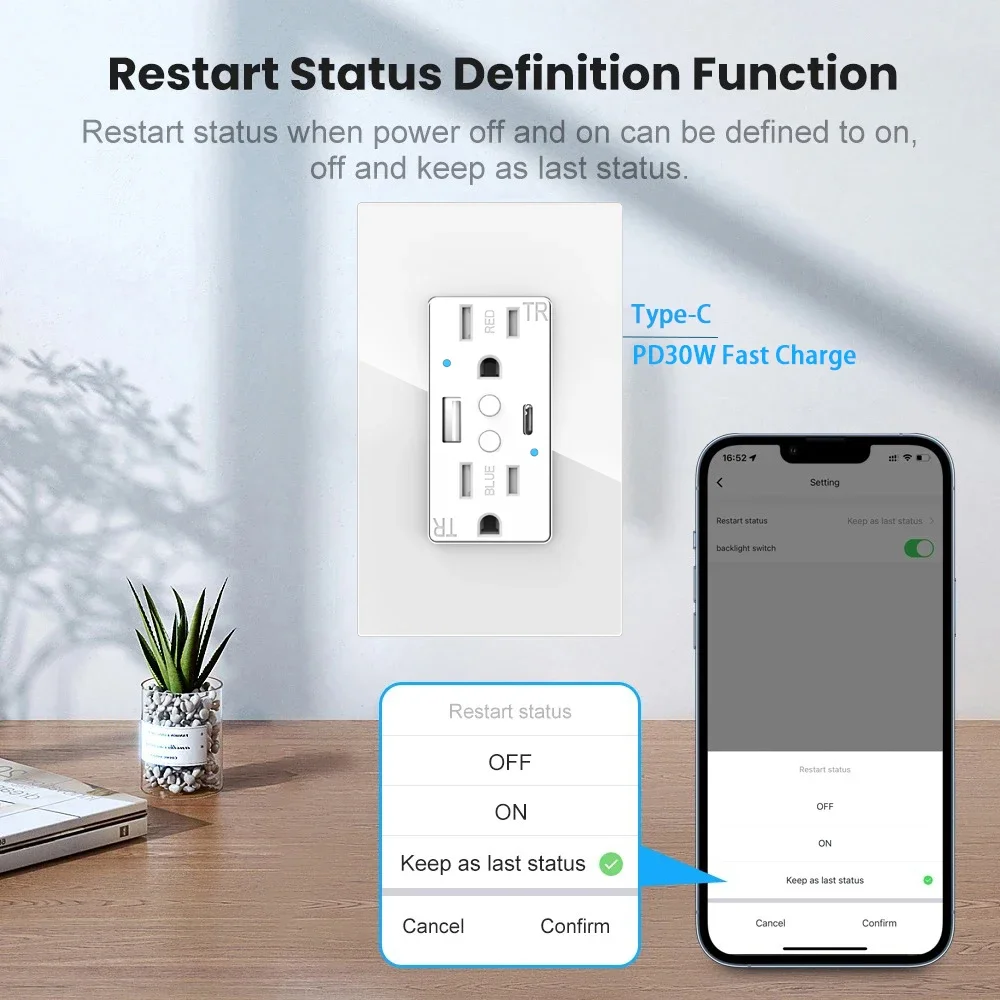
3. 20W PD Fast Charging
Equipped with 1 USB-A port (5V/3A max) and 1 Type-C port (20W max PD fast charge)—charge your smartphones, tablets, earbuds, and other USB devices quickly and efficiently. No need for extra chargers!
4. Child Safety Protection
Tamper-resistant duplex receptacles prevent children from inserting unwanted objects into the socket holes—keeping your little ones safe at home.
5. Family Sharing Function
Share device access with your family members via the Smart Life/Tuya APP. Everyone can control the outlet without extra setup—convenient and intimate for the whole family.
6. Easy Installation & Indicator Guide
- Follow the 5-step installation manual to replace your traditional wall outlet in minutes (professional electrician installation recommended for safety).
-
Indicator Light Tips:
- Steady on = Outlet is powered on and installed correctly.
- Rapid blinking = Outlet is in pairing mode (ready for WiFi connection).
-
Operation Shortcuts:
- Short press the button = Manual on/off control.
- Press and hold for 7 seconds = Activate WiFi pairing mode.
📱 How to Pair with Amazon Alexa & Google Home
Step 1: Prepare the Outlet for Pairing
- Ensure the outlet is installed correctly and powered on.
- Press and hold the outlet’s button for 7 seconds until the WiFi LED blinks rapidly (pairing mode activated).
- Open the Smart Life/Tuya APP and connect the outlet to your 2.4GHz WiFi network (follow the APP’s on-screen prompts to complete device addition).
Step 2: Pair with Amazon Alexa
- Open the Amazon Alexa APP on your phone.
- Tap Devices > Add Device > Select Plug > Choose Smart Life (or Tuya) as the brand.
- Log in to your Smart Life/Tuya account when prompted—Alexa will automatically sync all your connected devices.
- Once synced, use voice commands to control the outlet!
Step 3: Pair with Google Home
- Open the Google Home APP on your phone.
- Tap + Add > Set up device > Have something already set up?
- Search for Smart Life (or Tuya) in the list of partner services and log in to your account.
- Google Home will sync your outlet device—assign it to a room and start using voice commands!
📦 Package Included
- 1 × Tuya Smart WiFi USB In-Wall Outlet
- 2 × Mounting Screws
- 1 × User Guide
- 1 × Installation Instruction Manual