Maxus Shipping Scale 440lb, LCD Digital Postal with Hold and Silver
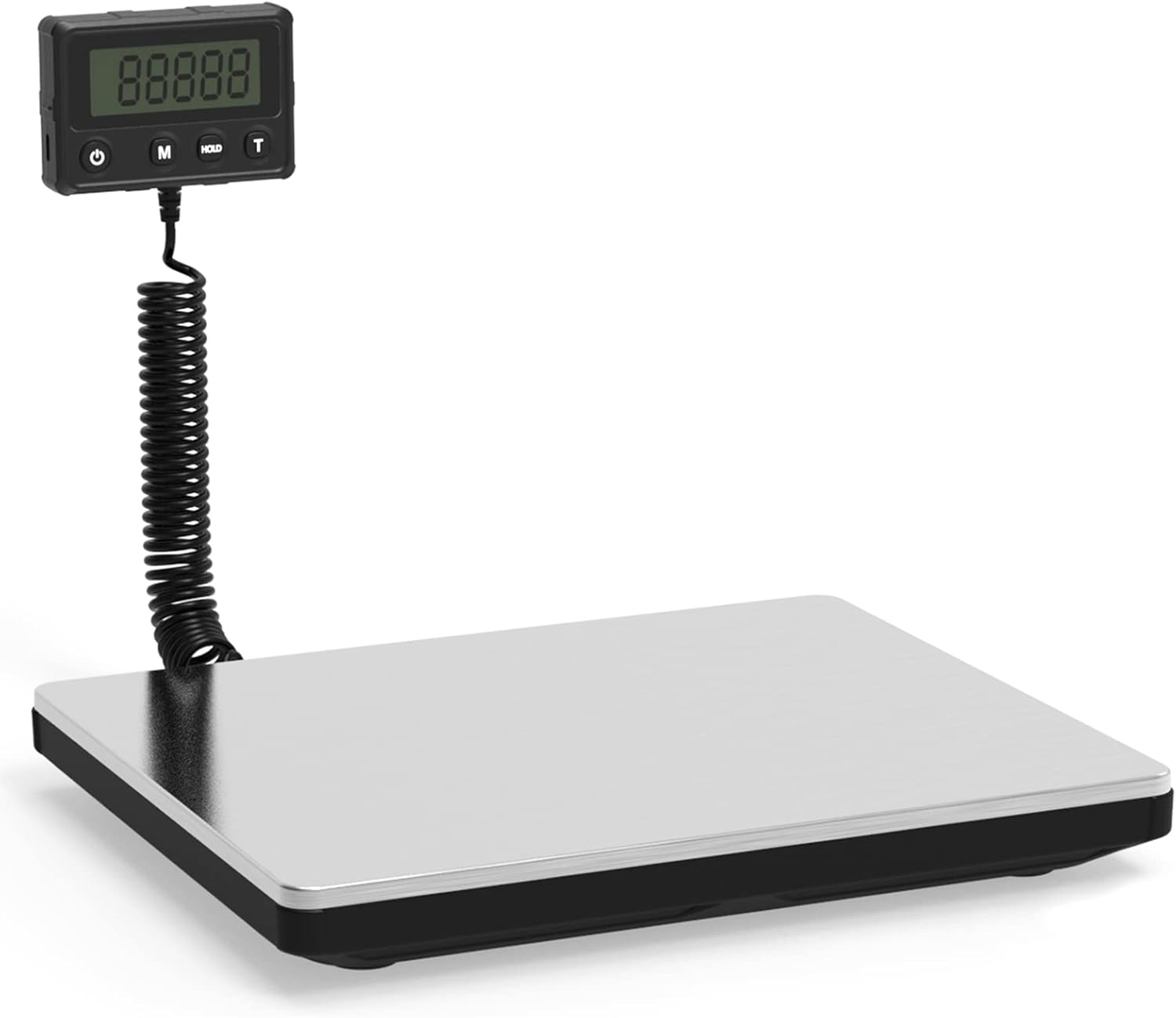
Product Details
- Brand: MAXUS
- Color: Silver
- Recommended Uses For Product: Packages
- Special Feature: High Weight Capacity, Auto Shut Off, Carry Handle, Large Display, Backlit Display,
- Display Type: LCD
- Weight Limit: 440 Pounds
- Form Factor: Handheld
- Material: Stainless Steel
- Readout Accuracy: 10 ounces
- Item Weight: 3.7 Pounds
- Weigh Scale Type: Counter Scale
- Measurement Type: WEIGH_SCALE
- Manufacturer: MAXUS
- Unit Count: 1 Count
- Item Weight: 3.7 pounds
- Product Dimensions: 13.54 x 7.48 x 2.36 inches
- Item model number: P026
- Material Type: Stainless Steel
- Number of Items: 1
- Manufacturer Part Number: P026
- Brand: MAXUS
- Color: Silver
- Recommended Uses For Product: Packages
- Special Feature: High Weight Capacity, Auto Shut Off, Carry Handle, Large Display, Backlit Display,
- Display Type: LCD
- Maximum Capacity : 440lb / 200 kg, Minimum Readability : 150 g / 6 ounces
- Tare and Hold Funtion:Tare and hold function for multiple weighing requirements
- Memory Function:Memory function to remember the last weighing weight after shutdown
- Four Measuring Units :Four measuring units available: lb, kg, lb/oz, and oz
- Wide Applications:Wide applications for postal, shipping, warehouse, and pets
MAXUS Shipping Postal Scale 440 lb 1. Range : 200 KG / 440LB 2. Precision : 10g / 0.022lb Minimum lifting capacity: 150g, +/- 1.4 oz accuracy for items under 55 lbs +/- 3.5 oz accuracy for load from 55 lbs to 110 lbs +/- 7 oz accuracy for load from 110 lbs to 220 lbs +/- 10 oz accuracy for load from 220 lbs to 440 lbs 3. Units: Kg, Lb, Lb: oz. 4. Power supply: 2XAAA battery and Type-C external power supply 5. Key function: ON / OFF, MODE, HOLD, TARE 6. Display: white backlight LCD orthography User calibration 1. In the shutdown state, the key ’ ON / OFF ’ is pressed for a long time, and the key ’ MODE ’ is pressed 4 – 5 times quickly. The screen will display an internal code. Release these two keys. 2. At this time press the ' MODE ' key again, the display screen first displays ' 20kg ', then displays zero. 3. Put the required weight on the platform. 4. After the reading is stable, the PASS is displayed on the display screen by pressing the ‘ MODE ’ key, and the calibration is completed