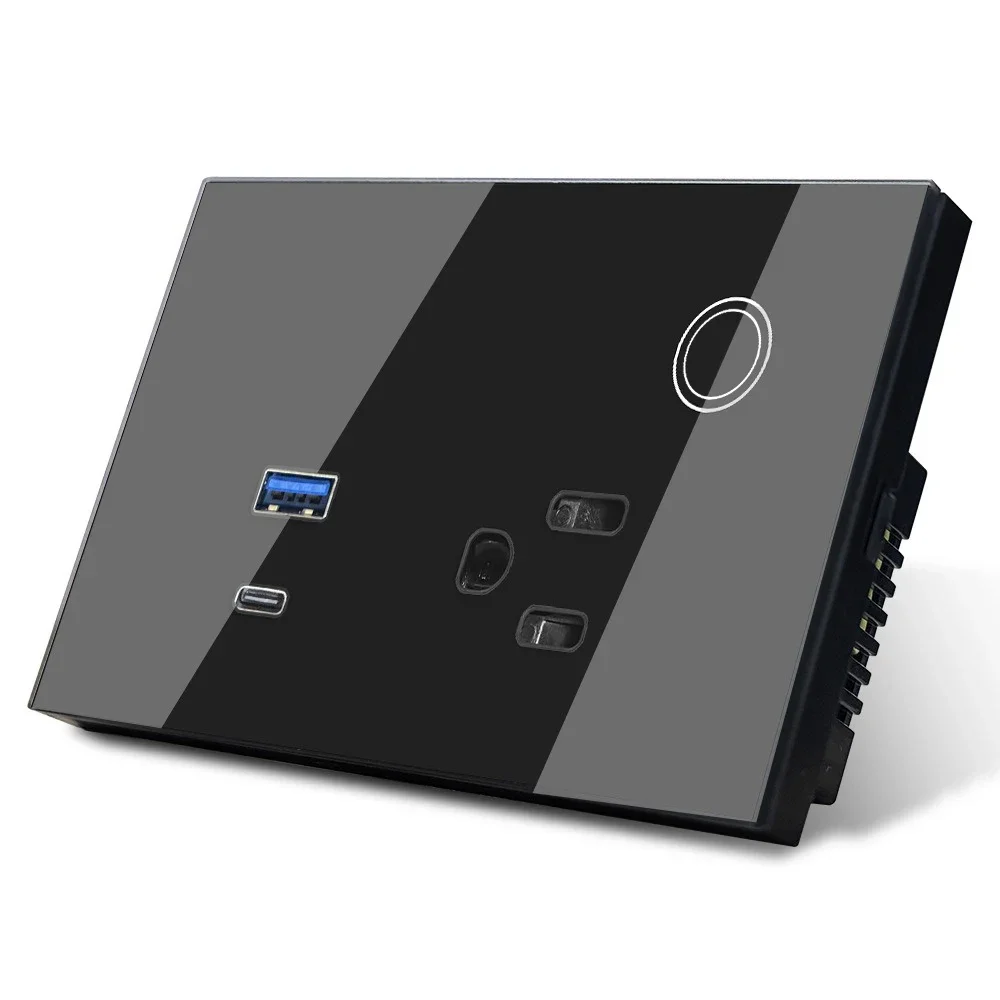
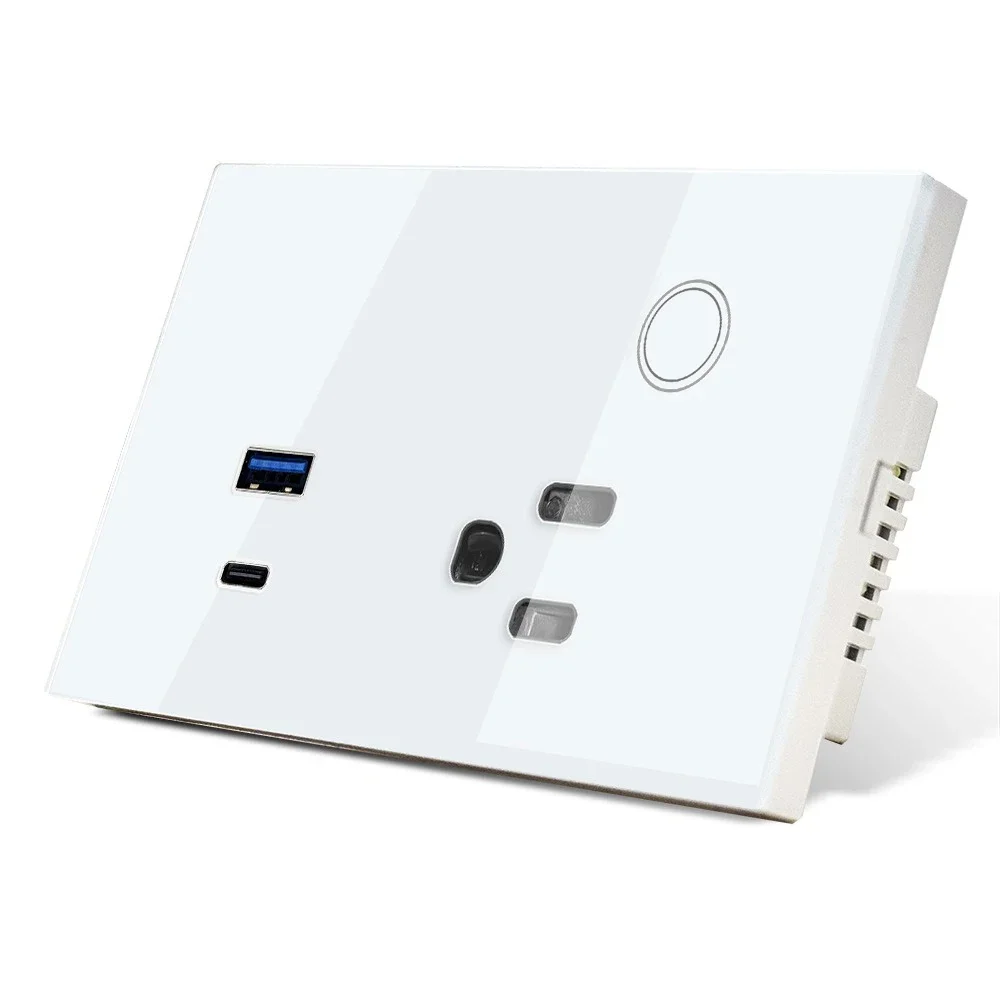
Melery WiFi Smart Tuya US Socket 15A Touch Glass Panel, Thailand Double Outlet, Voice & Remote Control, Works with Tuya Smart Life APP, Alexa & Google Home
Color: White/Black
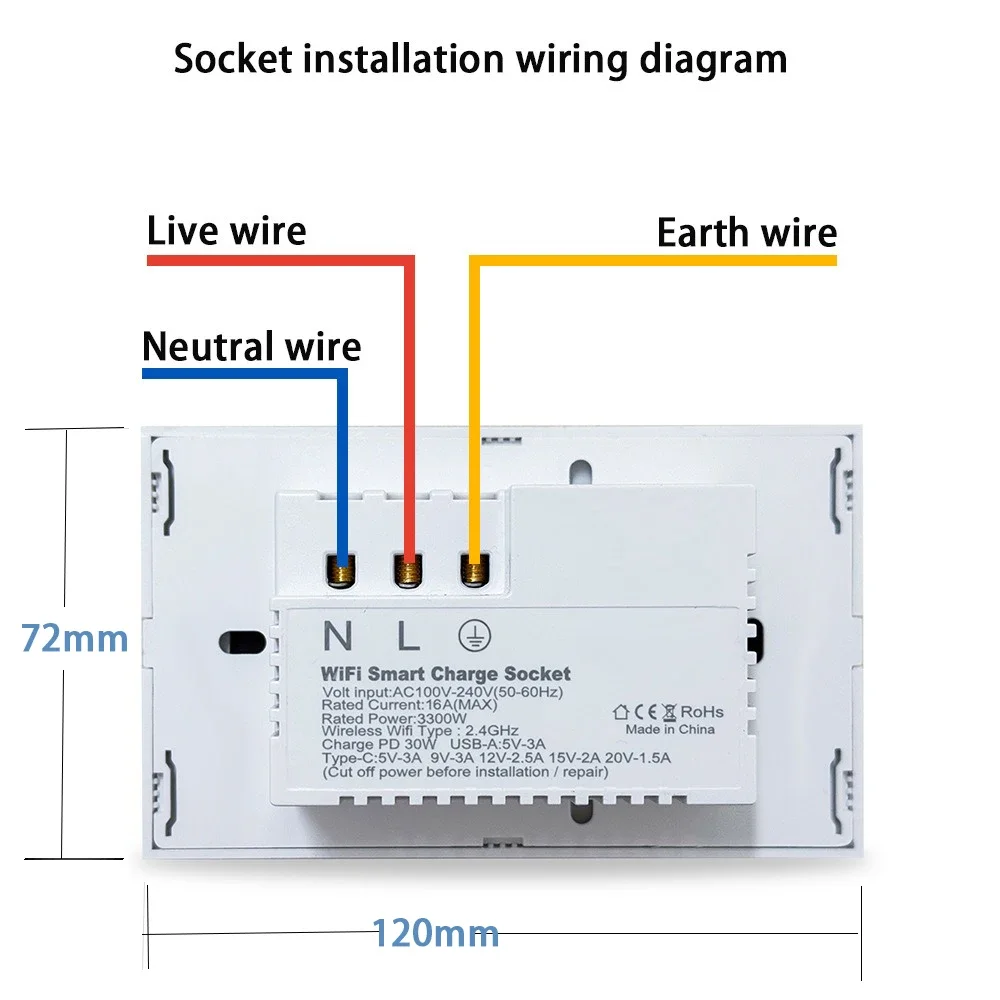
Size: (L)147*(W)86*(H)38mm
Weight: 191g
Material: PC
Voltage Range: 90-250V AC
Max Current: 15A Each Outlet
Wireless Frequency: 2.412~2.484GHz
Wireless IEEE Standard: IEEE802.11b/g/n
Security Type: WEP64/WEP128/TKIP/CCMP(AES)
Security Mechanism: WEP/WPA-PSK/WPA2-PSK
Wireless Power Consumption: ≤0.3W
Working Condition: Temperature -30~60℃
Specifications
- Rated Current: 15 Amp
- Max Power: 3520W
- Input Voltage: 110V-250V AC
- USB Output: 5V 3.4A Max (Single Port)
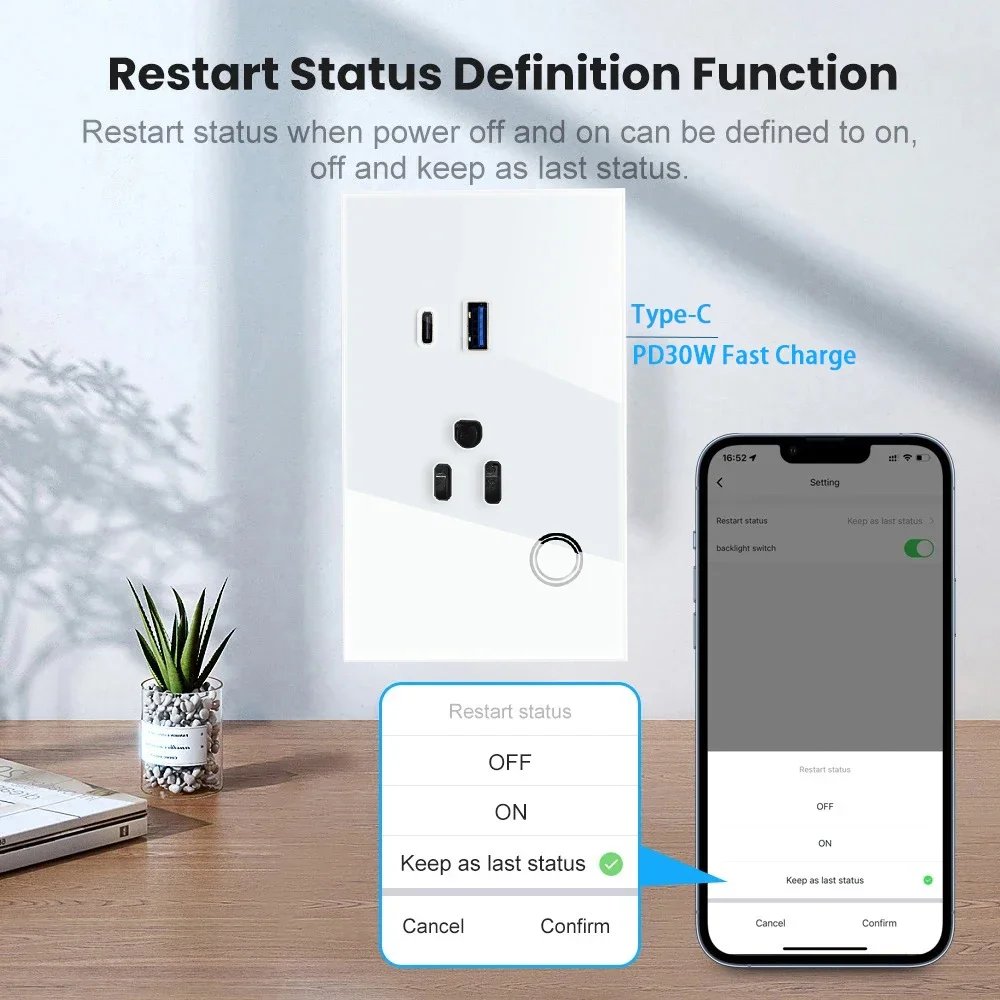
- Type-C Output: 30W PD (Supports 5V/3A, 9V/3A, 12V/2.5A)
- Requirement: Gateway Hub Required
- Grounding: Grounded Design
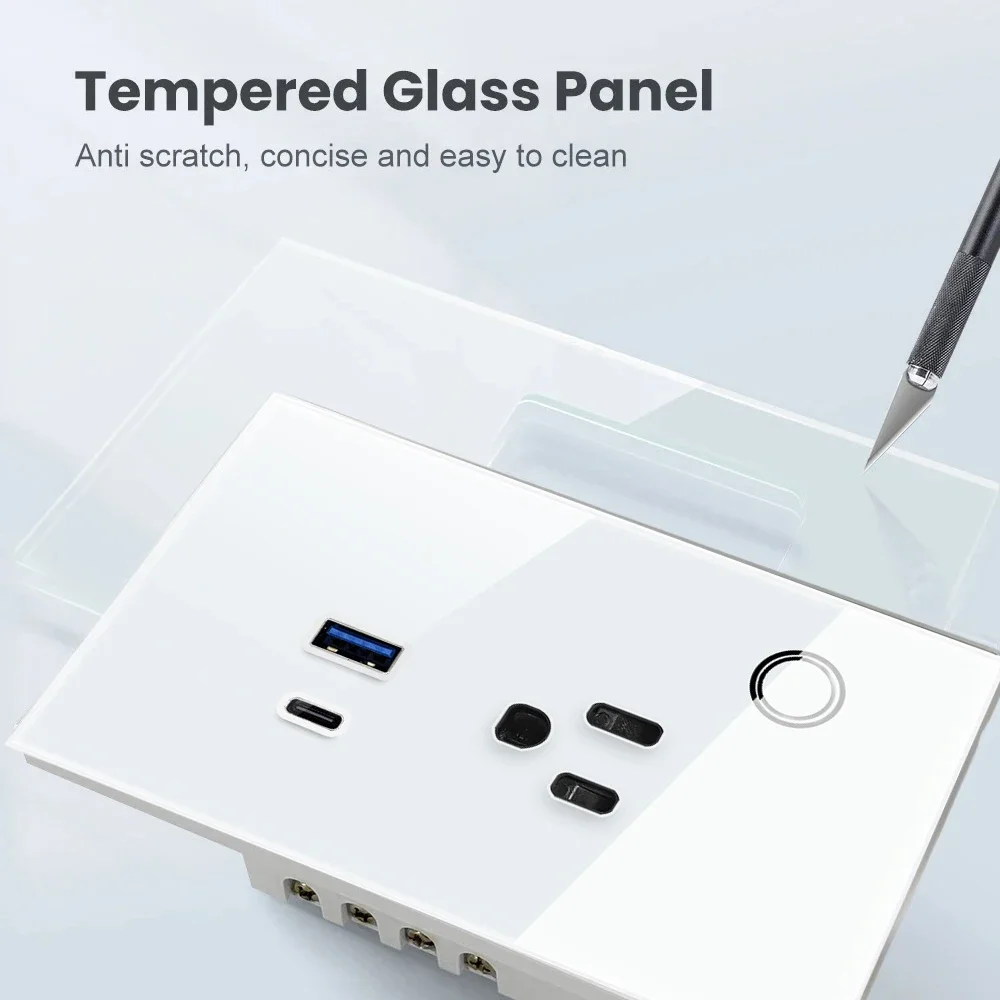
- Panel Material: Tempered Glass
- Color Options: White/Black
Core Features
✅ Supports 2.4GHz WiFi Connection for Stable Smart Control
✅ Voice Control Compatible with Amazon Alexa & Google Home
✅ One-Click Smart Configuration for Easy Network Setup
✅ Real-Time Device Status Tracking, Syncs to Your Phone Instantly
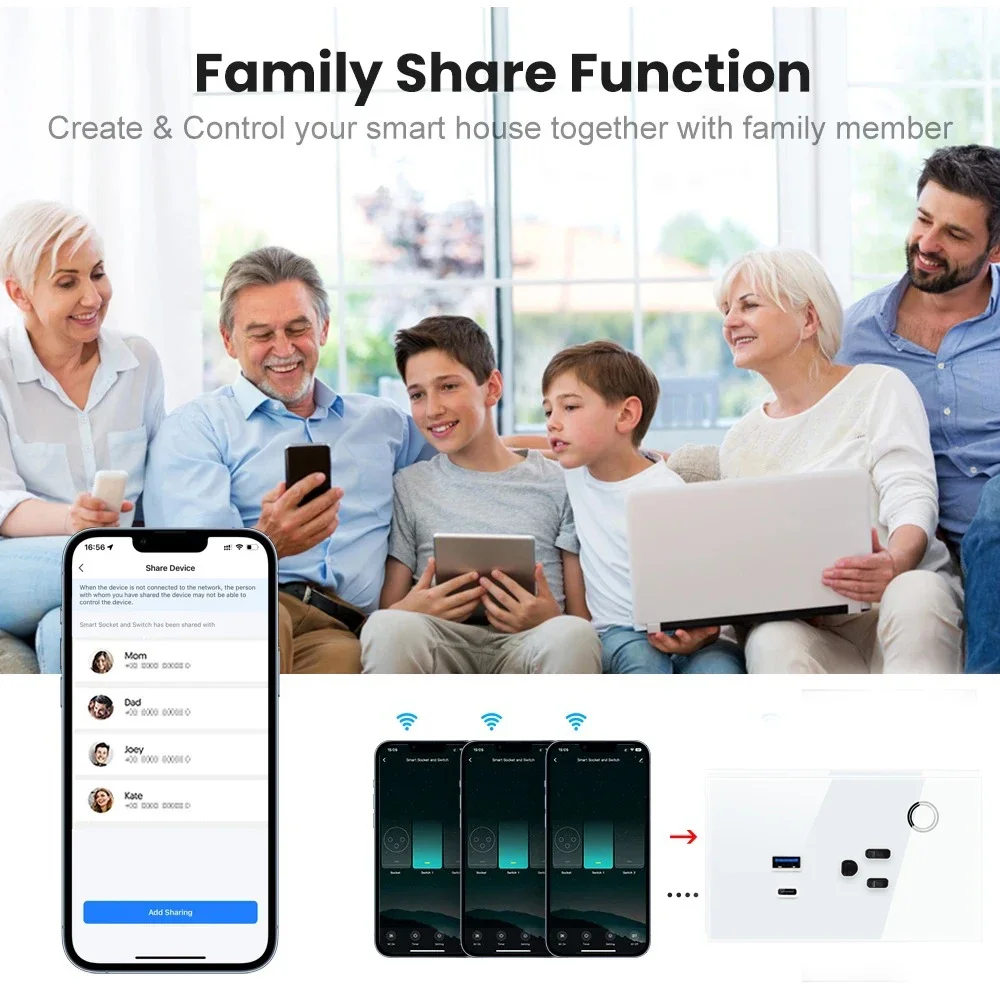
✅ Single Smartphone Manages Up to 150 WiFi Smart Devices
✅ Easy Installation & Quick Activation for Stable Long-Term Use
✅ Remote Control Home Appliances Anywhere with Network Access
✅ Custom Timing Schedule & Power Monitoring for Energy Saving
✅ Flame-Retardant PC Shell & Tempered Glass Panel for Safe Use
✅ Built-in USB & 30W PD Type-C Ports for Convenient Charging
Setup in 4 Easy Steps
- Download Tuya Smart or Smart Life APP from App Store (iOS) or Google Play Store (Android).
- Install the smart socket and power it on.
- Pair the socket with the APP following the connection guide below.
- Connect to Amazon Alexa or Google Home via voice assistant settings for hands-free control.
Universal Compatibility with Home Appliances
This WiFi smart wall socket supports up to 3520W max power, compatible with most household appliances: lamps, fans, audio systems, coffee makers, electric kettles, chargers, portable heaters, etc. It converts your regular appliances into smart devices effortlessly, building your smart home in minutes.
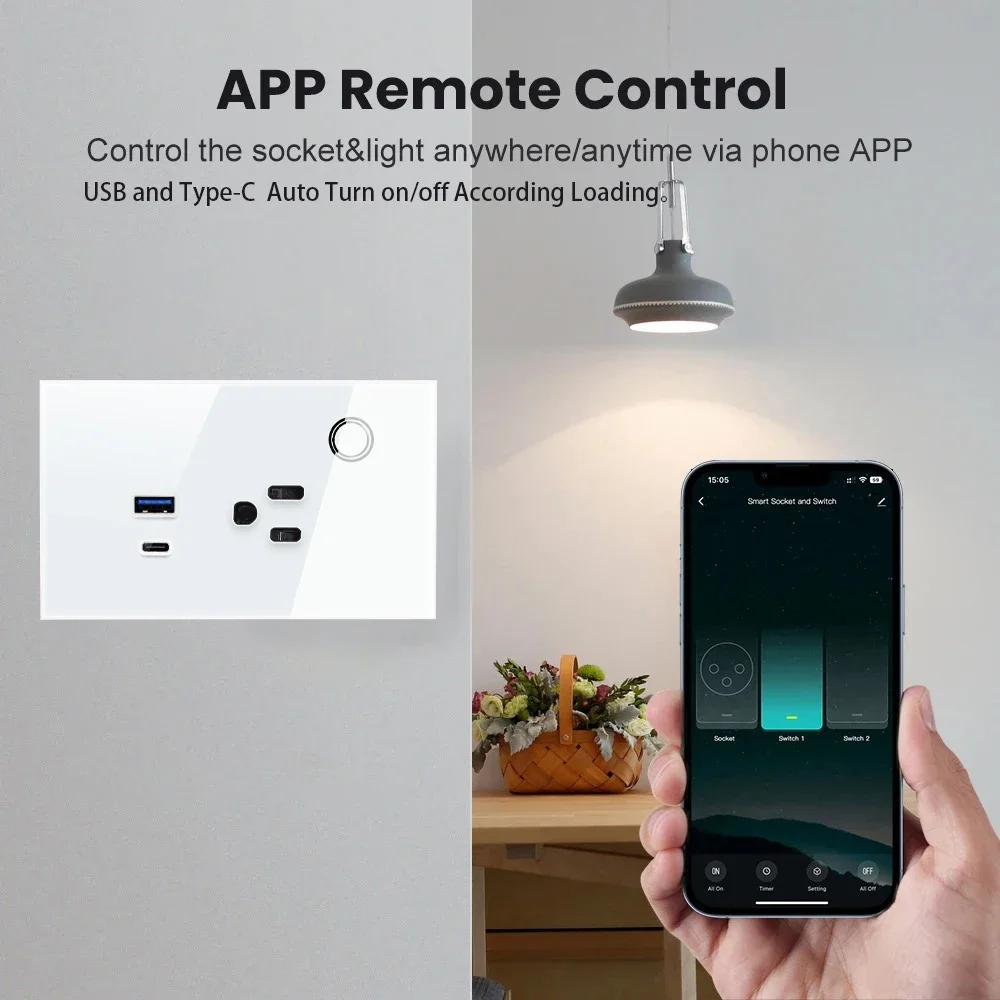
Remote Control via Mobile Phone
Monitor and control all connected devices in real time through your smartphone. Simply scan the QR code on the manual or search "Tuya Smart" / "Smart Life" in App Store or Google Play to download the APP. Check device status and switch on/off anytime, anywhere.
Custom Schedule & Energy Saving
Never worry about forgetting to turn off appliances when working or traveling. Set custom on/off times for your lamps, air conditioners, heaters, humidifiers and more via the APP. The energy-saving function cuts standby power, reducing unnecessary electricity waste and saving your utility bills.
Voice Control with Alexa & Google Home
Seamlessly works with Amazon Alexa (Echo, Echo Dot) and Google Home/Assistant. Assign a unique name to each socket, then control your connected devices with simple voice commands, making your daily life more convenient and hands-free.
WiFi Smart Wall Socket Highlights
- Thailand-style double outlets meet multi-device use needs, paired with USB + 30W PD Type-C fast charging ports for charging phones, tablets and other USB-powered devices.
- Tempered glass touch panel for sensitive operation and sleek appearance, fits various home decor styles.
- Grounded design ensures safe electricity use, flame-retardant PC material prevents overheating risks.
- Real-time power monitoring helps track energy usage and promotes energy-efficient living.
Detailed Connection Guides
-
How to Connect to Tuya Smart / Smart Life APP① Download Tuya Smart or Smart Life APP on your iOS/Android phone, then register and log in your account.② Install the smart socket and power it on. Long press the power button on the touch panel for 5 seconds until the indicator flashes rapidly (enter pairing mode).③ Open the APP, tap "+" → "Add Device" → select "Socket" category in the device list.④ Enter your 2.4GHz WiFi password (Note: 5GHz WiFi is not supported) and confirm.⑤ Wait for the APP to search and connect the socket. The indicator turns solid when pairing succeeds, and you can control the socket via the APP thereafter.
-
How to Connect to Amazon Alexa① Open the Amazon Alexa APP, tap "More" → "Skills & Games" on the bottom menu.② Search for "Smart Life" or "Tuya Smart" in the search bar, then tap "Enable to Use".③ Log in with your Tuya Smart/Smart Life account to authorize Alexa to access your devices.④ After authorization, tap "Discover Devices" or say "Alexa, discover devices" to your Alexa device.⑤ Once the socket is found and connected, assign a custom name to it, then control via voice commands (e.g., "Alexa, turn on the living room socket", "Alexa, turn off the bedroom socket").
-
How to Connect to Google Home① Open the Google Home APP, tap "+" → "Set up device" → "Works with Google" on the top right.② Search for "Smart Life" or "Tuya Smart" in the brand list and select it.③ Log in with your Tuya Smart/Smart Life account to complete the binding and authorization.④ Google Home will automatically sync all your paired smart sockets.⑤ Rename your socket as needed, then control it with voice commands (e.g., "Hey Google, turn on the kitchen socket", "Hey Google, turn off the balcony socket").
Package Included
1 × WiFi Smart Wall Socket
2 × Installation Screws
1 × User Manual