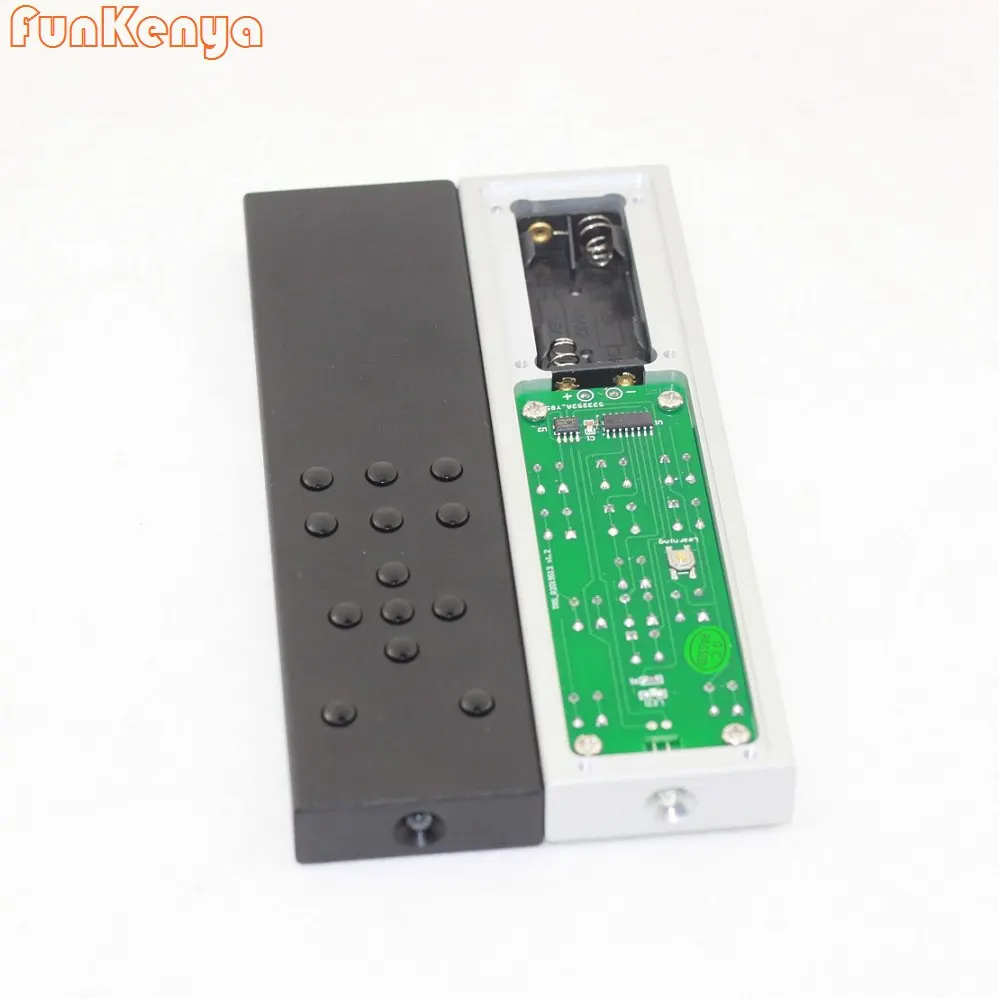
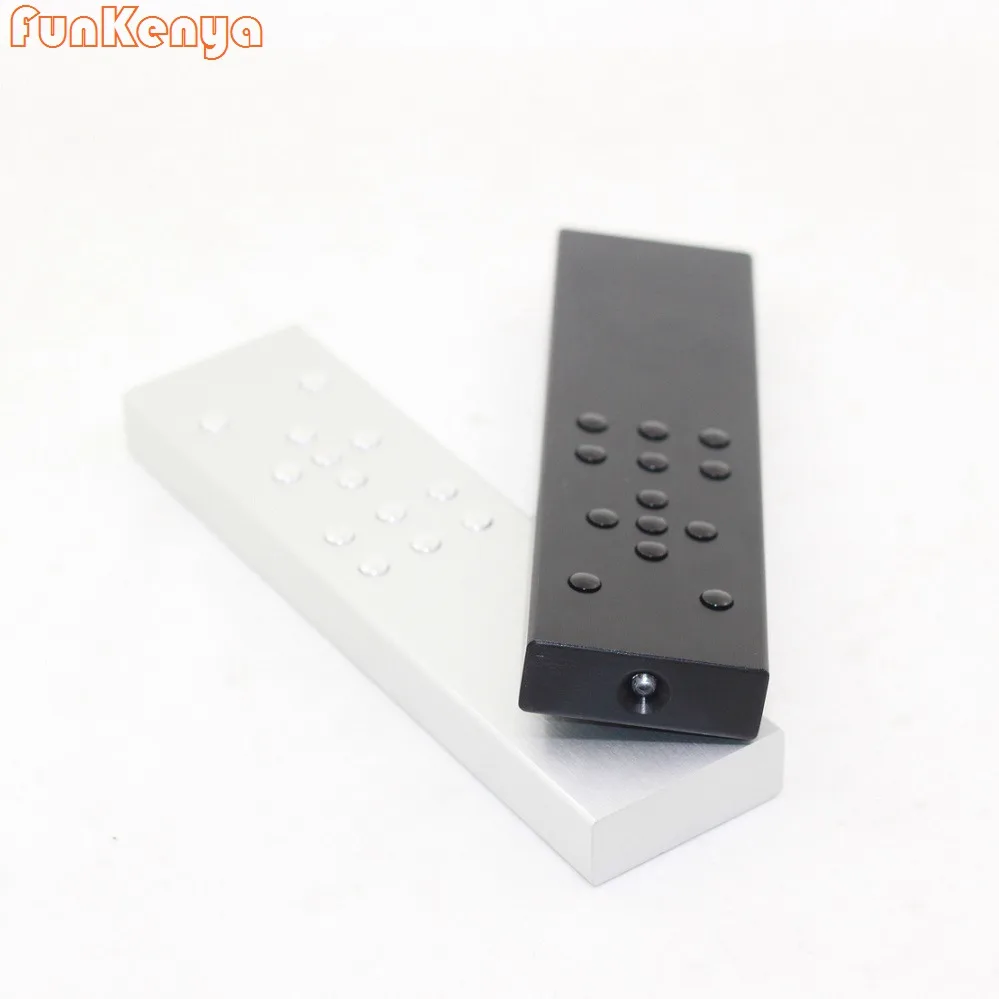
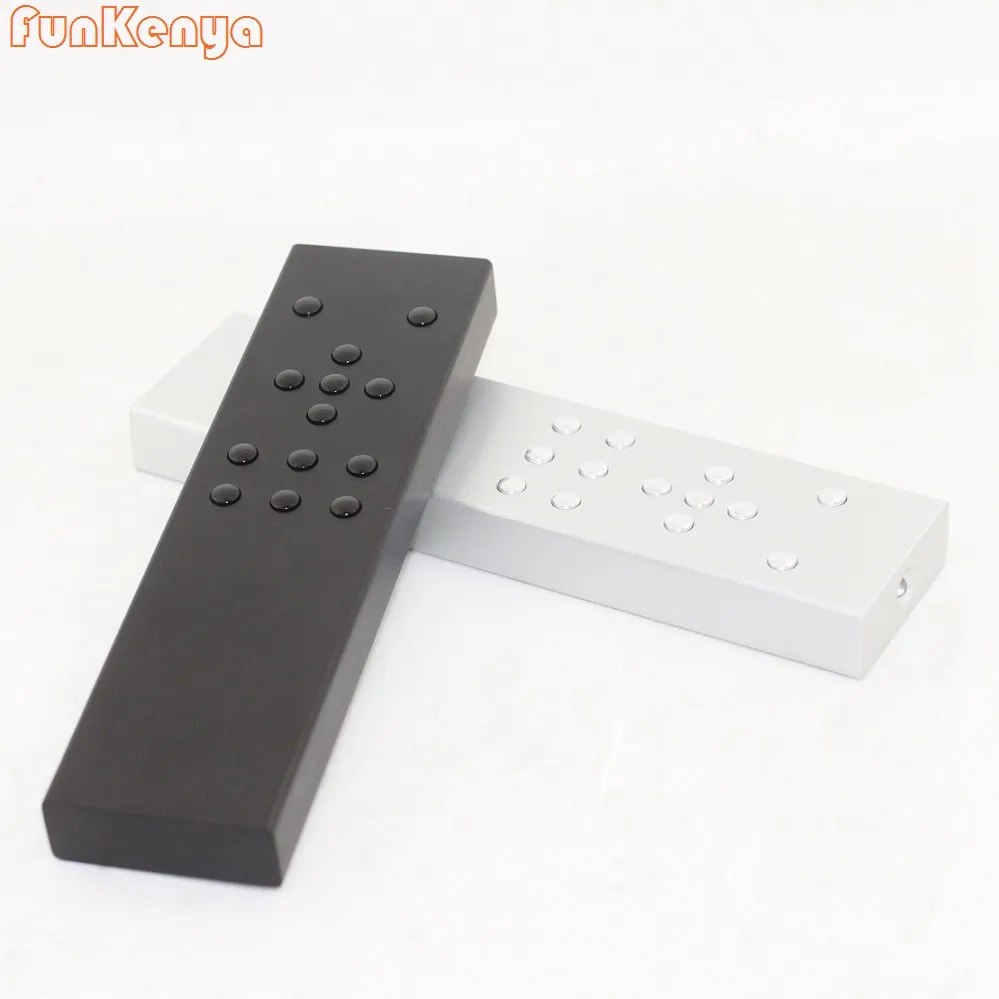
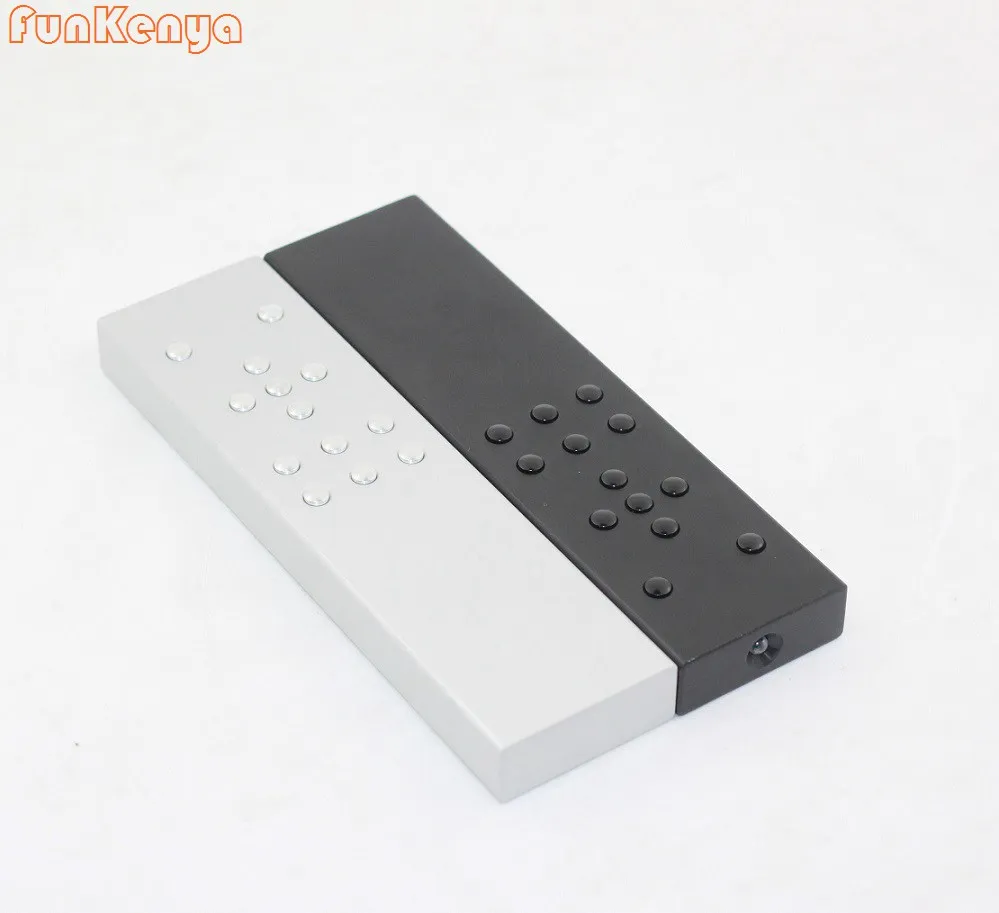
Learning Type Remote Control Infrared Aluminum
TV CD VCD DVD Remote Control
Product details
- Audio TV CD VCD DVD Decoder Remote Control
Code remians when power off
8 Meters remote control
The buttons and shell are processed by aluminum alloy precision CNC equipment
Surface treatment: wire drawing/oxidation
Note: You must have an infrared remote control to use
Learning Steps
(This remote control named A, and your original one named B,before starting, make sure both of them are on working)
Step1: Open the back panel of A, and make sure it is on working, press and hold the learning key until the LED turns from low brightness to high brightness, release the button (it has entered the learning state at this time)
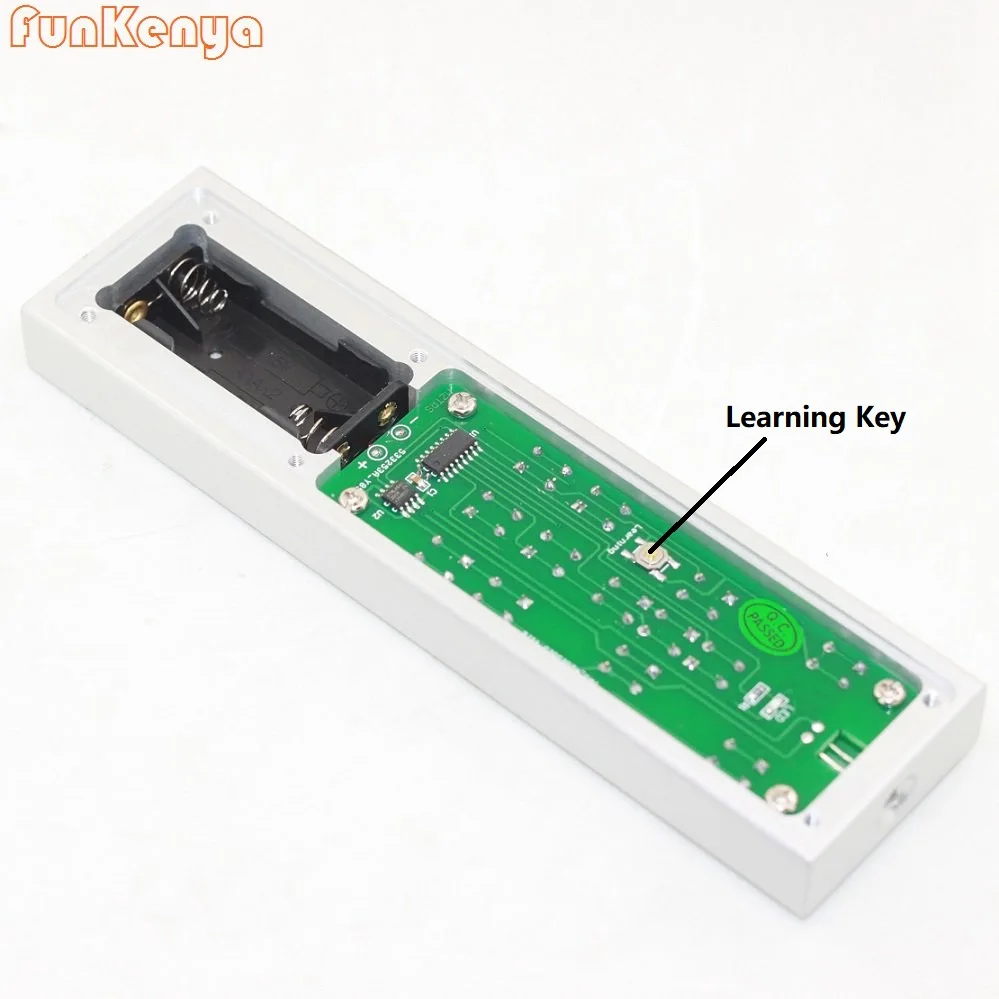
Step2: Put A and B close together, as shown in the figure below, press the power button of B, when A get the infrared code, the LED light flashes, then press any button of A to save it.
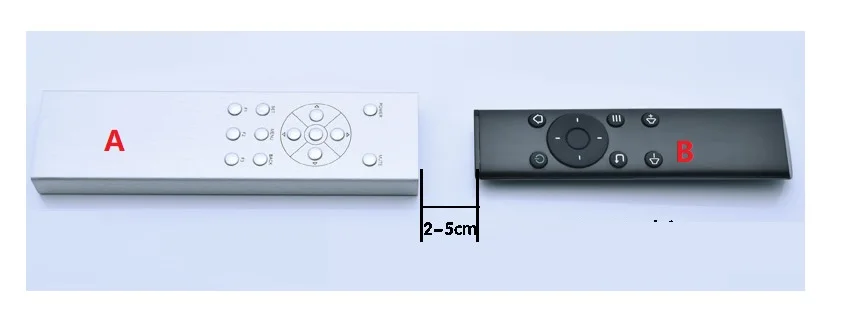
After the function is stored, the LED will keep high brightness, then you can go other learning
Step3: After all the buttons have been learned, press the learning button again to exit the learning state, or wait for about 15 seconds to automatically exit the learning state, then the LED light will be off. Test if all the keys are working properly .If any keys not work, please learn it again.