USB C to Dual HDMI Adapter, 4 in 1 Splitter for Monitors 4K, Gray
Description
Features:
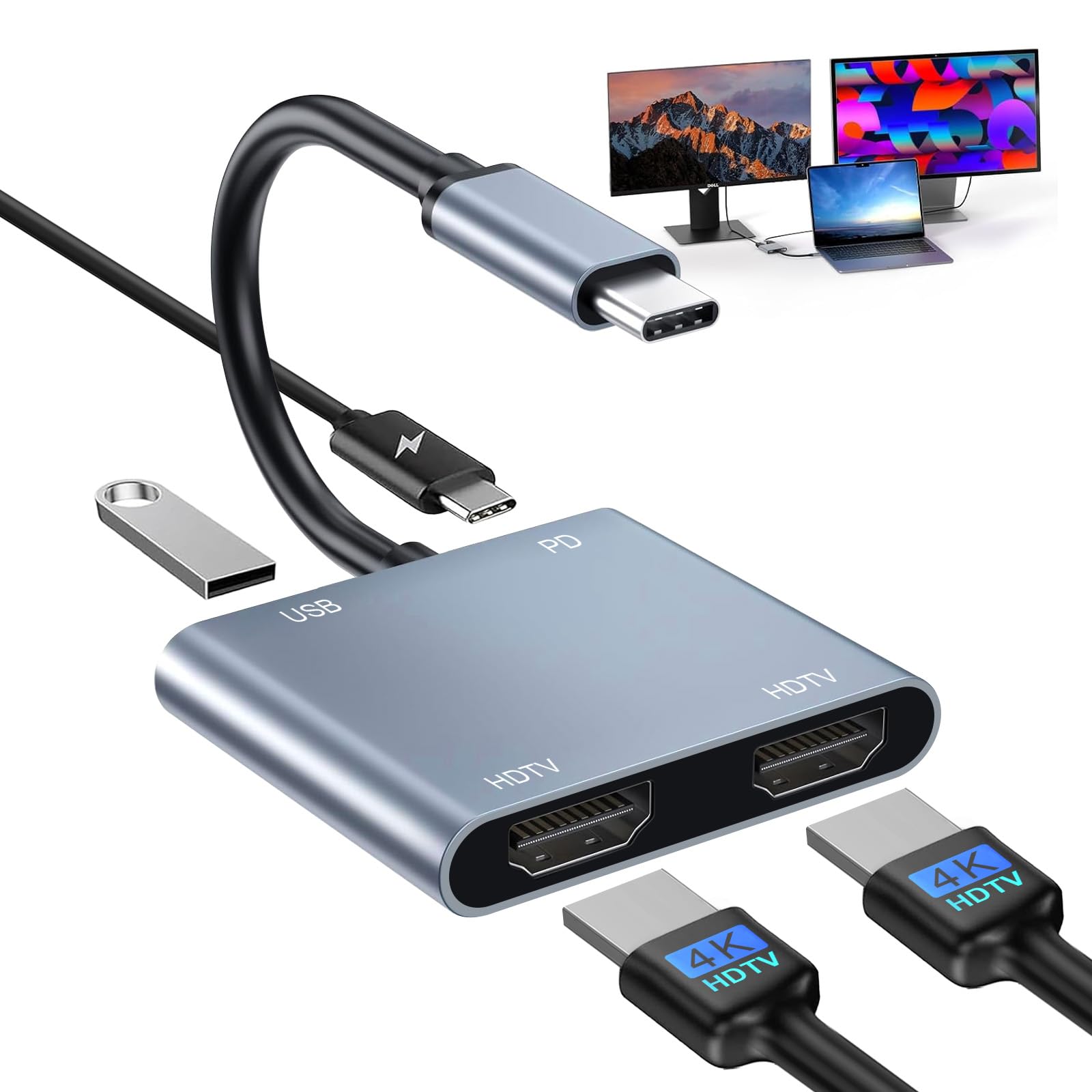
- 【Wide Compatibility】The dual HDMI adapter for 2 monitors supports Linux, Windows, Mac OS, IOS, Pad OS and Android systems. Compatible with MacBook/MacBook Pro2021 2020 2019 2018 2017,MacBook Air2020-2018,iPad Pro 2018 ,Dell XPS13/15,Samsung Galaxy S9/S9+, Huawei Mate 30/Mate 30 Pro, HP Spectre Pavilion, other smartphones and tablets with DP Alt Mode function. (Note: NOT for all USB-C port laptop, before you purchase, please confirm your usb c laptop supports Thunderbolt 3/4 video output or DisplayPort Alt Mode.)
- 【Fast 100W PD Charging & USB 2.0 Data Port】 This USB C Hub Charging PD port delivers up to 100W(Max 20V/5A) of power through the PD charging port, preventing you from running out of power during use. Ideal for charging most USB C ports on laptops, tablets and cell phones. High-speed charging and safe, save your charging time and enjoy more gaming fun. USB 2.0 transfer rate up to 480Mbps, can connect keyboard, mouse, HDD, flash drive or USB cable and other devices to synchronize.
- 【Plug and Play】This HDMI dual monitor adapter does not require any additional program to be driven when used, plug and play. It uses an aluminum alloy shell, which is durable, and the smooth appearance design is corrosion-resistant. The aluminum shell provides better heat dissipation and provides you with better signal performance. USB C to Dual HDMI Adapter is compact and portable, which can be easily put into a laptop bag or suitcase, ready for your business trip and travel.
- 【Mirror and Extend Mode】This dual 4K USB C HDMI hub supports mirror mode (SST) and extends mode (MST), easily expand the laptop to 2 monitors. For Mac devices, due to MacOS limitation, can not extend two different screens, two external monitors display the same image; Windows supports both SST and MST modes (Please connect the monitor (HDMI port) first, then connect the laptop (USB C port), You may need to change the settings of "The Default Audio Output Device" on system preferences to deliver sound)
Product Details: