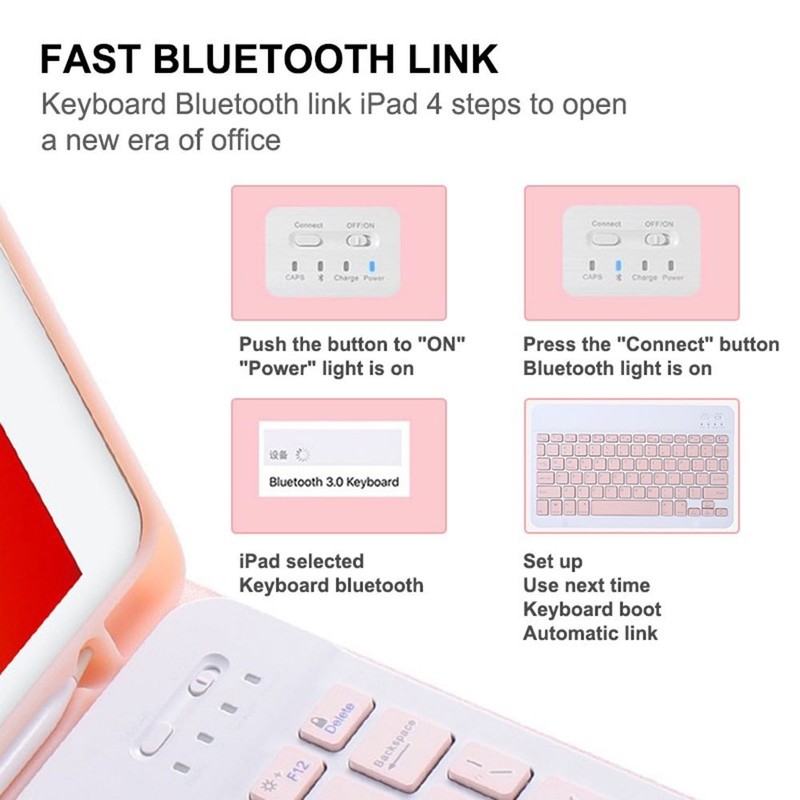
Pushing power button onto ON .Blue power indicator light will shortly blink and go off.
Step 2: Pressing the [Connect] button and the [Bluetooth] indicator light will blink. The keyboard goes into pairing mode then.
Step 3: Switching on the Bluetooth in your Tablet PC or Smartphone, Click Bluetooth keyboard buttons to enter the password code displayed on tab.
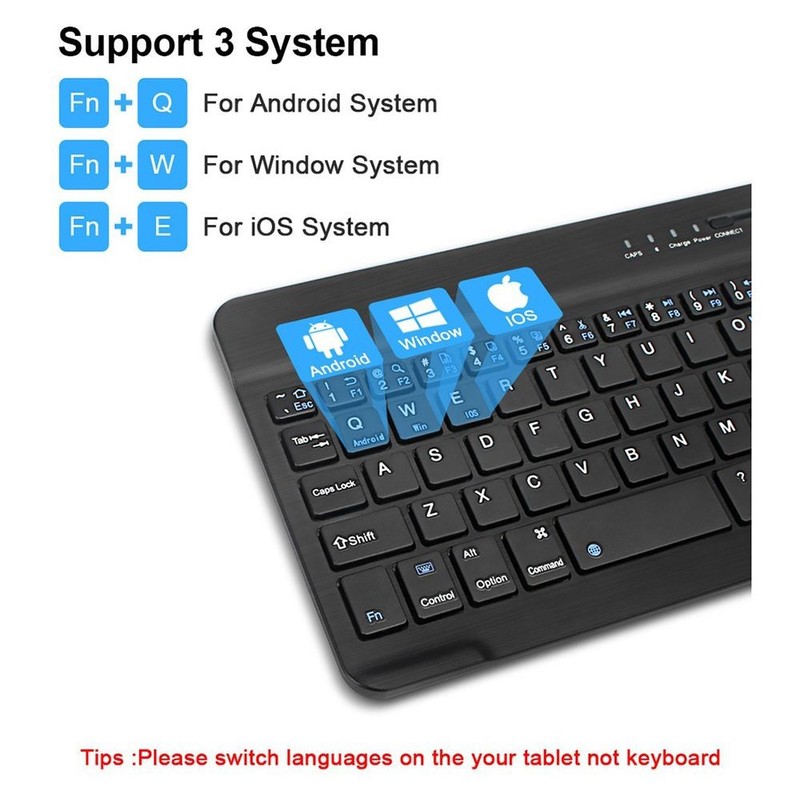
Three system switching:
Fn+Q For Android System
Fn+W For Windows System
Fn+E For IOS System
(Please switch the required system before connecting the keyboard)
Packing list:
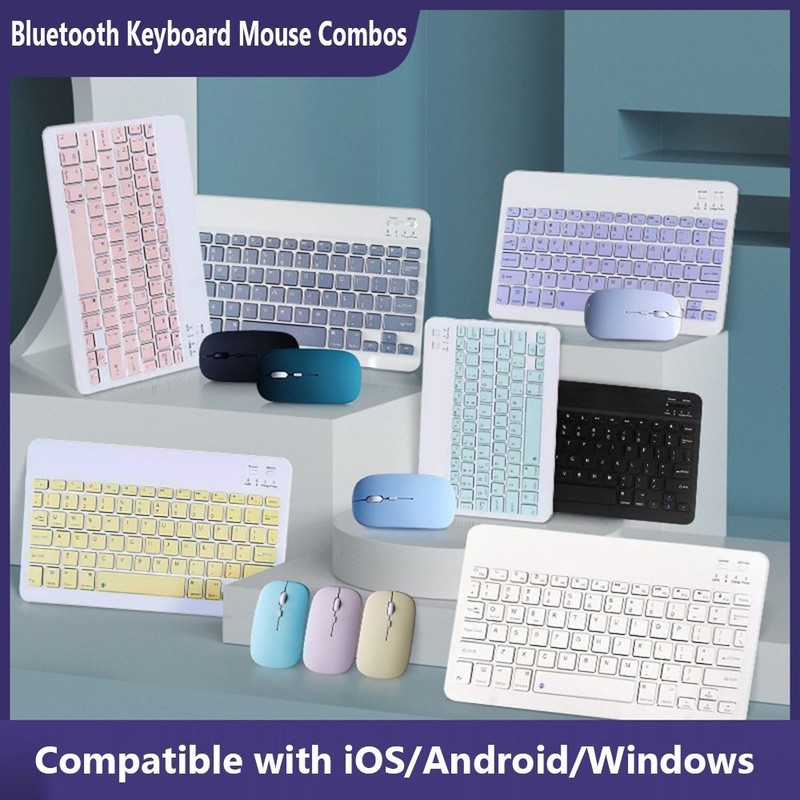
1 * Bluetooth Keyboard
1 * 2.4G Bluetooth Mouse (Optional)
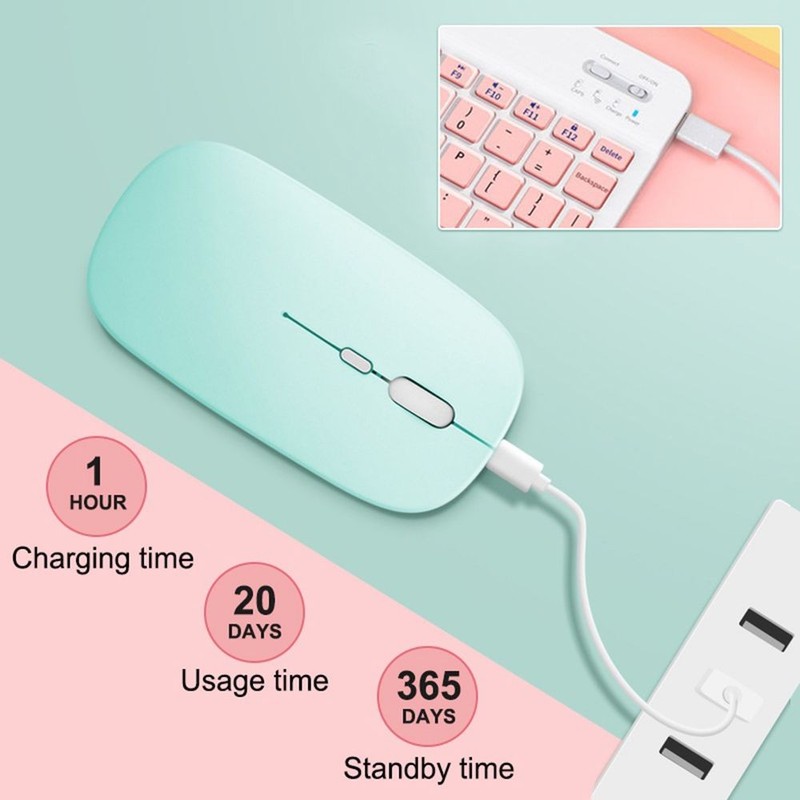
1 * Charging Cable
* Please make payment asap, then we can arrange shipment for you asap
* Item will be sent within 1-2 days of payment verification.
* We appreciate your patience and allow sufficient time for delivery. Please feel free to contact us if you don't receive your package !
* We will carefully test every item before shipment.The quality is guaranteed!
* Any questions, please contact us via eBay message, In our working hours will be resumed within 48 hours.
* If you are satisfied with our service, please kindly leave us a positive feedback and give us the Detailed Seller Rating with all "5 stars" in very area.
* Our aim is to provide Top Level Customer Service, your recognition will encourage us greatly and serve you better. We strive to keep all our customers satisfy.
* We greatly appreciate your POSITIVE feedback. Please do NOT leave negative feedback without asking for help. Thanks!
* You can contact us through email ,We will reply you as soon as possible !