Tuya Smart WiFi Power Strip – Multi-Function Intelligent Outlet AU Plug with Remote & Timer Support
Upgrade your home with this Tuya Smart WiFi Power Strip featuring AU Plug compatibility, wireless remote control, and smart timing functions. Designed for modern living, this multi-function intelligent outlet allows you to control your appliances anytime, anywhere using your smartphone. Perfect for smart homes, offices, and daily convenience.
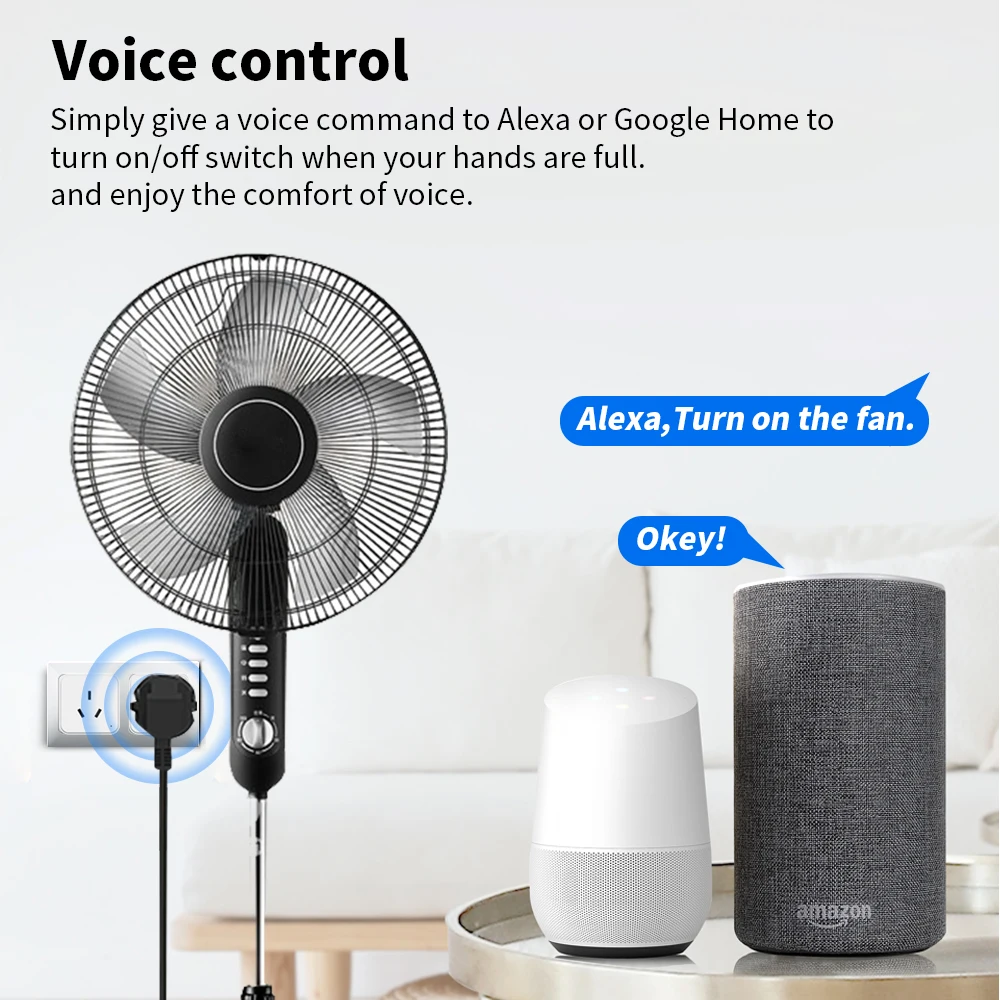
Compatible with the Tuya Smart app and supports voice control via Amazon Alexa and Google Assistant, giving you complete hands-free smart control.
Key Features
-
Smart WiFi Control – Manage devices from anywhere using mobile app
-
AU Plug Design – Suitable for Australian standard sockets
-
Wireless Remote Access via smartphone
-
Timer & Scheduling Function – Set automatic ON/OFF times
-
Voice Control Support with Alexa & Google Assistant
-
Multi-Function Power Strip for multiple devices
-
Overload Protection for safe operation
-
Energy Saving & Efficient Power Management
-
Ideal for Home, Office, Smart Living Setup
Product Specifications
-
Product Type: Smart WiFi Power Strip
-
Plug Type: AU Plug
-
Connectivity: 2.4GHz WiFi Network
-
App Support: Tuya Smart App
-
Voice Control: Alexa & Google Assistant Compatible
-
Function: Remote Control, Timer, Scheduling
-
Material: High Quality Fire-Resistant PC Material
-
Voltage: AC 100–240V
-
Application: Indoor Use
Usage
This Smart WiFi Power Outlet is perfect for controlling:
-
TVs & Entertainment Systems
-
Air Conditioners & Fans
-
Kitchen Appliances
-
Office Equipment
-
Lamps & Lighting Systems
-
Chargers & Electronic Devices
Control everything directly from your smartphone, even when you are away from home.
Usage Instructions
-
Plug the Smart Power Strip AU Plug into a wall socket.
-
Download and install the Tuya Smart App on your smartphone.
-
Connect the power strip to your 2.4GHz WiFi network.
-
Add the device in the app and follow pairing instructions.
-
Set timers, schedules, or control manually through the app.
-
Optionally connect with Alexa or Google Assistant for voice commands.
Package Includes
-
1 x Tuya Smart WiFi Power Strip (AU Plug)
-
User Manual

Features 1:WIFI Remote Control

Features 2:Voice Control
Features 3:Timing Function

Features 4:Family Sharing Control Fun

How to use it?
Just 3 Steps
Step 1: Search “Smart Life or TuyaSmart” on APP store, Google Play or scan the QR code on user manual to download and install it.
Step 2: Plug the socket into an AC outlet and long press master power button until the indicator light flash.
Step 3: Open “Smart Life or Tuya Smart App”, discovery and add device in the app, and then finish configuration according to the guide.