


>> Basic functions:
1. Smart System & Wireless Connection:
Equipped with Android, plus built-in Wireless CarPlay and Android Auto for effortless smartphone integration.
2. Comprehensive Features:
Supports 4G network & 5G WiFi for real-time updates, steering wheel control for safe operation, RDS radio, built-in offline navigation maps, and a high-quality DSP chip for superior audio playback. FM Radio includes multiple EQ sound effect scenes. Access real-time traffic updates, news broadcasts, weather forecasts, and more.
3. Qualcomm Chip Advantage:
Powered by a high-performance Qualcomm chip (Snapdragon SDM450). Its robust Octa-Core CPU handles multiple tasks (navigation, music, calls). The 1.8GHz processor, paired with 4GB/6GB RAM and 64GB/128GB storage, ensures smooth multitasking and quick response.
4. GPS Navigation Car Radio Screen:
Equipped with an external GPS antenna, enabling both online and offline navigation. Compatible with most mainstream navigation apps available on the Play Store, ensuring reliable and versatile navigation performance.
5. Steering Wheel Control:
Leveraging CAN-Bus functionality, preset functions can be controlled via the steering wheel, enhancing usability and driving safety. Supports parking sensor signals, reverse gear detection, climate control display, vehicle data acquisition, and Multi-Functional Display.
6. Clear Visual Experience:
The 1280×720P IPS screen delivers sharp, vibrant visuals for navigation, media, and vehicle information.
7. DSP (Digital Sound Field Processing):
Digital sound processor with 48-band equalizer settings for enhanced music quality.
8. Upgraded Bluetooth 5.0 Version:
Provides a more stable connection for smartphones and Bluetooth devices, capturing clearer voice, enhancing calls, and delivering superior music experience.
9. Hassle-Free Installation:
Pin-to-pin power cable design allows direct connection to your car's power interface, making installation quick and easy.

Delivers fast speed, smooth multitasking, instant GPS, stable performance, and smart AI for seamless operation.

Delivers vivid colors, sharp details, high contrast, and a bright, immersive in-car viewing experience.

Adjust brightness and colors automatically, ensuring clear visibility and comfortable viewing anytime.

Offers 48 adjustable sound modes, delivering precise, immersive, and customizable audio for every listening preference.

Provide seamless smartphone integration, navigation, calls, messages, music, and hands-free driving safety.

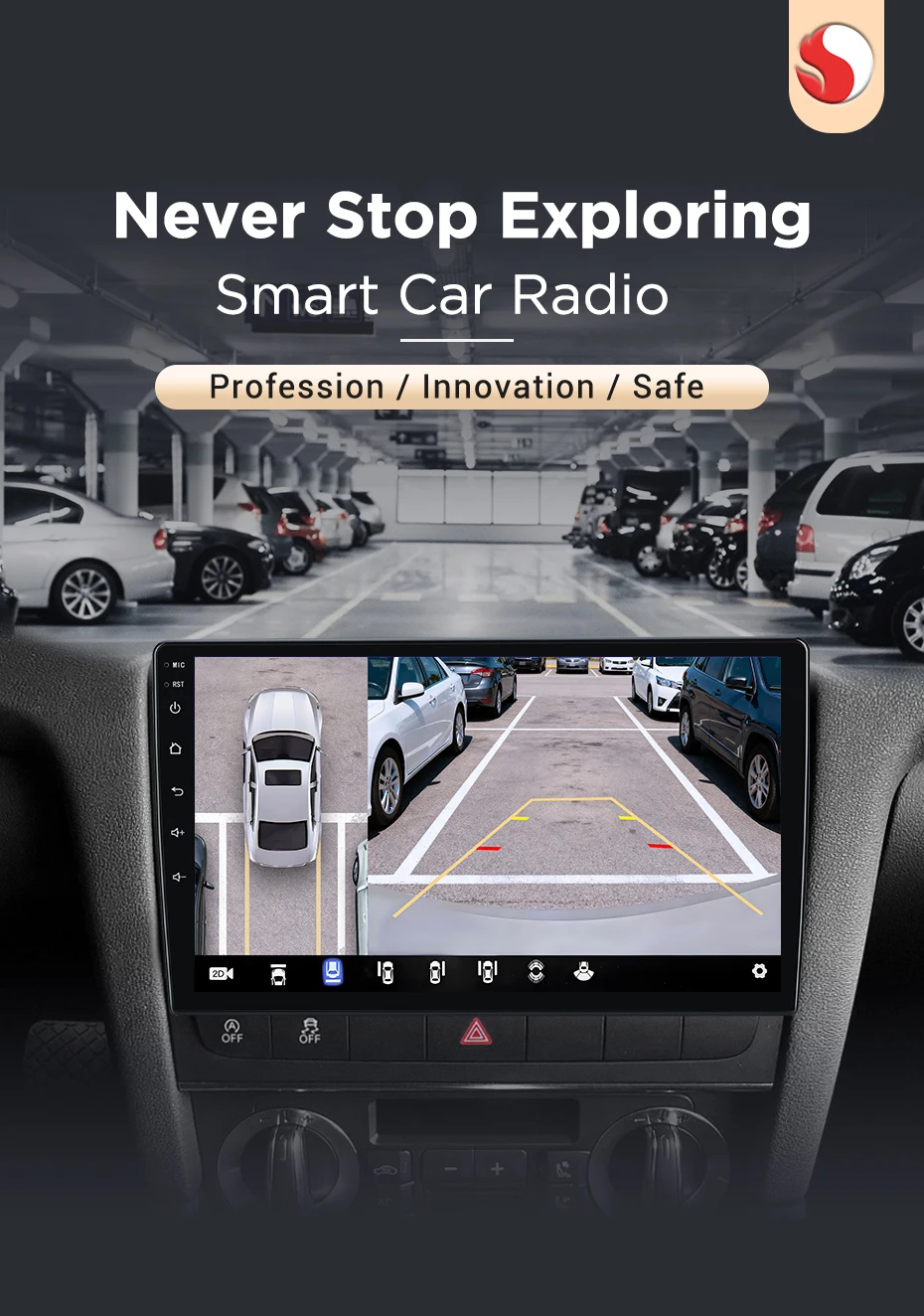
Offers full surround view, easy parking, enhanced safety, blind-spot monitoring, and accident prevention.

Provides fast internet, online streaming, real-time navigation, seamless connectivity, and instant access to apps anywhere.

SWC enables safe, convenient operation of radio, music, calls, and navigation without taking hands off wheel.

Provides real-time alerts, lane departure warnings, collision prevention, parking assistance, and enhances overall driving safety.

Ensures safe reversing, prevents collisions, improves parking accuracy, and provides clear, real-time rear visibility.

Allow offline navigation, free updates, and reliable route guidance anytime, anywhere, without internet, ensuring accurate, convenient, and safe driving.

Allows simultaneous display of navigation, media, and apps, enhancing multitasking and driving convenience.

Customize button light colors freely according to your preference, creating a personalized and stylish in-car experience.

Allows connecting external screens, sharing videos or navigation, enhancing entertainment and viewing flexibility in your car.

Choose from multiple optional accessories to customize your car radio experience, including cameras, sensors, OBD2, and more, enhancing convenience, safety, and personalized in-car functionality.


The following images show all available accessories. The included items vary depending on the selected package:
WiFi Version Includes:
Frame
Machine
Power Cable
USB Cable
Video Input Cable
GPS Module
4G Version (without 360 camera) Includes:
Frame
Machine
Power Cable
USB Cable
Video Input Cable
GPS Module
4G Module
4G SIM Cable
4G Version with 360° Surround View Camera Includes:
Frame
Machine
Power Cable
USB Cable
360° Surround View Camera
Video Input Cable
GPS Module
4G Module
4G SIM Cable
Common pre-sales inquiries:
1. What is the difference between WiFi and 4G version?
The device has navigation, music playback, and parking assistance functions. However, in order to connect the radio to the internet, you will need to use your smartphone as a modem. Therefore, for car owners who actively use the internet while traveling, we recommend purchasing a device with 4G capability. Keeping your phone in modem mode all the time can quickly drain its battery.
2. Does it support original/external microphones?
Please note that the accessory does not include the original microphone adapter. There is a microphone built-in the radio, If you want to use an external microphone, you can connect it through an RCA cable.
3. How can I determine if my car model is suitable?
Please click on the product link to view the page and confirm the model year first. Check if the central control image of the car matches your vehicle and the attentions in the page. If it is suitable, please feel assured to make the purchase. If you are unable to confirm, please contact our customer service for assistance.
Common post-sales inquiries:
1. How to Connect a Non-Original (Aftermarket) Camera?
1) Red cable ② is connected to the backup light "+"
2) Black cable ① is connected to the “GND“
3)The reversing detection cable ④(Brown color) is connected to the red cable ③ which extending from the video input cable, please follow the picture below to connect.

2. How to Connect a Original Camera?
First, please check whether the power cable you received includes a yellow plug.
If there is no yellow plug, it means this model does not support the original camera.
If there is a yellow plug, please follow the wiring method shown below to connect it.

3.Why does the steering wheel control not work?
Please confirm if the accessory includes a Canbus first
1)There is no Canbus in the product, Please enter Car Settings-General-SWC Type-Learing Type
2)There is Canbus in the product, please check the 8pin interface of canbus cable connected first and then choose canbus type,the steering wheel controls will work.If you do not know the canbus model, please contact customer service.
4.How to connect wireless Carplay and Android Auto?
For the first connection, need to turn on the phone's Bluetooth to pair with the car's Bluetooth.
After the pairing is successful, the car radio will automatically jump to the Zlink or AutoLink interface
At this time, the phone pops up a message prompting "use carplay with Zlink or AutoLink
Then turn on the wifi of the mobile phone, and the carplay will be connected
5.How to connect wired Carplay and Android Auto?
Please use your original data cable to connect the phone to the 4 PIN USB cable, then turn on the Carplay/Android Auto function on your phone and the "AutoLink" or "ZLINK5" icon on the device to connect.
6.How to change the Boot Logo ?
Due to copyright issues, logo cannot be displayed.If needed,please contact customer service for methods to modify the logo.
7. How to Connect the Radio?
Please refer to the wiring diagram below to connect the radio cables.
As the radio version updates frequently, the position of the ports may differ, but the port definitions remain the same.



Am 10.02.2026 hat der Verkäufer die folgenden Angaben hinzugefügt: