About this item
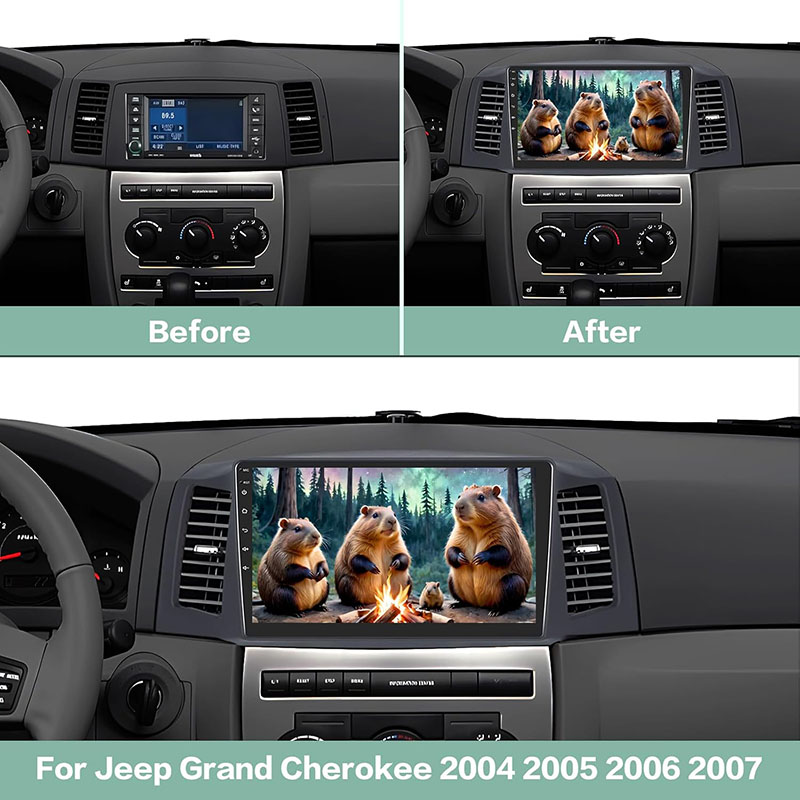
【Plug and Play】The car radio for Jeep Grand Cherokee 2004 2005 2006 2007, equipped with plug and play power harness. Android 13 system with 4G RAM and 64G ROM, the performance will be more stable. Please double check your Car Model / Year / Shape of The Center Console with our Installation Picture. NOTE: Individual cars may have the problem: The car's off and the radio's still draining. You can contact us in your Amazon Order and I will send you an upgrade to solve the problem.
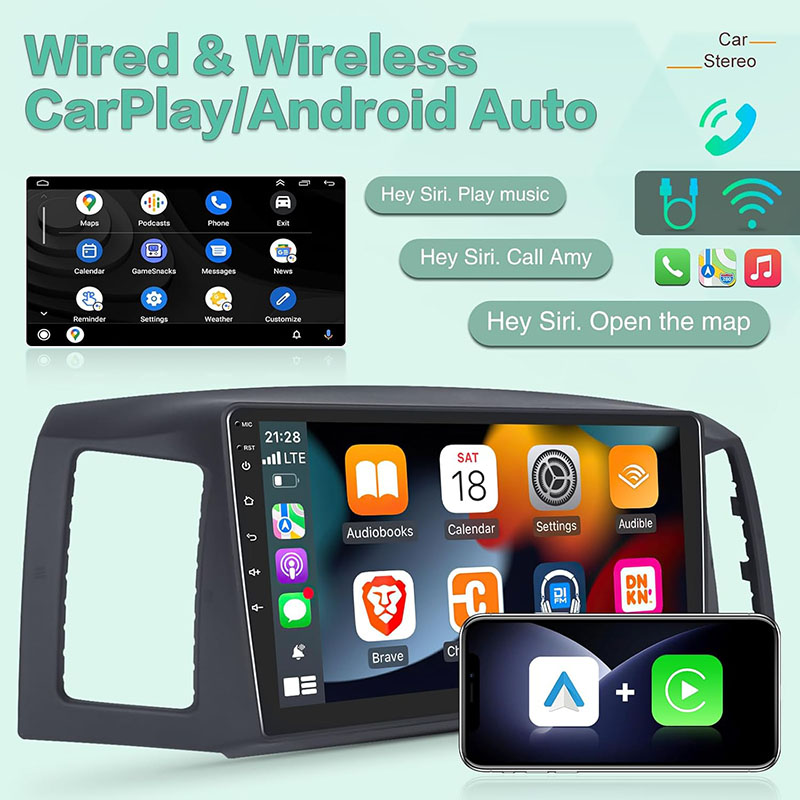
【Wired/Wireless Carplay & Andriod Auto】This Jeep Grand Cherokee radio is compatible with wired/wireless Carplay and Android Auto (Speed-pla APP), support for Voice Control makes it easier to use phone functions, including music, GPS navigation, calls, notifications, messages and more, while you focus on the road.
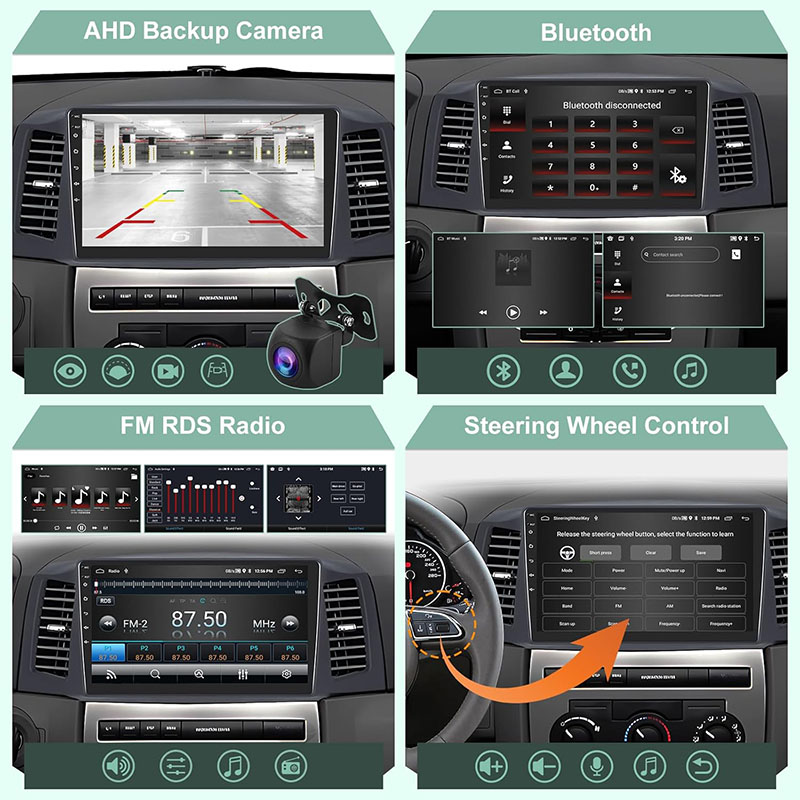
【Bluetooth & Wi-Fi & GPS & FM Radio & SWC】The Android stereo for Jeep Grand Cherokee support Bluetooth hands-free call, Bluetooth music playback; Wi-Fi & Hotspot connection for surfing Internet; GPS navigation for correct direction; and there are many radio stations, you can listen to real-time traffic, news broadcasts, etc. You can use steering wheel controls after setting Canbus correctly.
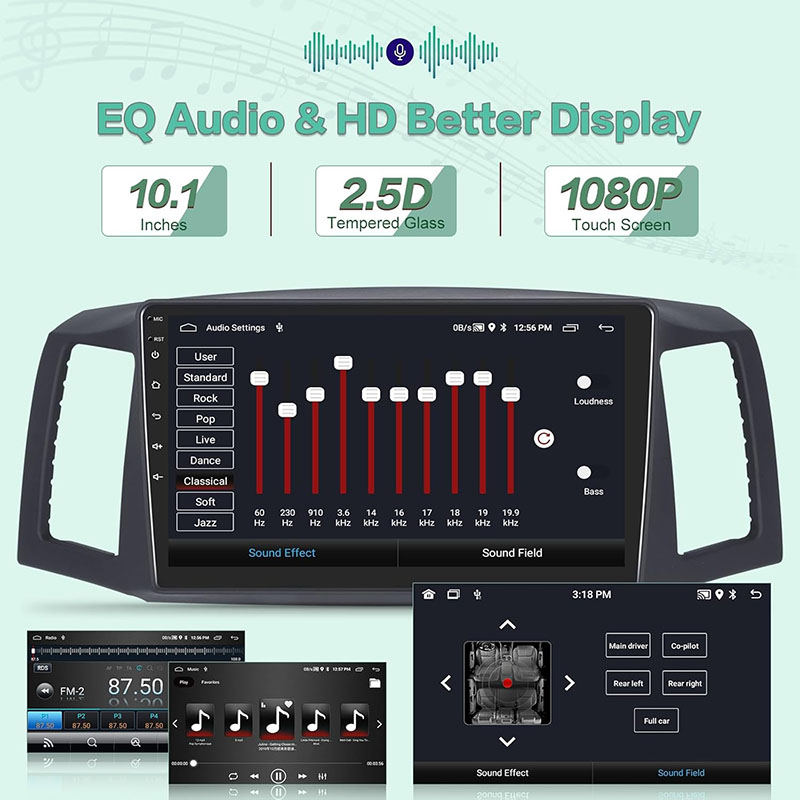
【10.1 inches Screen & Mirror Link】The 2.5D tempered glass touch screen with 1080P high resolution display gives you a visually clear experience when you use the Jeep Grand Cherokee stereo to play movies or use the navigation. Support wired & wireless mirror link, to sync your smartphone to the Jeep Grand Cherokee car radio screen.
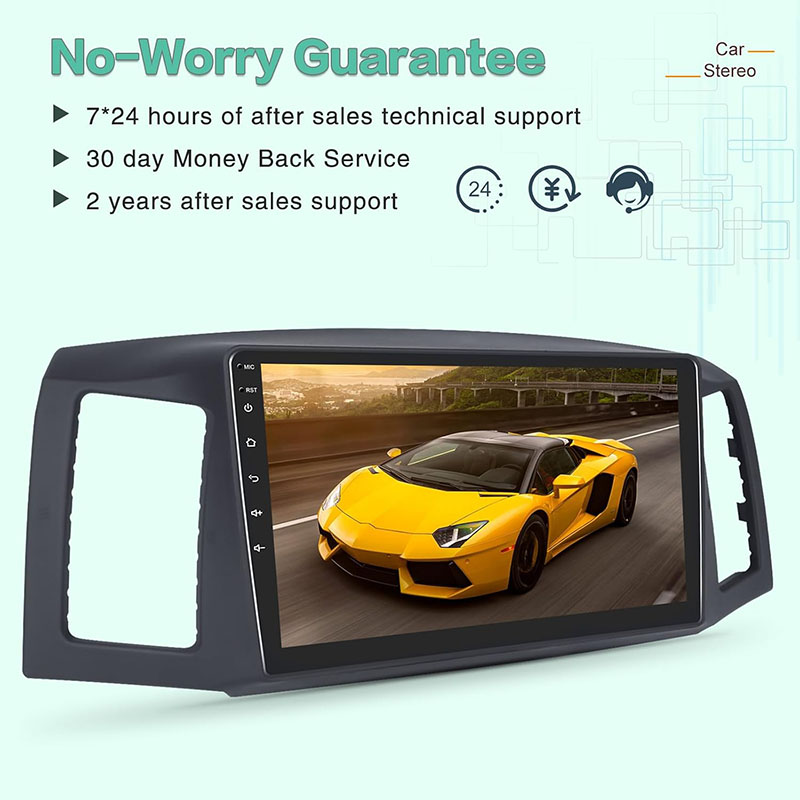
【Best Customer Service】We provide 7*24 hours of after-sales technical support to help you solve installation and operation problems. 30 days Money-Back Service, 24 months after sales support, if you have any questions about our Jeep Grand Cherokee android radio, please feel free to contact us.
【NOTE】After installing our radio, there are very rare vehicles that will turn off the engine but the radio is still on, please contact us immediately on your Amazon Order. I will send you a file to fix the proble.
Product Description
Upgrade Android Car Radio For Jeep Wrangler JK 2007-2018, Compass Patriot Dodge RAM 1500/2500 2009-2012
For JEEP Radio:
- Jeep Grand Cherokee 2004 2005 2006 2007