


Digital Yarn Winder Machine with Timer & Speed Control | Compact Cone Winder for Cashmere, Wool, Knitting, and Weaving
Precision Meets Portability. Designed for Professionals, Perfect for Everyone.
Looking for a compact, high-performance yarn winding machine that fits your workspace and delivers industrial-grade results? Meet the Mini Winding Pro – your new favorite tool for winding, rewinding, or plying yarns with precision and ease.
🔧 Specifications:
Model Name: Mini Winding Pro
Input Voltage: AC 110–240V (Worldwide compatible)
Output Voltage: DC 12V (Safe low-voltage system)
Power: Quiet DC motor with industrial-grade cooling fan (7×7cm)
Dimensions: 390mm × 240mm × 107mm
Weight: 7.8 kg
Cone Size Compatibility:
After winding yarn on cone, Large end: up to Ø140mm
After winding yarn on cone, Small end: up to Ø110mm
(Supports 3°30′and 5°57′ (Please check the profile pic size in mm) yarn cones, as shown in product images)
🛠 Key Features:
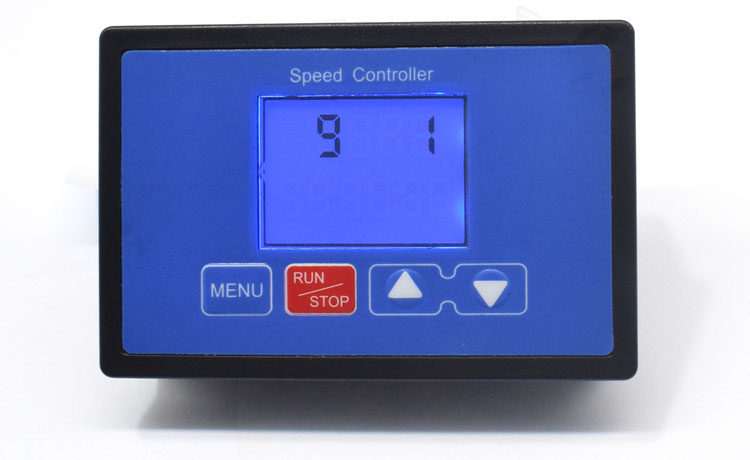
Fully Programmable Speed & Timing Control
Digital controller with adjustable start/stop time, max/min speed limits, and programmable motor runtime.
Smooth start & stop with fine-tuned acceleration/deceleration settings.
Customizable motor run and stop durations (1 second to 99 hours).
Cycle Functionality
Set number of winding cycles: 1–999 times
Optional timed operation mode for consistent batch winding
Precision Manufacturing
Built with CNC-machined components for high stability and long service life
Integrated controller in a sleek wooden housing
Efficient Cooling System
Upgraded large fan for enhanced heat dissipation, ideal for long operation hours
Space-Saving & Portable
Mini yet mighty—perfect for studio, workshop, or even mobile use
📦 Included Accessories:
1 × Winding Machine Main Unit
1 × Dual Wax Stand
1 × Dual Wax Cups
2 × Waxes
1 × Spindle
1 × Bobbin
Why Choose the Mini Winding Pro?
Whether you're winding fine cashmere, soft merino wool, or durable cotton yarn, this powerful little machine is built to handle it all with accuracy, speed, and control.
✅ Advanced Digital Control Panel – Program everything: speed, acceleration, timing, and repetition cycles.
✅ DC 12V Safe Power System – Operates safely on low voltage with wide global voltage input (AC 90–260V).
✅ Smart Start/Stop Features – Set smooth acceleration or deceleration from 0 to 10 seconds.
✅ Built-in Timer & Cycle Mode – Perfect for batch winding or unattended operation.
✅ High-Precision Engineering – CNC-machined structure for long-lasting durability and stability.
✅ Compact Yet Powerful – Industrial-grade motor with upgraded 7×7cm cooling fan ensures continuous performance.
Functions:
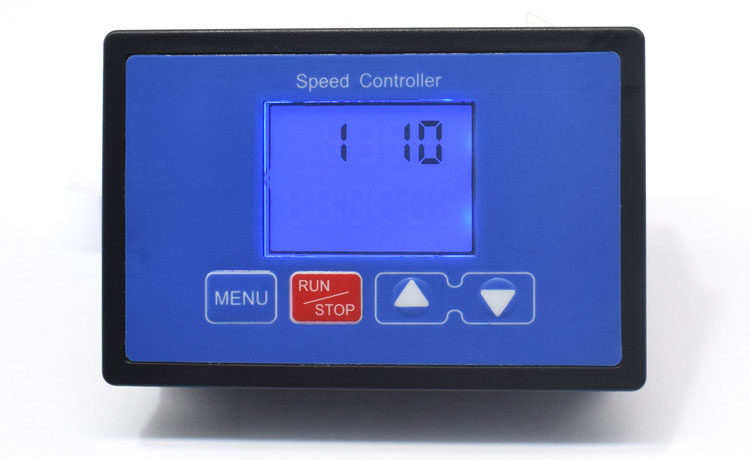
Function 1. Soft-Start Time Setting (000-100)
Soft-start time to reach 100% speed is adjustable between 0-10 seconds, default is 1 second.
Setting: Press the MENU key once to enter Function 1 setting interface. Use the UP/DOWN keys to set the time. Long press MENU to save and exit. (`10` = 1 second, `100` = 10 seconds).
Function 2. Soft-Stop Time Setting (000-100)
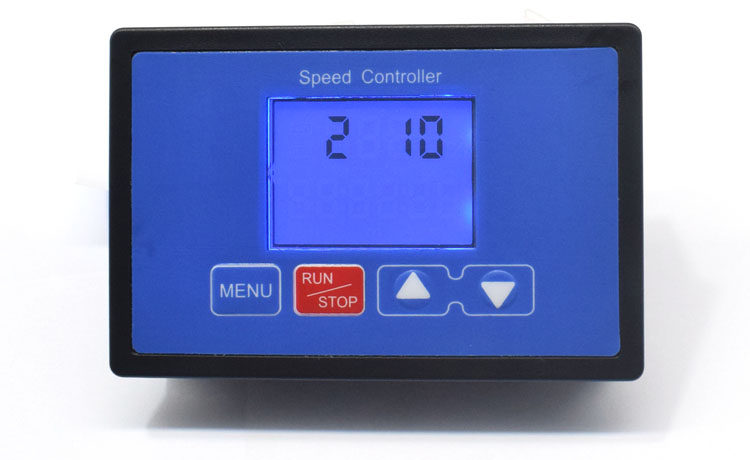
Soft-stop time is adjustable between 0-10 seconds, default is 1 second.
Setting: Press the MENU key twice to enter Function 2 setting interface. Use the UP/DOWN keys to set the time. Long press MENU to save and exit. (`10` = 1 second, `100` = 10 seconds).
Function 3. Minimum Speed Setting (000-080)
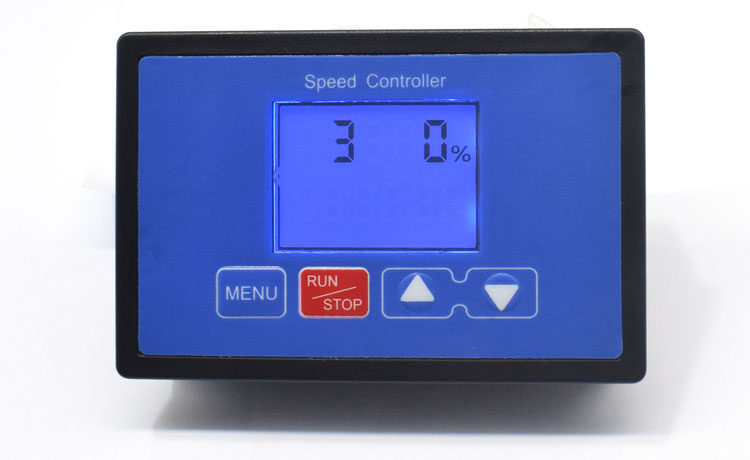
Minimum speed is adjustable between 0-80%, must be less than the maximum speed setting value. Default is 0.
Setting: Press the MENU key three times to enter Function 3 setting interface. Use the UP/DOWN keys to set the value. Long press MENU to save and exit.
Function 4. Maximum Speed Setting (000-100)
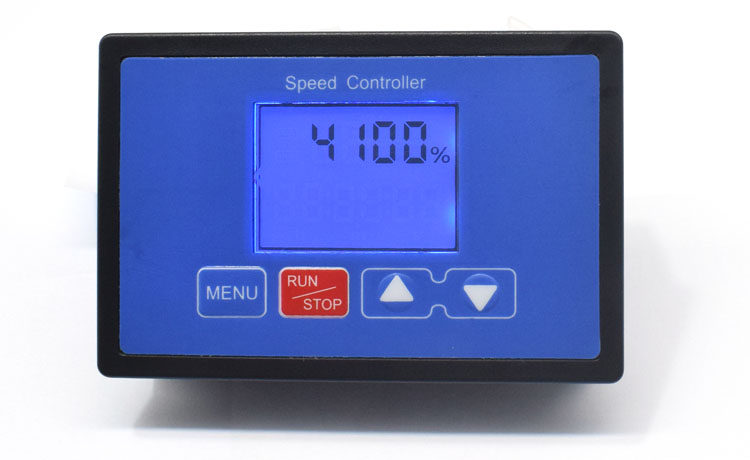
Maximum speed is adjustable between 0-100%, must be greater than the minimum speed setting value. Default is 100%.
Setting: Press the MENU key four times to enter Function 4 setting interface. Use the UP/DOWN keys to set the value. Long press MENU to save and exit.
Function 5. Speed Increment/Decrement Value Setting (1%, 2%, 5%, 10%, 15%, 20%, 25%)
Each press of the UP/DOWN keys changes the speed by 2%, 5%, 10%, 15%, 20%, or 25% (corresponding to settings 001, 002, 005, 010, 015, 020, 025).
Setting: Press the MENU key five times to enter Function 5 setting interface. Use the UP/DOWN keys to select the increment/decrement value. Long press MENU to save and exit.
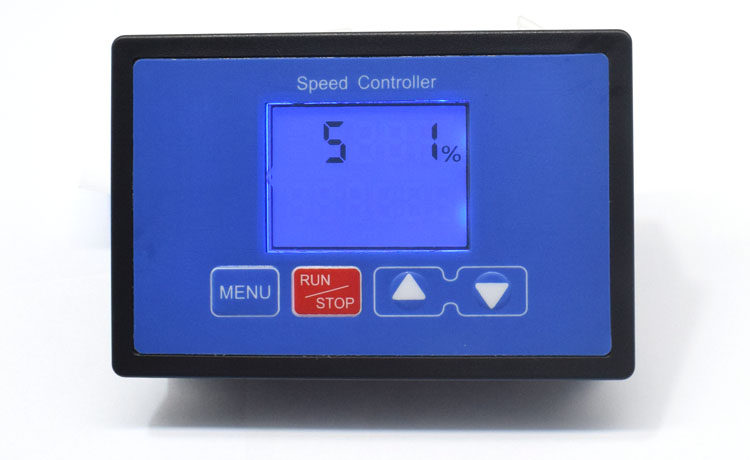
Function 6. Motor Run Time Setting
Minimum duration: 1 second. Maximum duration: 99 hours 59 minutes 59 seconds. Default: 99 hours 59 minutes 59 seconds.
Setting: Press the MENU key six times to enter Function 6 interface (default max time displayed). Use the RUN/STOP key to toggle between hours, minutes, and seconds. Use the UP/DOWN keys to adjust the time. Long press MENU to save and exit.
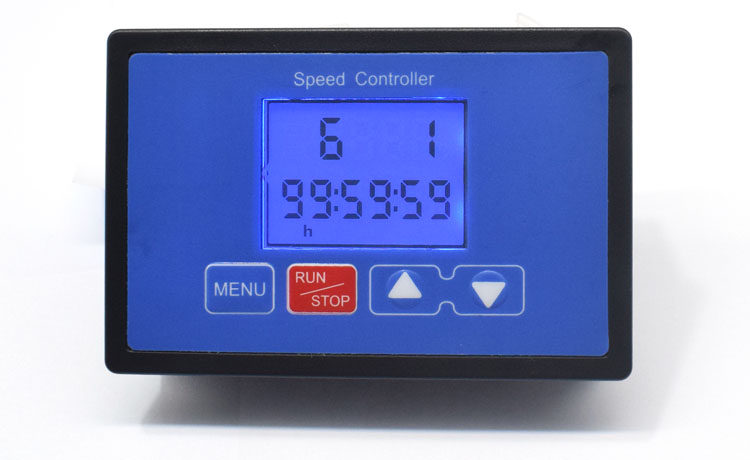
Function 7. Motor Stop Time Setting
Minimum duration: 1 second. Maximum duration: 99 hours 59 minutes 59 seconds.
Setting: Press the MENU key seven times to enter Function 7 interface (default max time displayed). Use the RUN/STOP key to toggle between hours, minutes, and seconds. Use the UP/DOWN keys to adjust the time. Long press MENU to save and exit.
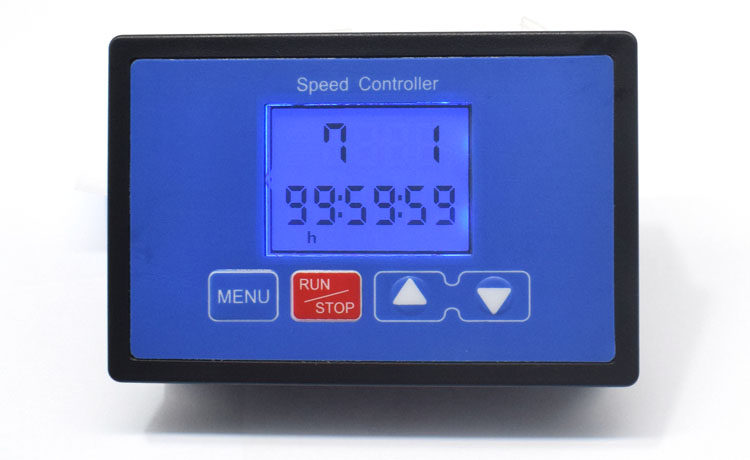
Function 8. Motor Start/Stop Cycle Count (1-999)
Number of start/stop cycles is adjustable between 1-999 times. Default: 999 times.
Setting: Press the MENU key eight times to enter Function 8 interface (default max 999 displayed). Use the UP/DOWN keys to adjust the count. Long press MENU to save and exit.
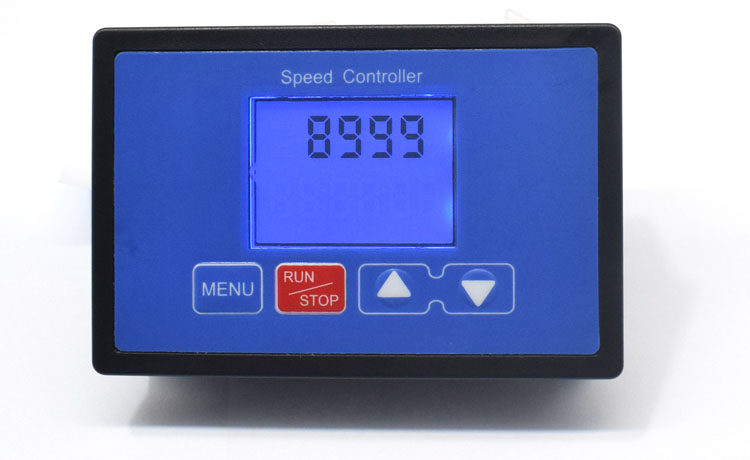
Function 9. Timer Function Enable/Disable (0: Disable, 1: Enable)
Timer function selection: `0` (No Timer), `1` (Timer Enabled). Default: `1` (Enabled).
Setting: Press the MENU key nine times to enter Function 9 interface. Default is `1` (Timer Enabled). Use the UP/DOWN keys to toggle between `0` (Disabled) and `1` (Enabled). Long press MENU to save and exit.
Ideal for:
Knitwear manufacturers, yarn dyers, weavers, small-batch spinners, and anyone working with cashmere, wool, or fine fibers requiring cone winding, rewinding, or plying operations.

