Amiga 500 RGB To Digital Video Output Adapter For HDMI-Compatible devices
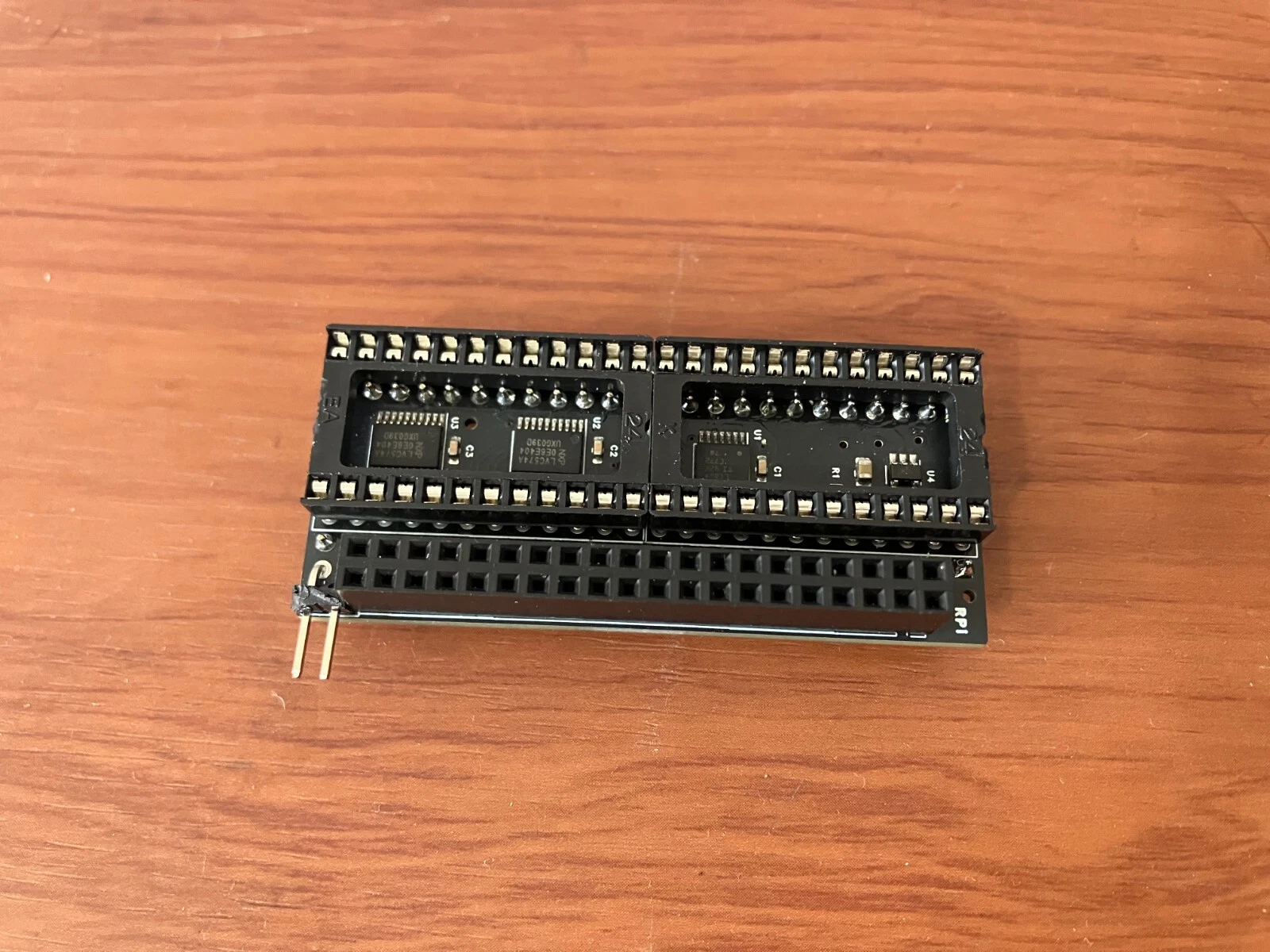
- Many thanks to hoglet67's (David Banks) great design! For more details please visit GitHub project: RGBtoHDMI
- No soldering skill required.
- What you will get:
2. One 2.54mm Jumper cap
- Requirements:
2. Micro SD card
3. HDMI Mini to HDMI A cable
- Optional: You could attach a push button to pin header on the top of the board. It's not necessary so we do not provide it.
Quick installation:
- remove Denise chip from your Amiga
- put Denise chip into the RGBtoHDMI adapter
- put RGBtoHDMI together with Denise chip into Denise socket on your Amiga 500 motherboard
- connect button on the cable into RGBtoHDMI adapter
- put Raspberry Pi Zero into RGBtoHDMI adapter
- put preloaded micro SD card into Raspberry Pi Zero micro SD slot
- connect mini HDMI cable
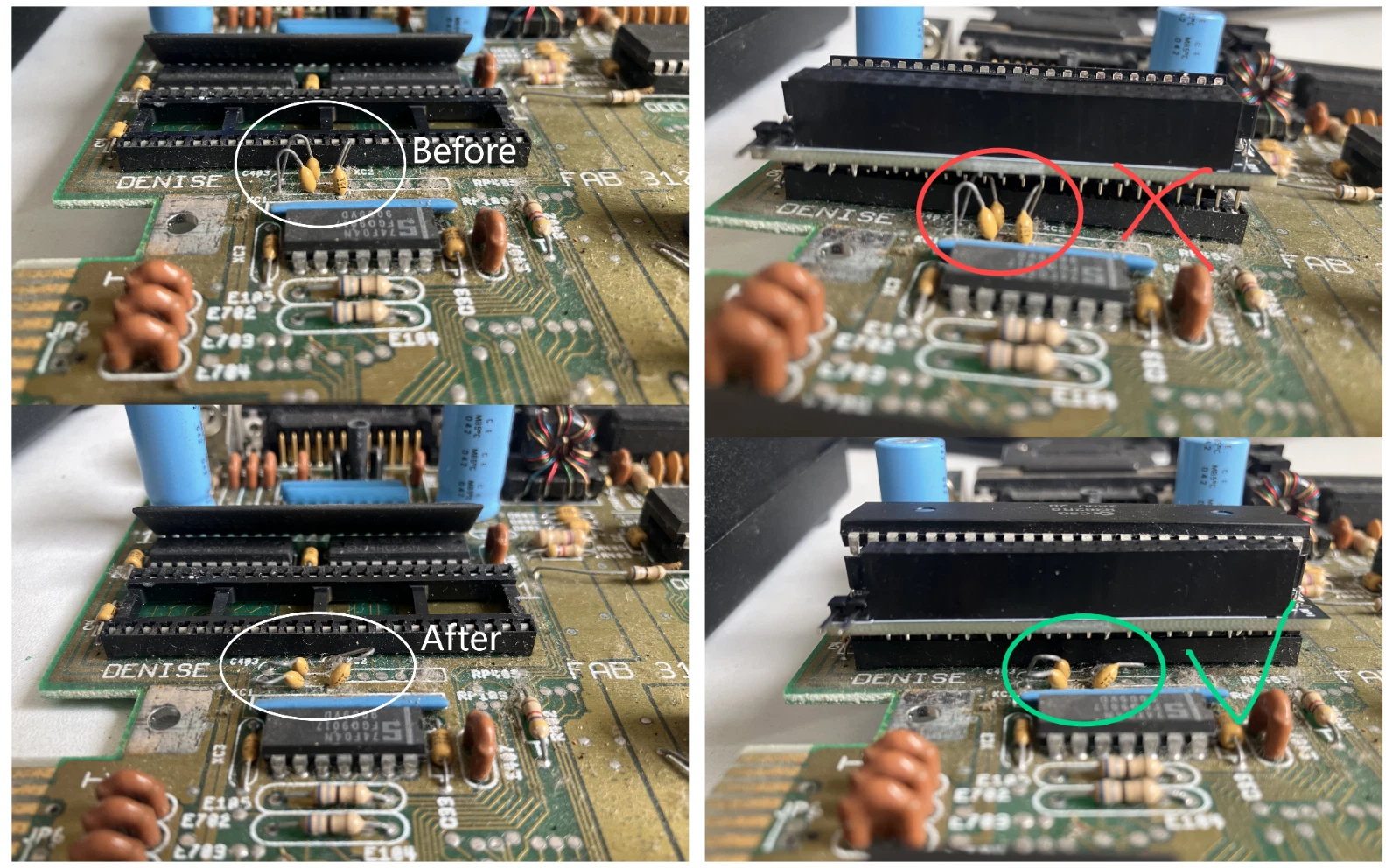
- If you are using a rev.6 motherboard, please note that there are several plug-in capacitors next to the denise chip, which may contact the adapter's solder joints. Please be sure to bend these capacitors before installation.
Special thanks to:
hoglet67 - https://github.com/hoglet67/RGBtoHDMIThanks for author's contribution! Respect!
- We ship within 1-2 business days of payment, usually sooner.
- Customer satisfaction is very important to us.
- If you have any problem with your order, please contact us and we will do our best to make you satisfied.
- If you have any queries, please contact us via ebay. We usually respond within 24 hours on weekdays.