
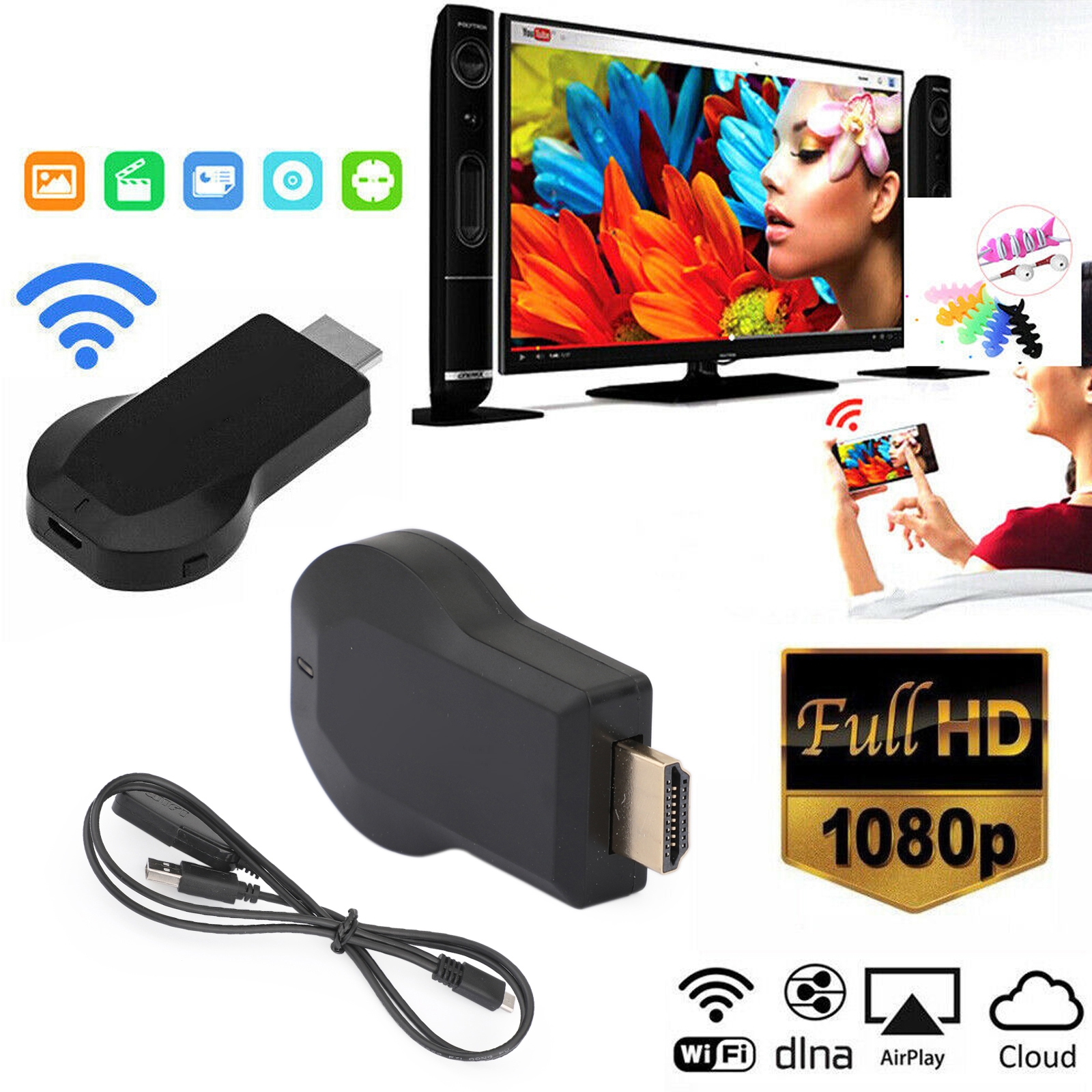
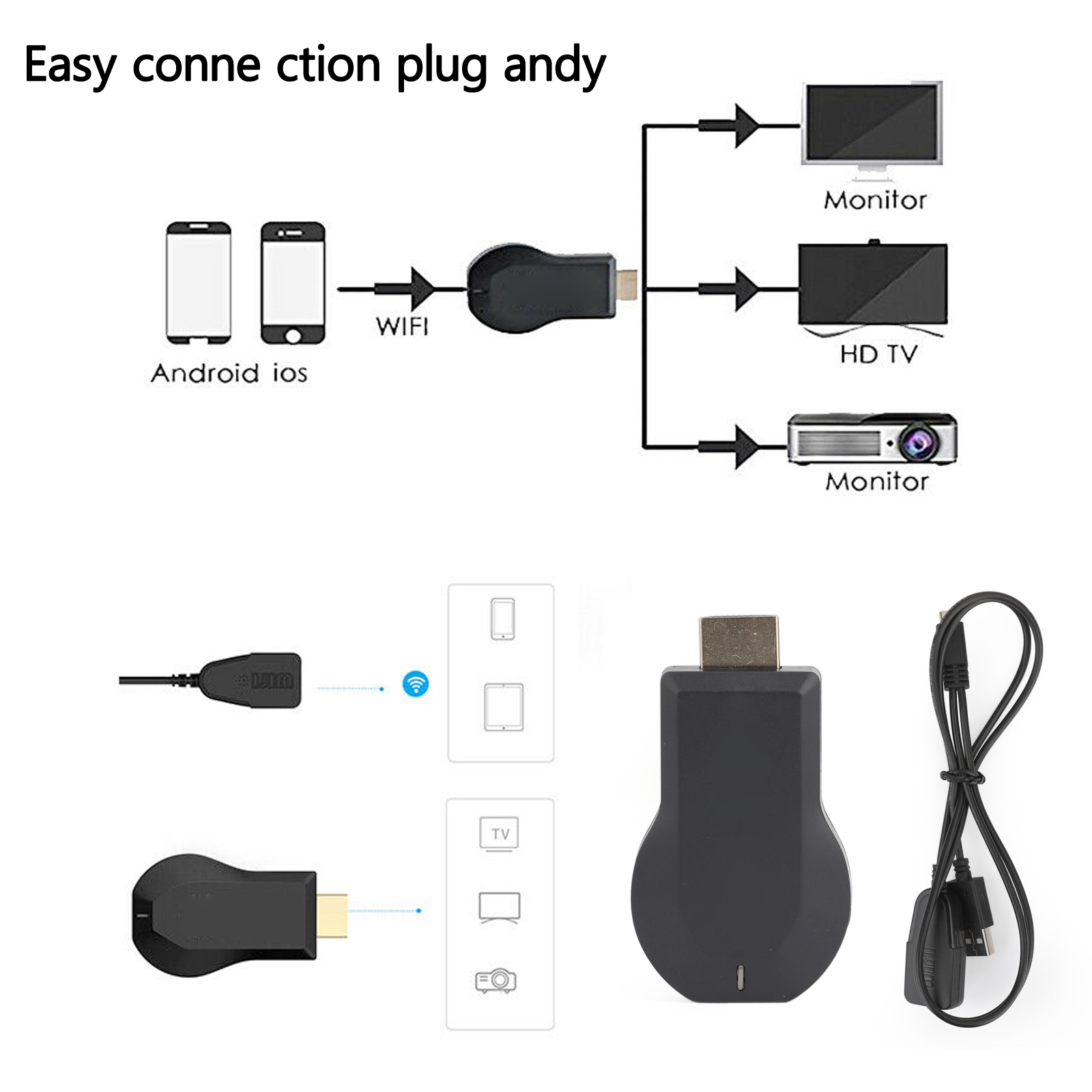
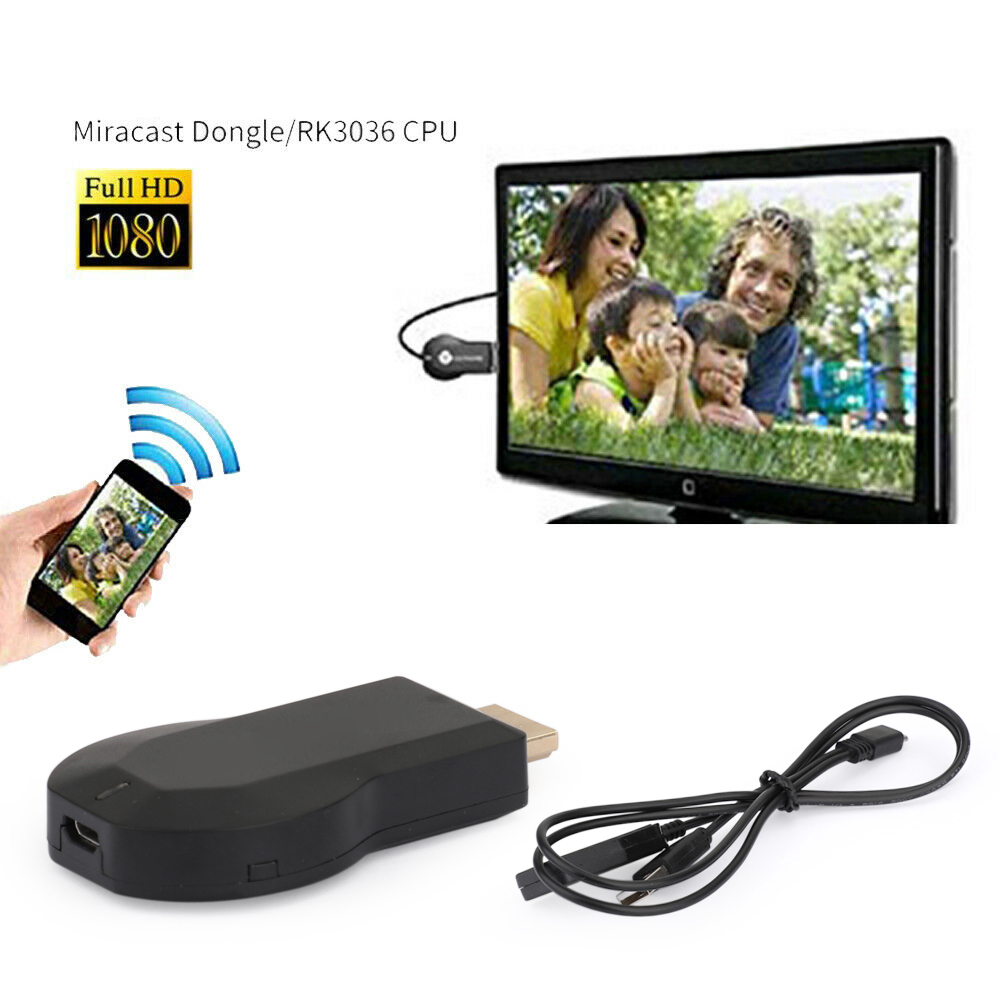
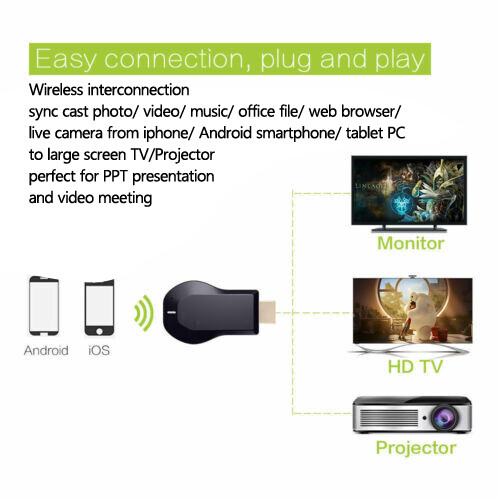
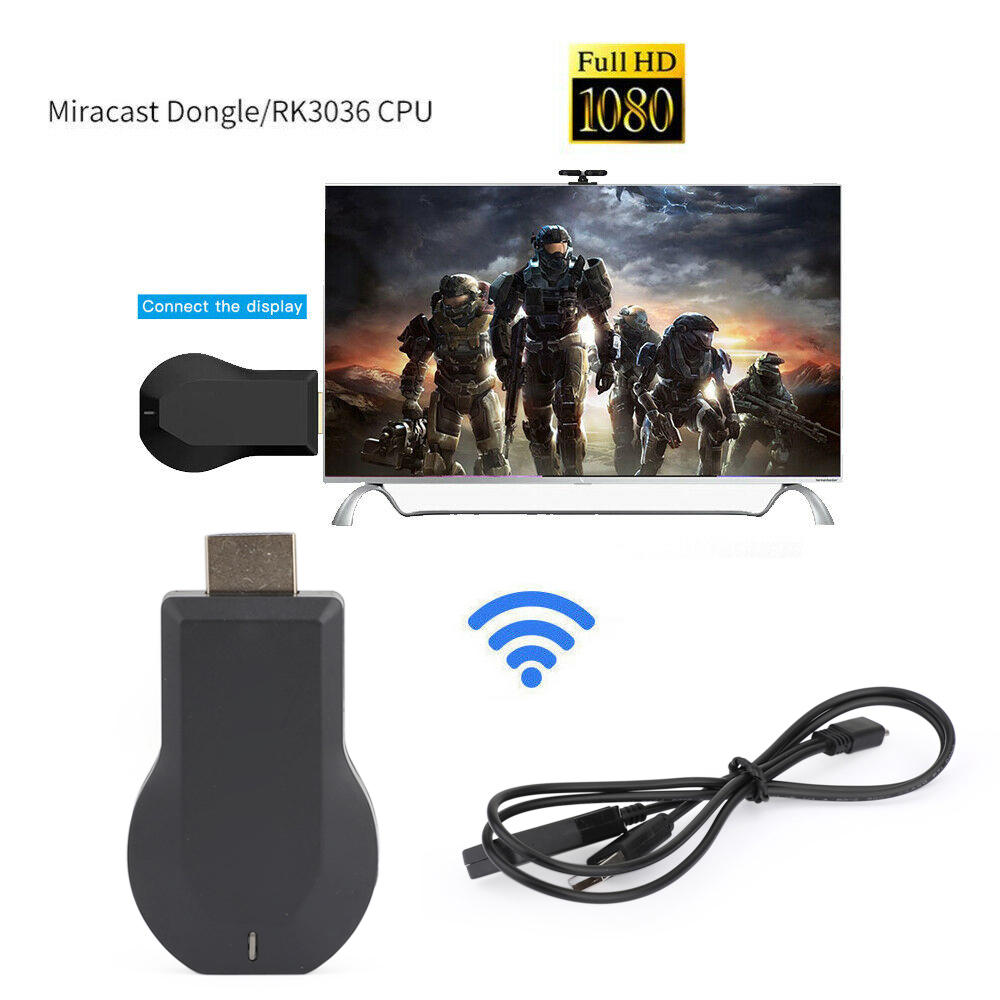
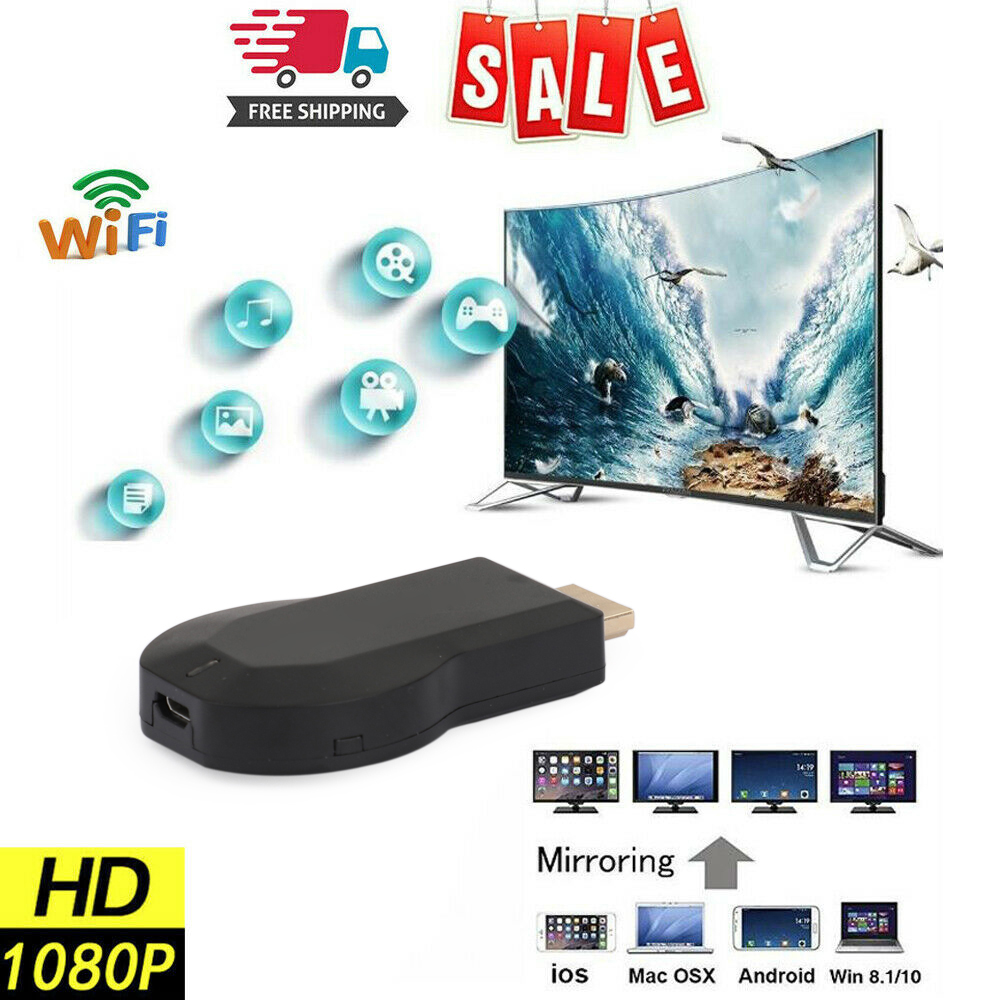
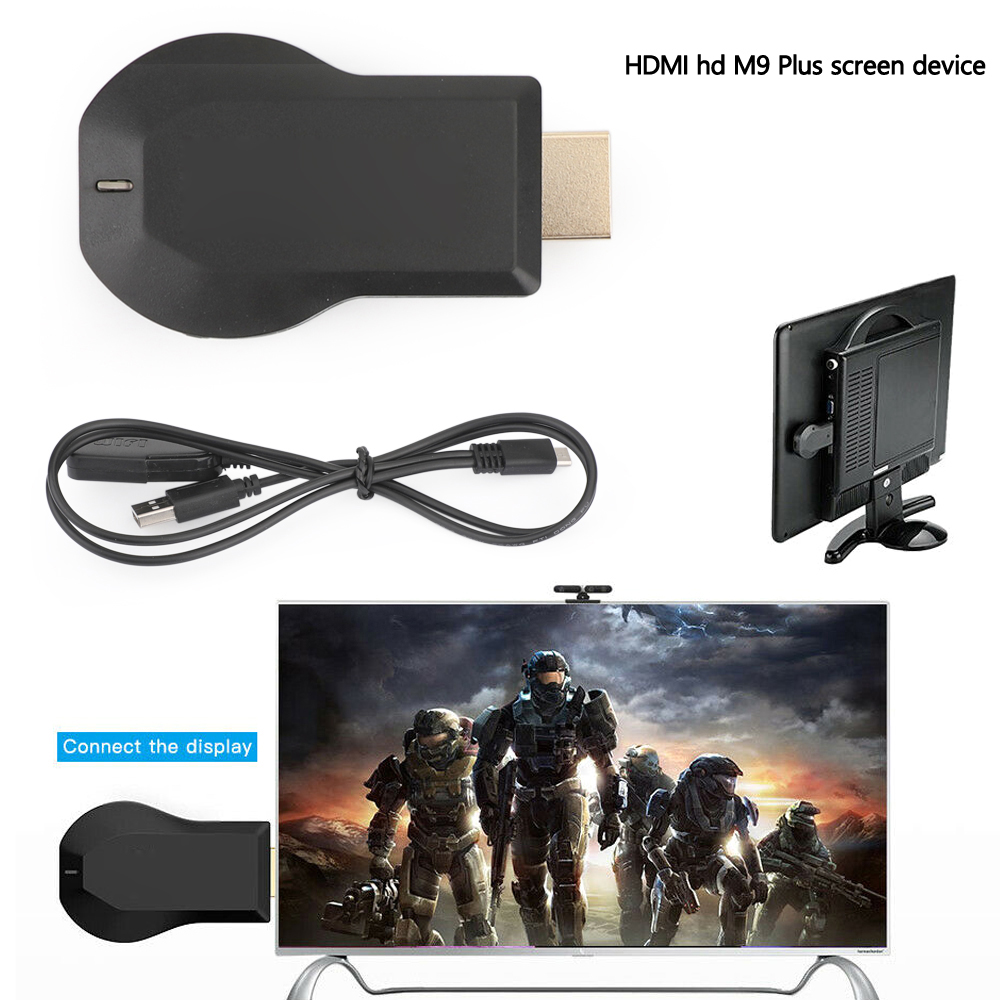
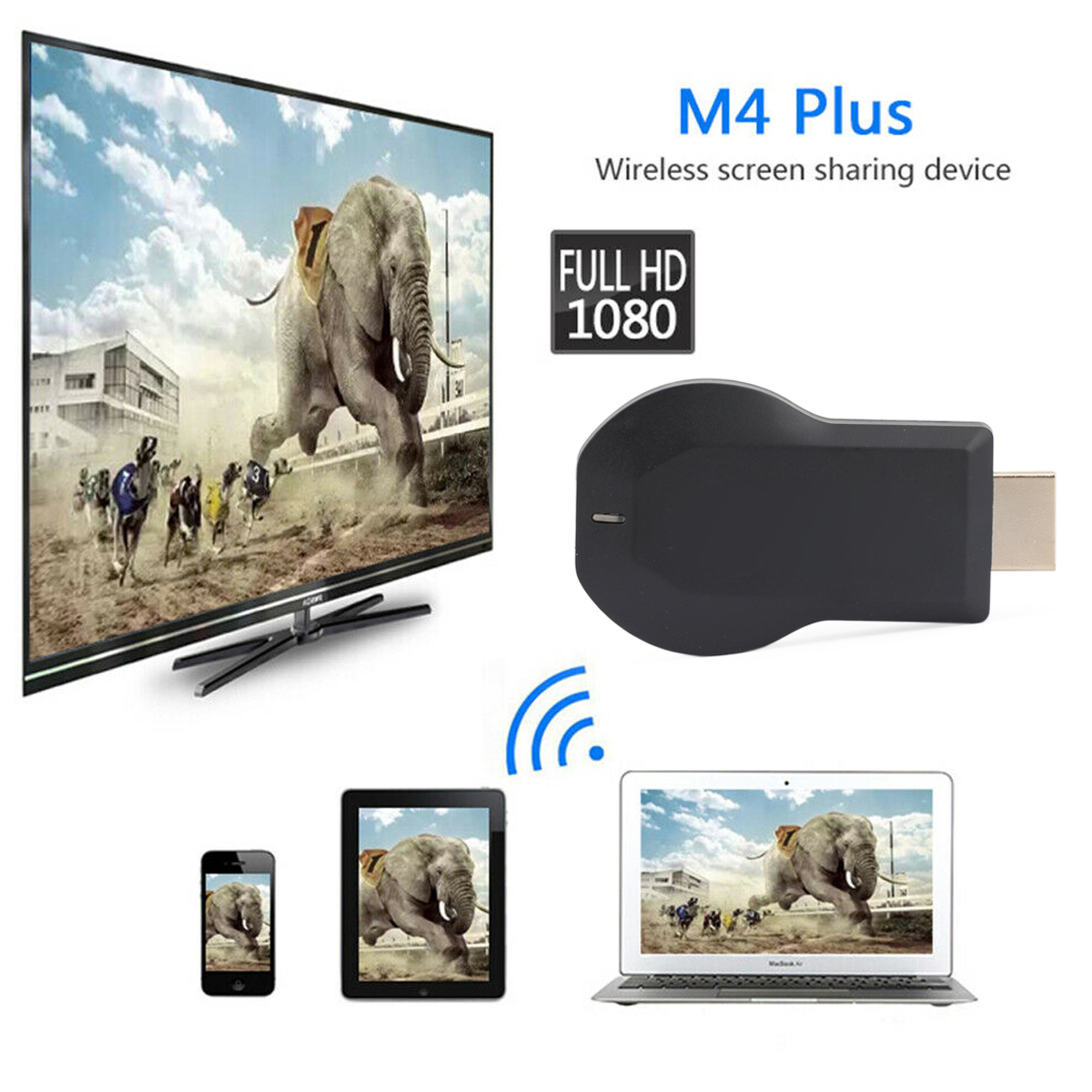
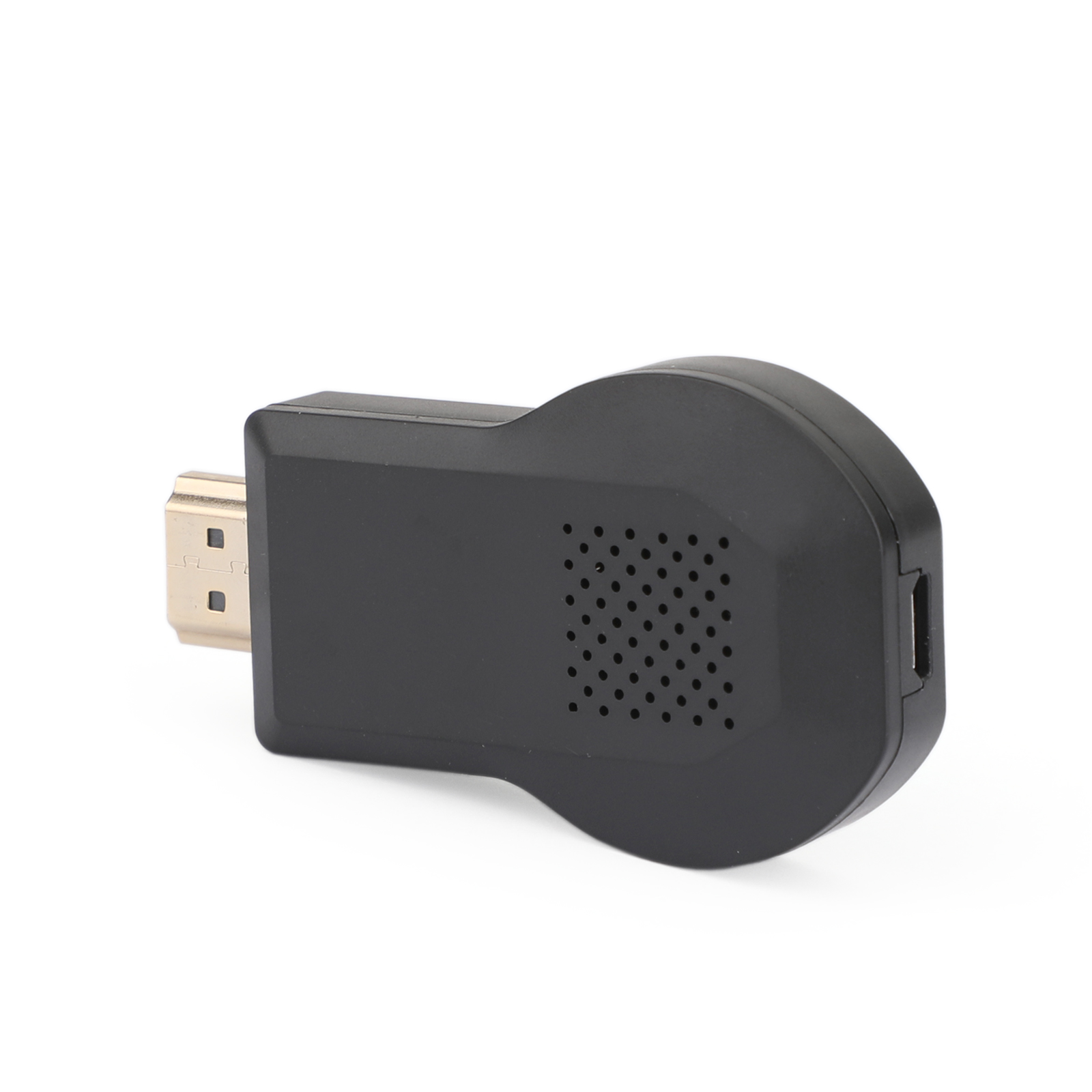
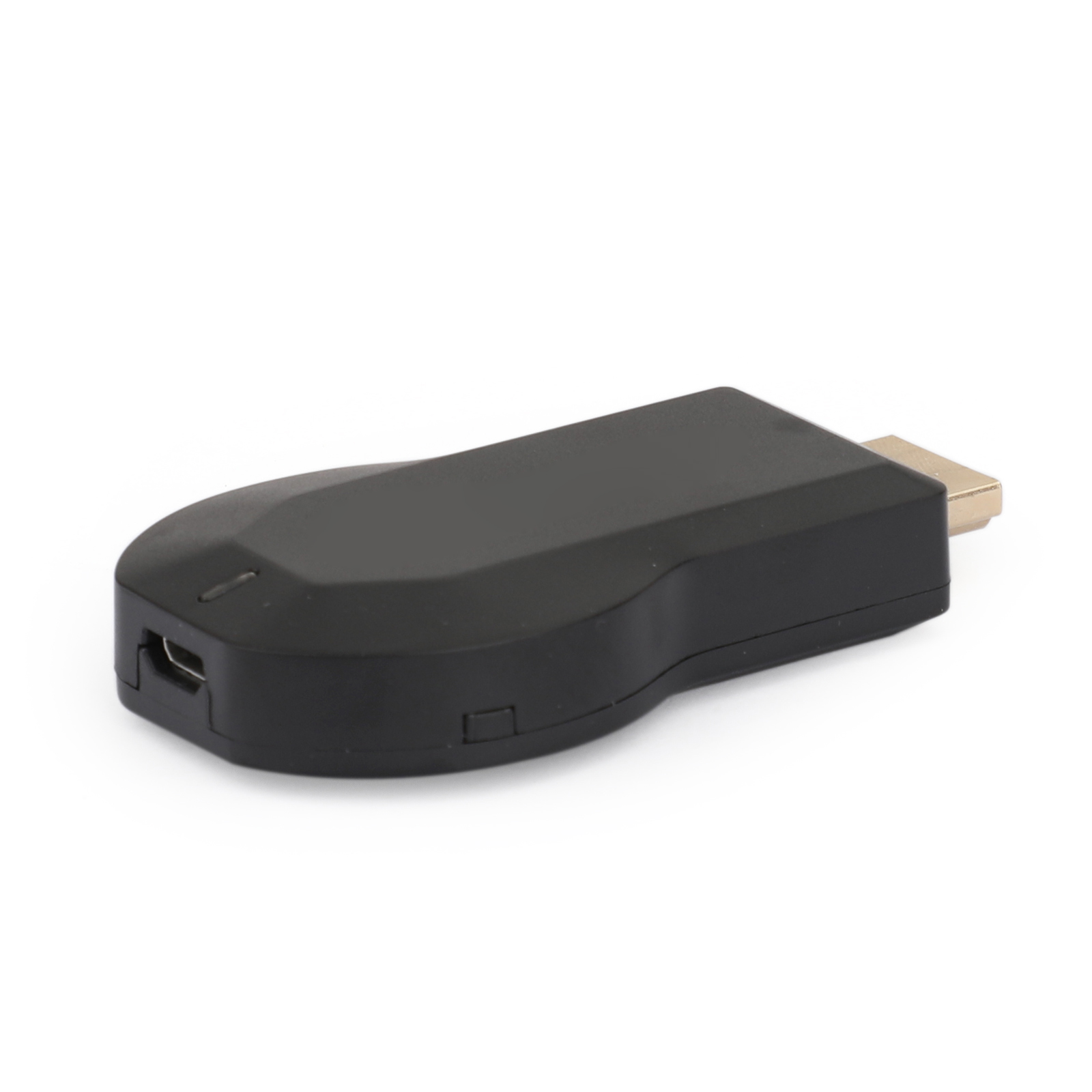
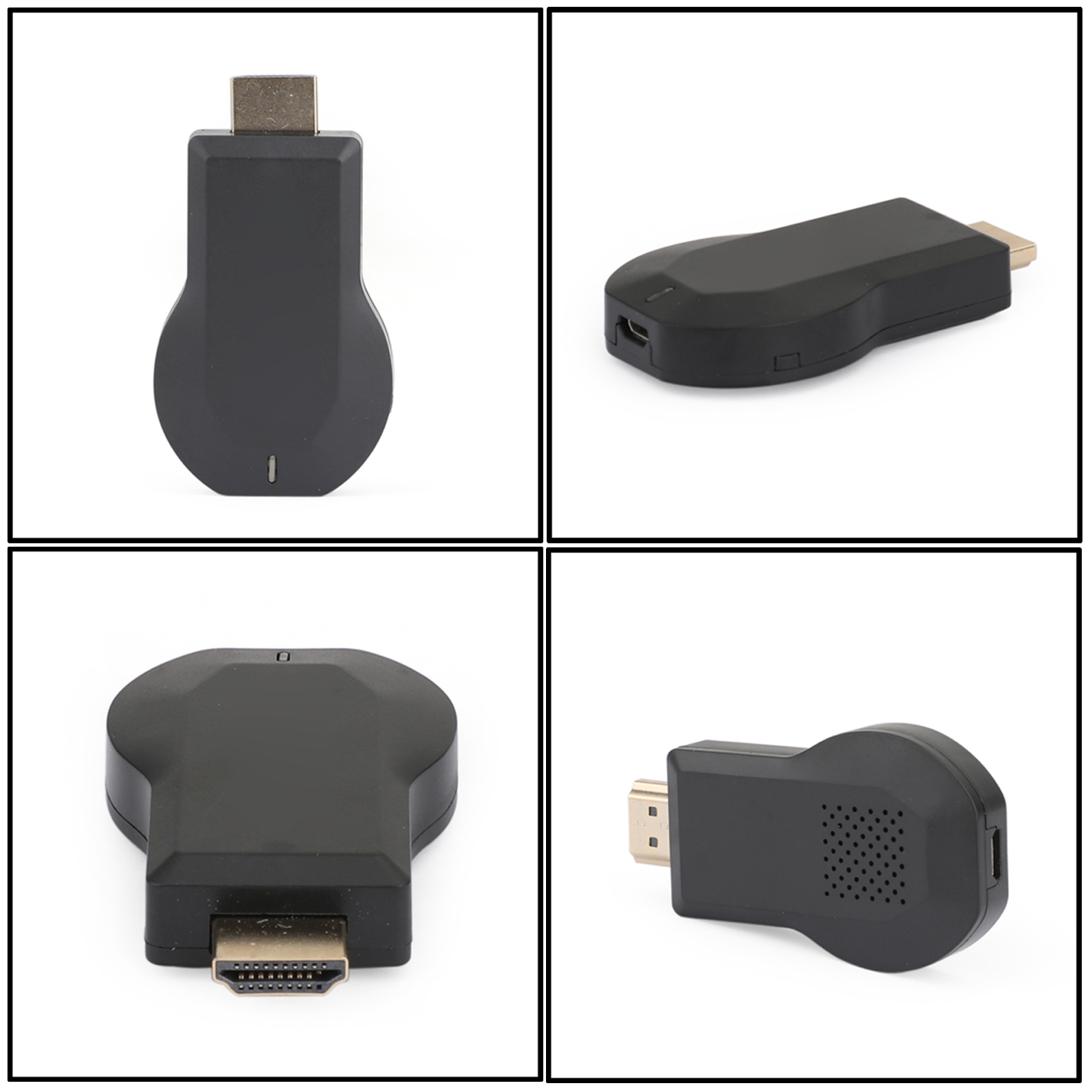
1080P Wireless WiFi TV Dongle Receiver M9 Plus for Airplay WiFi Display Wireless HDMI TV for IOS Android NO NEED OF MODES SWITCH
Description
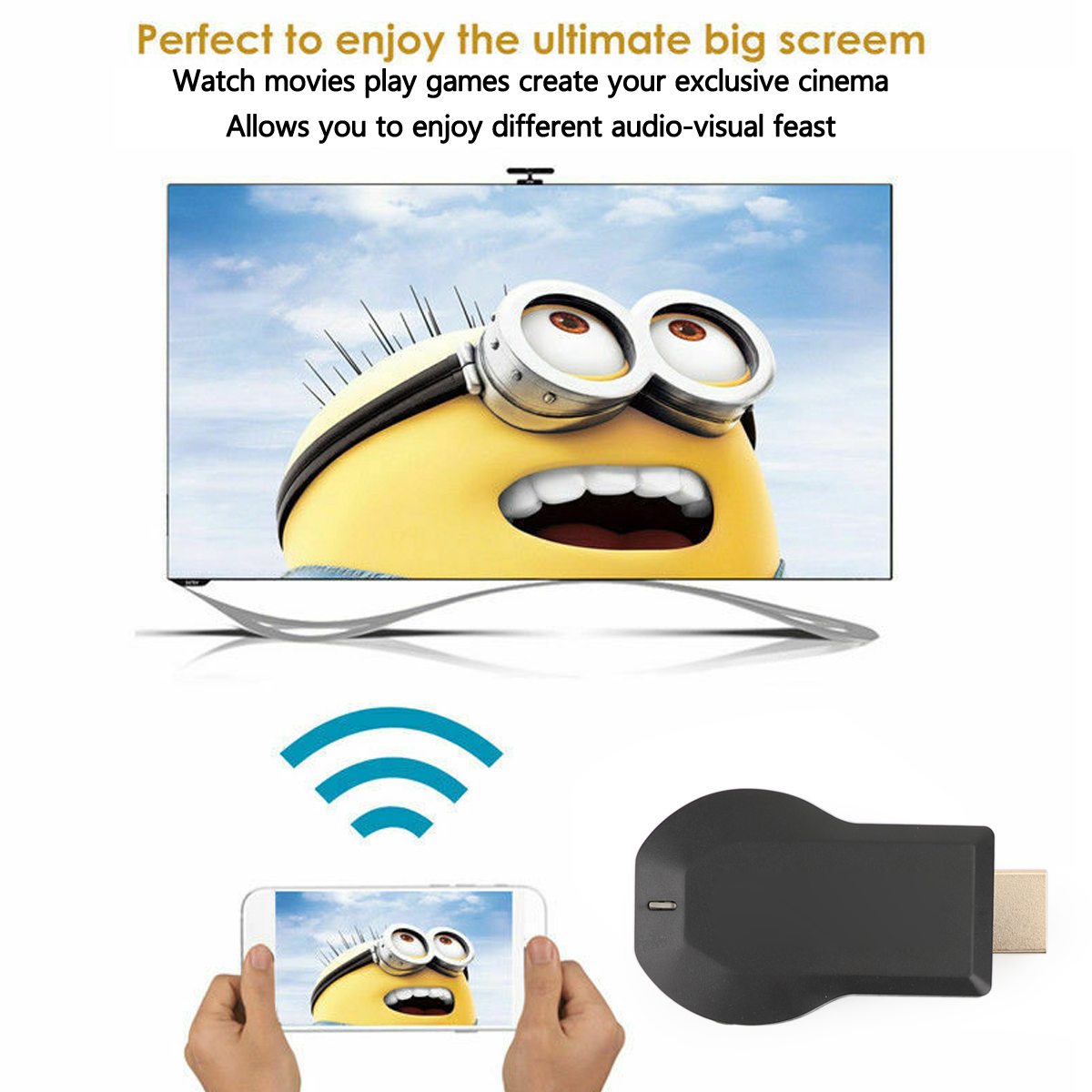
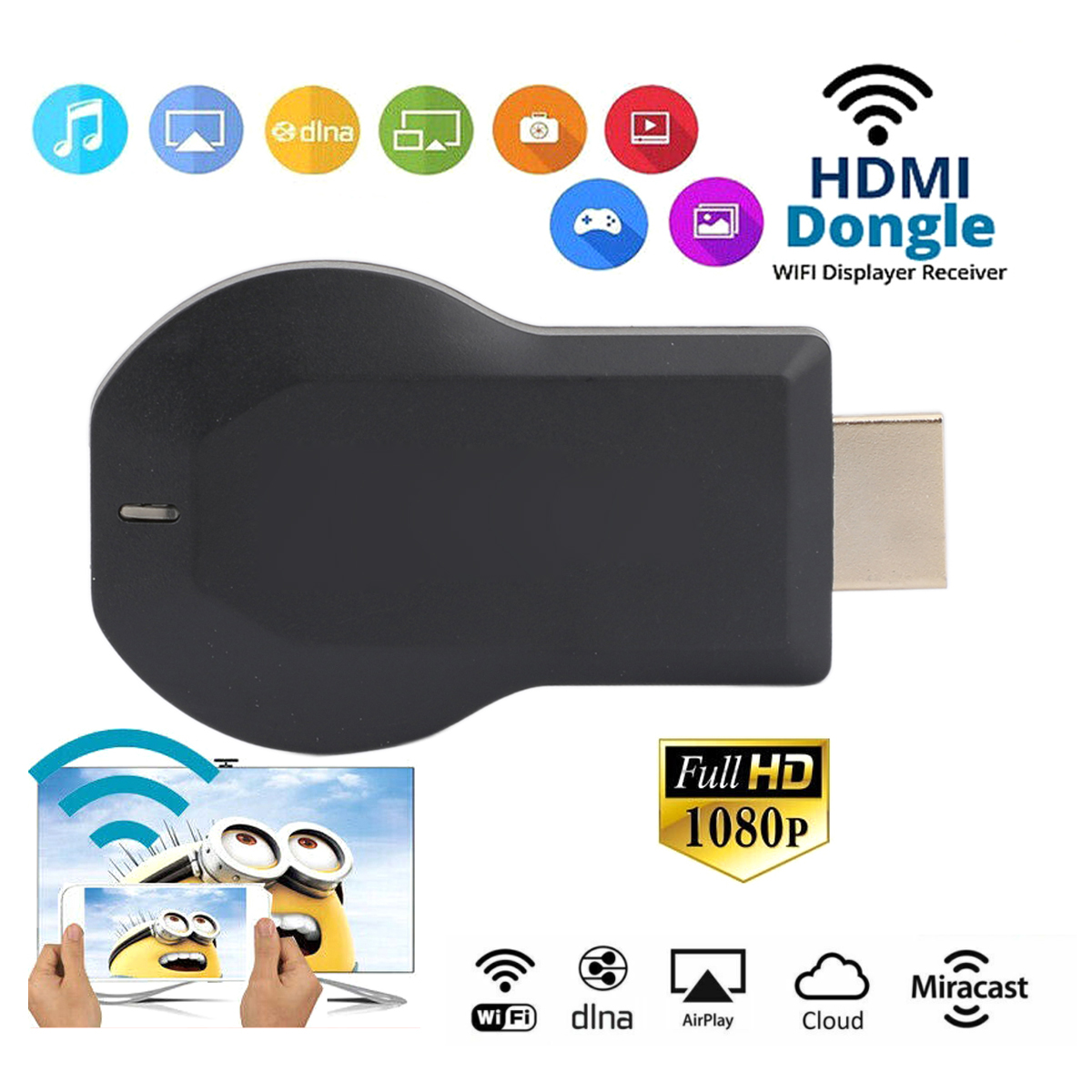
The wifi display dongle supports DLNA/Airplay Mirror/Miracast/Ezcast Function for iOS/Android devices, which is perfect for watching movies, conference use and gaming to pursuit different audio-visual feast. Compared with traditional receiver, the item has better connectivity and strong anti-jamming that give smoother data transfer.
Connection Instructions
{Connection for iOS device}
Step 1: Get SSID and PSK/Password on Anycast page;
Step 2: Connect AnyCast in WiFi Setting on iPhone;
Step 3: Go to a browser and input 192.168.203.1 to come to the setting menu(You can connect your home wifi here by clicking "Internet" and Choosing your home Wifi to connect);
Step 4: Pull up the Control Center on iPhone and turn on Airplay, and select AnyCast dongle to start mirroring.
Two method to mirror your iOS device onto the TV screen keeping internet surfing
Keep your iOS device connected to your home router Wifi, and your Anycast dongle connected to the same WIFI. Your iOS device surfing through the router wifi directly
NOTE: This way is very convenient, you only need set the Anycast dongle connected to the router wifi. One time, and you can mirror your device which always connect to the router automatically
{Connection for Android device}
Step 1: Enable WIFI on your mobile device, and find the “wireless display” in the “setting”menu, touch and your will see the AnyCast’ SSID;
Step 2: Touch AnyCast SSID and start the connection mobile device with the Anycast dongle. And then your mobile device is mirrored to big screen;
Step 3: Your device can connect to the WIFI router to keep internet surfing.
Features:
Supports chromecast, for Google home, Netflix, hulu, etc., X5L 2.4G frequency
Supports 2.4G WIFI network, to achieve real high-speed with the screen fluent.
Item type:Wireless WiFi Display Receiver
Power Comsumption: Main unit ≤ 750mA@5V
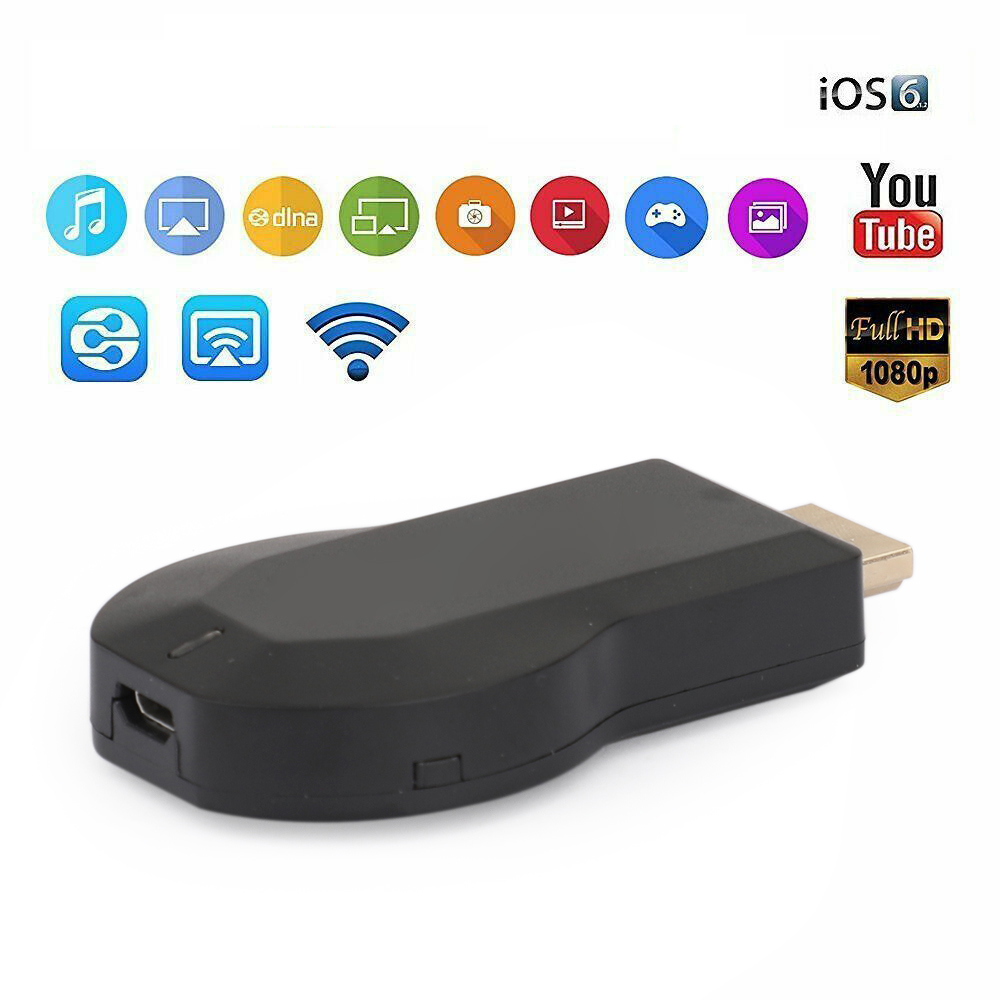
Functions: Miracast DLNA Airplay Chrome
Miracast: Android Wi-Fi Display (Miracast)
DDR3: 128MB
NOR flash: 128M Bytes
WiFi: IEEE 802.11 b/g/n (Built-in Realtek 8188 USB WiFi Module)
CPU: AM8252B
Airplay:To support IOS airplay mirroring
DLNA: Digital Living Network AlliancePhone Model:Support Most Smart phone
Video Player: MPEG2, MPEG4, AVI, WMV, MKV, MOV, RM, RMVB
Music: MP3, WMA, WAV, OGG, AAC, FLAC, 3GP
Chromecast: To support for Google home(app)and for Google chrome
Chip: quad-core; MTK Quad; RK30/RK31; Allwinner A31
OS: Android 4.2
Gallery:JPG, BMP, PNG
Note:
1. This product is not suitable for use on Korean TV brands, such as Samsung, LG, etc. There may be abnormal playback speed or screen mosaic during playback, please pay attention.
2. If the mobile device you use to synchronize the screen is a Samsung mobile phone, it will not be able to use it, because Samsung’s same-screen protocol does not allow other devices to share the same screen. Please use other mobile phone brands.
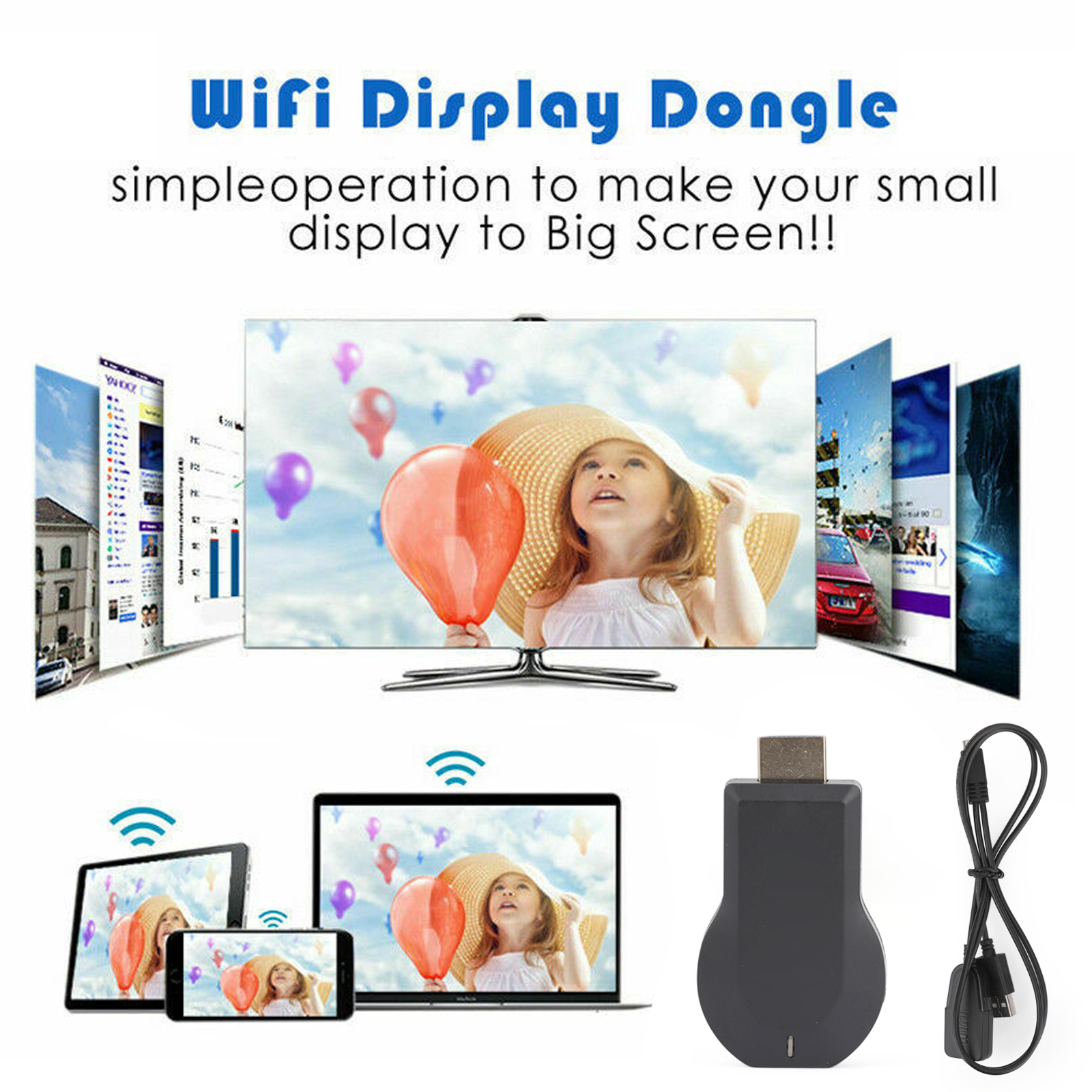
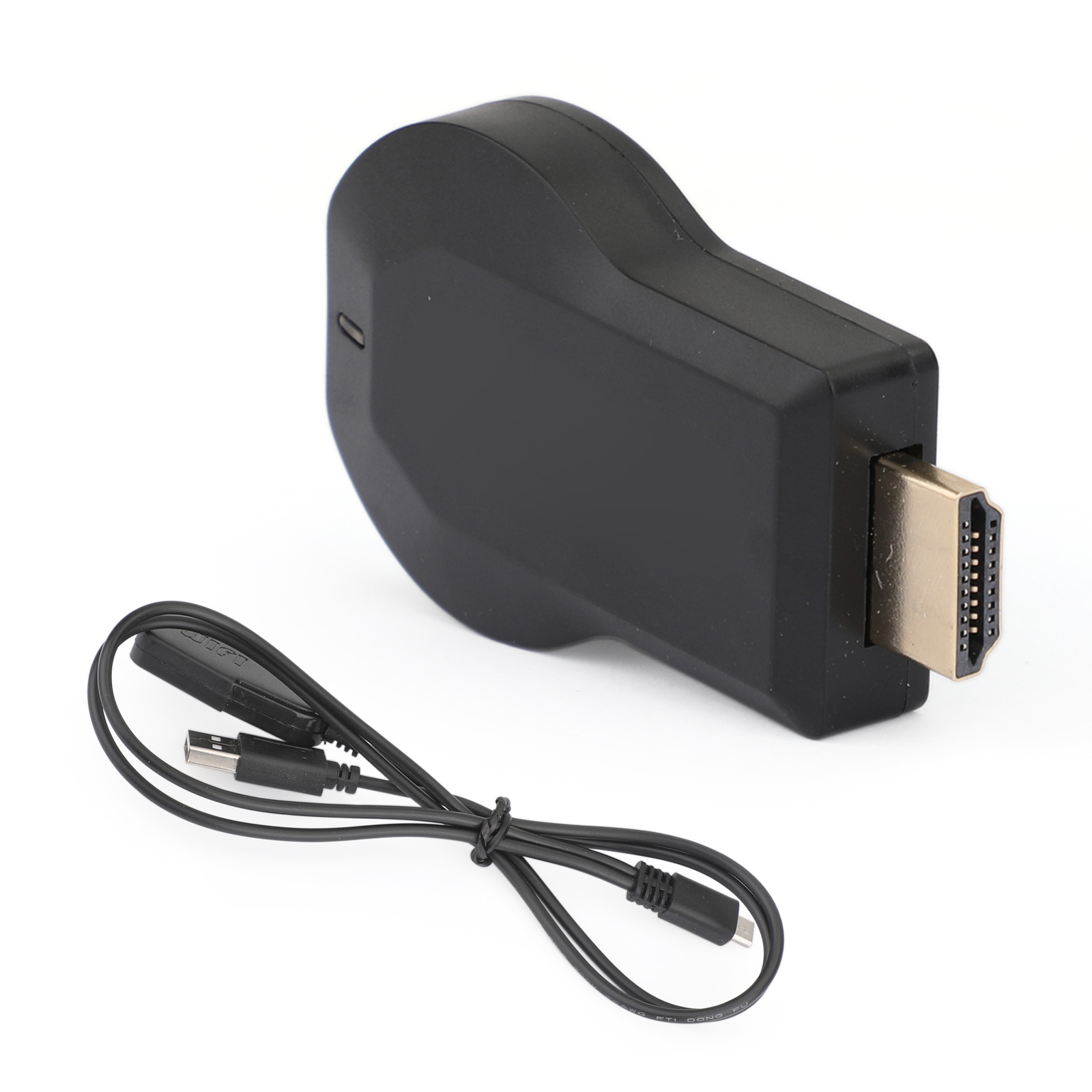
1 x WiFi display dongle
1x WiFi Antenna
1 x User Manual
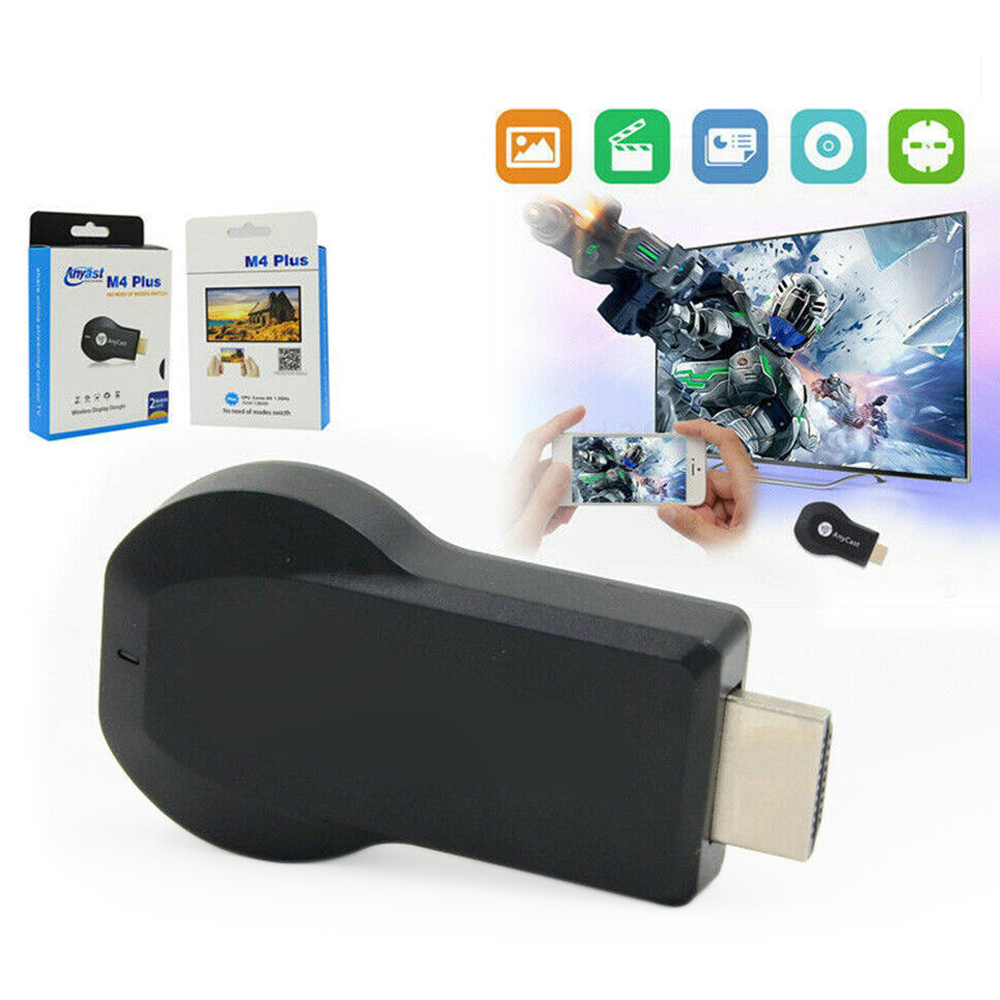
M4 Plus
1080P Wireless WiFi TV Dongle Receiver M4 Plus for Airplay WiFi Display Wireless HDMI TV for IOS Android NO NEED OF MODES SWITCH
Description
The wifi display dongle supports DLNA/Airplay Mirror/Miracast/Ezcast Function for iOS/Android devices, which is perfect for watching movies, conference use and gaming to pursuit different audio-visual feast. Compared with traditional receiver, the item has better connectivity and strong anti-jamming that give smoother data transfer.
Features:
1. Built-in 150M 802.11n high speed Wi-Fi and high sensitivity gain antenna
2. Support dlna, airplay, Miracast, MirrorOp, iMiediasShare and other interconnection agreements
3. Small screen (mobile phone screen) spread the big screen (television screen) weapon
4. When the media is pushed, the mobile phone does not occupy the charging traffic, and the mobile phone becomes the remote controller.
5. Support multi-threading, push media does not affect other functions of the phone.
6. Support multiple people and multiple mobile phones to connect at the same time, share their wonderful together.
7. Hard decoding, support for smooth playback of videos and photos taken by all smartphones.
8. Compatible with a variety of streaming media formats, free access to the massive amount of Internet video resources.
9. Support 720/1080P HD output, enjoy the perfect picture quality.
10. Support WPS one-key encryption, fast connection with router or AP configuration.
11. Stylish and compact design, it is a good com-panion for carrying around at home.
12. Easy to install, just plug in to any HDMI port and connect to a home WIFI network. (hdmi dongle)
Connection Instructions
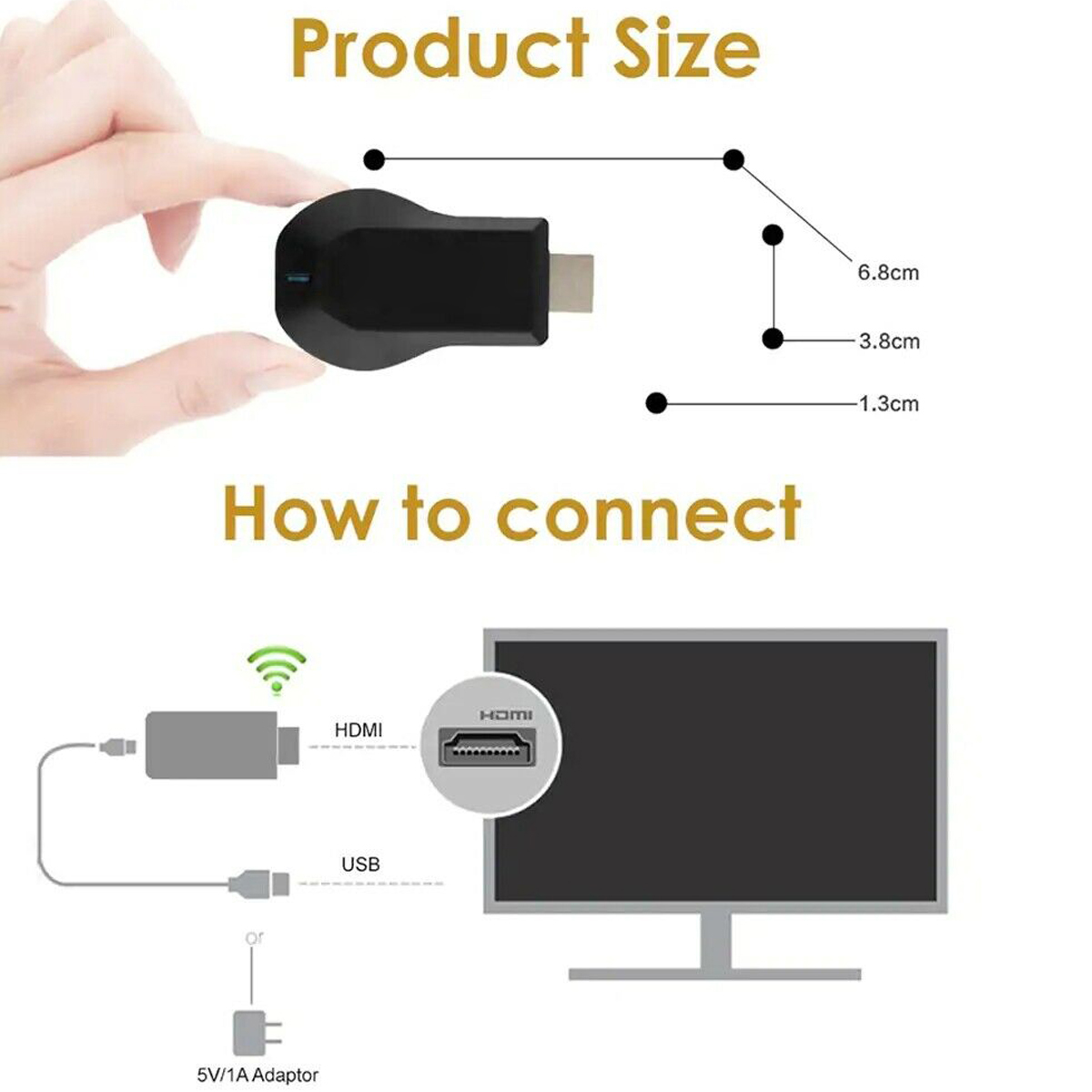
Step 1: Insert the push treasure into the HDMI HD interface of the TV
Step 2: The wireless connector needs to be connected to the power adapter (standard 1A) and then connected to the power supply.
Step 3:Connect the product WiFi;Open the website 192.168.49.1 Click the first icon to connect to the home personal wifi, and exit the interface after successful;Apple phone / tablet pull up the shortcut bar to open the mirror
Specifications:
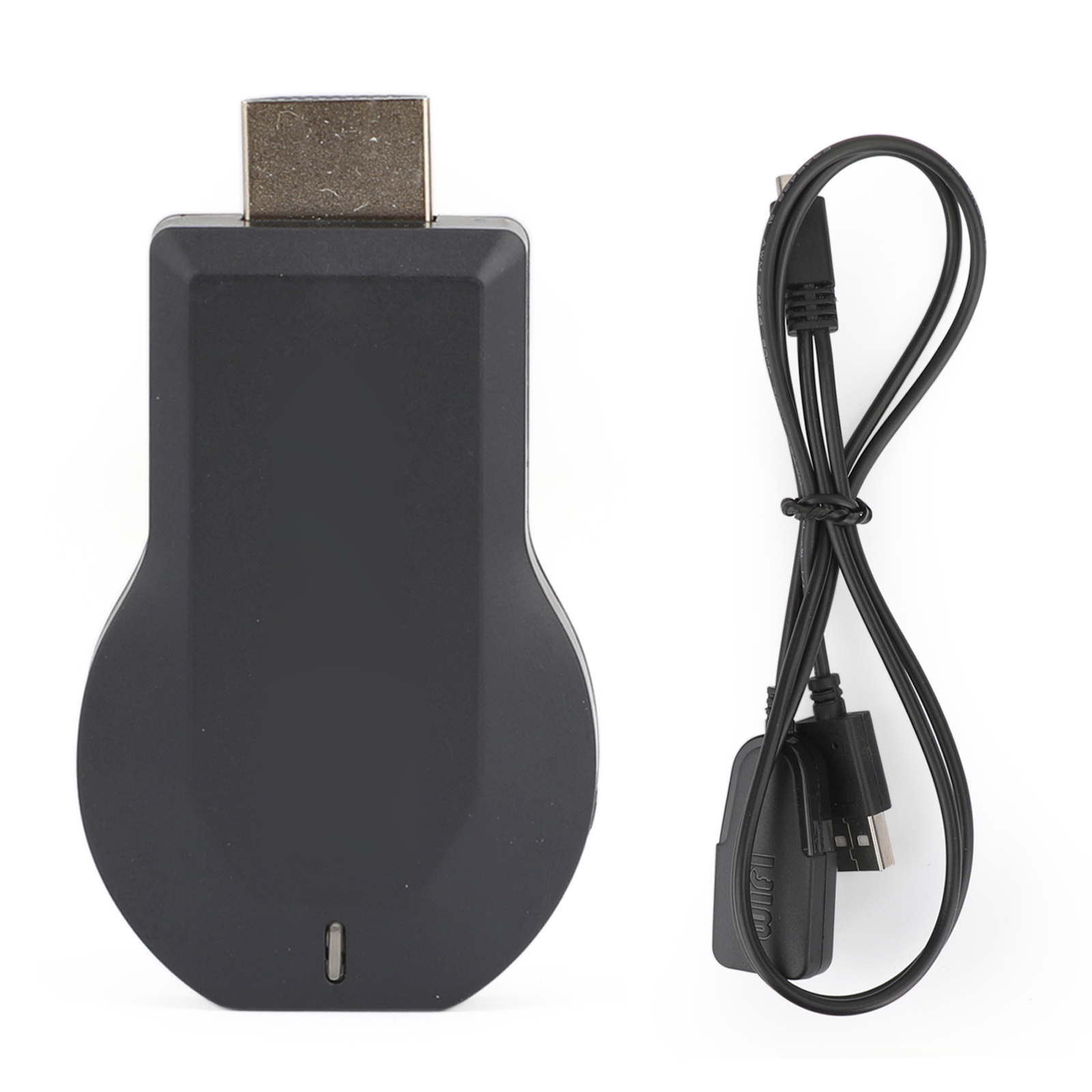
Type: M4 Plus Wifi Display Receiver
Weight:65g
Color:Black
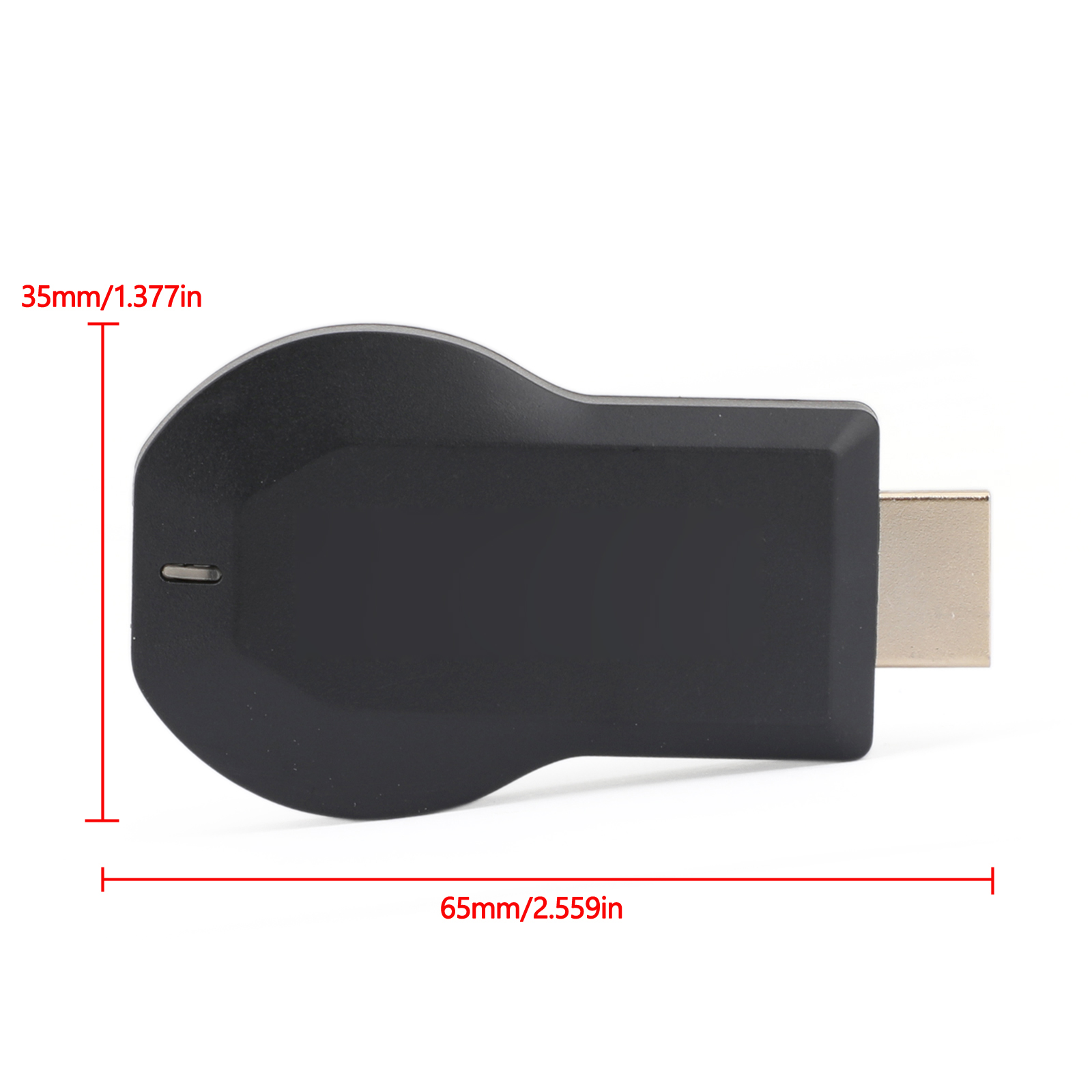
Size:65*11*35mm
Note:
1. This product is not suitable for use on Korean TV brands, such as Samsung, LG, etc. There may be abnormal playback speed or screen mosaic during playback, please pay attention.
2. If the mobile device you use to synchronize the screen is a Samsung mobile phone, it will not be able to use it, because Samsung’s same-screen protocol does not allow other devices to share the same screen. Please use other mobile phone brands.
1 x WiFi display dongle
1x WiFi Antenna
1 x User Manual
