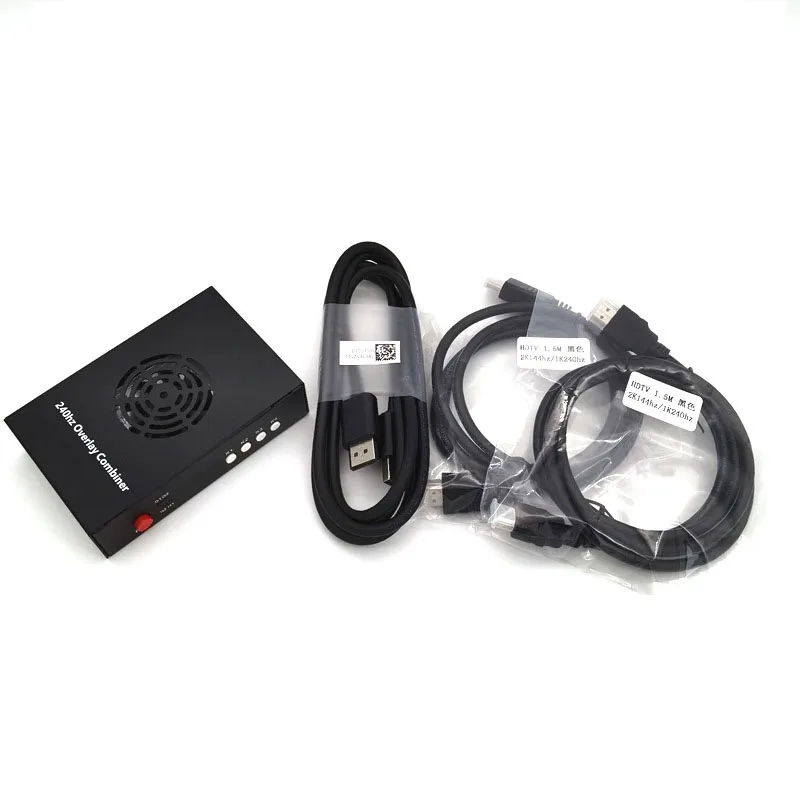
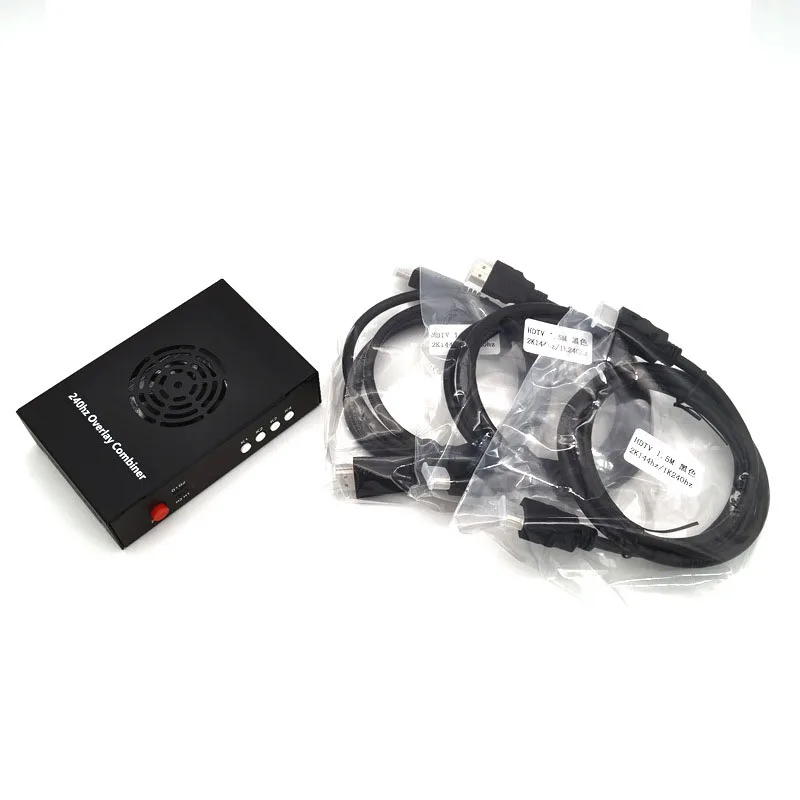
DMA Fusion 240Hz 2K144 DMA Video Overlay Box HDMI DMA Video Processor High Quality Computer Components DMA Fusion Unit Box
Name : DMA Fusion 2K144
Product Description:
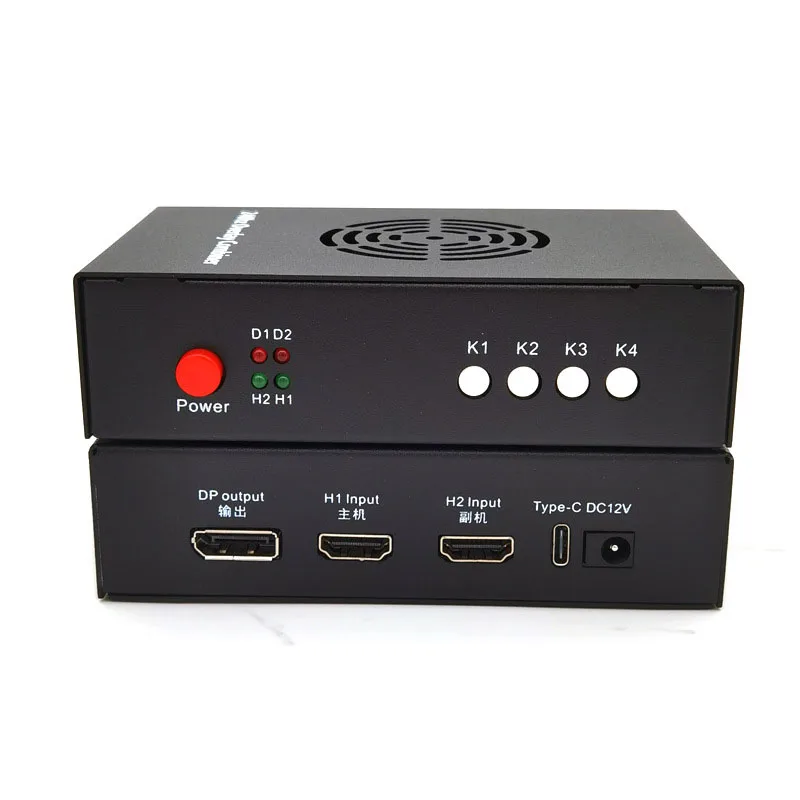
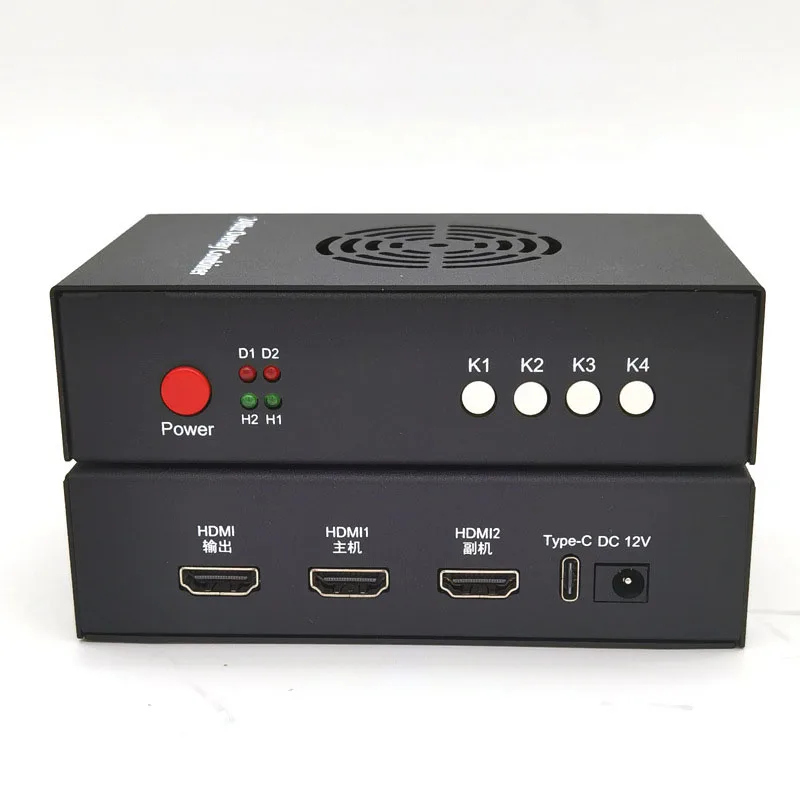
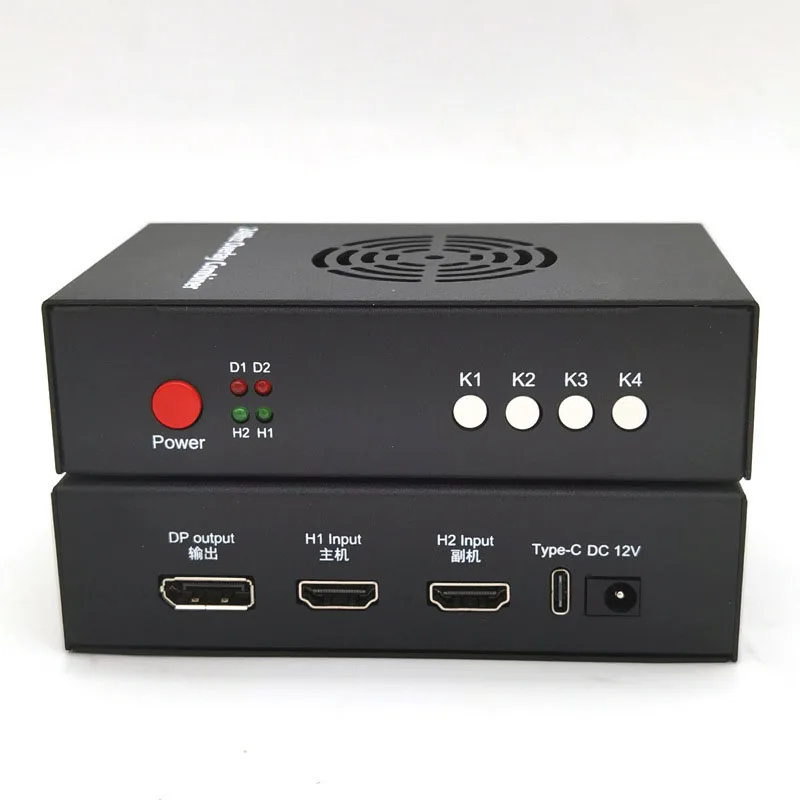
Interface: (please follow the guidelines to connect the HDMI cable, the order required)
[HDMI Output]: Connect to the main monitor.
[HDMI1 Host]: Connect to the host graphics card.
[HDMI2 Subcomputer]: Connect to the subcomputer graphics card.
[Type-C]: Upgrade program and inject EDID (only used when upgrading, not upgrading can not be used)
[DC12V]: Power supply (default 12V1A)
Note: The host graphics card can no longer be connected to the DP cable or HDMI cable directly connected to the main monitor, if connected, to be dialed off.
Indicator light:
[D1]: Power light (will light up when power is on)
[D2]: Fusion function on/off indicator (long bright fusion function on, not bright fusion function off)
[H2]: HDMI2 vice input signal light (long light normal, not light that no signal over)
[H1]: HDMI1 host input signal lamp (long light normal, does not light means no signal over)
Button function:
[Power]: power switch
[K1]: short press: cycle switching resolution, 1920*1080、2560*1440、
3840*2160、2560*1080、3440*1440.
Description:Long press the [K1] key for three seconds (hold it down until it is displayed): the top left corner of the screen displays the current resolution and refresh rate, the upper host information, the lower vice information
[K2]: short press: switch the upper keying intensity, 0-20 levels of a total of 21 gears, the factory default 0 (0 also keying).
[K3]: Short press: Restore the upper keying intensity to the factory default 0.
[K4]: Short press: Turn on/off the fusion function.
Note: Long press the [K4] key for two seconds to enter the original single screen of the vice. To exit, you must also press and hold the [K4] key for two seconds.
Press the [K4] the DMA box D2 light is on, but no perspective fusion, Countermeasures: 1, please set the background of the secondary camera to pure black; 2, press the [K2] key to enhance the RGB value.
Other functions:
Plug and Play, Auto Standby, Memory Save, Temperature Control Heat Dissipation, Original Picture Output, Extremely Low Latency.
5th generation DP version Features:
1 , Supports HDMl Inputs & DP Output.
Up to 2 HDMl Inputs to be combined & 1 DP output.
2 , Good support for resolutions and refresh rates.
( 1 ) Max Input & Output Resolution and Refresh Rate:
1080p@240Hz; 2K@144Hz; 4K@60Hz
( 2 ) Supports Ultra-Wide Resolutions:
2560*1080@165hz; 3440*1440@100hz3 ,
3 , HDR Support.
4 , Extremely Low Response Time. Less than 3 ms delay.
5 , 32.4Gbps DP1.4 port
No need for EDID flash,the combiner can automatically adapt to the DP interface of all monitors,ensuring that the monitor does not no signal or flicker during use and maintains the original image quality.