16A Wifi Tuya Smart Power Socket Outlet USB Switch APP for ALEXA GOOGLE Home AU
With me, Make Home Appliances Smarter!

Features 1:WIFI Remote Control

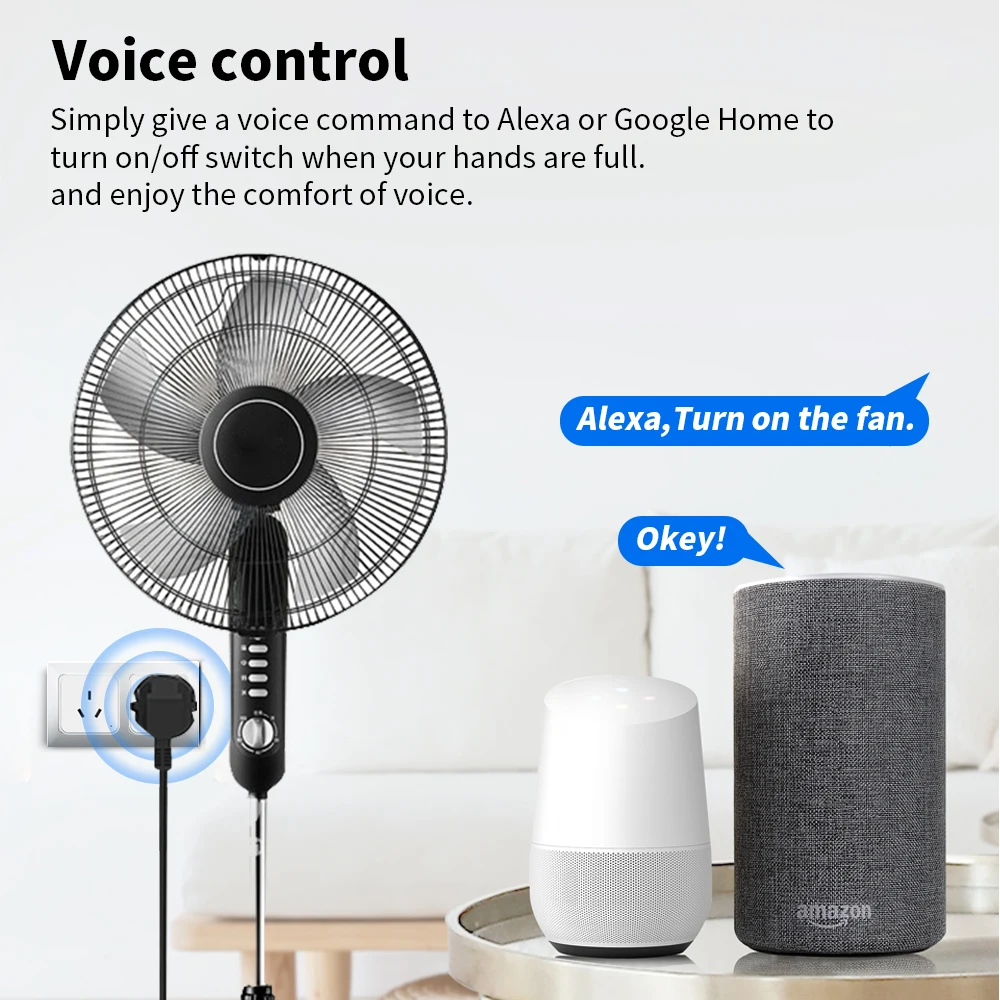
Features 2:Voice Control
Features 3:Timing Function

Features 4:Family Sharing Control Fun

How to use it?
Just 3 Steps

Step 1: Search “Smart Life or TuyaSmart” on APP store, Google Play or scan the QR code on user manual to download and install it.
Step 2: Plug the socket into an AC outlet and long press master power button until the indicator light flash.
Step 3: Open “Smart Life or Tuya Smart App”, discovery and add device in the app, and then finish configuration according to the guide.