


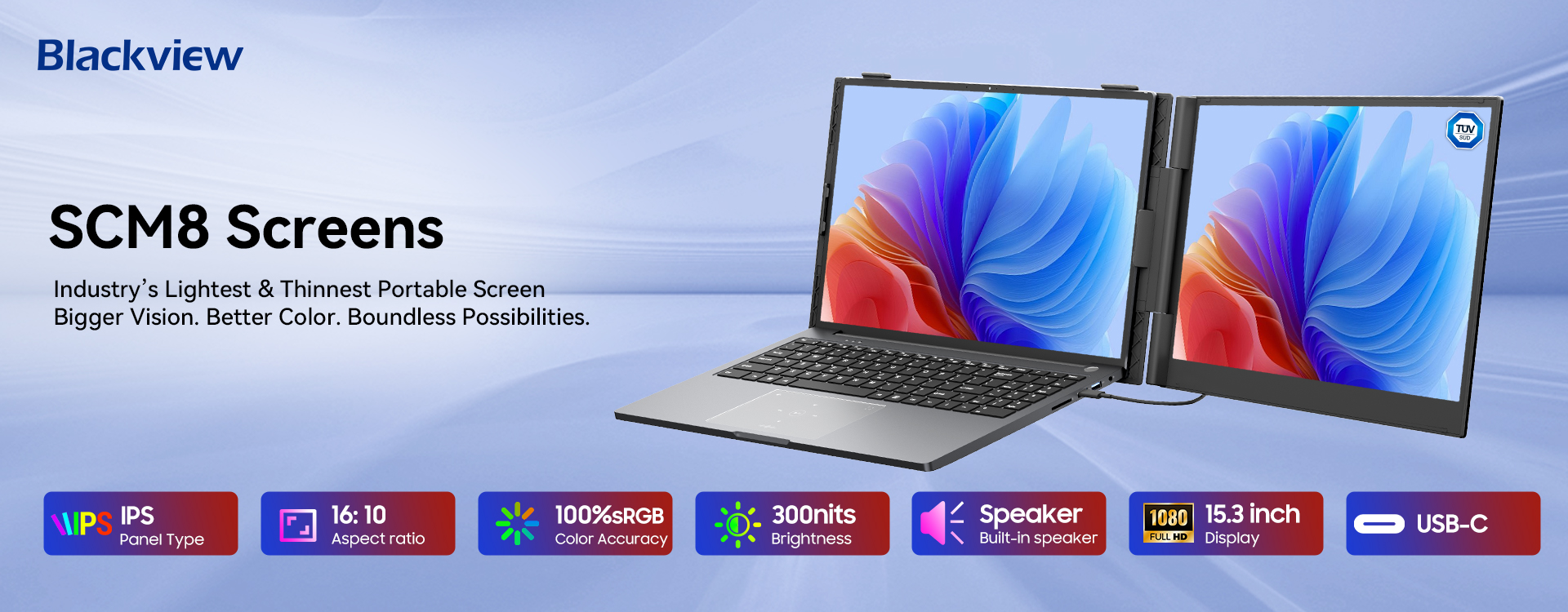

🖥️ Blackview DCM5 Dual Laptop Screen Extender
✨ Dual 14" FHD 1080P IPS • 178° Wide Viewing • 100W Reverse Charging • Plug & Play • TÜV Low Blue Light
🌟 Key Selling Points
-
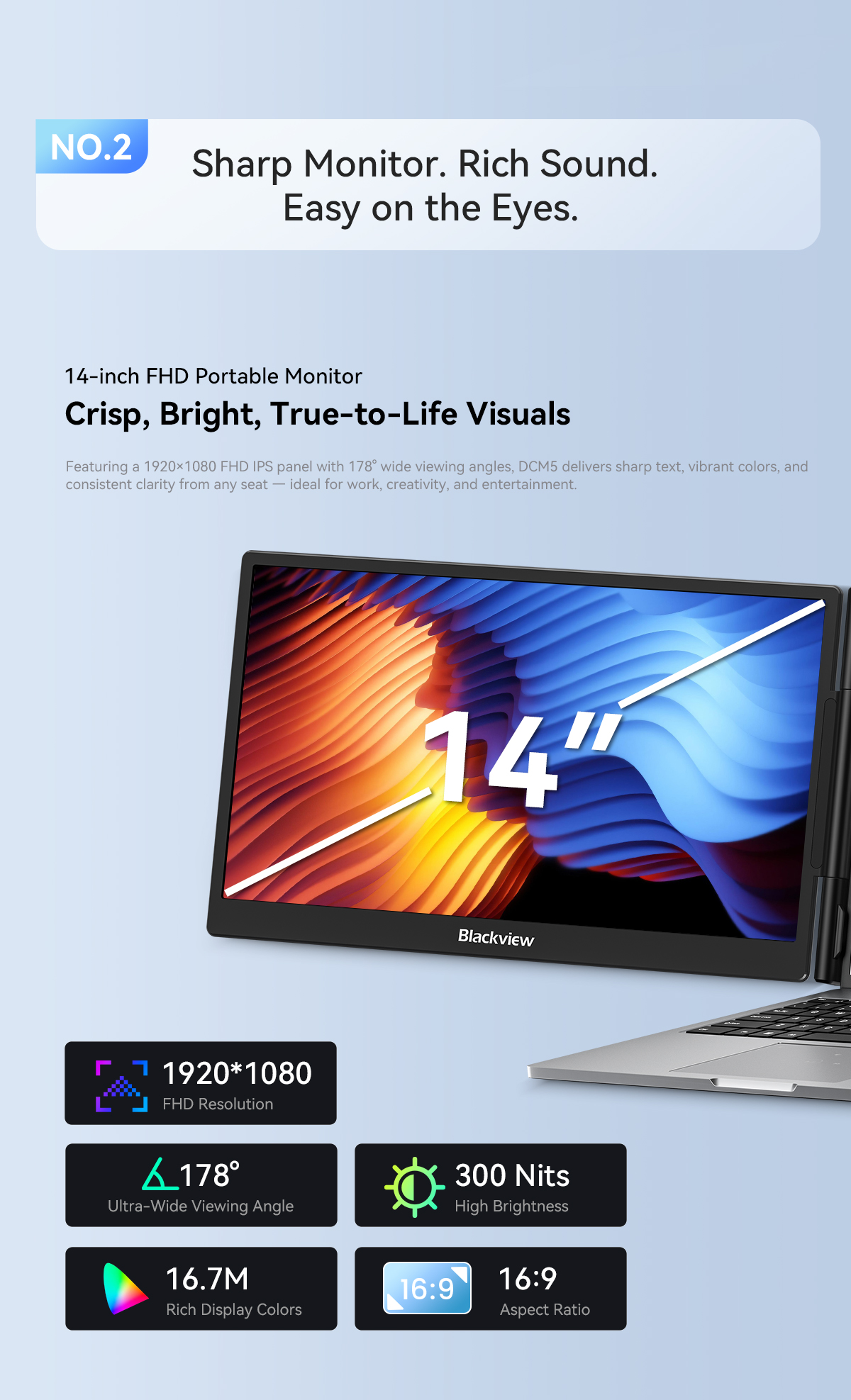
🖥️🖥️ Dual 14-inch FHD 1080P IPS screens — 1920×1080 resolution per side, 16:9 ratio, 157 PPI.
-
👁️ 178° wide viewing angle — clear visuals from almost any position.
-
☀️ 300 cd/m² brightness — comfortable for daily work and entertainment.
-
⚡ 60Hz refresh rate — smooth everyday performance.
-
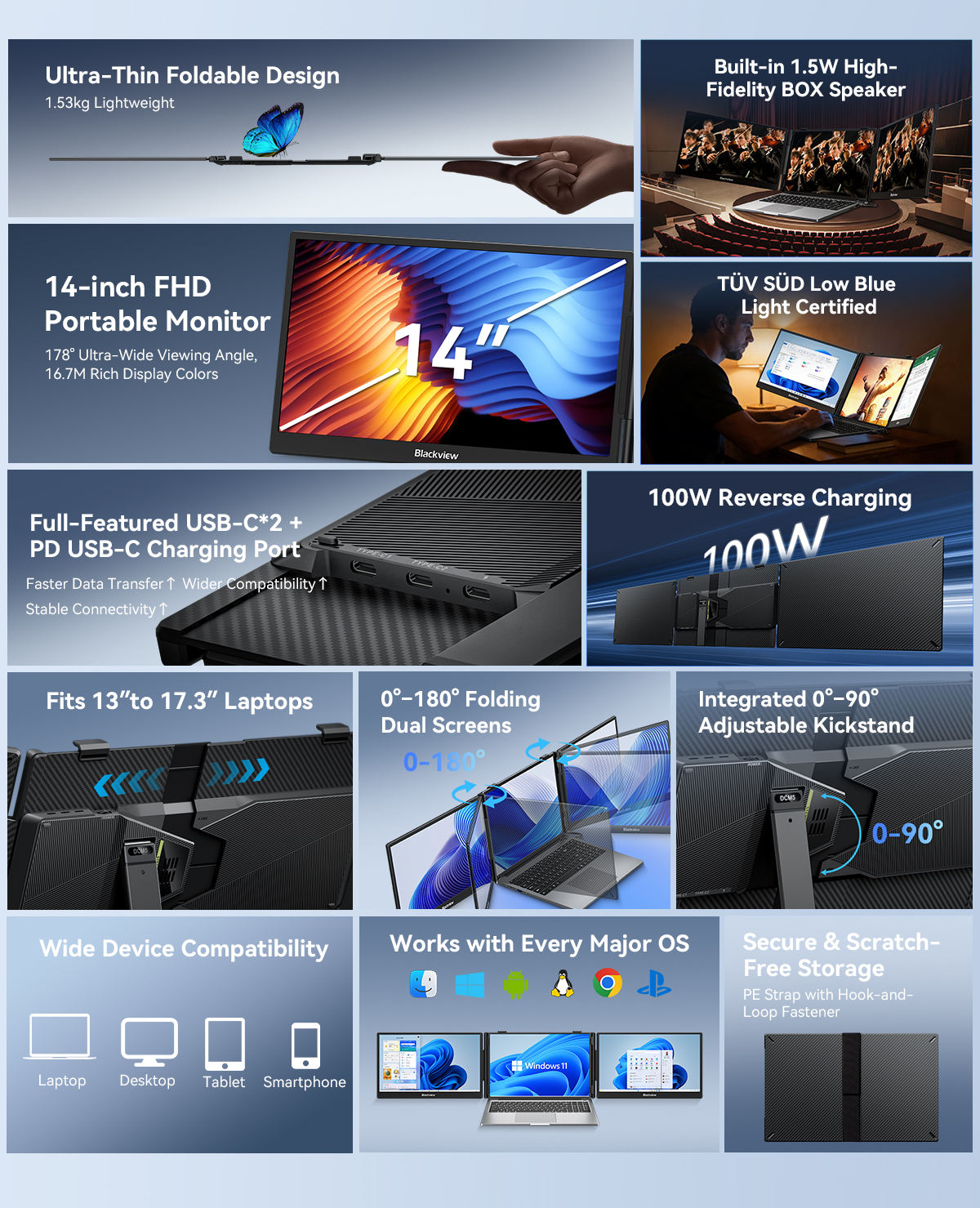
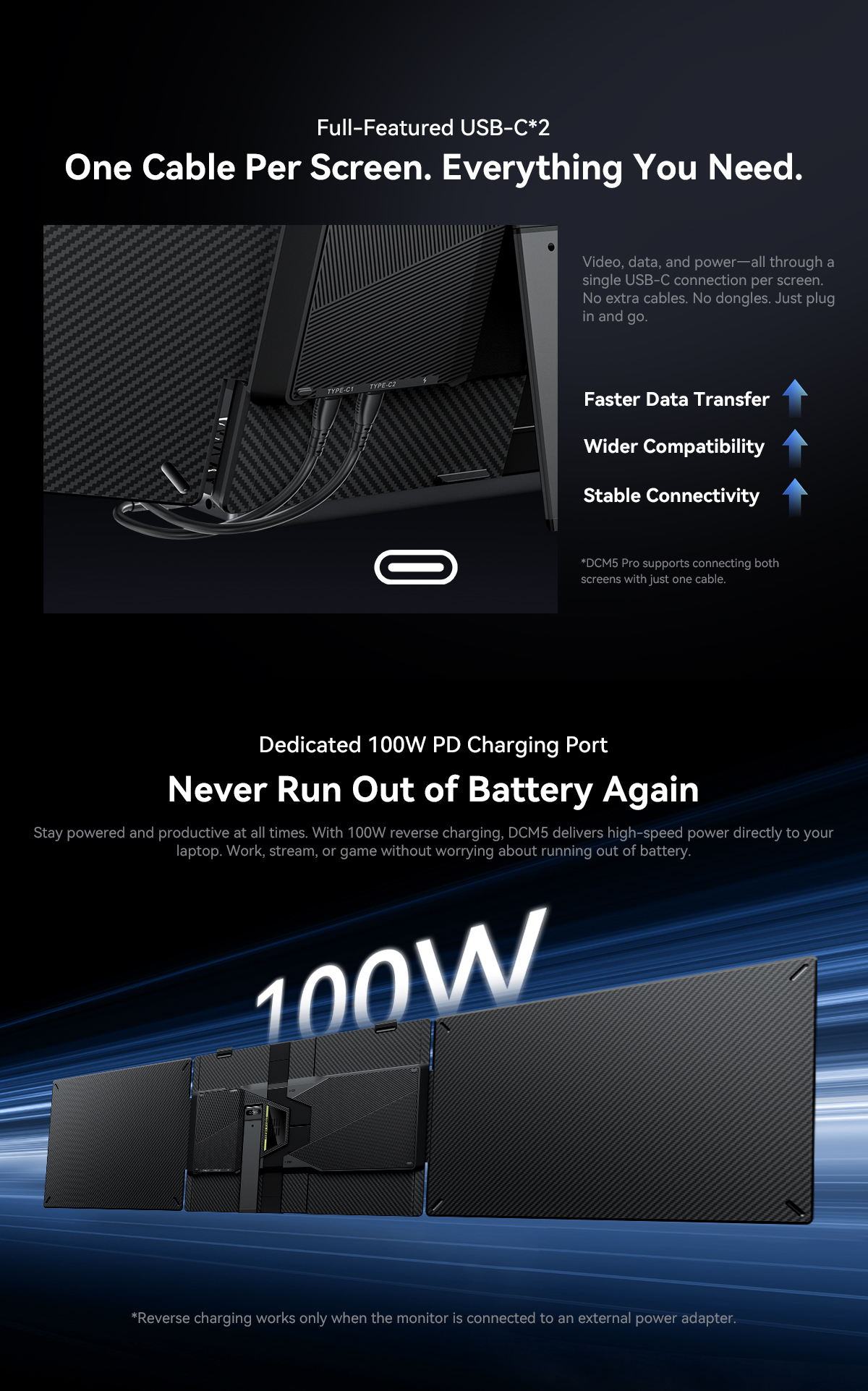
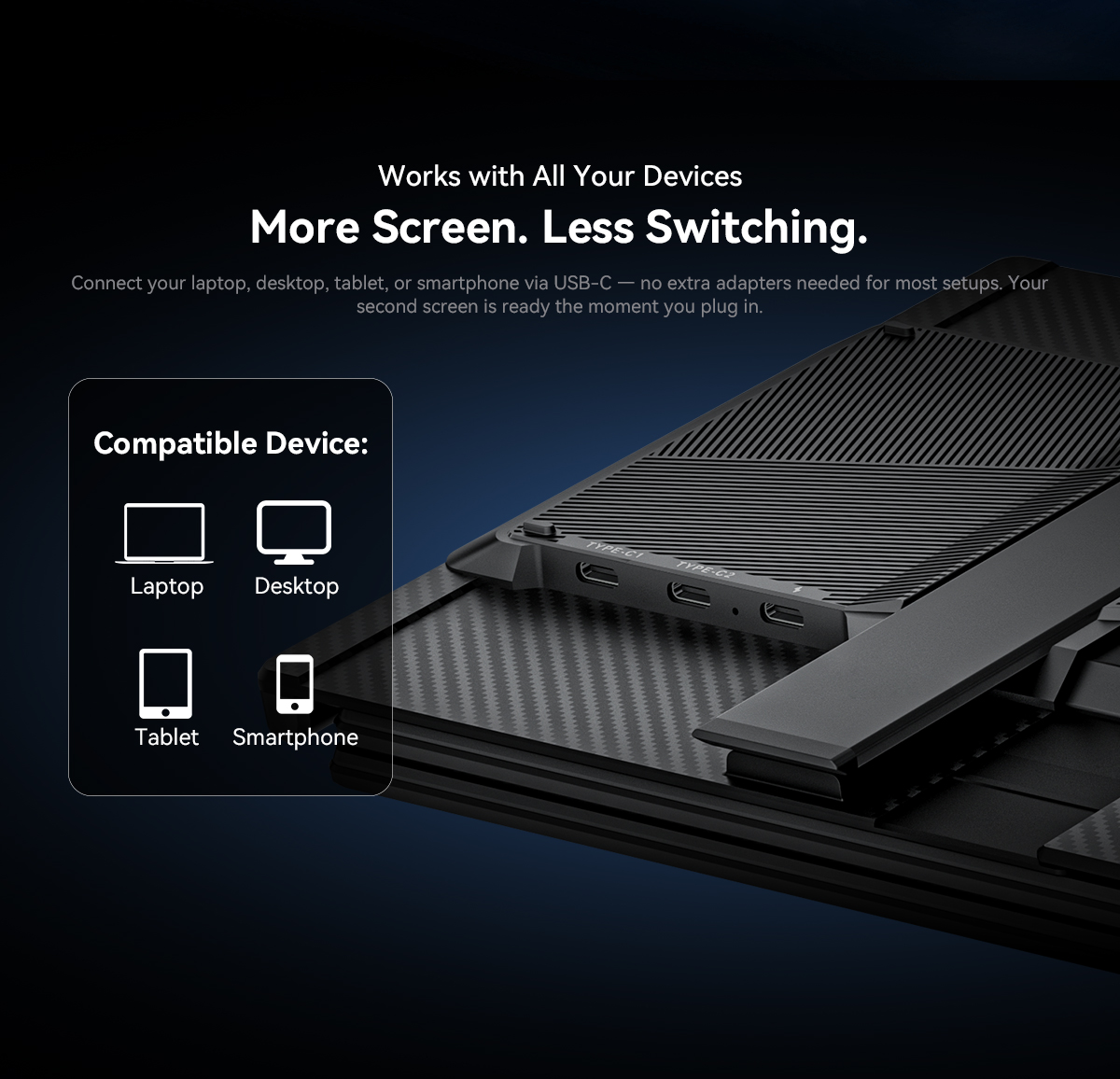
🔌 3× USB-C ports — 2 full-featured (USB 3.1) + 1× USB-C PD 3.0 charging port.
-
🔋 Reverse charging up to 100W — powers your laptop while you work.
-
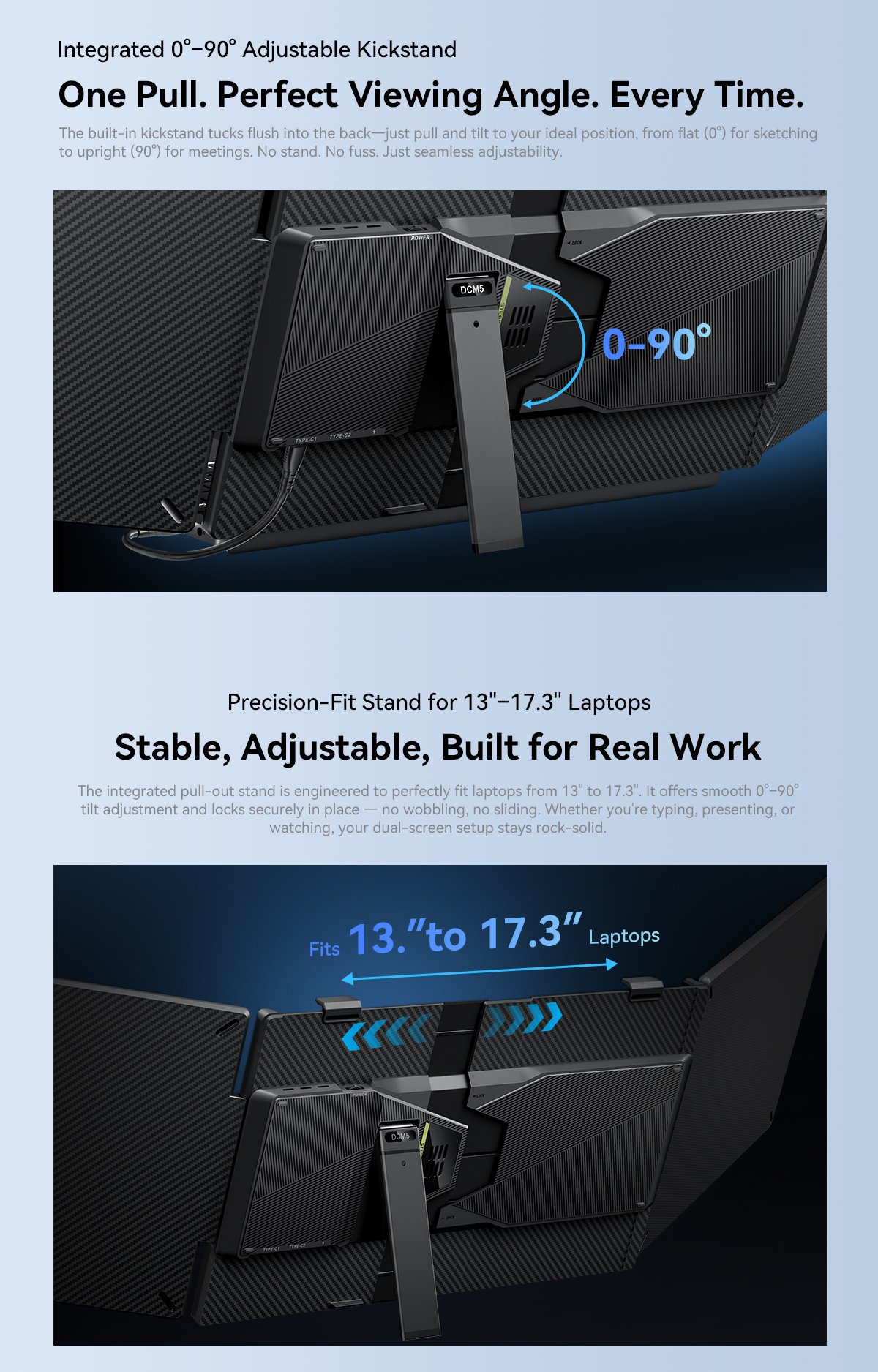
🧲 Quick-Fit Laptop Mount — easy to attach and set up.
-
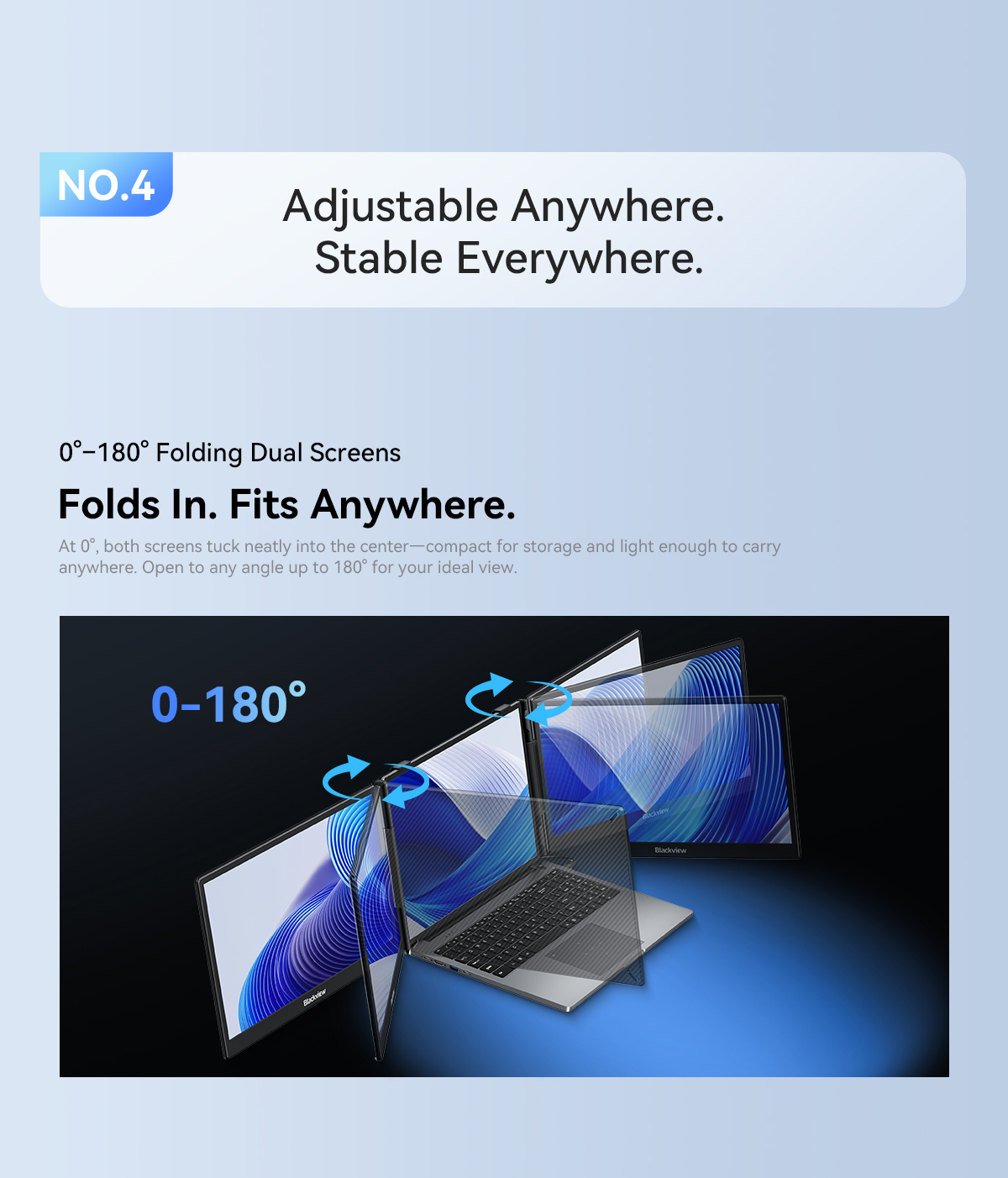
📐 180° adjustable angle — find your ideal viewing angle.
-
🔄 Plug & Play — no complicated setup required.
-
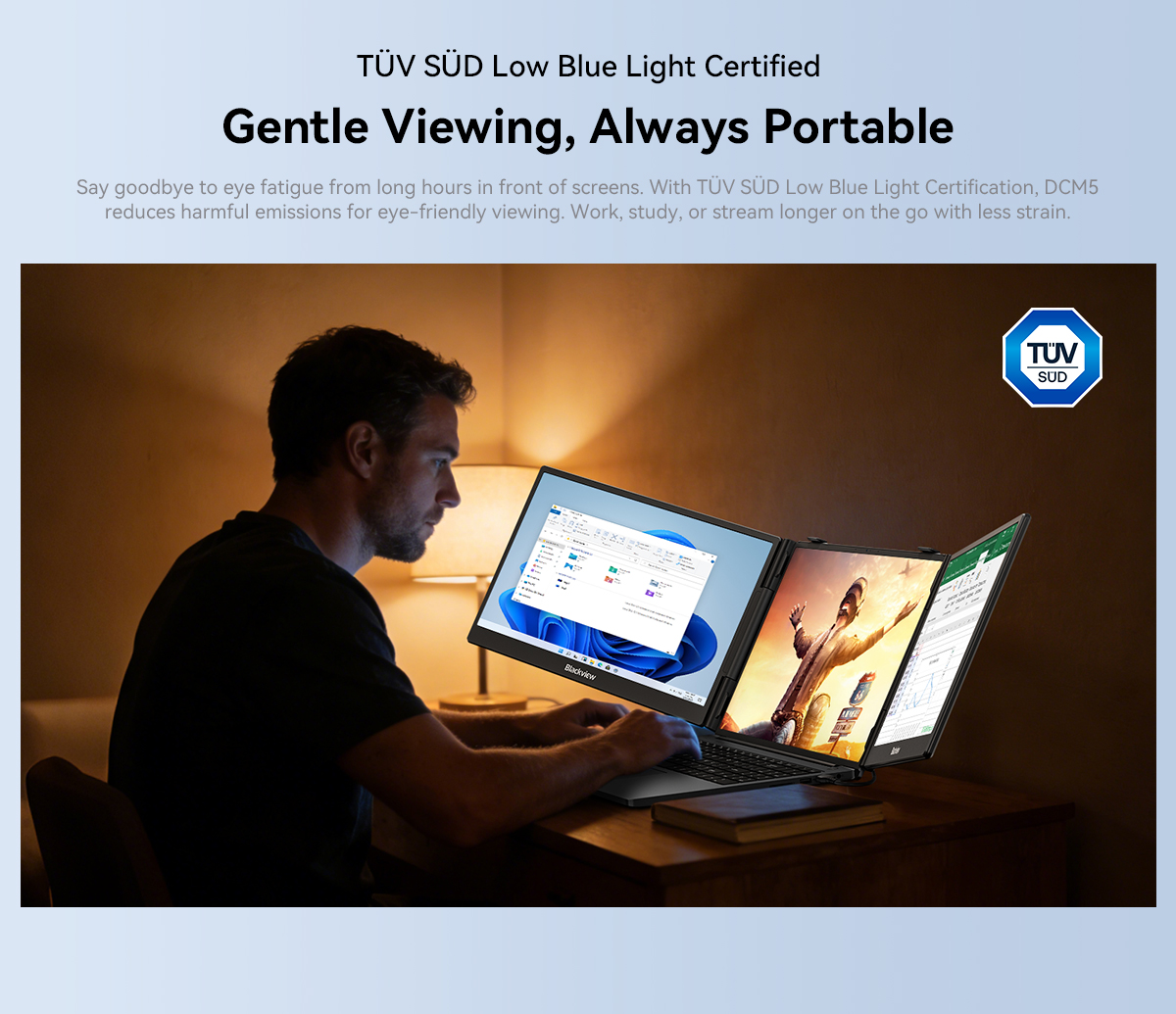
🛡️ TÜV SÜD Low Blue Light Certified — helps reduce eye strain.
-
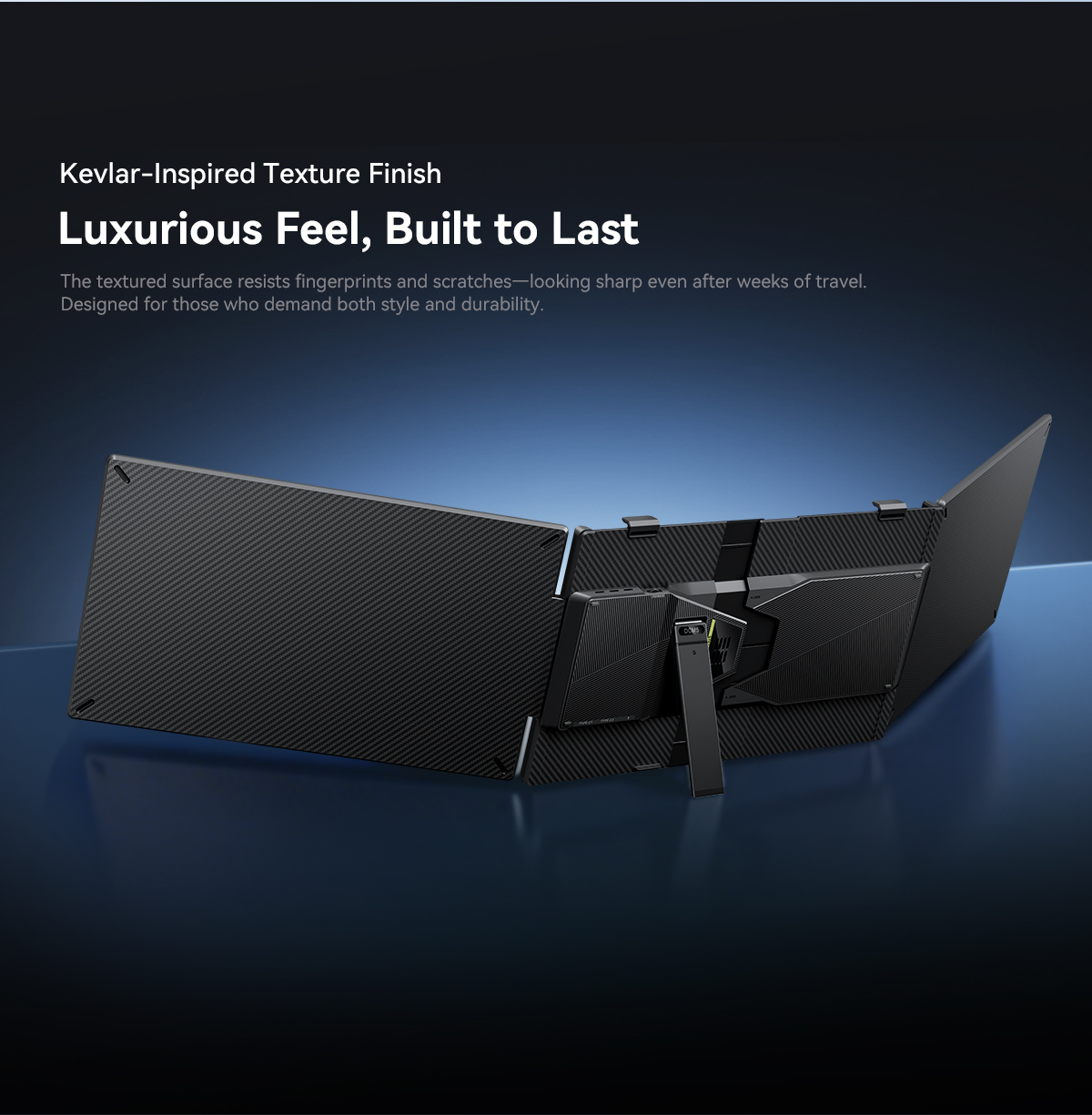
🧱 Aluminium alloy + PC + ABS — durable and modern.
-
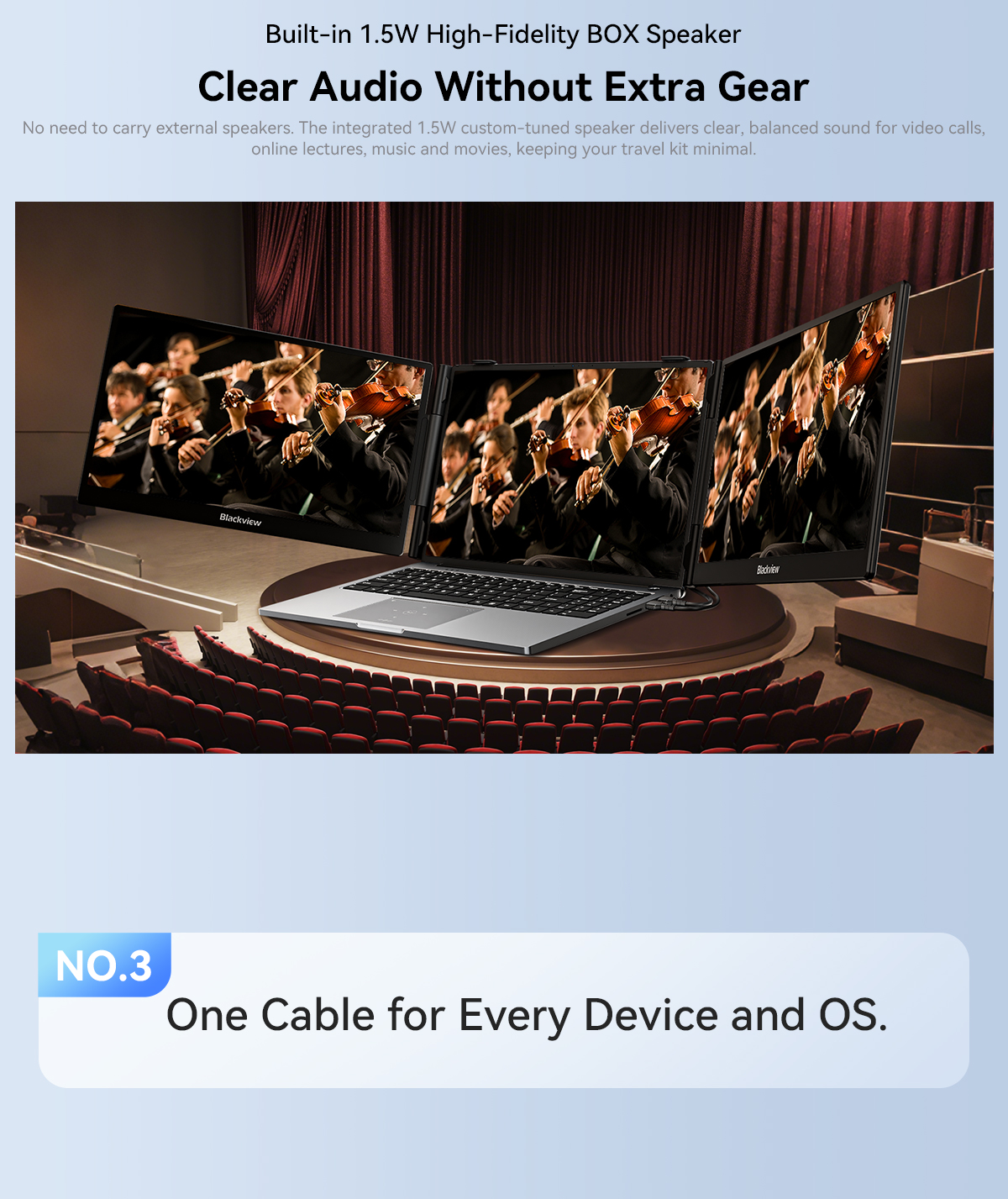
🔊 Single BOX speaker — built-in audio without extra speakers.
-
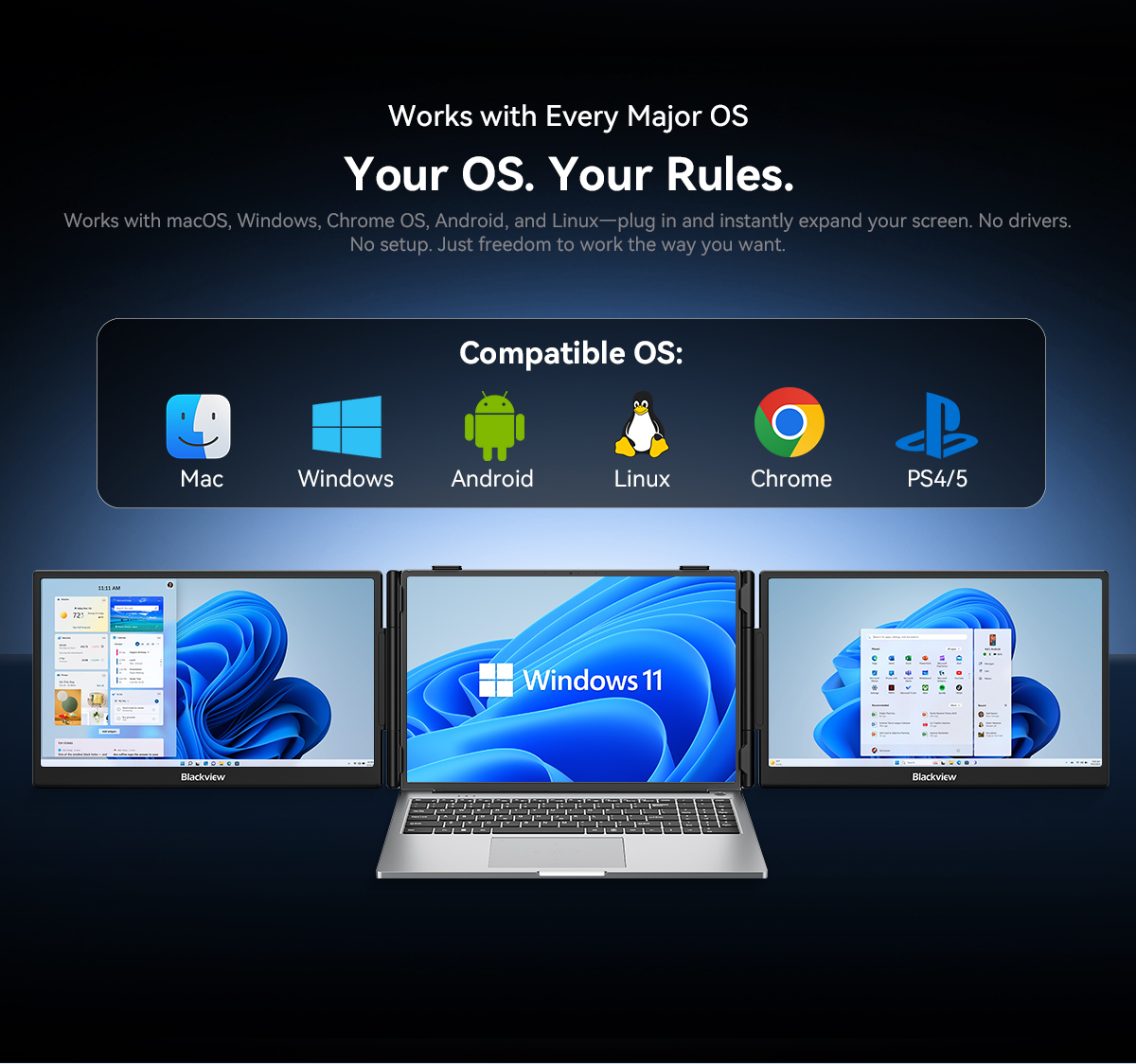
💻 Wide compatibility — Mac, Windows, Android, Linux, Chrome.
-
📏 Fits 13.3"–17.3" laptops — flexible for most notebook sizes.
-
🌙 Night Light mode — Settings → System → Display → Night light (timed or always on).
-
✅ Certifications: FCC, CE, RoHS, TÜV SÜD Low Blue Light.
📝 Product Description
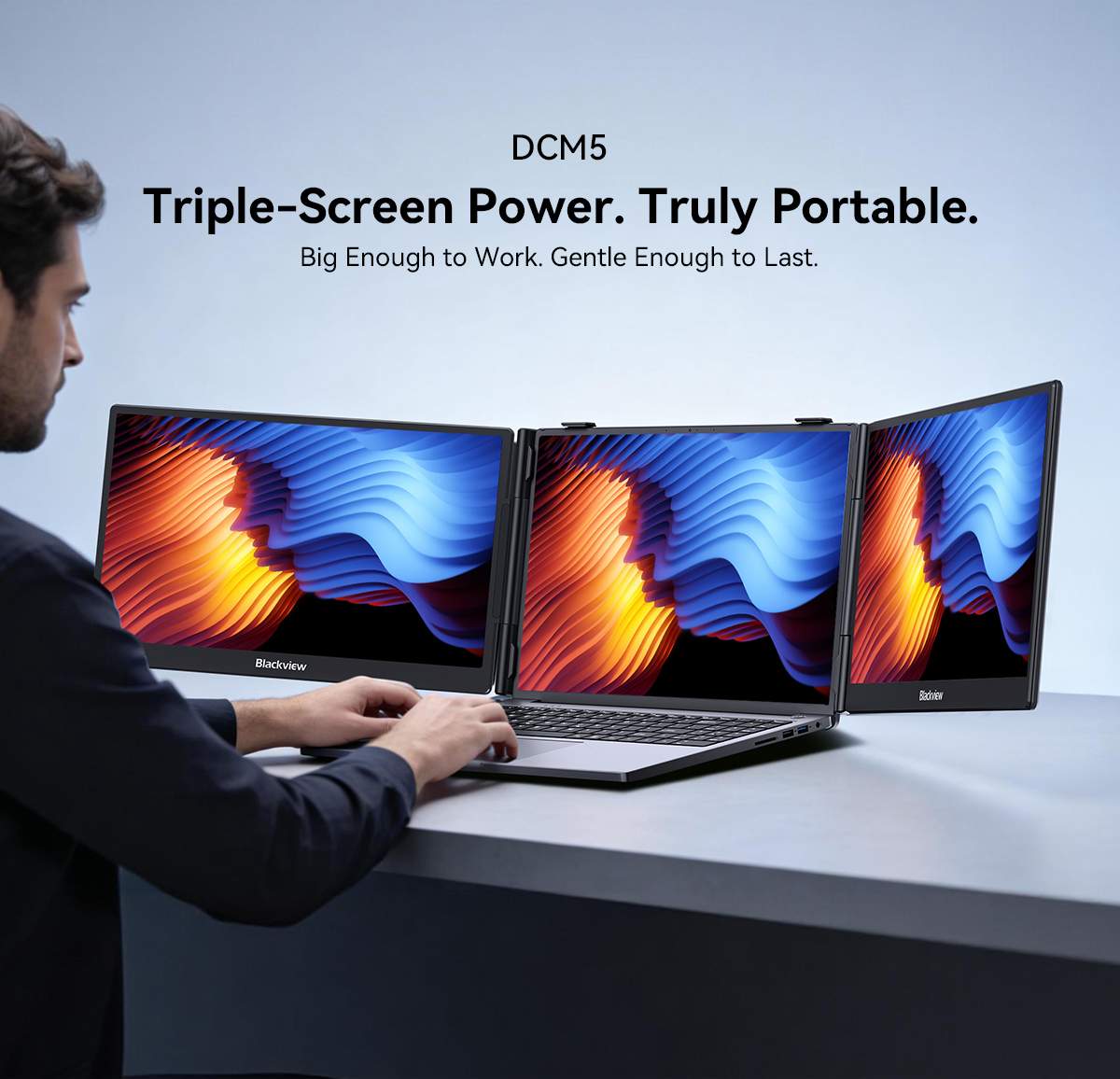
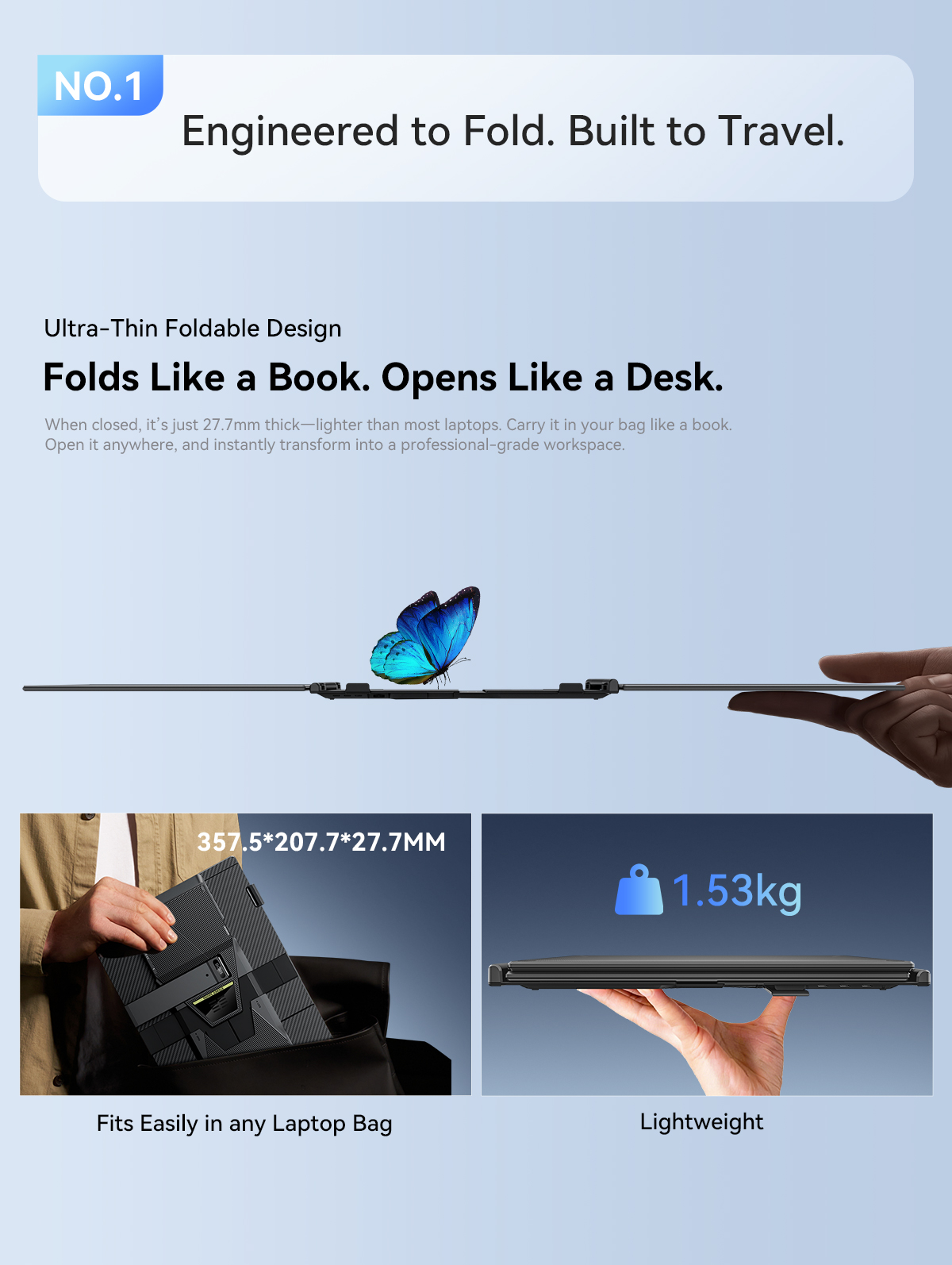
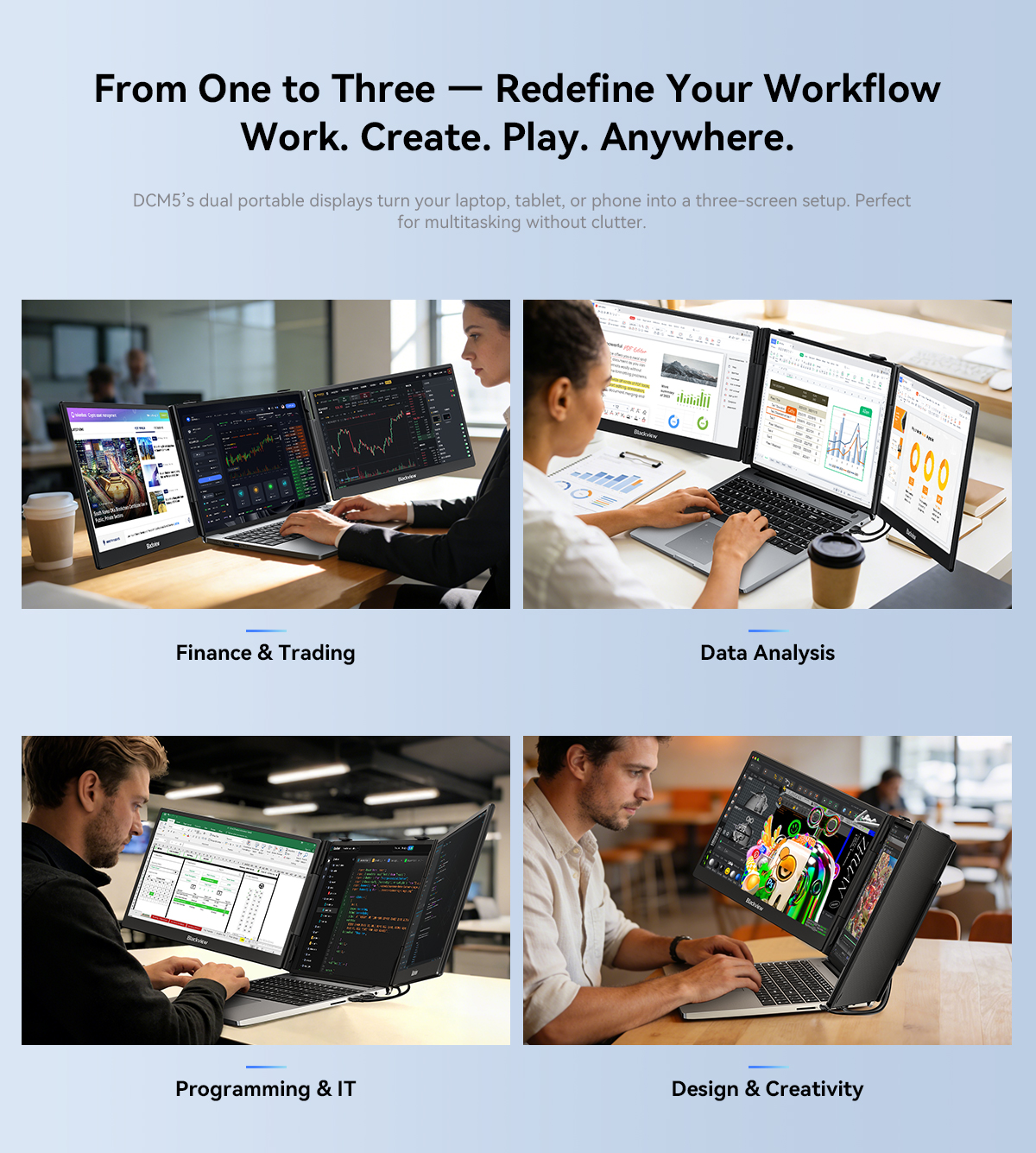
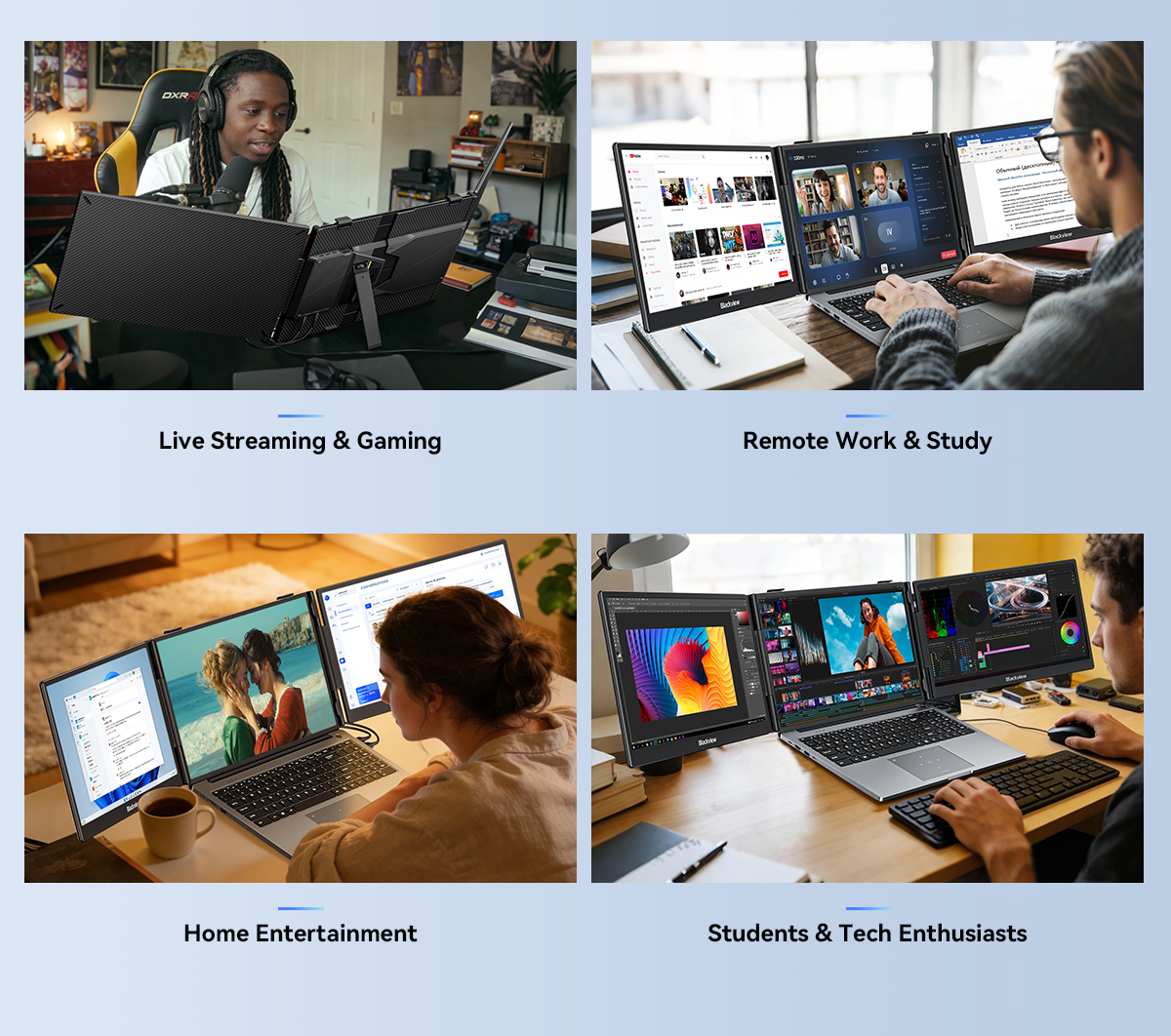
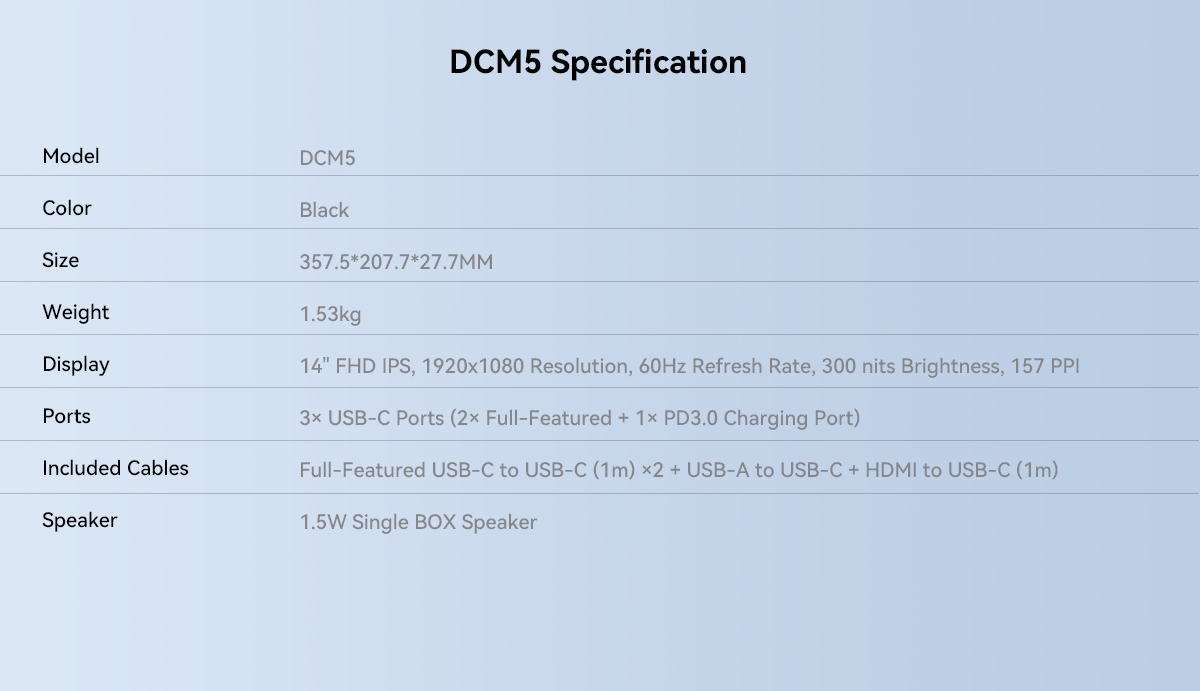
The Blackview DCM5 is a dual-screen portable laptop extender designed to turn your laptop into a portable triple-monitor workstation. It features two 14-inch FHD 1080P IPS panels, each with 1920×1080 resolution, 16:9 aspect ratio, 300 cd/m² brightness, 60Hz refresh rate, and 178° wide viewing angle. The Quick-Fit Laptop Mount and 180° adjustable angle make it easy to attach, position, and use. With 3× USB-C ports (2 full-featured + 1× PD 3.0 charging), it supports reverse charging up to 100W for convenient power delivery. It also includes a single BOX speaker, TÜV SÜD Low Blue Light certification, and plug-and-play setup. Built with aluminium alloy + PC + ABS, it is durable and lightweight at only 1.53kg.
📋 Full Specifications
-
🏷️ Model: DCM5
-
🖥️ Type: Portable LCD display (dual screen extender)
-
📐 Display (Each Side): 14 inches, 16:9 IPS
-
🖼️ Resolution: 1920×1080 (FHD 1080P) – 157 PPI
-
☀️ Brightness: 300 cd/m²
-
⚡ Refresh Rate: 60Hz
-
👁️ Viewing Angle: 178°
-
🔌 Ports: 3× USB-C (2 full-featured: USB 3.1, 1× USB-C PD 3.0 Charging Port)
-
⚡ Power Delivery Input: 5V‑20V / 5A max
-
🔋 Power Delivery Output (reverse charging): 5V‑20V / 4.25A max (≈100W to laptop)
-
💻 Laptop Size Compatibility: 13.3″ – 17.3″
-
🖥️ OS Compatibility: Mac, Windows, Android, Linux, Chrome
-
✅ Certifications: FCC, CE, RoHS, TÜV SÜD Low Blue Light
-
🧱 Materials: Aluminium alloy + PC + ABS
-
🔊 Speaker: Single BOX speaker
-
✨ Features: Plug & play, quick-fit laptop mount, 180° adjustable angle
-
📏 Dimensions: 357.5 × 207.7 × 27.7 mm
-
⚖️ Weight: 1.53 kg
-
🌙 Night Light: Settings → System → Display → Night light (timed or always on)
🔌 Connection Guide
1️⃣ USB‑C Connection (Recommended)
-
If your laptop has a full-featured USB‑C port (DP Alt Mode), use the USB‑C to USB‑C cable.
-
One cable per screen handles video, data, and power (reverse charging up to 100W).
2️⃣ HDMI + USB‑A Connection
-
For older laptops without full-featured USB‑C:
-
Use the HDMI to USB‑C cable (video) + USB‑A to USB‑C cable (power).
-
Connect the HDMI to the monitor’s HDMI port via the included adapter cable.
-
External 5V/2A power may be required.
-
3️⃣ No Signal or Unstable?
-
Connect an external 5V/2A power adapter (not included) to one of the monitor’s USB‑C ports.
📘 Full illustrated guide in the user manual. Contact us if you need help – we reply quickly.
📦 Package Includes
-
1 × 🖥️ DCM5 Dual Monitor
-
1 × 🔌 USB‑A to USB‑C Cable
-
2 × 🔌 USB‑C to USB‑C Cables
-
1 × 🔌 HDMI to USB‑C Cable
-
1 × 📘 User Manual
🎯 One-Line Selling Point
Blackview DCM5 = dual 14" FHD 1080P IPS screens + 178° viewing angle + 3× USB-C + 100W reverse charging + Quick-Fit mount + 180° adjustable + plug & play + TÜV low blue light — turn your laptop into a portable triple-monitor workstation.
Q&A
1. 🔴 Q: Do I need to install a driver?
A: No – plug‑and‑play via USB‑C.
2. 🔴 Q: Can it charge my notebook while in use?
A: Yes – via the dedicated 100W PD charging port, when the monitor is connected to external power, it charges your laptop.
3. 🔴 Q: “No Signal” appears?
A: Could be a cable fault or a port without video output – contact us for troubleshooting.
4. 🔴 Q: Screen stays black?
A: Possibly insufficient power – use a 5V/2A or higher external adapter, or ask us.
5. 🔴 Q: Compatible with M1/M2/M3 chips?
A: Yes – works with all common laptops, including M‑series.
6. 🔴 Q: Is it stable when attached to the laptop?
A: Very stable – the built‑in telescopic stand is optimised for 13.3‑ to 17.3‑inch notebooks, rock‑solid whether flat or upright.
7. 🔴 Q: Will it strain my eyes after long sessions?
A: It’s blue‑light certified and provides top‑tier eye protection in its category.
8. 🔴 Q: Can it charge the notebook while working?
A: Yes – through the dedicated 100W PD port, when the monitor has external power, it can charge your laptop.
On Sep 16, 2026 at 19:33:21 AEST, seller added the following information: