


Product parameters
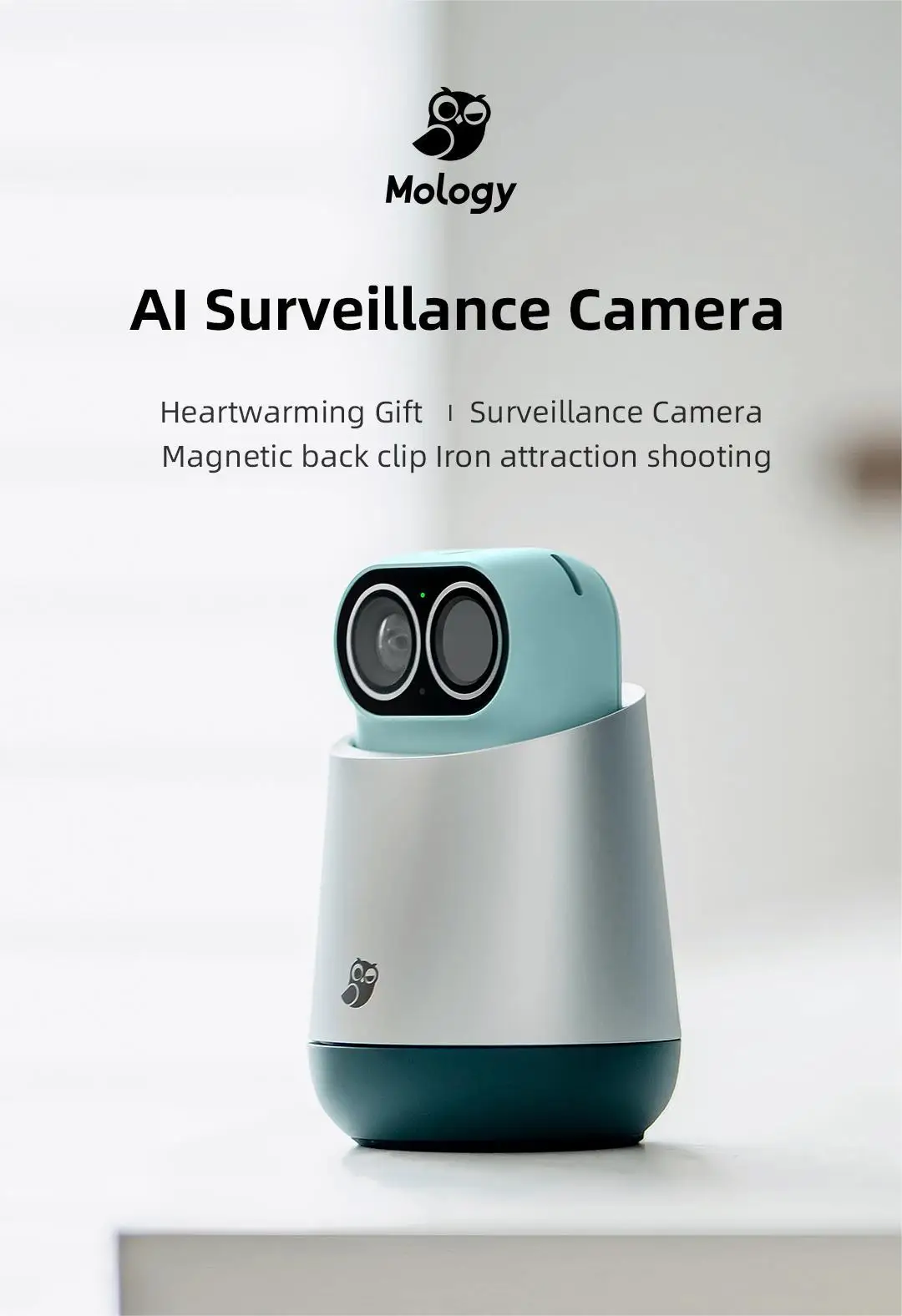
Name: MAO1 Magic Camera
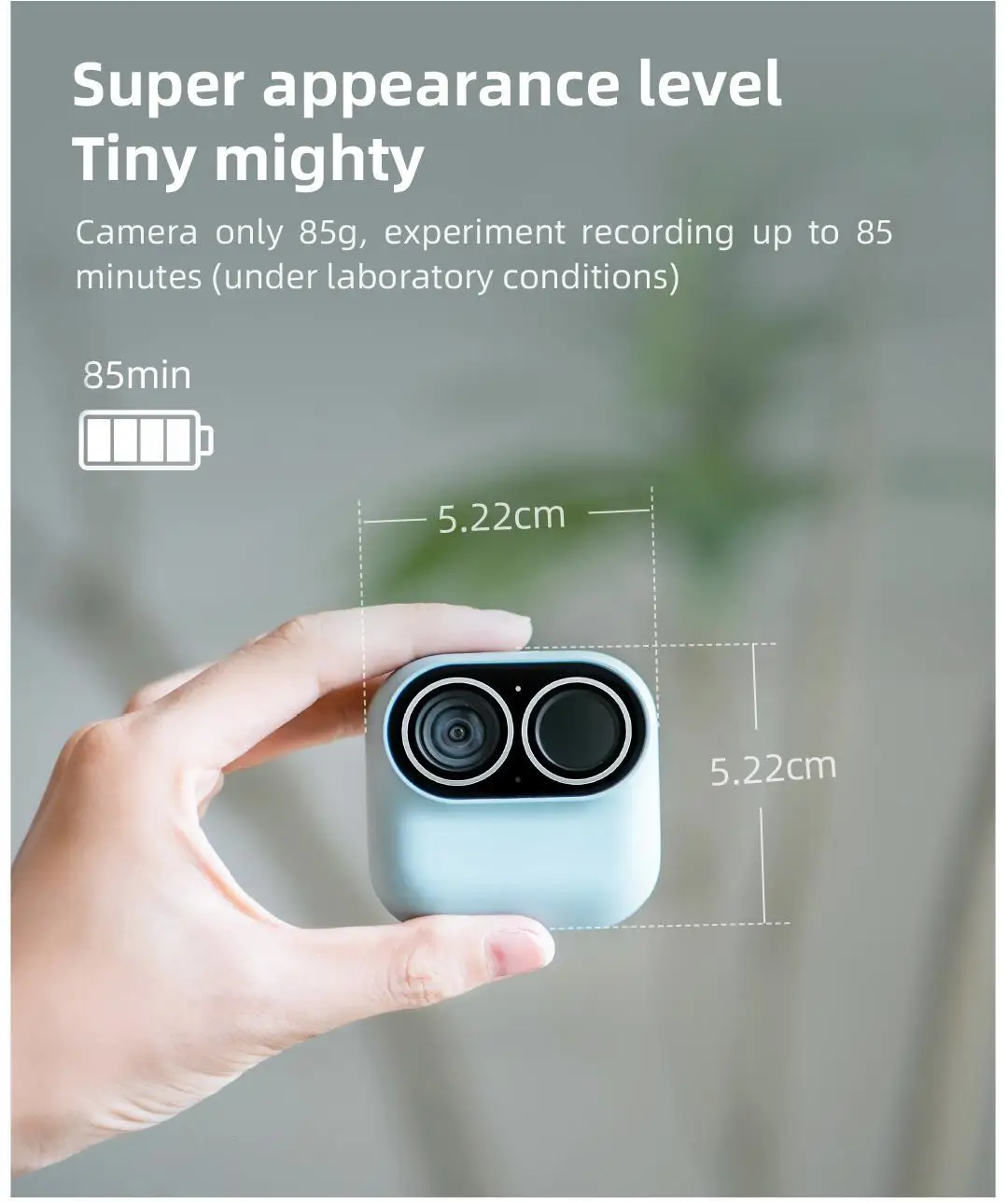
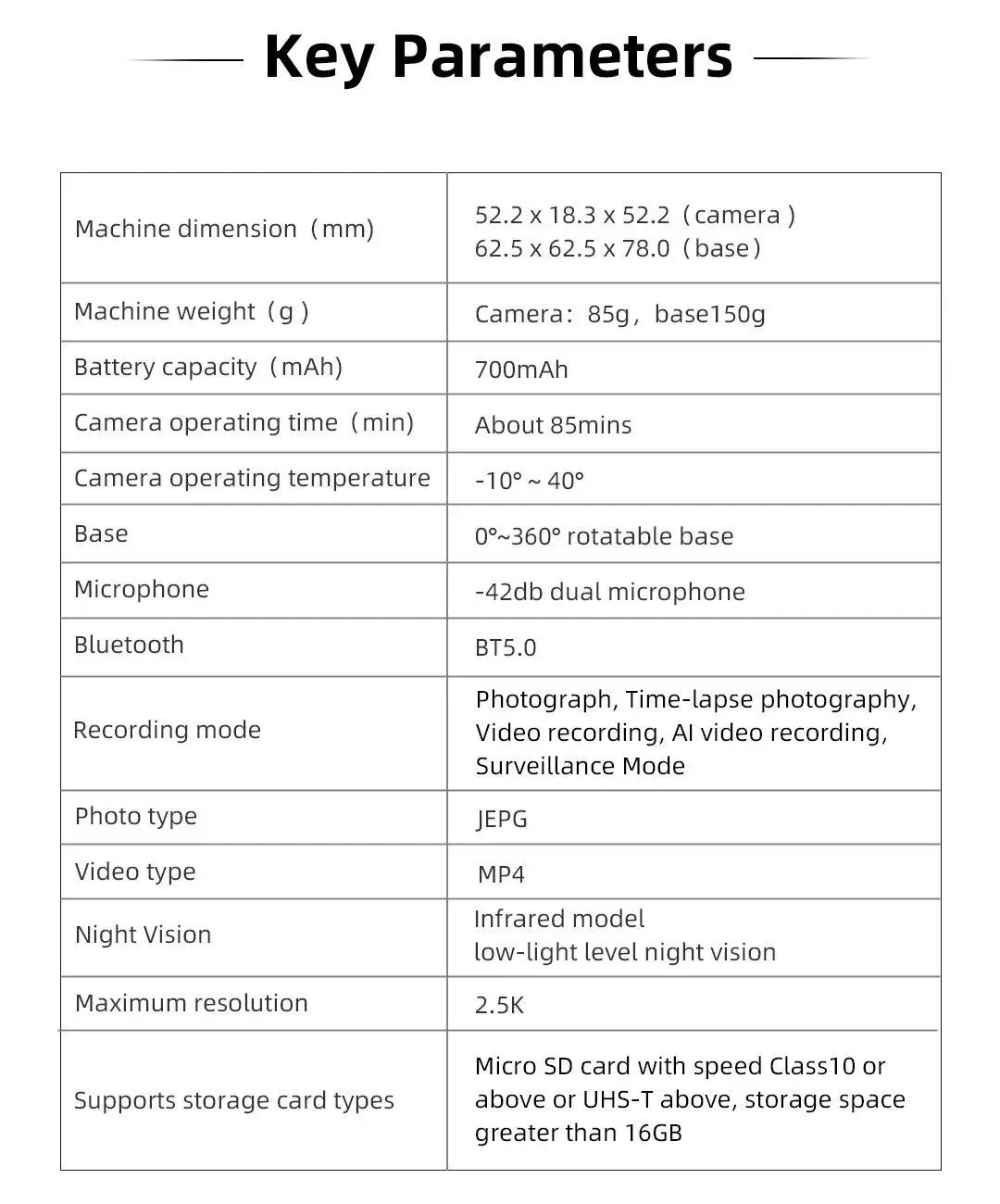
Weight: camera 85g, base 150g
Size: 52.2 * 18.3 * 52.2mm [camera]/62.5 * 62.5 * 78.0mm [base]
Maximum resolution: 2.5K [2560 * 1440]
Field angle: 120 °
Mi: - 42db double microphone
Working temperature: - 10~40 ℃
Base: 0 ° - 360 ° horizontally rotatable
Camera parameters
Image sensor: 1/2.8 CMOS
Photo resolution: 2560x1440
Video resolution: 2.5k/25fps; 1080P/25fps
Aperture: F2.0
Focal length: 1.95mm/117 ° (horizontal), 76.4 (vertical)
Field angle: 120.3 ° (diagonal)
Night vision mode: infrared night vision (one 850), low light level night vision
Depth of field: 0.2m~infinity
Bit rate: 2.5K up to 10Mbps/720P up to 1Mbps
Shooting parameters
Shooting mode: photographing, delay photography, video recording, Al video recording, monitoring video
Battery parameters
Battery: 700mAh
Charging port: Tpye-C USB 5V/2A
Duration: 85 minutes * Under laboratory conditions, the video resolution is 2.5k/25fps;
Other parameters
Wireless specification: 802.11b/g/n 2.4GHz, 802.11ax 2.4Ghz/5GHz Wi Fi 6
Bluetooth: BT5.0
Support memory card: SD card of speed level above Class10 or UHS-1, and the maximum storage space is 32G
Direct connection distance of equipment: it is recommended to be within 20 meters (under open conditions)
Packing list
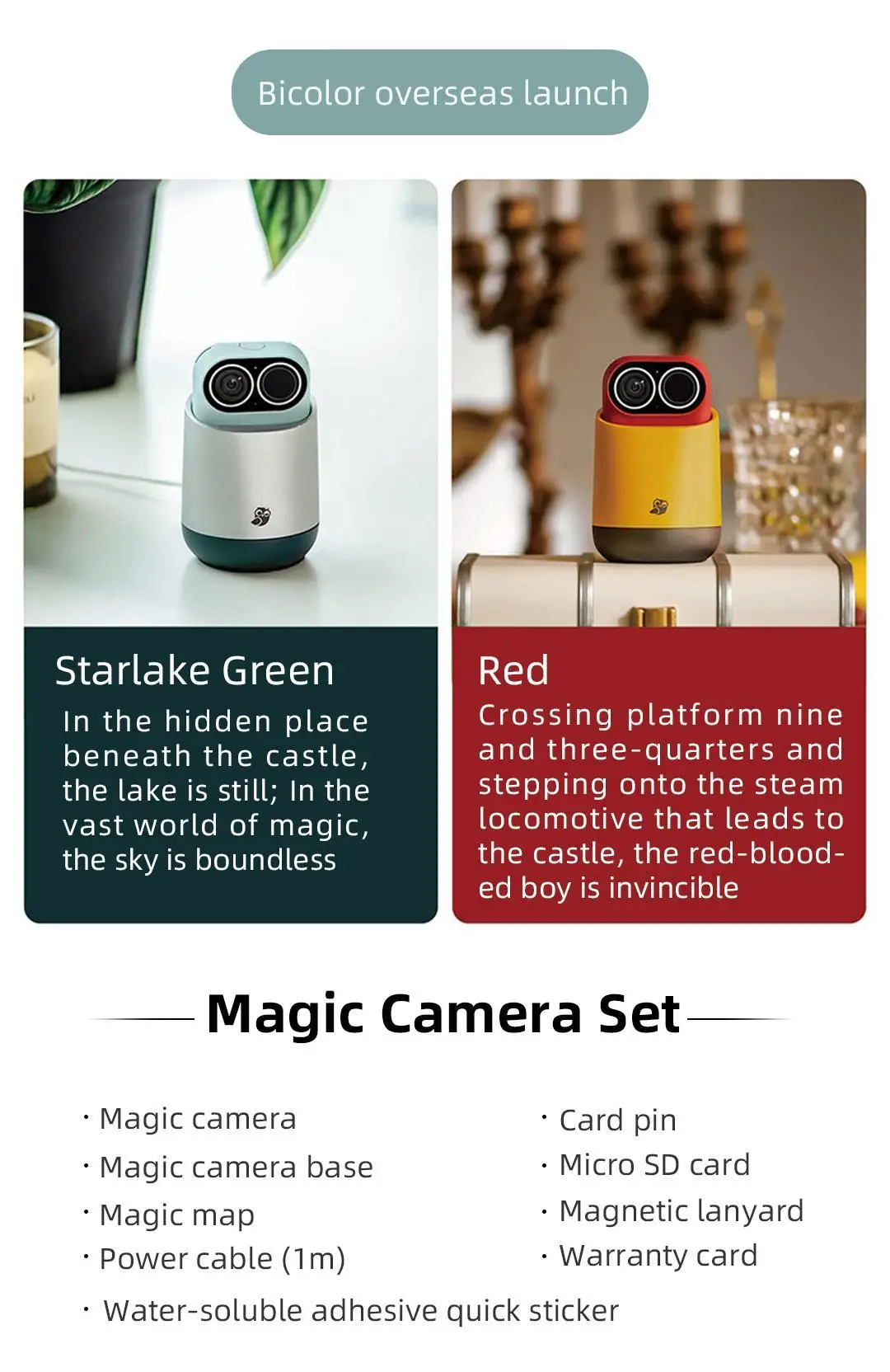
·Magic camera
·Card pin
·Magic camera base
· Micro SD card
·Magic map
·Magnetic lanyard
·Power cable (1m)
·Warranty card
·water-soluble adhesive quick sticker
*Notice to users
1* The continuous shooting time is up to 85 minutes. Under the condition of Xiaomo intelligent laboratory, the video resolution is set to 2.5K/25fps. It is obtained when the WDR wide dynamic function is turned off for reference only. Mobile phone control. Repeated networking, video downloading and other operations have a certain impact on the endurance.
2* You can select 2.5K or 1080P for video recording in the capture mode and monitoring mode to be stored locally. For faster transmission during preview, it will be compressed to 720P, but the local storage resolution will not be affected.
3* Micro SD card shall meet the speed level above Class10 or UHS-1, and emory card larger than 16G is required; One memory card is divided into two areas. The camera mode does not cover, and the monitoring mode circularly covers.
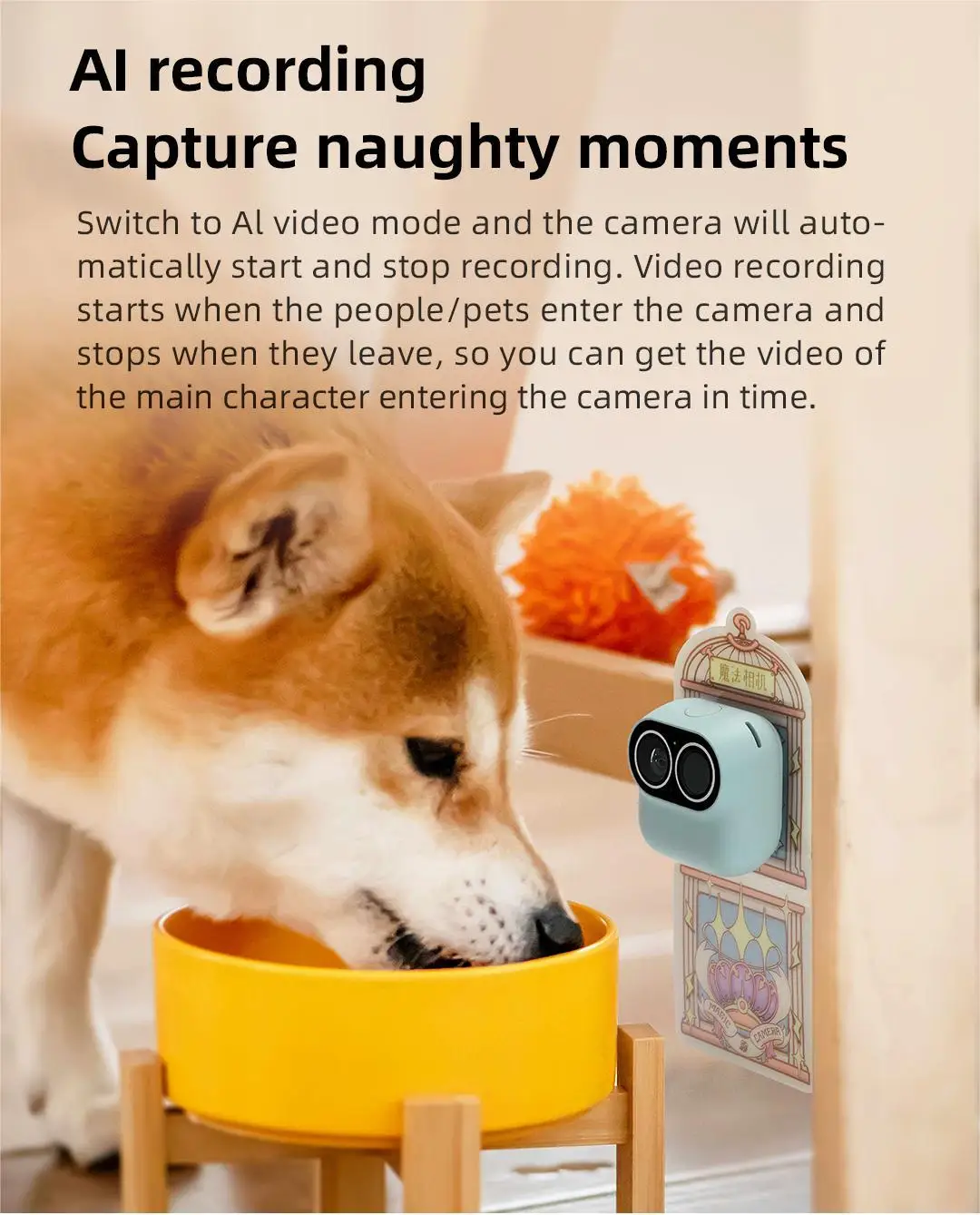
4* AI recognition function can accurately identify human shape and pet, using non contour recognition algorithm, so that even part of the body can be recognized, improving the recognition accuracy.
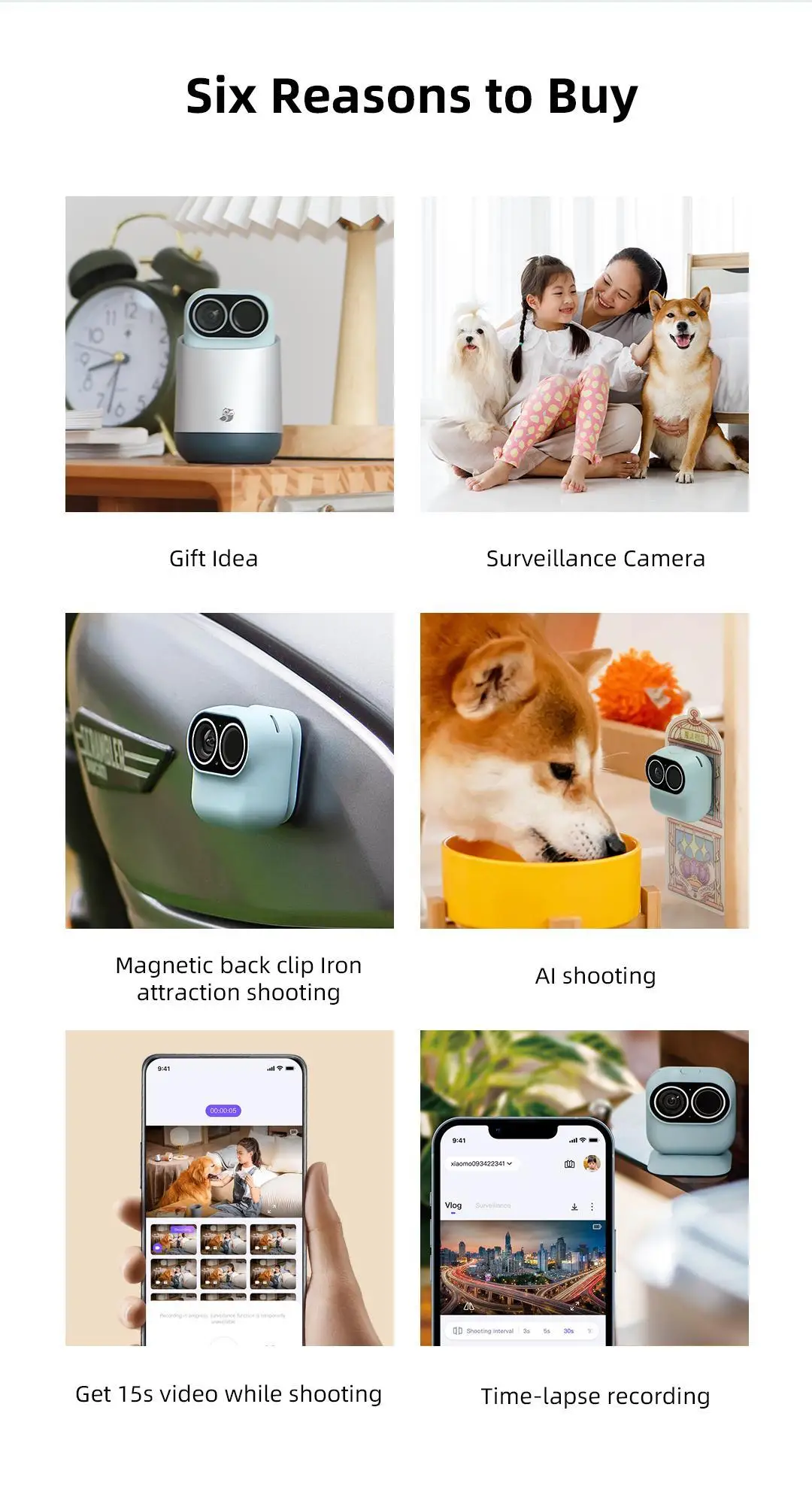
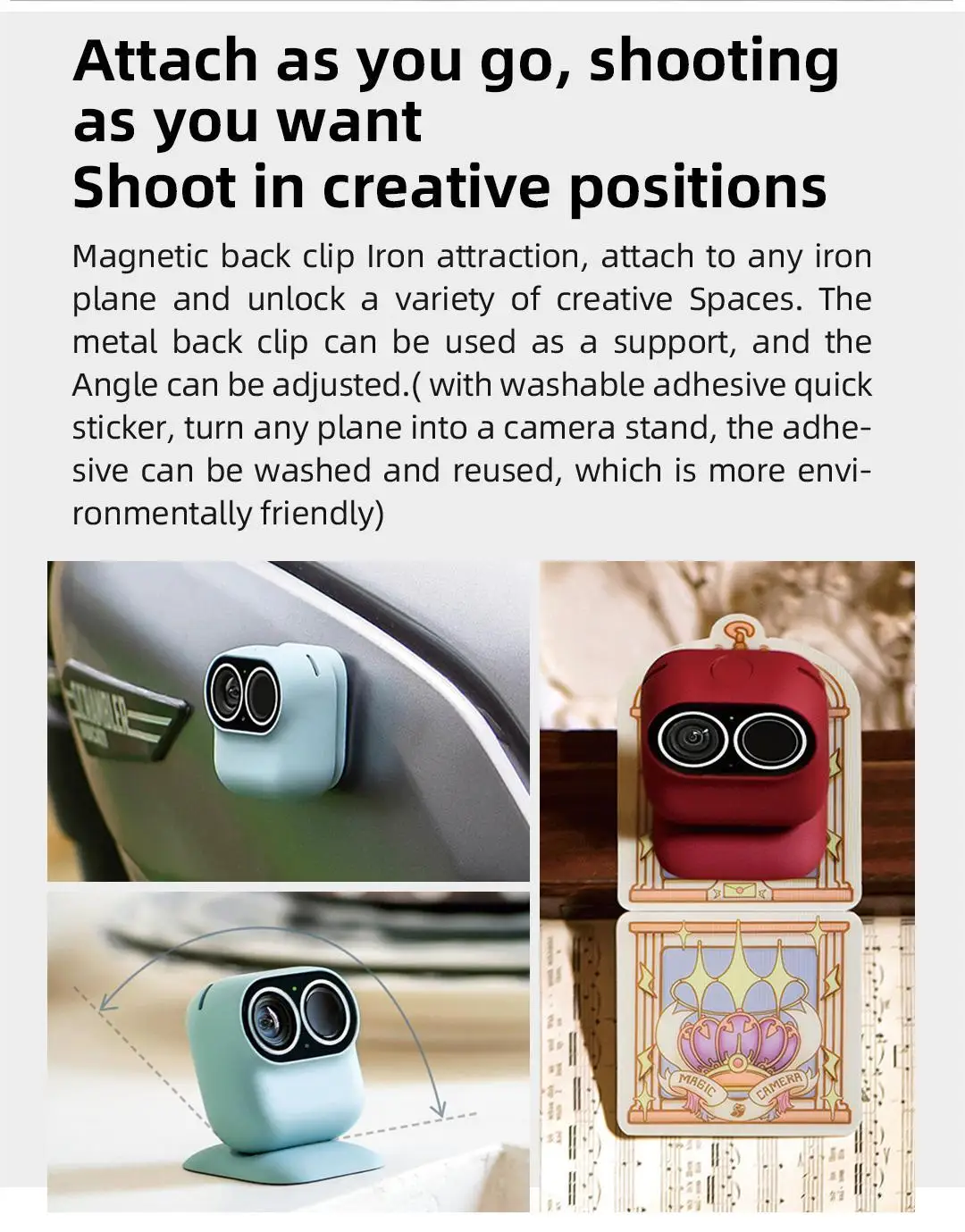
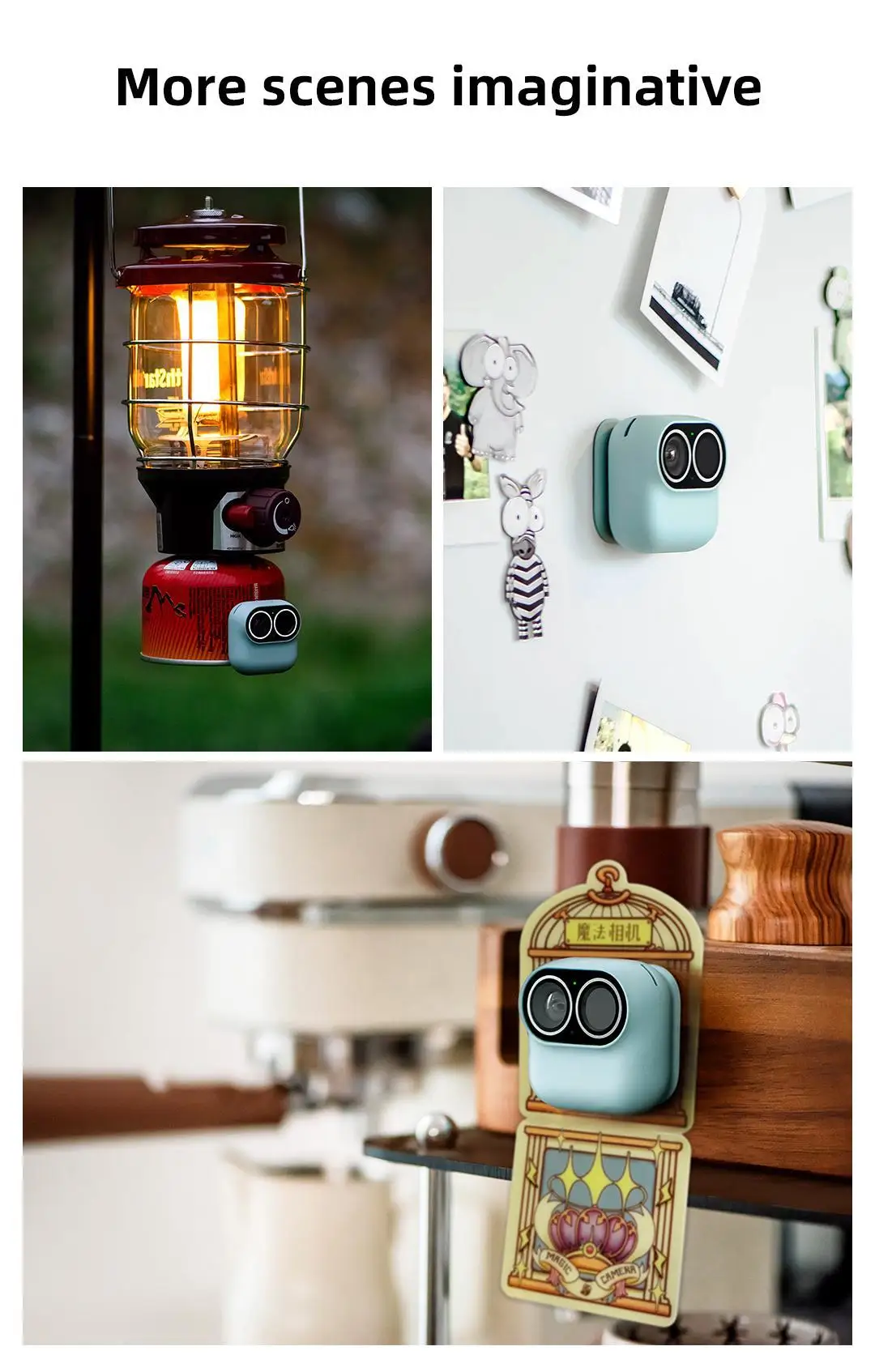
5* The magnetic back clamp can adsorb any iron plane, and the back clamp groove can be adjusted without pole angle.
6* The back of the wash adhesive quick sticker is a reusable wash PU adhesive, which is attached to a smooth surface with a magnetic back clip, and can be washed repeatedly for multiple uses. In order to maintain a good pasting effect, please choose a smooth plane for pasting and avoid direct contact between colloid and dust.
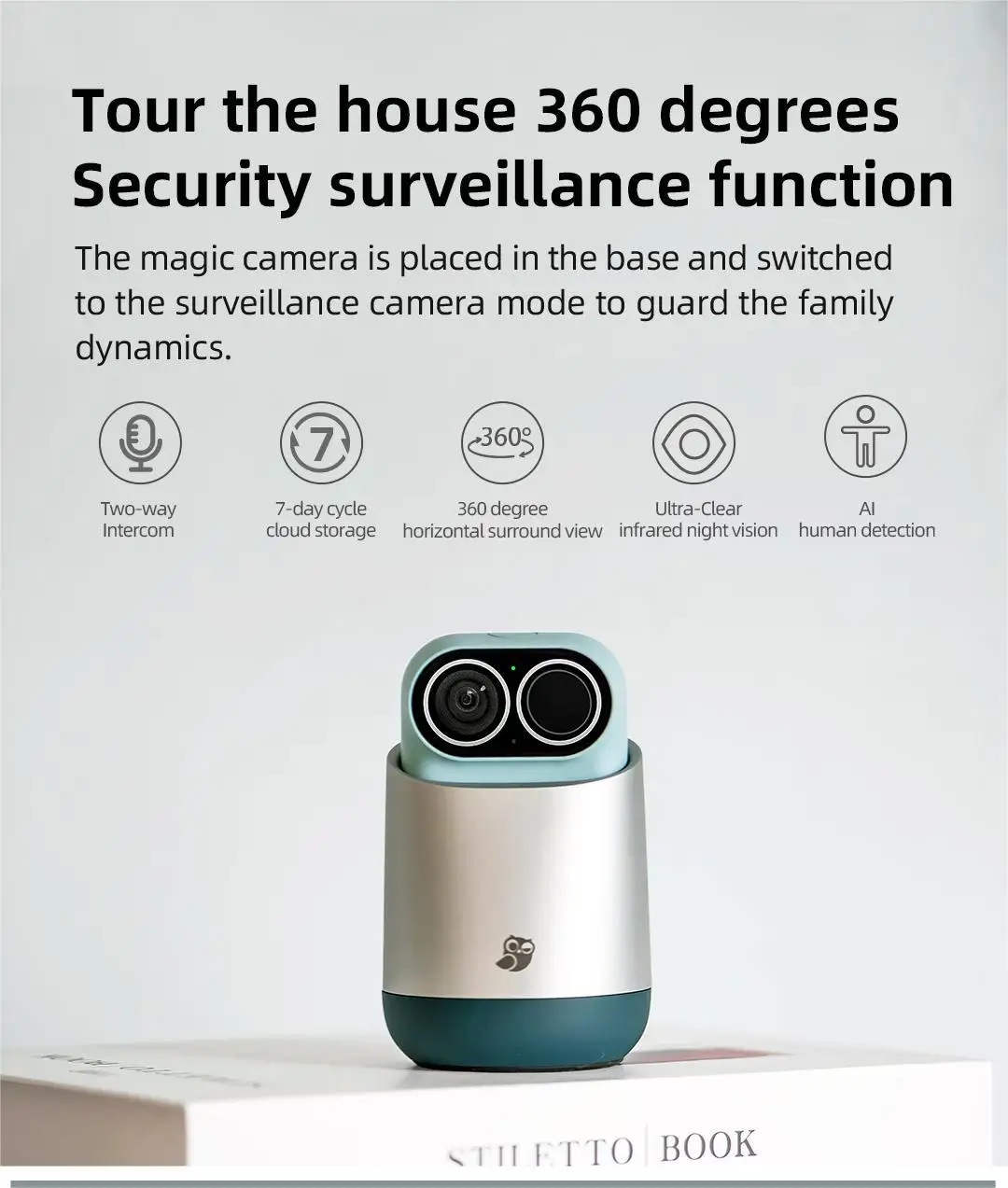
7* In the monitoring mode, it can only be turned on when it is placed on the base connected to the power supply.
FAQ
· What is the function of dual use?
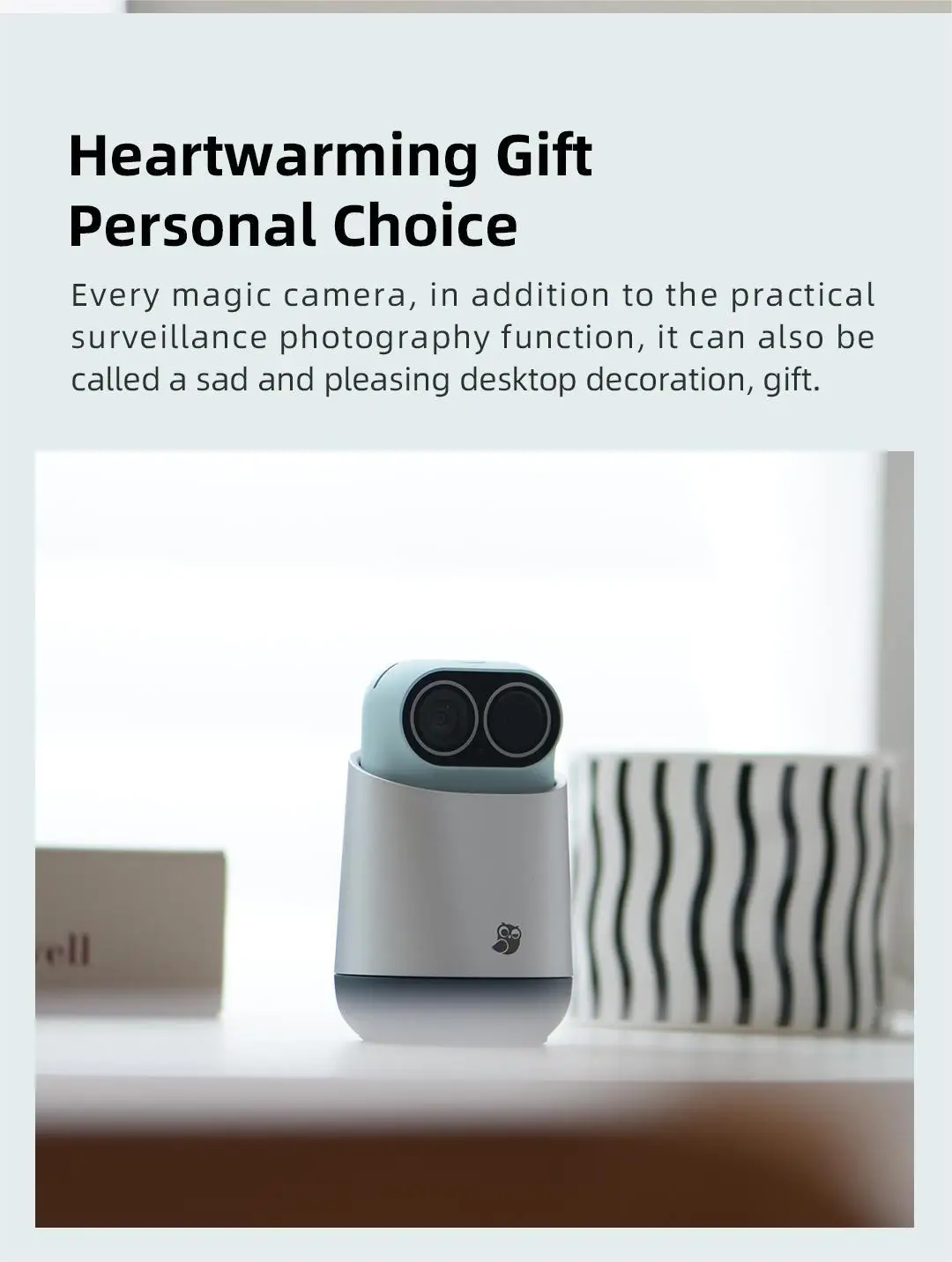
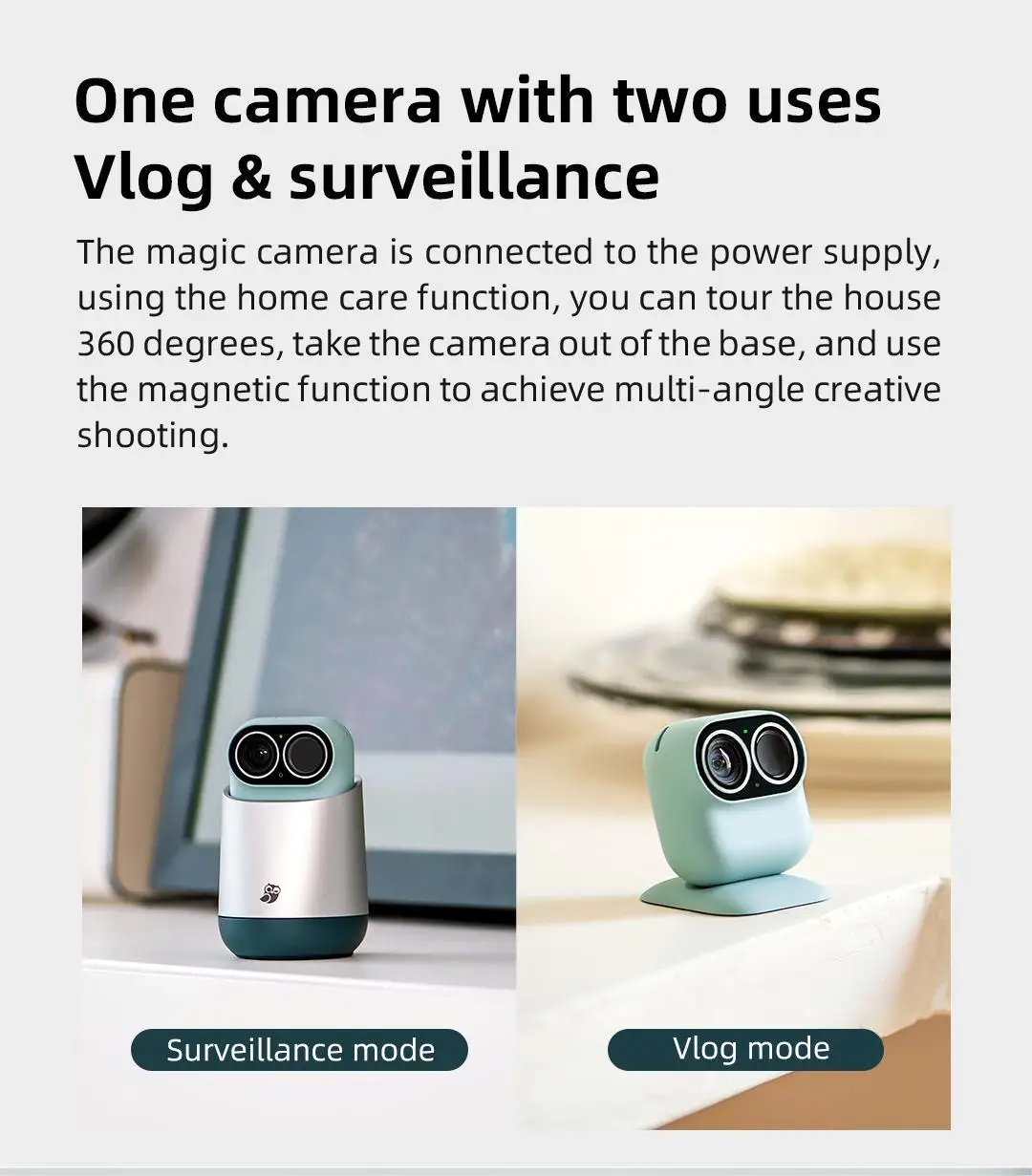
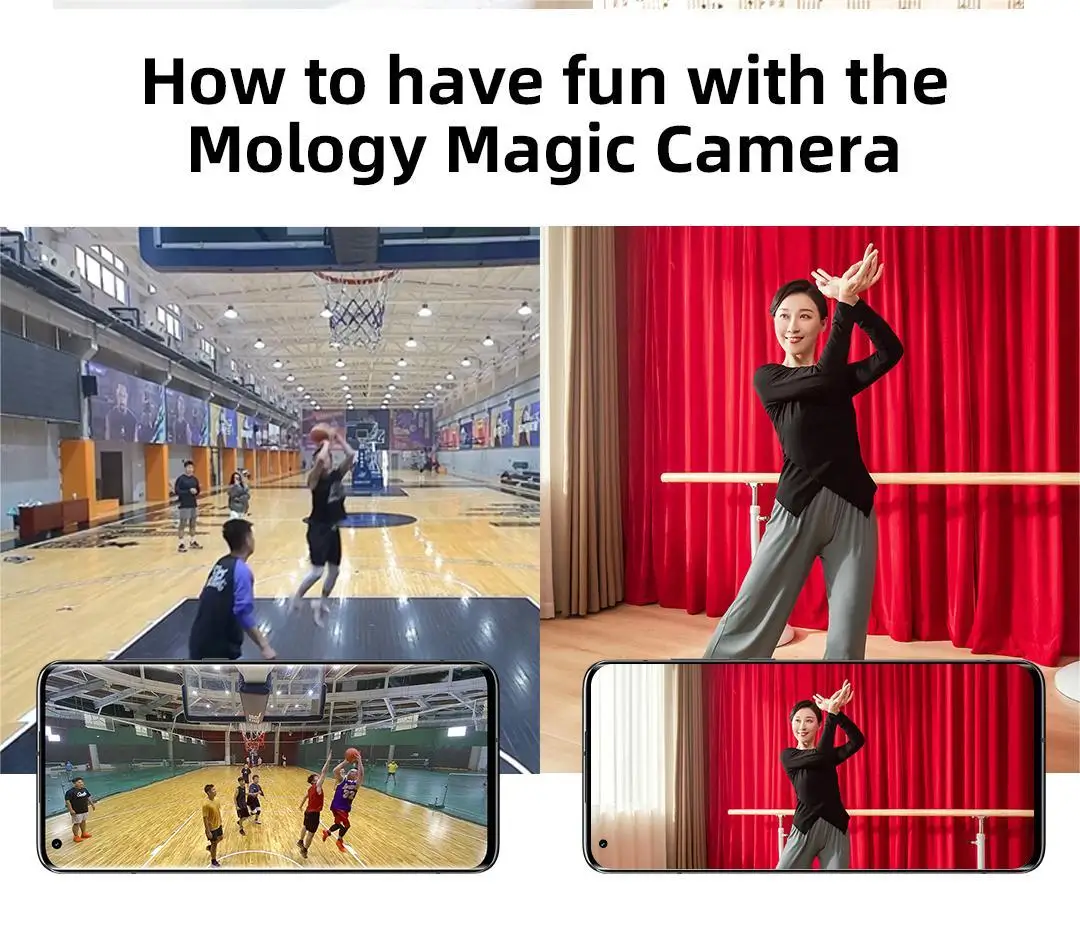
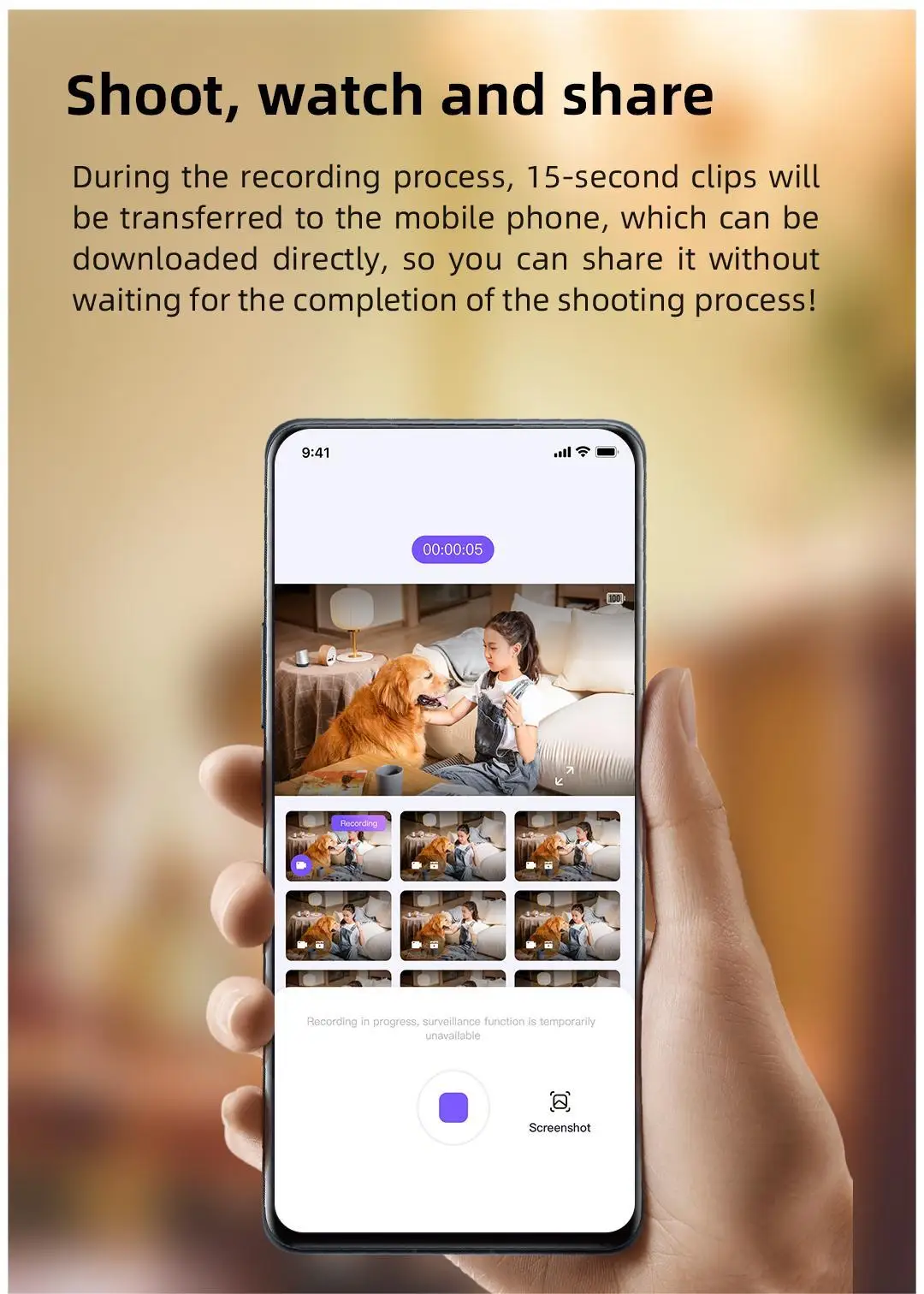
The Xiaomo camera opens the video recording function when it is used alone. The magnetic back clip of the camera body provides a multi angle camera stand. The water washing adhesive sticker in the accessories helps to attach to the wall/wooden surface and other places, providing a video recording experience of a single machine/mobile phone remote control. During the shooting process, continue to push 15 seconds of video to the mobile phone, and share the social circle at the first time after simple editing.
When the single machine is placed on the base, it will automatically switch to the nursing mode. Under the long battery state, you can control the 360 degree home watching through your mobile phone. The family security situation will be recorded circularly. When you find human body changes and picture changes, you can send a message to your family through your mobile phone.
· How does the magic camera connect to the mobile app?
Please download and register the magic camera app first, and follow the steps below:
1. Press and hold the button on the top of the camera for about 3 seconds, and the green light comes on;
2. Press and hold the reset key on the back of the camera for about 3 seconds with the stylus to hear the prompt tone of "reset succeeded", and click Next;
3. Connect the camera Bluetooth;
4. Fill in the WiFi information and click OK;
5. Customize the camera name and connect successfully.
· Daily use connection
The device needs to be connected to the network environment Wi Fi on the base. The camera can be directly connected to Wi Fi through app guidance when leaving the base. The connection distance of mobile phone APP is recommended to be within 20 meters (under open conditions).
When you do not need to connect your mobile phone to control and view pictures, you can also press the hotkey on the top of the camera to use the camera directly.
· How to use the washing glue quick sticker
You can paste the washing glue quick sticker on the plane where the camera needs to be placed to provide a magnetic suction position for the magic camera. It is recommended to stick it on a firm and clean surface (to avoid greasy dirt, wet surface and powdery wall);
When not in use, please fold the washing adhesive tape in half to cover the back adhesive to avoid dust accumulation. When the glue surface is not sticky, it can be repeatedly washed and used. Wipe it with water by hand and gently shake it. After the glue is completely dry, the adhesion can be restored;
It is recommended to wash every 5-8 times, and the specific times shall be subject to the actual use.
(Note: Do not wipe it with paper, towel and other things that are easy to shed hair.)
· What is the image quality resolution?
You can select 2.5K or 1080P for the video recorded in the capture mode and monitoring mode to be stored locally. For faster transmission during preview, it will be compressed to 720P, but the local storage resolution will not be affected.
· What is the role of AI intelligent recognition algorithm?
Accurately identify human shape and pet, use non contour recognition algorithm, even part of the body can be recognized, and improve the recognition accuracy. It is used for Al shooting function to greatly reduce invalid space and help complete preliminary editing. The algorithm is used in the monitoring mode to accurately identify the content of screen changes and improve the efficiency of push.
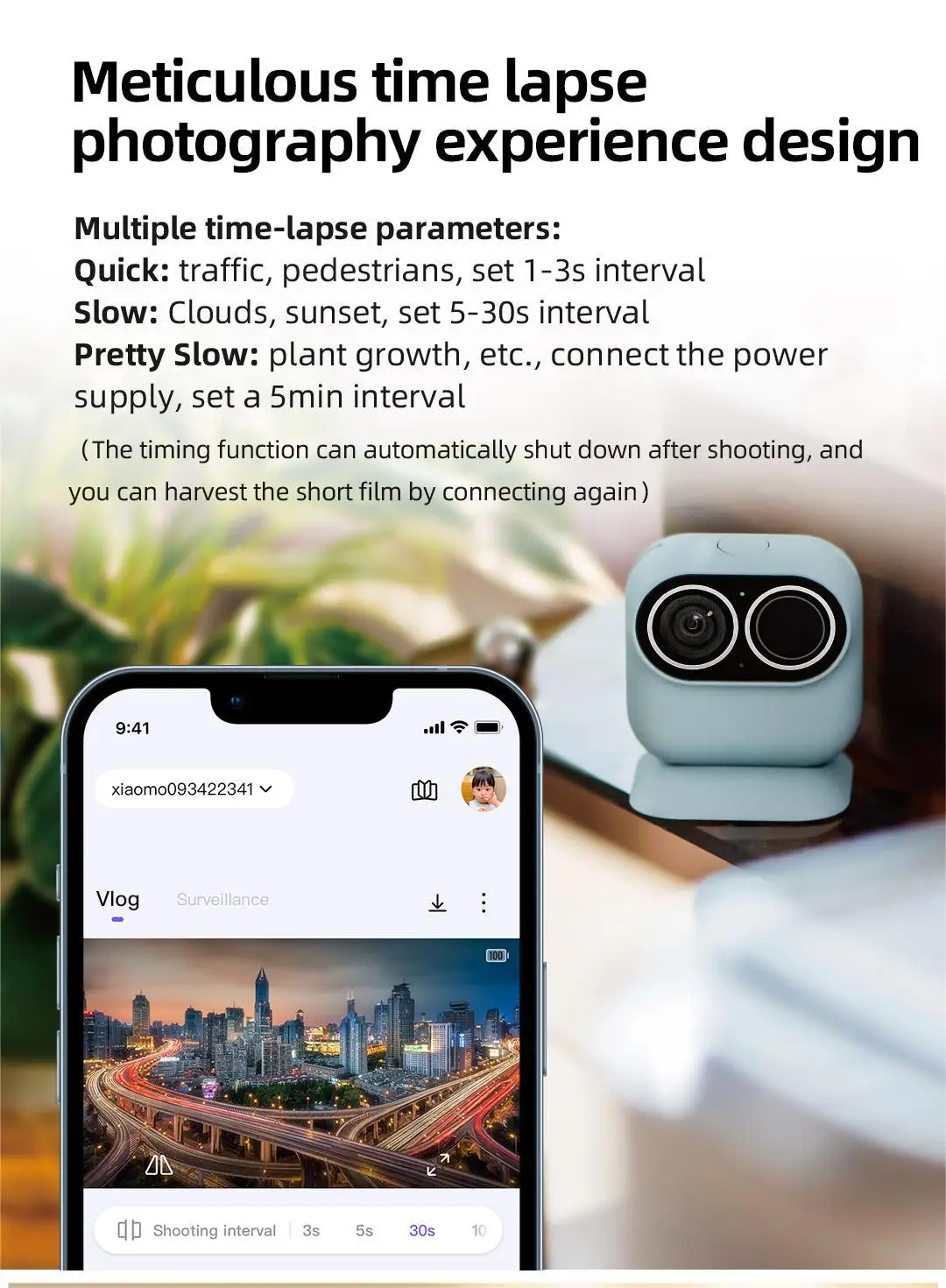
· How to set the duration and interval of delay photography?
The camera provides 25 times of playback every 1 second and 7500 times of playback every 5 minutes. If the timer is 30 minutes, with an interval of 5 seconds and 25 frames per second, 14.4 seconds of video will be shot. It is recommended to take pictures of fast moving scenes, such as traffic flow and pedestrians, for 1-3 seconds; If you want to take pictures of scenes moving at medium speed, such as sunrise and sunset, choose 5~30 seconds; Take pictures of slow moving scenes, such as plant growth, choice for 1-5 minutes.
· There are two ways to charge the camera:
① Put the camera on the base to charge;
② Open the back cover of the camera, and the body has its own charging interface.
· Notes on using memory card
It shall meet the requirements of Class 10 or above or UHS-7 or above speed grade SD card; The storage space should be greater than 16G. One memory card is divided into two areas. The camera mode does not cover, and the monitoring mode circularly covers.
The 32G memory card can capture about 5.5 hours of video or 9 hours of surveillance video. If you need long-term video recording, you can choose a memory card with more space.
(By default, the magic camera reserves 40% of the capacity for the on camera function, and the rest can freely shoot on camera videos or nursing videos. When all the memory is full, the nursing videos will be overwritten circularly. It is recommended that you organize files in a timely manner when the memory card is full to avoid the unavailability of some functions.)

