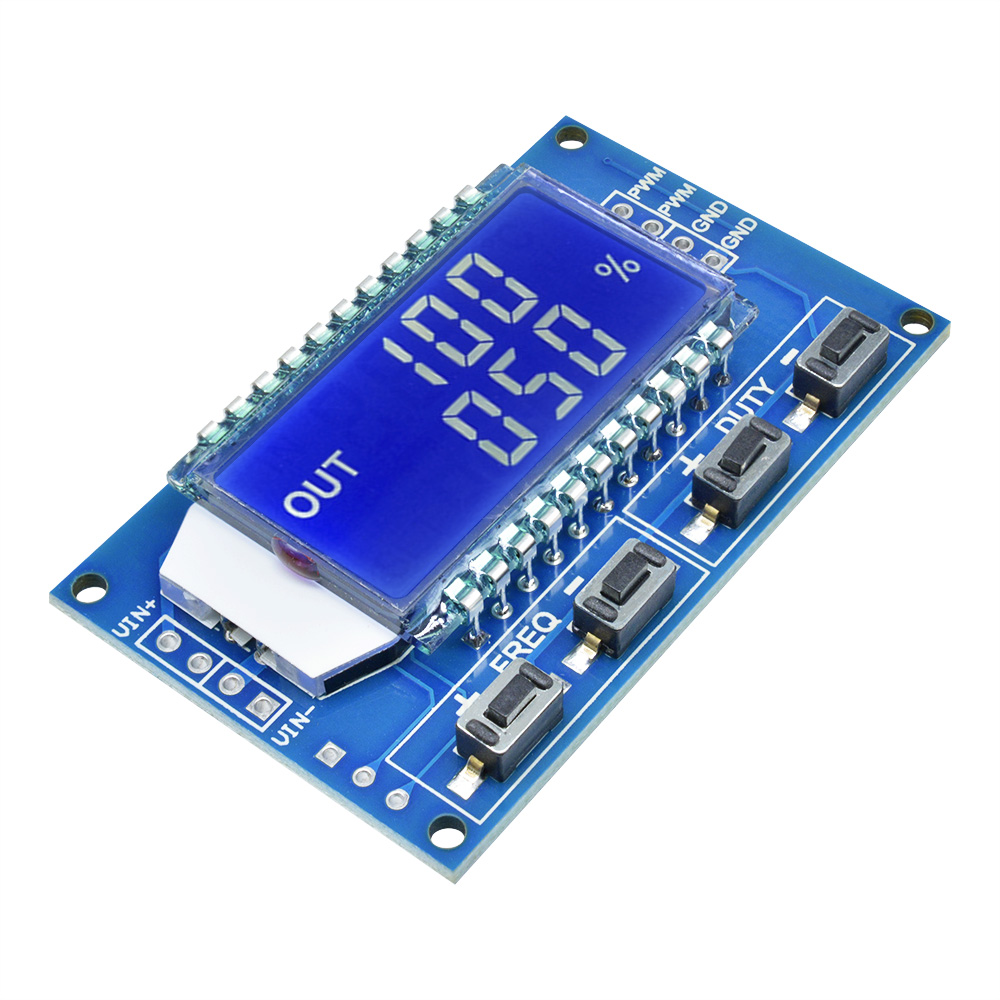
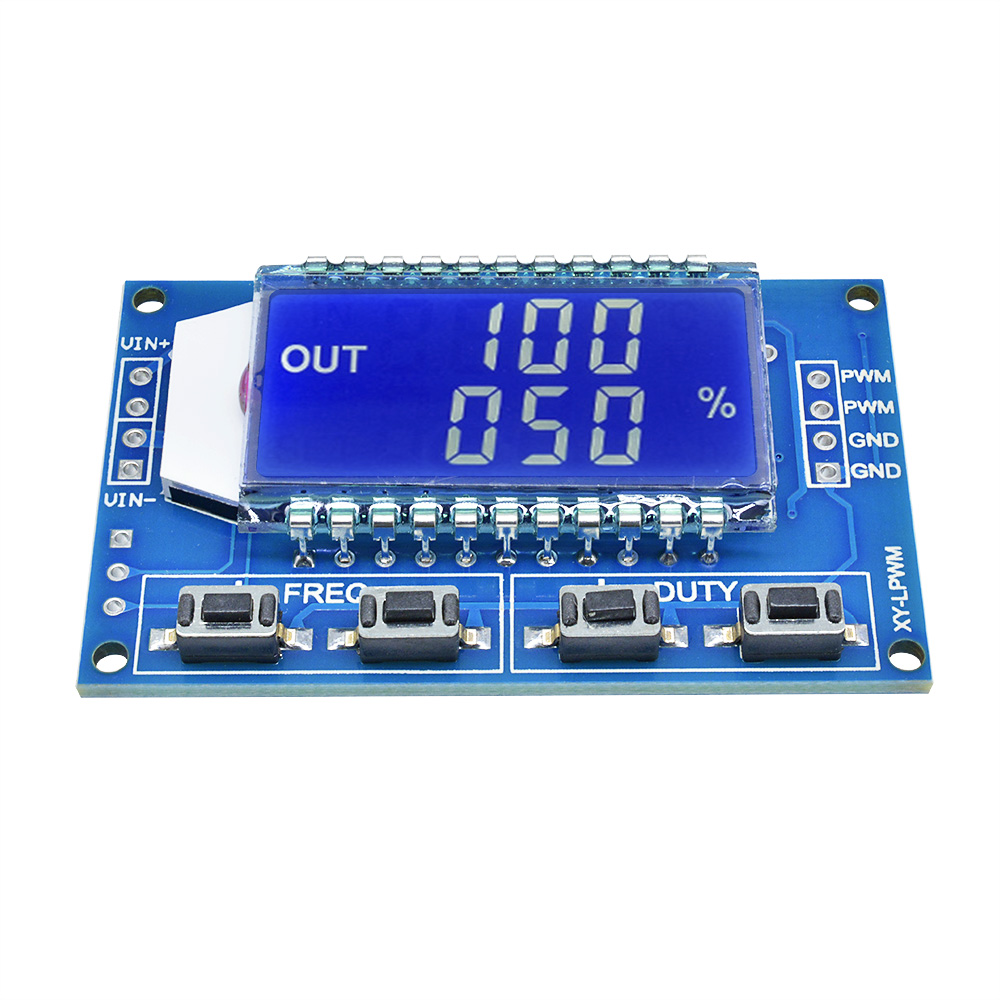
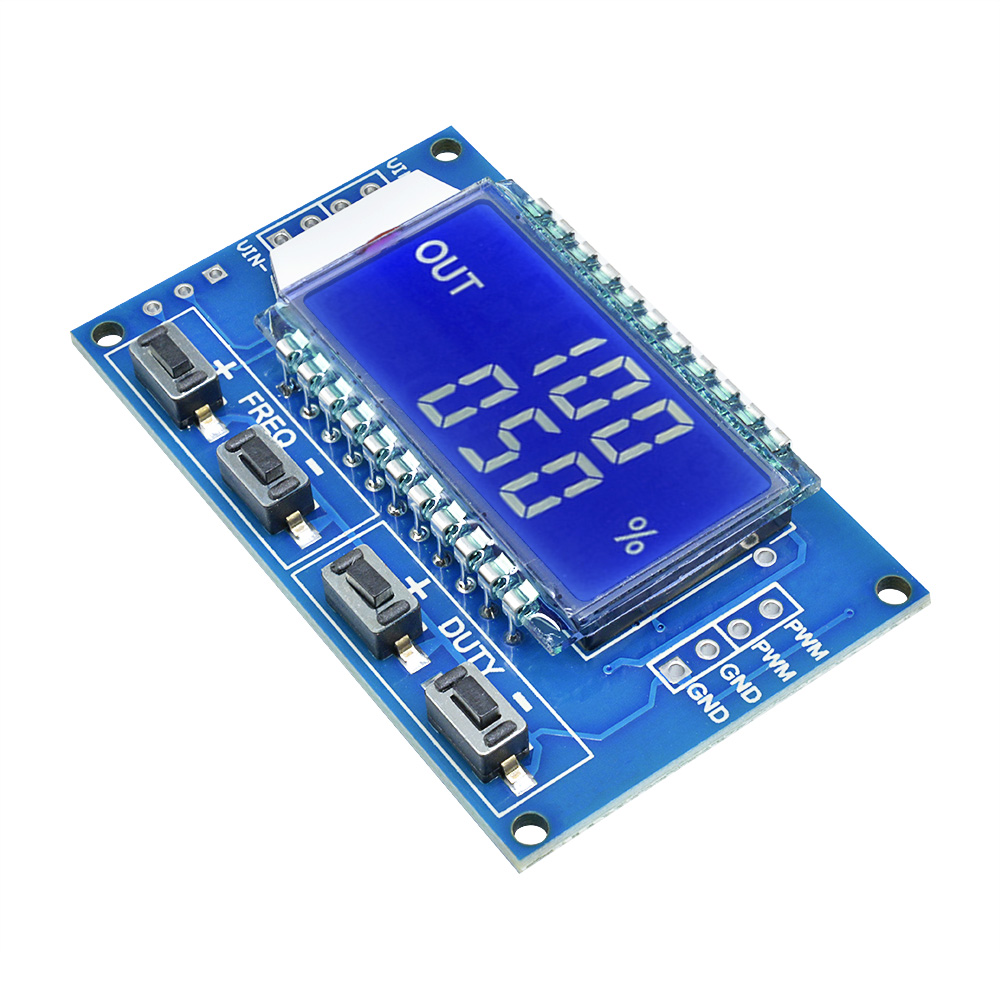
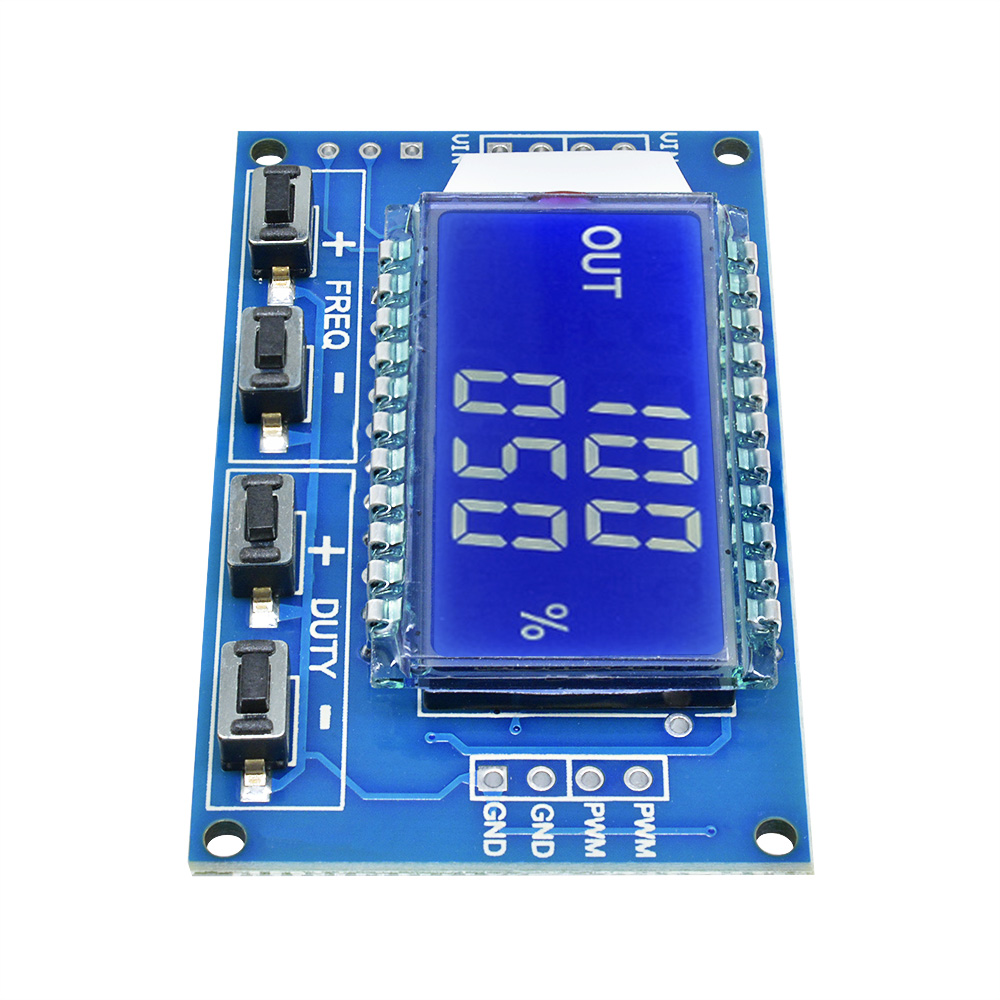
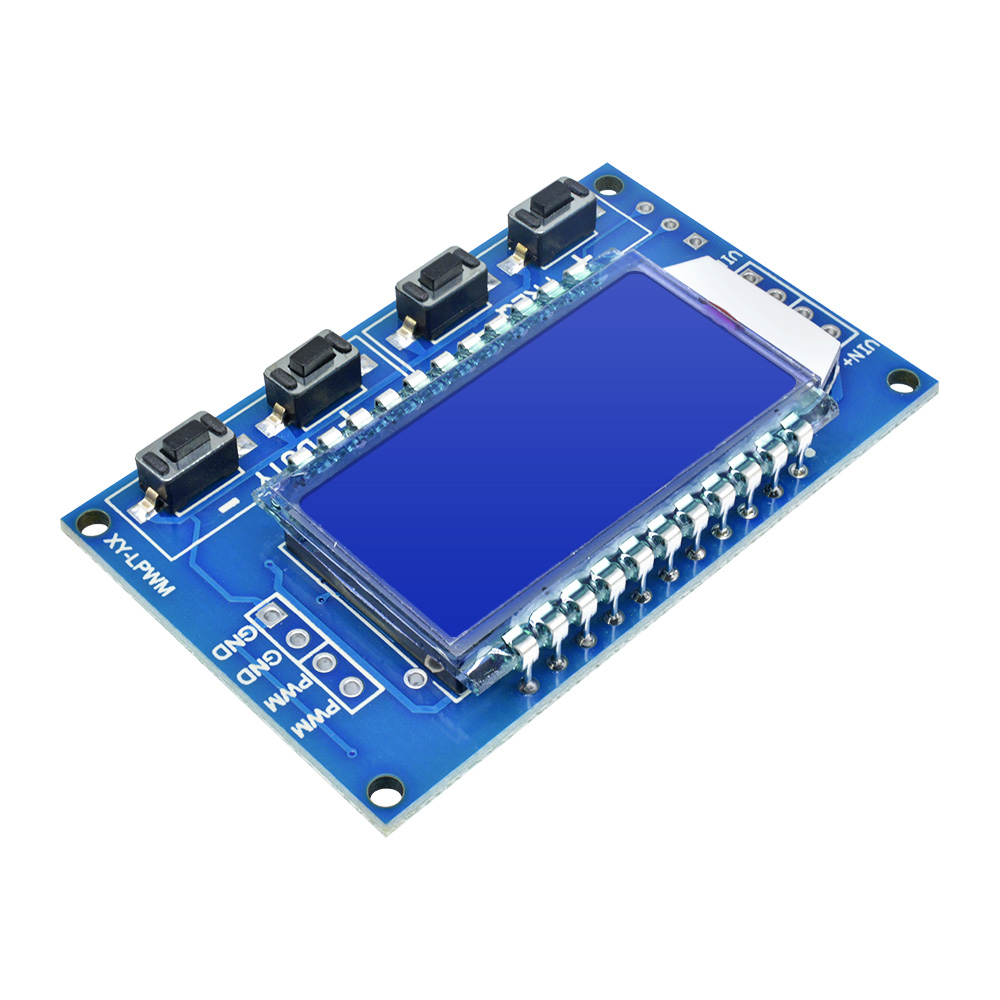
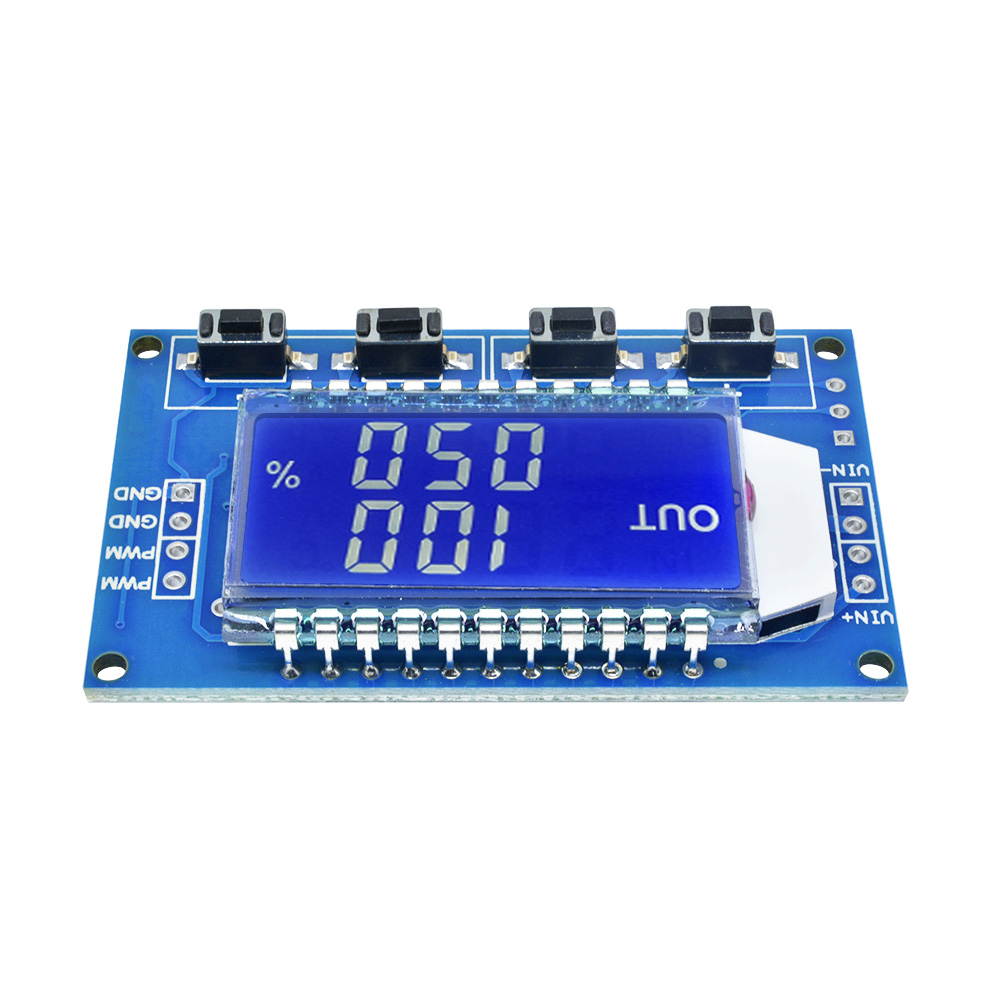
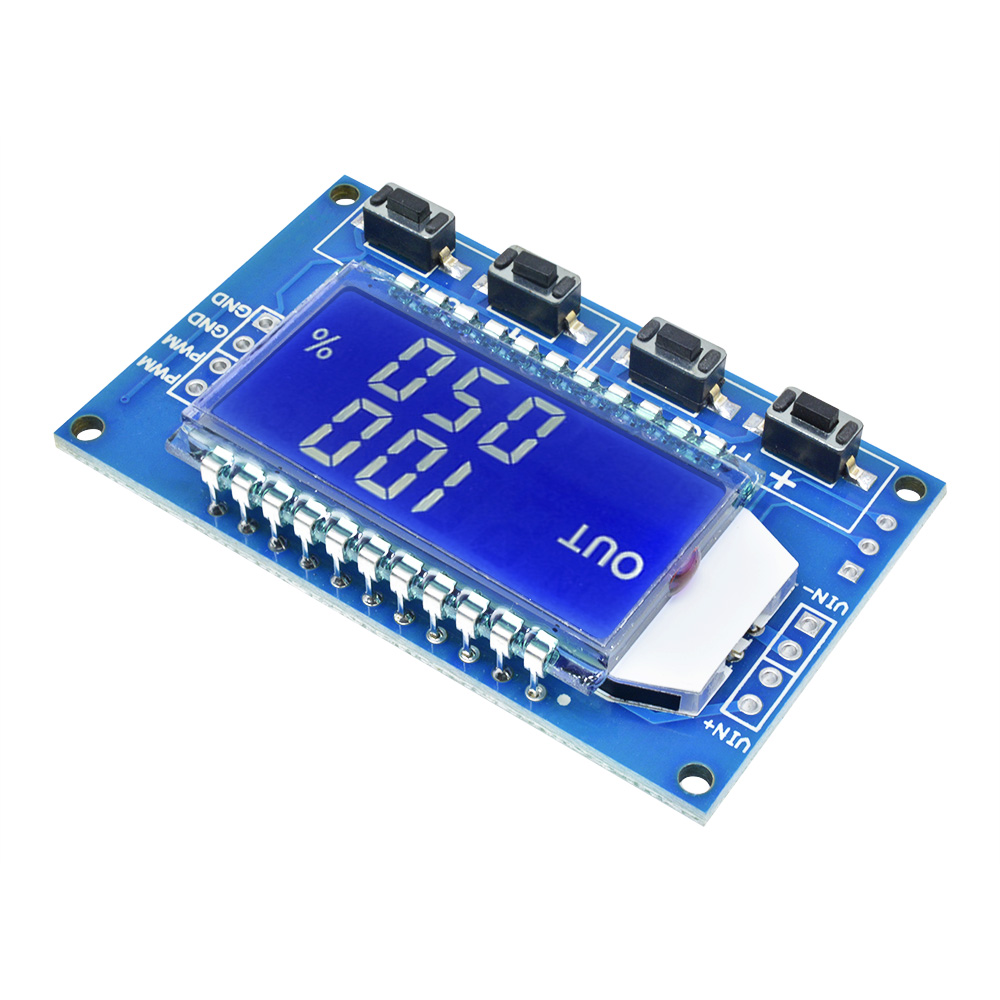
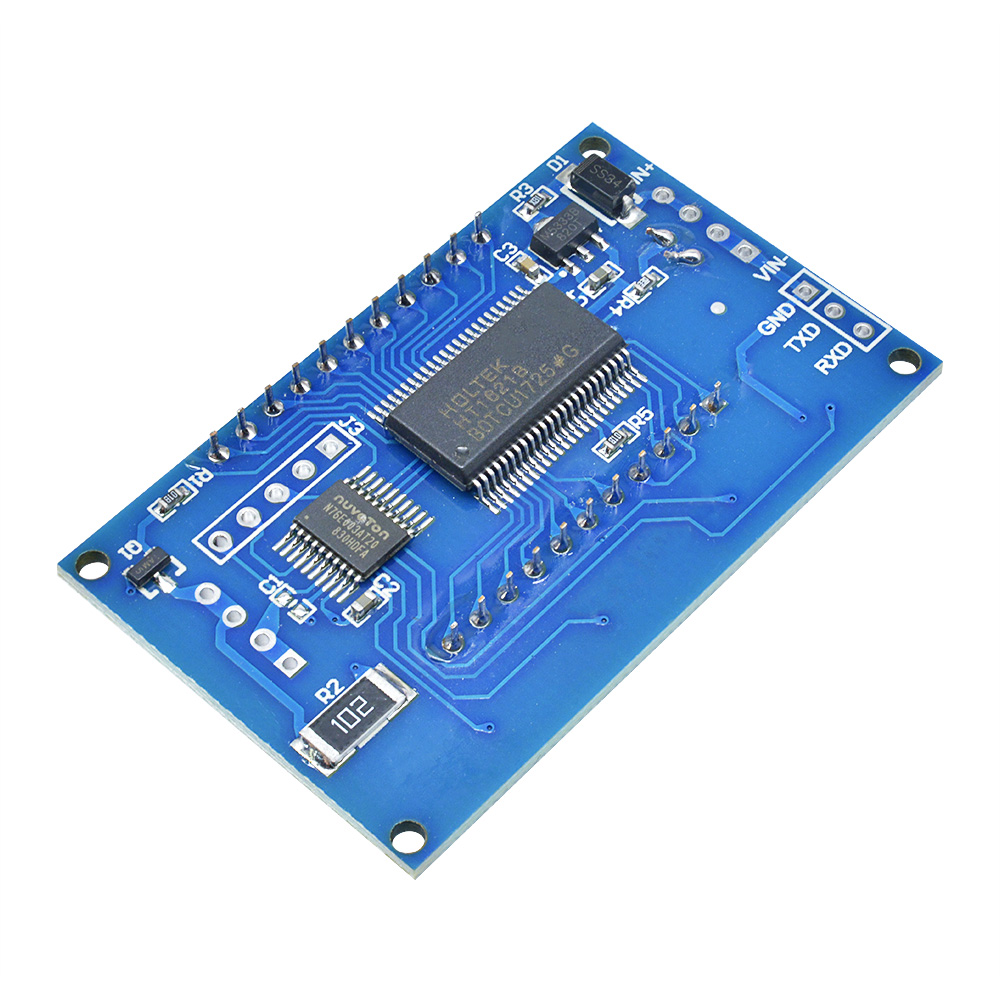
Module Highlights:
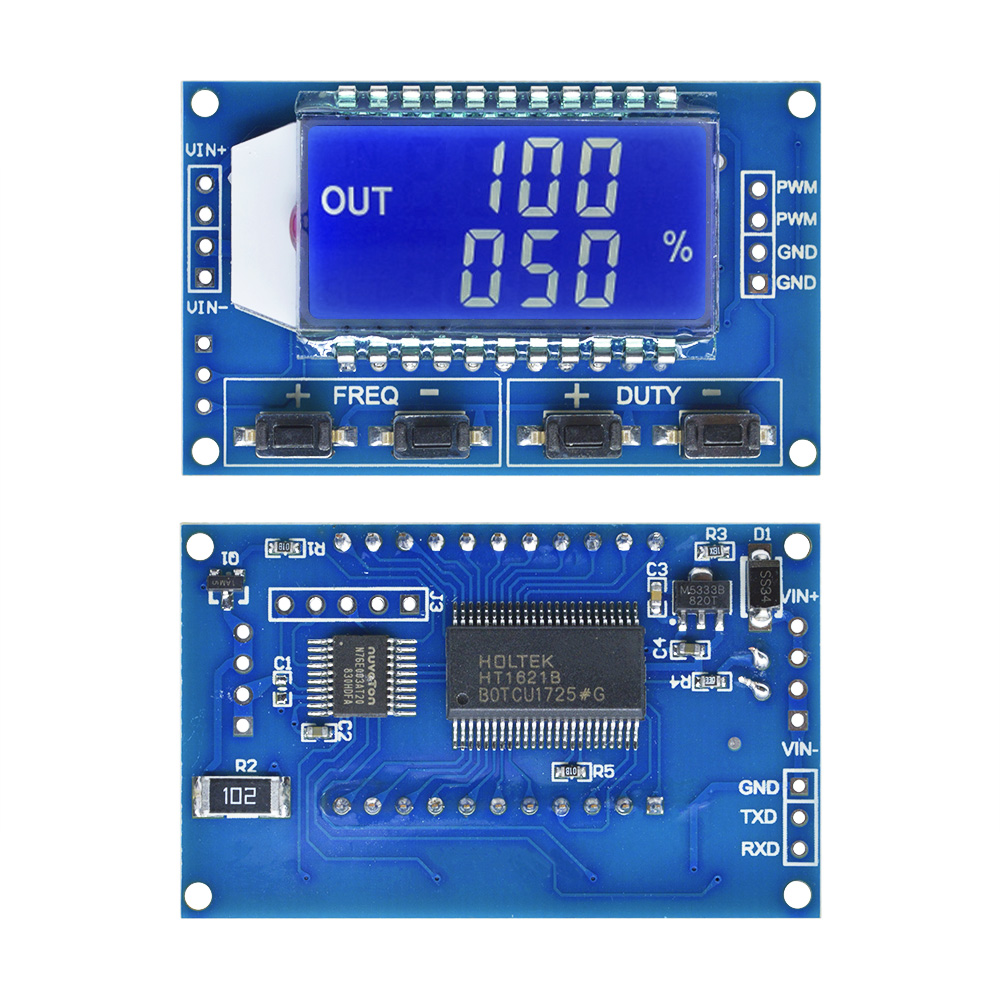
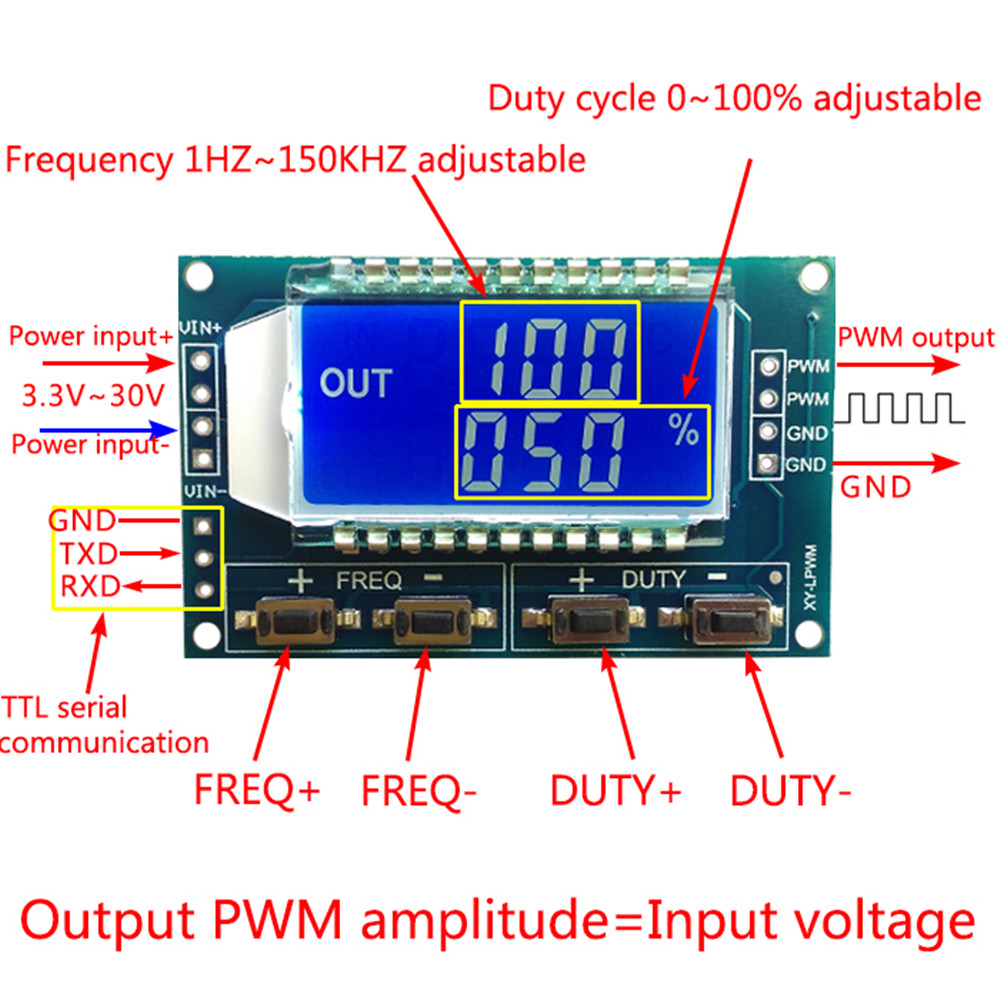
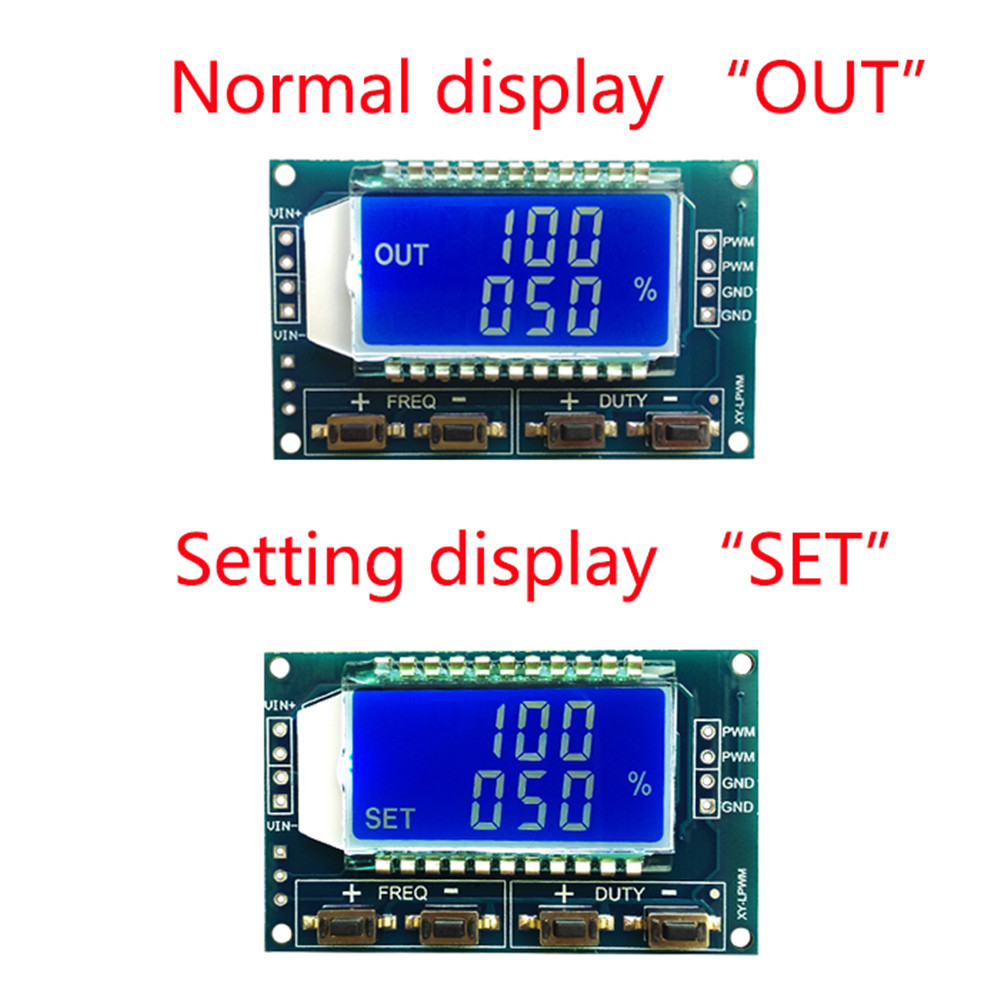
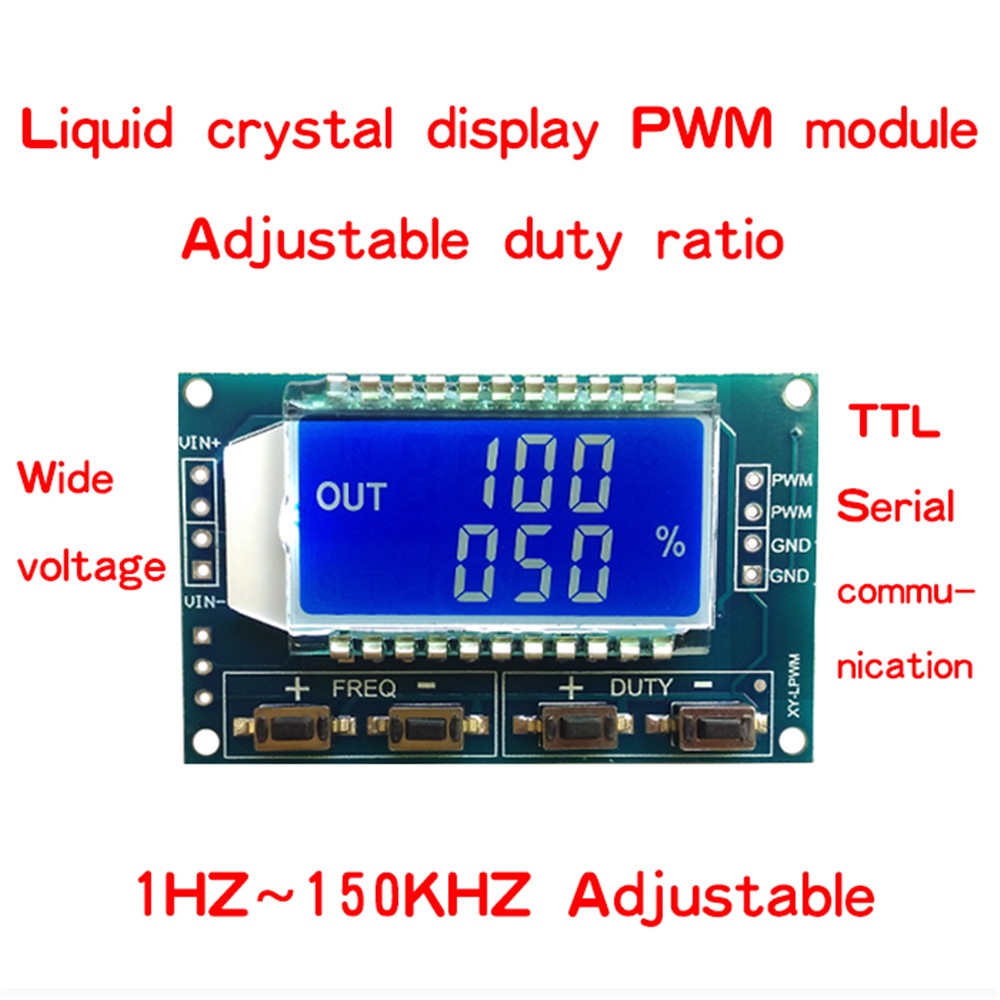
1.LCD display frequency and duty cycle, very clear, PWM output can be set to the frequency and duty cycle;
- Wide frequency range, high precision;
- Serial communication, TTL level
First, the module description
PWM output, you can set the frequency, duty cycle;
Frequency is divided into four ranges, automatic switching:
- XXX (no decimal point): the smallest unit is 1Hz, the value range of 1Hz ~ 999Hz;
- X.XX (decimal point in the hundred) the smallest unit is 0.01Khz, the range of 1.00Khz ~ 9.99Khz;
- XX.X (decimal point in ten): the smallest unit is 0.1Khz; value range of 10.0KHz ~ 99.9KHz
- X.X.X (decimal point in ten and hundred): the smallest unit is 1Khz; value range 1KHz ~ 150KHz
frequency display: 100 indicates PWM output 100Hz pulse;
1.01 indicates PWM output 1.01K pulse;
54.1 indicates that the PWM output has a pulse of 54.1 kHz;
1.2.4 indicates that the PWM output is 124 kHz pulse;
Duty cycle range: 0 ~ 100%;
All set parameters, power-down automatically saved.
Second, the parameter settings
The module has four independent keys, used to set the frequency and duty cycle, support touch (increase or decrease a unit) and long press (fast increase or decrease), set the parameters automatically save, power down Not lost.
Third, the module parameters:
- Working voltage: 3.3 ~ 30V;
- Frequency range: 1Hz ~ 150KHz;
- Frequency accuracy: the accuracy in each range is about 2%;
- Signal load capacity: the output current can be about 5 ~ 30ma;
- Output amplitude: PWM amplitude equal to the supply voltage;
- Ambient temperature: -20 ~ +70 ℃.
Fourth, the scope of application:
- Used as a square wave signal generator, generate square wave signal for experimental development and use;
- Used to generate a square wave signal that controls the motor driver;
- generate adjustable pulse for MCU use;
- generate adjustable pulse, control the relevant circuit (PWM dimming speed and other applications).
5.serial control (single-chip TTL level communication)
Communication standard:
9600 bps Data bits: 8
Stop bit: 1
Check digit: none
Flow control: none
1, set the frequency of the PWM
"F101": Set the frequency to 101 HZ (001 to 999)
"F1.05": set the frequency of 1.05 KHZ (1.00 ~ 9.99)
"F10.5": Set the frequency to 10.5KHZ (10.0 ~ 99.9)
"F1.0.5": set the frequency of 105KHZ (1.0.0 ~ 1.5.0)
2, set the PWM duty cycle
"DXXX": set the PWM duty cycle to XXX; (001 ~ 100)
Such as D050, set the PWM duty cycle is 50%
3, read the set parameters
Send a "read" string to read the set parameters.
Set successfully return: DOWN;
Setup failed to return: FALL.
- We accept PayPal only. But we only Accept your Ebay Address,Please Make sure it's 100% right.
- Payment must be received in 5 business days of auction closing.
- Please leave note for your special request (e.g. Colors or Size) in PayPal when you pay the order.
- Any special request cannot be accepted after 24 hours of payment, because most of orders will be processed instantly and same day dispatched.
Fill your shipping info
- All package need to wait 30 days(US only need 7-10 days),Please take care it.Less than 30 days,we can't take a refund.
- If the item is defect when you receive it or you are not satisfied with it, please return it within 14 days for a replacement or money back. But the items must be back in factory condition. Please contact us and double check the return address before you return it.
- If is item is defective in 12 months, you can return it to us. We will send you a new replacement after receiving the defective item.