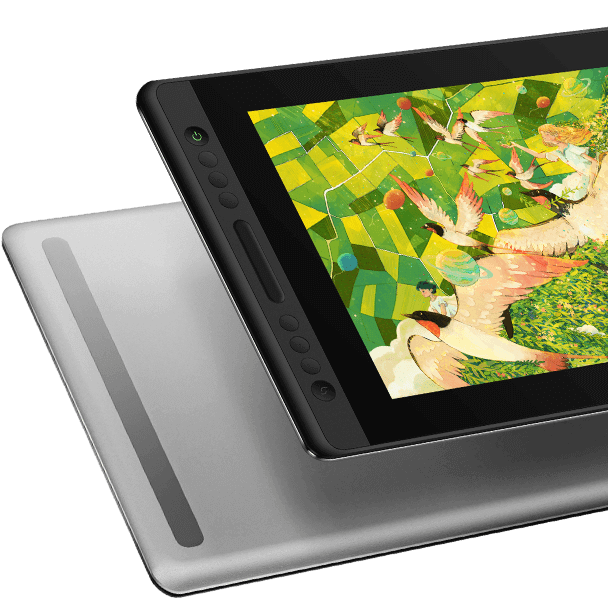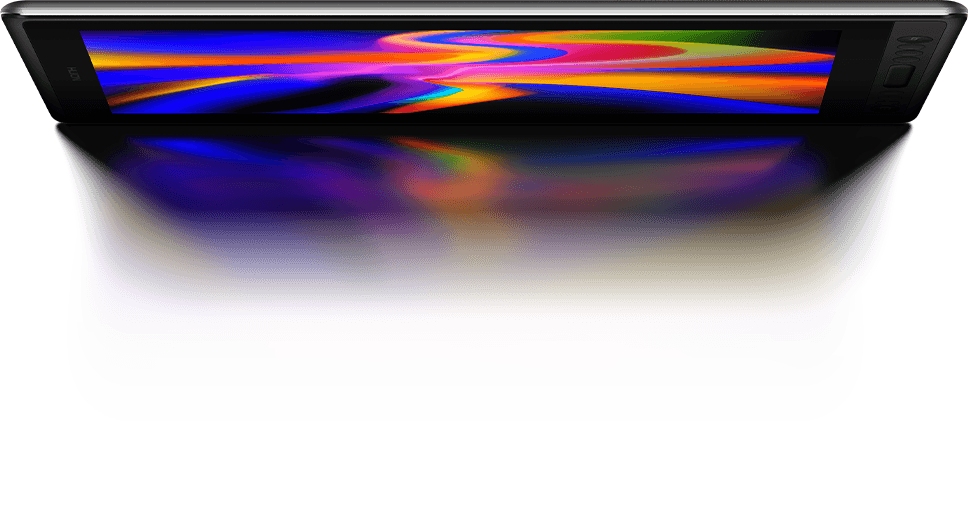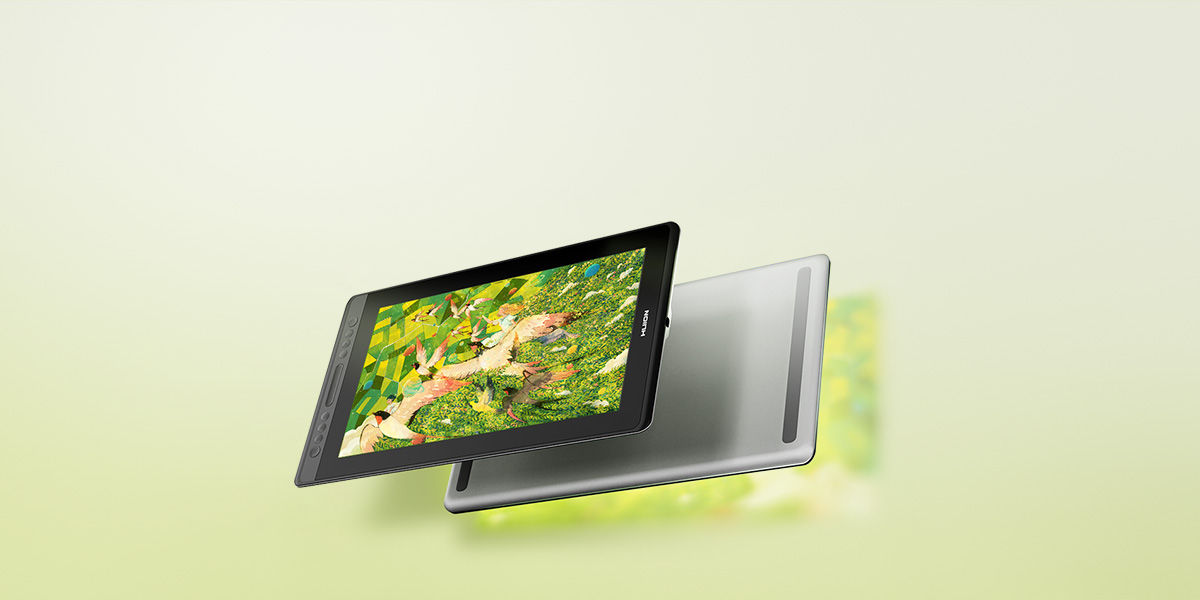
HUION Kamvas Pro 16 V2 15.6" Drawing Tablet Display 16K Levels PenTech 4.0 Pen
KAMVAS Pro 16 V2
KAMVAS Pro 16 V2

Your Quality Choice.
PenTech 4.0

PenTech 4.0

Powered by advanced pen tech, the pen delivers precise tracking and sensitive pen pressure.
accurate color

Color

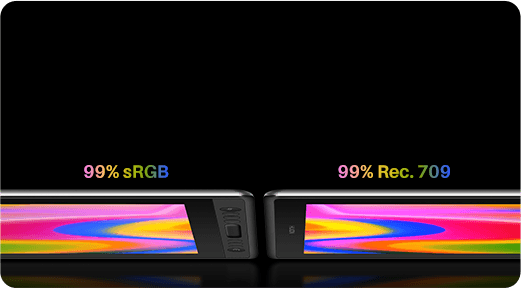
Easily switch between sRGB and Rec.709 color modes, ensuring accurate color reproduction.
canvas glass

Canvas Glass 2.0

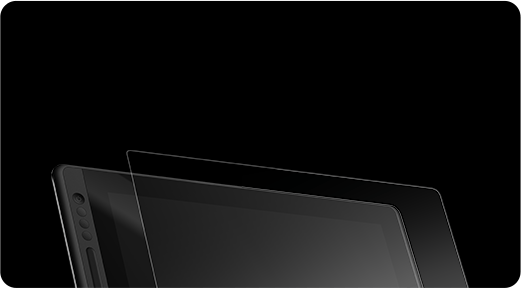
With full-lamination nano-etched Canvas Glass 2.0, it reduces glare and being highly durable.
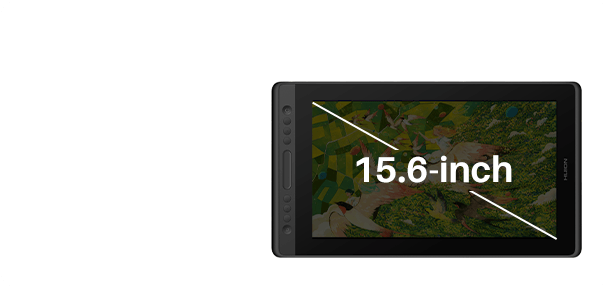
15.6 inch screen

Perfect Size

The 15.6-inch screen offers a great balance of screen estate and portability, ideal for drawing.
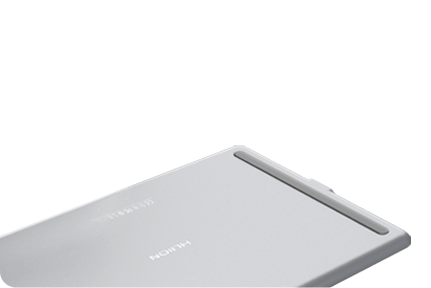
metal backcase

Metal Backcase

The aluminum backcase resists scratches and improves heat dissipation.
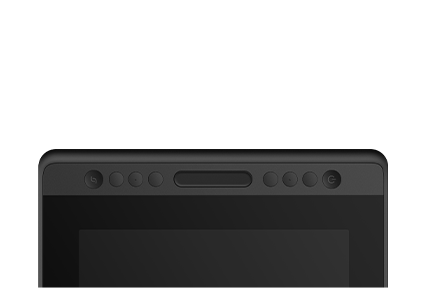
shortcut keys

Beginner-friendly

It comes with handy default shortcuts so you can dive in quickly.
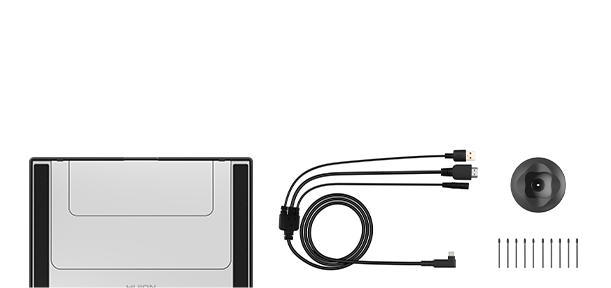
accessories

All Accessories Included

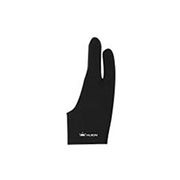
Everything a beginner needs comes in the box: cable, stand, spare nibs, pen holder, and glove.

High-Quality Design Endures.

Kamvas Pro 16 V2 inherits the design from its predecessor, including the aluminum back case, nano-etched glass, sleek body, press keys, and touch strip.

Durable Metal Back Case

Durable Metal Back Case

Canvas Glass

Canvas Glass 2.0

Lightweight Body

Lightweight Body

Press Keys

Press Keys

screen design

Just the Right Size & Clarity.

It also continues the classic combination of a 15.6-inch screen size and Full HD resolution, offering ample drawing space for artists to unleash their creativity while ensuring a clear visual experience.

15.6 inches

Screen Size

1920*1080

Resolution

16:9

Aspect Ratio

screen size & resolution

True Color Mastery.

color
color pic

The upgraded color gamut clamp lets you switch effortlessly between 99% sRGB/Rec.709 color spaces via the OSD menu or driver. With 16.7 million display colors, it ensures precise color accuracy, preventing oversaturation or deficiencies.

99% sRGB

Gamut Coverage

99% Rec.709

Gamut Coverage

16.7 Million

Display Color
PenTech 4.0

Not just an upgrade in technology, but experience.

Digital Pen PW600A
Like a Real Pen.

battery-free pen pw600a

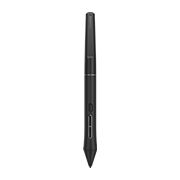
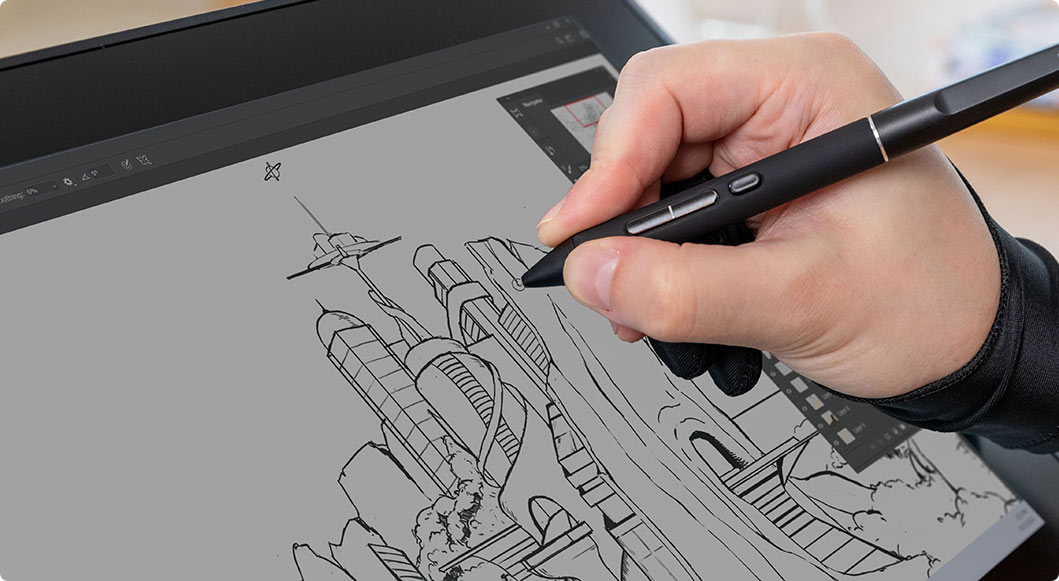
Kamvas Pro 16 V2 features Huion's latest PenTech 4.0 technology. The PW600A pen is equipped with the HV200 chip, significantly enhancing pen pressure sensitivity and cursor tracking. With three side buttons and a dust-proof grip, it not only provides a real pen-like experience but also boosts efficiency.

Battery-Free

No need for charging.

Dust-Resistant Silicone Grip

Enhanced comfort and dust-proof.

3 Side Keys

Customizable shortcuts, perfect for efficiency.

Enhanced Precision & Stability.

With revolutionary PenTech 4.0, the edge precision of the screen was enhanced, and Tilt Auto-Alignment technology decreased the cursor offset issues. Additionally, we’ve made the pen head smaller to avoid any obstruction of your view. With a 0.35mm retraction distance, the drawing experience becomes more stable and free of wobble.

Cursor

Tilt Auto-alignment

Thinner

Pen Head

0.35mm

Retraction Distance

2 Types

Customized Pen Nibs
pen experience

Capture Even the Lightest Strokes.

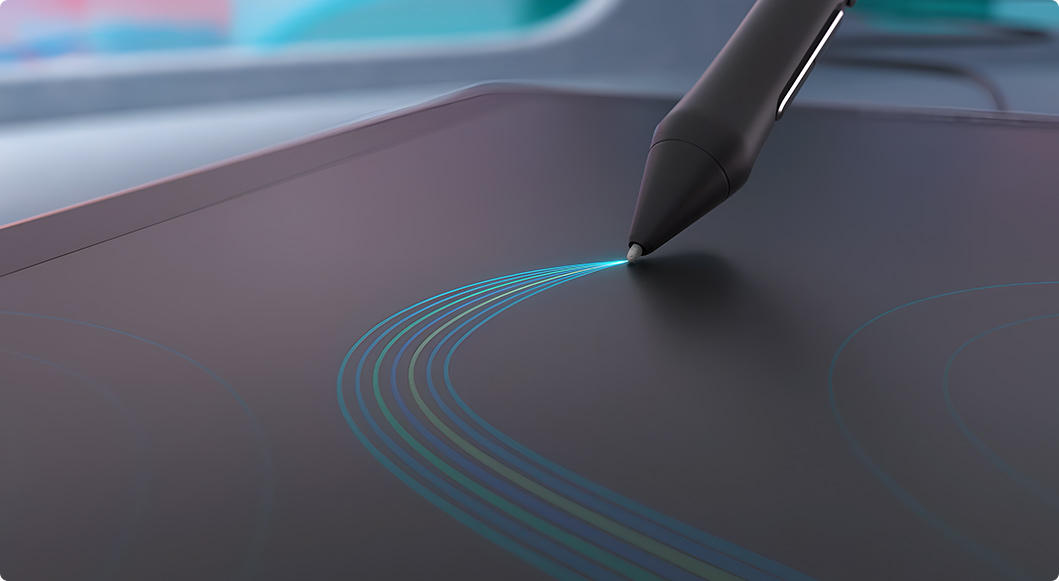
PenTech 4.0 divides pen pressure into 16,384 levels and offers a 2g initial activation force, capturing even light strokes. The adjustable maximum force range from 200g to 500g makes coloring and shading easier. Additionally, ±60° tilt support helps imitate effects like shading or broad strokes, like a real pen.

16384 Levels

Pressure Sensitivity

2g

Initial Activation Force

200g-500g

Adjustable Maximum Force

±60°

Tilt Support
pen sensitivity

Enhanced Durability with
Superior Visuals.

canvas glass
anti reflection

Canvas Glass 2.0

Anti-Reflection
Scratch-Resistant

full lamination

Full Lamination

Better-Display
Dust-Proof

Kamvas Pro 16 V2 features nano-etched Canvas Glass 2.0, reducing glare and minimizing graininess for a more comfortable viewing experience. Full-lamination technology enhances color vibrancy and brightness. All these help create a durable and scratch-resistant surface, ensuring a longer lifespan.

Preset Keys, Ready to Go!
shortcut keys
 
Brush Tool
 
Increase Brush Size
 
Decrease Brush Size
 
Hand Tool
 
Save
 
Undo

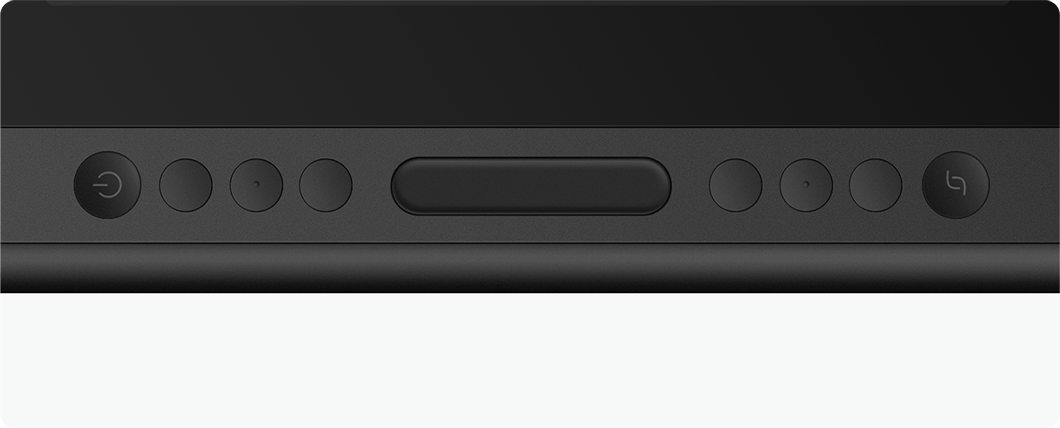
The 6 press keys and the touch strip can be programmed to various shortcuts through the driver to streamline your workflow. Additionally, it comes with preset settings for drawing, making it easy for beginners to start using right out of the box.

6

Press Keys

1

Touch Strip

All You Need Included.
accessories

Cable

Pen Holder

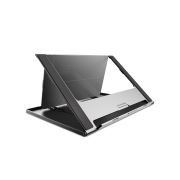
Stand

Glove

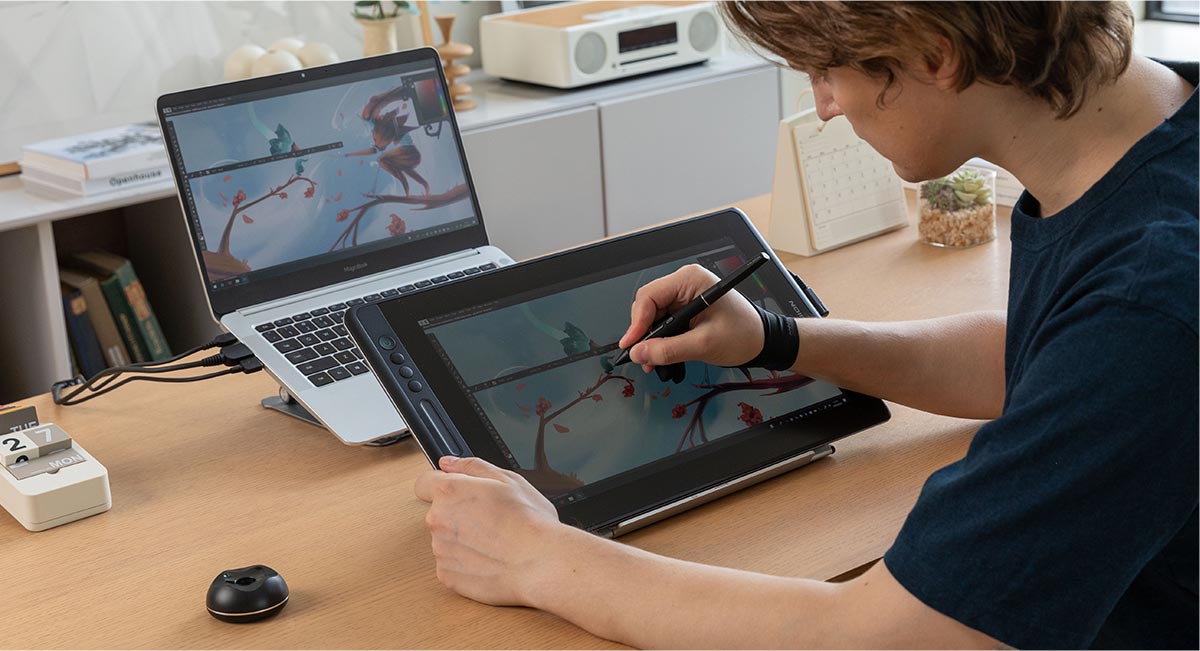
Create All Possibilities on One Display.

Kamvas Pro 16 V2 is a versatile pen display that meets the creative needs of various art styles. For beginners, it provides everything you need to help you quickly start your artistic journey.
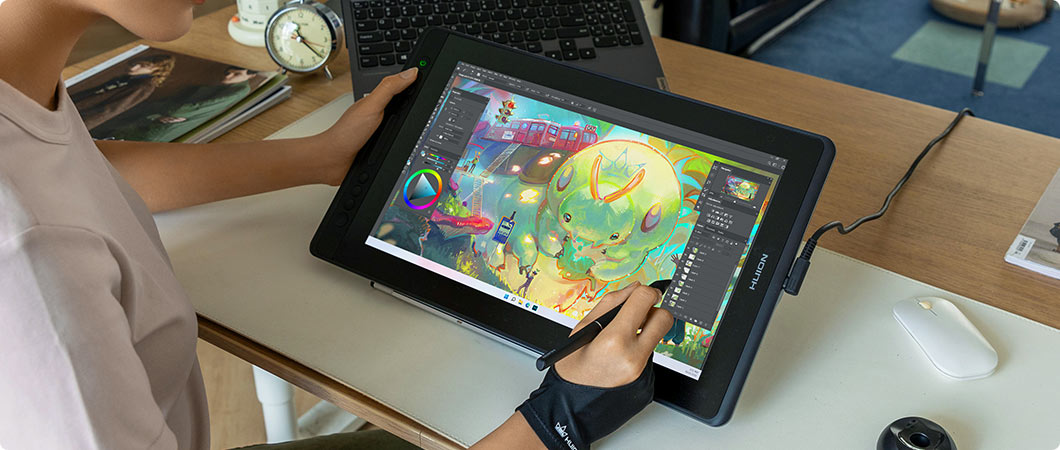
For Illustration

With advanced PenTech 4.0 pen technology, you can enjoy a more precise and stable drawing experience while creating detailed illustrations.
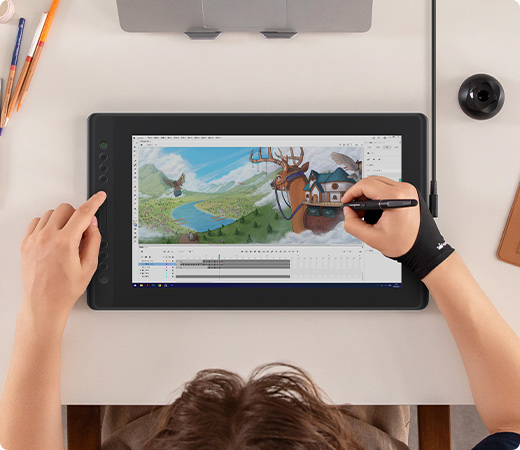
For Animation

The customizable press keys and touch strip provide quick access to functions, increasing your efficiency when working on animations.
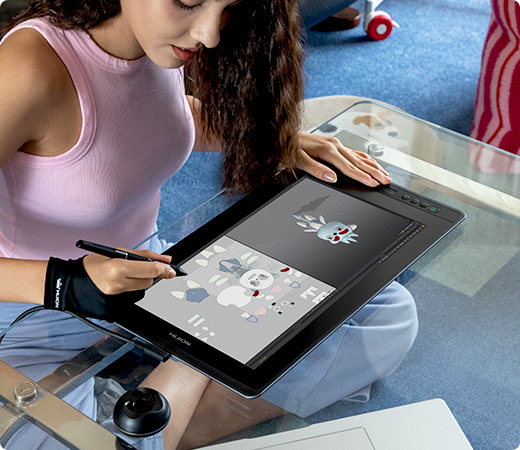
For 3D modeling

The 15.6-inch screen provides more workspace, preventing a cramped experience. Additionally, the pen can function as a carving tool to fine detailing on your models.

Compatibility

Operating System

Windows

Windows

(Windows 10 and above.)

macOS

macOS

(macOS 10.12 and above.)

LinuxOS

LinuxOS

(Ubuntu 20.04 LTS)

Recommended Applications

Adobe photoshopAdobe IllustrationClip Studio PaintKritaAffinityAffinity PhotoMedibang paint proPaint Tool SaiHarmony 21Storyboard ProTV PaintFireAlpacaBlenderCinema 4Dand so on

The terms HDMI, HDMI High-Definition Multimedia Interface, HDMI Trade dress and the HDMI Logos are trademarks or registered trademarks of HDMI Licensing Administrator, Inc.

In the Box
  • Kamvas Pro 16 V2
    ×1
  • Foldable Stand ST200
    ×1
  • Battery-free Pen PW600A
    ×1
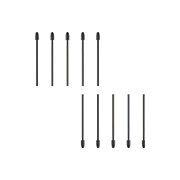
  • Standard Pen Nibs (Inside the Pen Holder)
    ×10
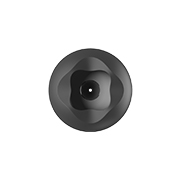
  • Pen Holder
    ×1
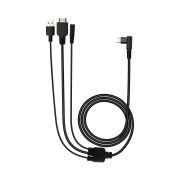
  • 3-in-1 Cable
    ×1
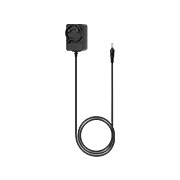
  • Power Adapter (Image for reference; plug may vary)
    ×1
  • Artist Glove
    ×1
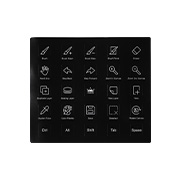
  • Shortcut Key Sticker
    ×1
  • Cleaning Cloth
    ×1
  • Quick Start Guide
    ×1
     
FAQs

The primary difference between the Kamvas Pro 16 and the Kamvas Pro 16 (V2) lies in the pen technology: the V2 model features the advanced PenTech 4.0, while the original version uses the earlier PenTech 2.0. Additionally, the Kamvas Pro 16 (V2) is equipped with Canvas Glass 2.0, which offers improved anti-glare performance and reduced color distortion compared to the first-generation anti-glare glass used in the Kamvas Pro 16. The V2 also boasts enhanced color performance, supporting 99% sRGB and 99% Rec.709 color gamut coverage.

Yes, the Huion Kamvas Pro 16 (V2) is a drawing monitor. You need to connect the monitor to a computer/laptop to make it work.

The Huion Kamvas Pro 16 (V2) supports native, sRGB, and Rec. 709 color modes, which you can adjust in the OSD menu.

The Huion Kamvas Pro 16 (V2) is equipped with Canvas Glass 2.0. Utilizing new nano etching technology, it provides excellent anti-glare effects and a paper-like texture, ensuring a smoother workflow for artists. Furthermore, it effectively addresses sparkle and grain issues by adjusting granularity, haze, and gloss values. As a result, color noise is significantly reduced, particularly against pure white backgrounds.

Huion PenTech 4.0 means the 4th Generation Huion pen technology, which perfectly enhances pressure sensitivity to 16384 levels via digital signals transmitted by the independently developed HV200 chip. The pressure curve is more precise for even line drawings, supporting pressure from 2g initial activation force to maximum force. Furthermore, PenTech 4.0 also comes with these advanced functions:

  • Tilt Auto-alignment: Ensuring the cursor stays precise and will not be offset while drawing lines at any angle.
  • Reduced Pen Head Size: Minimizing obstruction while drawing.
  • Extremely Low Retraction Distance: The retraction distance refers to the distance that the pen nib retracts to the inside when the pressure is applied from the minimum to the maximum. It now has been optimized to 0.35mm, eliminating nib wobbling during drawing.

Key advanced functions from PenTech 3.0 remain:

  • Optional Pen Nibs: Artists can choose between regular and felt nibs (for better friction).
  • Tilt Recognition: You can use tilt recognition in software that supports this function to imitate real strokes (such as pencils, brushes, etc.)

The Huion Kamvas Pro 16 (V2) comes with a PW600A digital pen. You can also purchase a PW600 or PW600S digital pen.

The PW600 is the basic form, with a normal pen body, 3 side keys, and a tail eraser;

The PW600L (Lite Pen) is a lighter version, same with a normal pen body, 3 side keys, but no tail eraser;

The PW600A is a specialized version of the PW600L, intended for applications beyond our standard product line. The two models are identical in design except for the nib; the PW600A comes with a felt tip, as opposed to the standard nib in the PW600L.

The PW600S (Slim Pen) is a slim version, with a thinner pen body, 2 side keys, and a tail eraser.

No, the Huion Kamvas Pro 16 (V2) does not have touch input.

Yes, you can use the Huion Kamvas Pro 16 (V2) as a second monitor by setting the Duplicate Mode or Extend Mode.

Please refer to the articles below for step-by-step guidance.

Windows Computer: How to Set the Duplicate Mode or Extend Mode on Windows While Using Huion Pen Display?.

Mac Computer: How to Set the Mirror Mode or Extend Mode on MAC While Using Huion Pen Display?.

No, the Huion Kamvas Pro 16 (V2) does not support a one-cable connection. If you want this feature, you can purchase the Huion Kamvas 16 (2021).

3-in-1 Cable: 1.8m

Power Cable: 1.5m

Note: Cable length information is for reference only, please refer to the physical length included in the purchase.

Yes, a foldable stand ST200 is included in the package of the Huion Kamvas Pro 16 (V2).

Learn more about the stand ST200 via this link.

The Huion Kamvas Pro 16 (V2) has no fan inside, so you don’t have to worry about noise issues.

FAQs

The primary difference between the Kamvas Pro 16 and the Kamvas Pro 16 (V2) lies in the pen technology: the V2 model features the advanced PenTech 4.0, while the original version uses the earlier PenTech 2.0. Additionally, the Kamvas Pro 16 (V2) is equipped with Canvas Glass 2.0, which offers improved anti-glare performance and reduced color distortion compared to the first-generation anti-glare glass used in the Kamvas Pro 16. The V2 also boasts enhanced color performance, supporting 99% sRGB and 99% Rec.709 color gamut coverage.

Yes, the Huion Kamvas Pro 16 (V2) is a drawing monitor. You need to connect the monitor to a computer/laptop to make it work.

The Huion Kamvas Pro 16 (V2) supports native, sRGB, and Rec. 709 color modes, which you can adjust in the OSD menu.

The Huion Kamvas Pro 16 (V2) is equipped with Canvas Glass 2.0. Utilizing new nano etching technology, it provides excellent anti-glare effects and a paper-like texture, ensuring a smoother workflow for artists. Furthermore, it effectively addresses sparkle and grain issues by adjusting granularity, haze, and gloss values. As a result, color noise is significantly reduced, particularly against pure white backgrounds.

Huion PenTech 4.0 means the 4th Generation Huion pen technology, which perfectly enhances pressure sensitivity to 16384 levels via digital signals transmitted by the independently developed HV200 chip. The pressure curve is more precise for even line drawings, supporting pressure from 2g initial activation force to maximum force. Furthermore, PenTech 4.0 also comes with these advanced functions:

  • Tilt Auto-alignment: Ensuring the cursor stays precise and will not be offset while drawing lines at any angle.
  • Reduced Pen Head Size: Minimizing obstruction while drawing.
  • Extremely Low Retraction Distance: The retraction distance refers to the distance that the pen nib retracts to the inside when the pressure is applied from the minimum to the maximum. It now has been optimized to 0.35mm, eliminating nib wobbling during drawing.

Key advanced functions from PenTech 3.0 remain:

  • Optional Pen Nibs: Artists can choose between regular and felt nibs (for better friction).
  • Tilt Recognition: You can use tilt recognition in software that supports this function to imitate real strokes (such as pencils, brushes, etc.)

The Huion Kamvas Pro 16 (V2) comes with a PW600A digital pen. You can also purchase a PW600 or PW600S digital pen.

The PW600 is the basic form, with a normal pen body, 3 side keys, and a tail eraser;

The PW600L (Lite Pen) is a lighter version, same with a normal pen body, 3 side keys, but no tail eraser;

The PW600A is a specialized version of the PW600L, intended for applications beyond our standard product line. The two models are identical in design except for the nib; the PW600A comes with a felt tip, as opposed to the standard nib in the PW600L.

The PW600S (Slim Pen) is a slim version, with a thinner pen body, 2 side keys, and a tail eraser.

No, the Huion Kamvas Pro 16 (V2) does not have touch input.

Yes, you can use the Huion Kamvas Pro 16 (V2) as a second monitor by setting the Duplicate Mode or Extend Mode.

Please refer to the articles below for step-by-step guidance.

Windows Computer: How to Set the Duplicate Mode or Extend Mode on Windows While Using Huion Pen Display?.

Mac Computer: How to Set the Mirror Mode or Extend Mode on MAC While Using Huion Pen Display?.

No, the Huion Kamvas Pro 16 (V2) does not support a one-cable connection. If you want this feature, you can purchase the Huion Kamvas 16 (2021).

3-in-1 Cable: 1.8m

Power Cable: 1.5m

Note: Cable length information is for reference only, please refer to the physical length included in the purchase.

Yes, a foldable stand ST200 is included in the package of the Huion Kamvas Pro 16 (V2).

Learn more about the stand ST200 via this link.

The Huion Kamvas Pro 16 (V2) has no fan inside, so you don’t have to worry about noise issues.

1. Payment should be done within 7 days after bidding.

2. If you need any help, please contact us via eBay message.

3. The payment only include the item price, shipping & handling. Shipping & Handling does not include remote area fee, duties, local taxes or any other import fees.

1. Please confirm your detailed shipping address is up-to-date.

2. We do not ship to PO BOX. Or please choose USPS with additional postage.

3. Please include valid phone number and email address in your address; your local postman or customs will use this phone number or email address to contact you! We are not responsible for any wrong or undeliverable addresses.
 
4.Remote area and island may has additional shipping costs, please contact seller before payment.
 
5.Buyers are responsible for import duties, custom fees and taxes, if any. Please check with your country's custom office to determine the additional costs impose on the item prior to buying. We are not responsible for any applicable customs charge, taxes and duties.
1. One year warranty for all the items.


2. Returns must include all accessories and include original packaging.


3. 30 days free return. Once the returned item arrives back in our warehouse for inspection, the refund process will begin.


4. For quality-related returns, we will send replacement or arrange the refund once we confirmed the problem and received the returned package.


5. Please email us if there any problem with the item.
1. If you've had a pleasant buying experience from our store, please leave us a 5 star positive feedback.


2. If you’re not satisfied with our goods and plan to give us a neutral/negative feedback, please write to us immediately so that we can help you out by all means.


3. If any problems, please use the "Ask A Question" form to get a solution instead of opening return request/case on eBay.
1. You can get online professional technical support on huion official website, or leave us a message on ebay. 
 
2. Please use the "Ask A Question" form to contact us.
 
3. Working time: Mon-Fri 8:30am-6:00pm Chinese time(GMT+8).


PushAuction