Portable USB 3.0 Type-C External CD DVD Drive Burner Player for PC Mac Laptop

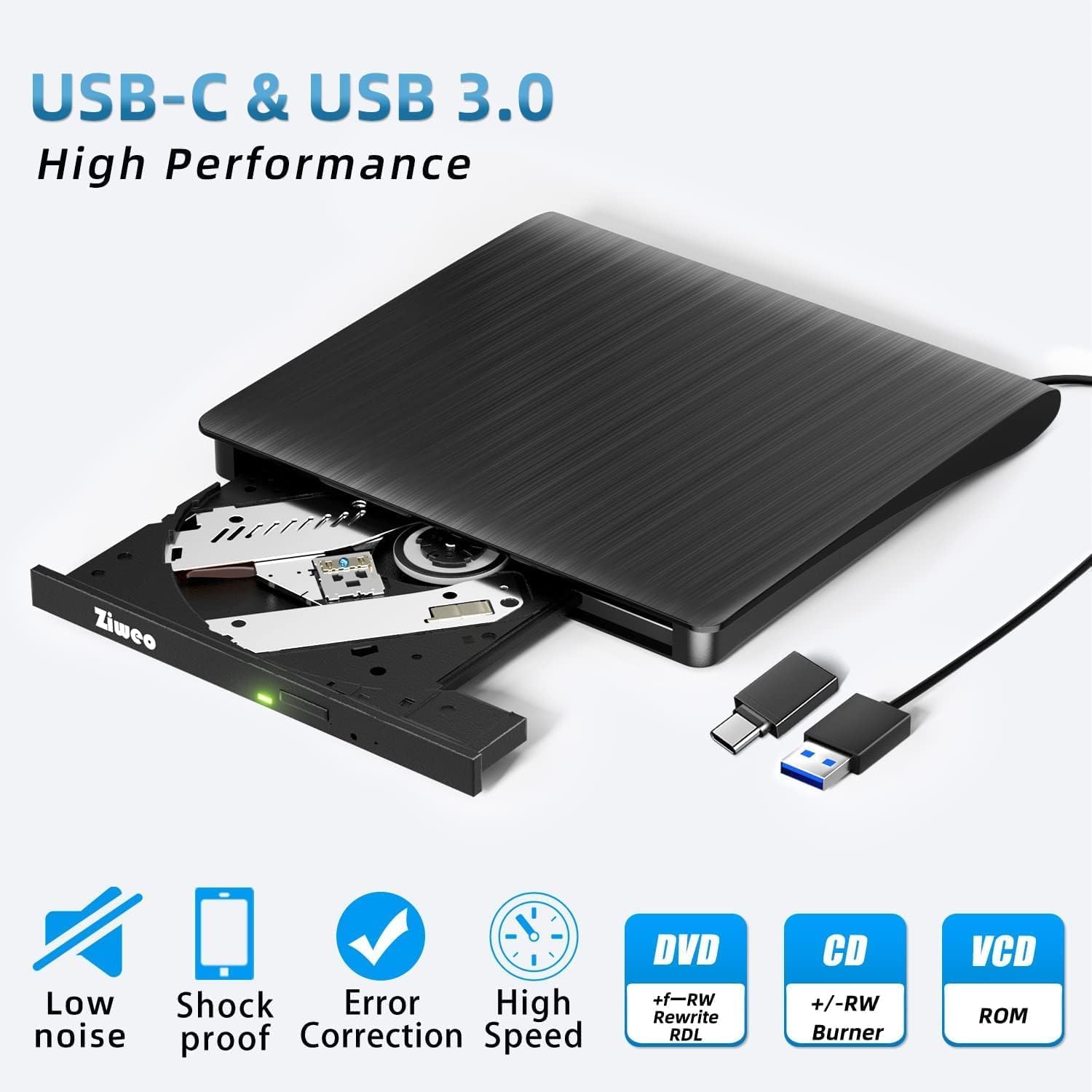


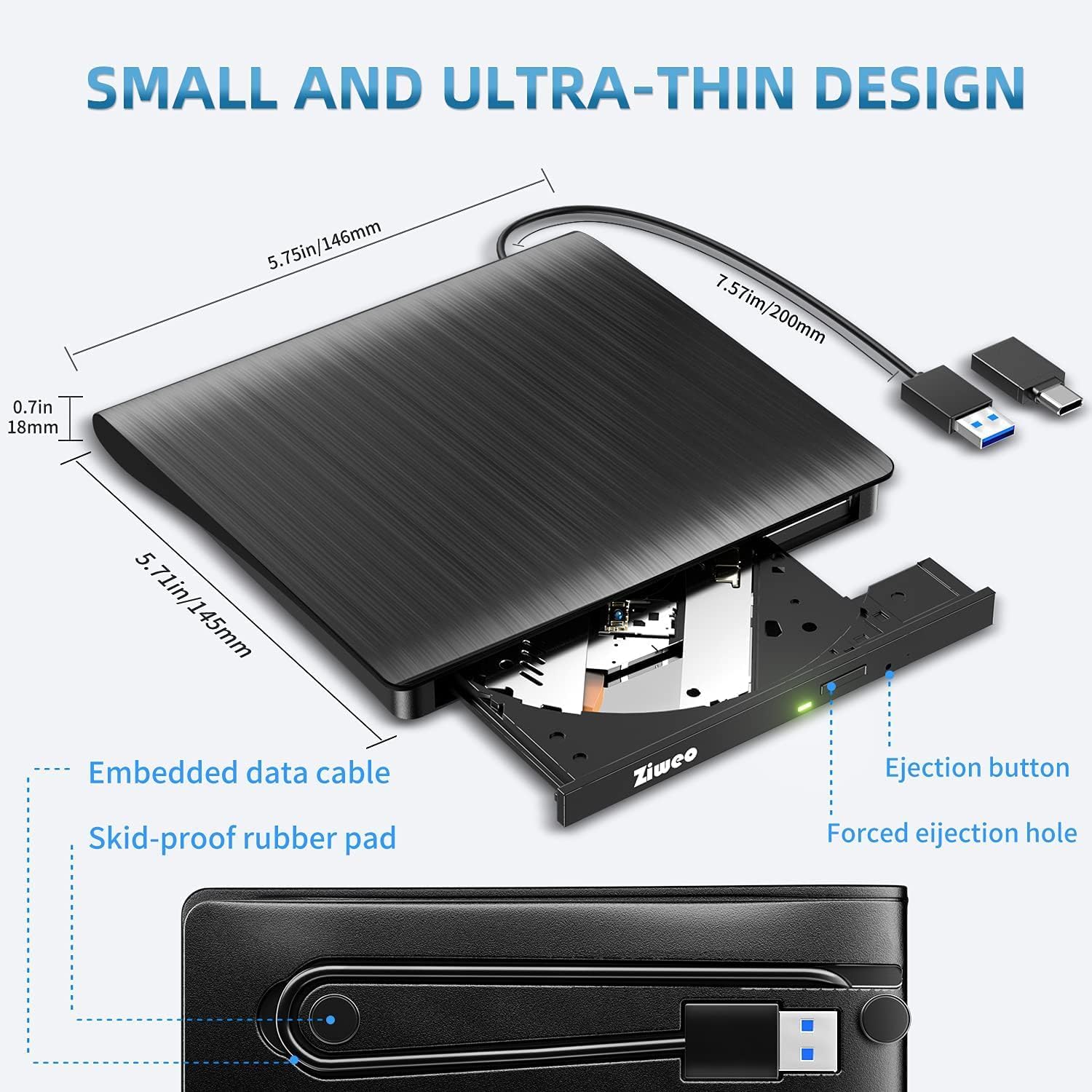

About this item Plug and Play: Equipped with both USB 3.0 and USB-C ports, this external CD/DVD drive requires no external drivers or power supplies. Automatically detected by laptops and desktops. Warming: It serves as the perfect companion for devices lacking a built-in DVD drive. NOTE: The integrated cable is non-detachable to prevent loss. Reliable Design & High Speed Quiet: Made of high-quality materials, shockproof, low noise, and strong fault tolerance. Ensures smooth and fast reading and writing of CDs/DVDs without stuttering or noise. Offers max 8x DVD rewrite/read speed and max 24x CD write/read speed. Supports data transmission up to 5Gbps. Ultra-thin design with a subtle machine size, easily fits into travel bags. Perfect for business and travel use. Wide Compatibility: Works with Windows XP/2003/Vista/7/8/10, Linux OS, and all Mac OS versions. Plays movies, burns/rips CDs, installs software, and backs up data. NOTE: Not suitable for cars, TVs, mobile phones, Blu-ray discs. You can use this external CD/DVD player to play movie DVDs, burn/rip CDs, install software/system, DVD games, back up data to CD/DVD,and more. (Not support TV, car player, Chromebook, Surface Pro, Ubuntu.) Technical Support & Usage Tips: If the device is not recognized, try restarting your computer or testing with a different disc. Requires 3V-5V (1.3A-2A) output from your computer’s USB port. Keep the external CD/DVD drive away from magnetic objects. Ensure your laptop has sufficient power—low power may cause recognition failure. Our dedicated customer service team is always available to assist with any compatibility or connectivity issues to ensure satisfied experience. Troubleshooting & Solutions: Common Causes of Freezing - 1. Insufficient power supply through USB; 2. Damaged or dirty disc; 3. Compatibility issues with certain software programs. [Check Your Drive: 1. Make sure the disc is clean and not scratched; 2. Try a different disc to see if the problem persists; 3. Ensure the drive's lens is clean.] --- Quick Fixes: 1. Try a different USB port - Use a USB 3.0 port (usually blue); 2. Connect directly to your computer - Avoid using USB hubs, as they may not provide enough power; 3. Restart your computer with the drive disconnected, then reconnect it; 4. Check the disc - Try a different CD/DVD to see if the issue is with the specific disc.
Shipping
- We offer FREE shipping on all orders!
- We ship within three business days of payment, usually sooner.
- We use a selection of shipping services such as UPS, FedEx, USPS, etc.
- We only ship to the lower 48 states; no APO/FPO addresses or PO Boxes.
- Local pickups and combined shipping options are not provided at this time.

Return
- You can return a product for up to 30 days from the date you purchased it.
- Any product you return must be in the same condition you received it and in the original packaging.

Payment
Payments are processed securely through eBay checkout.

Feedback
Customer satisfaction is very important to us!
If you have any problem with your order, please contact us and we will do our best to solve any issues.

Contact Us
If you have any questions, please contact us via eBay. We usually respond within 24 hours on weekdays.
{{similar_items}}