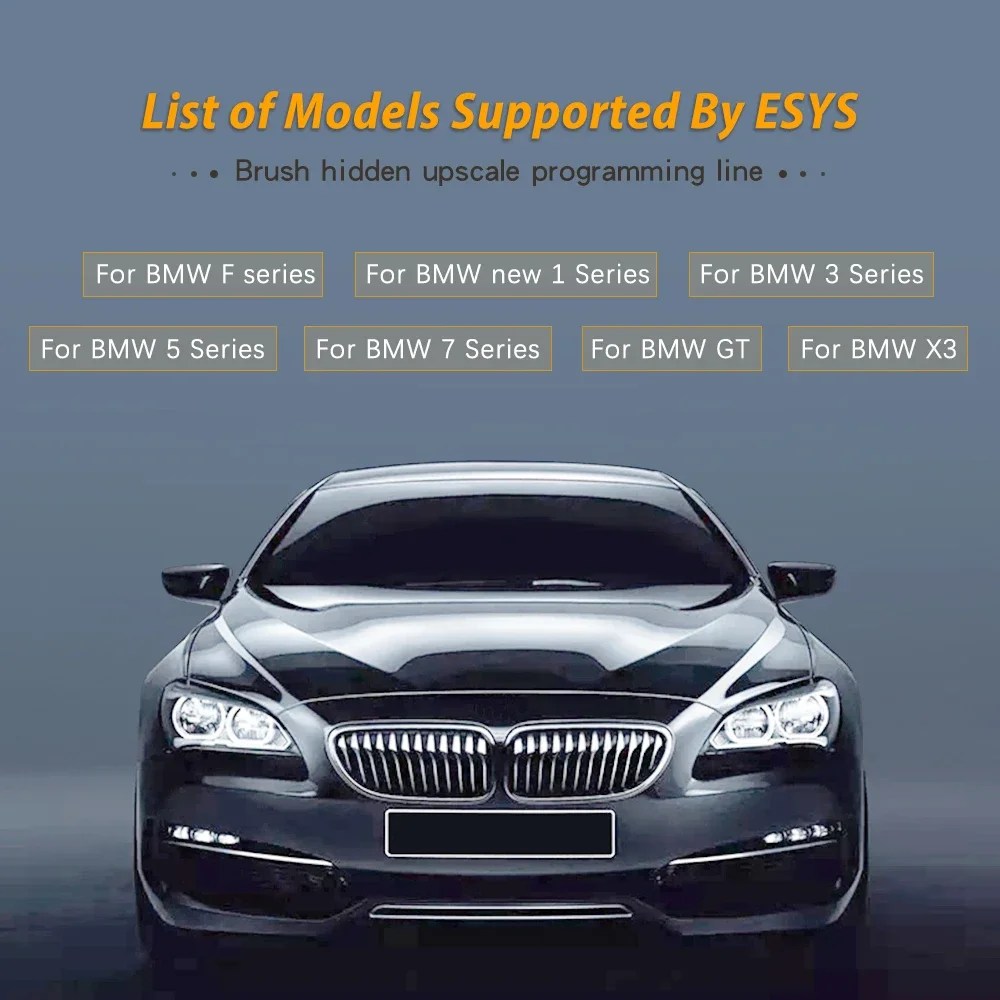
🚗 Compatible with BMW F-Series Models – Ideal for coding, diagnostics, and ECU programming
💻 ENET to OBD2 Interface – Connects your vehicle to a laptop for advanced BMW software tools (e.g., E-Sys, ISTA, INPA)
🔌 High-Speed Ethernet Communication – Stable data transfer for efficient coding and diagnostics
🧵 Thick CAT Cable Design – Durable and flexible for long-lasting use
⚙️ Plug & Play Installation – Easy to use with no external power required
📦 Perfect Replacement Cable – Reliable alternative to factory BMW ENET cables
🛠️ Supports Key Functions – Coding, module flashing, fault code reading, and more
Description:
Note: We can't provide installation video, please find the installation video on the website like Youtube, thanks for your understanding.
E-SYS ICOM to BMW ENET (Ethernet to OBD) F-series Interface Cable Coding
Features:
One can hide modules or program a single module
1.Lock unlock sound confirmation (To avoid radio interference, add sound to confirm car locked when turned over
inconvenient light confirmation.This is configured in cic)
2.Can operate navigation menu including watching DVD when driving(for driving safety.Let the driver side
operate the navigation menu)
3.Display engine output and torque meter (purely for fun, looking at engine output)
4.Cancel the confirmation screen large screen startup delay
5. Open the voice recognition function
6.Three kinds of bluetooth phone ringtones (personality only)
7.Increase the cic memory address to 50
8.The glass automatically raised to the top process is not closed by the car door (easy to get out to close the
window waiting)
9.Digital speed display (just for fun)
10. Climate memory of the last off state (no air conditioning station is more convenient)
11.Internal cycling memories of the last time of the state when the engine is off
12.A-pillar power tailgate buttons and remote control one key to close the power tailgate.Anytime finish
reverse operation (power off 15 minutes or more restart)
13. Raising the shift paddles
14.The small screen to the big screen modify
15.Vertical and horizontal Pdc display
16.Disable seat belt status display - passenger seat
17.Disable seat belt status display - driver's seat
18.Disable seat belt reminder error!The link is invalid.Device - Passenger Seat
19. Turn off the seat belt reminder - driving position
20. Disabled unfasten your seat belts voice commands - passenger seat
21. Disabled unbuckle seat belt voice commands - driving position
22.Automatic high beam control of vehicle intersection (no condition tested. I don't know if it is valid)
23. Angel eyes open and cancel functions
24 turn off the engine start-stop function activated by default
25, GPS time synchronization
26. Foot opens the back cover
27.Ds shows selection s1-s7
28. Active Sports Exchange Program Sport +
29. Single Microphone Settings
30. The engine is turned off and automatically unlocks.
31. Internet Applications
32.Armrest USB playback video
33.Maximum distance disables front camera view
34.Maximum distance to disable rear camera view
35. Maximum speed disabling front camera view
36.The maximum speed to disable the rear camera view