Description
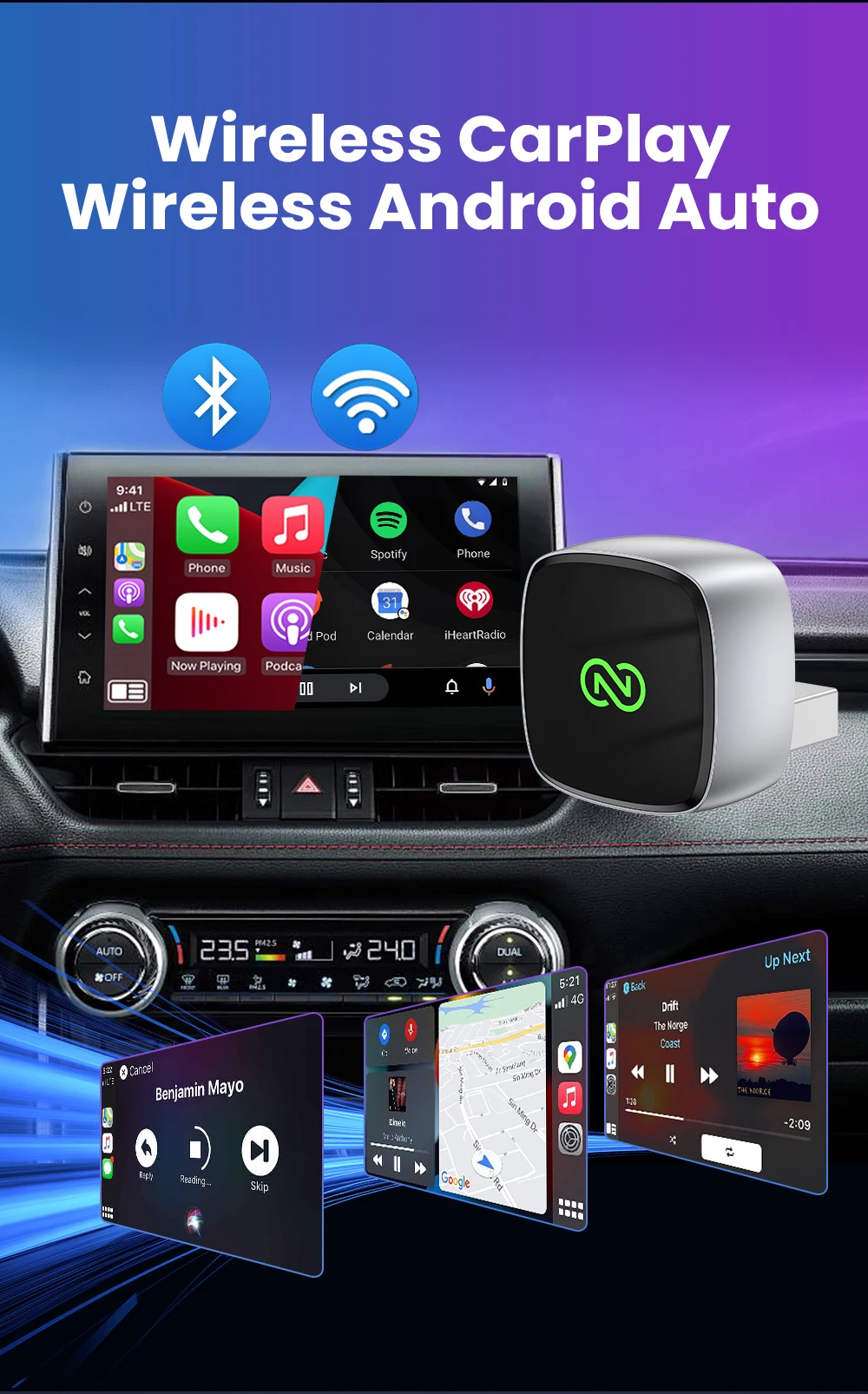
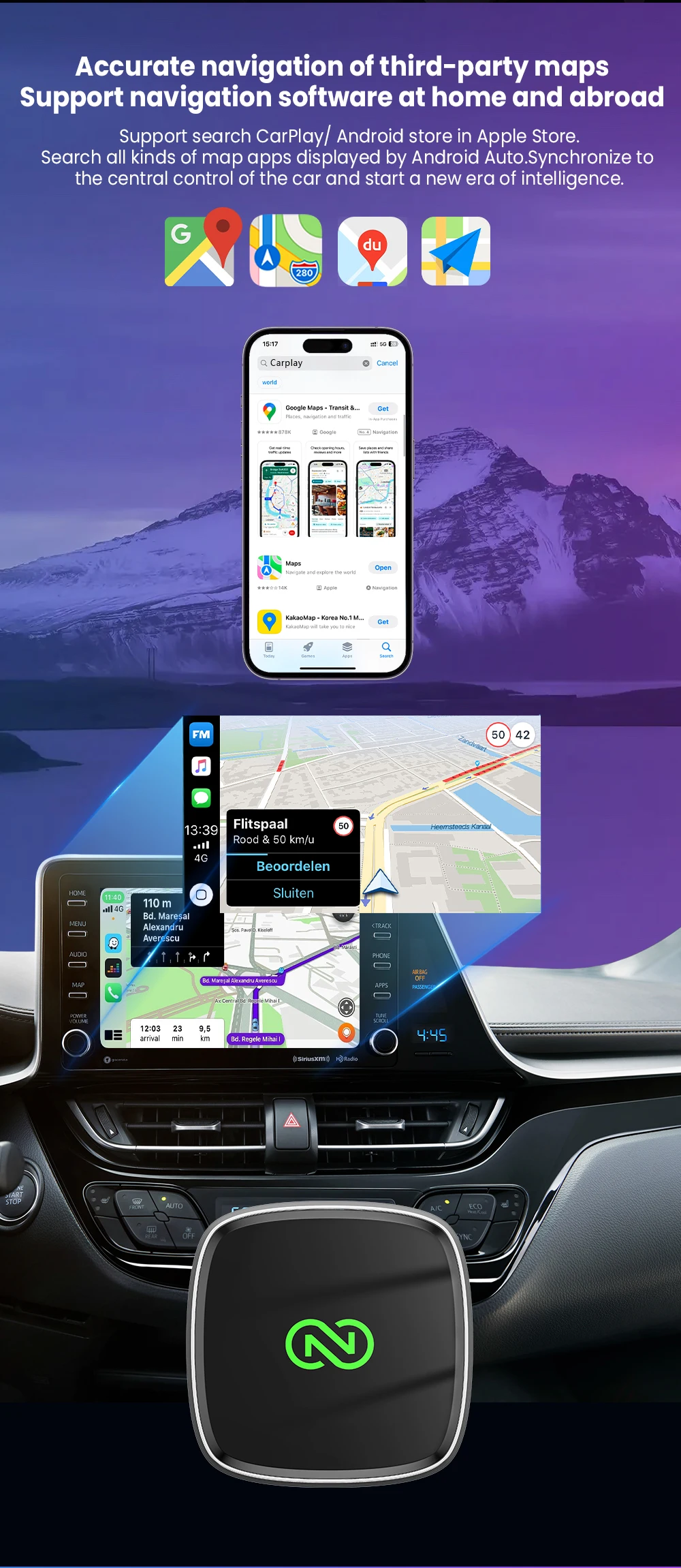
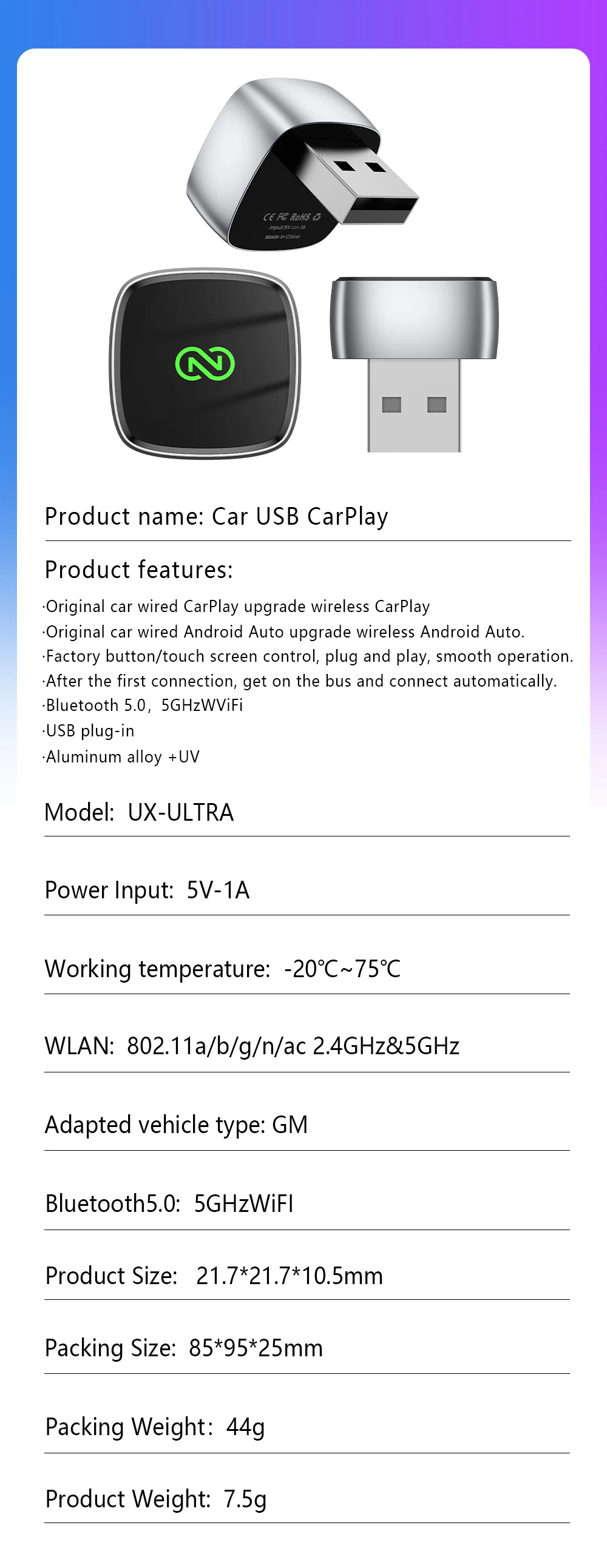
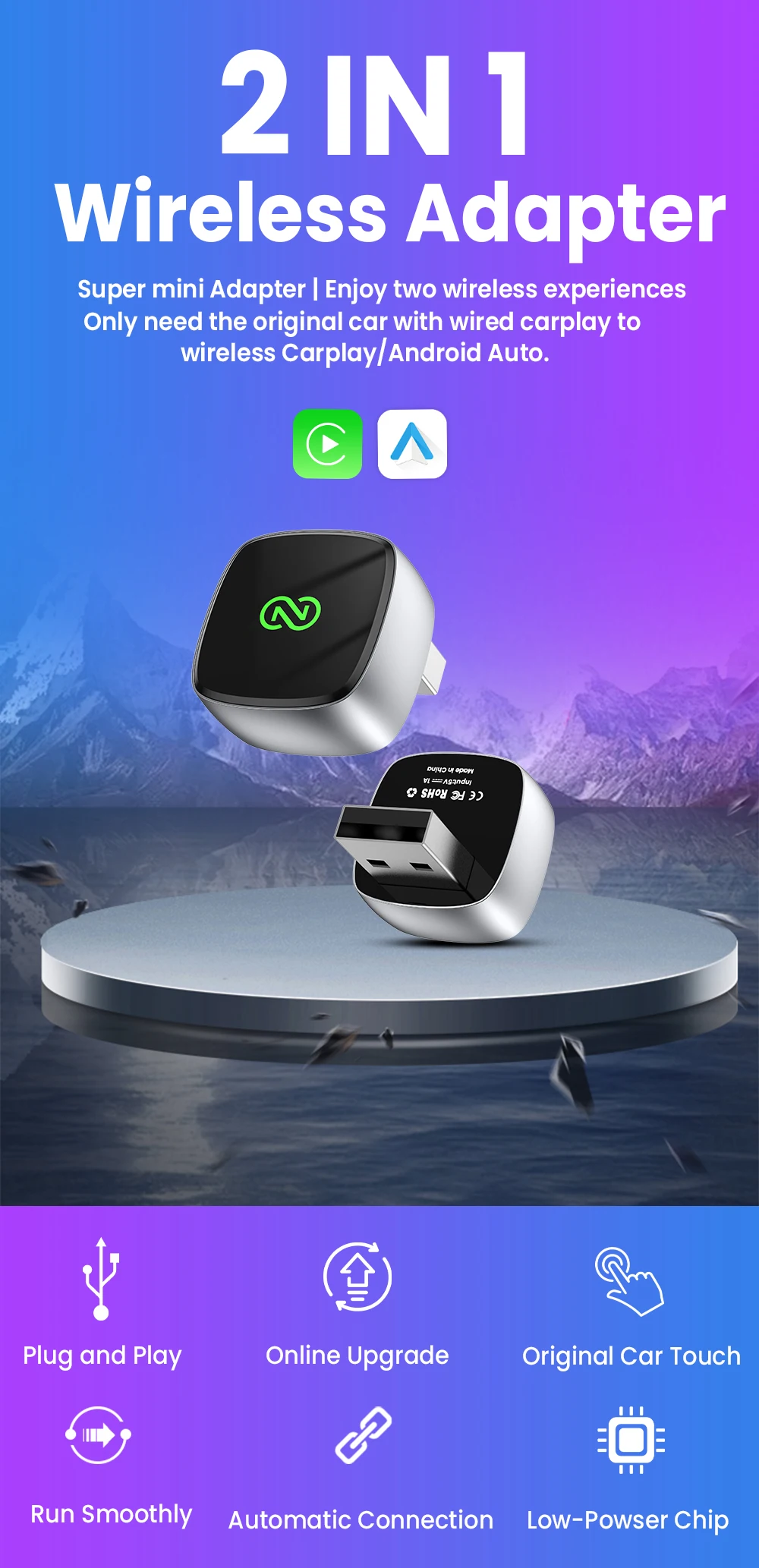
The function of this product is to convert the original wired Carplay/Android Auto into wireless Carplay/Android Auto.
Please read before buying!
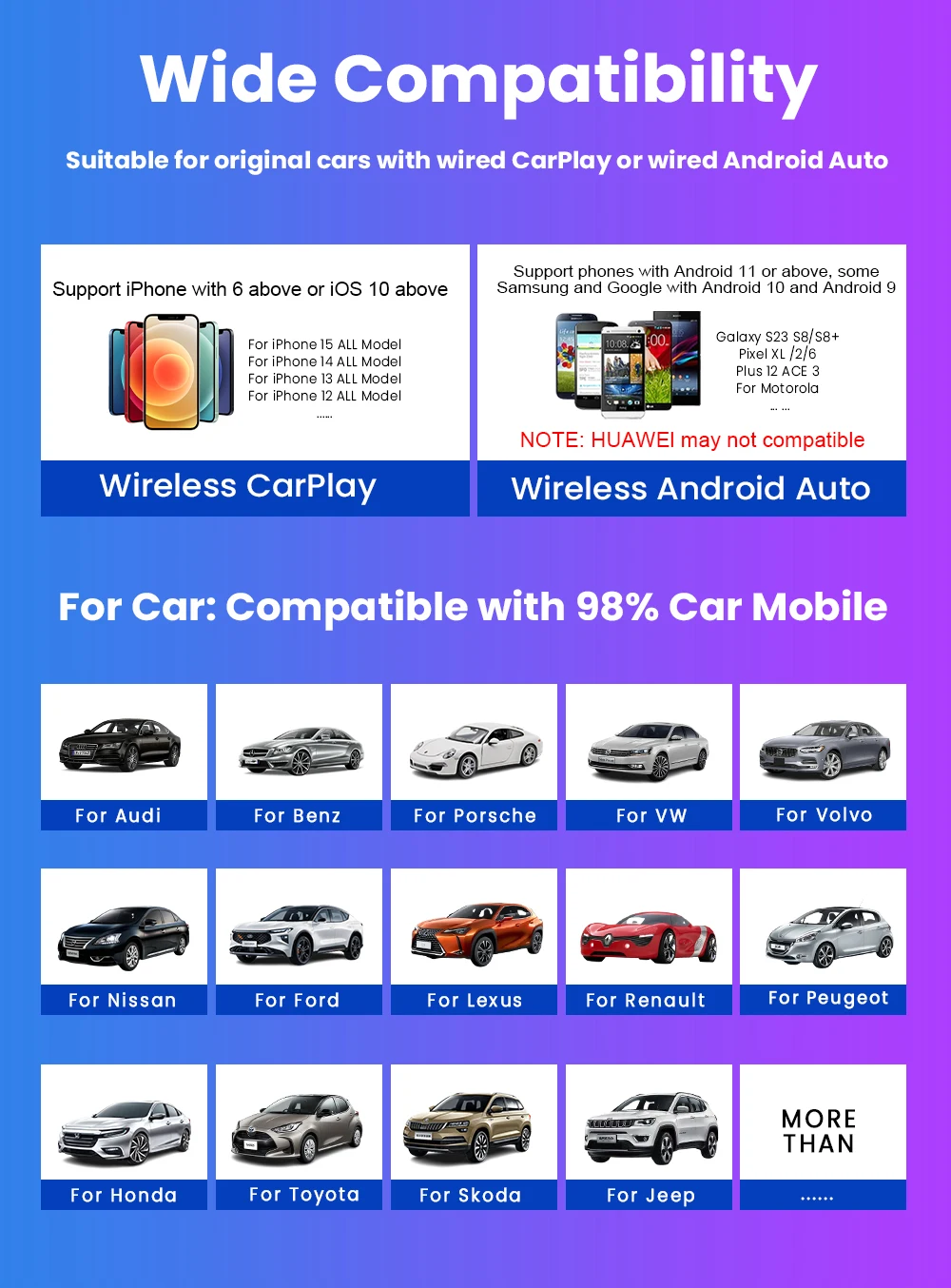
1. Please make sure your original car has OEM wired CarPlay/Android Auto. If you are not sure. You can contact customer service to inquire.
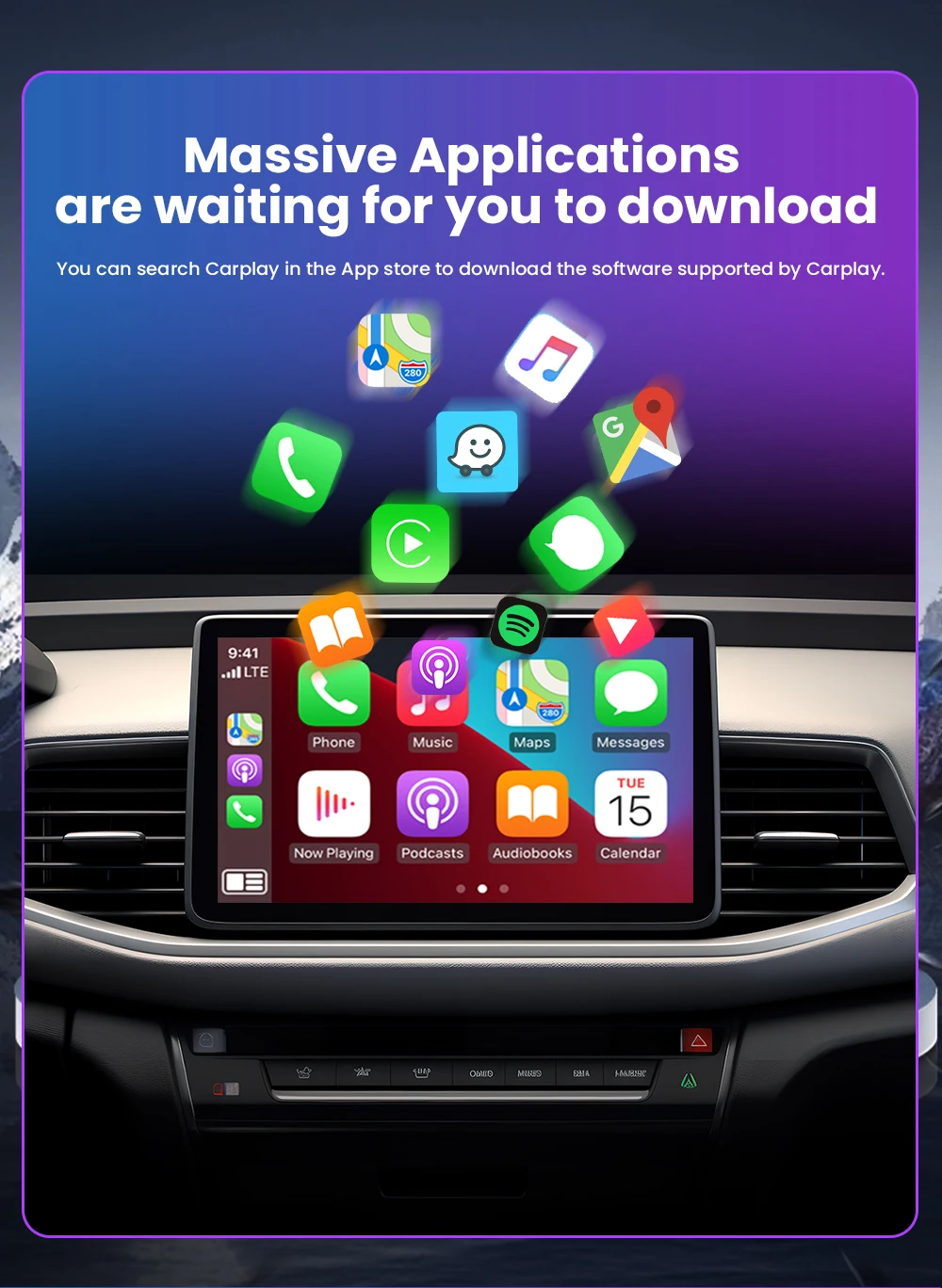
2. For Carplay, it supports iPhone 6 and above models, and the software version is iOS 10 or above.
3. For Android Auto, it supports Android 11 and above models. Note that Huawei mobile phones are special. Huawei devices have their own mobile operating system - EMUI. Unfortunately, Android auto wireless does not support EMUI.
Features:
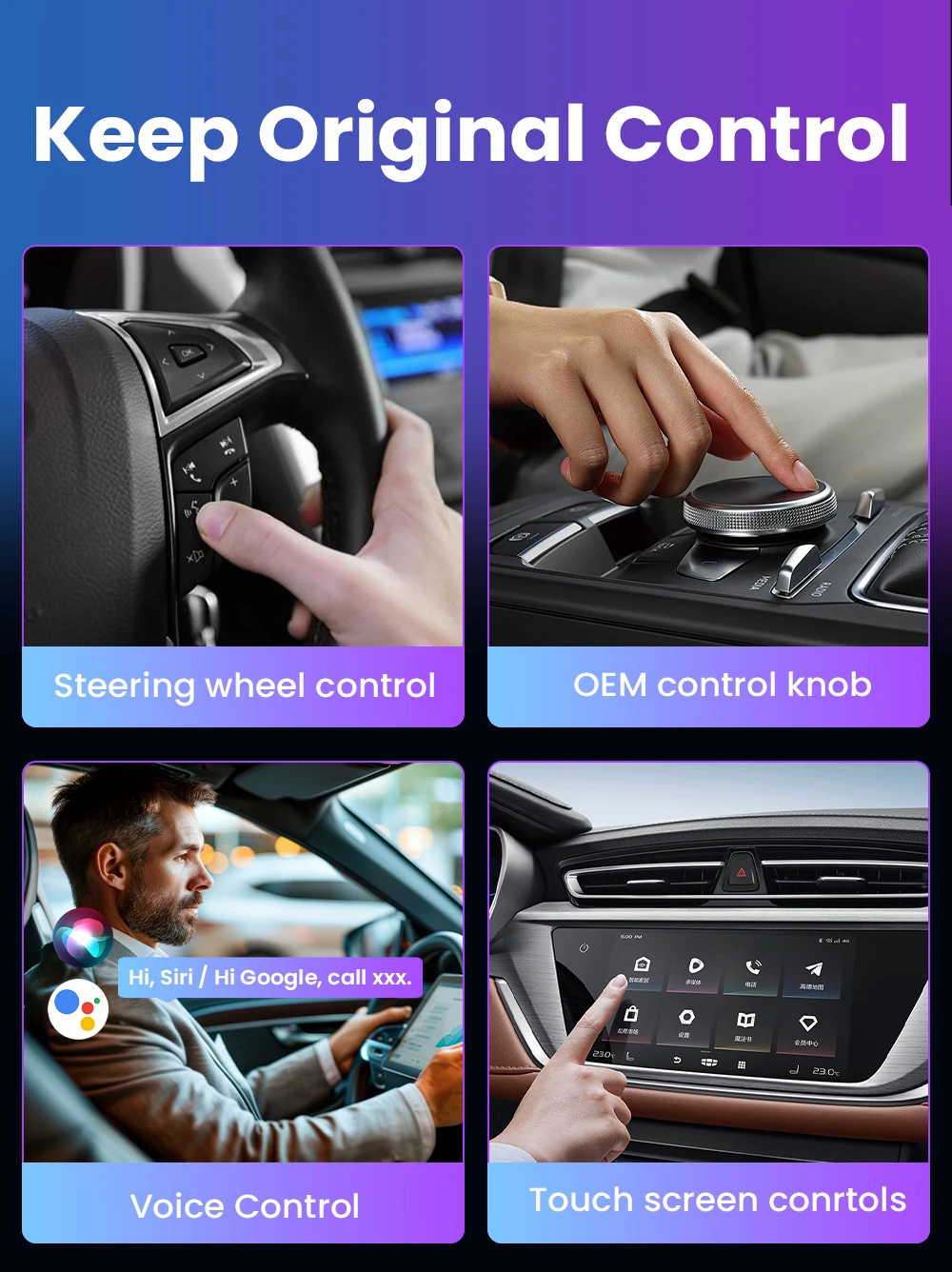
1. Wired to wireless CarPlay adapter, say Goodbye to wires. USB plug-and-play installation, stable and fast, No need to remove OEM radio.
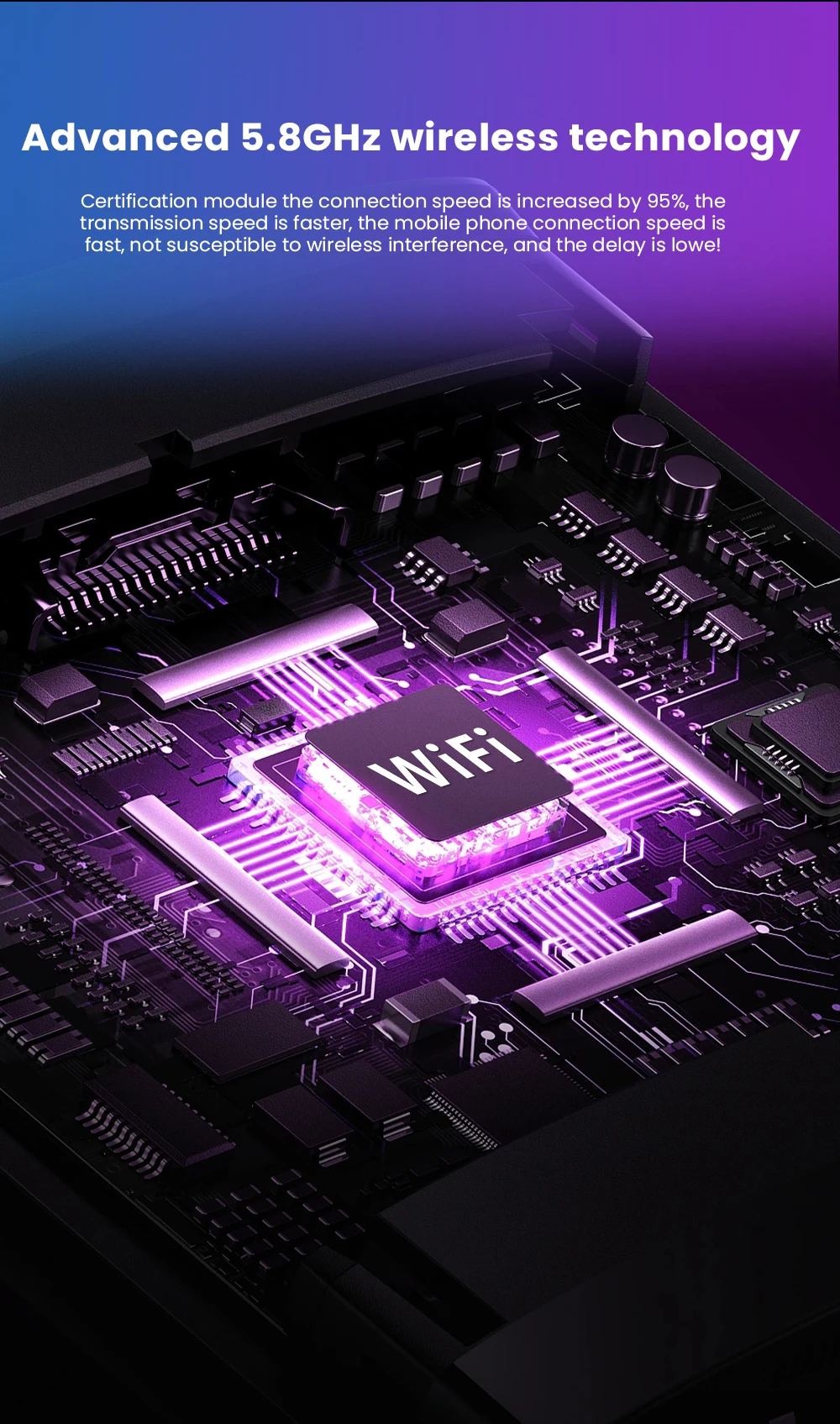
2. Certified 5Ghz WiFi module, providing a faster and better wireless experience.
3. It can be connected automatically after the first successful connection.
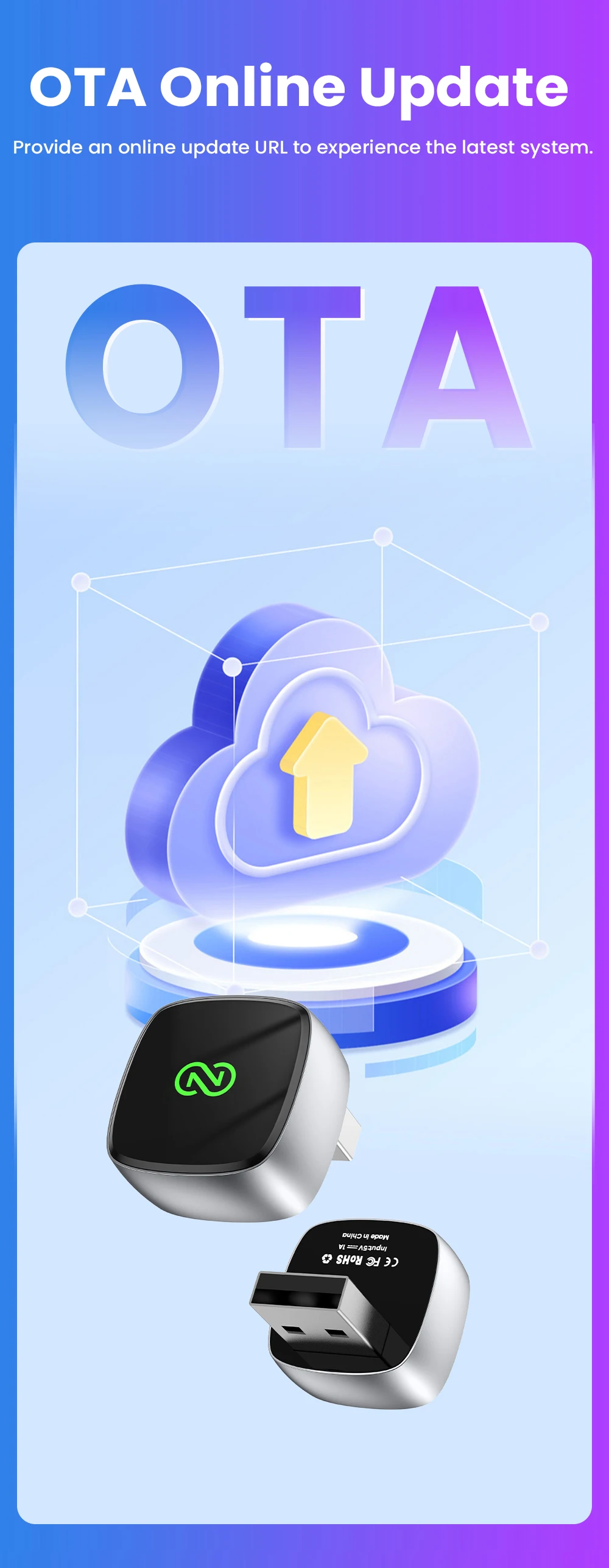
4. OTA online software update.
How to use wireless Carplay? 1. Connect the USB box to the car USB
2. Check the Bluetooth name "Smart Dongle-XXXX" that appears on the car
3. Turn on the phone's WIFI and Bluetooth, and use the Bluetooth pairing device name.
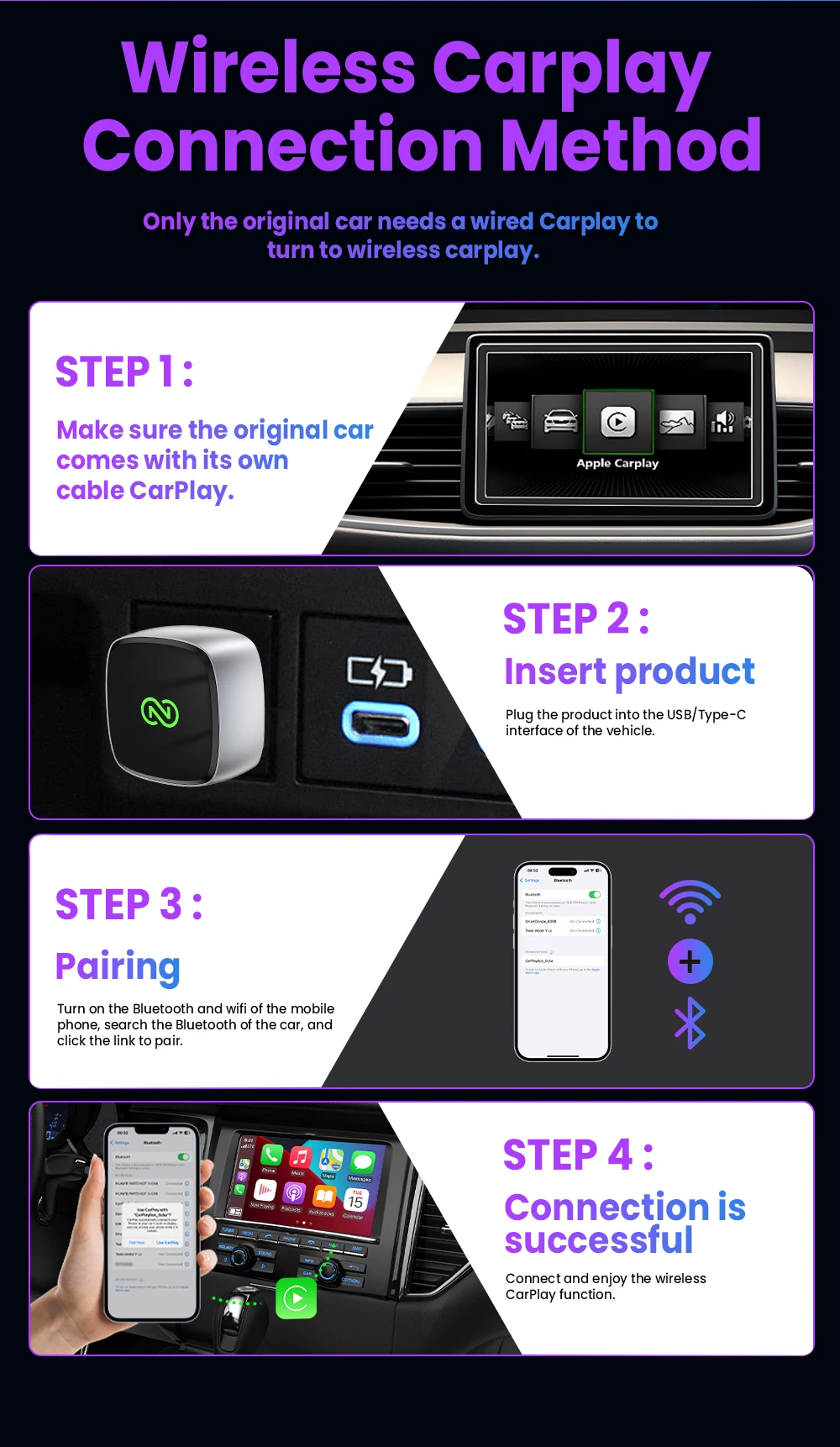
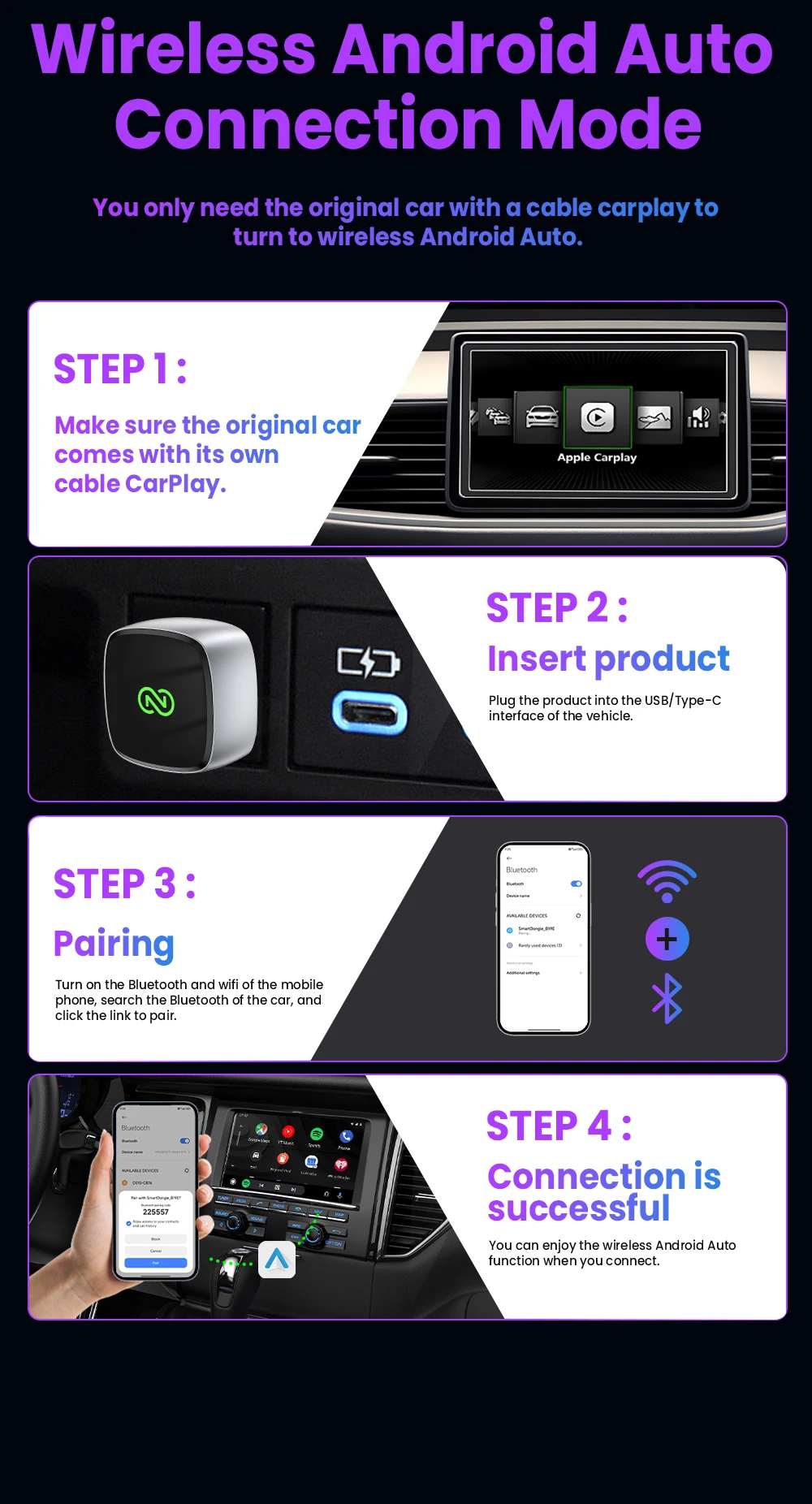
How to use wireless Android Auto? 1. Connect the USB box to the car USB
2. Check the Bluetooth name "Smart Dongle-XXXX" that appears on the car
3. Turn on the phone's WIFI and Bluetooth, and use the Bluetooth pairing device name.
How to upgrade for iPhone online? Access the backend page with an iPhone
1. Please use your phone to connect to the device Wifi: "Smart Dongle" and enter the password: "12345678",
2. Open the Safari browser on your iPhone and enter the IP address: "192.168.1.101,
3. Click "Access" or "Go" to enter the online upgrade backend. (If you cannot enter, please check whether the phone's Wifi is correctly connected to the device)
 Android phone upgrade method
1. Please use your phone to connect to the device Wifi: "Smart Dongle" Enter the password: "12345678"
2. Open the mobile phone Chrome browser and enter the IP address: "192.168.1.101
3. Click "Access" or "Go" to enter the online upgrade backend interface. (If you cannot enter, please check whether the phone's Wifi is correctly connected to the device)