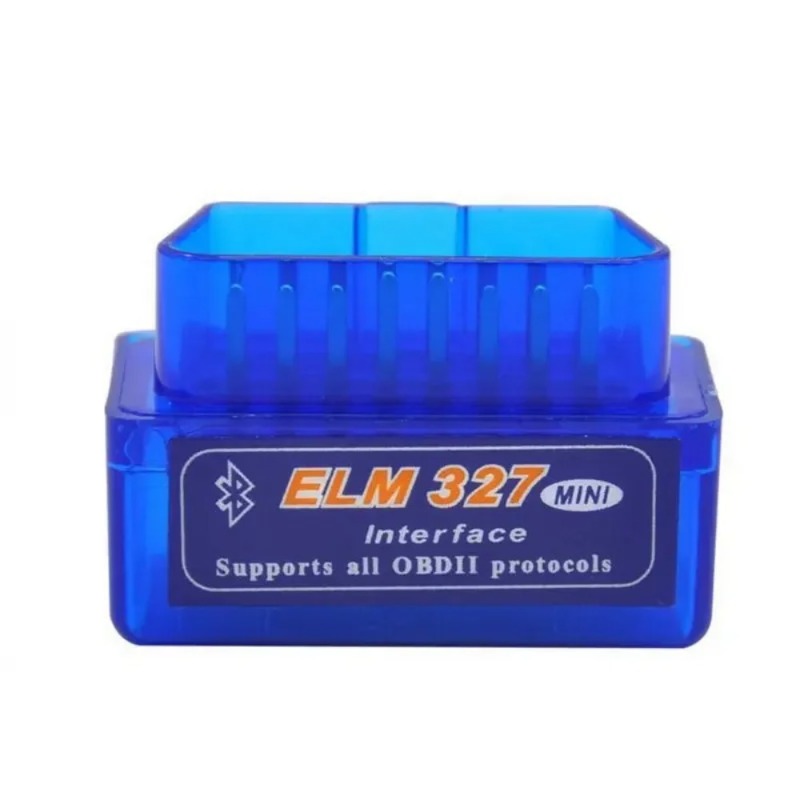
New Mini ELM327 Bluetooth V2.1 OBD2 Car Diagnostic Scanner ELM 327 Bluetooth For Android/Symbian For OBDII
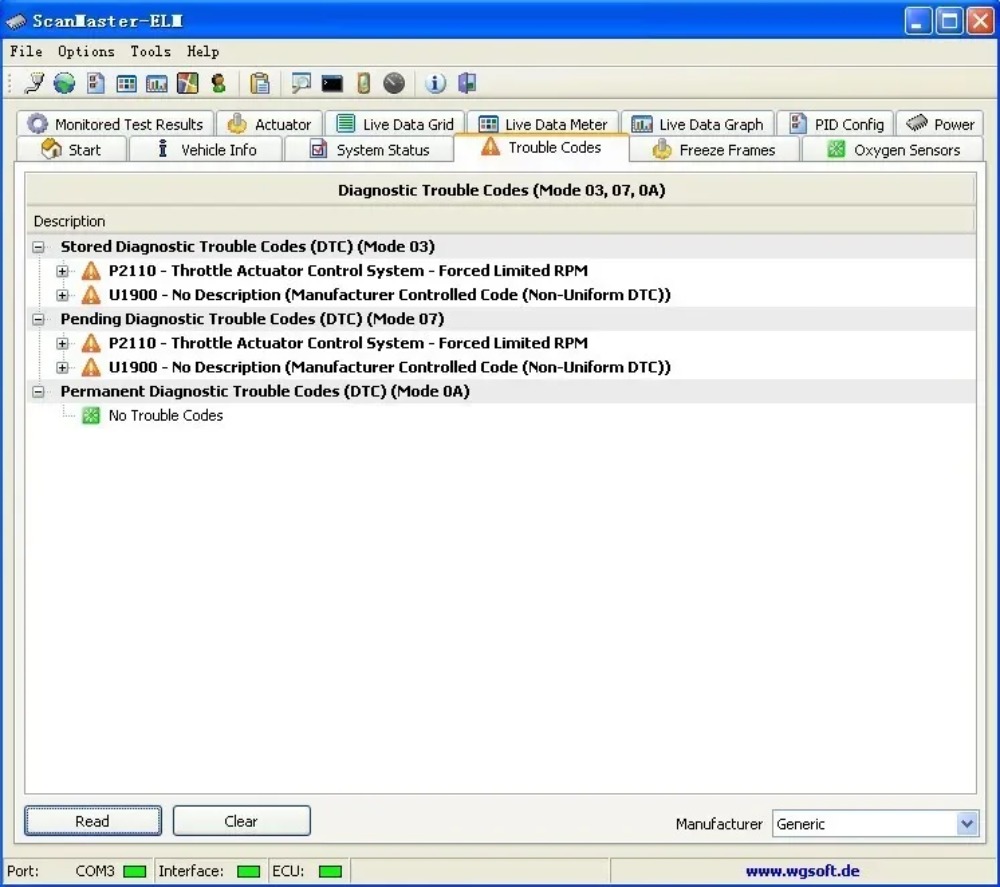
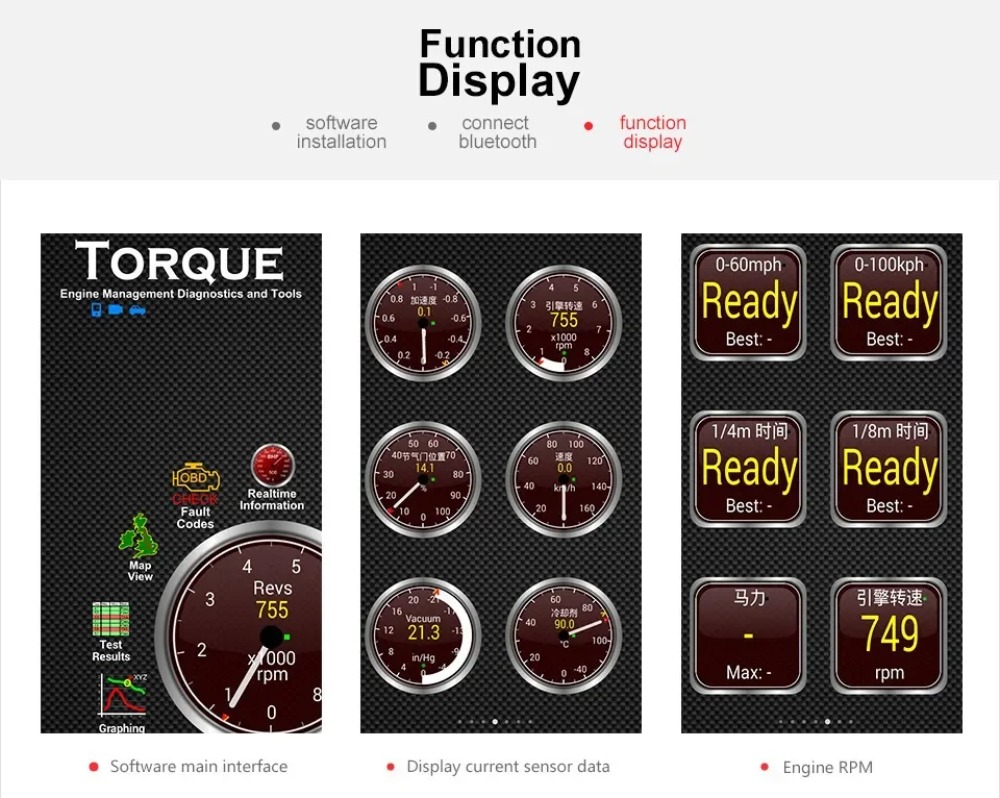
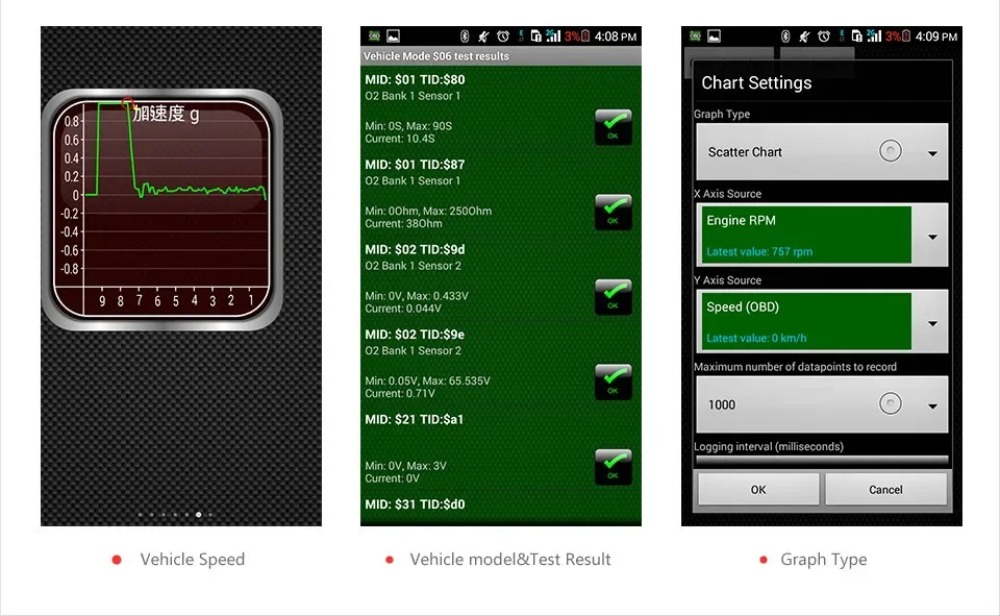
MINI ELM327 bluetooth ELM327 is the newly developed wireless scan tool. It supports all OBD-II protocols.Read diagnostic trouble codes, both generic and manufacturer-specific, and display their meaning (over 3000 generic code definitions in the database).Clear trouble codes and turn off the MIL ("Check Engine" light)
MINI ELM327 Bluetooth OBD2 V2.1
(hardware is 1.5 software is 2.1 )
1.No OBD2 ELM327 can work for all cars, If the device does not fit for your car, please try to test on another newly car.
2.Support most OBD2 protocol cars, not work on diesel cars.
Connection Password: 1234 or 0000
Features:
Works with OBD2 compliant vehicles
Wireless (Bluetooth)
Software included for Palm, PDA
Software included for Windows PC
Software included for Windows Smartphone
Supports ISO 9141, KWP2000
Supports SAE J1850
Supports CAN bus
Functions:
1.Read diagnostic trouble codes, both generic and manufacturer-specific, and display their meaning (over 3000 generic code definitions in the database).
Clear trouble codes and turn off the MIL ("Check Engine" light)
OBD2 Protocols:
SAE J1850 PWMSAE J1850 VPW (10.4 Kbaud)
ISO 9141-2 (5 baud init, 10.4 Kbaud)
ISO14230-4 KWP (5 baud init, 10.4 Kbaud)
ISO14230-4 KWP (fast init, 10.4 Kbaud)
ISO15765-4 CAN (11bit ID, 500 Kbaud)
ISO15765-4 CAN (29bit ID, 500 Kbaud)
ISO15765-4 CAN (11bit ID, 250 Kbaud)
ISO15765-4 CAN (29bit ID, 250 Kbaud)
SAE J1850 PWM
SAE J1850 VPW
ISO 9141-2
ISO14230-4 KWP
ISO14230-4 KWP
ISO15765-4 CAN
ISO15765-4 CAN
ISO15765-4 CAN
ISO15765-4 CAN
Package list
1 x MINIELM327BTV2.1
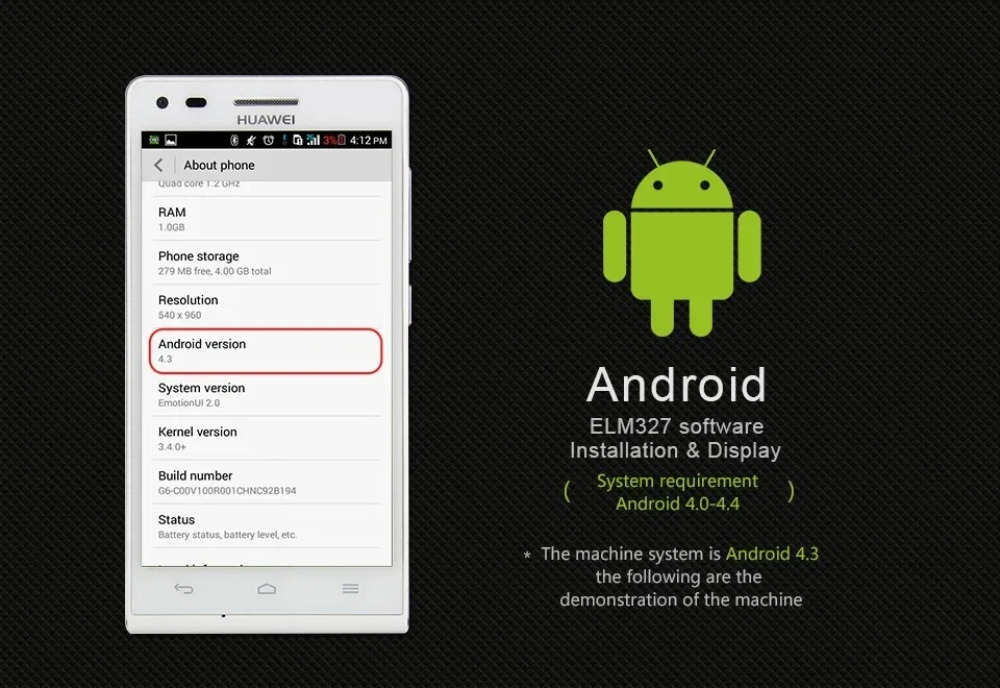
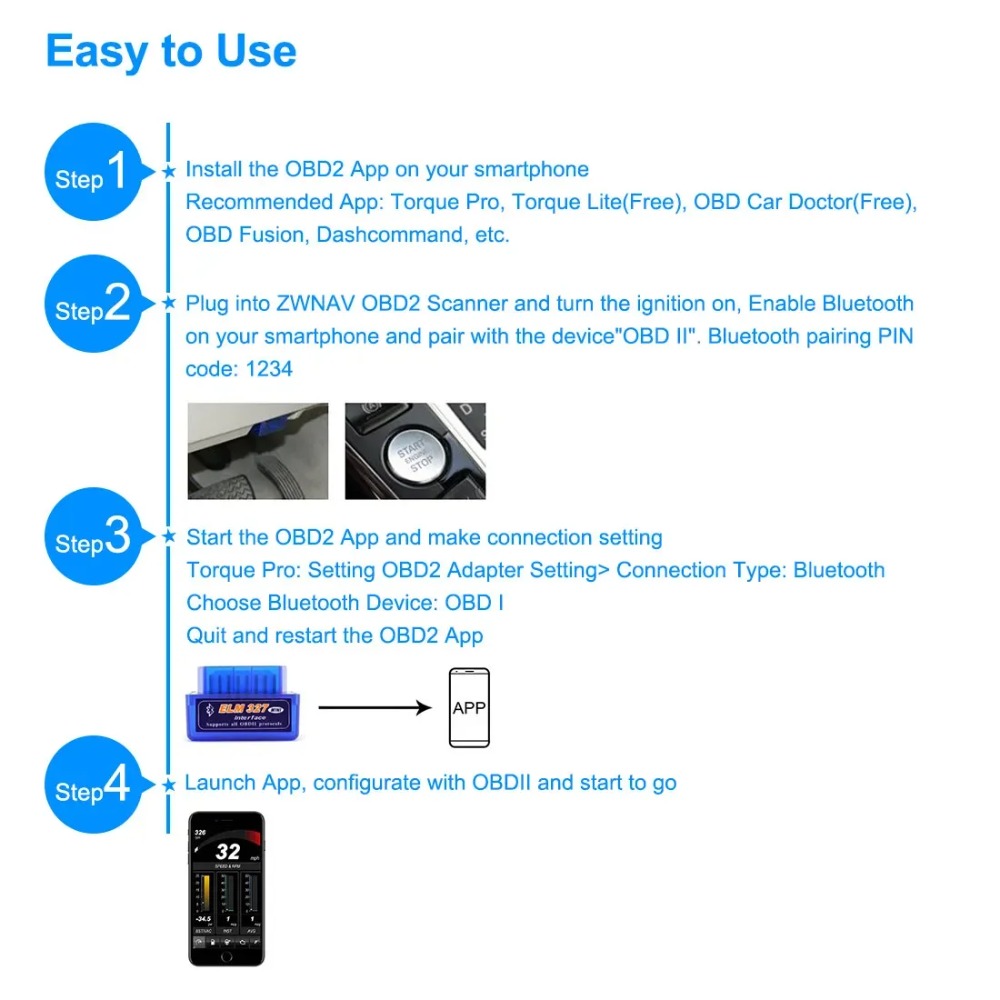
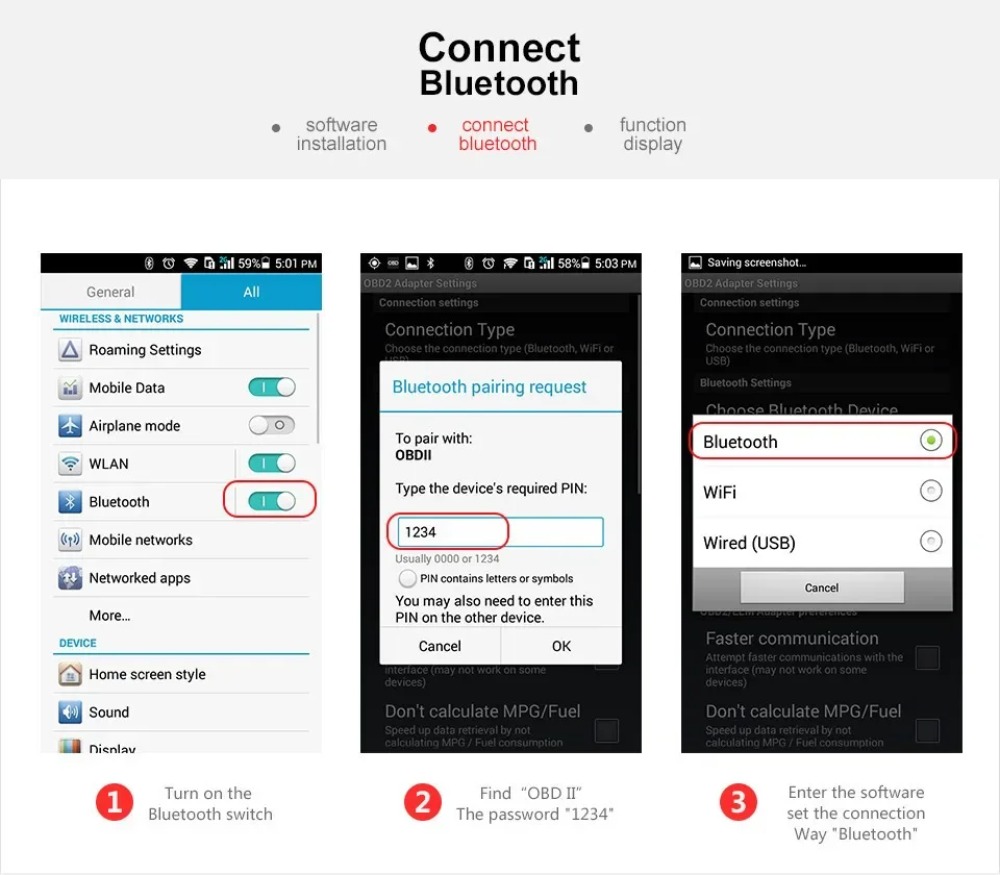
①-Open the setting of your Android , and search wireless from ELM327 : OBDII ,then input password 1234
②-1.Open your Torque---setting
2.OBD2 Adapter Settings
3.Connection Type---choose wireless---back
4.Choose wireless DEVICE---OBDII[00: 1 D: A5: 02: 6F: 03]
5. Select Quit, then reopen the software and waiting for connection
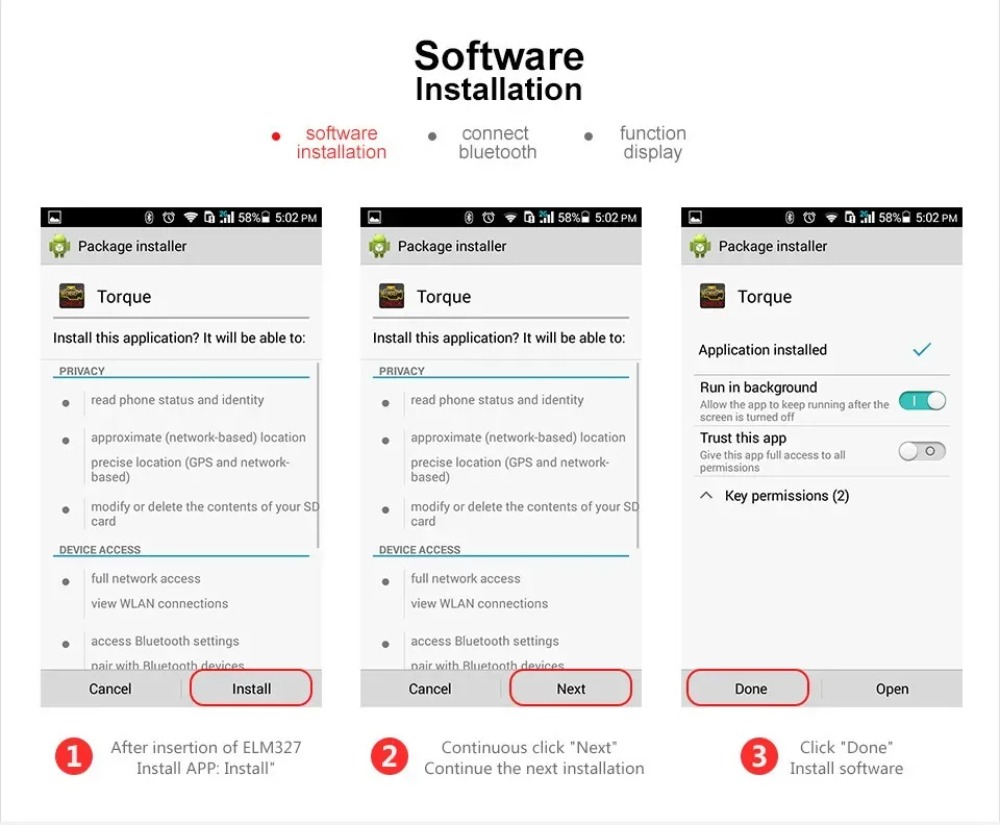
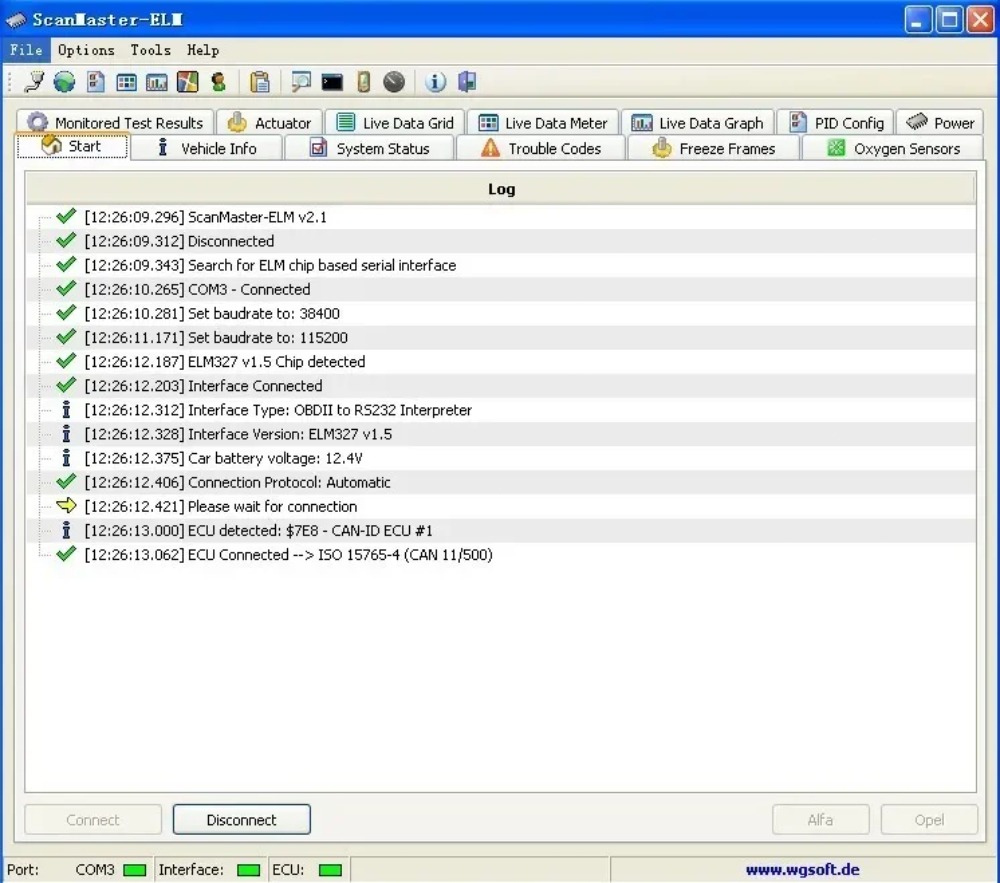
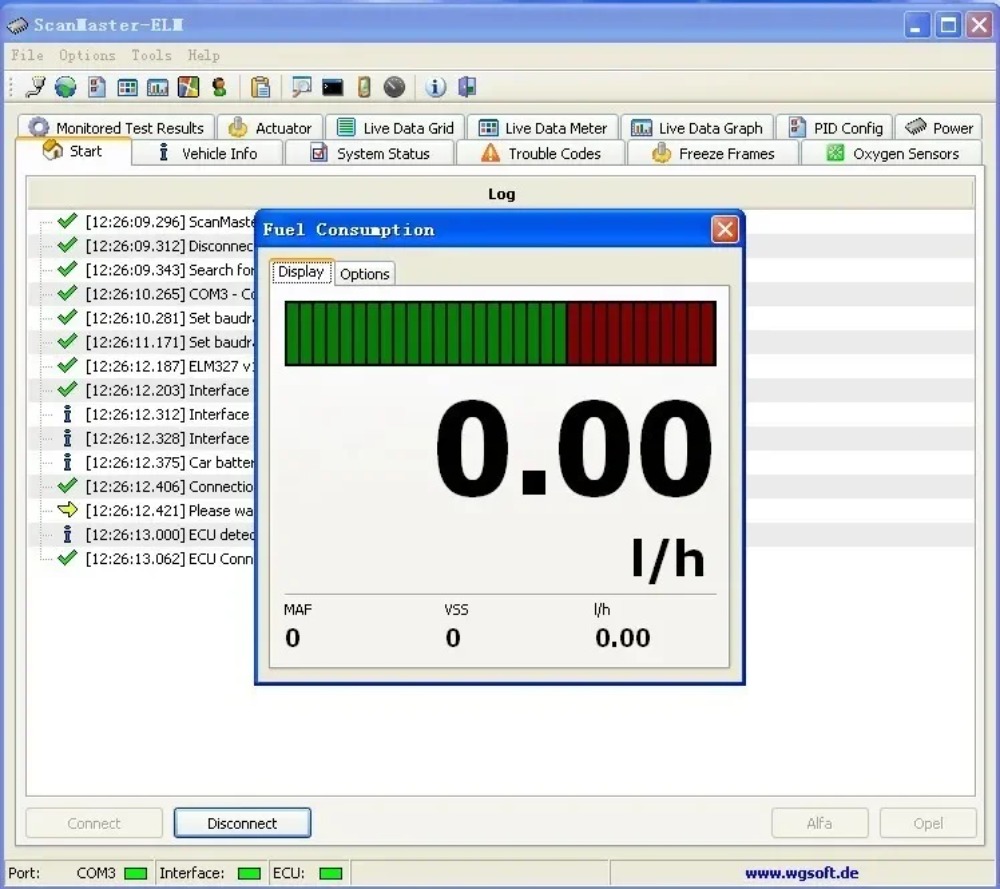
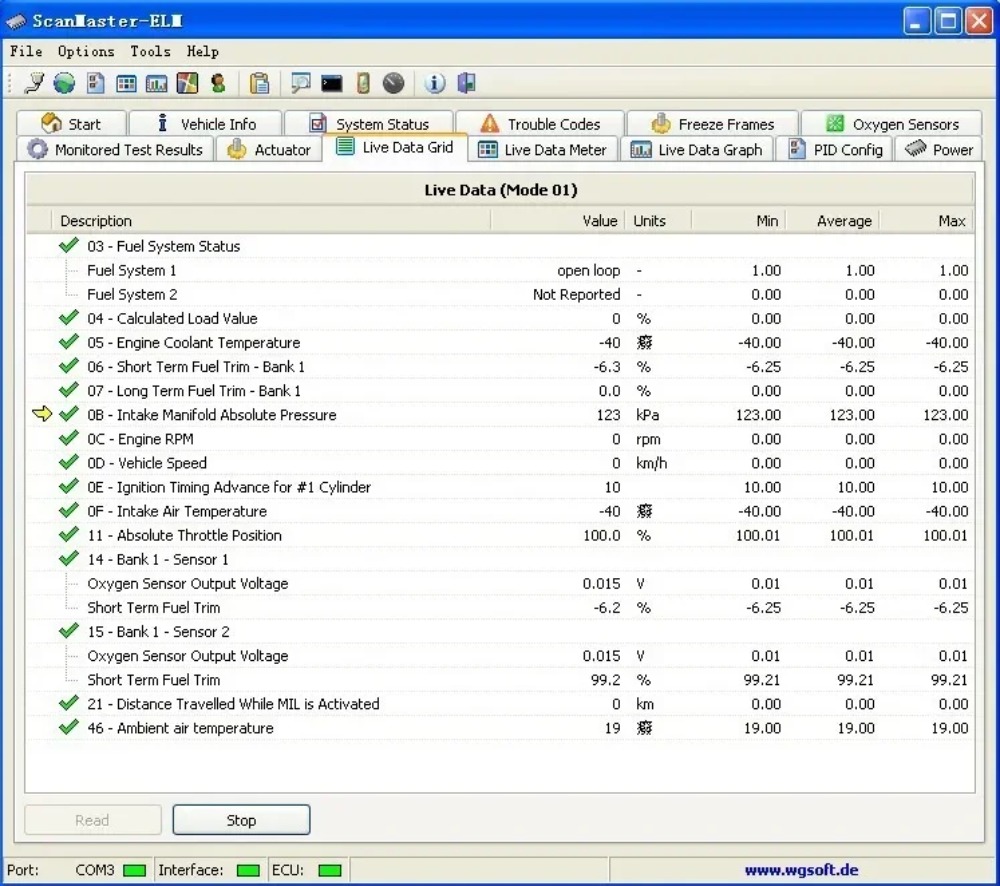
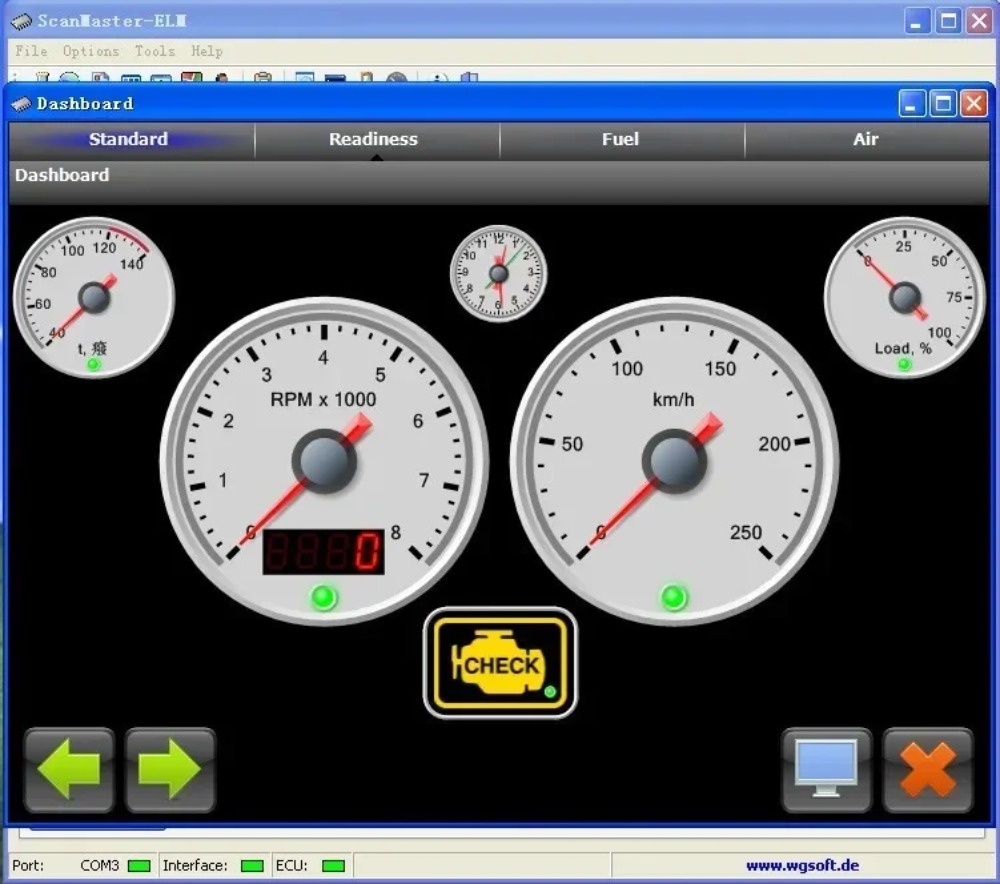
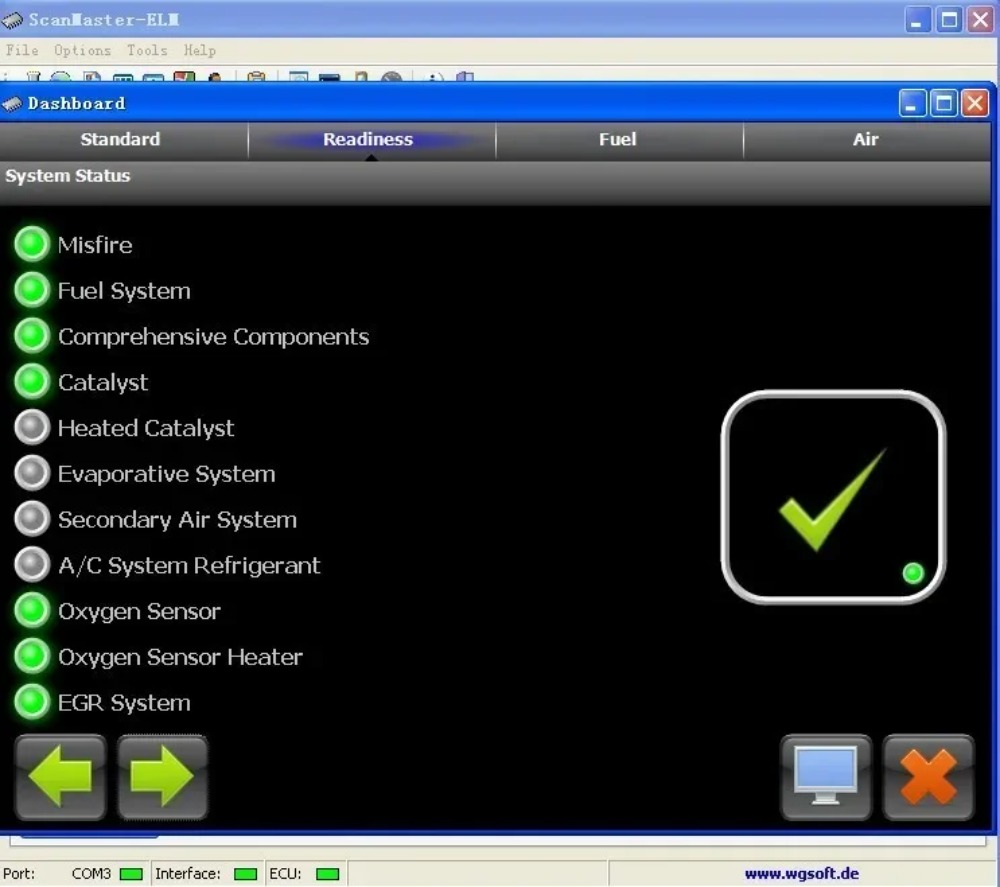
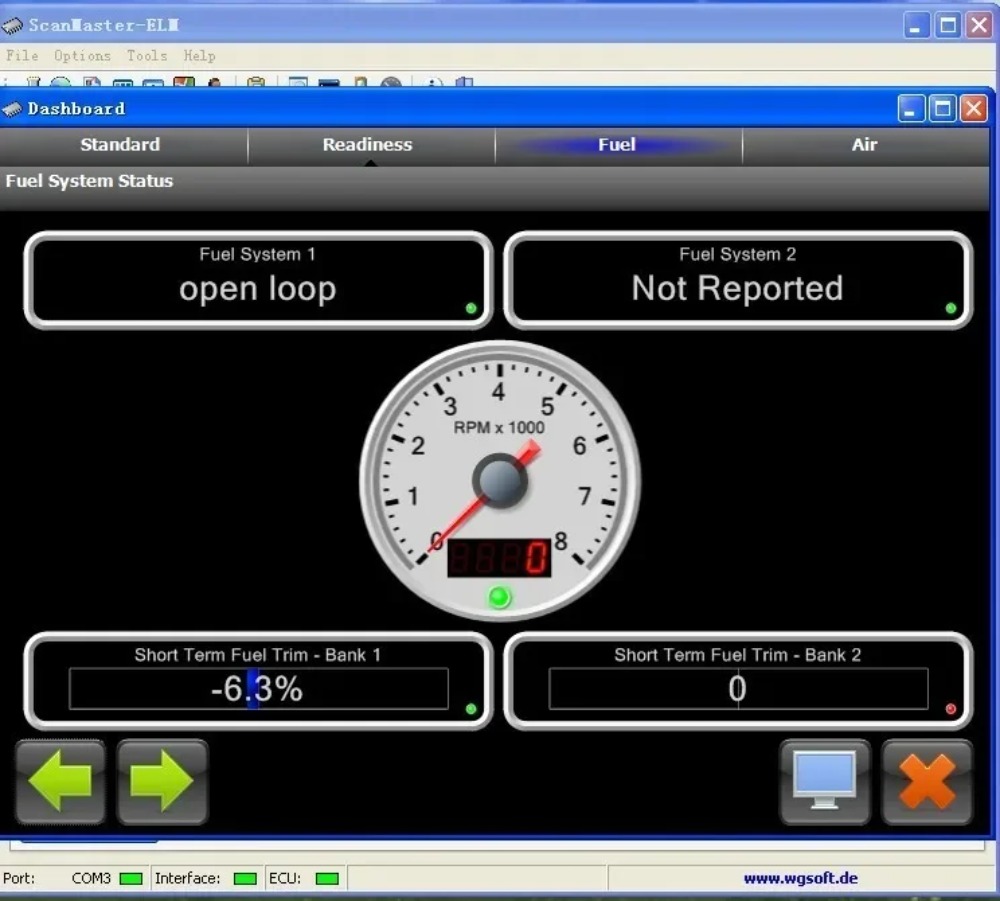
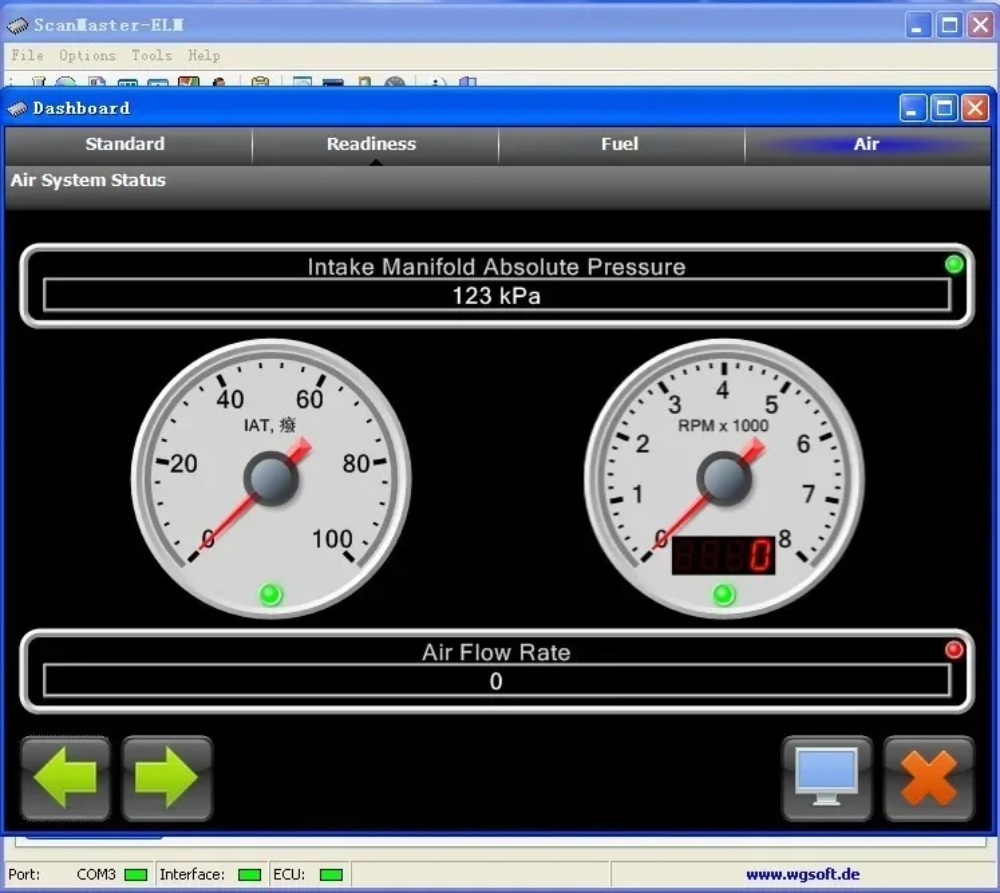
PC Show: