Categories
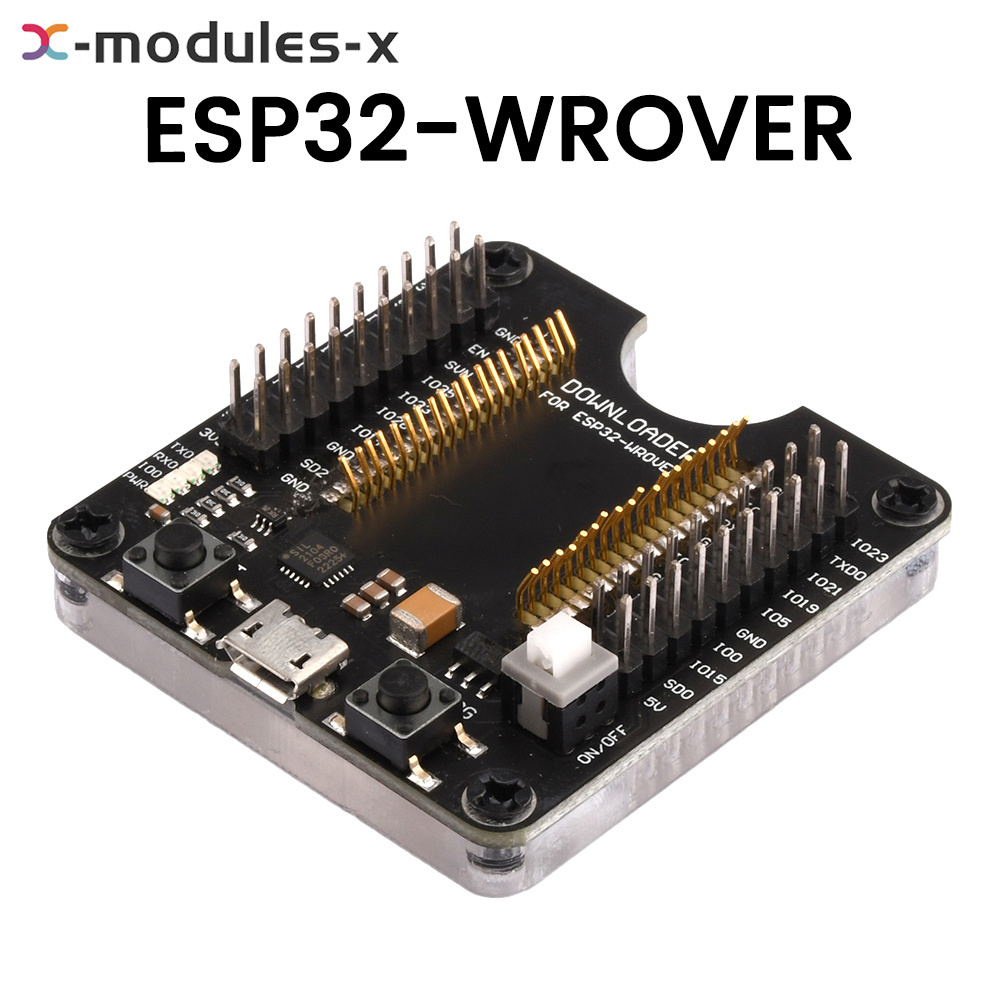
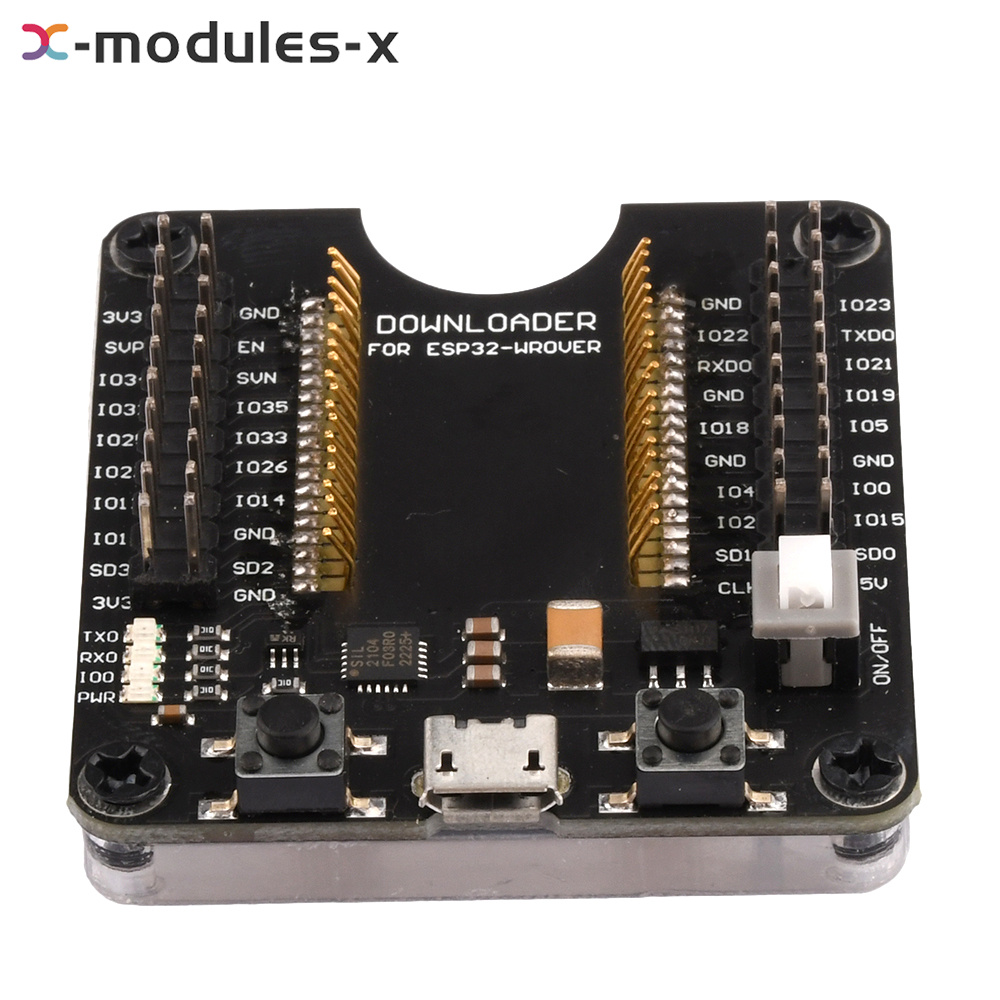
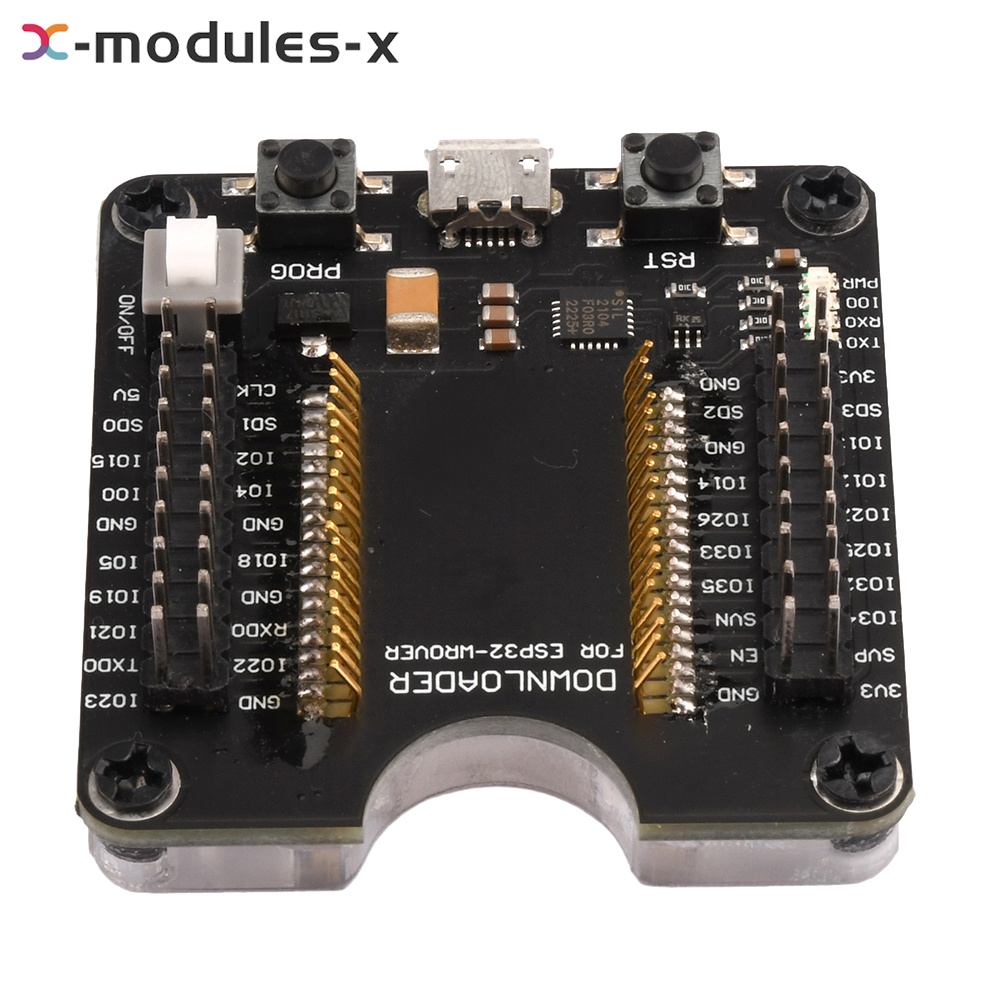
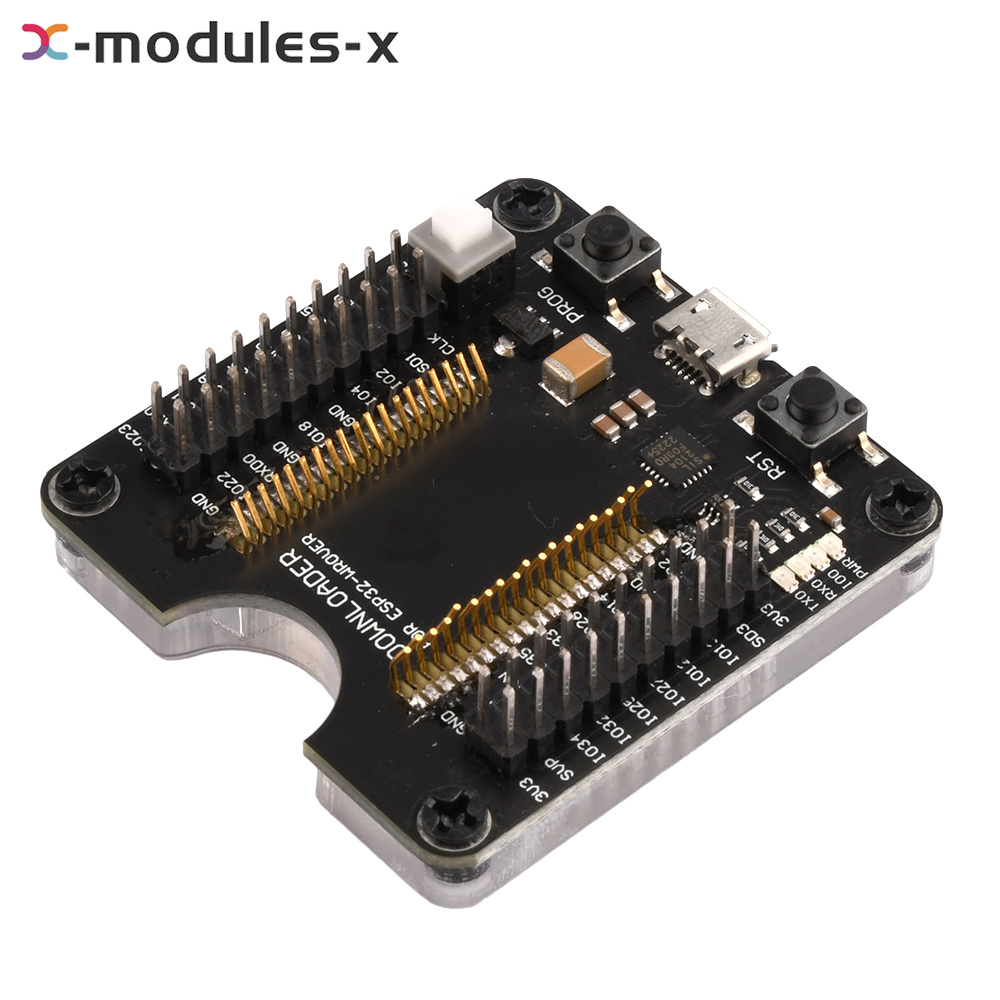
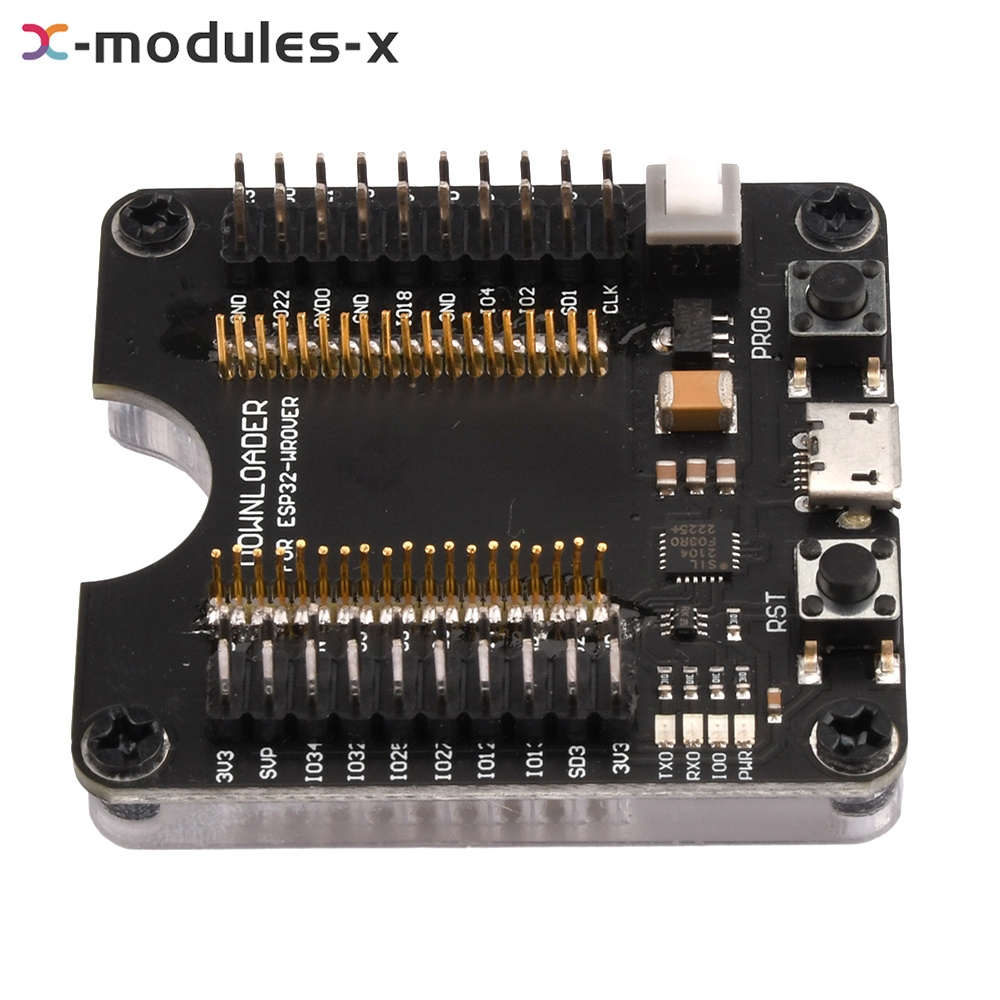
ESP32-WROVER ESP8266 Burning Fixture Development Board Test Board For ESP-12S/07
Description
Features:
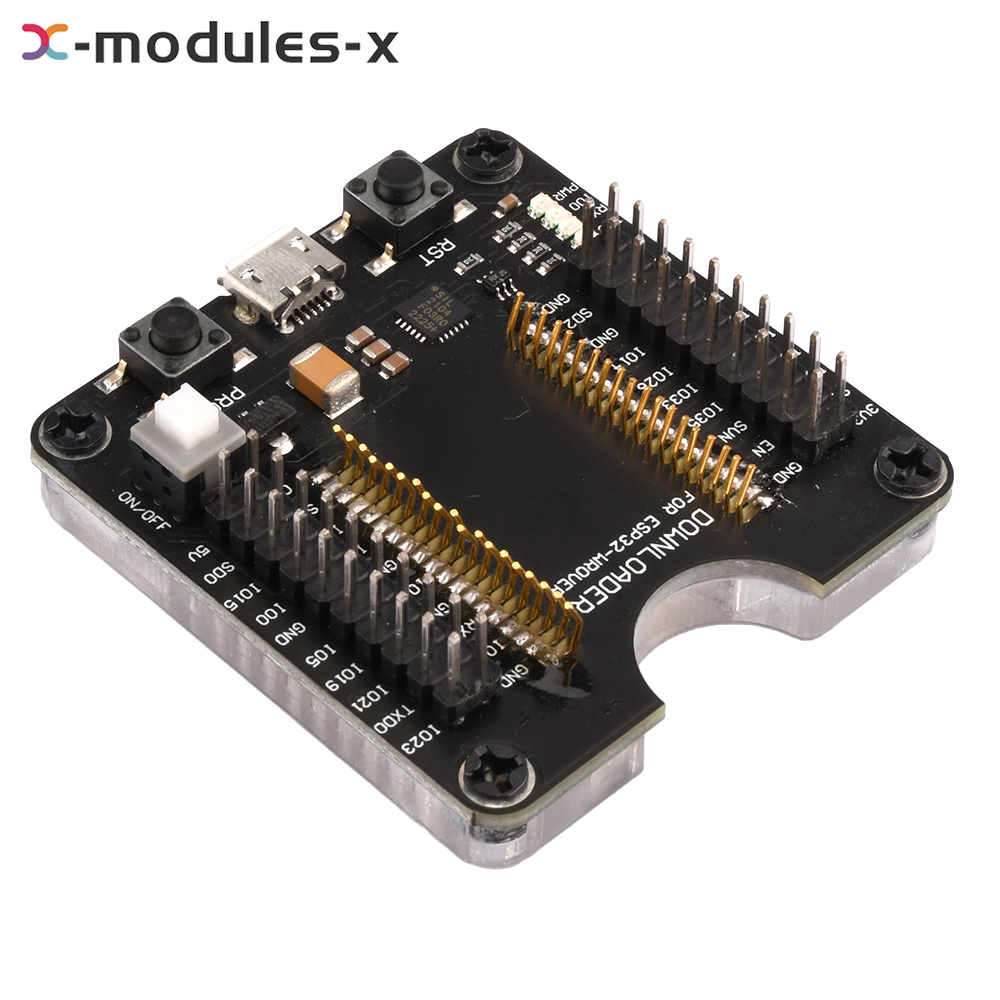
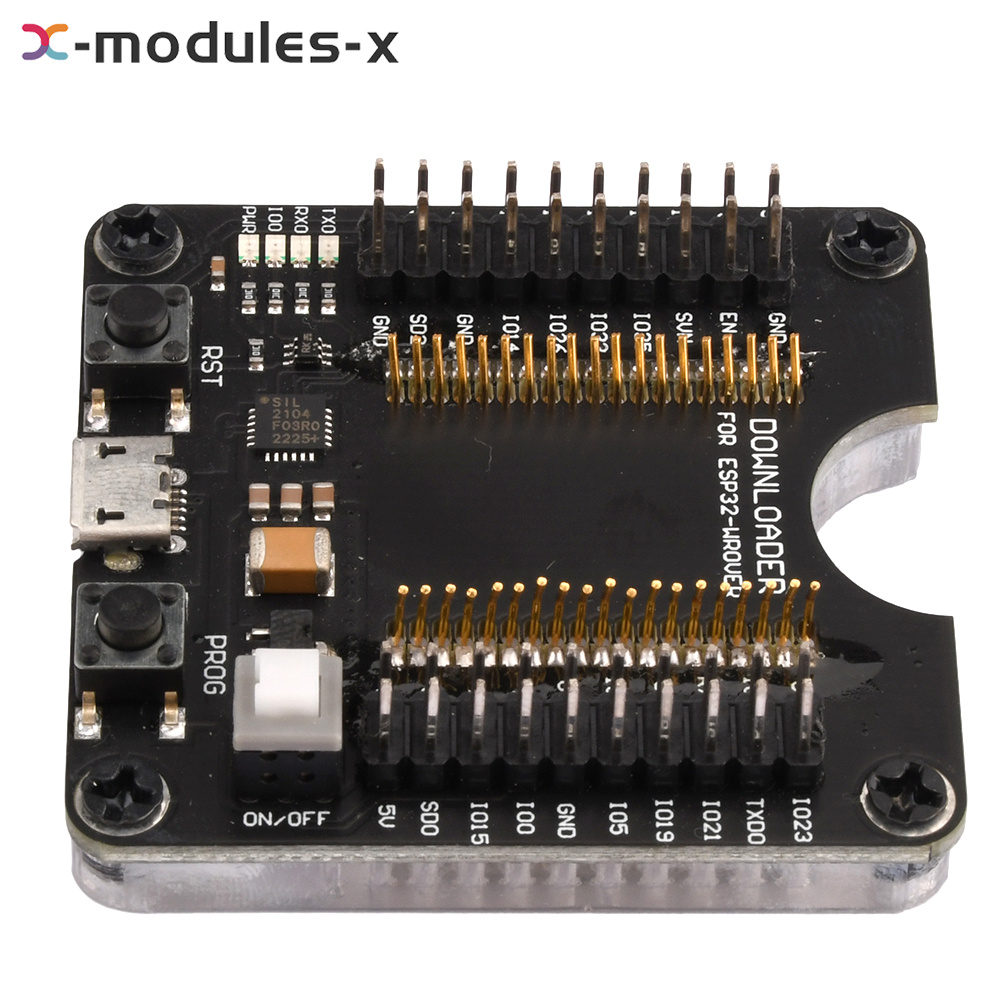
1. This fixture does not contain ESP8266 module, this board is suitable for fixed burn-in test of Ansinco ESP-12S/2F/12E/O7S/07 and other modules.
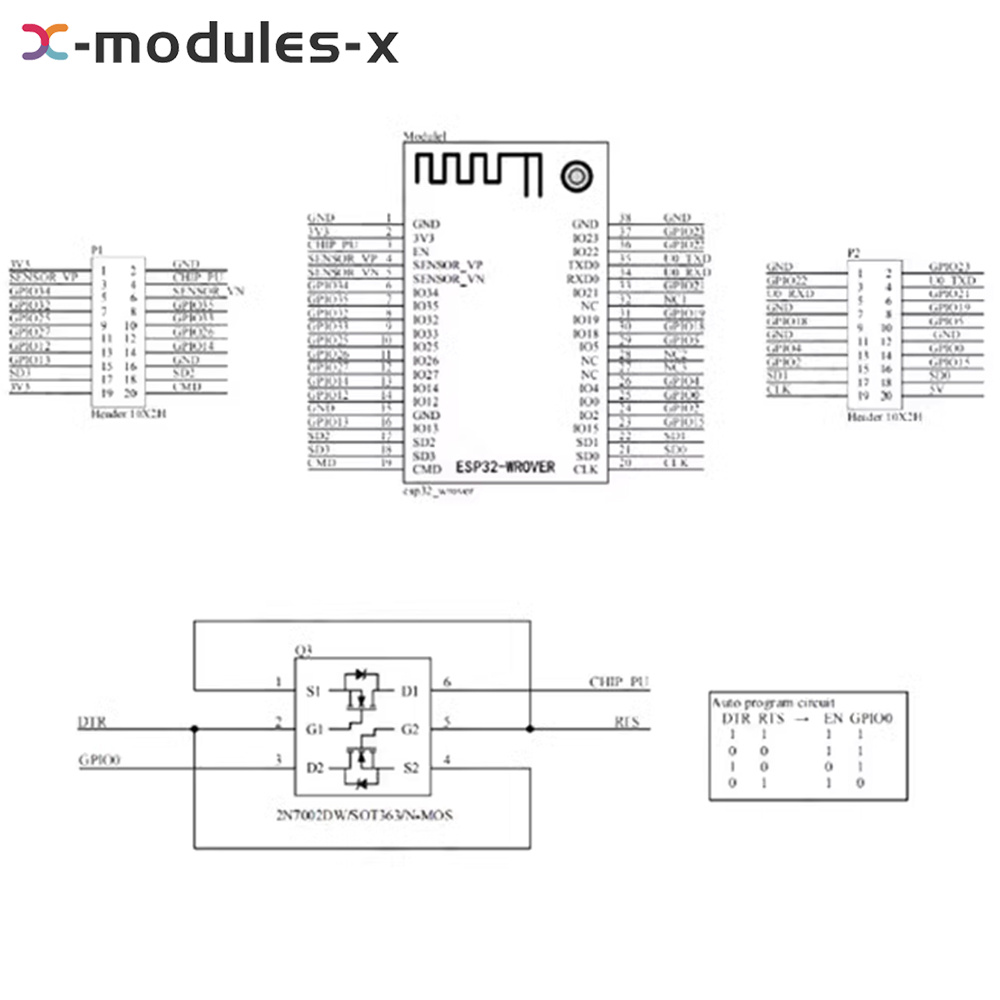
2. All IO ports have been pinned out, which can be used as a minimum system development board or for small batch burn-in
3. Fixture board supports firmware one-click download function
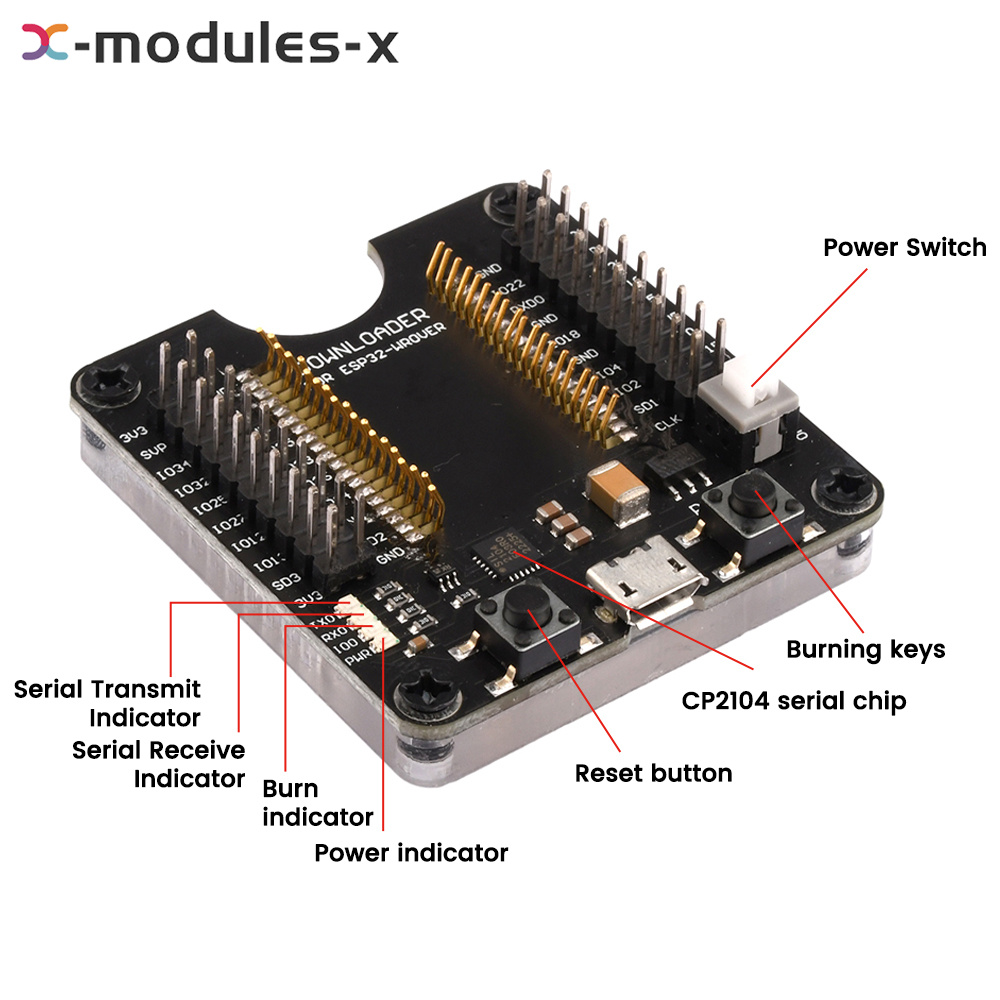
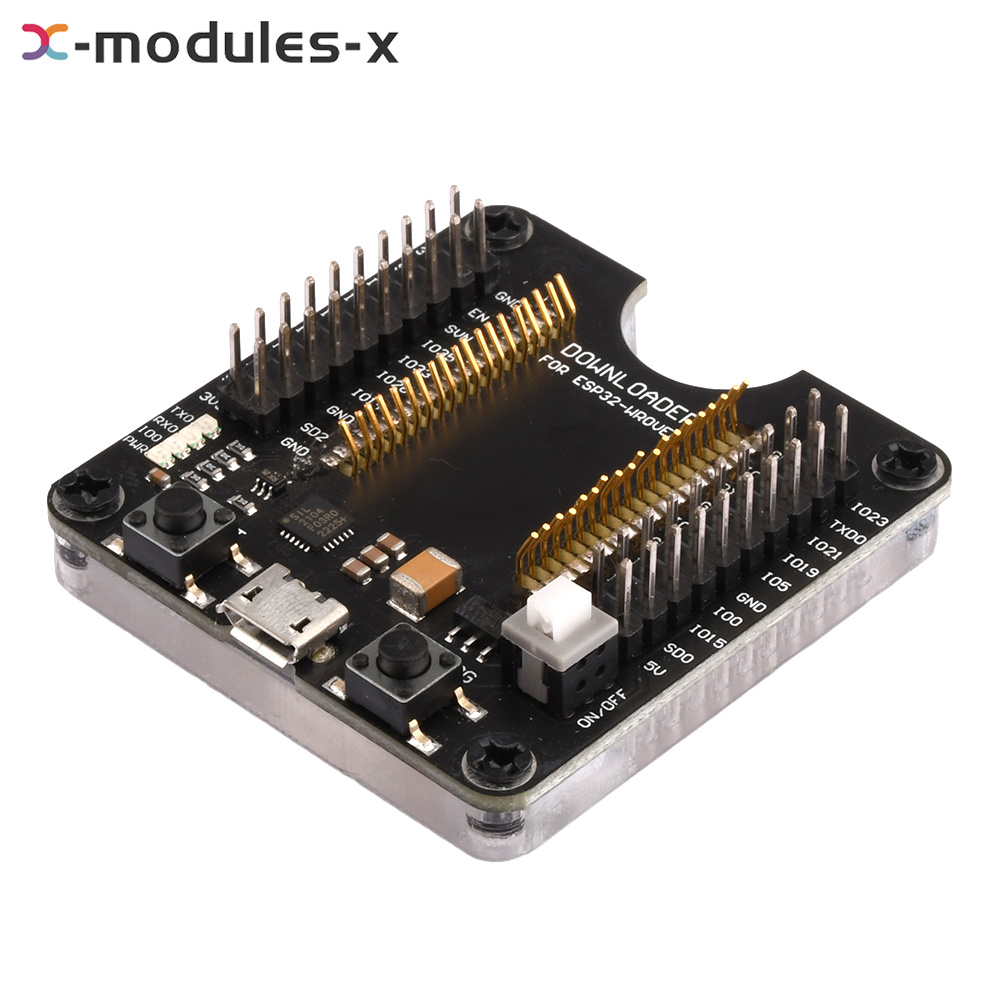
4. and added the burn-in mode indicator (blue light) and serial communication indicator (green light).
5. According to the operating system to download the corresponding CP2104 serial chip driver, and install
1. This fixture does not contain ESP8266 module, this board is suitable for fixed burn-in test of Ansinco ESP-12S/2F/12E/O7S/07 and other modules.
2. All IO ports have been pinned out, which can be used as a minimum system development board or for small batch burn-in
3. Fixture board supports firmware one-click download function
4. and added the burn-in mode indicator (blue light) and serial communication indicator (green light).
5. According to the operating system to download the corresponding CP2104 serial chip driver, and install
Parameter description:
1. Download the corresponding CP2104 serial chip driver according to the operating system, and install it.
2. Download the flash download tool ESPFLashDownloadTool
3. Automatic download fixed: press in the module, turn on the power switch, with the flash download tool. Configure the burning parameters you want to use, click START download. That is, start firmware burning, the downloader gray automatically reset and make the module into the burning mode.
4. Manual download firmware: press into the module, turn on the power switch, open the burn-in software, configure the corresponding burn-in parameters, long press the burn-in button followed by a short press on the reset button, then click START download, you can start burning firmware.
5. The downloader is suitable for ESP-12S/ESP-12F/ESP-12E/ESP-O7/ESP-07S and other modules. When the burn button is pressed, the blue burn indicator will light up, and the IO0 pin of ESP8266 module will be pulled low at the same time, check the related documents about how to enter burn mode of the module.
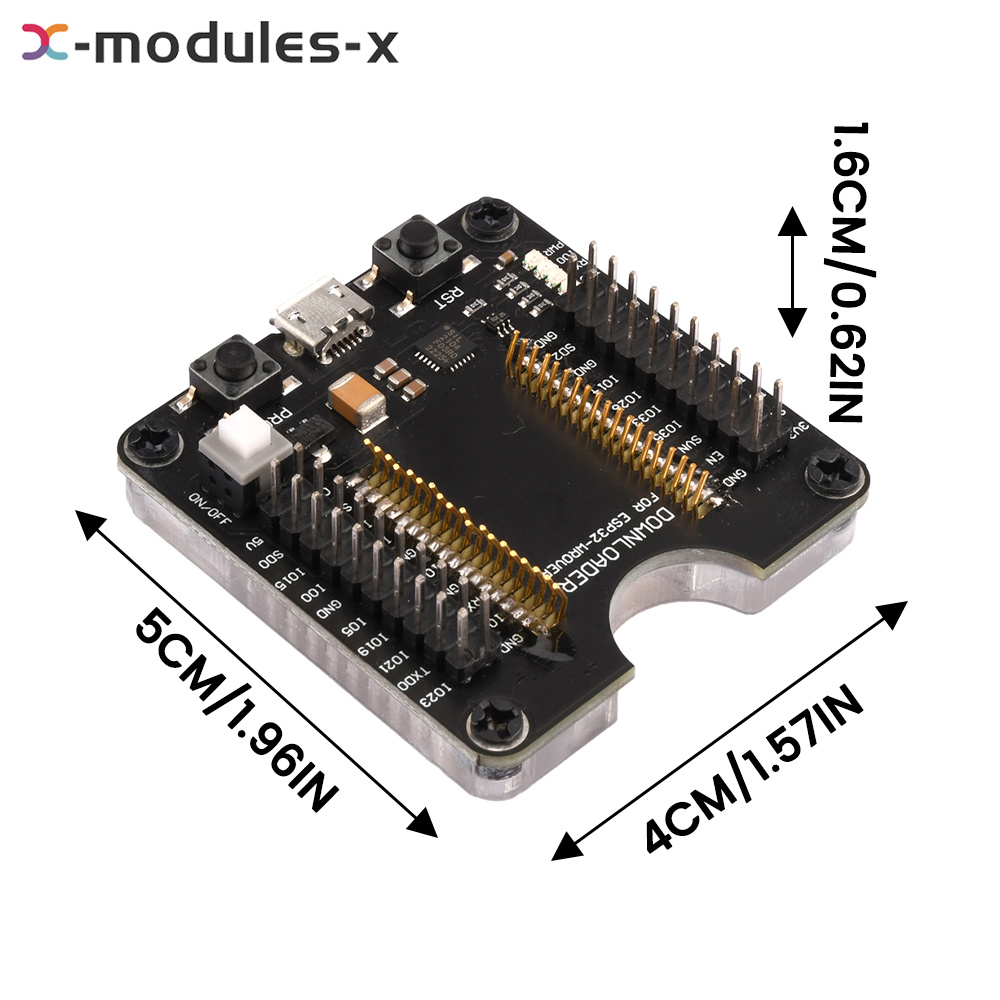
6. Product size: 49mm*46mm
1. Download the corresponding CP2104 serial chip driver according to the operating system, and install it.
2. Download the flash download tool ESPFLashDownloadTool
3. Automatic download fixed: press in the module, turn on the power switch, with the flash download tool. Configure the burning parameters you want to use, click START download. That is, start firmware burning, the downloader gray automatically reset and make the module into the burning mode.
4. Manual download firmware: press into the module, turn on the power switch, open the burn-in software, configure the corresponding burn-in parameters, long press the burn-in button followed by a short press on the reset button, then click START download, you can start burning firmware.
5. The downloader is suitable for ESP-12S/ESP-12F/ESP-12E/ESP-O7/ESP-07S and other modules. When the burn button is pressed, the blue burn indicator will light up, and the IO0 pin of ESP8266 module will be pulled low at the same time, check the related documents about how to enter burn mode of the module.
6. Product size: 49mm*46mm
Product list:
1X expansion board
1X expansion board
ESP32-WROVER ESP8266 Burning Fixture Development Board Test Board For ESP-12S/07
Description
Features:
1. This fixture does not contain ESP8266 module, this board is suitable for fixed burn-in test of Ansinco ESP-12S/2F/12E/O7S/07 and other modules.
2. All IO ports have been pinned out, which can be used as a minimum system development board or for small batch burn-in
3. Fixture board supports firmware one-click download function
4. and added the burn-in mode indicator (blue light) and serial communication indicator (green light).
5. According to the operating system to download the corresponding CP2104 serial chip driver, and install
1. This fixture does not contain ESP8266 module, this board is suitable for fixed burn-in test of Ansinco ESP-12S/2F/12E/O7S/07 and other modules.
2. All IO ports have been pinned out, which can be used as a minimum system development board or for small batch burn-in
3. Fixture board supports firmware one-click download function
4. and added the burn-in mode indicator (blue light) and serial communication indicator (green light).
5. According to the operating system to download the corresponding CP2104 serial chip driver, and install
Parameter description:
1. Download the corresponding CP2104 serial chip driver according to the operating system, and install it.
2. Download the flash download tool ESPFLashDownloadTool
3. Automatic download fixed: press in the module, turn on the power switch, with the flash download tool. Configure the burning parameters you want to use, click START download. That is, start firmware burning, the downloader gray automatically reset and make the module into the burning mode.
4. Manual download firmware: press into the module, turn on the power switch, open the burn-in software, configure the corresponding burn-in parameters, long press the burn-in button followed by a short press on the reset button, then click START download, you can start burning firmware.
5. The downloader is suitable for ESP-12S/ESP-12F/ESP-12E/ESP-O7/ESP-07S and other modules. When the burn button is pressed, the blue burn indicator will light up, and the IO0 pin of ESP8266 module will be pulled low at the same time, check the related documents about how to enter burn mode of the module.
6. Product size: 49mm*46mm
1. Download the corresponding CP2104 serial chip driver according to the operating system, and install it.
2. Download the flash download tool ESPFLashDownloadTool
3. Automatic download fixed: press in the module, turn on the power switch, with the flash download tool. Configure the burning parameters you want to use, click START download. That is, start firmware burning, the downloader gray automatically reset and make the module into the burning mode.
4. Manual download firmware: press into the module, turn on the power switch, open the burn-in software, configure the corresponding burn-in parameters, long press the burn-in button followed by a short press on the reset button, then click START download, you can start burning firmware.
5. The downloader is suitable for ESP-12S/ESP-12F/ESP-12E/ESP-O7/ESP-07S and other modules. When the burn button is pressed, the blue burn indicator will light up, and the IO0 pin of ESP8266 module will be pulled low at the same time, check the related documents about how to enter burn mode of the module.
6. Product size: 49mm*46mm
Product list:
1X expansion board
1X expansion board
