Description:
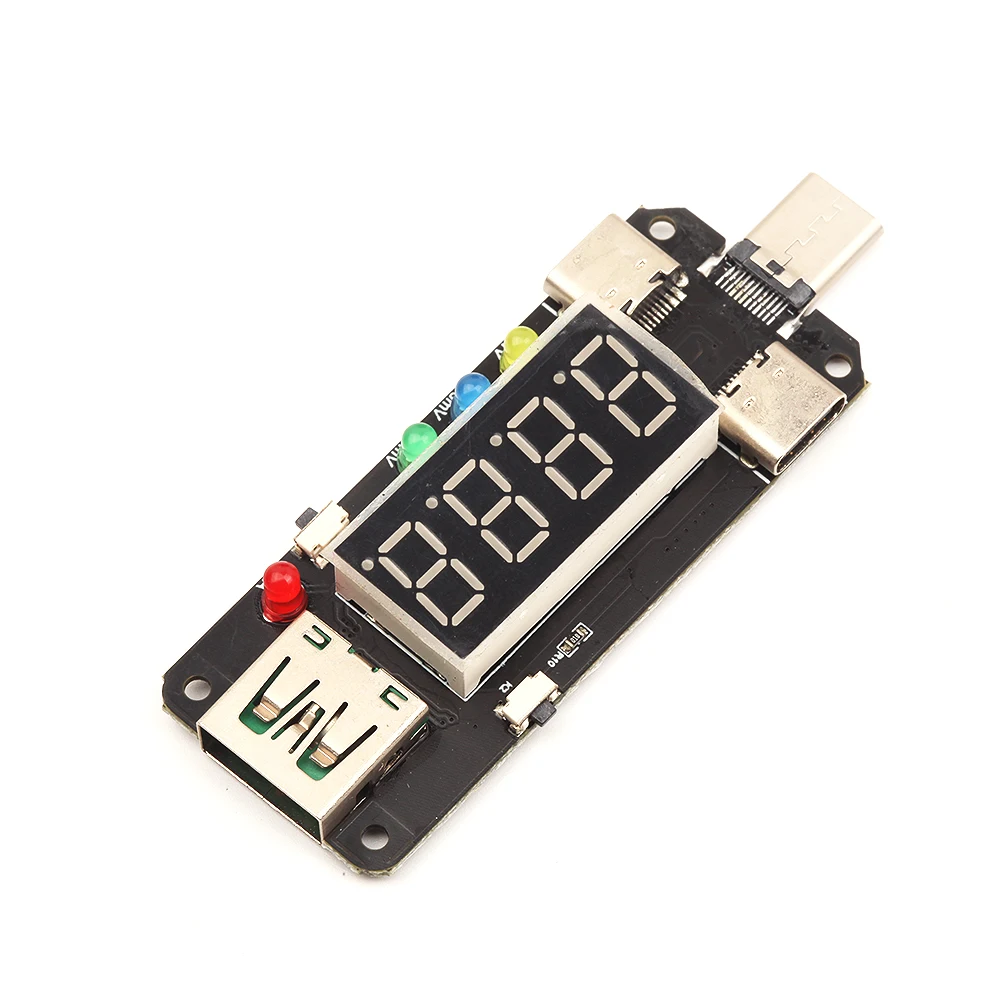
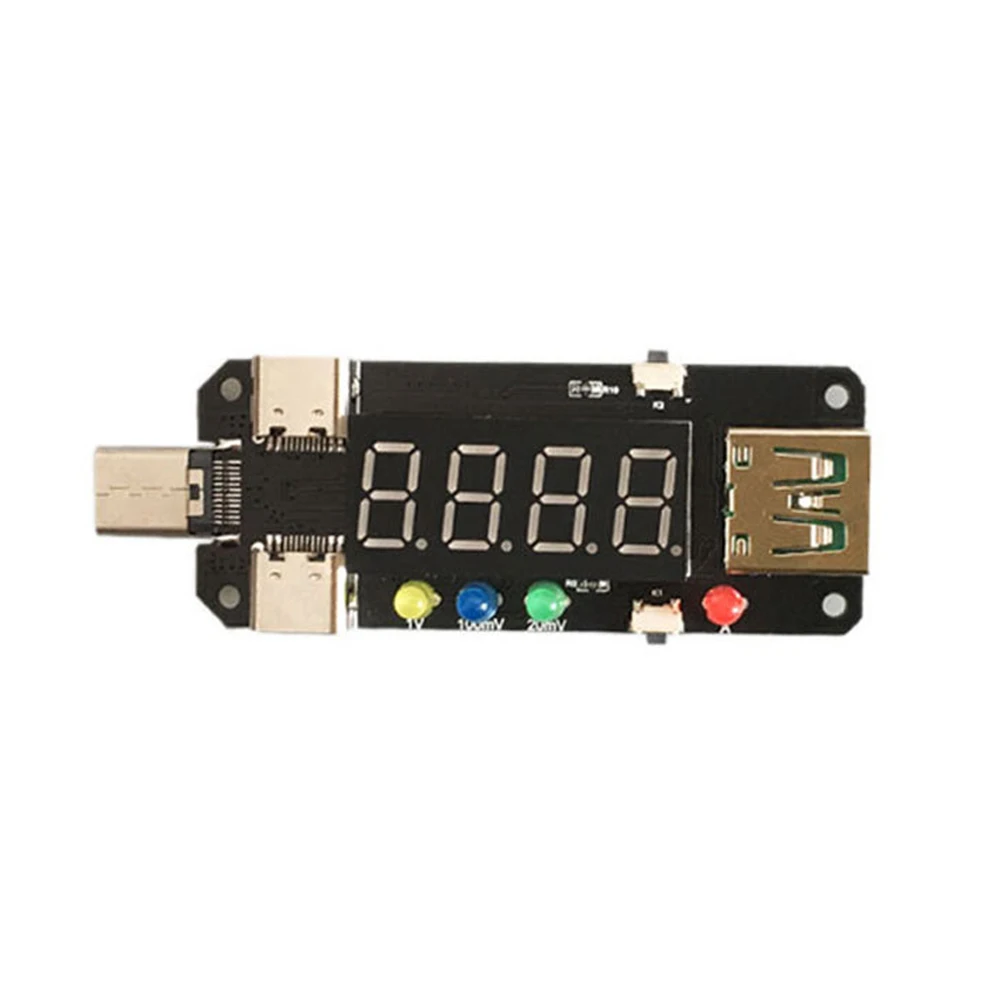
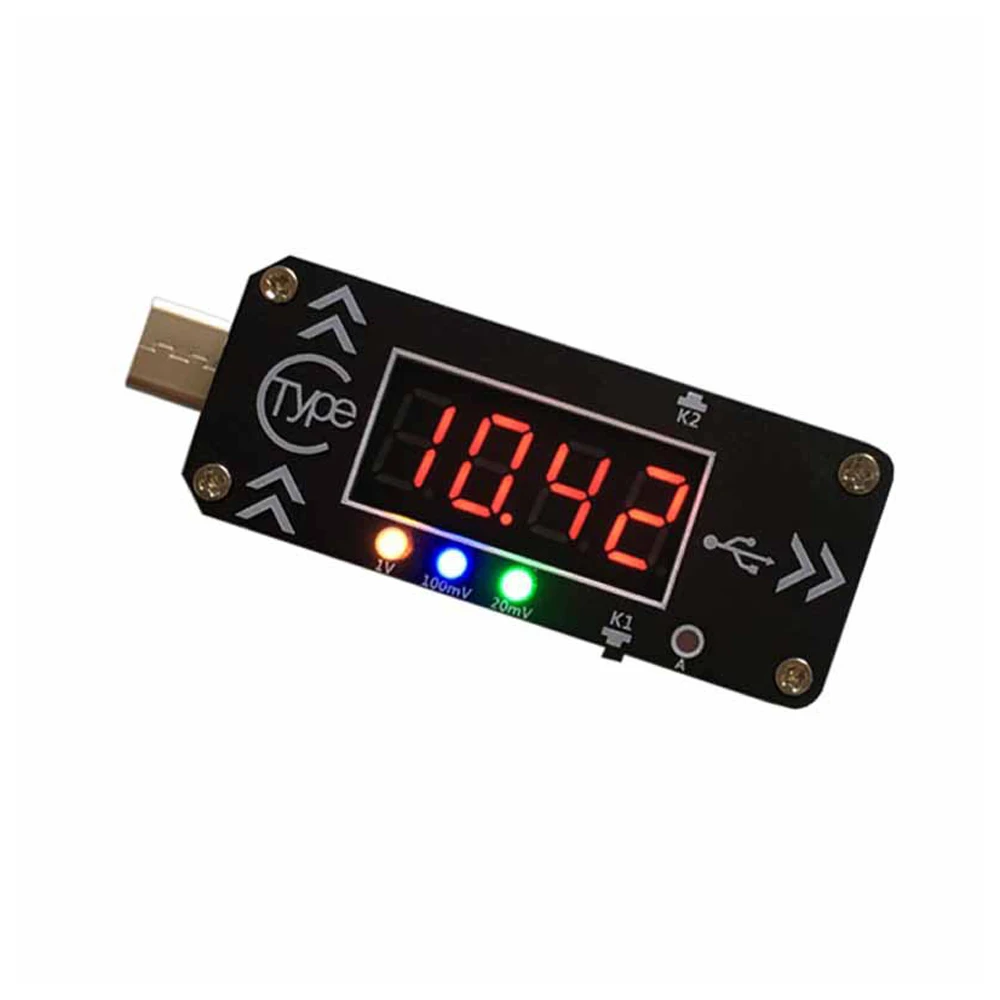
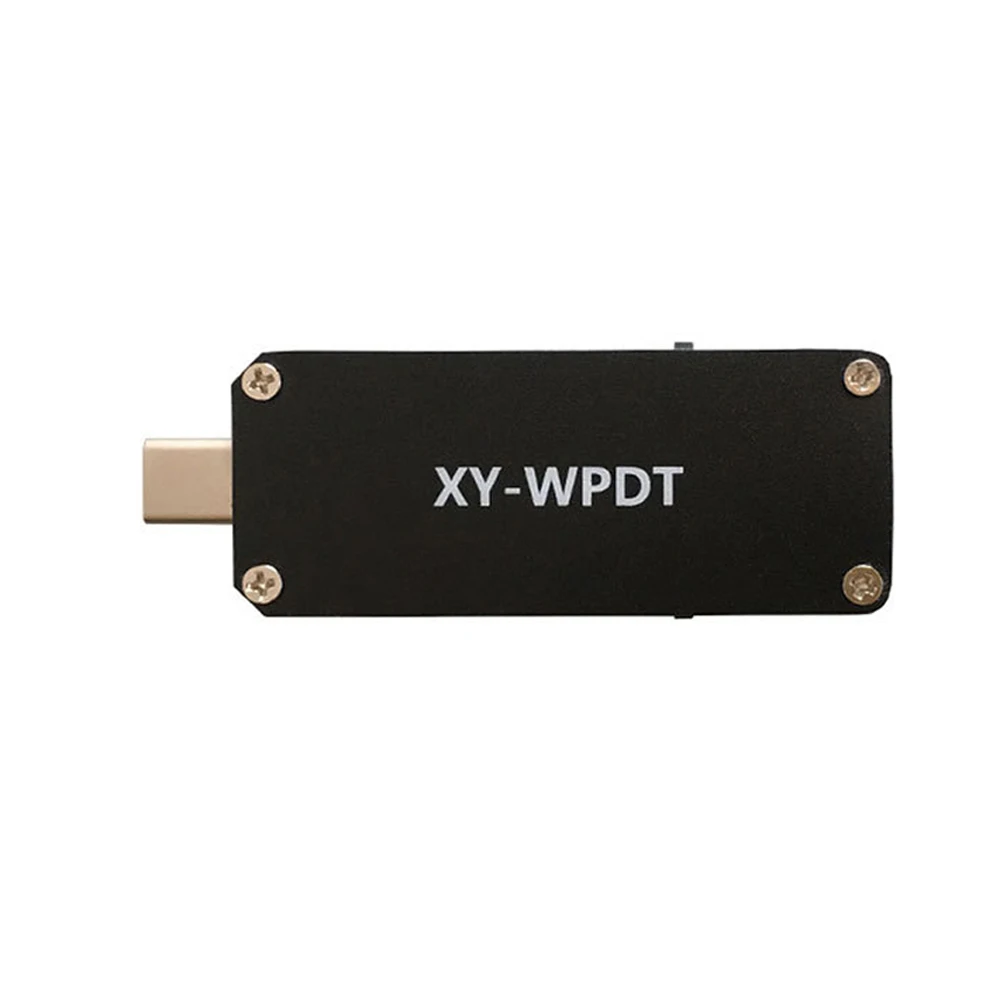
XY-WPDT is a PD-Fast-Charger Trigger. It can make a PD charger becomes DC 4V~20V adjustable power supply module.It supports PD2.0 and PD3.0 protocol.
Features:
1>.PD-Fast-Charger Trigger
2>.Voltage and current display
3>.Multi-set voltage output
4>.Power-off memory function
Parameters:
1>.Product Name:XY-WPDT PD-Fast-Charger Trigger Module
2>.Product Number:XY-WPDT
3>.Output Voltage:DC 4.0V~20V
4>.Voltage Precision:0.3%
5>.Voltage Resolution:0.01V
6>.Current Precision:0.5%
7>.Current Resolution:0.001A
8>.Working Temperature range:-20℃~100℃
9>.Working Humidity range:0%-95%RH
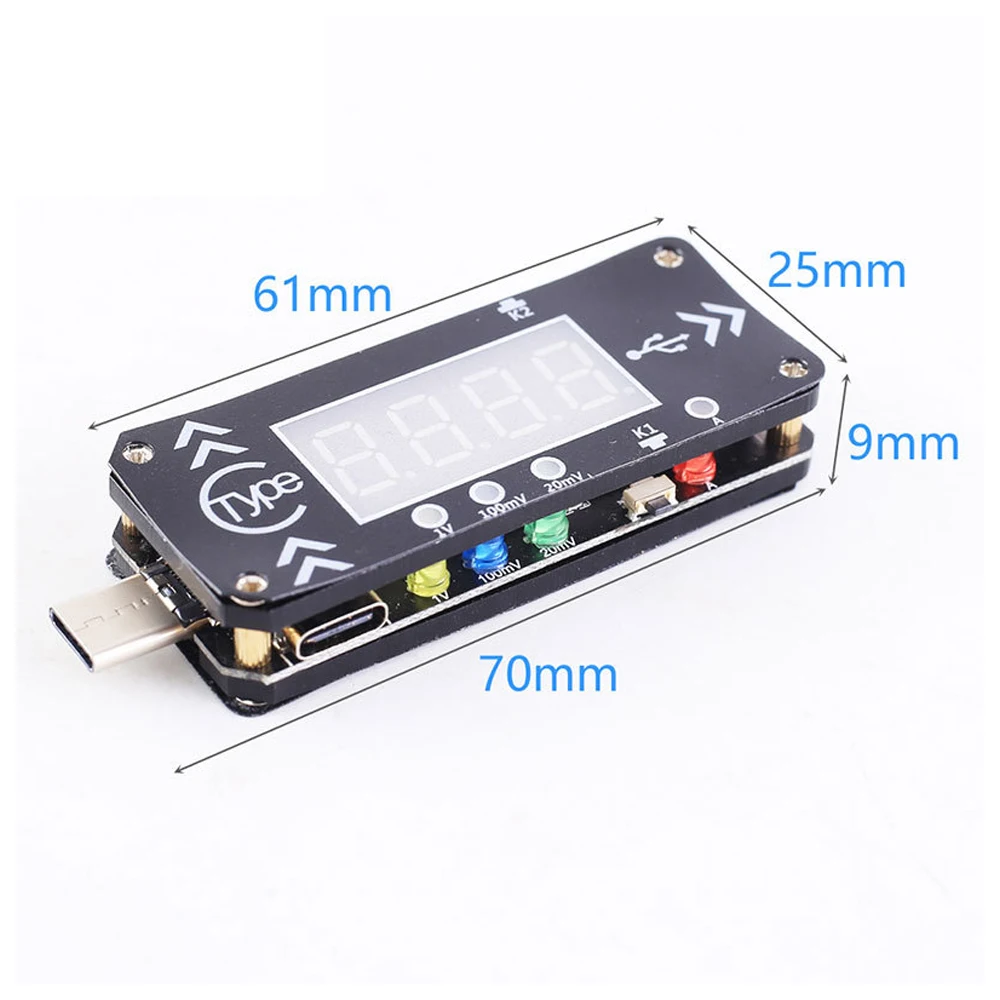
10>.Size:70*25*9mm
Set Mode:
1>.Boot display:Automatically detect the PD fast charging protocol every time after power is turned on.
1.1>.Input device don't support PD protocol if display '----'.
1.2>.Input device supports PD2.0 protocol.
1.3>.Input device support PD3.0 protocol.
2>.Switch display parameter:
2.1>.Short press K1 button to switch display output voltage or output current or both in turns.
2.2>.Keep press K1 button about 5second to turn OFF screen and indicator.But XY-WPDT keeps output voltage.
3>.Adjust voltage grade:
3.1>.Short press K2 button to set voltage grade.The corresponding voltage grade indicator will flash automatically.
3.2>.Short press K1 or K2 button to change voltage value. K1 is increase and K2 is decrease in this time.
3.3>.There are 7 voltage grade P7-1 to P7-7 and P7-L. It will display voltage grade and then display corresponding voltage value.
3.4>.Keep press K1 button about 2second to save parameters and exit(Or without any operation within 5second).
3.5>.P7-L is the last voltage grade. Module will trigger all grades(5V/9V/12V/15V/PPS-Mode) in turns if selected this grade. Three LED indicator will lit in turns and this mode can be used for factory of charger.
3.6>.PD2.0 charger generally supports 4~5 voltage grades so screen will display P4-1 or P5-1.
3.7>.PD3.0 charger generally supports 6~7 voltage grades so screen will display P6-1 or P7-1.
3.8>.P7-1 output 5V.Yellow/Blue/Green indicator keep OFF.
3.9>.P7-2 output 9V.Yellow/Blue/Green indicator keep OFF.
3.10>.P7-3 output 12V.Yellow/Blue/Green indicator keep OFF.
3.11>.P7-4 output 15V.Yellow/Blue/Green indicator keep OFF.
3.12>.P7-5 output 5V.Yellow/Blue/Green indicator keep OFF.
3.13>.P7-6 is PPS mode.Yellow/Blue/Green indicator keep ON.
3.14>.P7-7 is PPS mode.Yellow/Blue/Green indicator keep ON.
3.15>.P7-L is in turns mode.
4>.Set PPS step voltage:
4.1>.Make sure XY-WPDT is working at PPS mode which 1V/100mV/20mV indicator all or anyone lit which is the P7-6 or P7-7 voltage grade.
4.2>.Keep press K2 button about 3second to adjust PPS voltage and screen will flashing.First activate the 1V step voltage.
4.3>.Keep press K2 button about 3second to select next step voltage.
4.4>.Short press K1 or K2 button to change voltage value. K1 is increase and K2 is decrease in this time.
4.5>.Short press K1/K2 to exit PPS step voltage set mode and to select others step voltage when 1V/100mV/20mV indicator both keep ON.
4.6>.Keep press K1 button about 2second to save parameters and return to normal display(Or without any operation within 5second).
5.Application:
1>.Router
2>.Optical modem
3>.Set-top box
4>.Laptop
5>.Charger converter
6>.Charger tester
7>.Charger factory
6.Package:
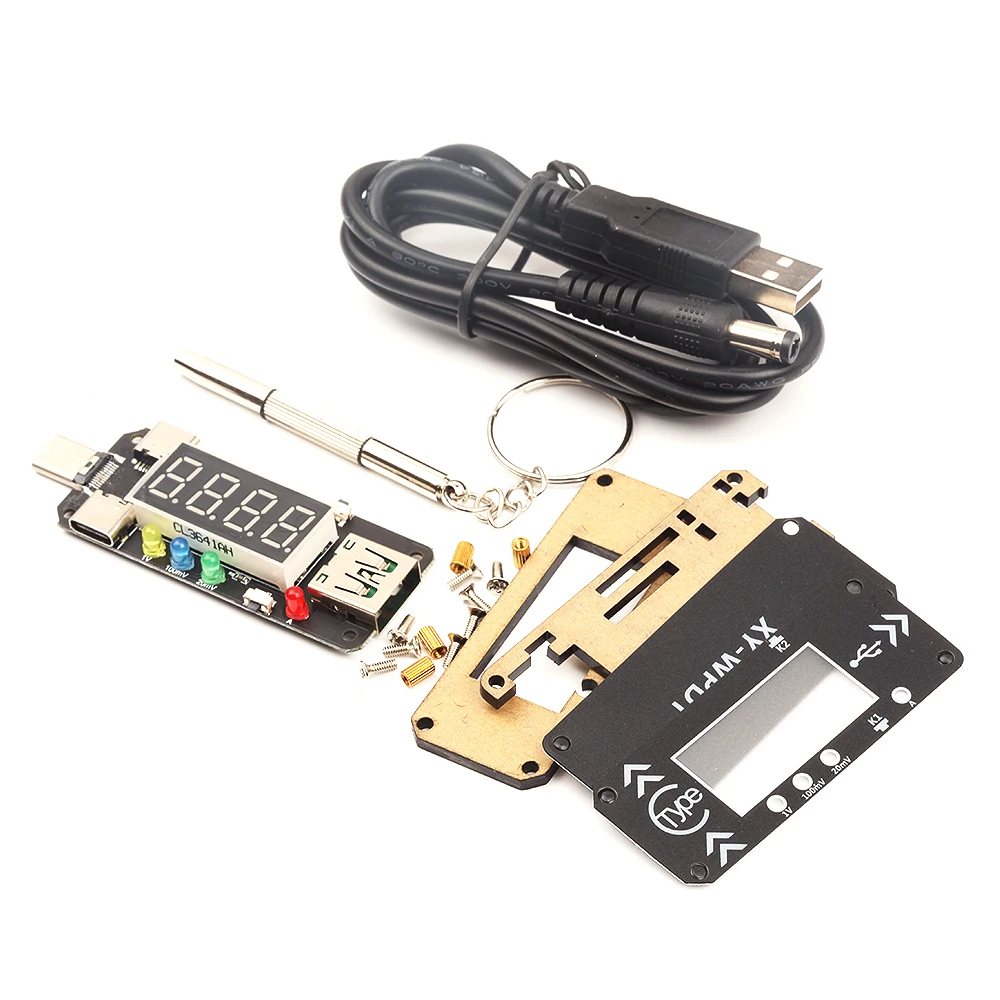
1>.1pcs XY-WPDT PD-Fast-Charger Trigger Module
2>.1pcs 100cm 5.5*2.5mm USB cable
3>.2pcs 60*24*2mm Acrylic shell
4>.2pcs Black Indicator panel
5>.1pcs Mini screwdriver
6>.4pcs M2*5mm Copper column
7>.8pcs M2*5mm Screw