This offer is
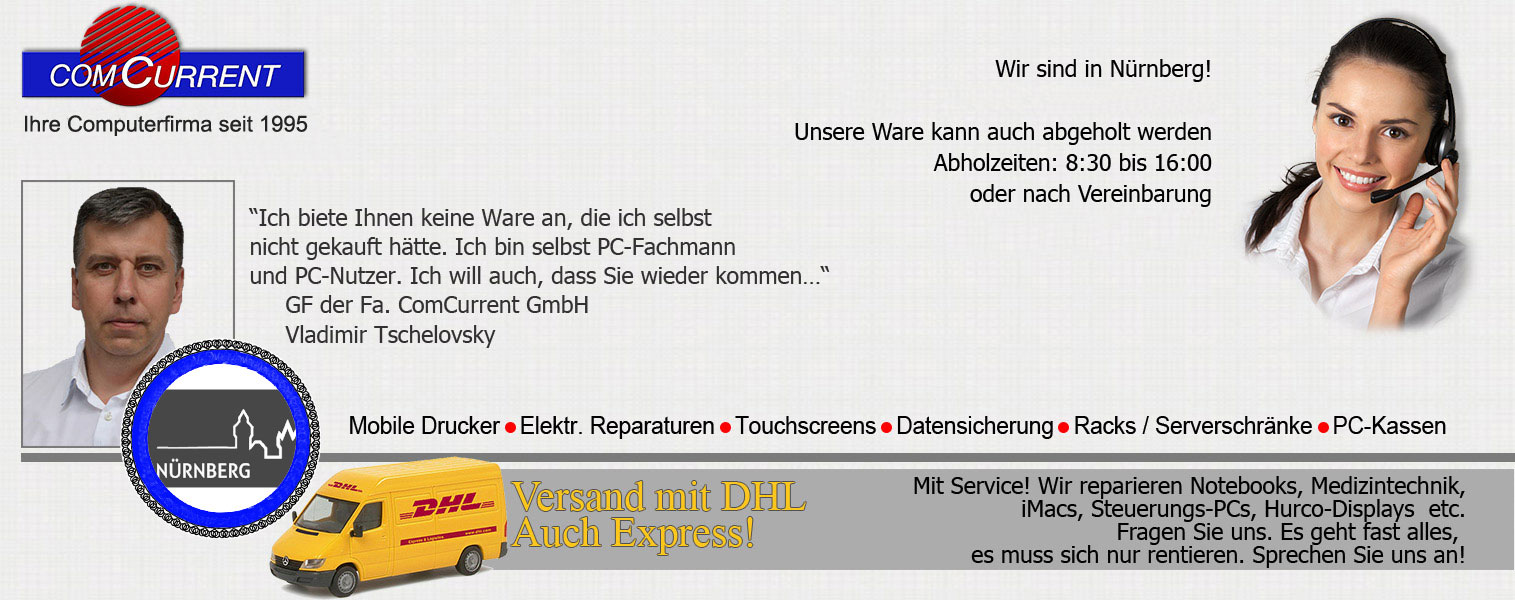
A label printer & barcodedrucker - Axiohm Blaster CL BL -422003 (thermal printer):
This means that your labels are quickly produced, directly on adhesive paper!
Important: the printer produces - prints and cuts -
Labels directly
From the Adhesive rolls. Adhesive rolls are not expensive and are
available. You don't need rollers with the pre-punched labels, an extra label roll for each label size, but you design label yourself in Word, Excel, Corel, Wordpad, Photoshop, etc. and it is cut so we want it. It is very comfortable if you get a lot of goods, some of each variety and all different.
It works like this: You come (preferably with a roller table with the notebook and printer) to the palette with boxes that should be labeled and want to get 12 labels printed by a variety as an example. Open the label, e.g. in Word> Print> 12 pcs, and it is printed 1x; If you pull off the label, the 2nd label is printed, and when you stick the 2nd glue, the 3rd is already there and so an employee can label the entire package in a few minutes. If you need more advice, please contact us by phone.
The printer
Automatic cutting function (cutter). Our printer is ready for use immediately, including Power supply, with an 80 meter label roll.
The label adhesive rolls are immediately available from us.
The printer FUnansparted by Windows
NT to Windows 10; For this task you can also use an older notebook, e.g. with WindowsXP
Pictures:
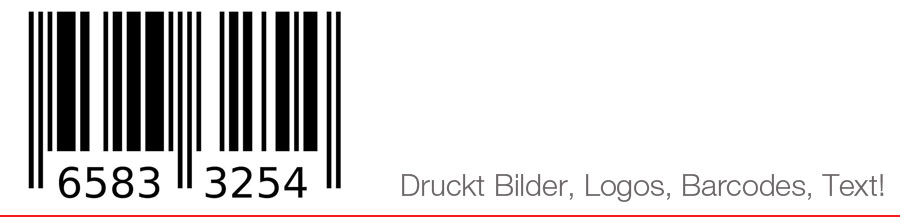
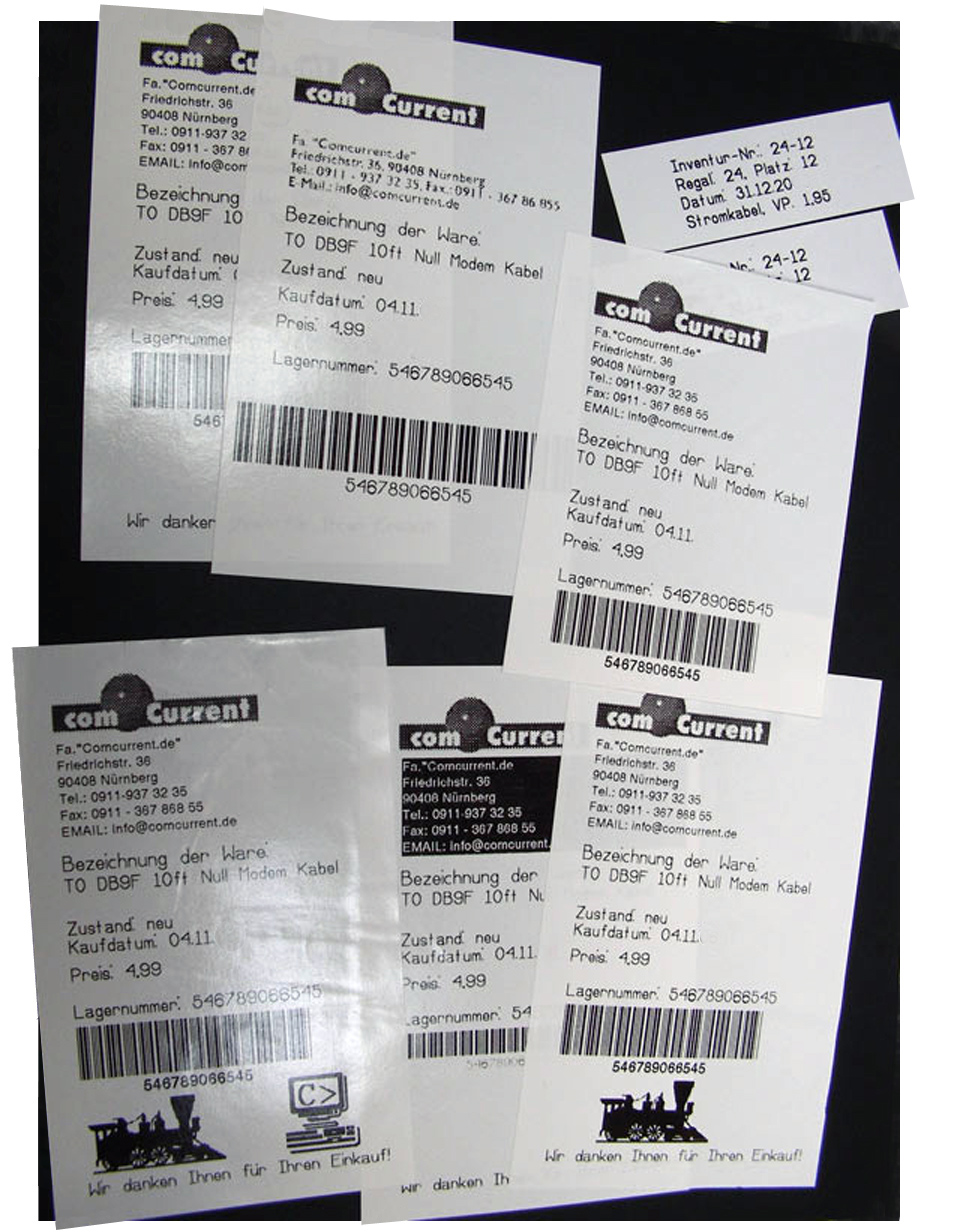
The printer Axiohm prints, for example, on 80mm glue rollers. Text, barcodes and pictures are printed quickly and from every Windows program!
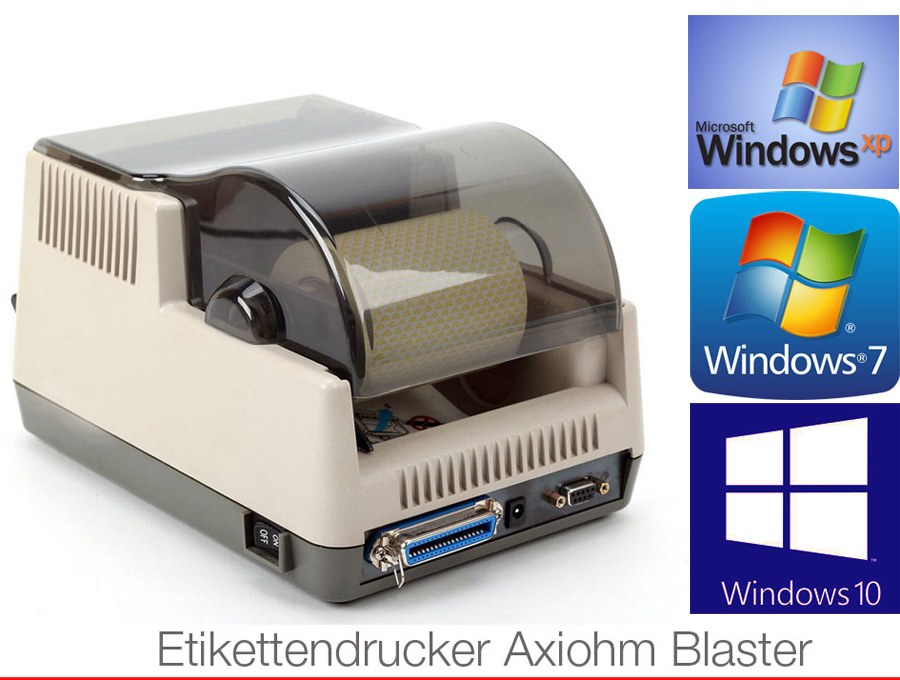
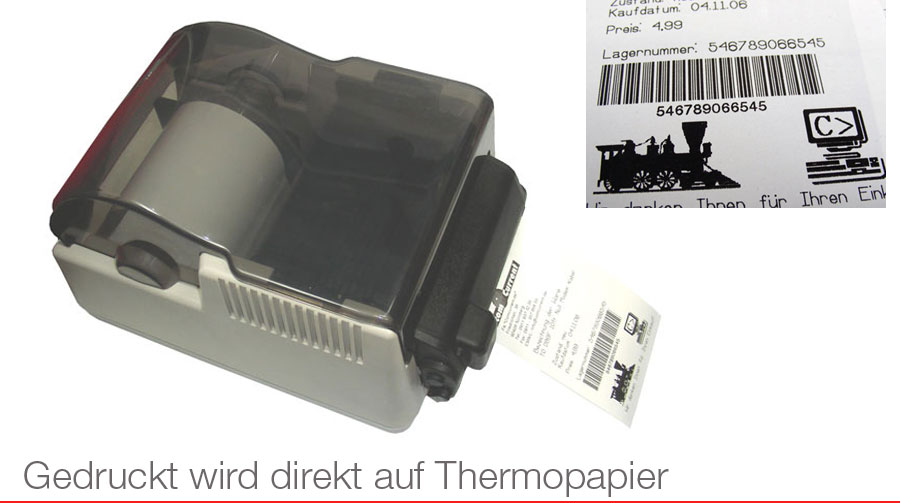
The printer has a cut function (cutting device). You can label your goods within a few minutes (e.g. apply warranty labels or prepare for the inventory). You can print on the adhesive mopapper (adhesive rolls) and get labels on with barcodes, with your logo and with the necessary text. The printer simply prints under classic Windows programs (e.g. as a standard win printer under MS Word or Excel). The pressure is on thermal paper, so you no longer need ink or toner for this printer!
How does it work? For example, the printer gets a print order 100 labels printed; He prints one, cuts and waits for them to pull them off; As soon as this is pulled off, the second, third party etc. printed. This means that only 1 employee can "label" the hundreds of boxes within a very short time. This saves you (and your company) a lot of working hours.
Possible areas of application:
Insofar as the pressure can also be carried out on the adhesive rolls, the printer is also suitable for printing of labels of any kind - without ink and toner, and is equipped with an automatic cutter (cutting device).
It is flexible: Cognitive-Axiohm Blaster CL can be operated via the serial or parallel interface. It convinces with the extremely robust construction. Changing the role becomes child's play even for inexperienced operators. It can usually be operated with every label program.
You can also make guarantee stickers and labels for your goods yourself! That makes your goods unmistakably avoid unfounded complaints! Write your goods right away at the entrance and create more order with it. You can design the labels yourself: To your goods, "hide" all "critical" information: EK price, target price and additional information.
Follow -up costs are low! Small calculation: For example, print standard labels, approx. 50x70mm (you can determine the length yourself). 1,600 labels are "manufactured" from a roll of 80 meters. Not bad, right?
We also have the roles as savings sets in 6x, 48x and 96x roll pack!
Power supply and compiled CD with driver for Win NT, 2000, XP, Vista, Windows 7 and Windows 10, as well as operating instructions as a PDF file + 1 glue roll.
***