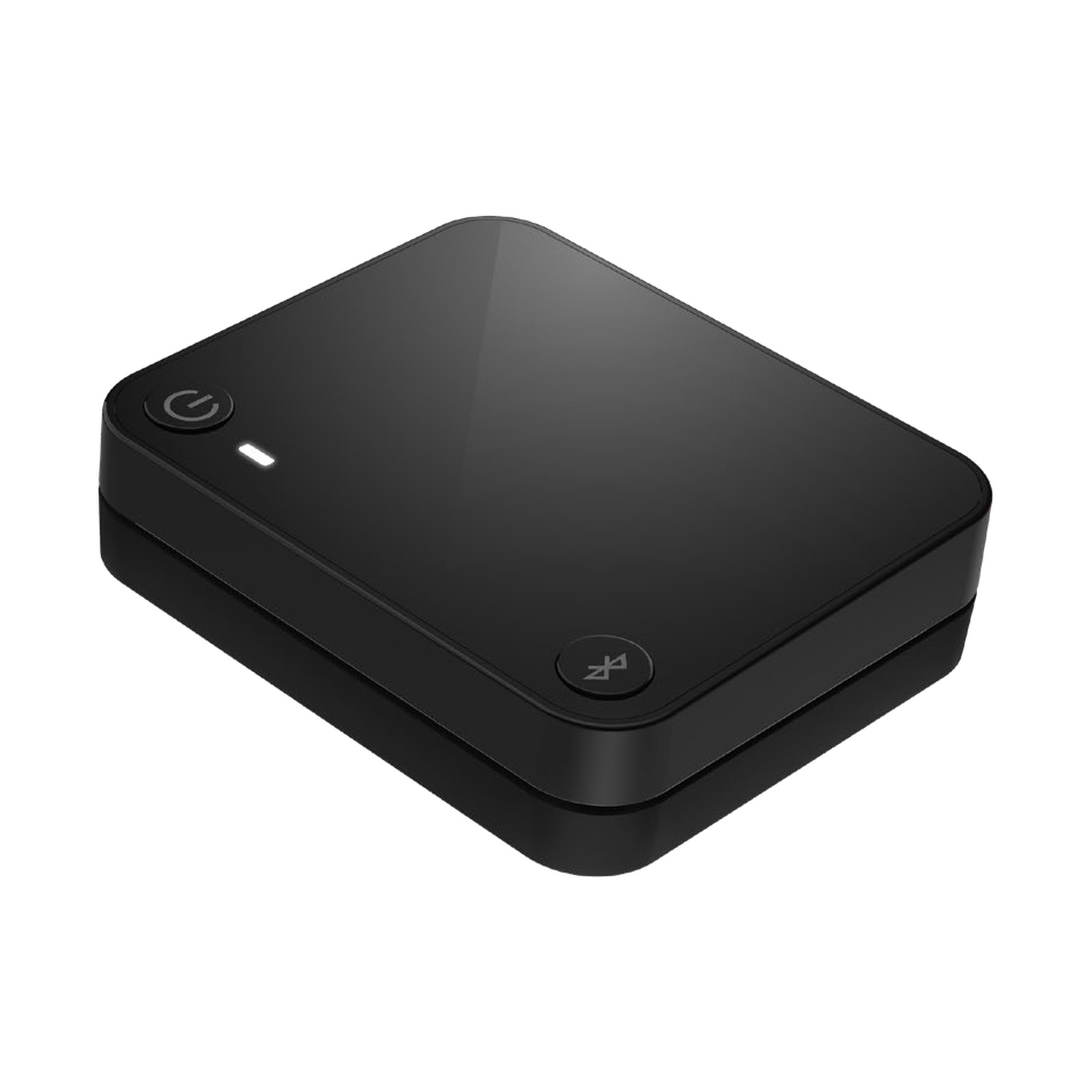
Starkey StarLink Edge TV Streamer
Run by qualified audiologists·30-day returns·Tracked delivery

Starkey's TV streamer for Omega AI+, Omega AI and Edge AI hearing aids. It connects to your TV and streams the sound straight into both aids at your own volume - independent of the room volume everyone else hears. Setup is a one-time job - pair once per Starkey's manual and streaming then starts automatically whenever the TV is on and you are in range.
It connects by optical or RCA cable - check your aids in the compatibility list, then see Initial pairing and setup below. Genesis AI and earlier aids take the previous StarLink TV Streamer instead - the two generations do not cross-pair.
StarLink Edge TV Streamer - pairs with:
Starkey Omega AI+ (named on Starkey's own accessories page and the Omega AI+ data sheet)
Starkey Edge AI (named on the same Starkey pages)
Does NOT fit / check first:
- Genesis AI / G Series AI / Evolv AI and older aids - the StarLink Edge accessories pair with Omega AI+, Omega AI and Edge AI only; earlier platforms use the previous StarLink accessories (see our other Starkey listings or message us)
Audibel, NuEar, and MicroTech are Starkey-manufactured brands - message us with your exact model and we will confirm the right accessory before you buy.
- Connect the streamer to your TV's audio output with the supplied cable.
- Power it.
- Pair once with your aids via the app steps.
Afterwards it streams automatically whenever the TV is on and you're in range.
Optical or analogue audio from the TV is streamed straight to both hearing aids. You control your own listening volume on the aids or in the app - the TV's speaker volume stays wherever the rest of the household wants it.
- 1 × Starkey StarLink Edge TV Streamer
- Power cable
- TV audio cable(s)
- Sealed original packaging
Not included: hearing aids and the television itself - see our other Starkey listings or message us.
Is this genuine Starkey?
Yes - a genuine Starkey accessory, sourced through authorised channels.
Is this a hearing aid?
No. This is an accessory that works alongside your existing Starkey hearing aids - it does not amplify sound by itself.
How do I pair it with my hearing aids?
Per Starkey's user manual: turn the streamer on, turn your hearing aids off and on again, hold them within 15 cm (6 in) of the unit, and press the Pair button. The LED blinks green during pairing, then shows solid green for two seconds per hearing aid to confirm success. It is a one-time job - streaming starts automatically afterwards.
Which Starkey aids pair with this streamer?
Omega AI+, Omega AI and Edge AI only, as Starkey lists them. Genesis AI, G Series AI, Evolv AI, and older aids are the earlier MFi generation and take the previous StarLink TV Streamer instead. Message us with your model and we will confirm the right generation before you buy.
How does it connect to the TV?
By a one-time cable connection to the TV's audio output: TOSLINK optical digital, or RCA analogue - the audio cables ship in the box along with the power cable. This physical hookup is separate from hearing-aid pairing, so you can set the TV side up first and pair the aids afterwards. Message us if you are unsure which output your TV has.
What is the Auracast code printed on the bottom for?
That code supports the unit's separate Auracast broadcast mode - a second pairing method used when broadcasting to Auracast-compatible receivers, distinct from the direct pairing you use to link your own aids. For normal home TV listening you only need the direct Pair-button sequence; the printed code is there if you later use the broadcast feature.
What if pairing fails?
Starkey's manual points to three common causes: the hearing aids were not power-cycled before pairing, they were held further than 15 cm from the unit at the moment you pressed Pair, or the aids are an earlier MFi-generation platform this streamer does not support. Fix the first two and retry; if your aids are pre-Edge, message us about the previous StarLink streamer.
What warranty covers this accessory?
Whatever the manufacturer's position, you are covered twice with us: our 30-day returns policy, and your statutory consumer rights, which run against us as the retailer. Starkey's Universal Hearing Aid Manual of March 2026 sets warranty periods for hearing aids and chargers only, and that warranty is valid only in the United States - the protection we can promise for this item is ours, above.
Starkey is a trademark of Starkey Laboratories, Inc.
EarX is an independent retailer. The products we supply are genuine Starkey-manufactured parts, sourced through authorised channels.