



Description:
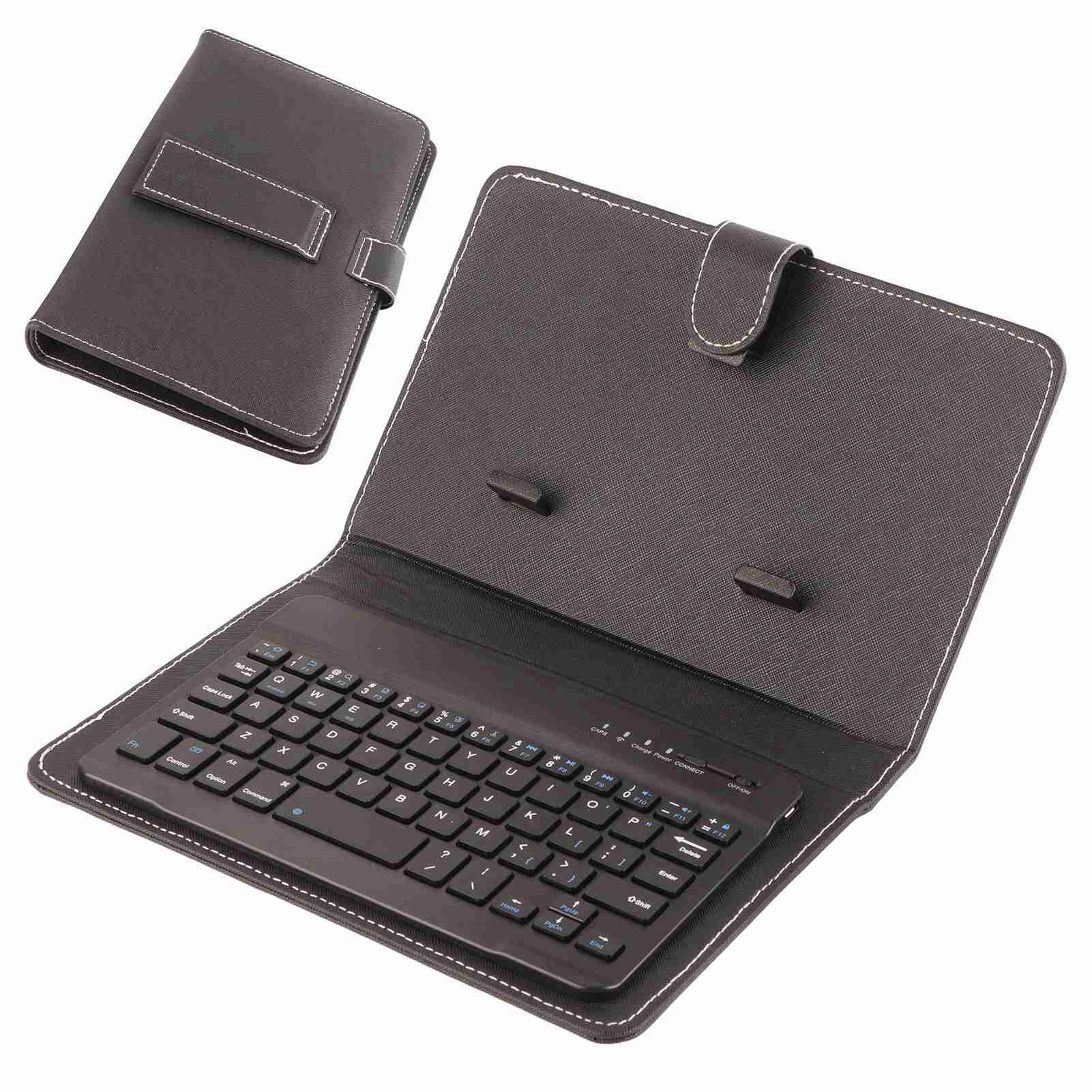
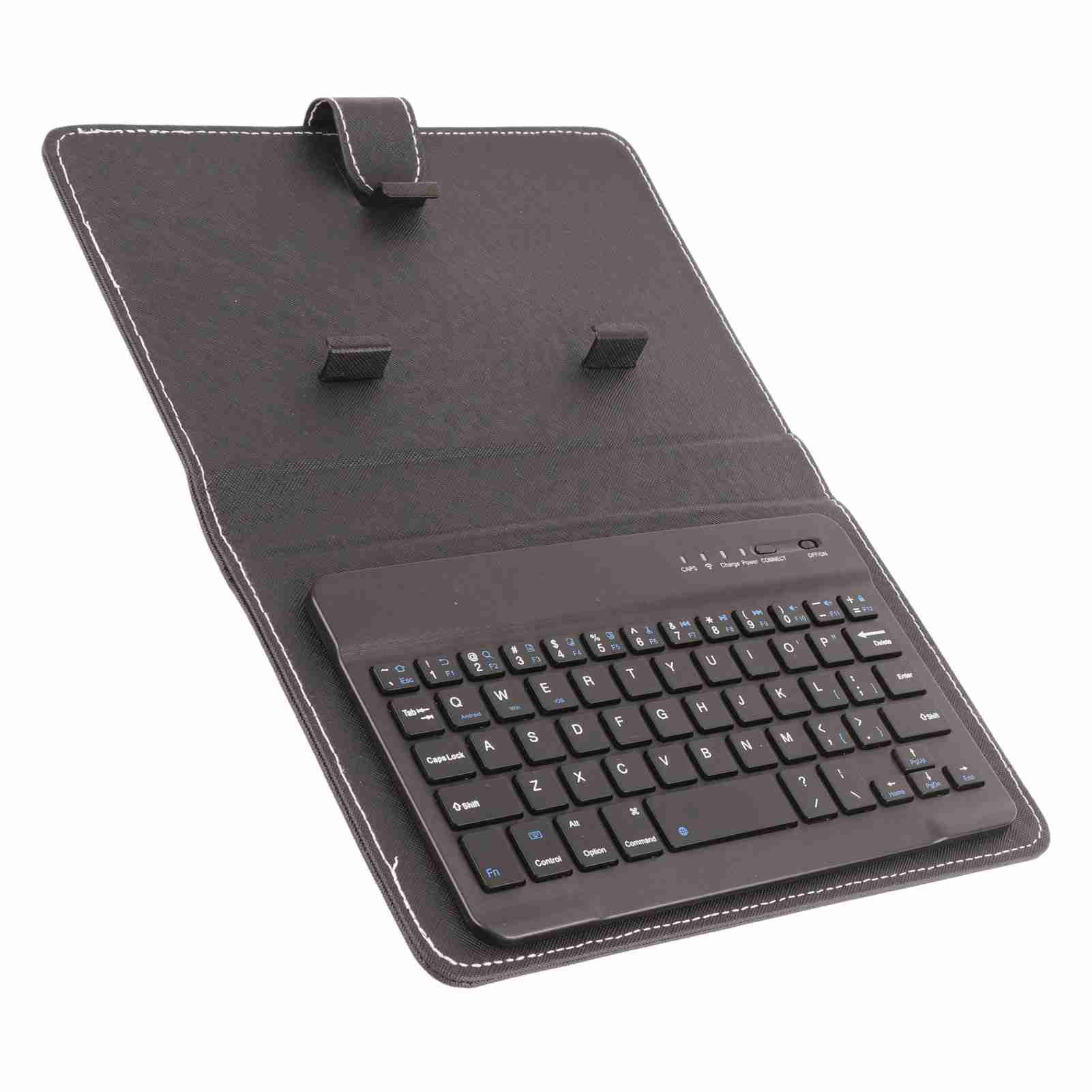
This 2 in 1 stylish stand case cover + detachable 3.0 Bluetooth keyboard design is designed to support your cellphone hands free so you can focus on work, reading, watching videos, typing like on normal computer laptop. Besides, the protective cover protect your mobile phone from scratch and breaking. The product is suitable for 4.5"-6.8" Bluetooth cell phone, including for , for and for iOS Phones.
Features:
Specifications:
Color: Black
Type: Bluetooth keyboard sleeve
Dimension: Approx. 21 x 14 x 4cm / 8.3 x 5.5 x 1.6inch
Style: Clamshell
Material: PU leather case, plastic keyboard
Style: Business
Compatibility: Compatible with 4.5''-6.8'' (width of 6-9.5cm) Bluetooth cell phone, including for , for and for iOS Phones.
Bluetooth: 3.0 + HS standards
Certification: BQB, FCC, CE, ROHS
Effective distance: Up to 10M (Open space)
Modulation: 2.4GHZ
Working voltage: 3.0-5V
Working current: <4.0MA
Standby current: 20UA
Sleep current: <2μA
Charge current: ≥100mA.
Standby time: 100 days
Button Strength: 80 ± 10g
This 2 in 1 stylish stand case cover + detachable 3.0 Bluetooth keyboard design is designed to support your cellphone hands free so you can focus on work, reading, watching videos, typing like on normal computer laptop. Besides, the protective cover protect your mobile phone from scratch and breaking. The product is suitable for 4.5"-6.8" Bluetooth cell phone, including for , for and for iOS Phones.
Features:
- Compatible with 4.5''-6.8'' (width of 6-9.5cm) Bluetooth cell phone, including for , for and for iOS Phones.
- Light weight, compact, easy to carry and handle.
- Detachable magnetic keyboard tray to turn keyboard cover into classic portfolio case.
- Unique design prevents scratches while allowing easy access to all ports.
- Built-in stand securely holds your cellphone hands free in a perfect angle for typing or watching movies.
- Premium PU leather protective exterior provides durable, rugged, shockproof cushion when dropped and the plastic keyboard is dust-proof, scratch, resistant, high performance and high quality.
Specifications:
Color: Black
Type: Bluetooth keyboard sleeve
Dimension: Approx. 21 x 14 x 4cm / 8.3 x 5.5 x 1.6inch
Style: Clamshell
Material: PU leather case, plastic keyboard
Style: Business
Compatibility: Compatible with 4.5''-6.8'' (width of 6-9.5cm) Bluetooth cell phone, including for , for and for iOS Phones.
Bluetooth: 3.0 + HS standards
Certification: BQB, FCC, CE, ROHS
Effective distance: Up to 10M (Open space)
Modulation: 2.4GHZ
Working voltage: 3.0-5V
Working current: <4.0MA
Standby current: 20UA
Sleep current: <2μA
Charge current: ≥100mA.
Standby time: 100 days
Button Strength: 80 ± 10g
Key life: Up to 5 million times.
Operating temperature: -10 - +55 ℃
Humidity: 20% -50%
Interface: Micro USB port
Language: English
Power Indicator Light: Red light on - Charging state; Light off - Full charged; Flash light - Low electricity state to remind you of charging
Package weight: 334g
Operating temperature: -10 - +55 ℃
Humidity: 20% -50%
Interface: Micro USB port
Language: English
Power Indicator Light: Red light on - Charging state; Light off - Full charged; Flash light - Low electricity state to remind you of charging
Package weight: 334g
How To Use:
Step 1: Turn on the ON/OFF button
Step 2: Press the CONNECT button often, and the indicator light of the Bluetooth will flash
Step 3: Turn on the Bluetooth switch of the phone at this time, search for Bluetooth devices, the default name of the keyboard case is Bluetooth 3.0 Keyboard
Step 4: Click Bluetooth 3.0 Keyboard on the tablet or mobile phone, there will be a four-digit password with Arabic numerals, enter it on the keyboard, for example, the tablet prompts 1234, after pressing on the keyboard, press the Enter key to connect
Step 2: Press the CONNECT button often, and the indicator light of the Bluetooth will flash
Step 3: Turn on the Bluetooth switch of the phone at this time, search for Bluetooth devices, the default name of the keyboard case is Bluetooth 3.0 Keyboard
Step 4: Click Bluetooth 3.0 Keyboard on the tablet or mobile phone, there will be a four-digit password with Arabic numerals, enter it on the keyboard, for example, the tablet prompts 1234, after pressing on the keyboard, press the Enter key to connect
Package List:
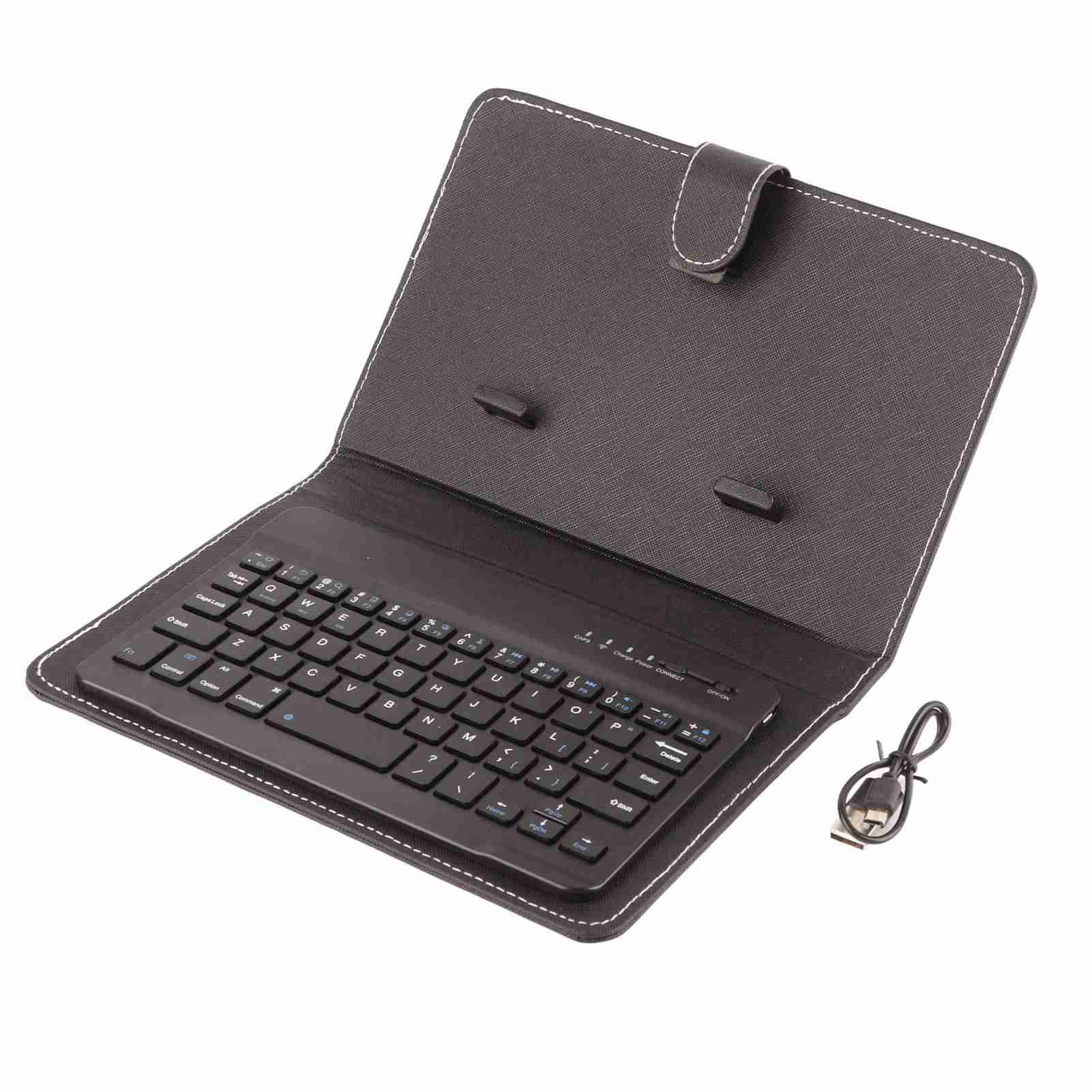
1 x Bluetooth Keyboard and Case
1 x USB Cable