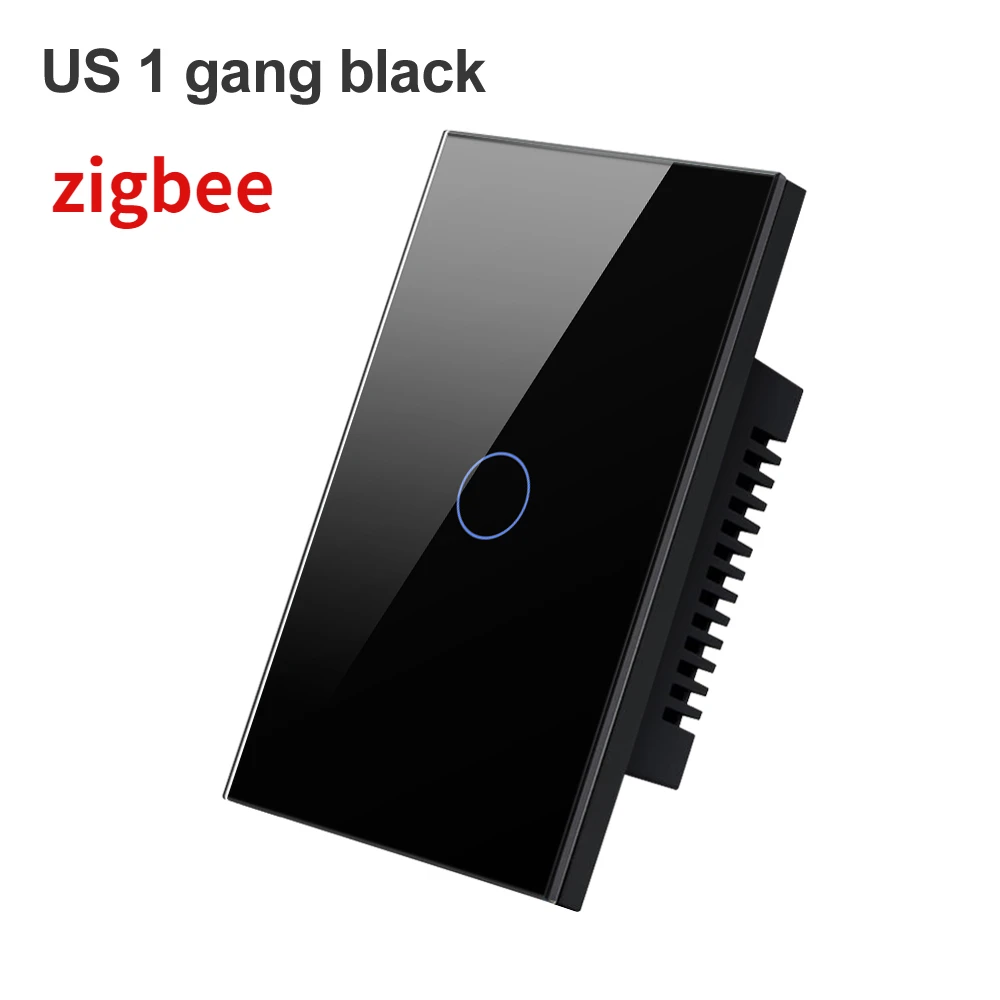
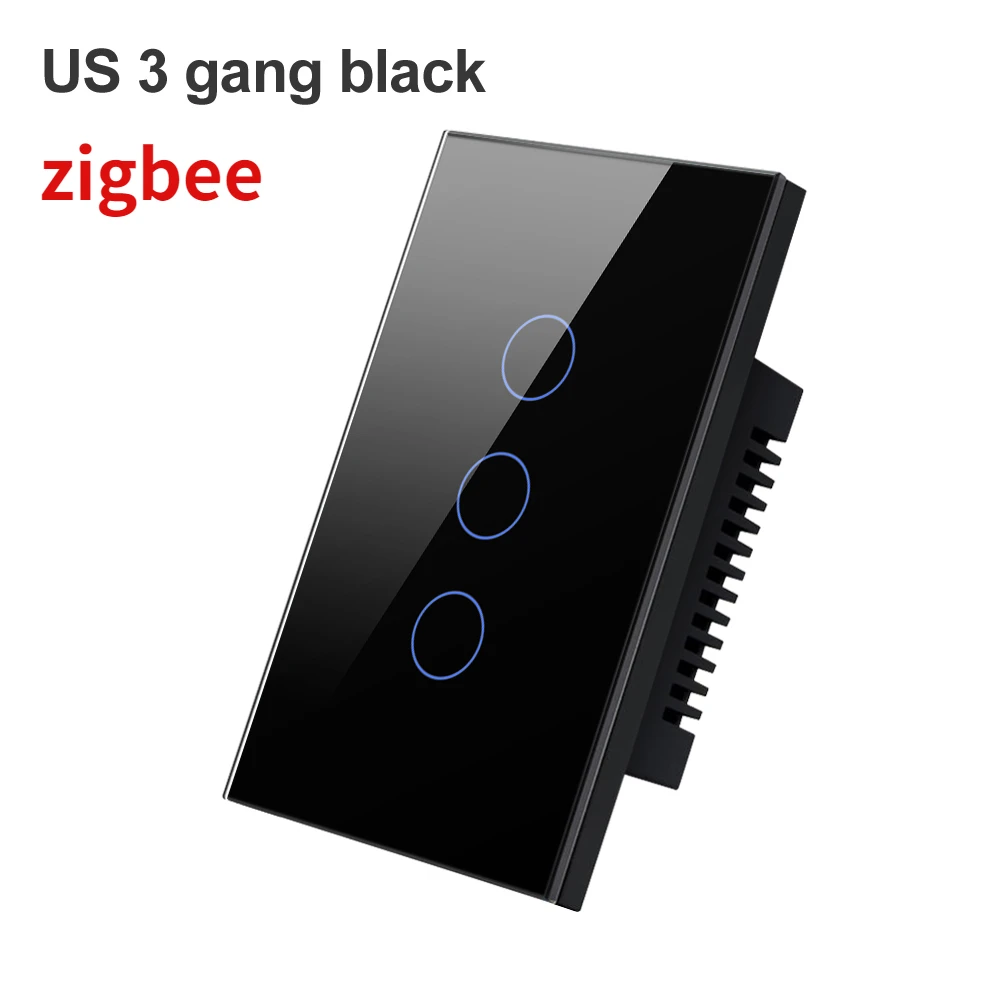
Melery Tuya WiFi/Zigbee Smart Light Switch - Wall Touch Sensor Glass Panel, Remote Control by Alexa & Google Home
Upgrade your home to a smart lifestyle with the Melery Tuya Smart Light Switch! Featuring a sleek tempered glass touch panel, this switch combines style, safety, and intelligence seamlessly. Support both WiFi and Zigbee connections, compatible with "Smart Life" app, Alexa, and Google Home for effortless control anytime, anywhere. Whether you need neutral wire or not, we've got you covered for different installation scenarios.
HIGHLIGHTS
-
Multi-Scenario Application: Compatible with "Smart Life" app (recommended) and other commonly used smart home apps, easily integrating into your existing smart home ecosystem .
-
Superior Safety Protection: Adopts tempered glass touch panel and ABS flame-retardant material, featuring water-proof, moisture-proof and fire-proof performance. Effectively avoid electric shock risks, ensuring family safety .
-
Customizable Intelligent Scenes: Set personalized scene modes according to your needs, such as conference mode, outgoing mode, rest mode, etc. Fully adapt to various life scenarios and simplify your daily routine .
-
Soft LED Night Light: The LED indicator turns purple when the light is on and blue when off. The soft light won't disturb your sleep, helping you find the switch easily in the dark.
-
Reliable Timer Function: Preset on/off times via the app. Even without network, the switch can work normally as scheduled as long as the power is supplied continuously, saving energy and money .
-
Easy Installation & Maintenance: Simple wiring design (neutral wire required or not optional), smooth touch panel is easy to clean. Suitable for most home decoration styles .
-
Voice & Remote Control: Seamlessly connect with Alexa and Google Home for hands-free voice control. Control your lights remotely via the app even when you're not at home, enhancing home security .
PAIRING METHODS Zigbee Version Pairing Steps
-
Prepare a Tuya-compatible Zigbee gateway (ensure the gateway firmware version meets the requirements: wired Zigbee gateway ≥1.19.2 (WiFi)/1.0.13 (Zigbee); mini multimode gateway ≥1.4.8 (WiFi)/2.4.1 (Zigbee)) .
-
First, connect the Zigbee gateway to the "Smart Life" app according to the gateway's user manual (power on the gateway, add it via the app and complete WiFi settings).
-
Wire and power on the Zigbee smart switch. Press and hold the switch button for 5-10 seconds until the LED indicator blinks to enter pairing mode .
-
Open the "Smart Life" app, enter the Zigbee gateway's device page, and tap "Add Sub-device".
-
The app will search and connect to the Zigbee switch automatically. Wait for the pairing to finish (LED indicator stops blinking).
-
Test the switch via the app to confirm successful connection, then customize the device name as needed .
Pairing with Alexa (Zigbee Version)
-
Ensure your Melery Zigbee smart switch has been successfully paired with the "Smart Life" app and connected to the Zigbee gateway.
-
Open the Alexa app on your mobile device and log in to your Amazon account.
-
Tap the "More" icon in the bottom right corner, then select "Skills & Games".
-
Search for the "Smart Life" skill in the search bar, tap on it and select "Enable to Use".
-
Log in to your "Smart Life" app account when prompted to link it with your Alexa account. After successful linking, tap "Discover Devices" or manually select "Discover" in the Alexa app.
-
Wait for Alexa to search for the paired Zigbee smart switch. Once discovered, the switch will appear in your Alexa device list.
-
You can rename the device in the Alexa app for easier voice control. Now you can use voice commands like "Alexa, turn on the living room light" to control the switch.
Pairing with Google Home (Zigbee Version)
-
Make sure the Melery Zigbee smart switch is already connected to the "Smart Life" app via the Zigbee gateway.
-
Open the Google Home app and log in to your Google account.
-
Tap the "+" icon in the top left corner, then select "Set up device" and choose "Works with Google".
-
Search for "Smart Life" in the list of supported services, tap on it and log in to your "Smart Life" account to link with Google Home.
-
After successful linking, Google Home will automatically sync the devices connected to your "Smart Life" account. If the switch doesn't appear automatically, tap "Sync devices" to manually trigger the sync.
-
Once the switch is synced, you can assign it to a specific room in the Google Home app. Now you can control it with voice commands such as "Hey Google, turn off the bedroom light".
SPECIFICATIONS
|
Item
|
Details
|
|
Product Size
|
7.2 x 12 x 3.5 cm
|
|
Supported System
|
IOS 8.0 / Android 4.0 and above
|
|
Wi-Fi Band (WiFi Version)
|
2.4GHz
|
|
Material
|
ABS flame retardant
|
|
Panel Material
|
Tempered glass
|
|
Rated Power
|
600W/gang
|
|
Rated Current
|
10A
|
|
Input Voltage
|
AC110 ~ 240V, 50 / 60hz
|
|
Standby Consumption
|
0.45w/0.1mA
|
INSTALLATION PRECAUTIONS
-
Always disconnect the power supply before installation to avoid electric shock.
-
Ensure the switch box depth is at least 35mm to fit the switch properly.
-
Correct wiring: Live wire goes into L terminal, neutral line goes into N terminal (for neutral wire required version).
-
If you have no experience in electrical wiring, please ask a professional electrician for installation to ensure safety.
PACKAGE LIST
-
Melery Smart Light Switch × 1
-
User Manual × 1
-
Mounting Screw × 2
WARM REMINDER
Do not cover the glass panel when the switch is powered on. If the glass panel is covered during operation, the switch may stop working. In this case, please restart the main electric switch of your home, and the switch will resume normal use.
Note: For Zigbee version, Zigbee gateway is not included in the package and needs to be purchased separately. Please confirm your home network type (2.4GHz for WiFi version) before purchase to ensure compatibility.
Choose Melery Smart Light Switch to enjoy a smarter, safer and more convenient home life! If you have any questions about pairing, installation or use, please feel free to contact our customer service team.