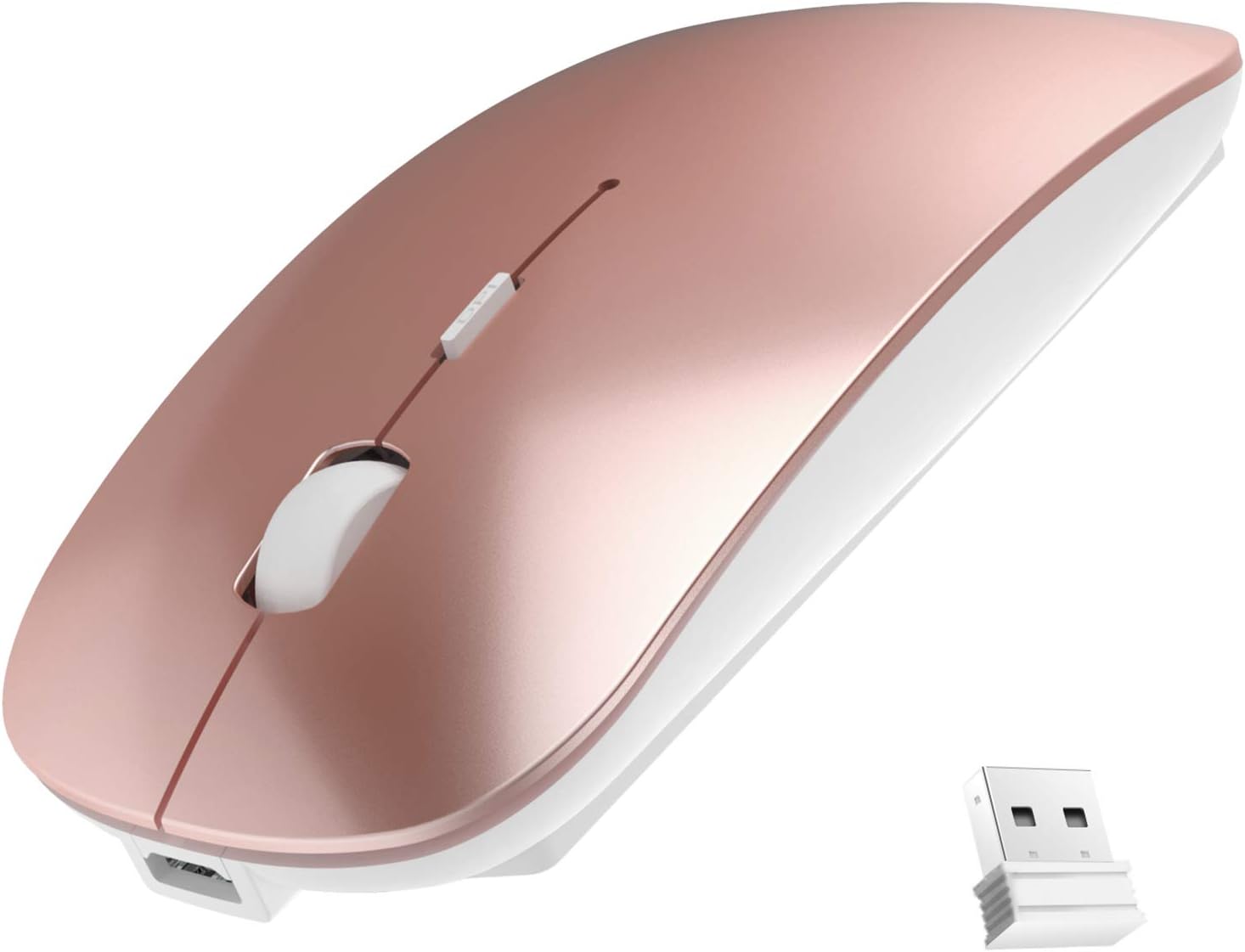
Wireless Mouse, 2.4G Slim Mute Silent Click Noiseless Optical Mouse with USB Receiver Compatible with Notebook, PC, Laptop, Computer, MacBook (Rose Gold)
Description
Note: The USB receiver is located at the bottom of the mouse.
How to use this wireless mouse:
1. Just take the USB receiver from the bottom of the mouse, then insert the USB receiver into the computer USB port. Then secondly turn on the power switch on the back of the mouse, when the mouse pointer appears on the computer screen, move your wireless optical mouse to check it works.
Note:
1. In order to save space, the USB receiver is stored at the bottom of the mouse, please kindly check it.
2. The left and right button of the mouse is quiet (relatively quiet not absolutely). The scroll is silent when you roll it, but it will make a sound when you press it.
3. To ensure a better signal transmission, please confirm that there's no obstacles or electromagnetic wave around the mouse.
4. Please kindly understand that Battery lifespan may vary with different user habit and battery capacity.
Package Included:
1 x Rechargeable wireless mouse.
1 x USB receiver(at the bottom of the mouse)
1 x USB charging cable
1 x Instructions
Shipping
We only ship items to your eBay registered address for fast and accurate shipment. Thanks
We will ship most orders within 1 business day some items ship same day if ordered early enough
Delivery
>All shipments are shipped via USPS First Class (2-6 business day) from United States.Return Policy
All items qualify for returns within 30 days of receipt.Feedback
1.We strive for 5 star positive feedback. We try our best to offer the best service for our buyers.
2.Please message us via eBay before leaving negative feedback.Let's solve the problems together!
3.Please give us a chance to resolve any issues before posting a feedback.
4.Please contact us with any questions or concerns.