Apple CarPlay + Android Screen Mirroring USB Activation
Same day Very Fast Activation
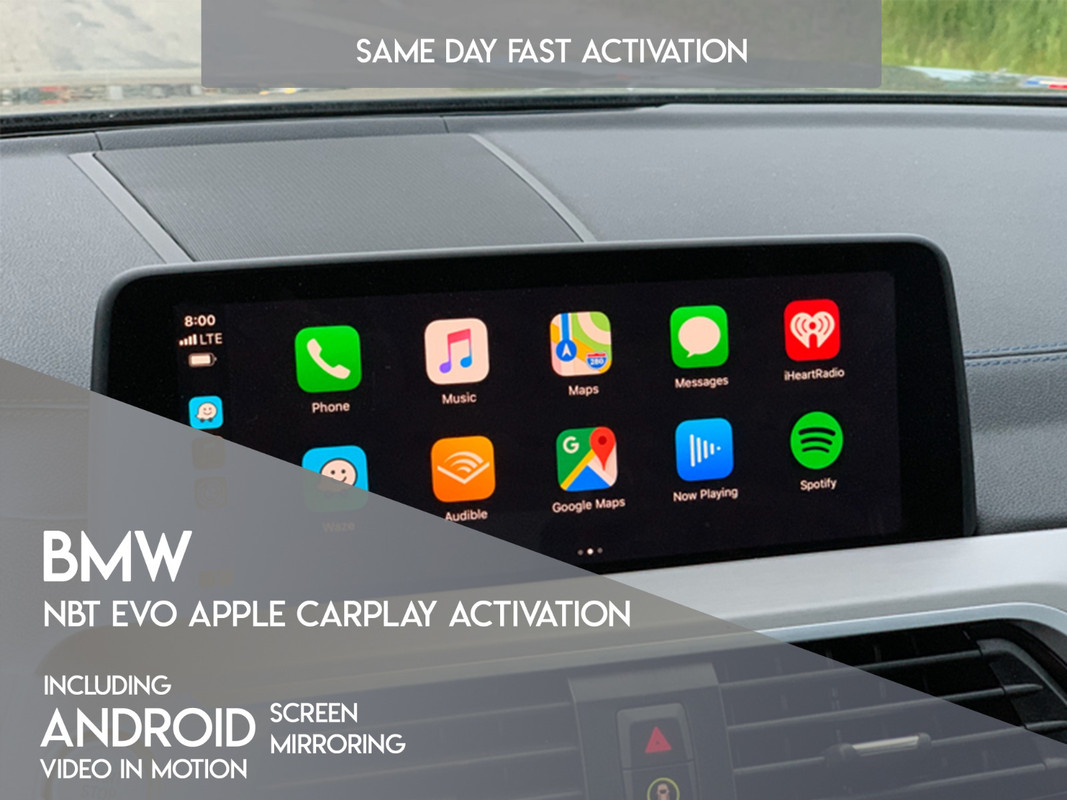
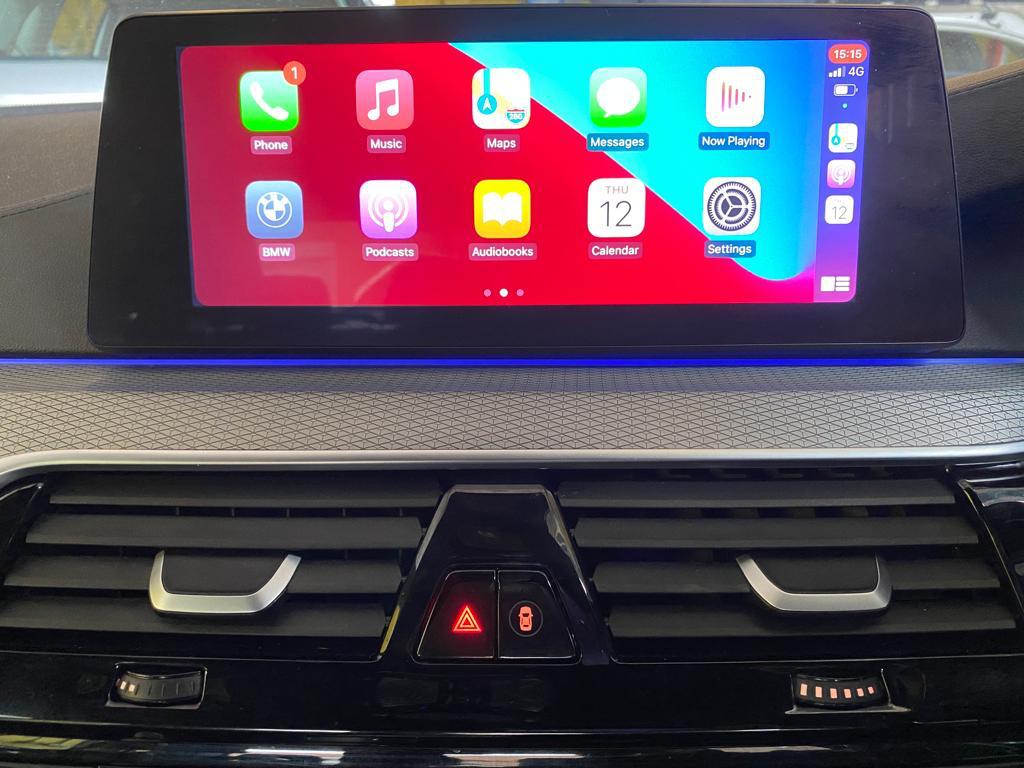
- This listing is offering Apple CarPlay & Android Screen Mirroring by USB activation, For Enet Activation Please use link below at bottom of listing
- All order must have a message attached in checkout with last 7 digits of VIN & a picture of your NBT EVO Version
If you have Retrofitted NBTEvo and are using a different VIN + Emulator, Please send that VIN
How to check what version NBT EVO you have?
Go to "Navigation">Chose"Map">Press "Options" Button>Select "Navigation Settings">Scroll down to "Position and Version">Select "Version Information"
What You will need for USB Activation?
FAT32 formatted USB Flash/Pen Drive to load the file we send you by email
How does the process go?
- Load the file we send you by email to a formatted FAT32 USB memory stick
- Insert USB into armrest port, Remove after 45 seconds
- Restart iDrive by pressing & holding the volume button
- Wait 30 seconds and the headunit will go into programming mode (Blue Screen), Wait till reboots
- Enjoy your newly added CarPlay
Additional Information:
- Some NBTEvo's come without WiFi Antenna, If you do not have wireless charging or Android Screen Mirroring already then you may not have it. You may need to purchase WiFi antenna and install
Troubleshooting:
If after CarPlay activation you cannot see the option, Please delete all your paired devices, Lock the vehicle for 10 minutes and pair again, All will then be working
DESCRIPTION