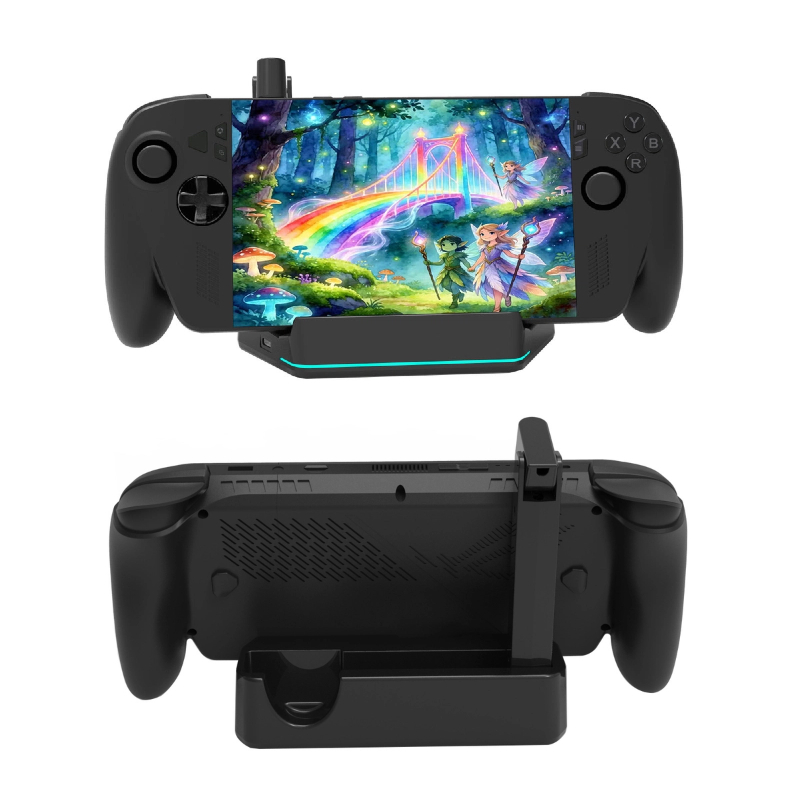
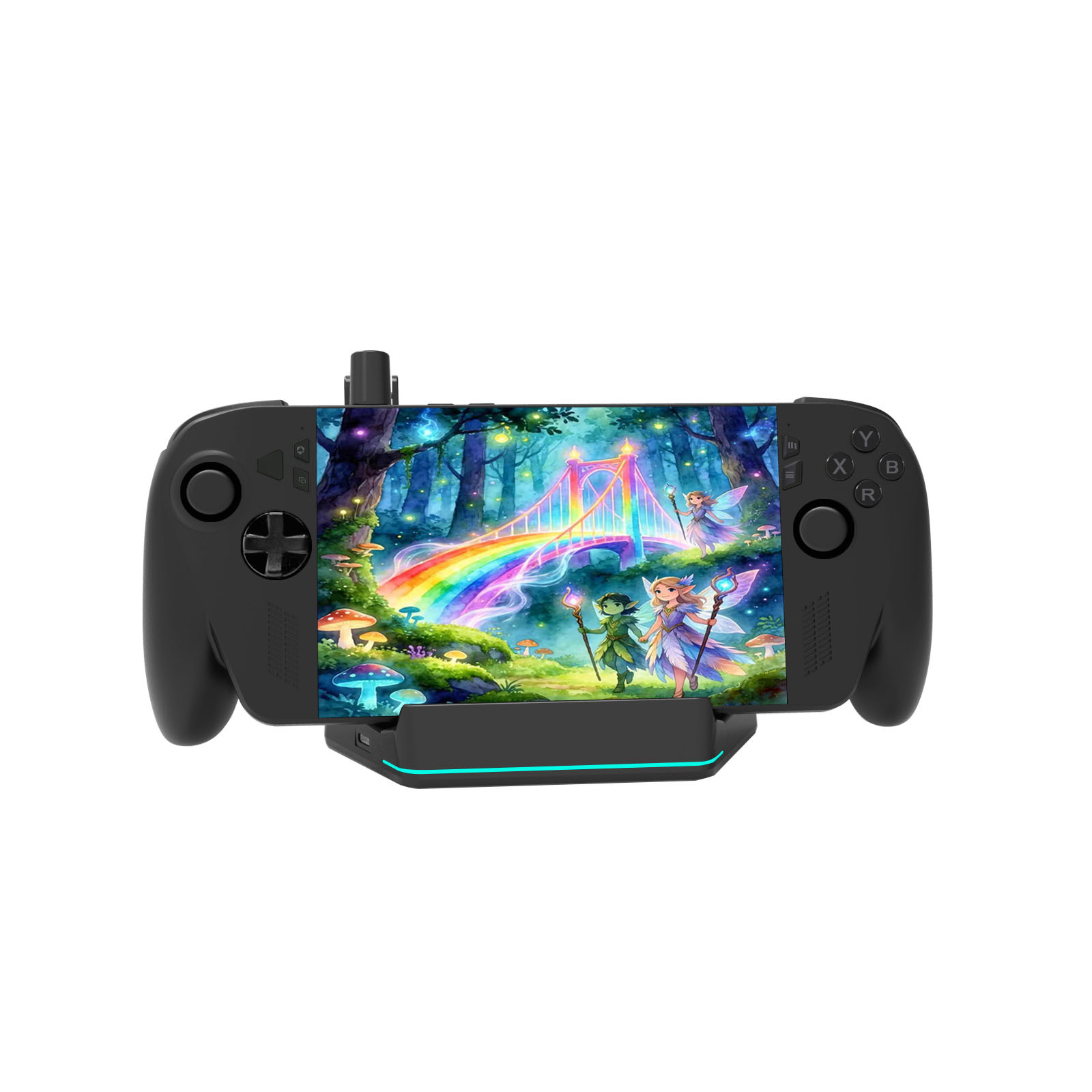
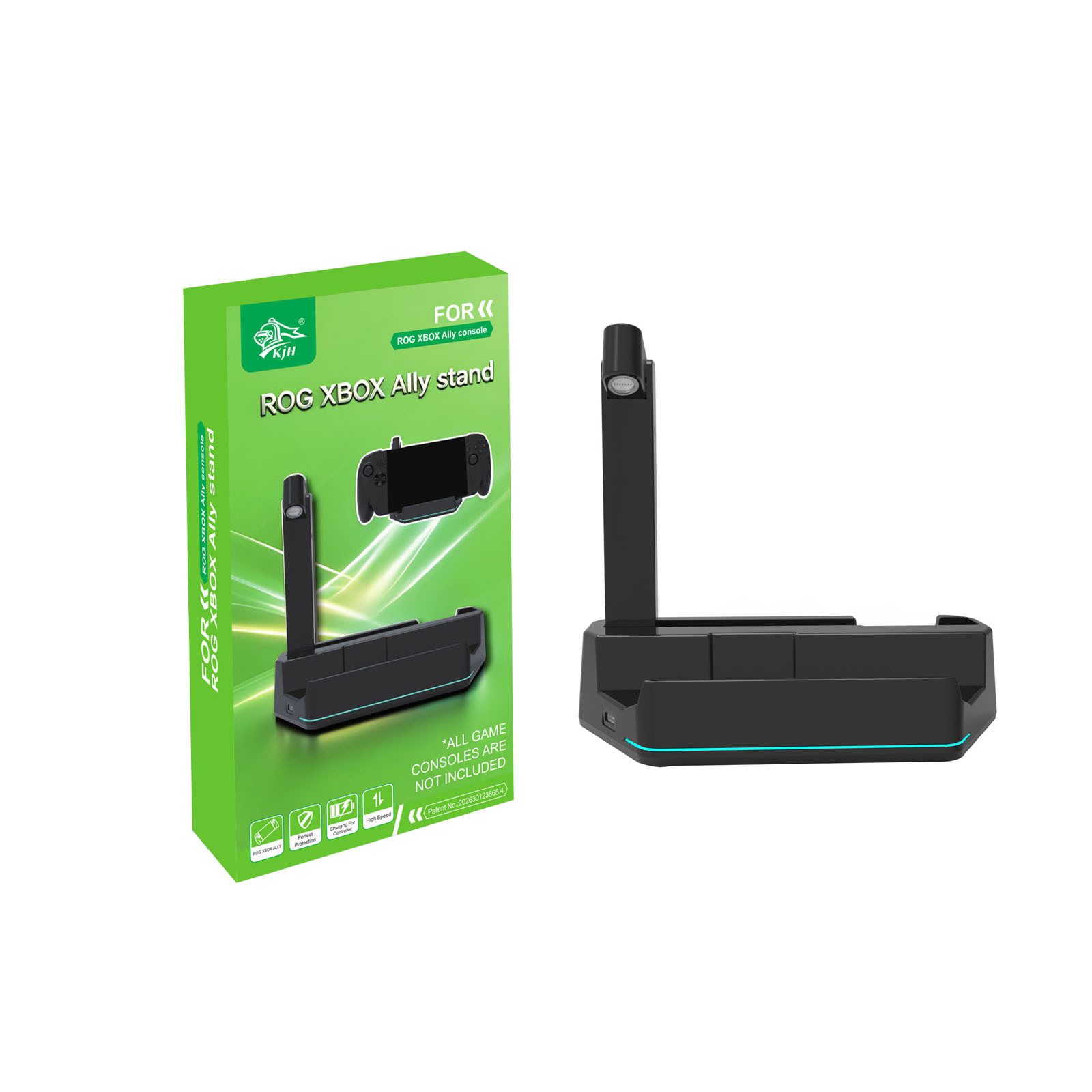
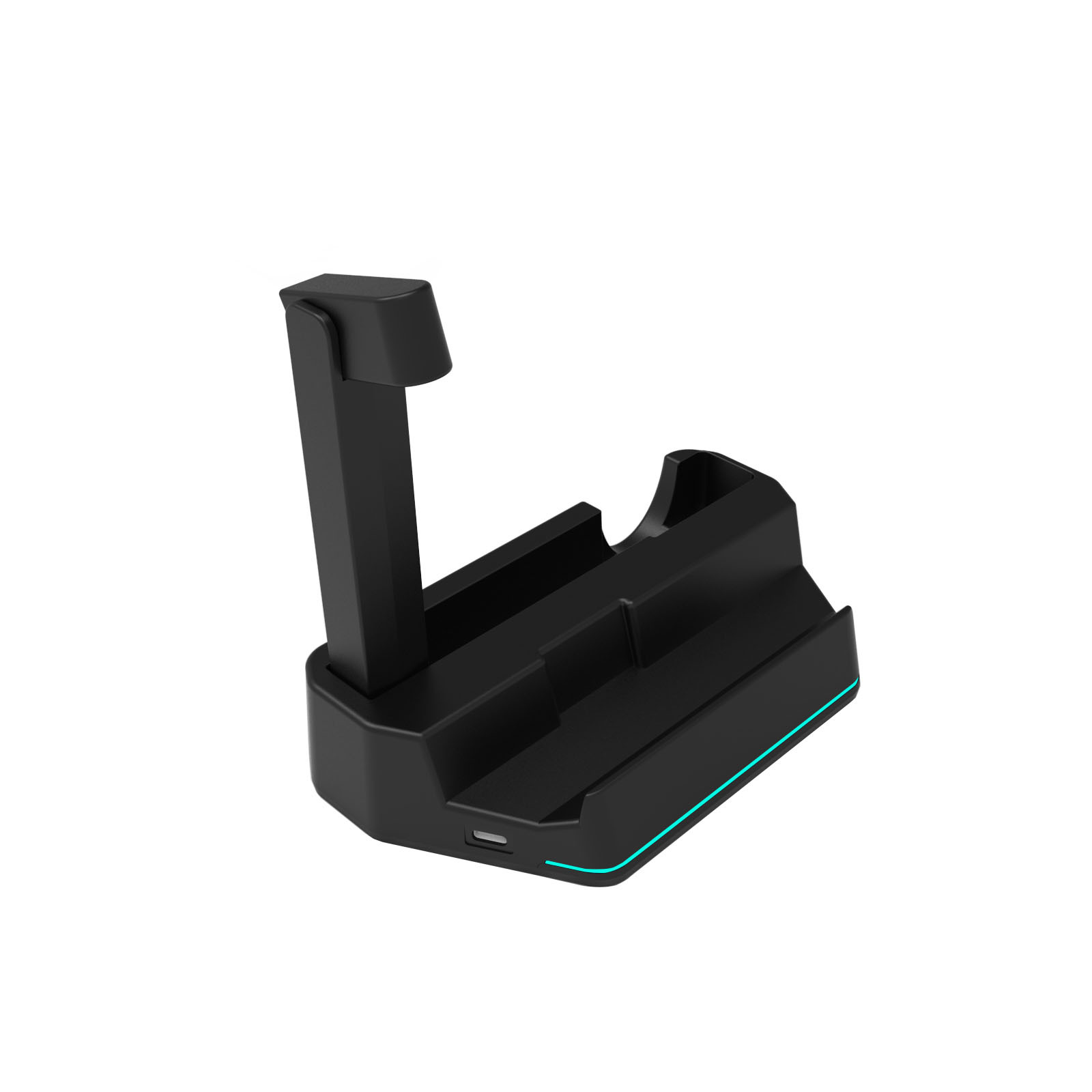
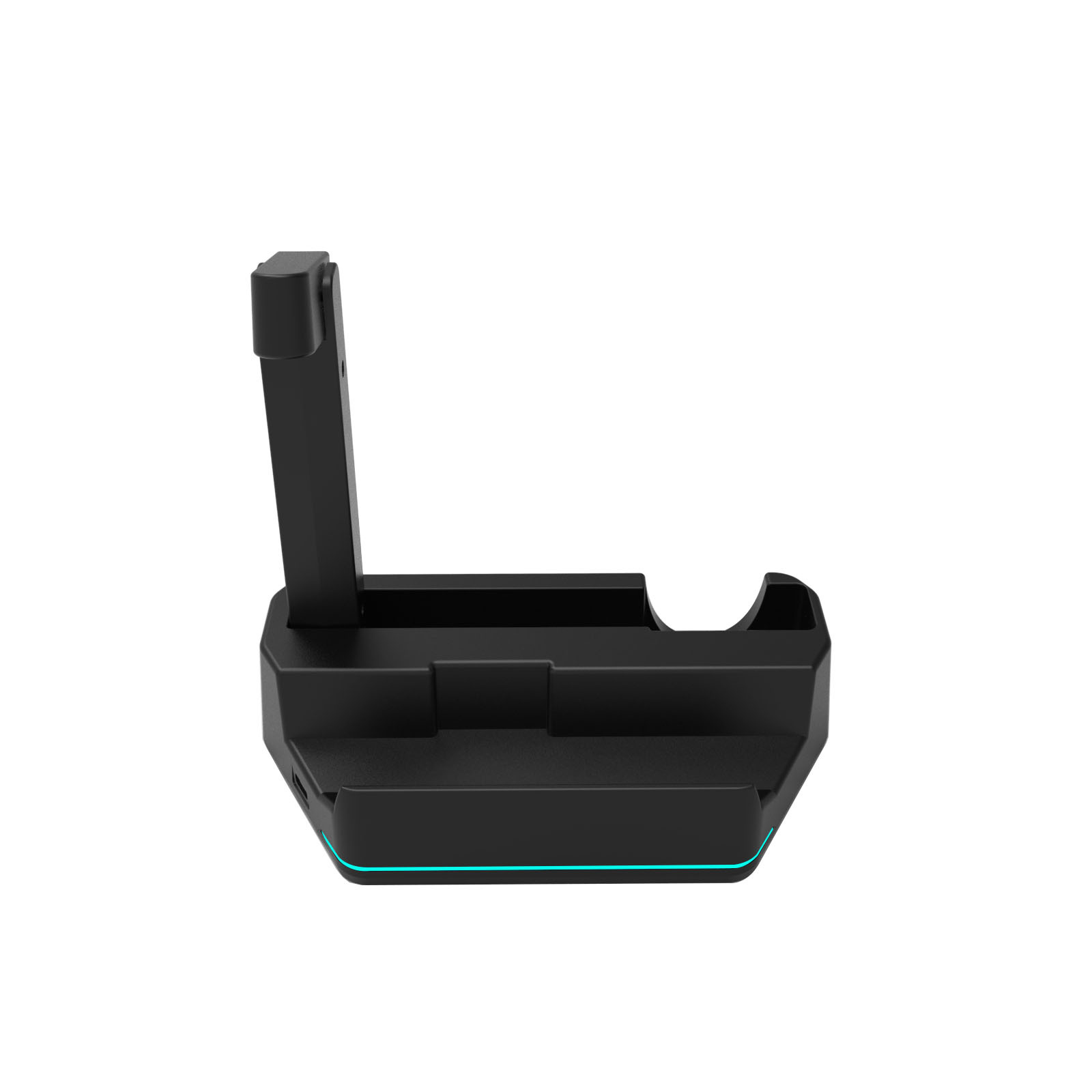
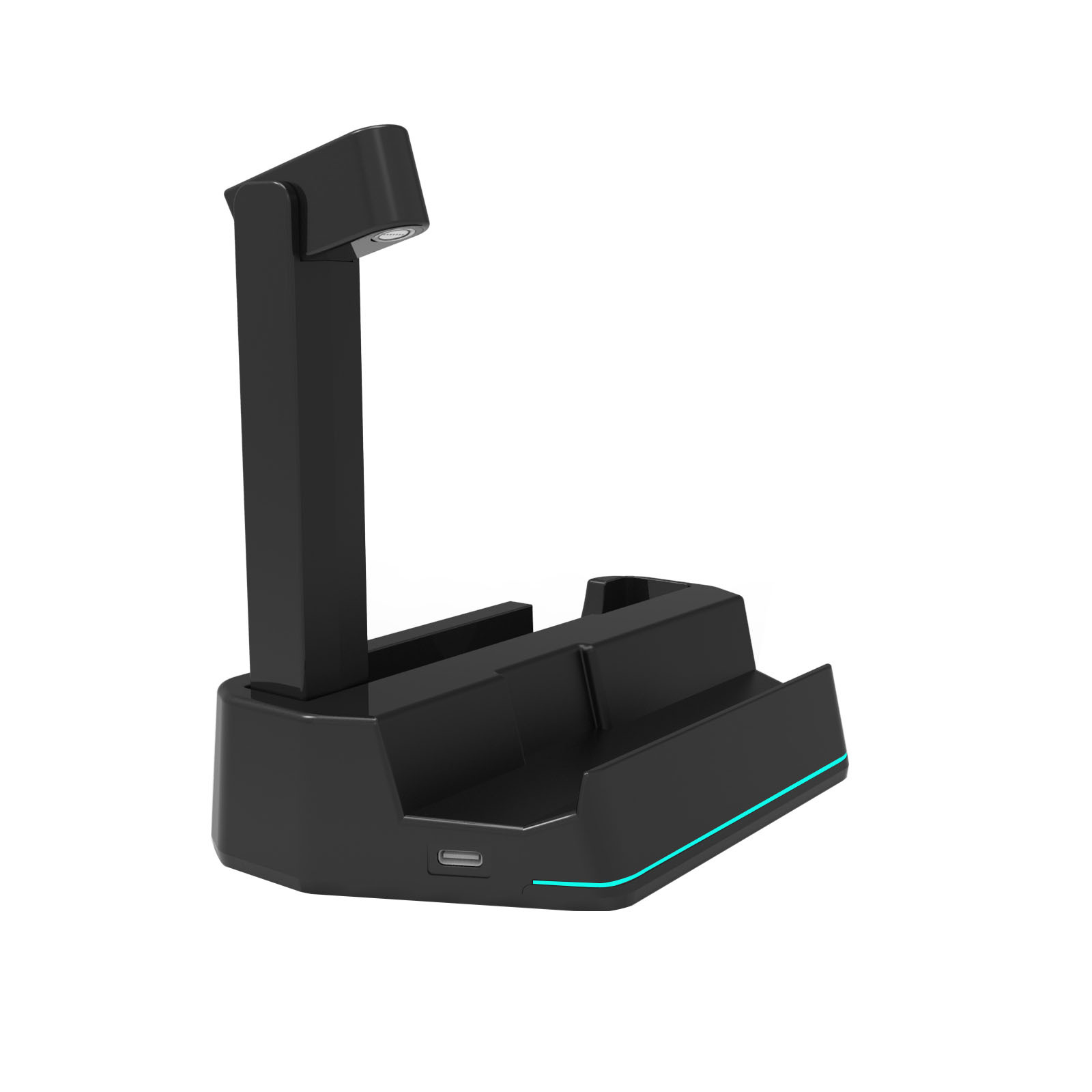
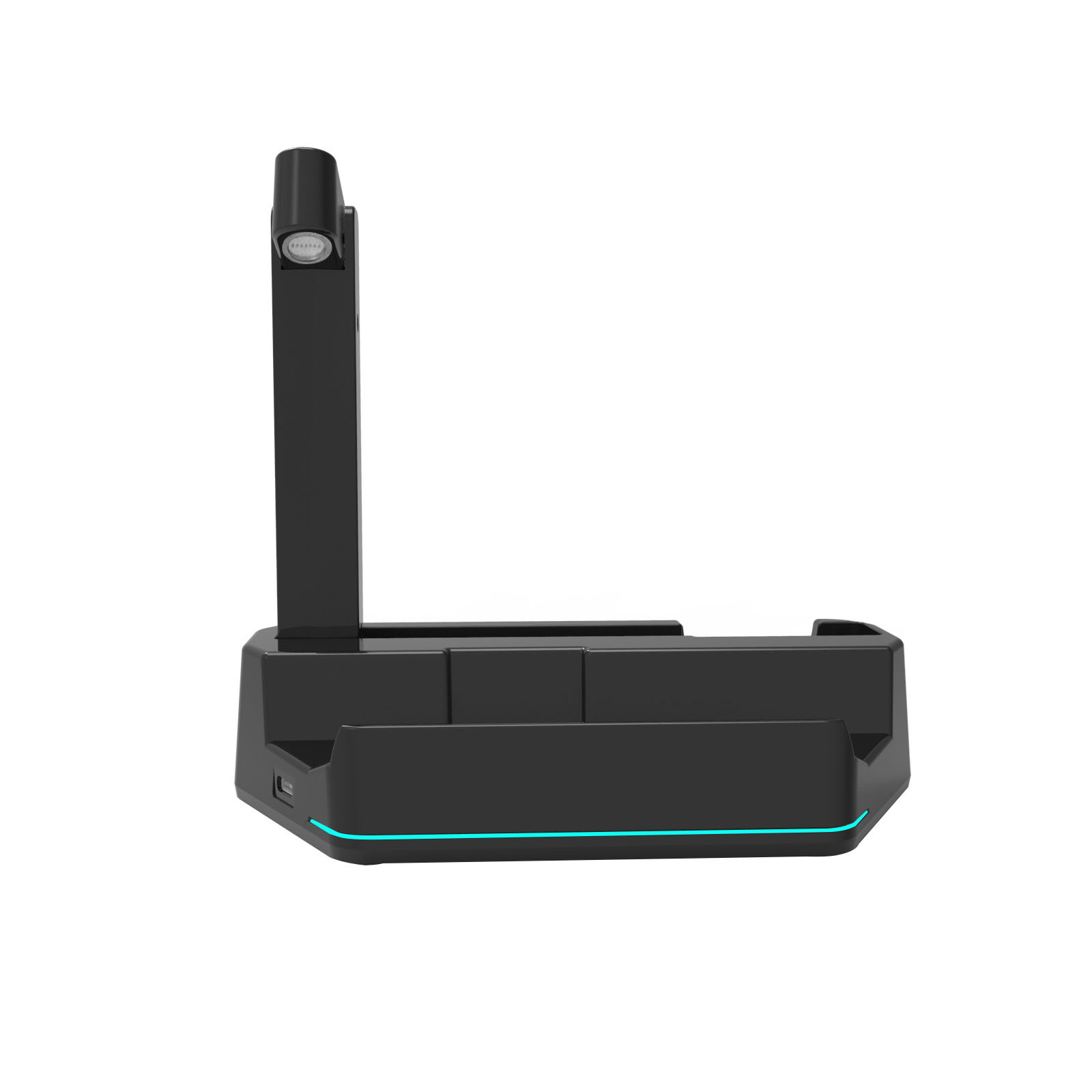
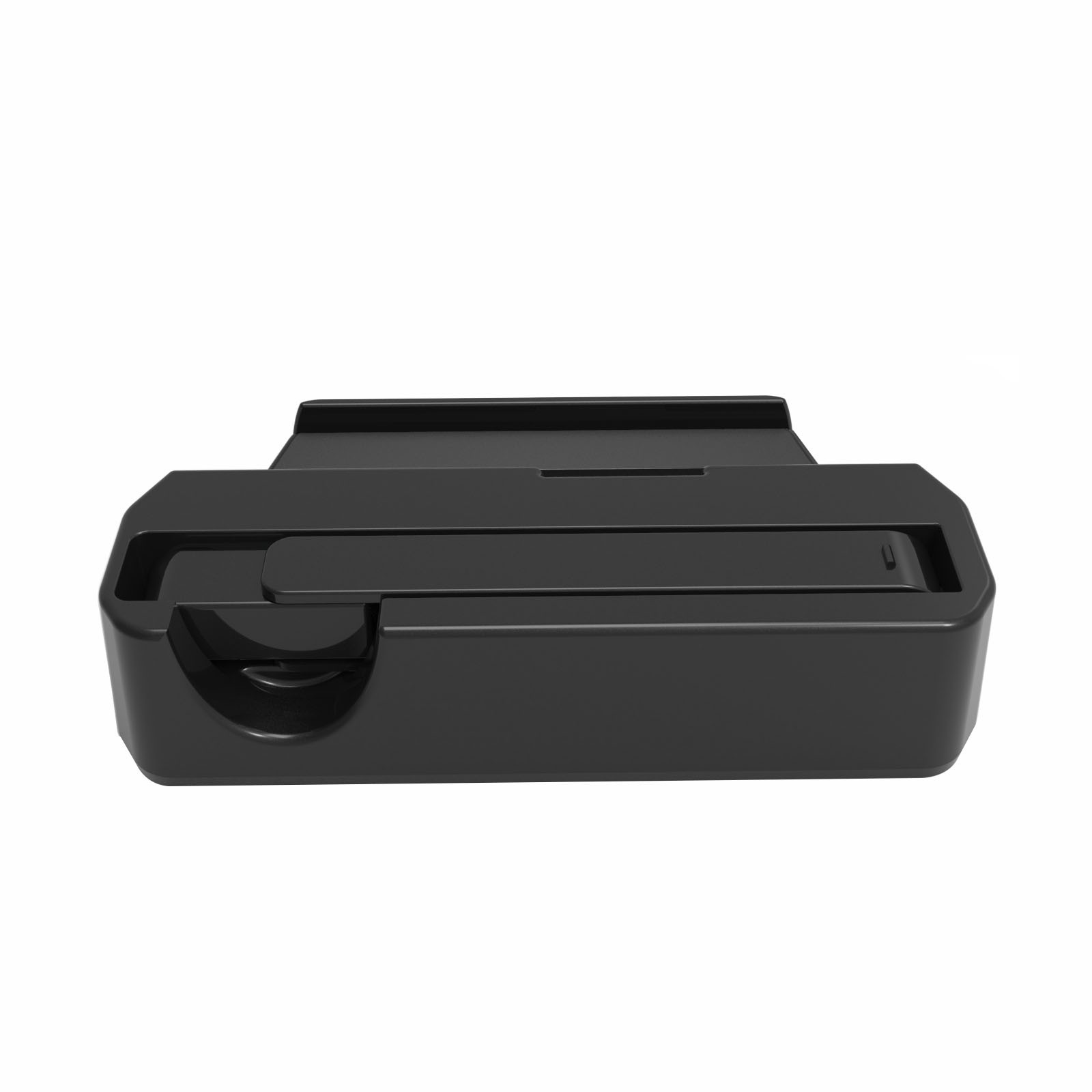
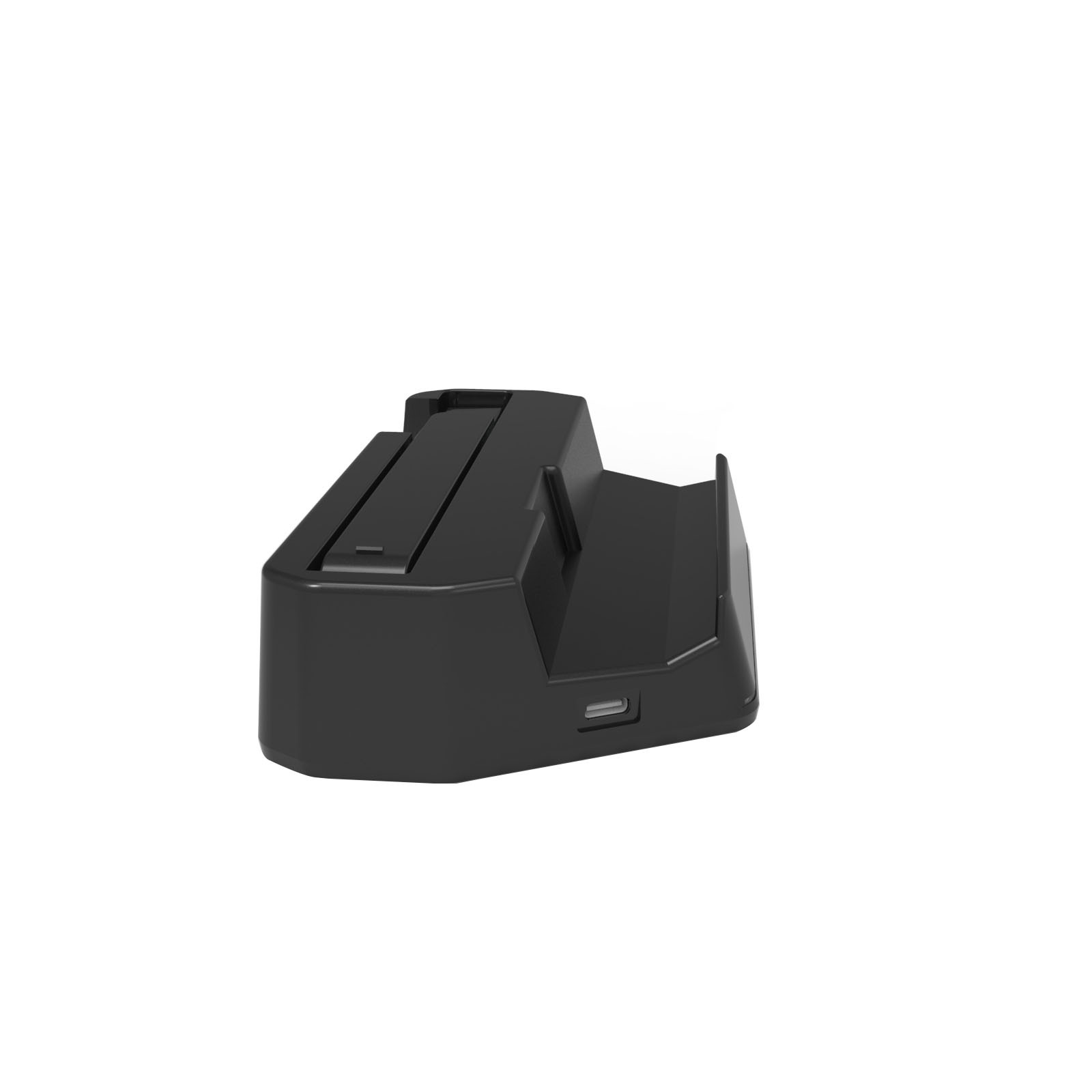
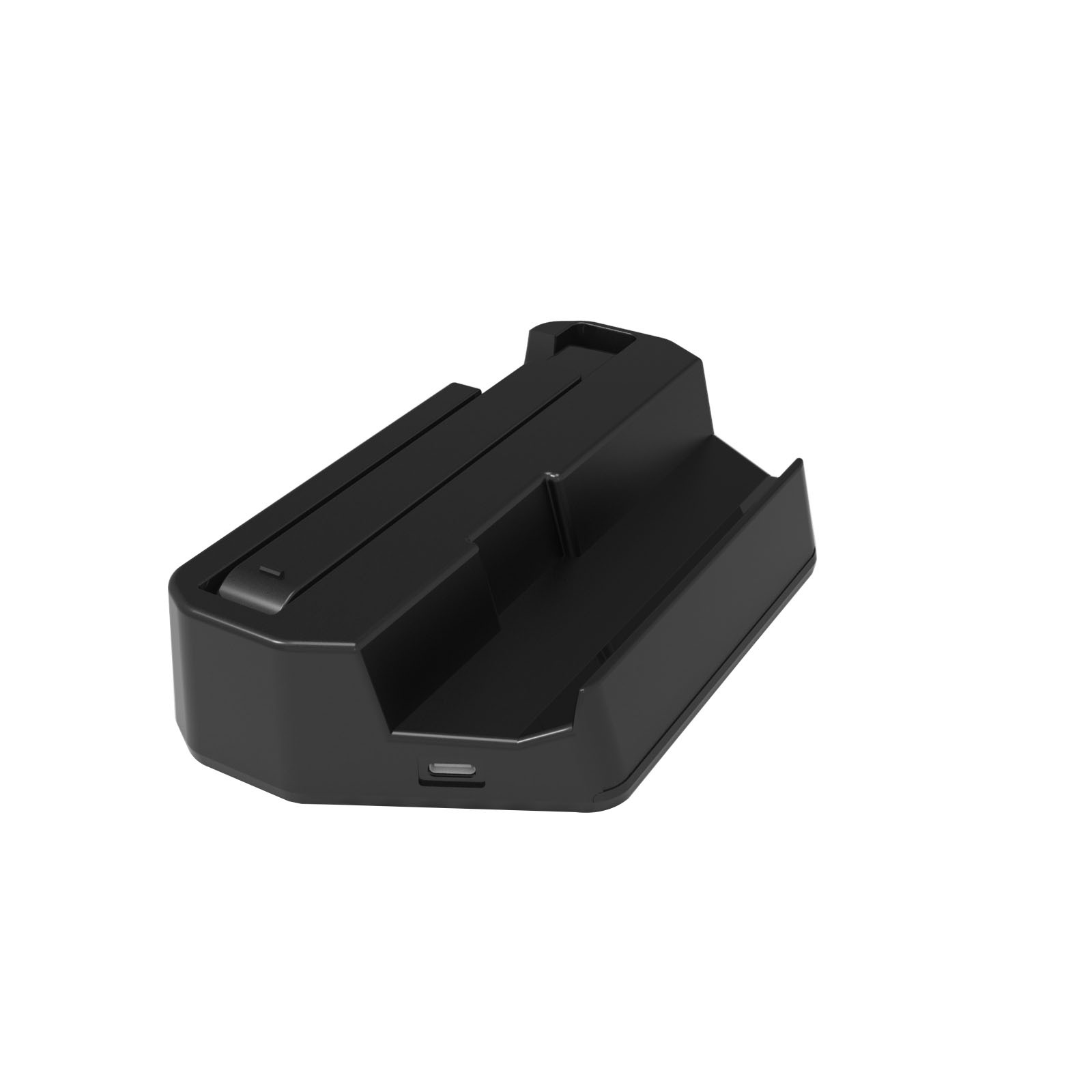
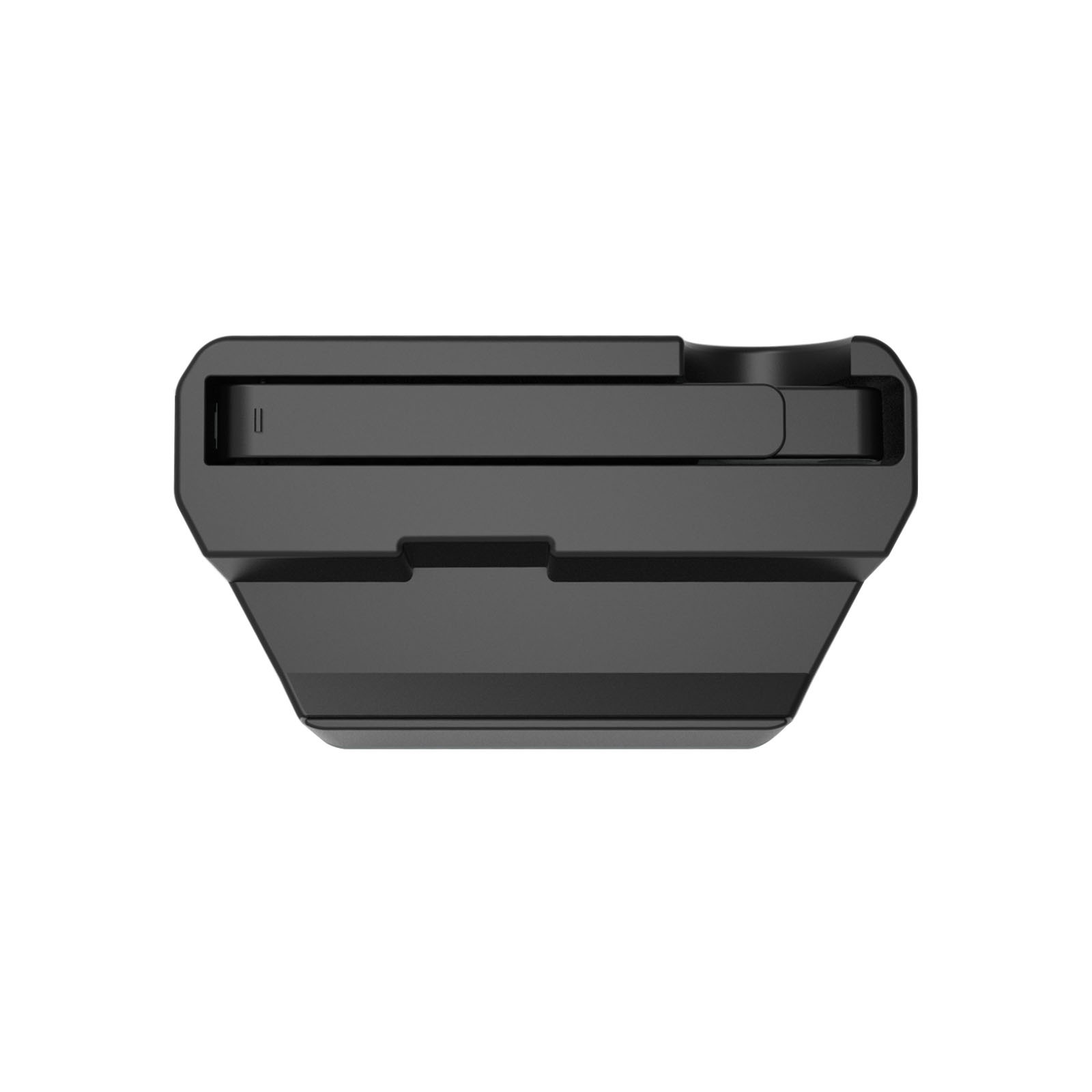
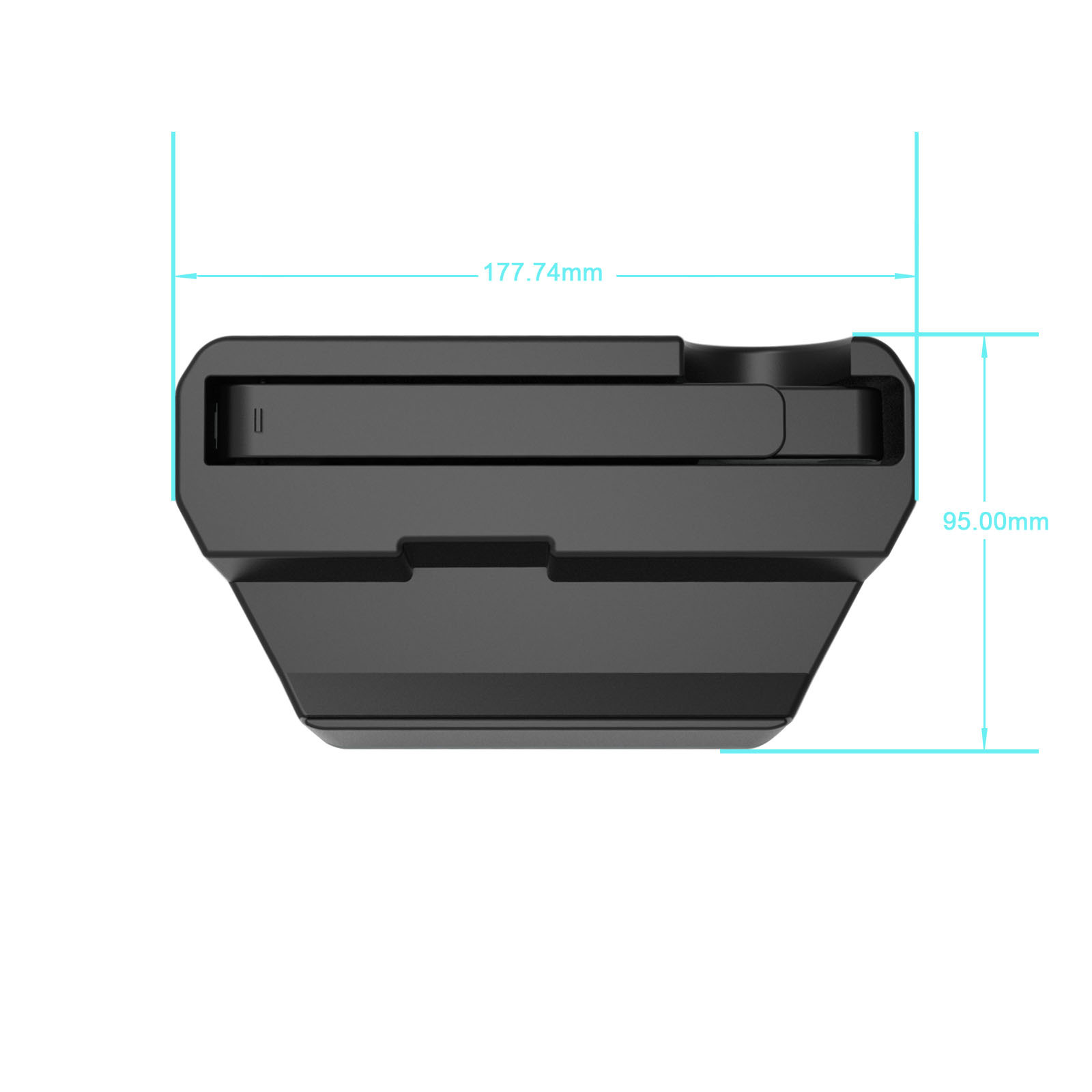
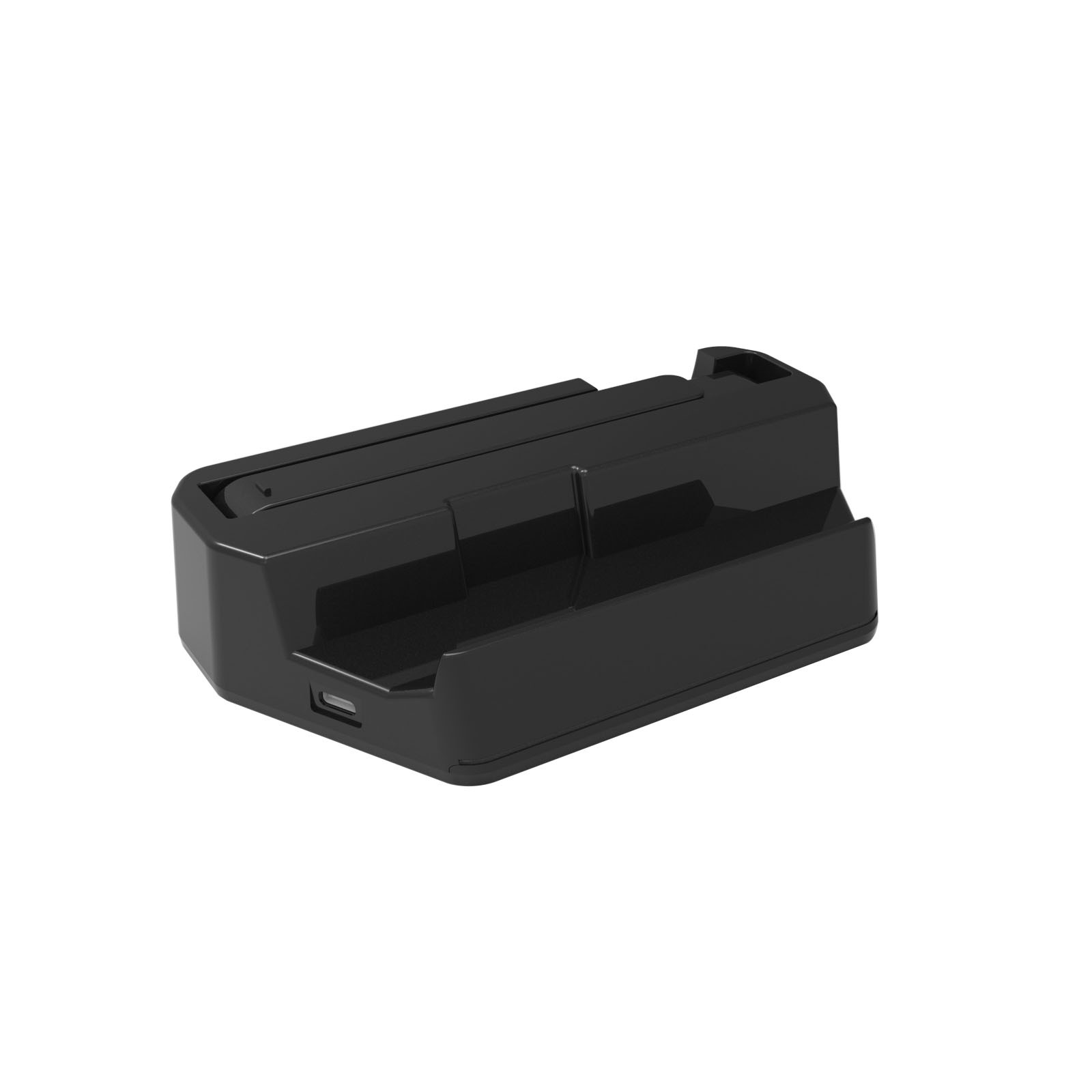
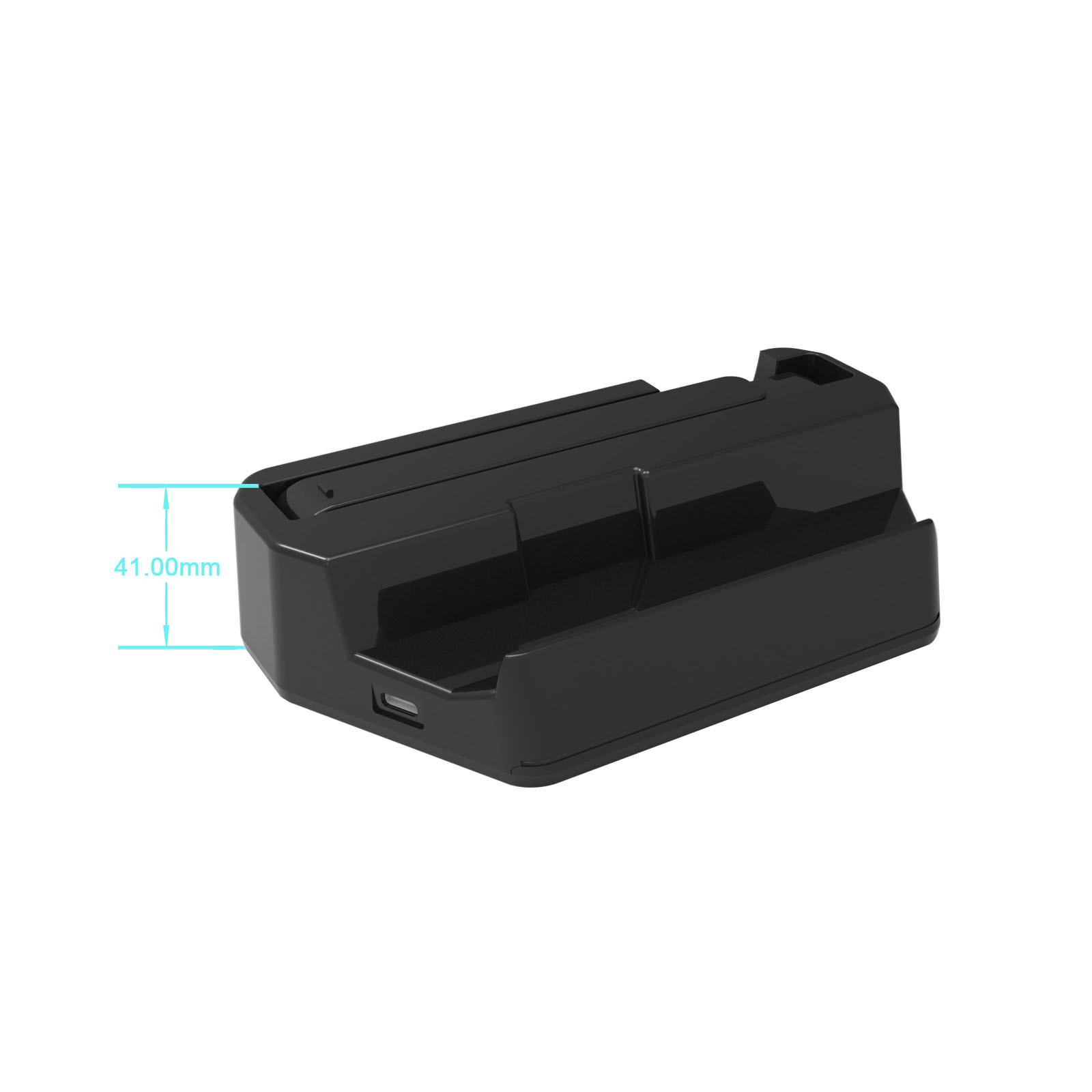
Description: 1. This product is a charging dock designed specifically for
charging the ROG Xbox Series X console. 8. Compatibility: For ROG XBOX Ally / Ally X
Handheld Console Special Note:
2. It features multiple functions, including fast charging, overvoltage
protection, and charging indicators. It is compatible with the console’s
dedicated charging cable and various PD power adapters, allowing you to quickly
charge the console while gaming.
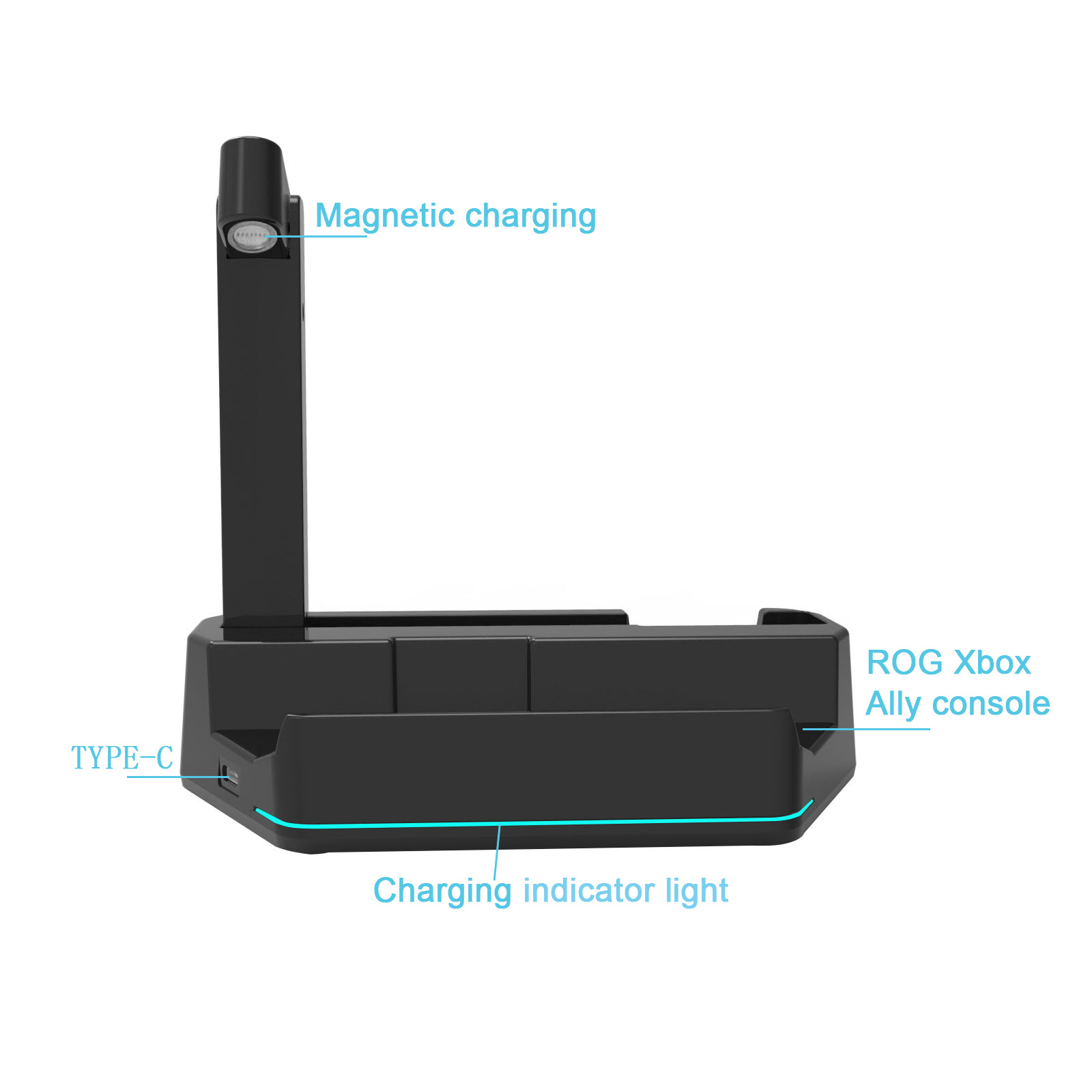
3. Insert the magnetic Type-C plug into the Type-C input port located near the
center of the top of the ROG console.
Insert the magnetic Type-C plug included with the product into one of the Type-C
input ports located near the center of the top of the ROG console;
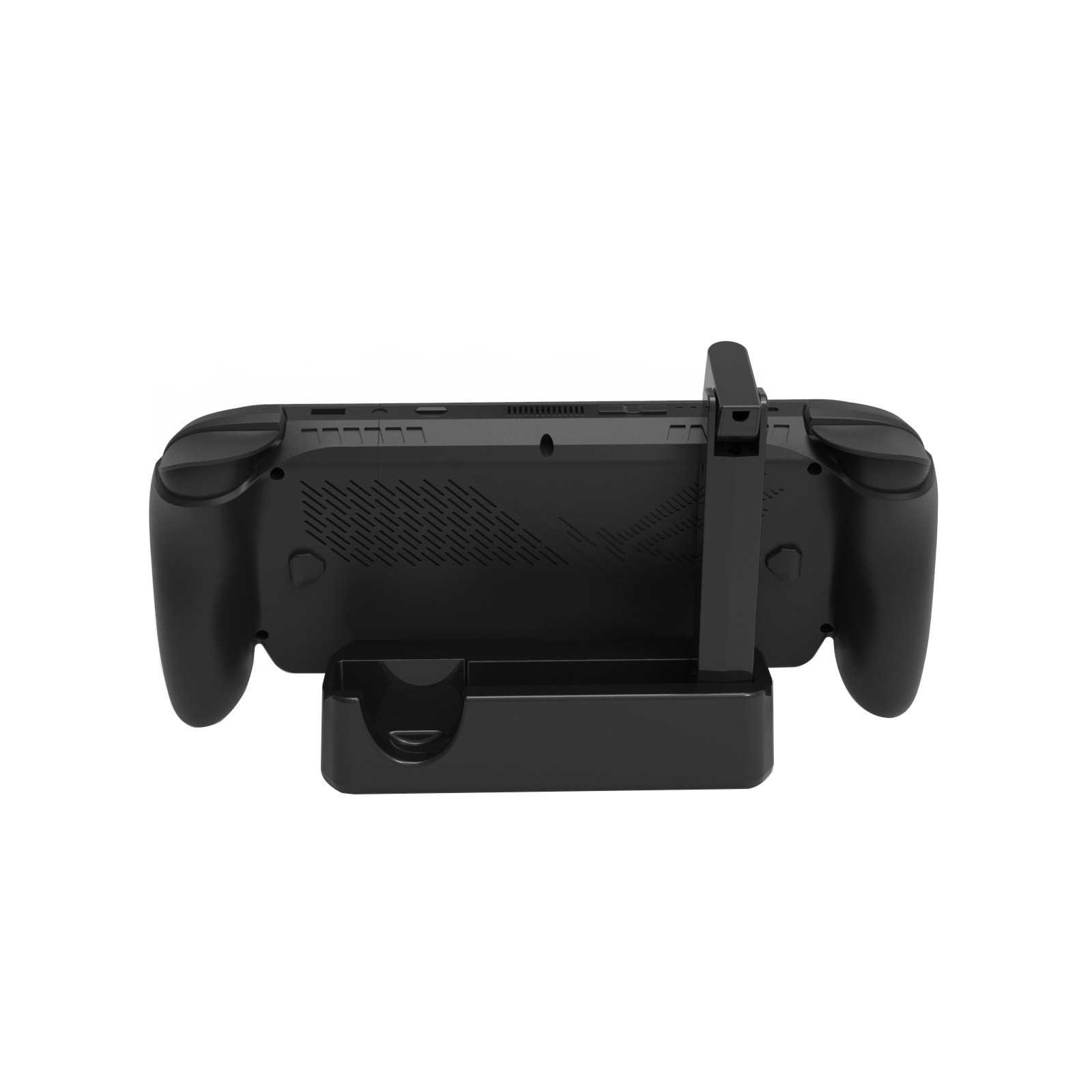
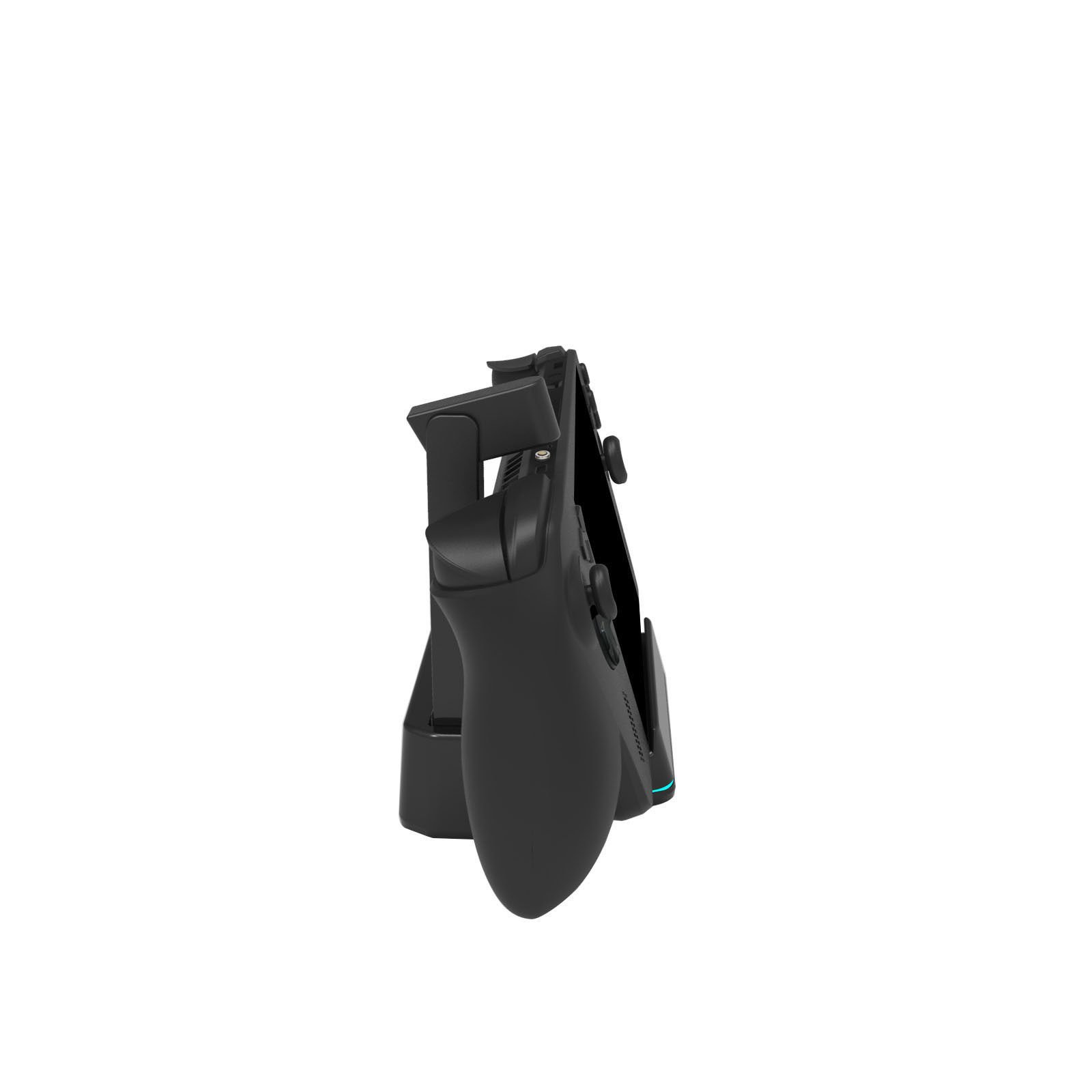
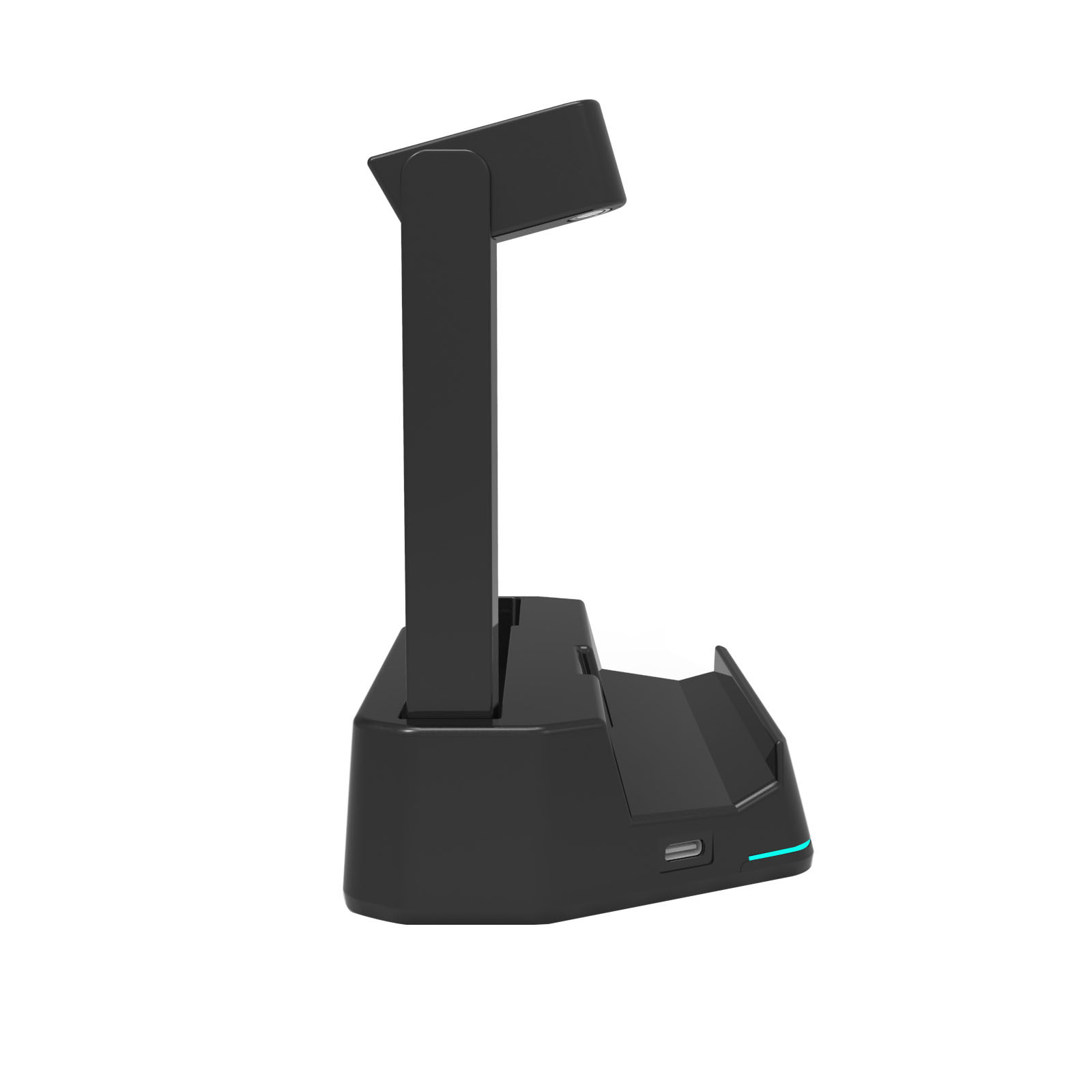
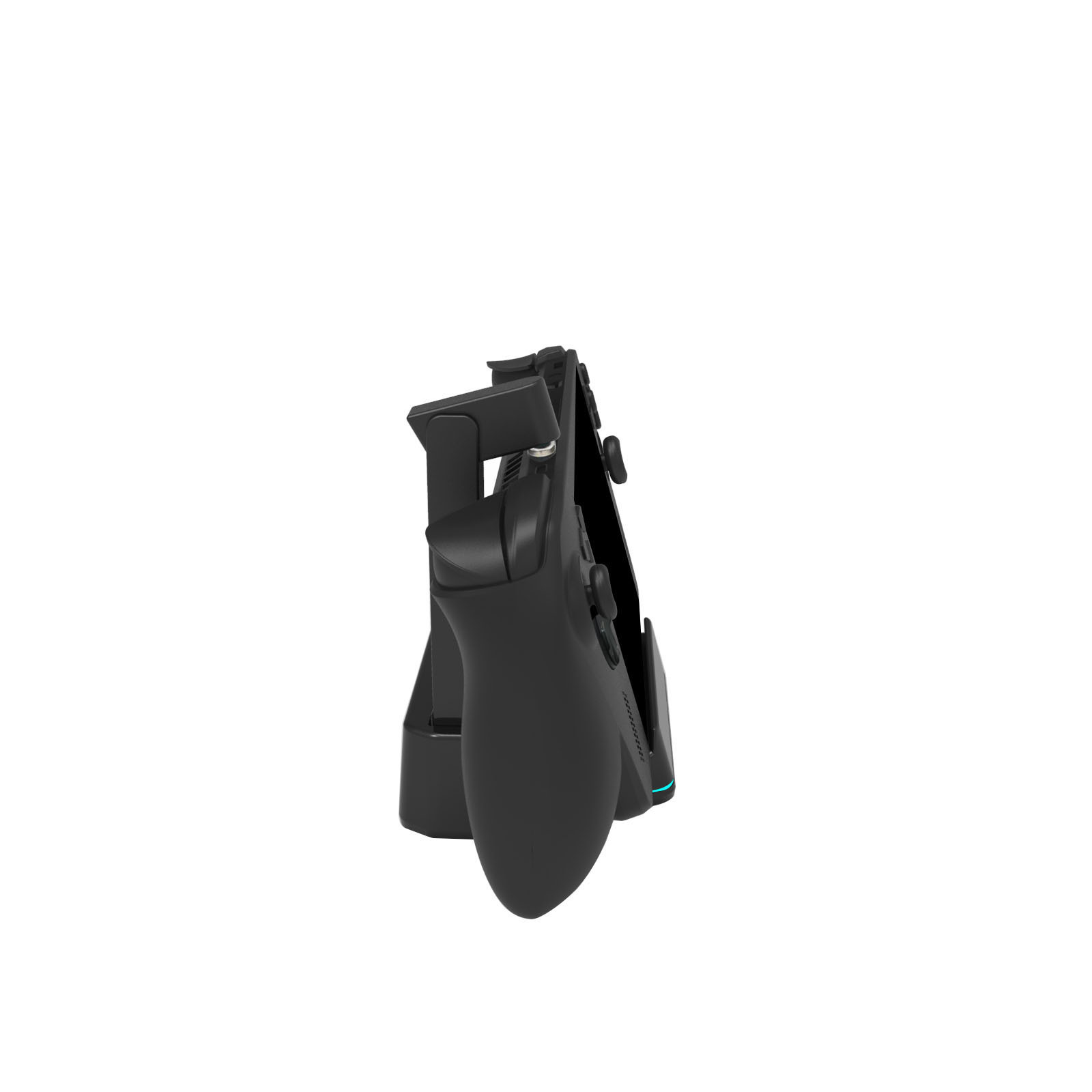
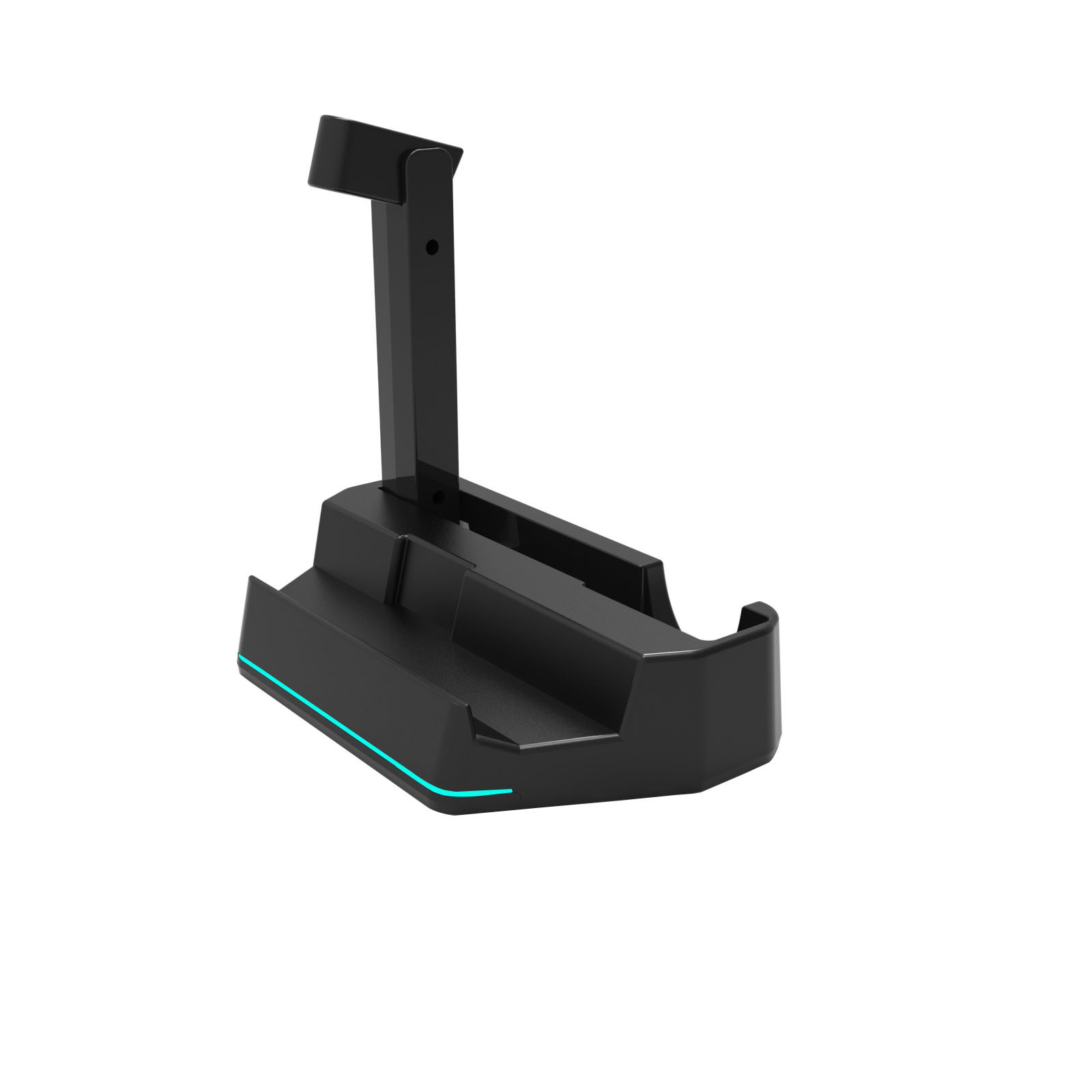
4. Place the console with the magnetic plug inserted into the charging dock’s
mounting position, and pull the charging arm on the dock out to a 90-degree
vertical position.
5. Connect by rotating the male magnetic connector on the charging dock so that
it aligns with the female magnetic connector on the ROG console, ensuring a
secure magnetic connection.
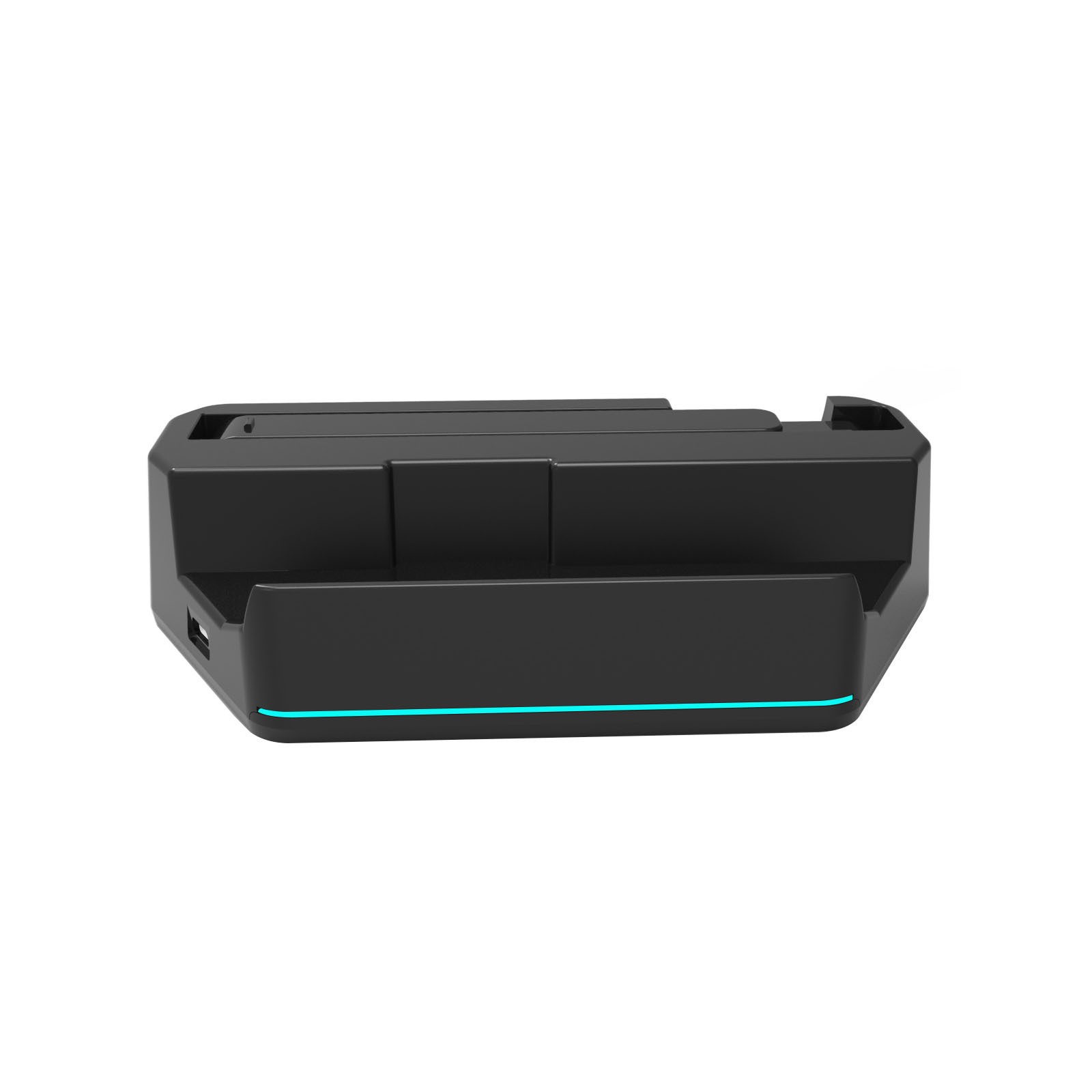
6. When the product begins charging the ROG device, an orange LED strip will
illuminate on the front of the product. Once fully charged, the orange indicator
will turn blue.
7. When the product is in standby mode and not connected to the ROG device, the
LED strip will not illuminate.
Due to the product’s high charging power requirements, standard 5V DC power
sources will either fail to charge the device or result in slow charging; only a
PD power adapter should be used. Use the Type-C charging cable included with the
PD power adapter and plug it into the Type-C port on the bottom of the product.
Package Includes:
Charging Dock x1
Note: other accessories are NOT include.
1.We are happy to exchange positive feedbacks.
2.Please leave us all positive feedbacks and all "5 Star" ratings, we will do the same to you.
3.Please do not leave us any negative or neutral feedbacks before contacting us to solve the problem. (It won't help you solve the problem any faster by leaving negative feedbacks, only by contacting our professional customer support can help you solve the problems.
1. We accept payment via Paypal only.
2. Payment must be made within 7 days, Non-payment may result in an UPI (Unpaid Item).
3. After the items are mailed the buyer want to change the color and size, we can not accept.
4. If you have bought multiple items from me, you can send me one payment for all the items instead of paying for them individually. When you click the Pay Now button, eBay will automatically determine if there are other items you have won or purchased from me and will combine them for your review.
1.We ship to your eBay or Paypal address. Please make sure your eBay and Paypal
address is correct before you pay.
2.Items will be shipped within 10-15 business day when we received payment.
3.Delivery time depends on destination and other factors;
4.International buyers please note:
1>.Import duties, taxes and charges are not included in the item price or shipping charges.
2>.Please check with your country's customs office to determine what these additional costs will be prior to buying.
1. We stand behind every product we sell. If you're not pleased with your purchase, please kindly contact our customer service representatives via email or ebay "Contact seller"
2. Buyer is responsible for return costs 30 days replacement or money back as you like. Buy with confidence!
3. If you are not satisfied with the item you received, please contact us and then return it within 30 days.You will get a replacement or money back after item returned to our warehouse.
4. If item is defective, you can contact us and send it back to us. We will send a new one to you after receiving the defective item. But you have to pay the extra shipping fee.
1.If you are satisfied with our goods, please give us a positive feedback, thank you for your assistance.
2.If you are not satisfied, please kindly let us know. Your constructive advice will be our motion to revise and improve, thank you for your understanding.
3.You could contact us via ebay message.
4.We will reply you within 24 hours.

