
The New 22" Benchmark.
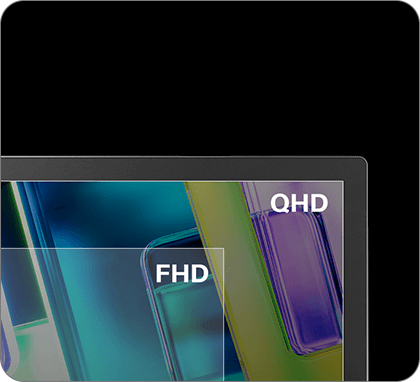
21.5″ 2.5K
90Hz Dislpay
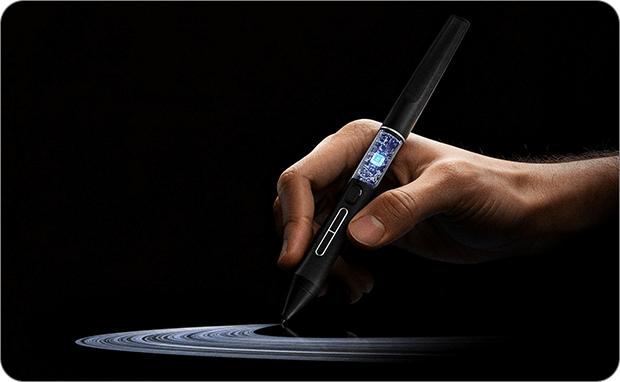
PenTech 4.0
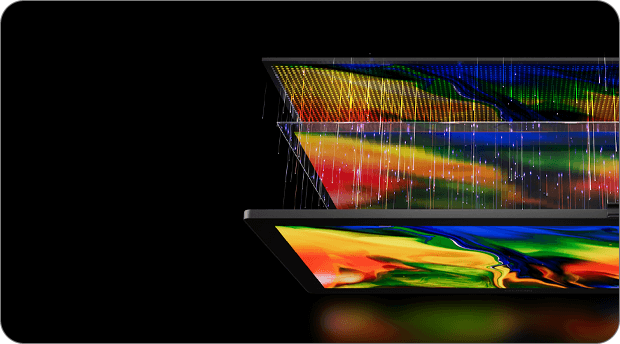
5 Color
Modes
sRGB
Rec.709
Adobe RGB
Display P3
Black & White
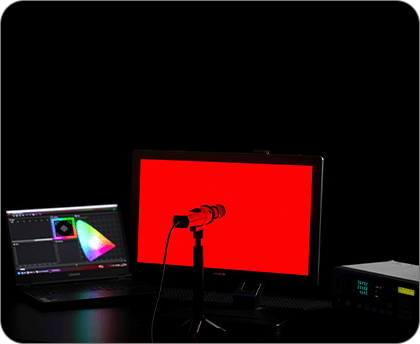
Precise Color Calibration
ΔE<1.2
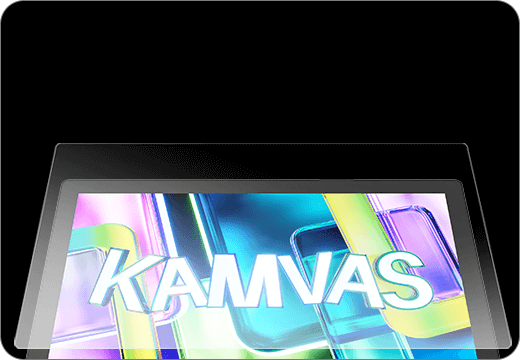
Nano-Etched
Canvas Glass 2.0
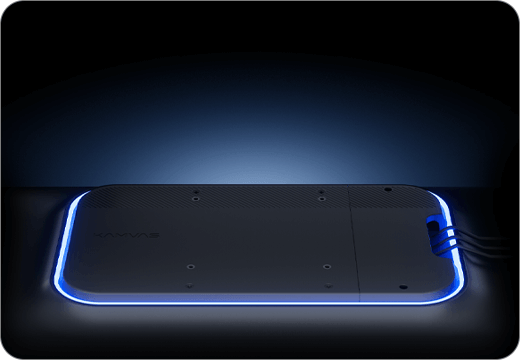
All for Cleaner,
Smarter Desk Setup
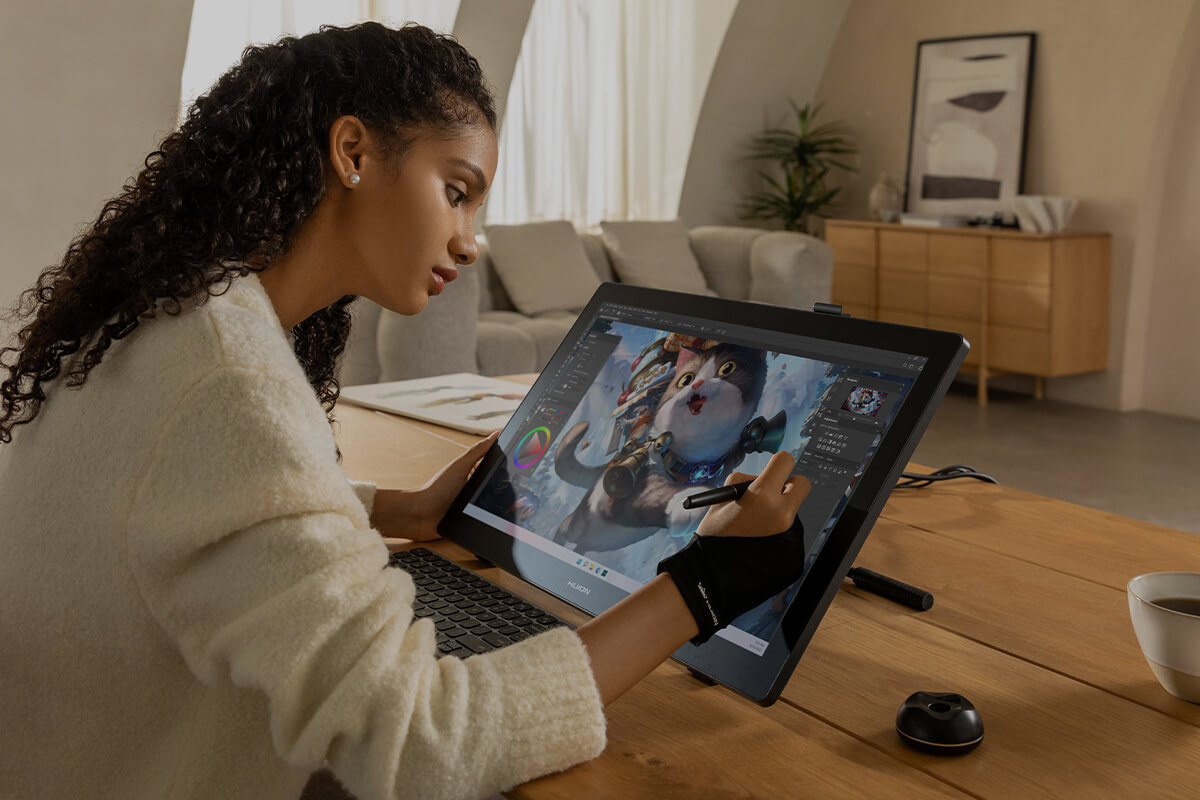
Wider Drawing View,
Pro Color Performance
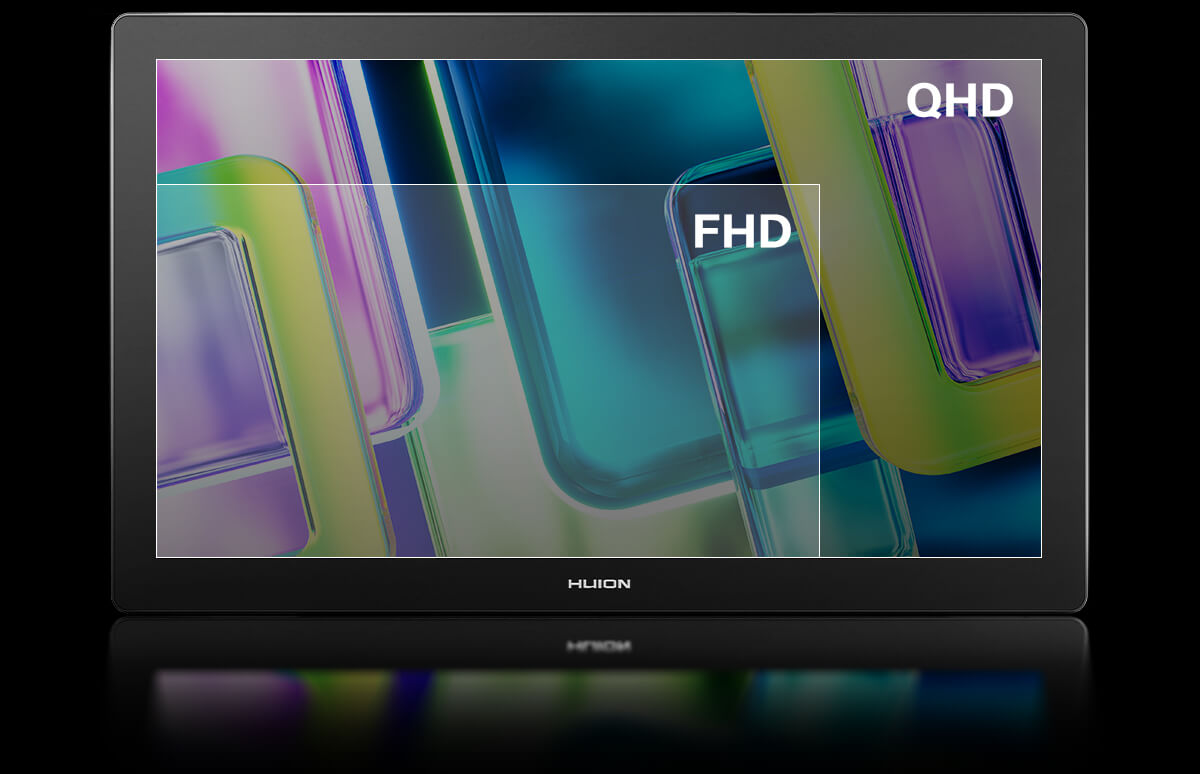
Higher Resolution, Sharper Details, Brighter Visuals
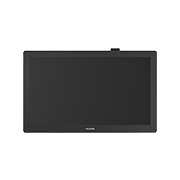
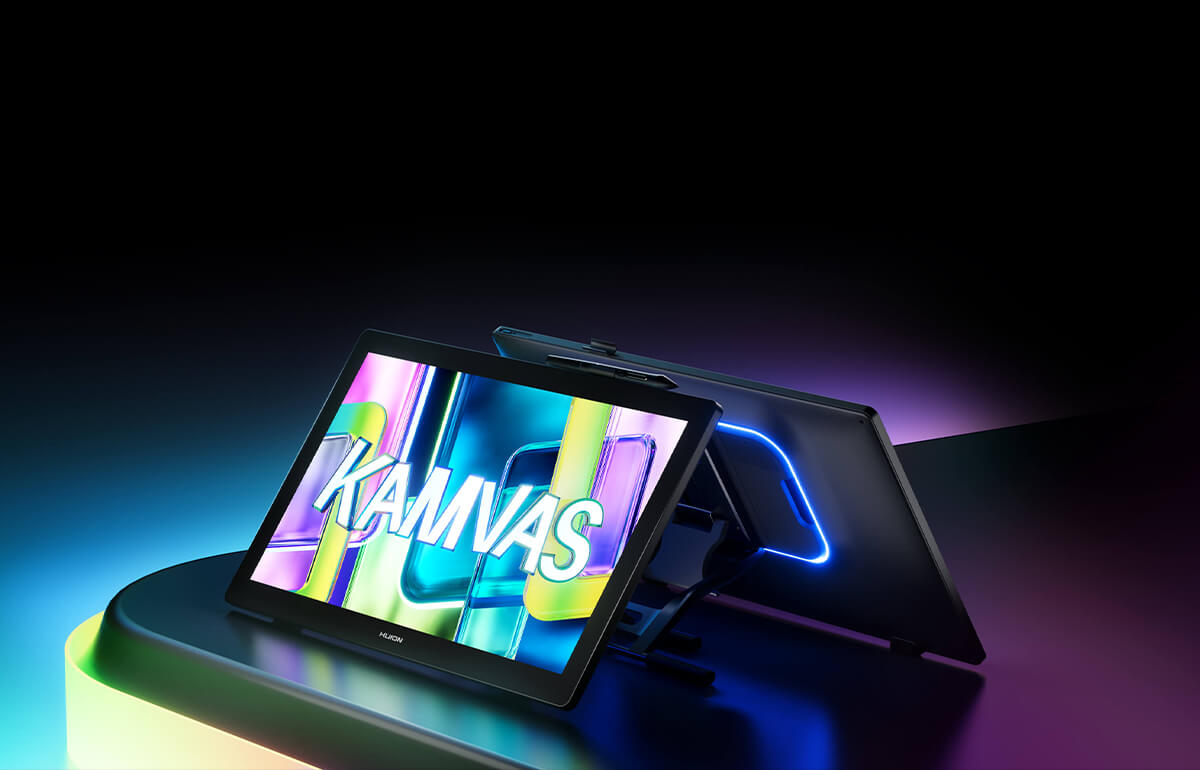
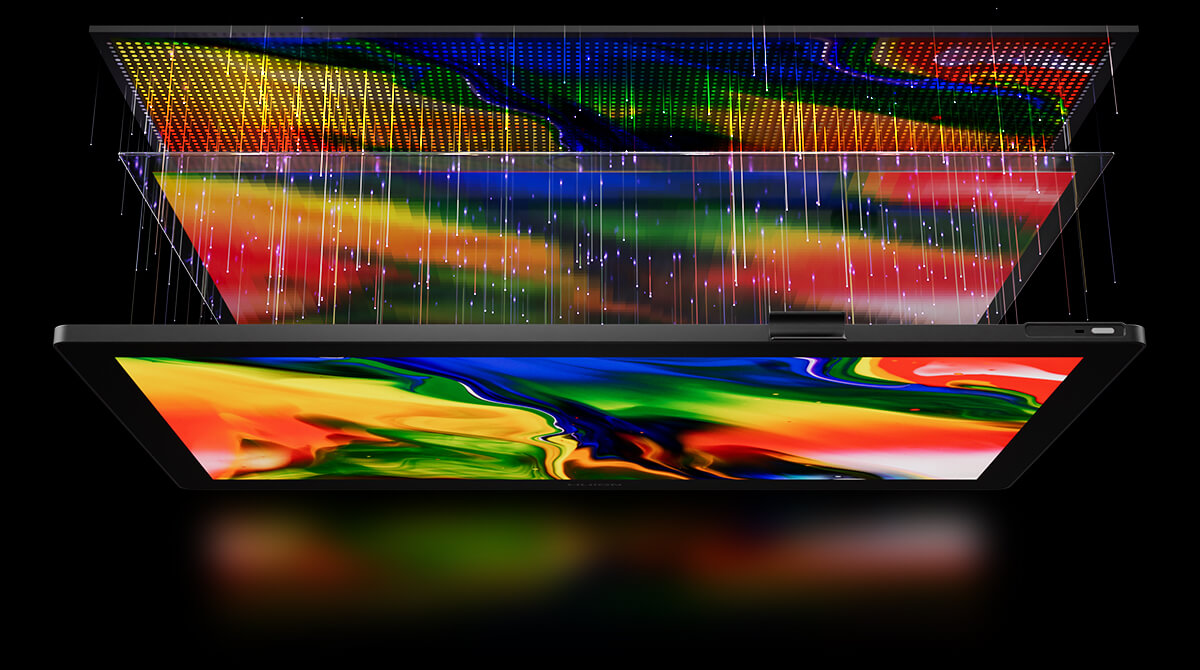
Kamvas 22 (Gen 3) features a large 21.5-inch 2.5K (2560 x 1440) 16:9 display that brings your illustrations to life with sharp and vibrant details. With a spacious canvas, you have plenty of room for free hand movements, letting your creativity flow uninterrupted. Compared to its predecessors, the Kamvas 22 and Kamvas 22 Plus, it brings multiple upgrades for an overall better experience.
77.8% ↑
Display Content
33% ↑
PPI
250 nits
Brightness
21.5-inch
Screen
The refresh rate is upgraded to 90Hz, delivering up to a 50% improvement in display smoothness and line rendering speed. This enhances fluidity in dynamic art creation and provides a more vivid visual experience.
5 Professional Color Modes
Choose the Right Color for Every Task
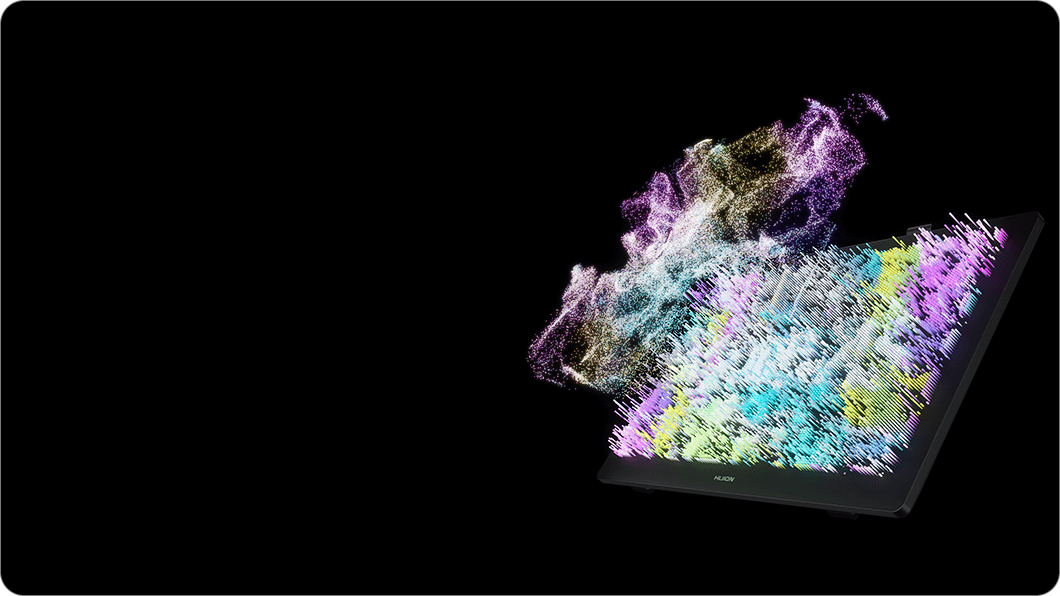
The Kamvas 22 (Gen 3) features a high-quality display with five color modes that can be easily switched to meet various creative needs. It covers 99% sRGB and Rec.709, 90% Adobe RGB, and 94% Display P3 color gamut, delivering accurate colors for digital art creation and design. It also includes a black and white mode for convenient sketching and extended reading.
True-to-Life Color Accuracy
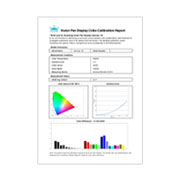
Kamvas 22 (Gen 3) covers a wider color gamut and supports 16.7 million display colors, bringing your images to life with rich and vibrant hues. It undergoes rigorous color calibration, achieving an average color accuracy of ΔE < 1.2. Plus, the factory calibration report is included in the package for your reference.
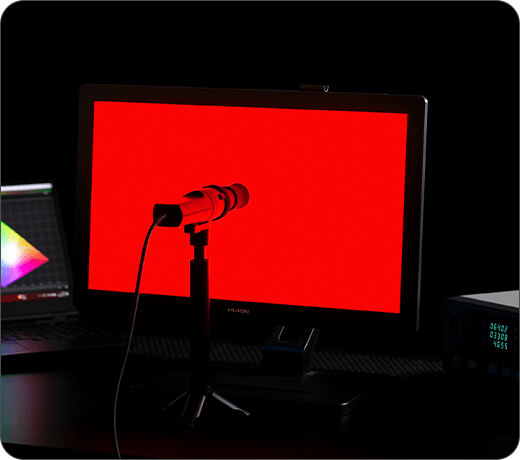
ΔE<1.2
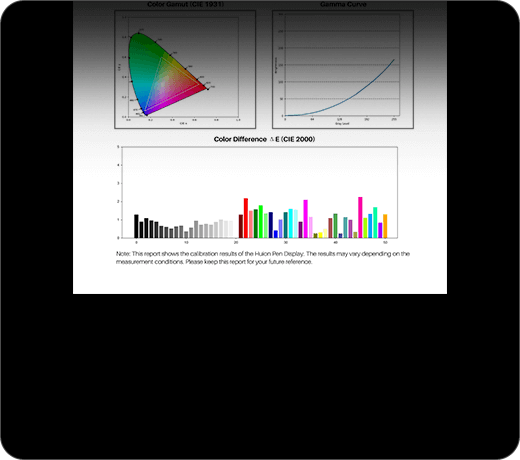
Factory Calibration Report
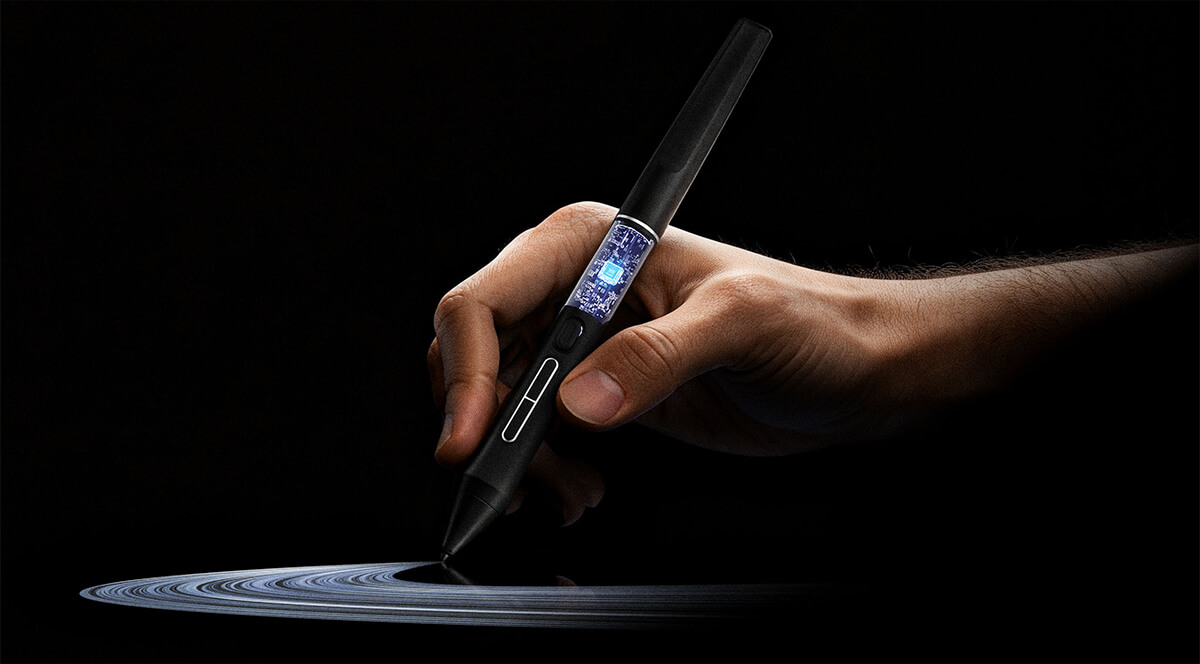
PenTech 4.0
Not just an upgrade in technology, but experience.
PW600L
Like a Real Pen
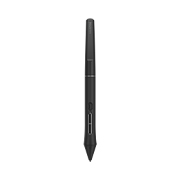
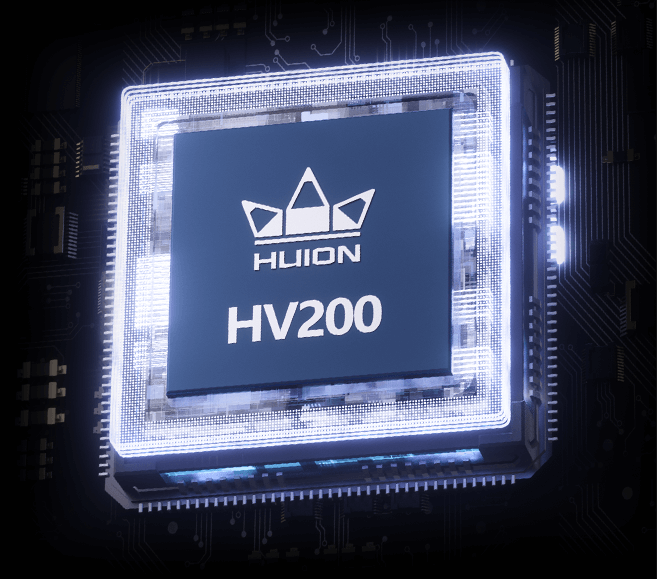
Kamvas 22 (Gen 3) features Huion's latest PenTech 4.0 technology. The PW600L pen is equipped with the HV200 chip, significantly enhancing pen pressure sensitivity and cursor tracking. With three side keys and a dust-proof grip, it not only provides a real pen-like experience but also boosts efficiency.
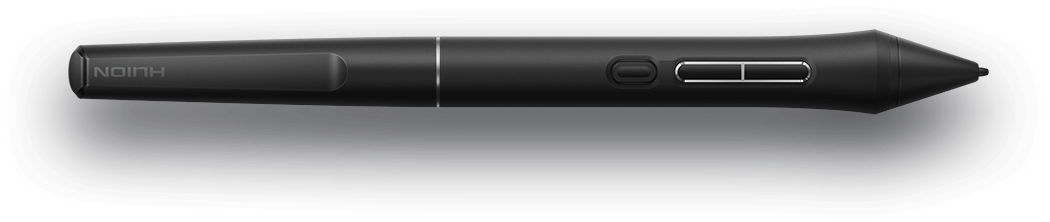
Battery-Free
No need for charging.
Dust-Resistant Silicone Grip
Enhanced comfort and dust-proof.
3 Side Keys
Customizable shortcuts, perfect for efficiency.
Precision From Pen Nib to Screen
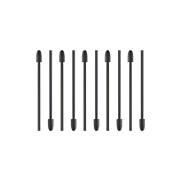
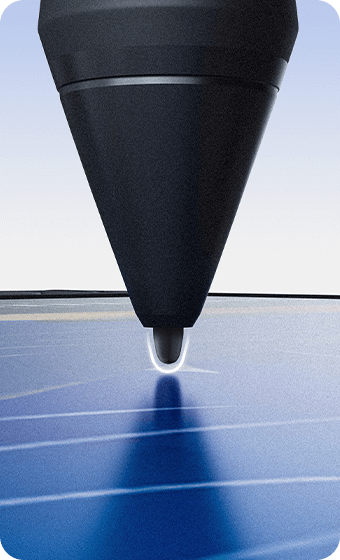
Huion's PenTech 4.0 enhances the screen edge precision and minimizes cursor offset with tilt auto-alignment. And the smaller pen nib design keeps clear sight while drawing. It also optimizes the retraction distance within 0.35 mm to make the pen tip more stable and solid. You can choose between standard and felt pen nibs.
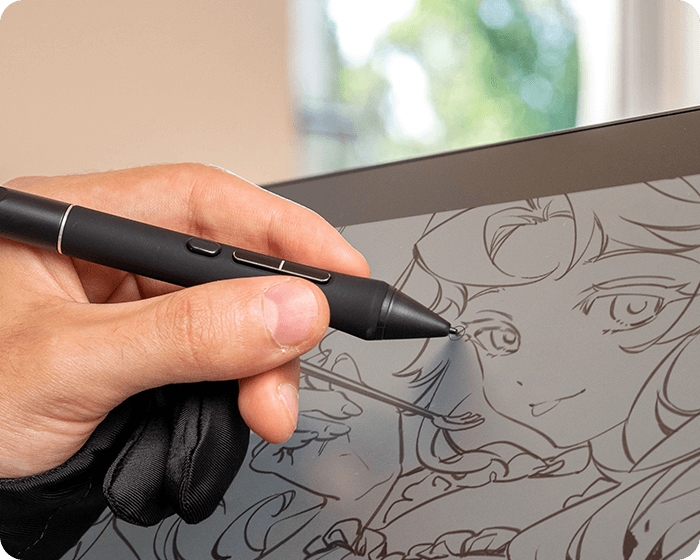
Natural and Sensitive Strokes
From Feather-light to Bold
PenTech 4.0 divides pen pressure into 16,384 levels with a 2g initial activation force, capturing even the lightest strokes. The adjustable maximum force range from 200g to 500g makes coloring and shading easier. Additionally, ±60° tilt support helps imitate effects like shading or broad strokes, like a real brush or pen.
16384 Levels
Pressure Sensitivity
±60°
Tilt Support
2g
Initial Activation Force
200g-500g
Adjustable Maximum Force
Canvas Glass 2.0
Reduced Reflections
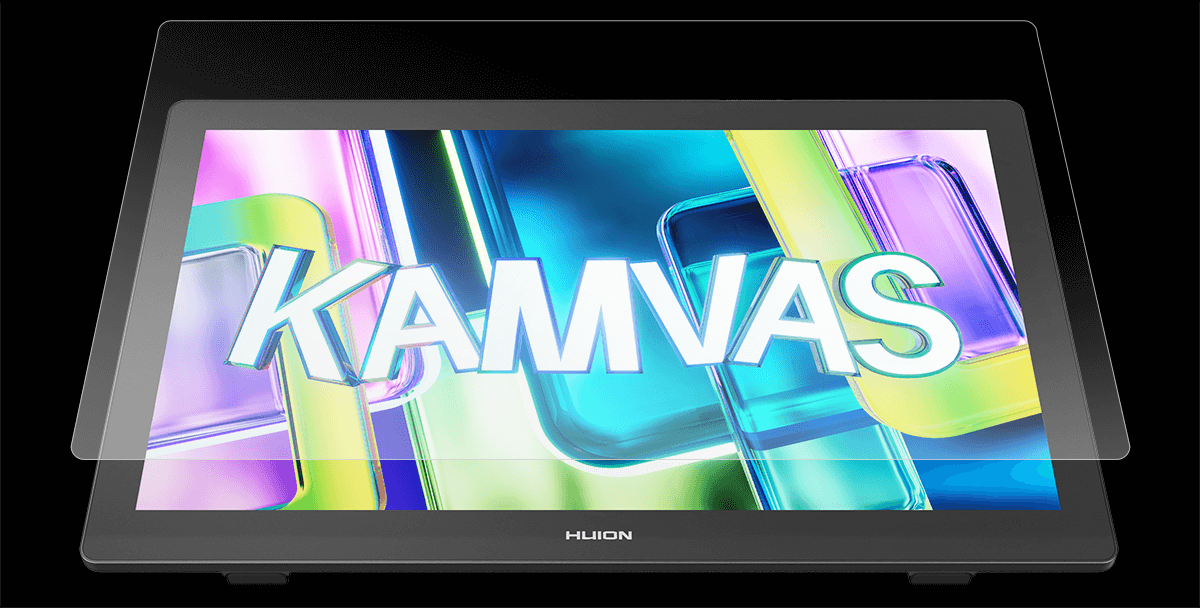
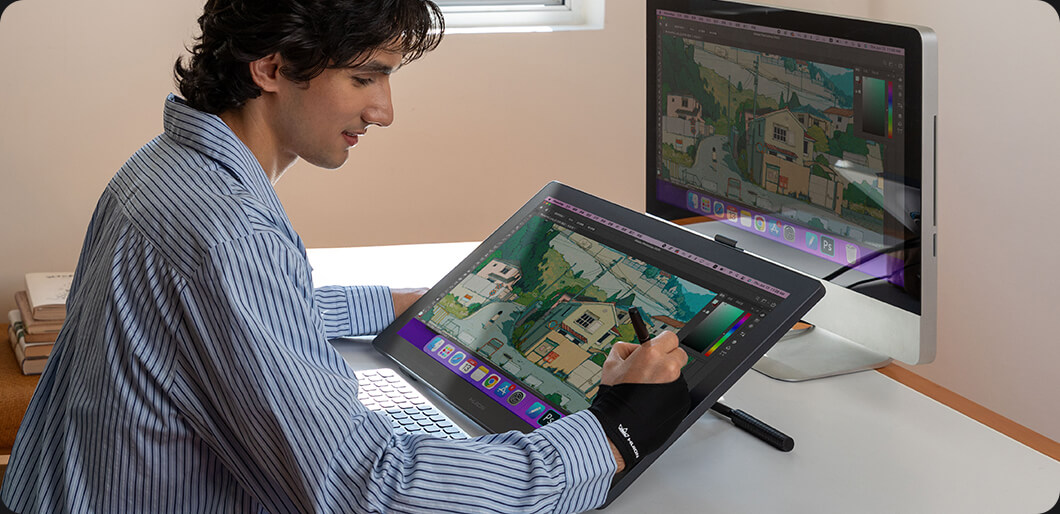
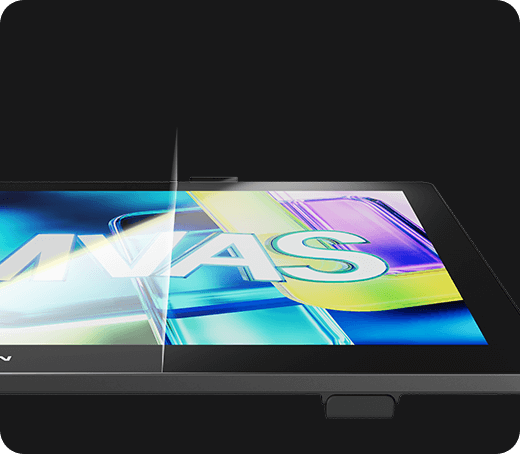
The Canvas Glass 2.0 featured on the Kamvas 22 (Gen 3) effectively reduces glare and minimizes environmental reflections, helping to reduce eye strain. It also ensures vibrant display quality and comfortable visuals without any sparkles and graininess.
Anti-Glare
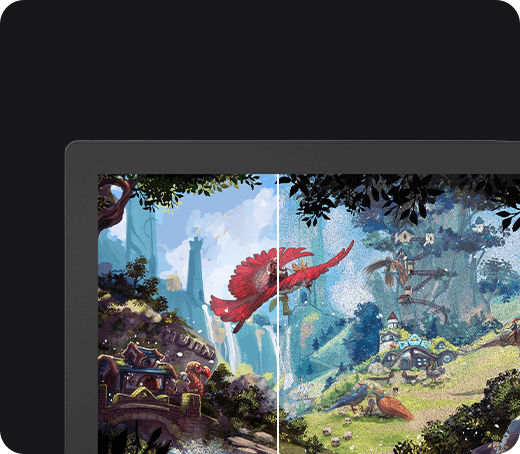
Anti-Sparkle
Enhanced
Performance
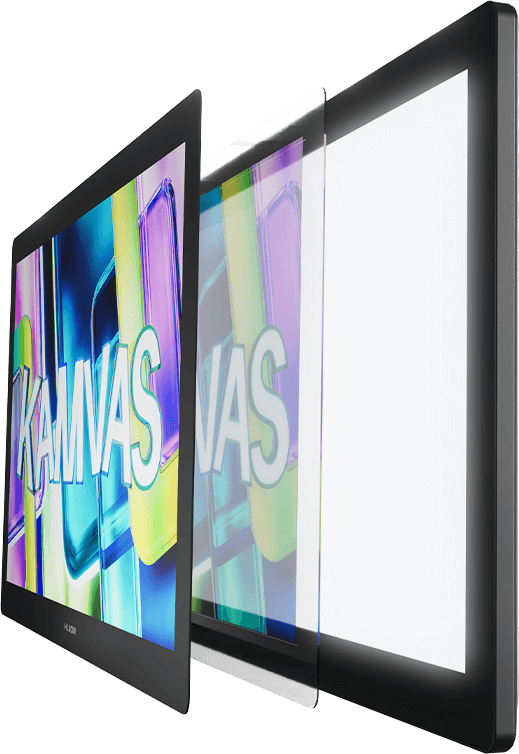
With full-lamination technology, it eliminates air gaps, enhancing clarity and ensuring that every stroke follows the pen nib precisely. The durable and scratch-resistant finish extends the lifespan of the display while delivering a paper-like texture, making your drawing experience feel natural.
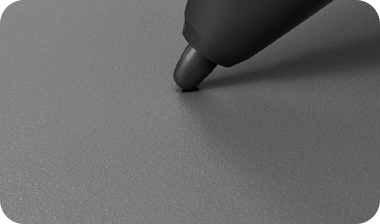
Textured Surface
Look Great,
Work Better
Ambient Lighting
Light Up and Personalize Your Workspace
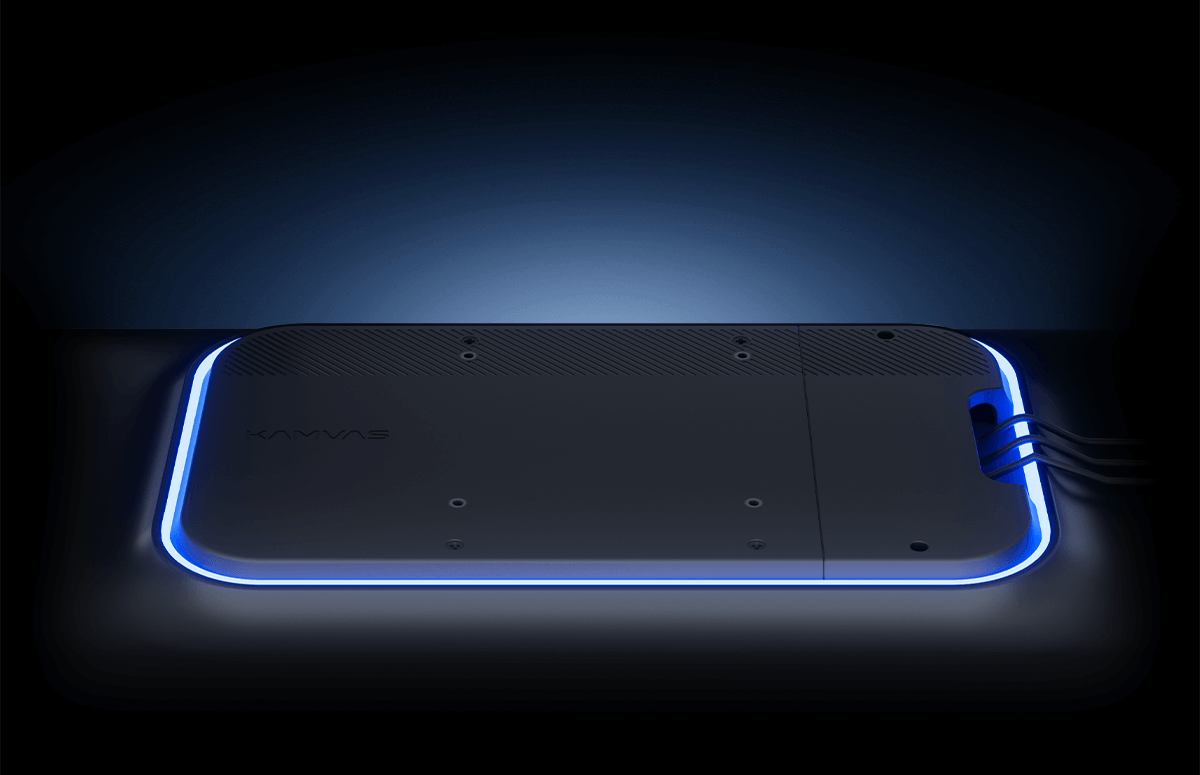
Kamvas 22 (Gen 3) features ambient lighting at the back, allowing you to create an atmosphere that complements your workspace style or mood.
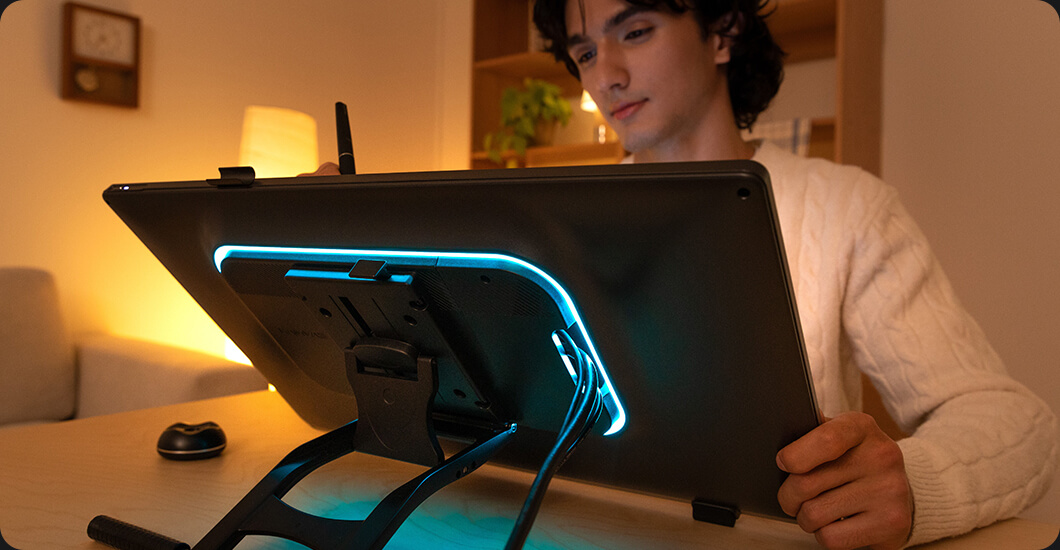
Monochrome Mode
Choose from 12 colors to personalize your workspace and suit your creative environment.
Breathing Light Mode
Experience gentle and soothing lighting effects that create a more comfortable atmosphere, perfect for late-night creative sessions.
Cable Slot
Clean Setup for an Elegant Workplace
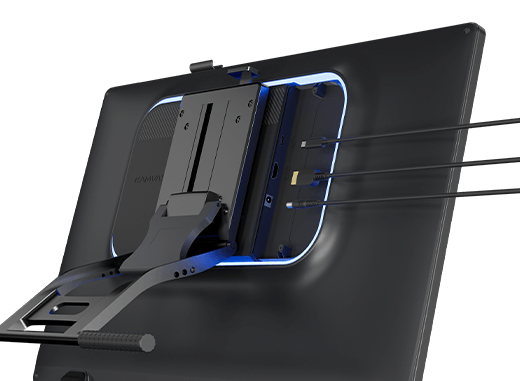
Kamvas 22 (Gen 3) features an integrated slot in the back shell that conceals the cable routing, keeping your workspace clean and tidy.
Stability
The design doesn't affect overall usability and ensures the cables stay securely connected, preventing accidental disconnections.
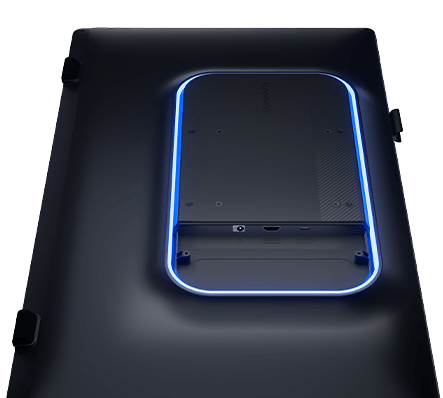
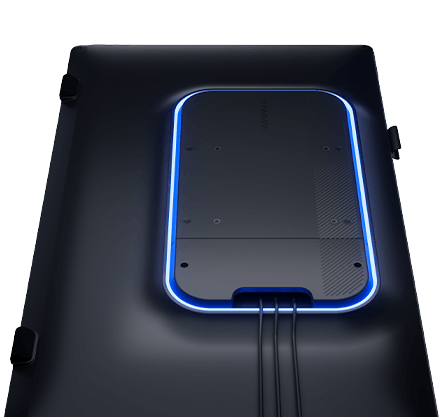
Overall Look
This thoughtful design keeps the cables neatly routed, maintaining a clean and organized desk.
Multiple Cables
Easy Connection and Wide Compatibility
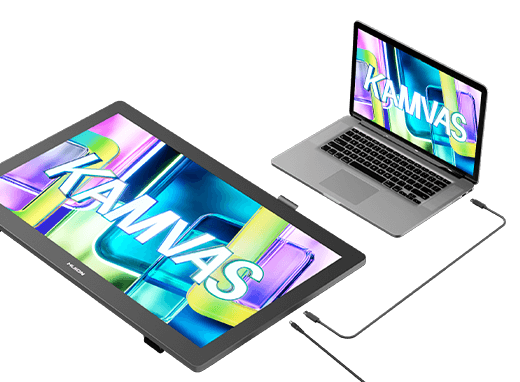
Stable Connection to Mac
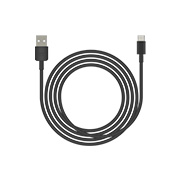
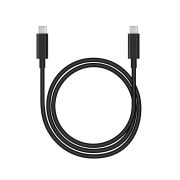
Use the full-featured USB-C cable to quickly connect the pen display to your Mac. This setup is convenient for switching between your MacBook and other mobile devices.
Stable Connection to PC
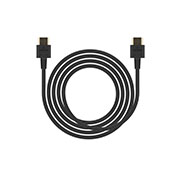
Use the HDMI cable to connect the pen display to your PC. This option is perfect for desktop use or independent studios.
Adjustable VESA Stand
Pre-installed and Ready to Use
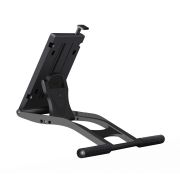
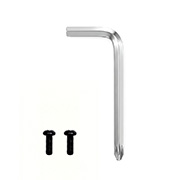
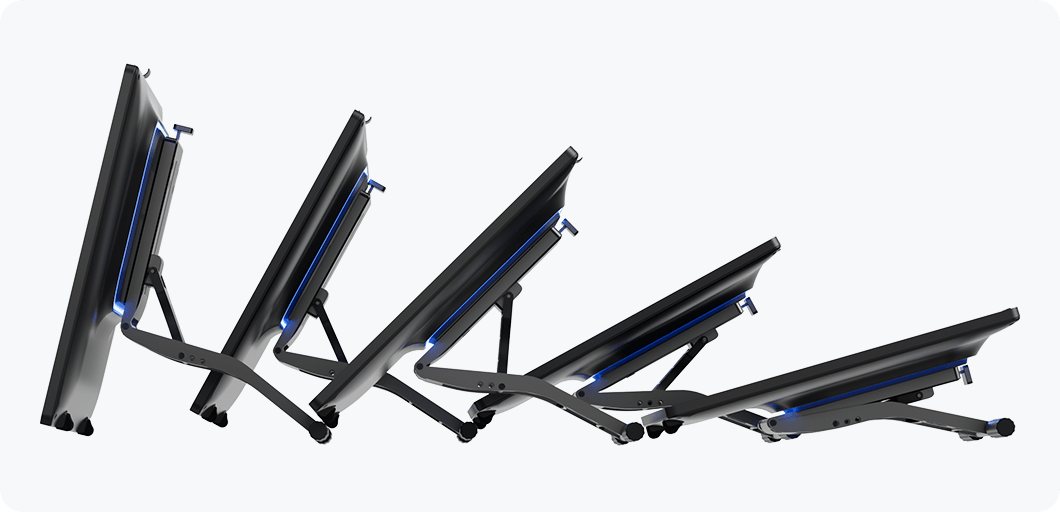
The pen display comes pre-installed with a VESA-compatible stand, which is beginner-friendly. It also includes a screwdriver for easy installation or removal of the stand.
Pen Storage Slot & Pen Holder
More Than One Home for Your Pen
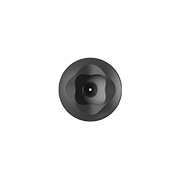
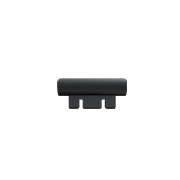
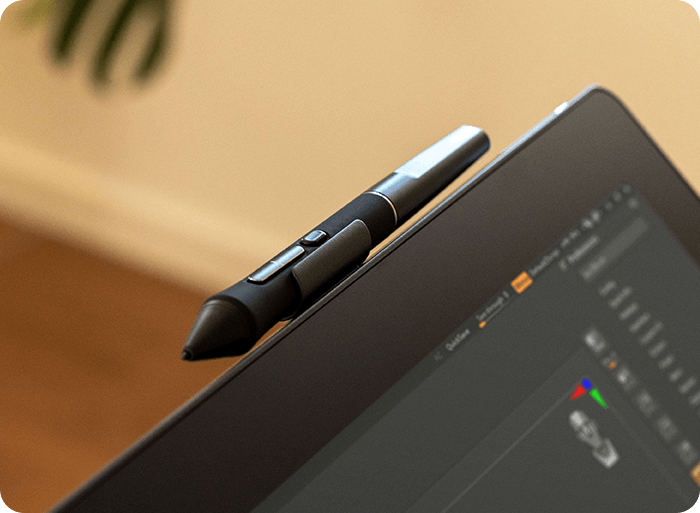
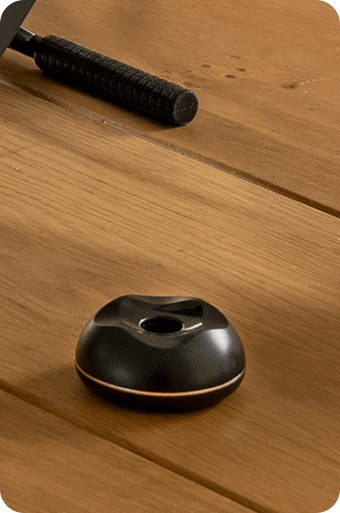
The detachable pen slot located at the top of the display is designed to securely hold your pen when not in use, keeping it easily accessible. The pen holder offers an additional way to store your pen. It also functions as an integrated nib clip, with spare nibs stored inside for easy replacement of worn-out nibs.
Compatibility
Operating System

Windows
(Windows 7 and above.)

macOS
(macOS 10.12 and above.)

Android
(Android device interface should meet USB 3.1 + DP 1.2 and above)
Recommended Applications


The terms HDMI, HDMI High-Definition Multimedia Interface, HDMI Trade dress and the HDMI Logos are trademarks or registered trademarks of HDMI Licensing Administrator, Inc.