Clear display
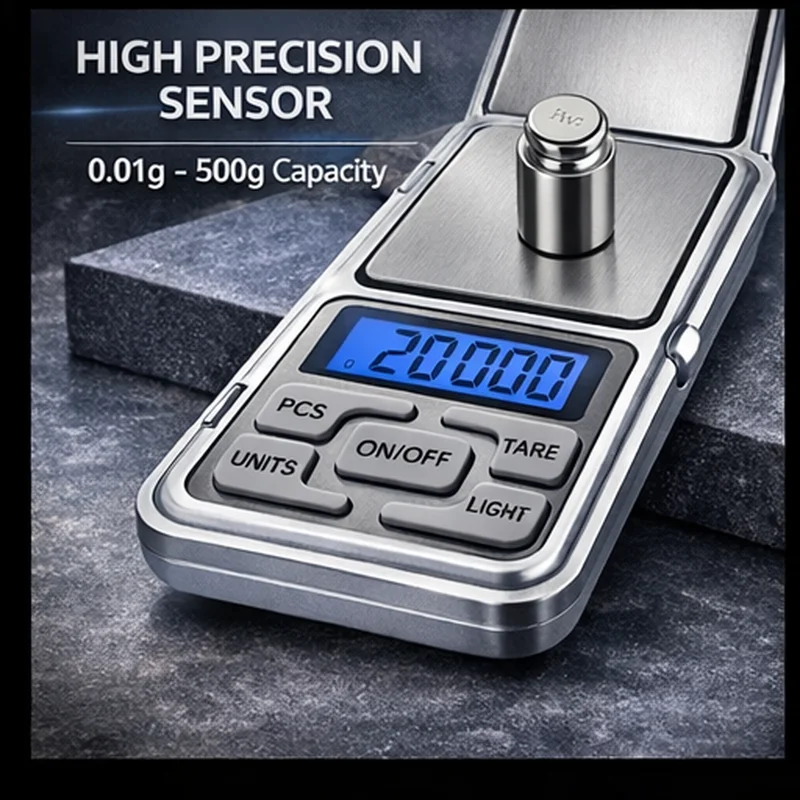
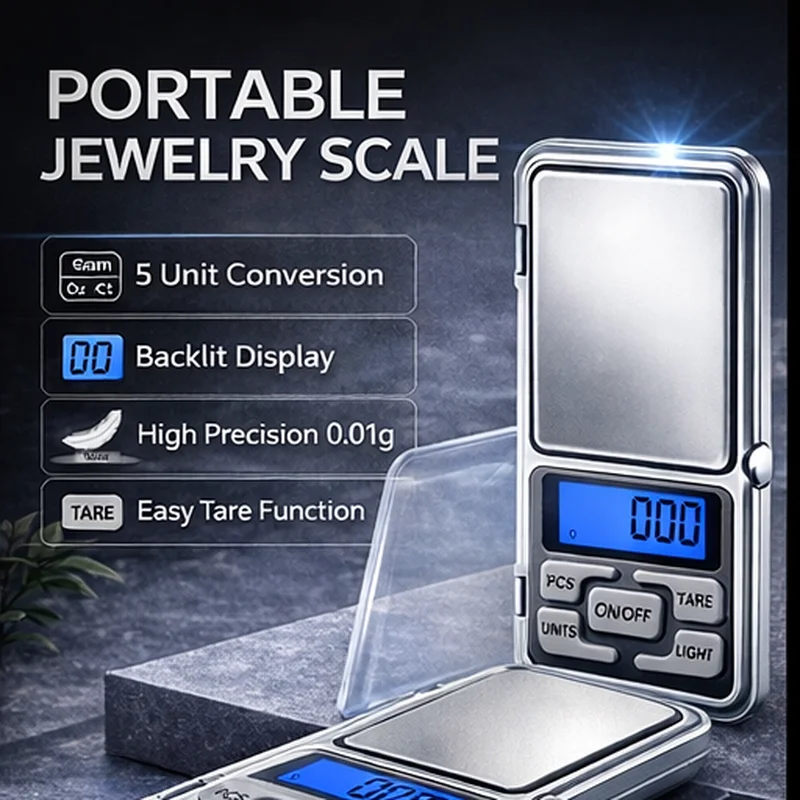
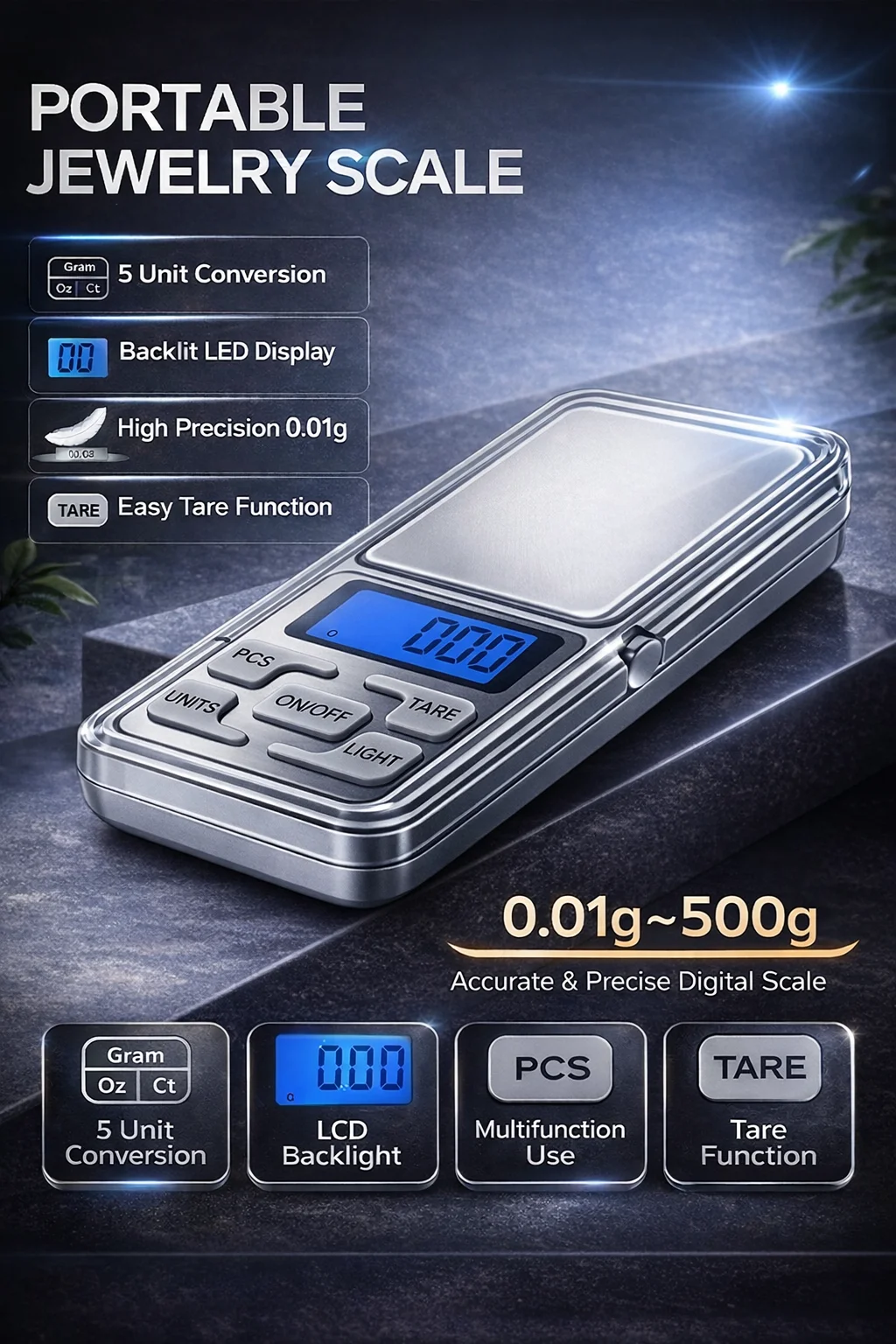
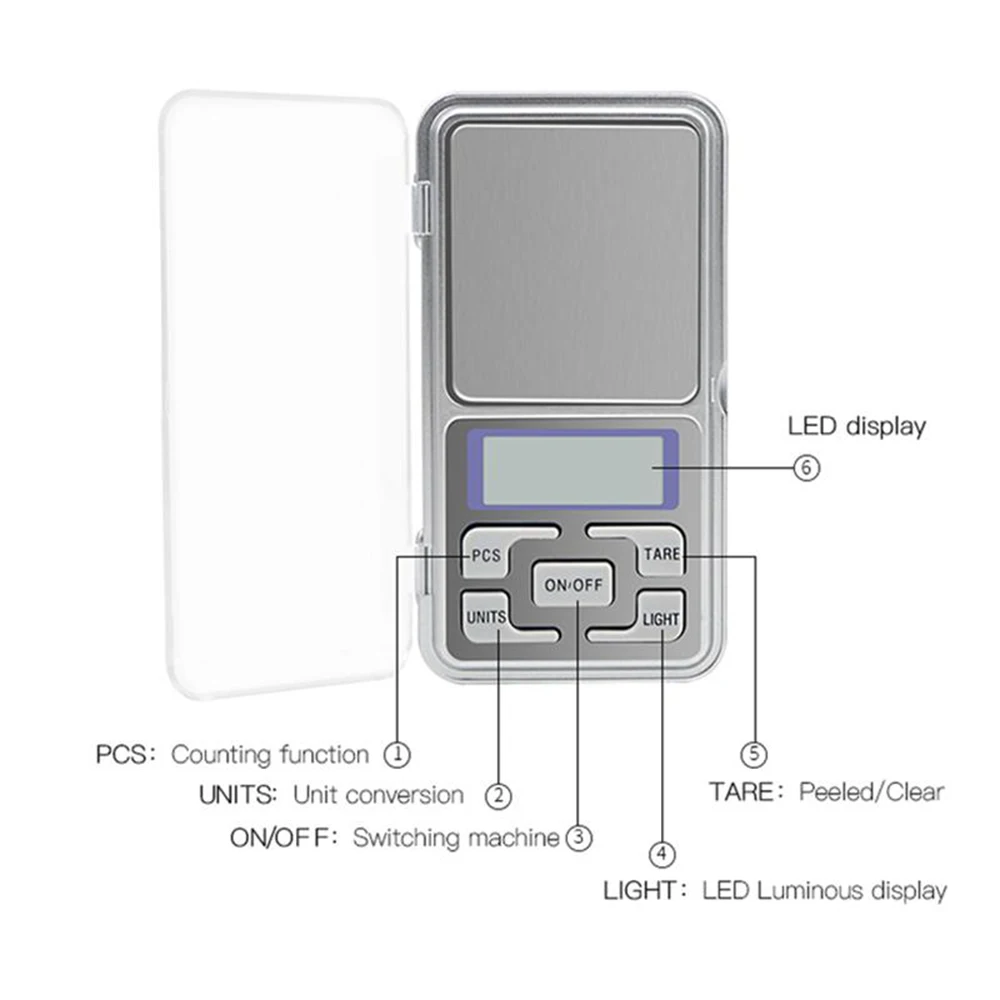
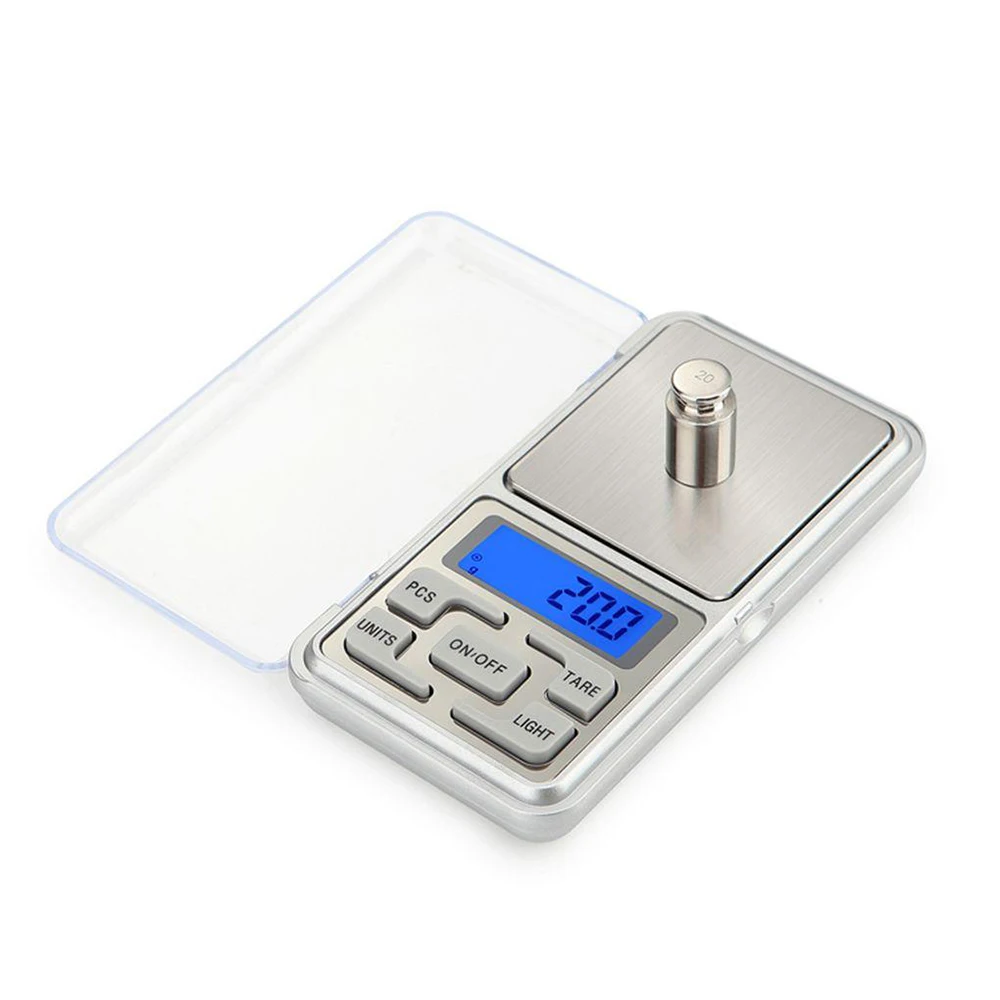
Large LCD display with back-light for easy reading. The light can be turned off
Size Mini
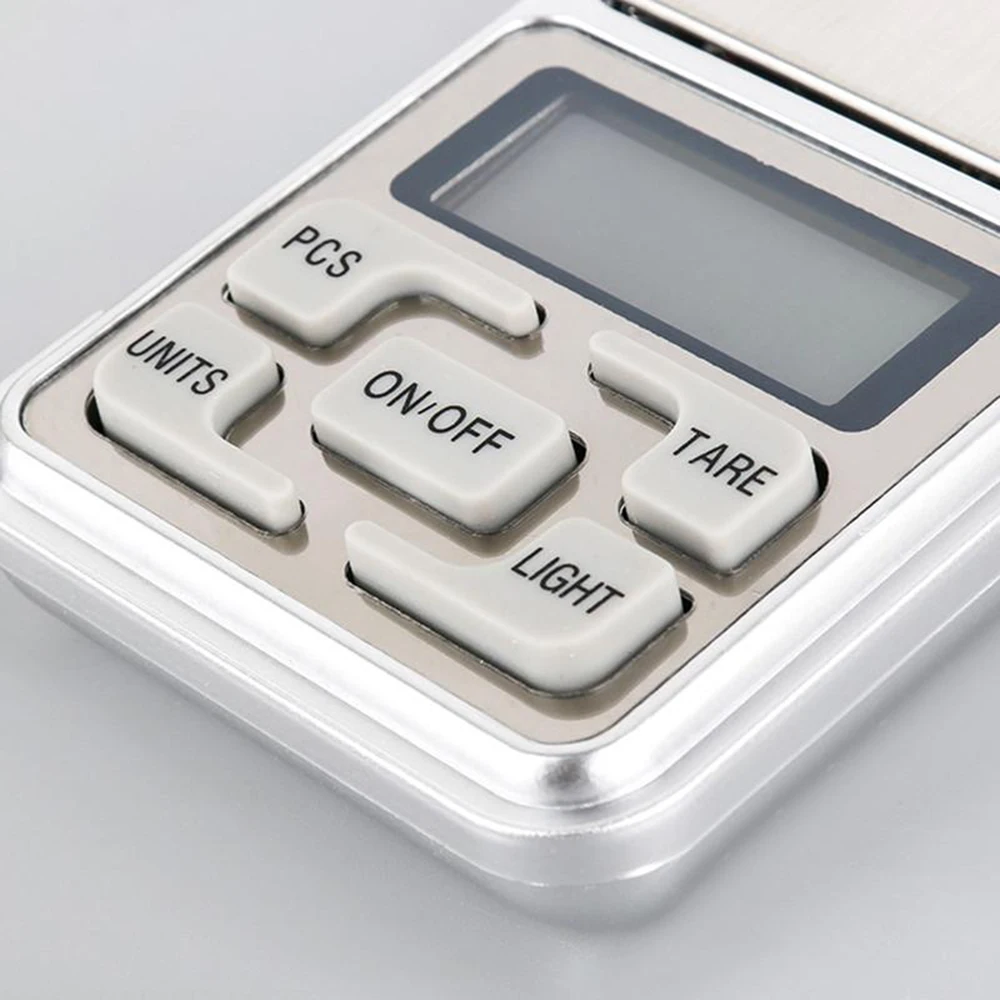
"PCS" button: coin counting
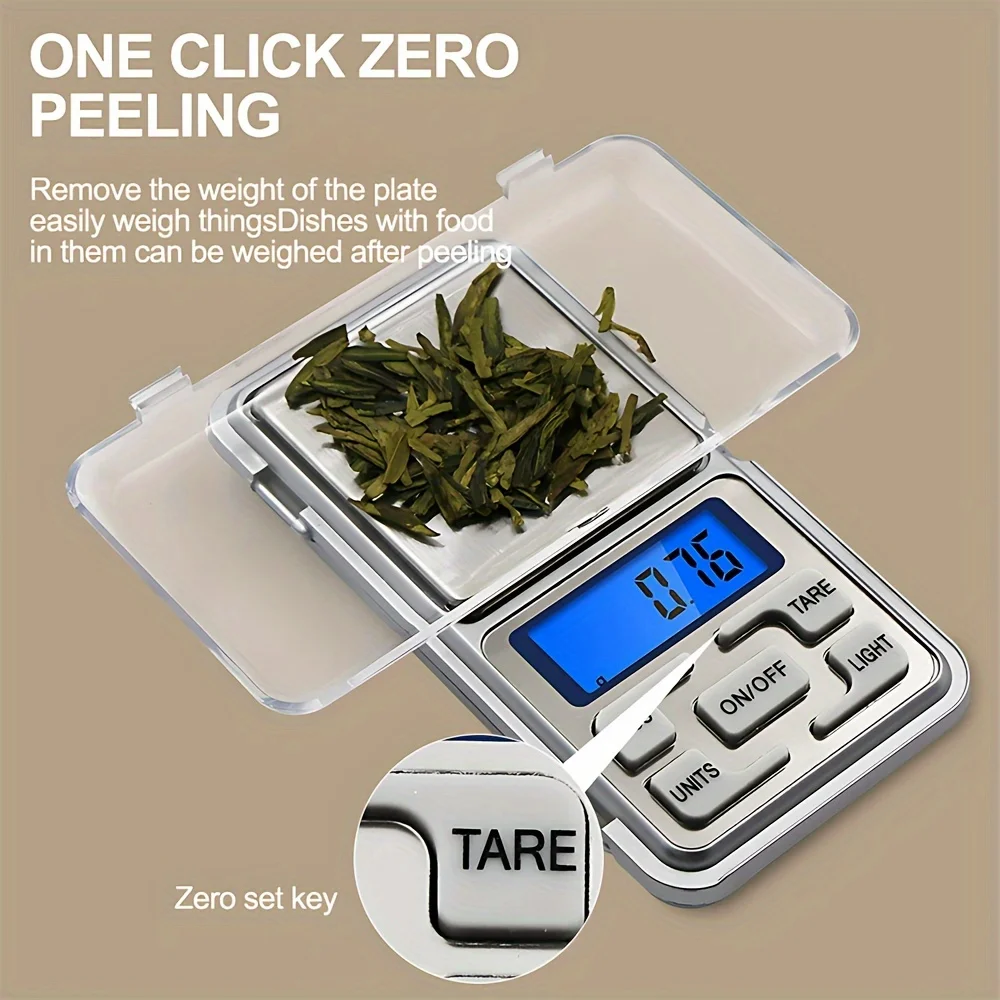
"TARE" button: zero mandatory scale
Anti-slip Mats and Batteries Power Supply
There are four anti-slip mats to keep the scale stable
Power supply:2 x AAA batteries(not included)
4-- 5 Modes of units
Convert units for different requirements
How Should We Calibrate the Food Scale?
Turn on the scale.
Press UNITS button for about 2 seconds till 500.00 appears on LCD display.
Then release and repress UNITS button once,CAL and 500.00 flick on LCD display .
Put a weight 500g on the scale.
Turn off the scale when it appears PASS and 500.00g(± 0.05g)on LCD display successively.
Calibration is done.
Please calibrate for several times when it is still not accurate enough.
Basic Specifications
Accuracy of data: ±0.05
Resolution of the: 0.01 g
Maximum capacity : 500g
Minimum capacity : 0.03 g
Function of the : Tara
PCS: count small items in large quantities
Attention:
This product weighing a starting amount of 0.05 g, lighter than this weight can not be normal, please buy with caution.
Note:
The display color will be sent randomly (green or blue). Both colors look the same and function exactly the same.
Display color is random and cannot be selected.