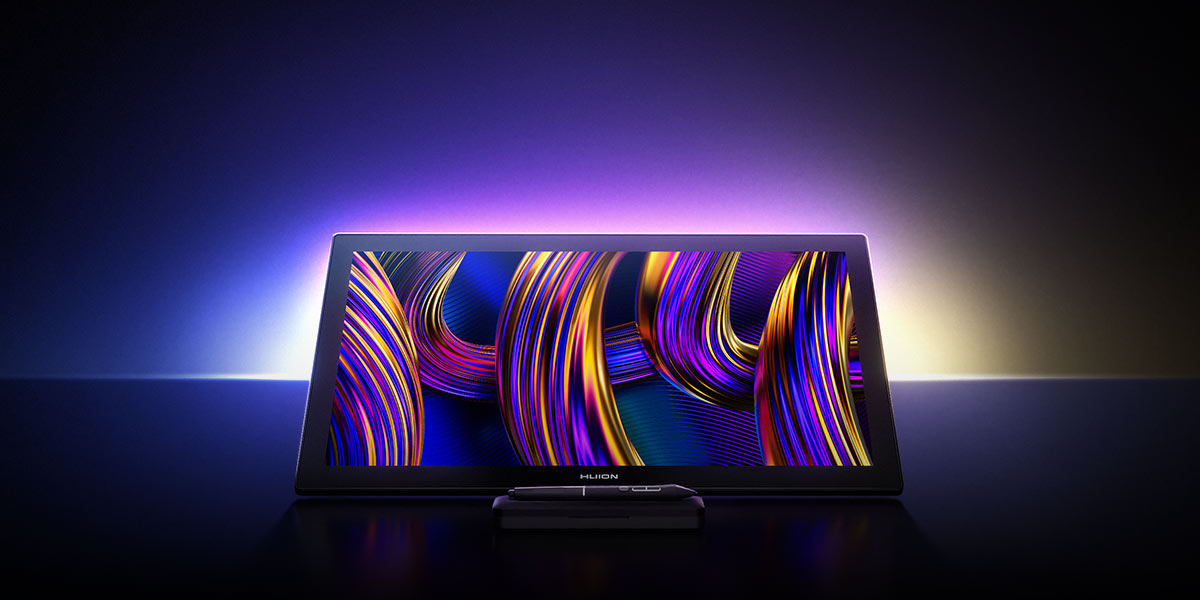

For the Greatest.
Advanced
PenTech 4.0
For artists who demand a natural feel unerring precision, and intuitive creation.
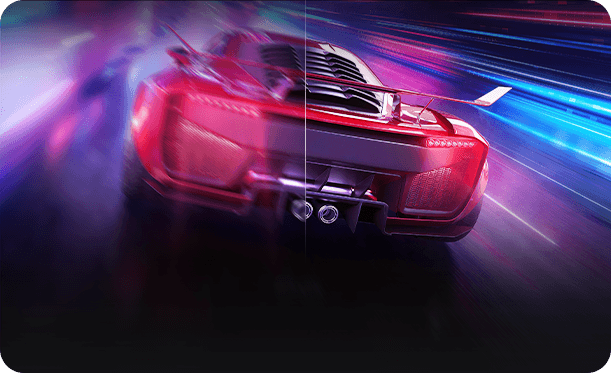
Low Refresh Rate
High Refresh Rate
4K & 144Hz
27" Screen, See Every Detail Clearly and Fluidly.
Master Wide Color Gamut
99% sRGB
98% Adobe RGB
98% DCI-P3
98% Display P3
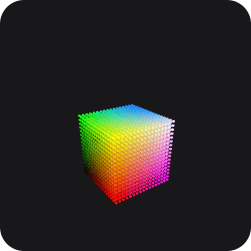
3D LUT
Calibration
Ensures Color Accuracy.
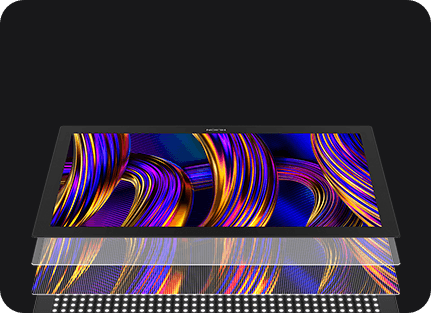
Nano-Etched Canvas Glass 3.0
Anti-Reflection, Durable, Paper-Like Texture.
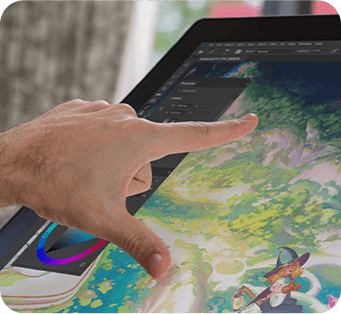
Multi-Touch
Effciency at Your Fingertips.
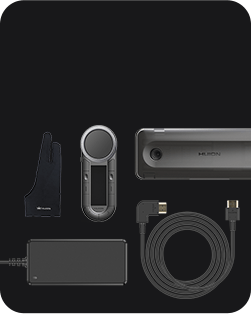
Accessories
To Meet Your Needs.
The Ultra-Responsive Canvas
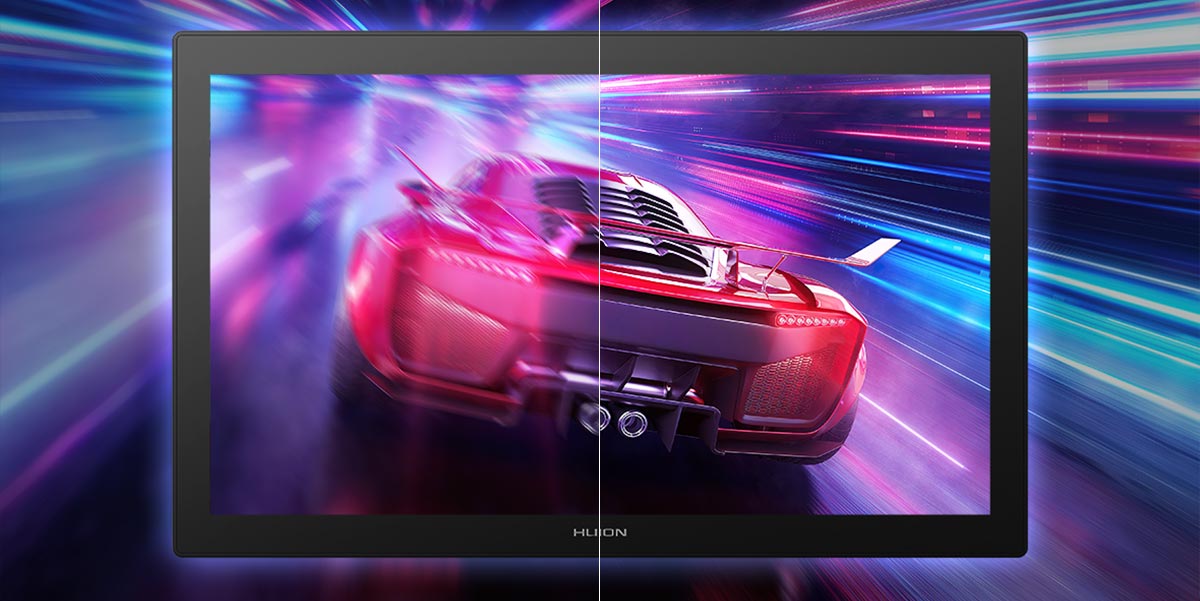
60Hz
144Hz
From fast-paced gameplay to intricate animation sequences, the 144Hz refresh rate ensures exceptionally smooth and clear visuals. It significantly reduces motion blur in fast-moving scenarios, delivering the precision and immersion required for dynamic workflows.
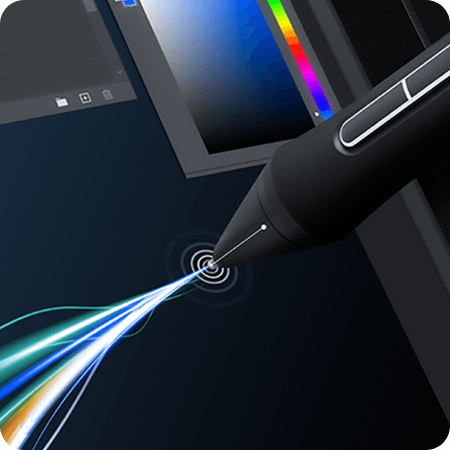
You'll also notice a major boost in responsiveness, with a 140% increase in line display speed. The reduced latency ensures the cursor stays tightly synced with your pen, providing a smooth and intuitive creative experience.
140%
Faster Line Display Speed
Optimized for Your
Desk Setup
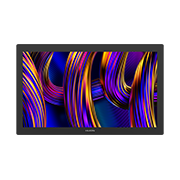
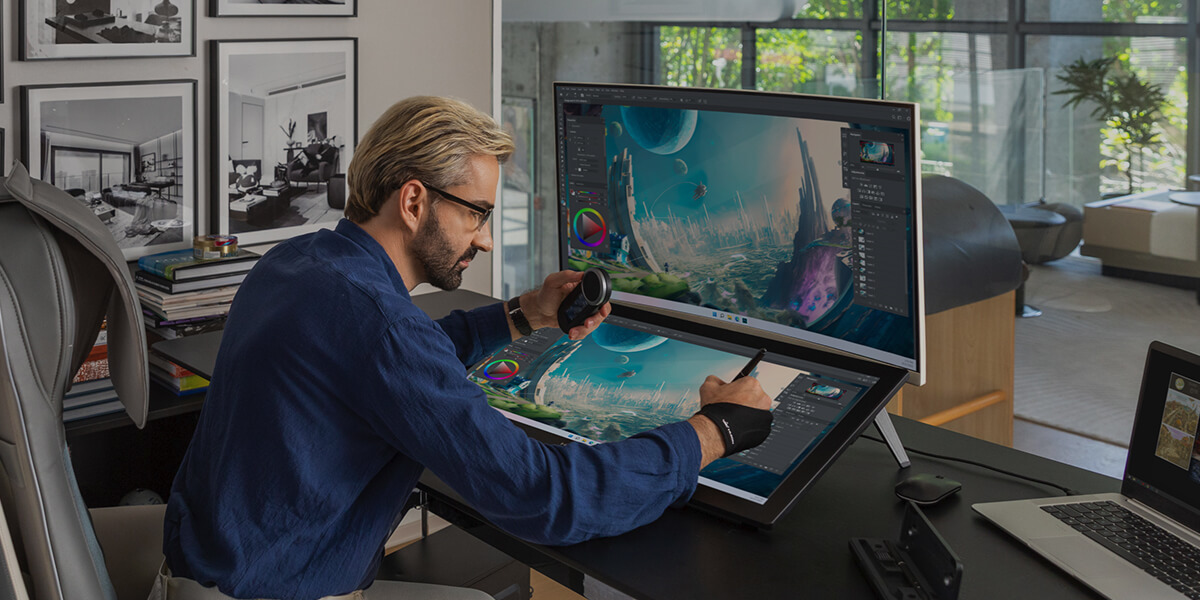
Kamvas Pro 27 (144Hz) inherits its predecessor's 27-inch screen size and narrow bezels, maximizing your workspace while providing a larger canvas for limitless creativity. With 4K UHD resolution, every detail of your work is presented with sharp clarity.
27 inches
Screen
3840 × 2160
Resolution
163 PPI
Pixel Density
Vivid Colors,
All Under Your Control.
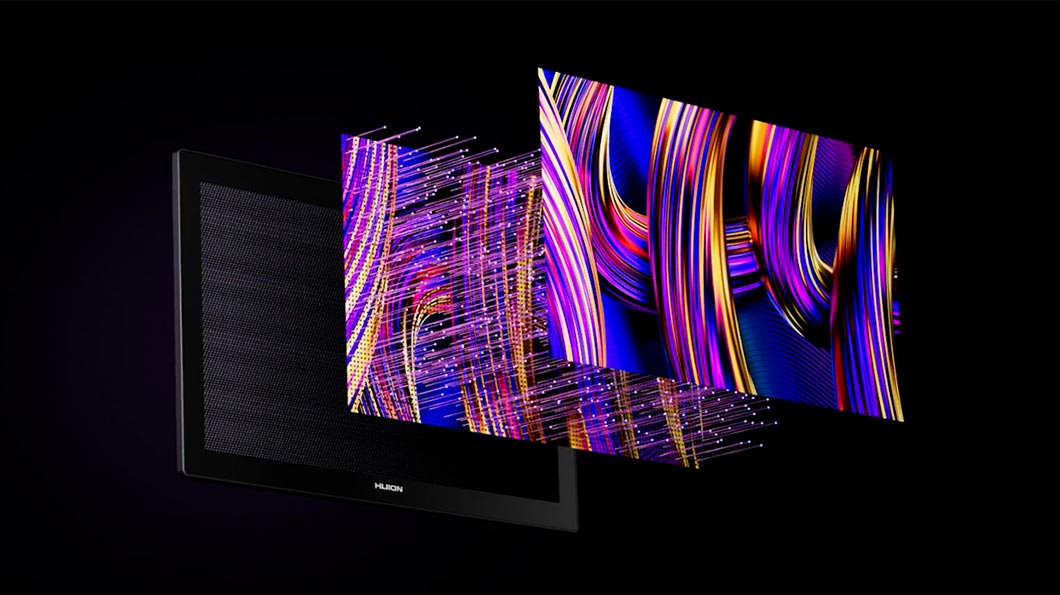
Thanks to Quantum Dot technology, this pen display delivers a vibrant color gamut coverage, it also comes with 16.7M display colors for an enhanced visual experience.
99% sRGB
Color Gamut Coverage
98% Adobe RGB
Color Gamut Coverage
98% DCI-P3
Color Gamut Coverage
98% Display P3
Color Gamut Coverage
Easily Switch between 5 Color Modes
sRGB
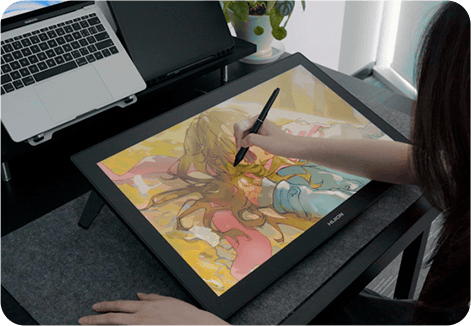
It's compatible with most mainstream monitors and is widely used in graphic design, web design, illustration, and game design, helping to minimize color inaccuracies.
Adobe RGB
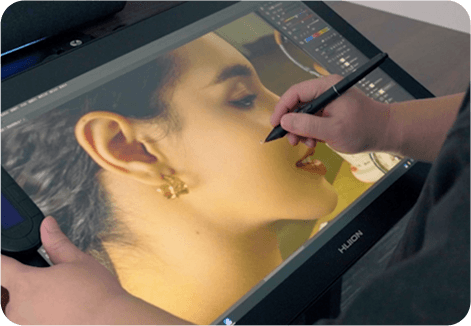
The Adobe RGB color space offers a wider gamut than sRGB, covering the CMYK color space, making it ideal for commercial printing and photo editing.
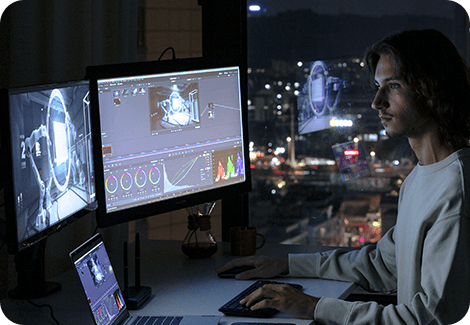
DCI-P3
It has more vivid red and green tones, with a higher gamma, making it perfect for low-light environments, such as visual effects post-production.
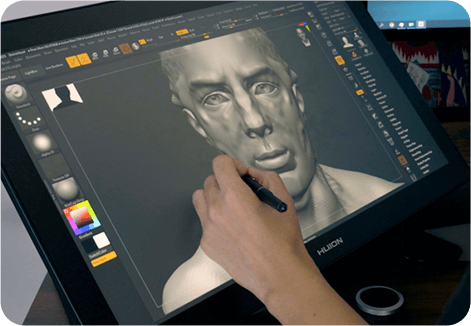
Display P3
Based on DCI-P3, Display P3 adjusts the gamma and white point to match the real-world environment, closely aligning with the color profiles of Apple devices.
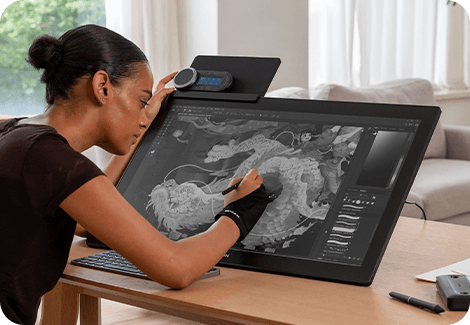
Black & White Mode
You can switch to black & white mode with a single keystroke by setting up a hotkey in the driver settings. This helps you quickly distinguish light and dark contrasts and alleviate eye strain from high-saturation reading.
← Scroll to read all content →
Reliable Color Accuracy
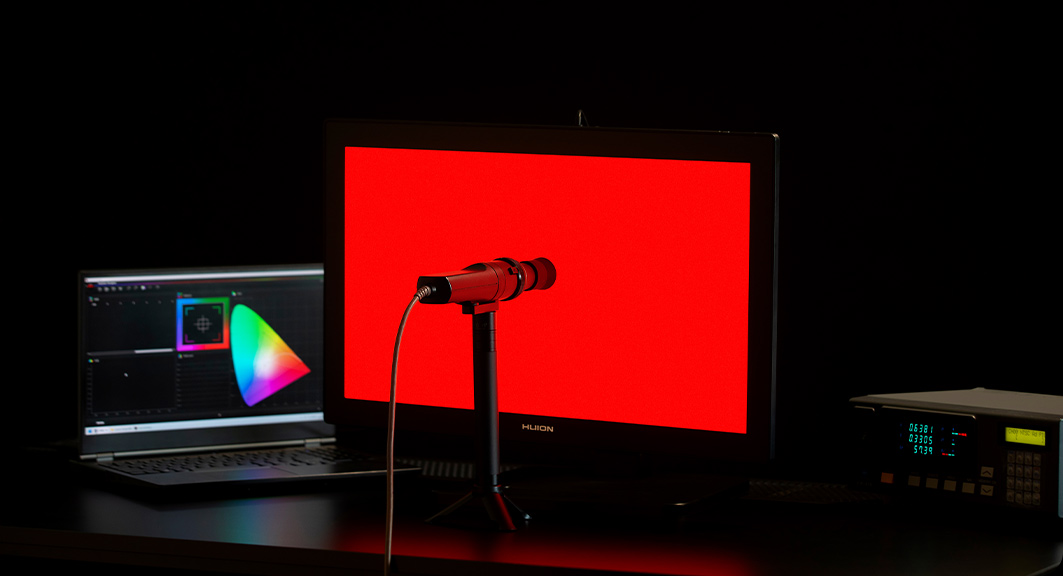
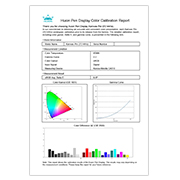
Each Kamvas Pro 27 (144Hz) undergoes professional hardware color calibration with a 3D LUT, ensuring ΔE < 1 and preventing color fading. A factory calibration report is also included, so you can use it with confidence.
Limited Gift
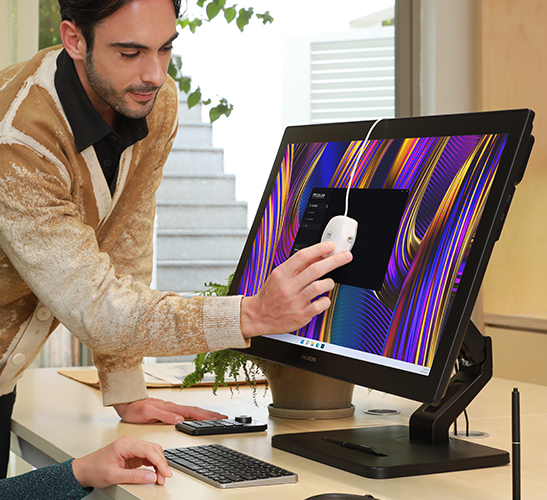
G1 Color Calibration Set
The Kamvas Pro 27 (144Hz) includes a G1 color calibrator. Used with the dedicated GT Color software, it allows you to calibrate the display easily. This hardware calibration process saves the data directly to the monitor, ensuring long-term color accuracy.
PenTech 4.0
Not just an upgrade in technology, but experience.
Pen to Choose, Grip to Express
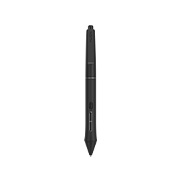
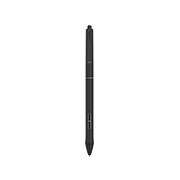
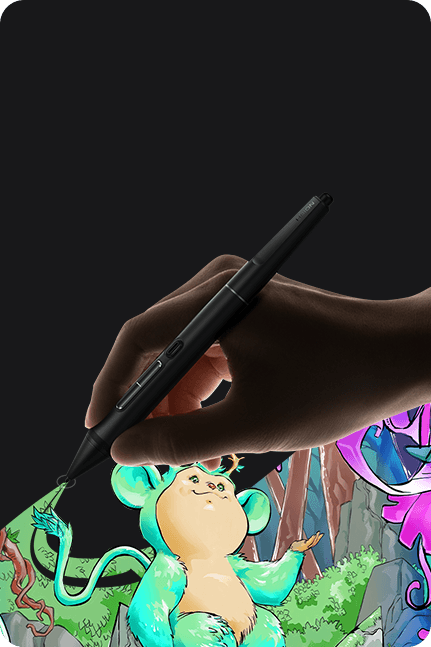
Tailoring to the distinct requirements of artists across diverse industries, Kamvas Pro 27 (144Hz) offers not one, but two pens: one with a standard grip and another with a sleek, slim form. You can create in perfect harmony with your unique habits and preferences. It also introduces a tail eraser for quick erasing, ensuring enhanced efficiency.

Standard Pen PW600

Slim Pen PW600S
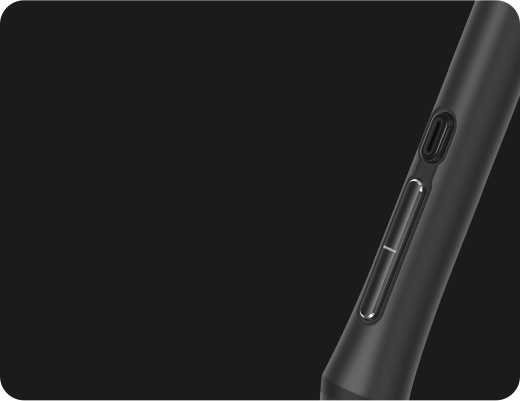
3 Side Press Keys
Customizable functions enhance your efficiency in various software.
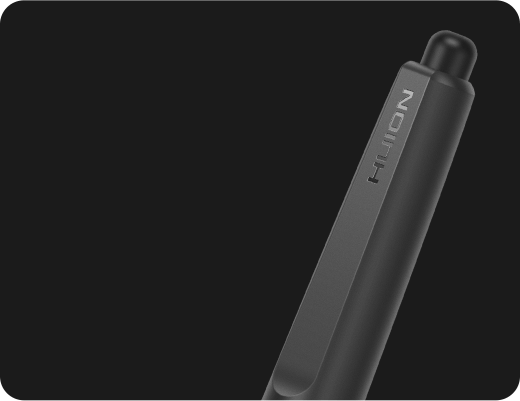
Tail Eraser
Turn the pen around to quickly erase all your unwanted strokes.
Enhanced Precision & Stability
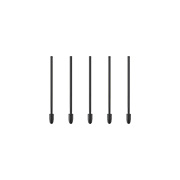
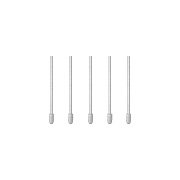
PenTech 4.0 optimizes the retraction distance from the predecessor with no more than 0.35mm to make the pen tip more stable and solid. You can choose the standard or felt pen nibs to your liking. Also, the paper-like textured screen delivers a natural pen-on-paper experience, making drawing truly enjoyable.
Cursor
Tilt Auto-alignment
Paper-Like
Texture
0.35mm
Retraction Distance
2 Types
Customized Pen Nibs
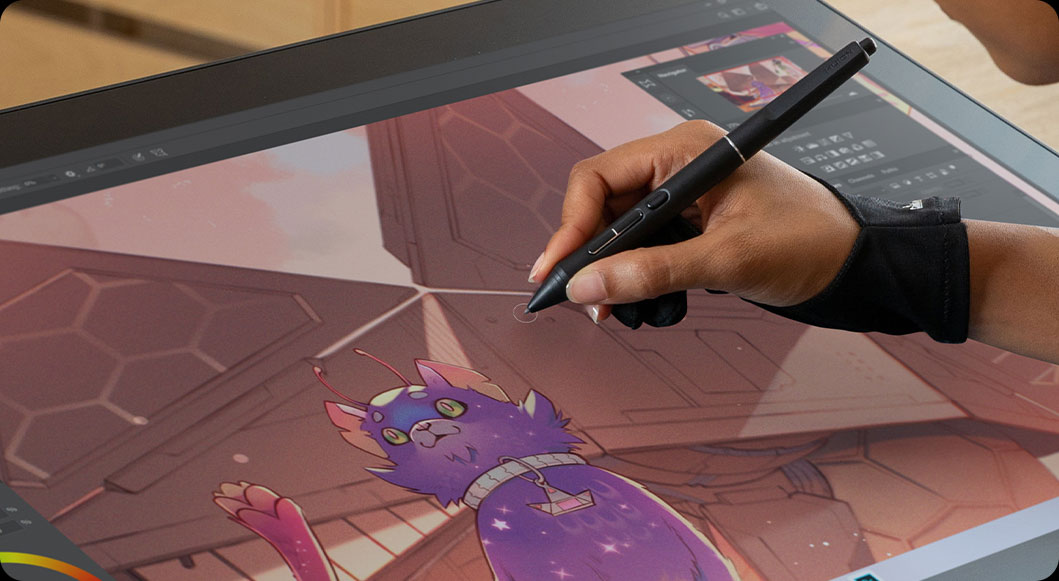
Capture Even the Lightest Strokes.
PenTech 4.0 divides pen pressure into 16,384 levels and offers a 2g initial activation force, capturing even light strokes. The adjustable maximum force range from 200g to 500g makes coloring and shading easier. Additionally, ±60° tilt support helps imitate effects like shading or broad strokes, like a real pen.
16384 Levels
Pressure Sensitivity
2g
Initial Activation Force
200g-500g
Adjustable Maximum Force
±60°
Tilt Support
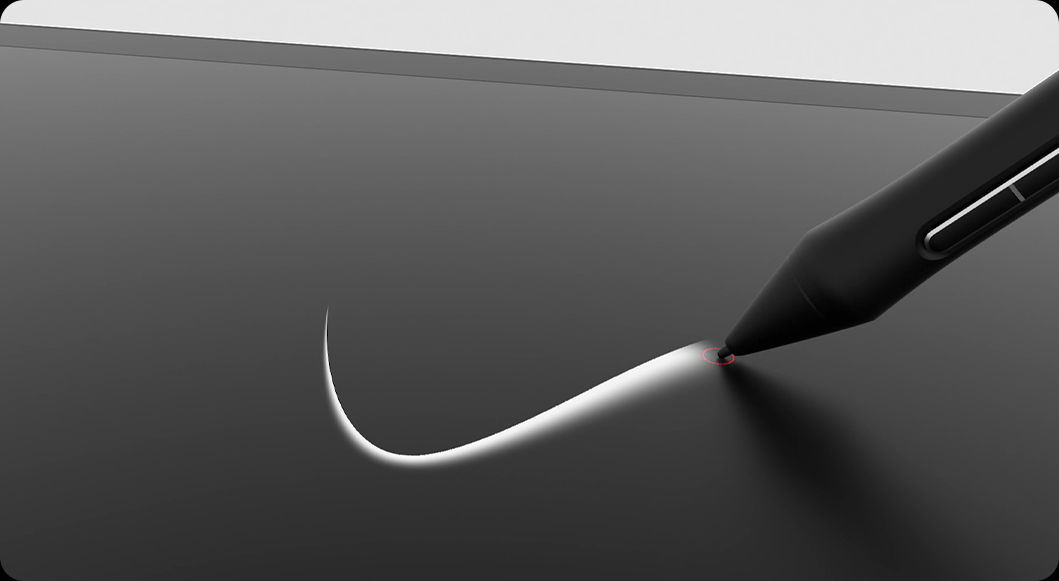
Canvas Glass 3.0
Turn Glass into a Canvas
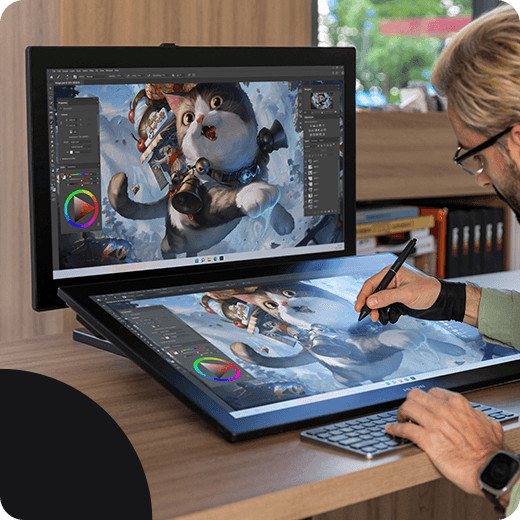
14%
Clarity ↑
Reduced Reflections
Coated with the all-new nano-etched technology, Canvas Glass 3.0 not only reduces glare in bright light but also minimizes graininess on solid backgrounds, enhancing display clarity by 14%. Additionally, an anti-fingerprint coating is applied to prevent fingerprints and keep the display clean.
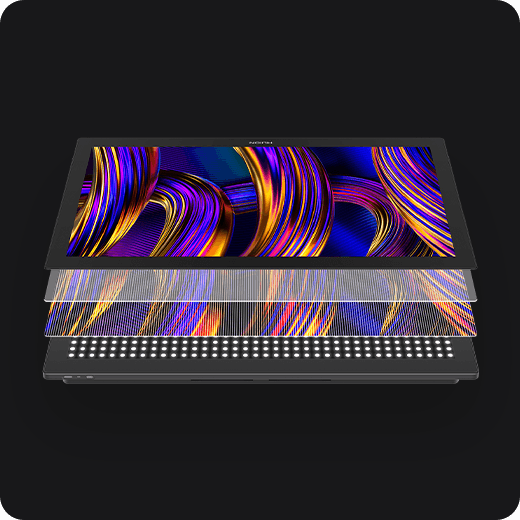
Enhanced Performance
The hardness of the surface glass exceeds that of the pen nib, preventing damage from scratches and ensuring long-lasting durability. The LCD panel is fully laminated with glass, enhancing brightness and color accuracy while extending its lifespan.

Anti Glare

Anti Sparkle

Anti Fingerprint

Full-Lamination
Unlock Efficiency and Save Space.
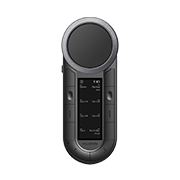
Maximizing workspace can be a challenge for artists. The touch functionality and the independent one-handed keyboard save your workspace while offering a variety of convenient shortcuts. Also, you can attach a keyboard holder to the top edge of Kamvas Pro 27 (144Hz) to expand the space for placing phones or tablets.
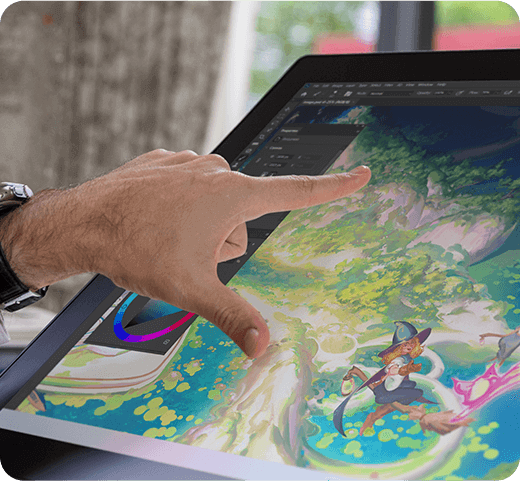
Multi-Touch
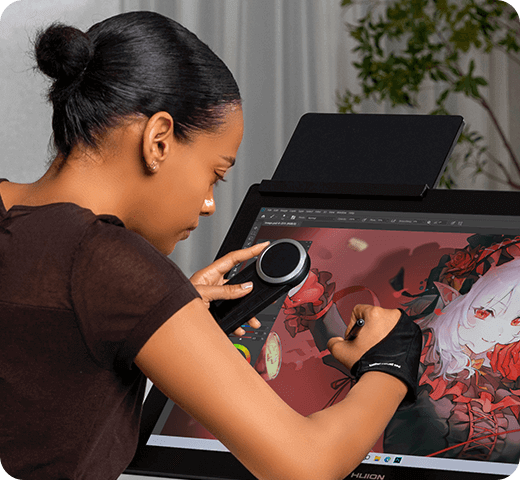
Keydial Assistant
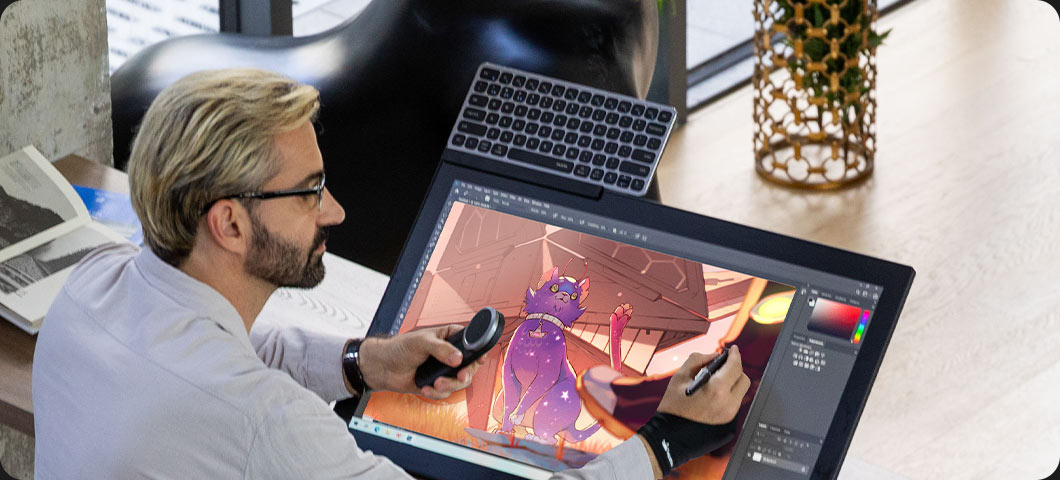
Keyboard Holder + Keyboard
(Both sold separately)
Ergonomic Design, All for Your Smooth Workflow.
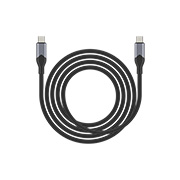
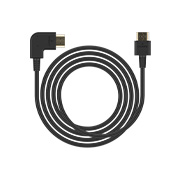
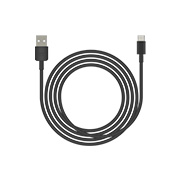
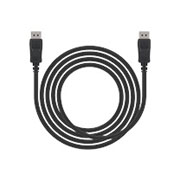
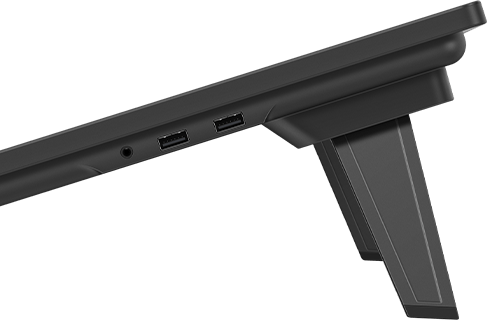
Designed for desktop use, Kamvas Pro 27 (144Hz) offers conveniently positioned ports on the upper side for easy connection and organized cable management. Two side USB-A ports expand connectivity options, while the standard VESA mount allows artists to choose the VESA stand that best suits their working style.
Top
Full-featured USB-C
HDMI / Display Port

Back
VESA Mount
Built-in Stand
Aluminum Backshell
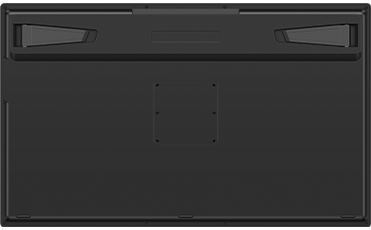
Side
Dual USB-A Ports
Headphone Jack
Compatibility
Operating System
Windows
(Windows 10 and above.)
macOS
(macOS 10.12 and above.)
Android
(Android device interface should meets USB 3.1 + DP 1.2 and above)
LinuxOS
(Ubuntu 20.04 LTS)
Recommended Applications


The terms HDMI, HDMI High-Definition Multimedia Interface, HDMI Trade dress and the HDMI Logos are trademarks or registered trademarks of HDMI Licensing Administrator, Inc.