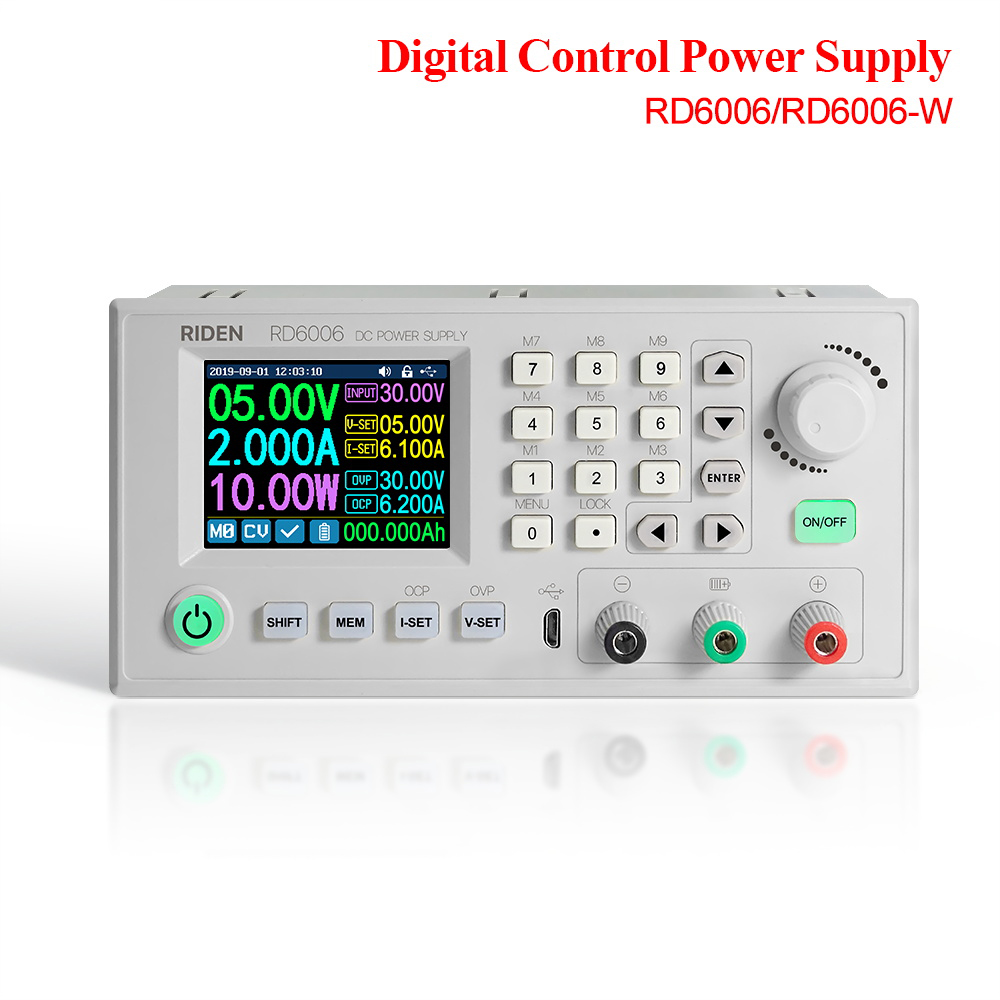
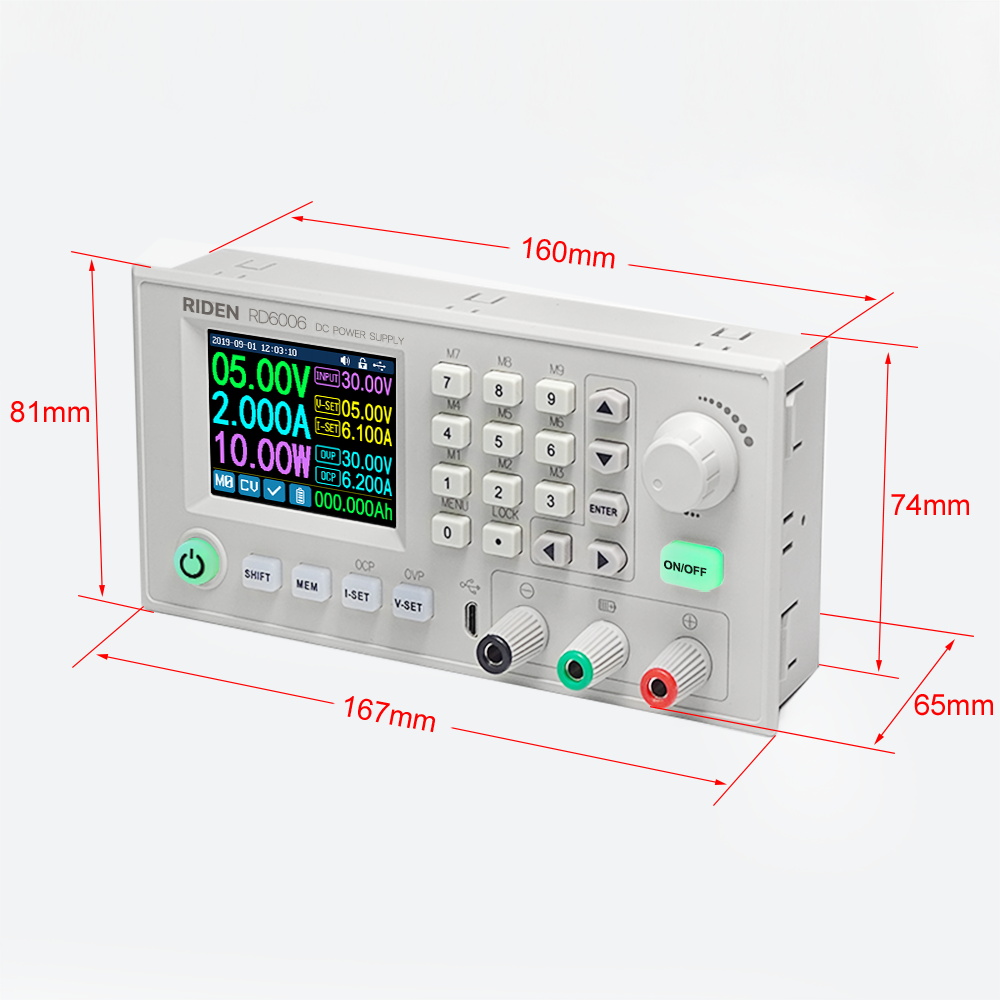
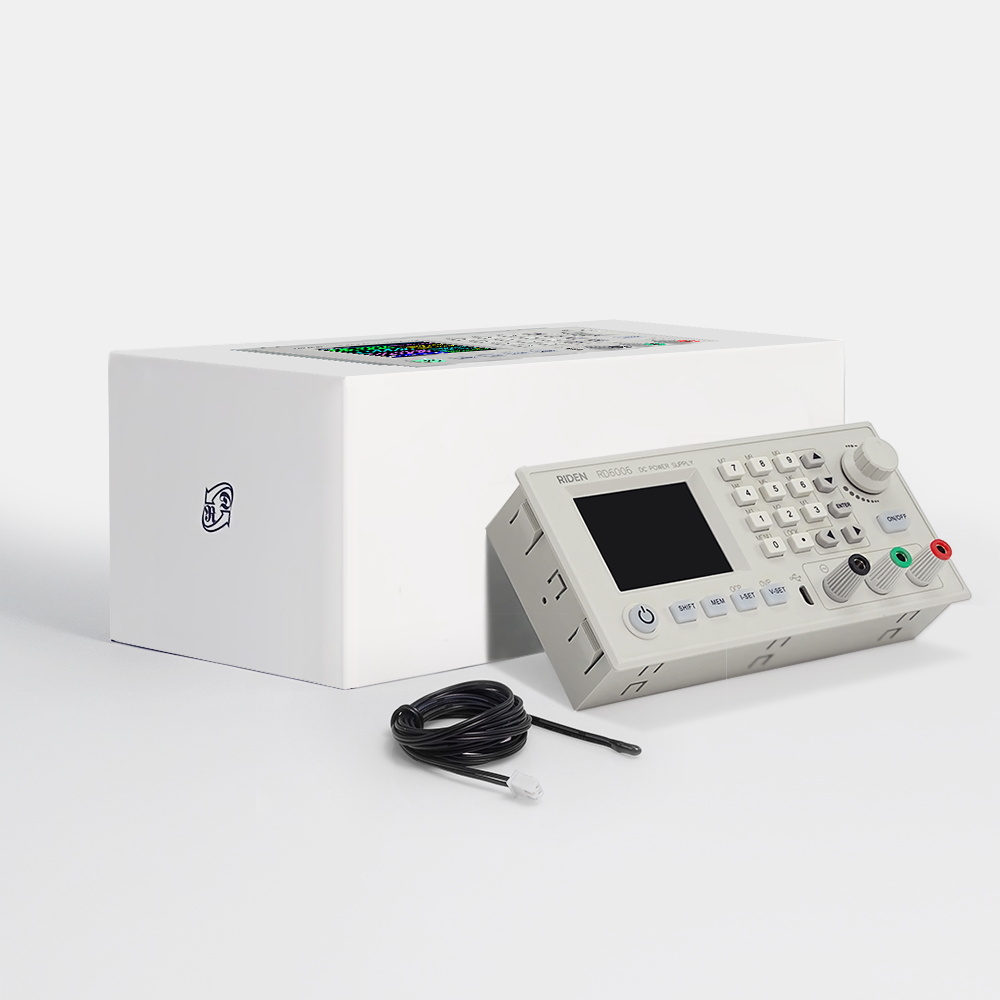
RD6006/RD6006-W
Features:
HD display, large screen experience
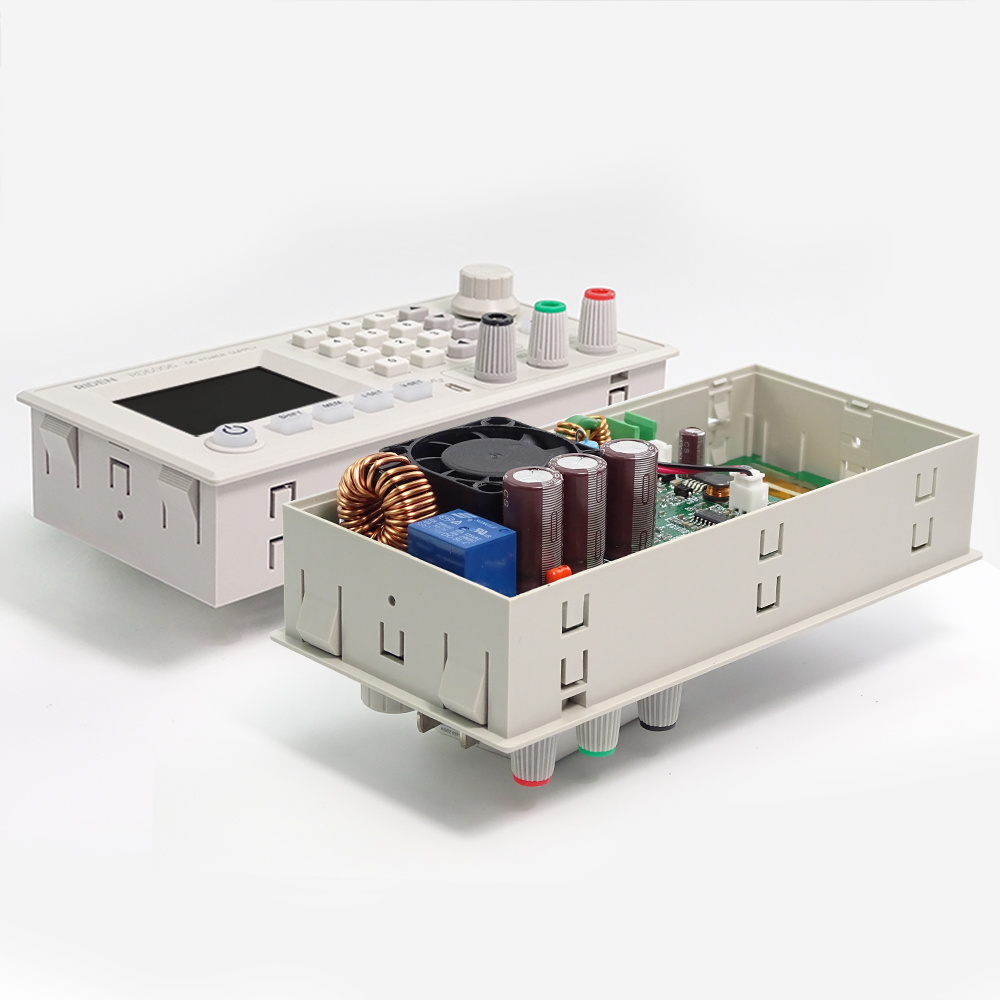
Integrated design, convenient for DIY modification
Battery charging, multi-purpose
Data storage function is convenient and efficient
Support PC host computer Apple/Android APP
Firmware update, worry-free and convenient
Load all-round protection, safe and reliable
HD display, large screen experience
Integrated design, convenient for DIY modification
Battery charging, multi-purpose
Data storage function is convenient and efficient
Support PC host computer Apple/Android APP
Firmware update, worry-free and convenient
Load all-round protection, safe and reliable
Note before buying:
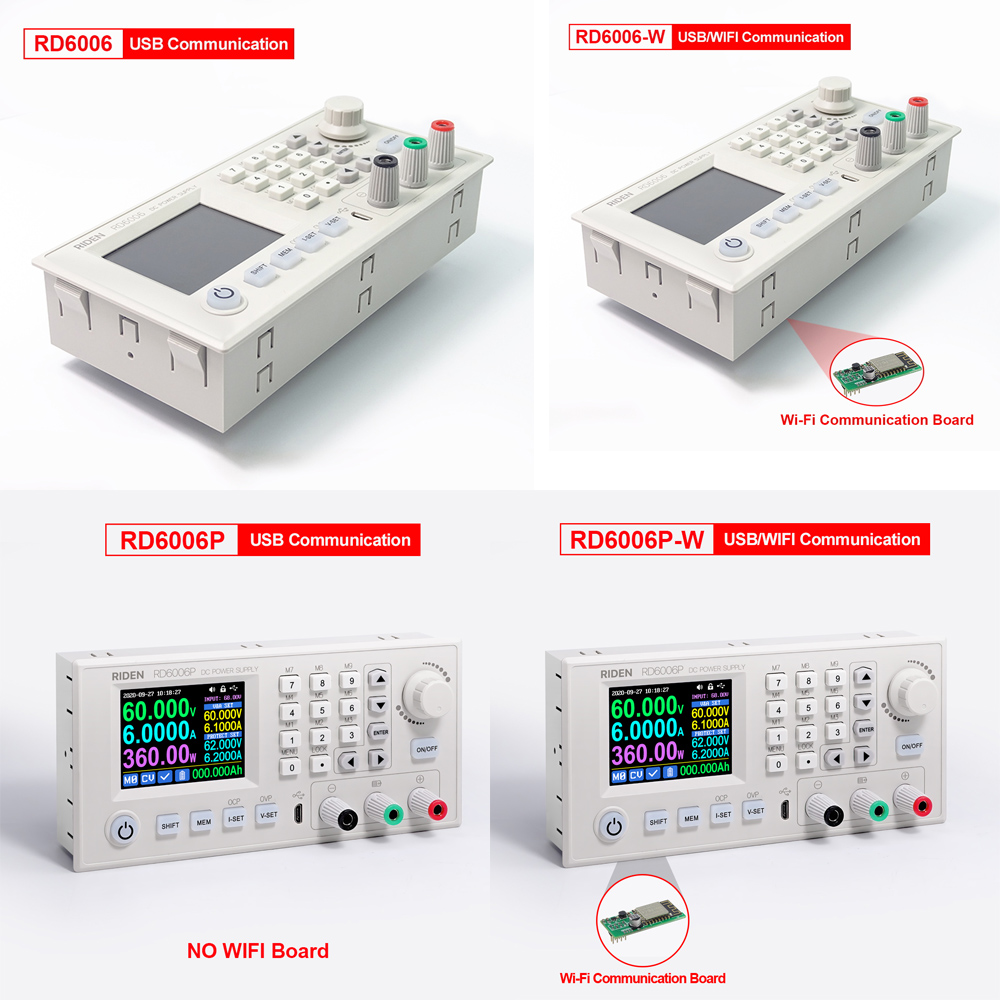
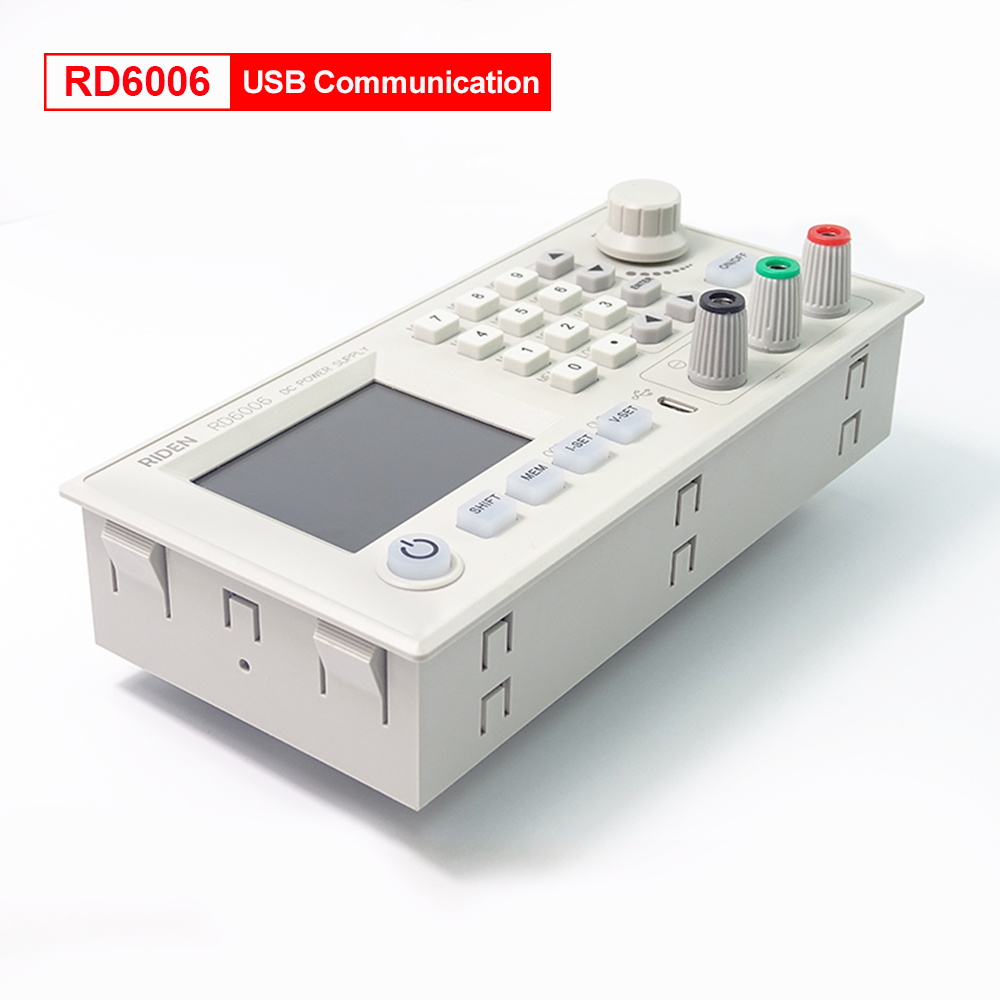
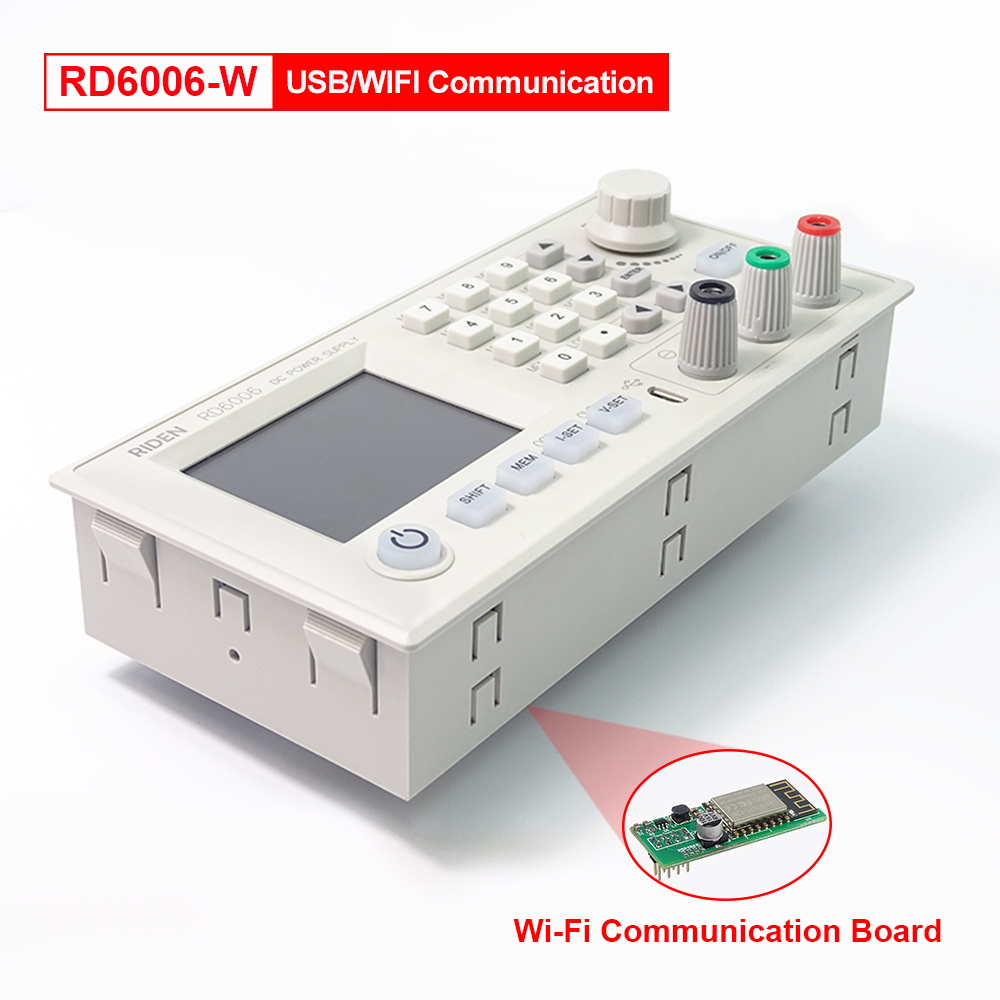
1.RD6006 has two versions: RD6006 and RD6006-W,RD6006-W have WIFI board , RD6006 don't have . RD6006-W can use WIFI board to connect APP and software, also use USB micro cable to connect PC solftware . RD6006 don't have WIFI board, only support PC software by connecting with USB micro cable, no support APP.
1.RD6006 has two versions: RD6006 and RD6006-W,RD6006-W have WIFI board , RD6006 don't have . RD6006-W can use WIFI board to connect APP and software, also use USB micro cable to connect PC solftware . RD6006 don't have WIFI board, only support PC software by connecting with USB micro cable, no support APP.
2.for PC software, it only support win 7 and above for now. For APP, it only support android 5.0 and above. for APP and PC software, please download first before buying , if you can download and install, you can make order, or else stop buying.
3.for APP and PC software, before buying, please download and install first, if it can't be install , stop buying. because some PC language and phone system problem, it can't be install. so please check first before buying.
3.for APP and PC software, before buying, please download and install first, if it can't be install , stop buying. because some PC language and phone system problem, it can't be install. so please check first before buying.
All RD6006 instruction and case installation instruction download Link :
1.RD6006(W) operation instructon, PC software instruction , APP instruction ,APP and PC software download link:
A:Main download llink: https://drive.google.com/open?id=17V-JWHvqMF-NuWSznEiJ4RKrnn_Pkt5v
B:Back up download link : http://www.ruidengkeji.com/rddata/RD6006/RD6006.rar
1.RD6006(W) operation instructon, PC software instruction , APP instruction ,APP and PC software download link:
A:Main download llink: https://drive.google.com/open?id=17V-JWHvqMF-NuWSznEiJ4RKrnn_Pkt5v
B:Back up download link : http://www.ruidengkeji.com/rddata/RD6006/RD6006.rar
2. APP Google download: Search RdPower to download
3.RD6006 and S06AS case or S06D case assemble instruction : https://drive.google.com/open?id=1Bb6Mq3Mp7AGkd6yxwzPqwtv54dozZ4zR
4.RD6006/RD6006W Operation instruction video: https://youtu.be/fn6ROhGrLtI
RD6006P/RD6006P-W
All RD6006P/RD6006P-W instruction and case installation instruction download Link :
1.RD6006P(W) operation instructonin English,PC software instruction , APP instruction ,APP and PC software download link:
A: Main download link :https://drive.google.com/drive/folders/1nyd7W_JdeQhPLhKdgG_iCRQ3mHZenbIU?usp=sharin
B: Mediafire:http://www.mediafire.com/folder/tskl6yx99s386/RD6006P
A: Main download link :https://drive.google.com/drive/folders/1nyd7W_JdeQhPLhKdgG_iCRQ3mHZenbIU?usp=sharin
B: Mediafire:http://www.mediafire.com/folder/tskl6yx99s386/RD6006P
2.AndroidAPP:download at file link:https://drive.google.com/drive/folders/1nyd7W_JdeQhPLhKdgG_iCRQ3mHZenbIU?usp=sharing,Support android 5.0 and above phone
IOS APPdownload :SearchRdPowerto download , support IOS10 and above phone
Android APP Google Playdownload:SearchRdPowerto download , support Android 5.0 and above phone
IOS APPdownload :SearchRdPowerto download , support IOS10 and above phone
Android APP Google Playdownload:SearchRdPowerto download , support Android 5.0 and above phone
3.RD6006P and S400 caseassemble instruction :
https://drive.google.com/drive/folders/1amKj1B2c2w3NYEQjY7_17ouiZIPQoOwp?usp=sharing
https://drive.google.com/drive/folders/1amKj1B2c2w3NYEQjY7_17ouiZIPQoOwp?usp=sharing
4.RD6006P/RD6006P-W test video:https://youtu.be/ZncOU4eSjvk
5.Video instruction for RD6006P(PC software operation is same like RD6006)
1.4.2.1 Battery Charging Function Introduction:https://youtu.be/sOmKoUEmjdQ
1.4.2.2 Main Page Output Voltage and Current Setting:https://youtu.be/KPnXiwCGSFg
1.4.2.3 Data Group Quick Storage and Call out:https://youtu.be/Y4ywGSxDy0M
1.4.2.4 Keypad lock and unlock:https://youtu.be/UYMcgywKB1Q
1.4.2.5 System Setting:https://youtu.be/ml15mX4u5bE
1.4.2.6 Main Page Display Style Setting:https://youtu.be/od4-CfDeqNU
1.4.2.7 Storage Data Setting:https://youtu.be/0sJlwSGW_oc
1.4.2.8 Sy stem Information:https://youtu.be/PN8tBhezmtA
2.2Android APPInstallation Introduction:https://youtu.be/BnC9mJ1zevg
2.2.3.3AndroidAPP Operation:https://youtu.be/5AMF8A_KJ3U
3.2IOS APPInstallation and Operation:https://youtu.be/Ryy9ko3gqYg
4.1:PC Software Download and basic operation:https://youtu.be/mjt1RMaah1Y
4.3.5:Firmware Upgrade:https://youtu.be/NOoLfDw0DiY
4.3.2:Calibration:https://youtu.be/c9sn1wY2mjE
4.3.6:Logo Update:https://youtu.be/vuVhBsohWts
Note before buying:
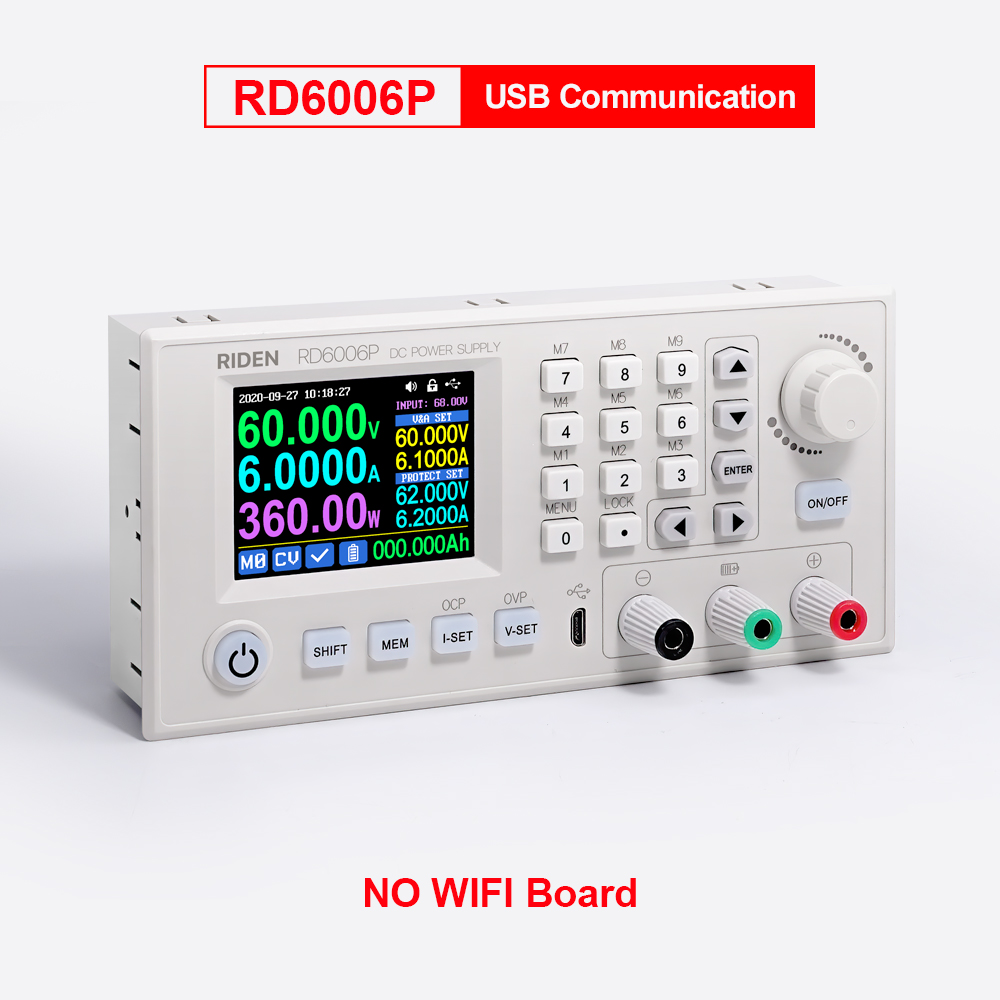
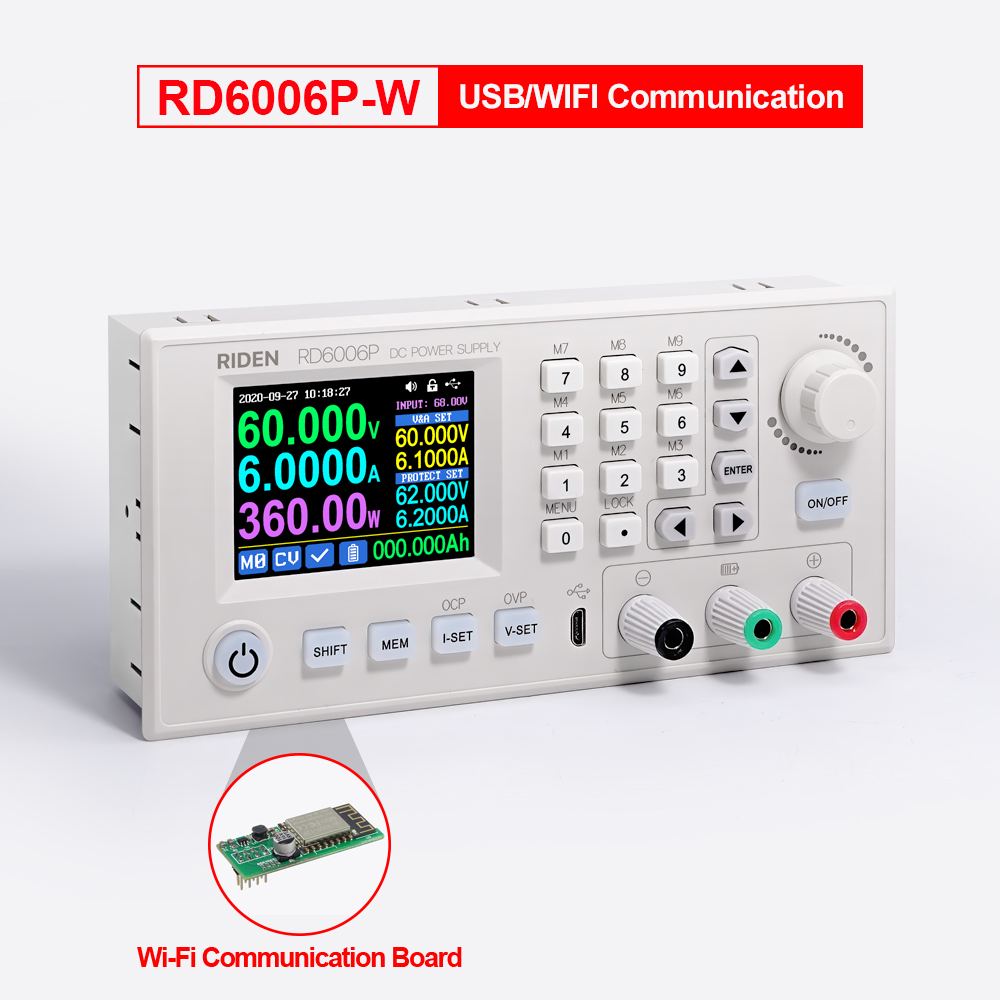
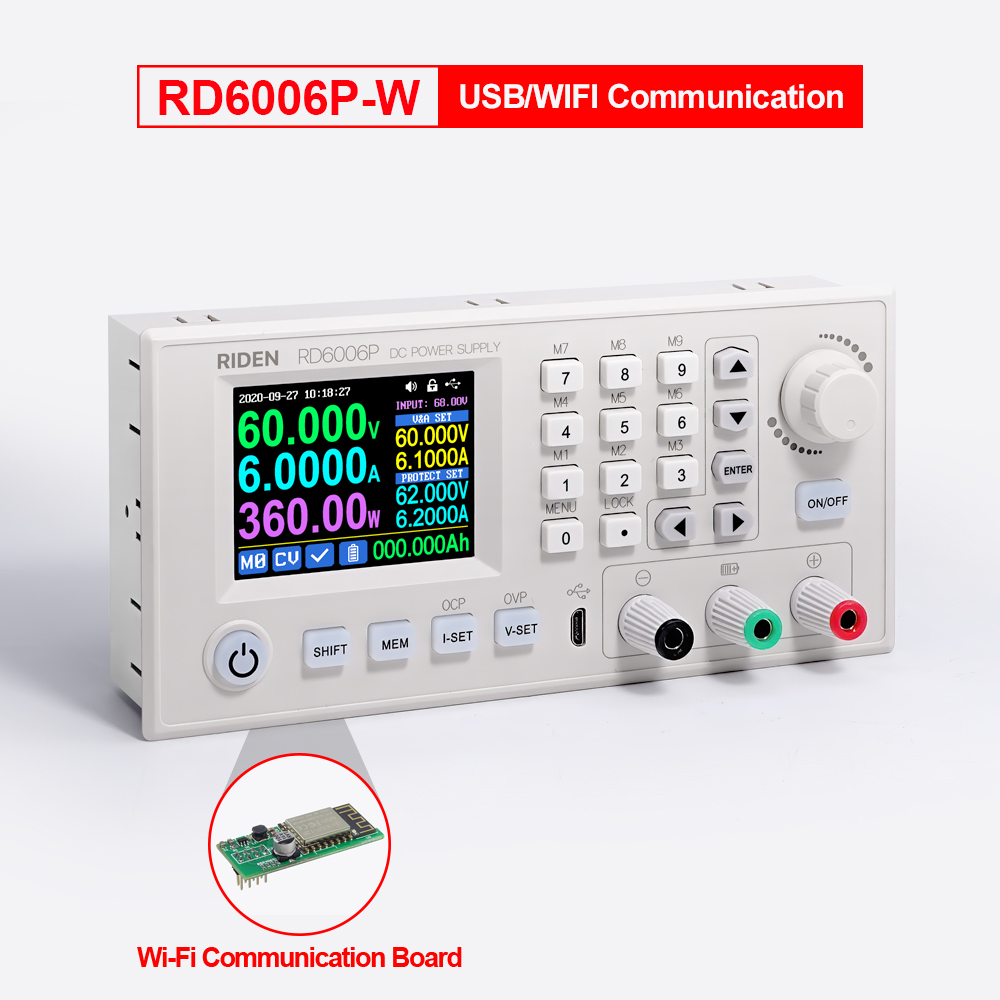
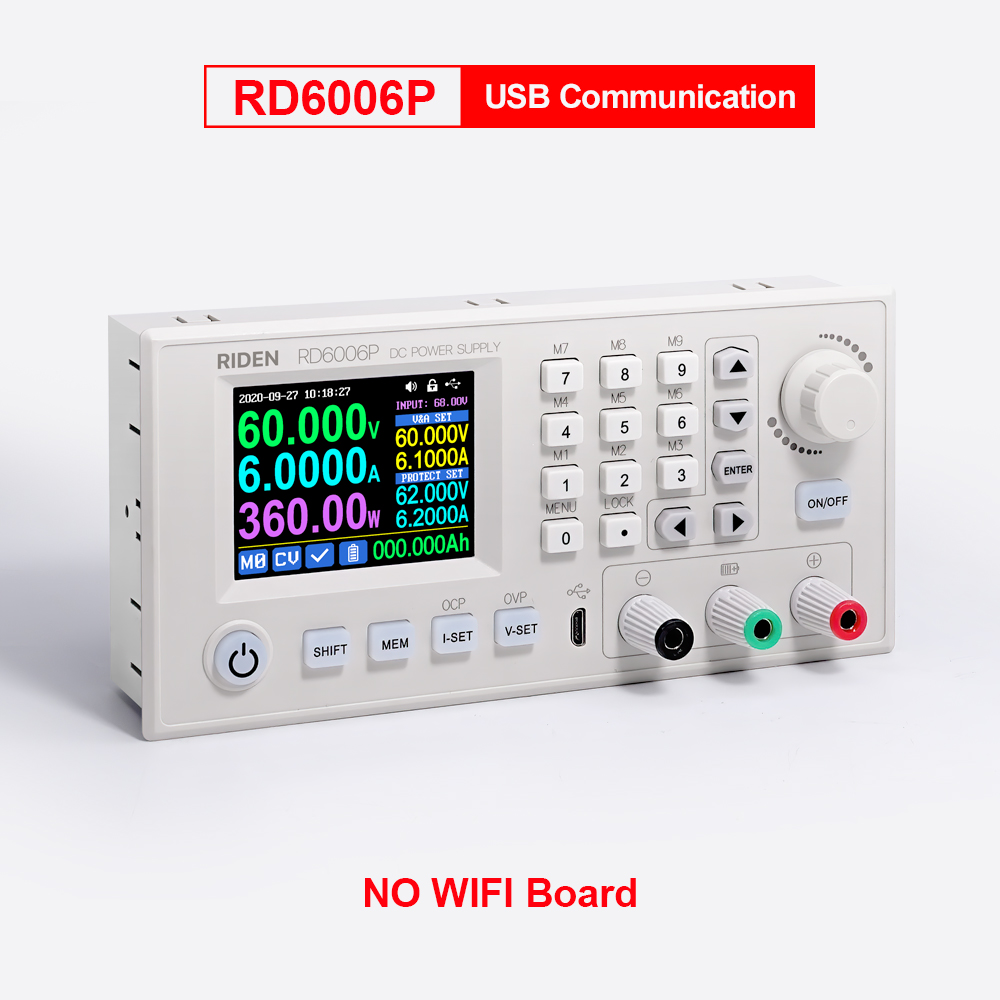
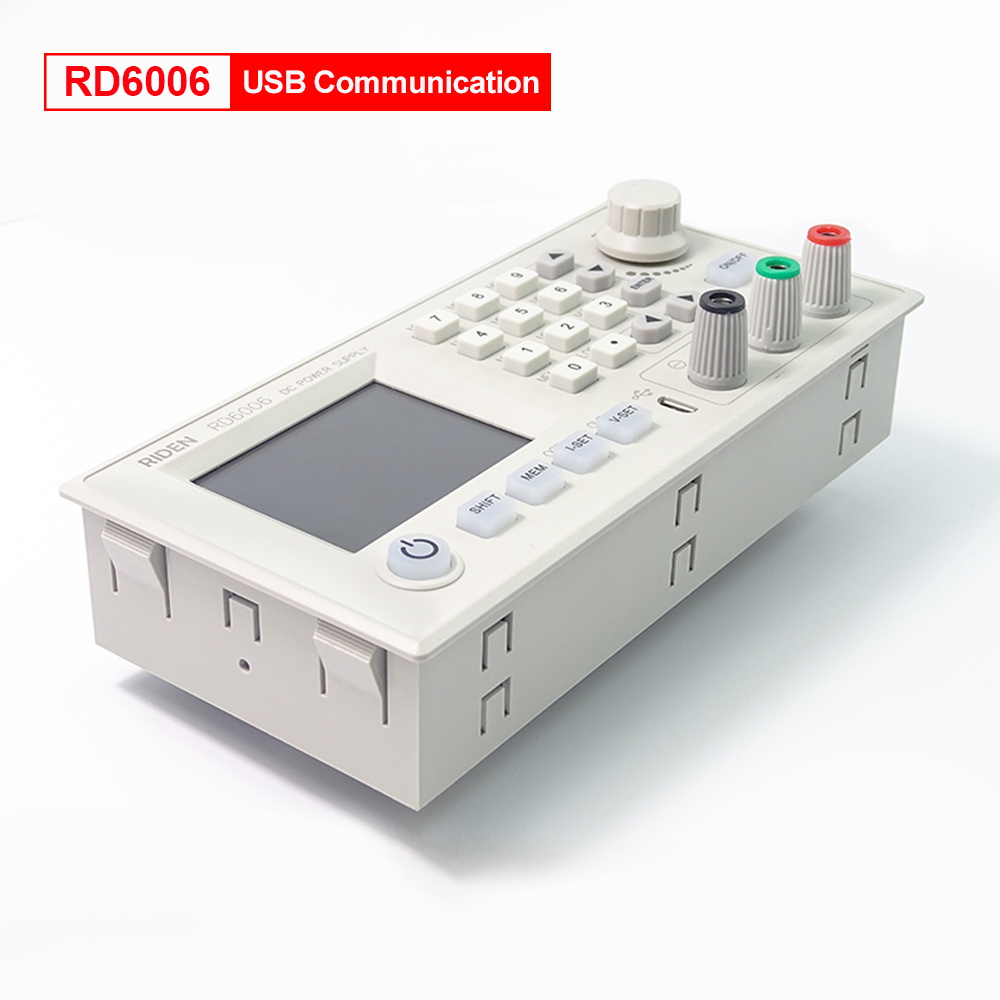
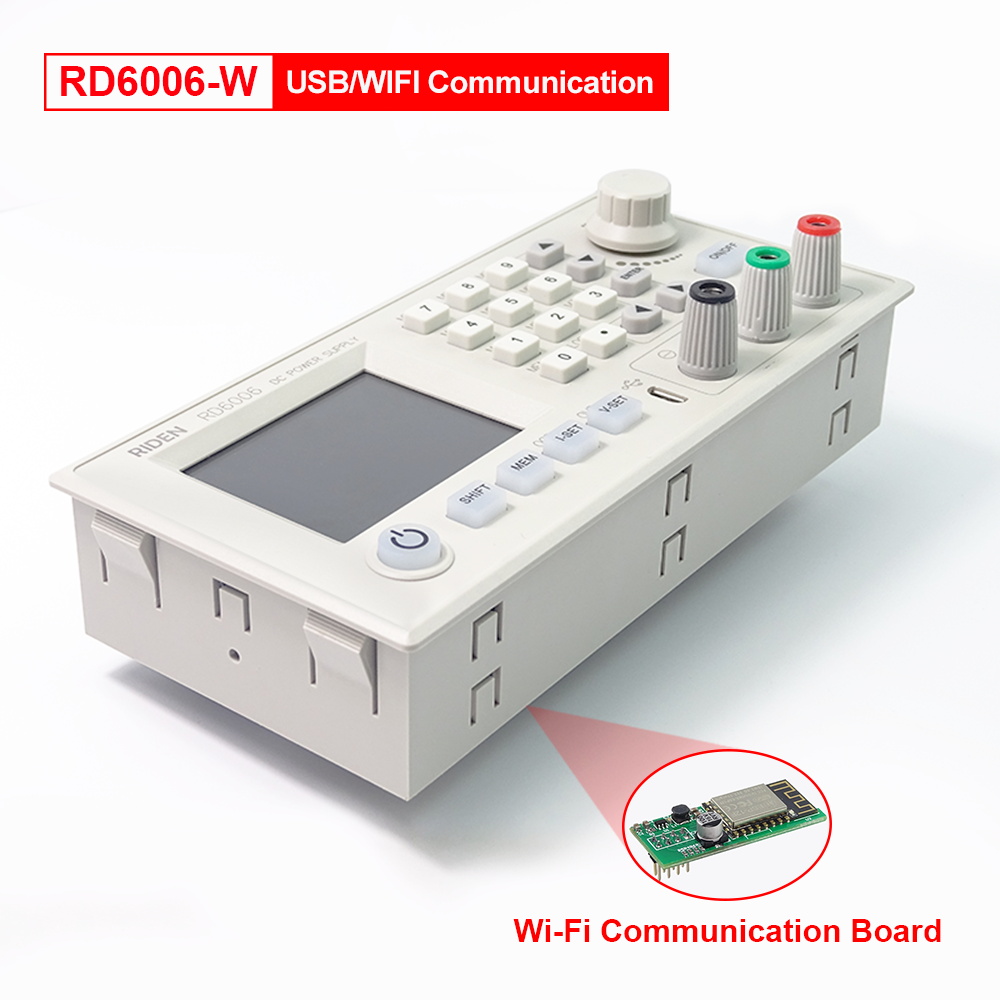
1.RD6006P series has two versions:RD6006PandRD6006P-W, RD6006P-W hasWIFIboard , RD6006P doesn't have . RD6006P-W can use WIFI board to connect APP, also use USB micro cable to connect PC solftware . RD6006P doesn't have WIFI board, only supports PC software by connecting with USB micro cable, no support APP. For wifi board to connect PC software, now it did not support.
1.RD6006P series has two versions:RD6006PandRD6006P-W, RD6006P-W hasWIFIboard , RD6006P doesn't have . RD6006P-W can use WIFI board to connect APP, also use USB micro cable to connect PC solftware . RD6006P doesn't have WIFI board, only supports PC software by connecting with USB micro cable, no support APP. For wifi board to connect PC software, now it did not support.
Note: WiFi connection is a test function, due to poor compatibility of some computers, if you cannot connect PC software via WiFi, please ignore this function. Forthis function, we do not provide any guarantee and technical support, and we will decide whether to keep this function based on customer feedback.
2.for PC software, it only supports win 7 and above for now. For APP, it only support android 5.0 and above. for APP and PC software,because there may be incompatibilities problems,please download first before buying , if you can download and install, you can make order, or else stop buying.If you don't test the PC software and APP function before buying and find that the products works fine except the PC software or APP, we refuse to refund.
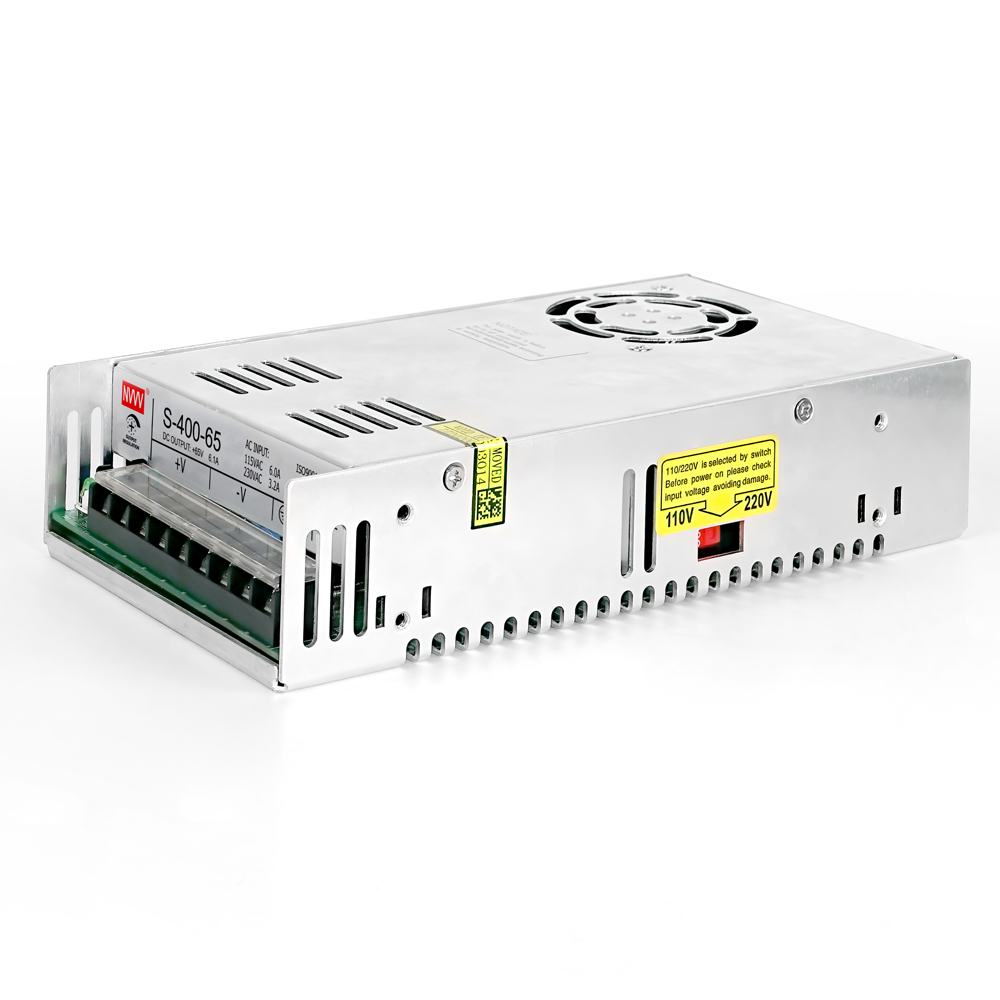
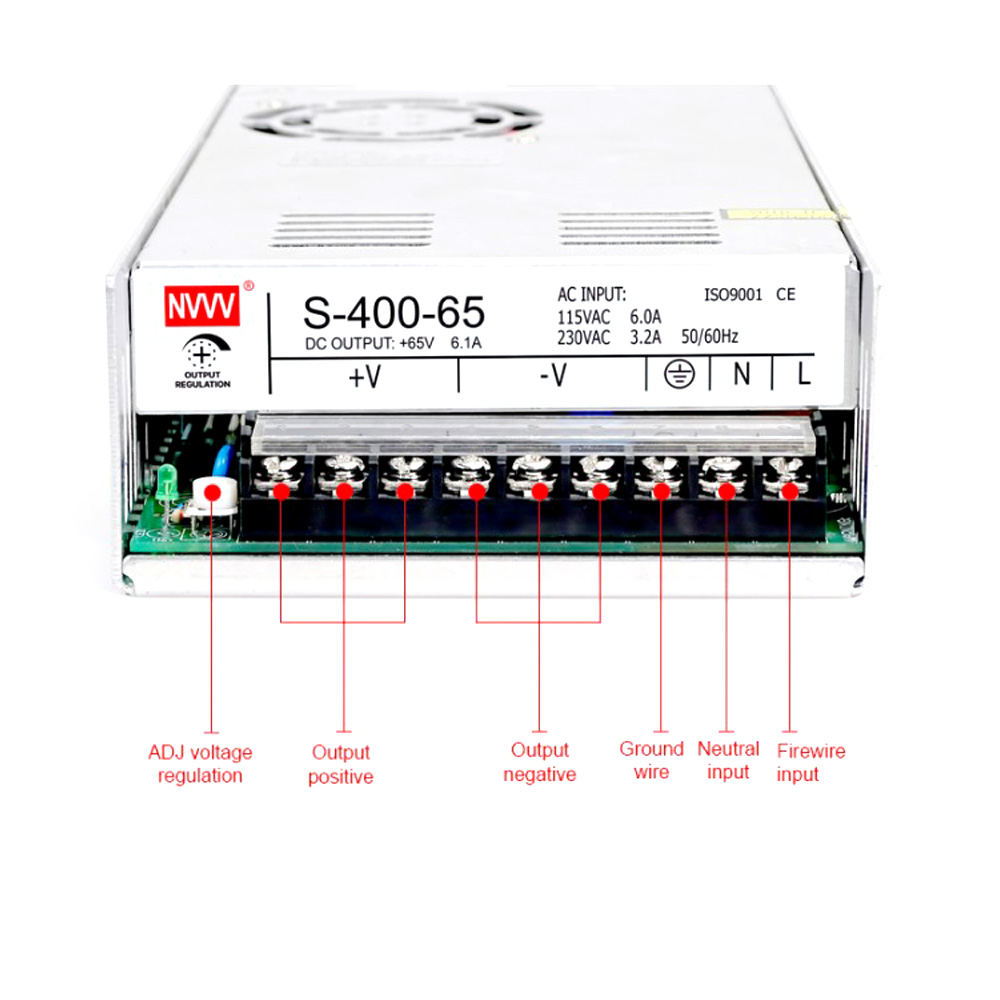
3.For S400 case, it is just case, not conntaining any power supply, but it is suitable for RD6006P/RD6006P-W and AC-DC 400w 65V switch power supply, you can buy them seperately to assemble easily.
assemble instructionin English:
https://drive.google.com/drive/folders/1nyd7W_JdeQhPLhKdgG_iCRQ3mHZenbIU?usp=sharing
S400 assembly video:https://youtu.be/8QxfppCdnmw
https://drive.google.com/drive/folders/1nyd7W_JdeQhPLhKdgG_iCRQ3mHZenbIU?usp=sharing
S400 assembly video:https://youtu.be/8QxfppCdnmw