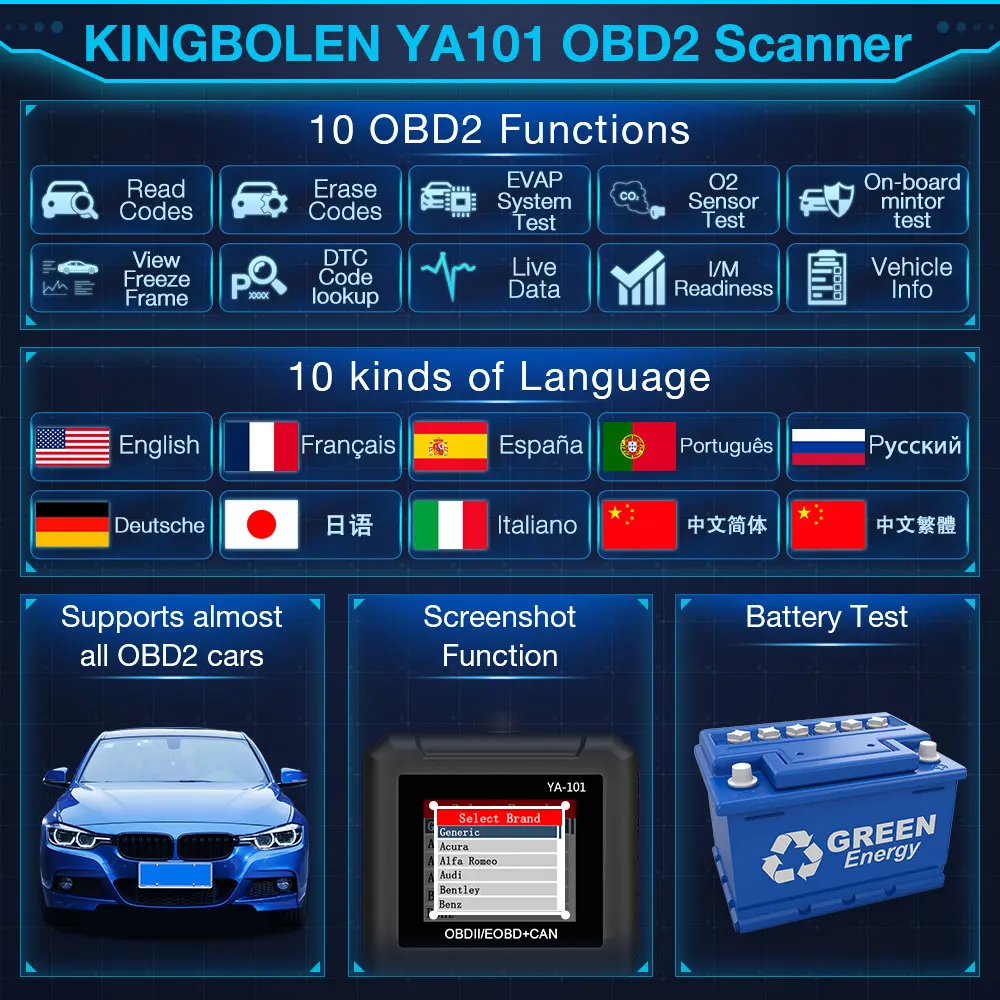
KINGBOLEN OBD2 Scanner ,Code Reader Automotive Engine Light Check Scan Tool Checks O2 Sensor and EVAP Systems with Full OBD2 Functions,Supports Mode6 with DTC Lookup, All 10 Modes of obd2.
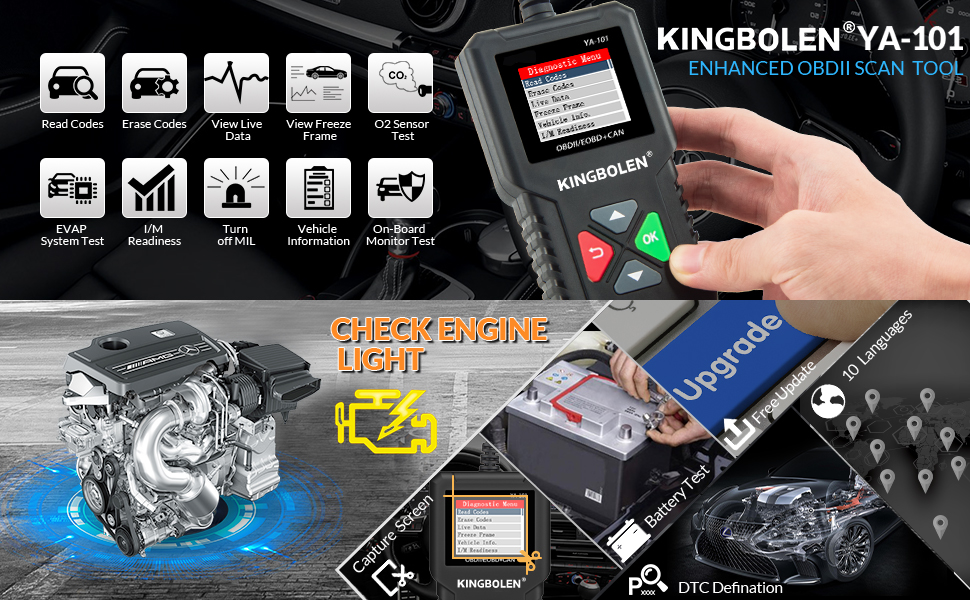
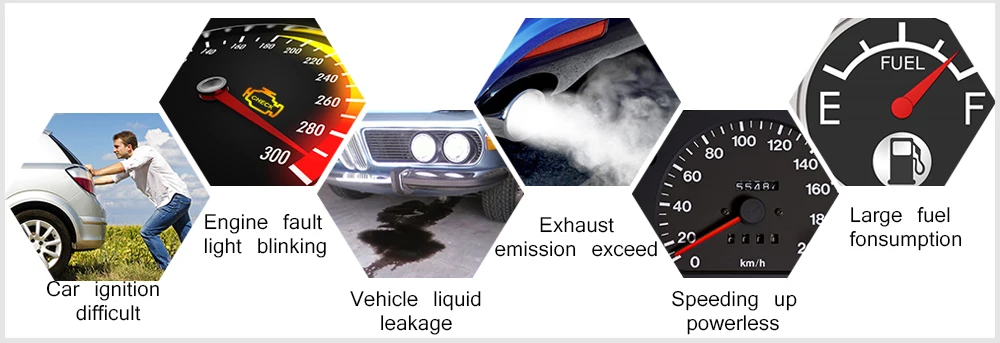
Car care and repair can be expensive, especially if you don't know what the issue is. While you can take it to a mechanic to diagnose the problem, having some automotive expertise and a DIY attitude can save you money and time by locating the issue yourself. To do this, you need an on board diagnostic II (OBD-II) scan tool. This automotive tool will communicate with a car's on board computer system to see what issues the sensors and computer detect. To help boost you're automotive detective skills, here’s our OBD-II scanner YOU should check out.
About this item
- 【NO EXTRA BATTERIES OR APPS REQUIRED】 No need battery nor internet connection, just plug the obd2 scanner for car into obd2 port to reset check engine light. The car diagnostic code reader is suitable for US-based car made after 1996 and EU-based car made after 2000 which equipped with OBD2 (OBDII protocols: KWP2000, ISO9141, J1850 VPW, J1850 PWM and CAN), which is for 12V car and light truck.
- 【TURNING OFF THE CHECK ENGINE LIGHT】With YA101 model you never have to worry about the illumination of the Check Engine Light as it successfully turns off the said light, clears the relevant code and also reset the display.
- 【EXTENSIVE TROUBLE CODES CATALOG】 The device boasts an expansive catalog of trouble codes along with their detailed descriptions to ensure tech peak performance of you're vehicle all the time. YA101 scanner also features the capability to foretell whether your vehicle would pass or not in the O2 sensor test even before you take it to a test center.
- 【SIMPLICITY OF DESIGN】 A good scanner must be easy to operate. It features the simplest of design with only a couple of buttons which makes it easier to read and clear the codes in a faster way. The device sports a nice backlist LCD display which is clearly legible at all conditions. The display also offers a convenient multilingual menu at the same time.
- 【LIFETIME FREE UPDATE AND MULTI-LANGUAGE】We provide 100% Full Refund & Return Guarantee and 3 YEARS Free Warranty. YA101 allows users change the language, including English, Chinese, France, Deutsch, Italian, Japanese, Espanish, Russian, Portuguese