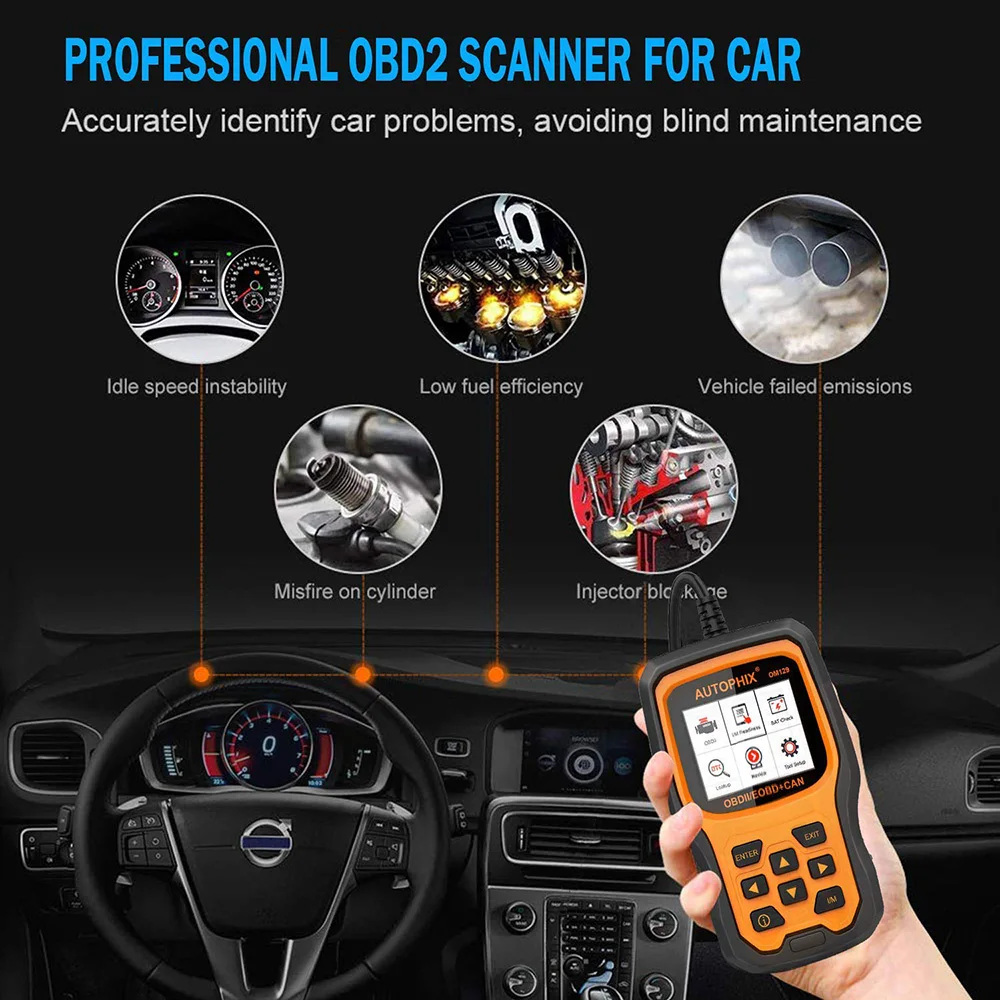
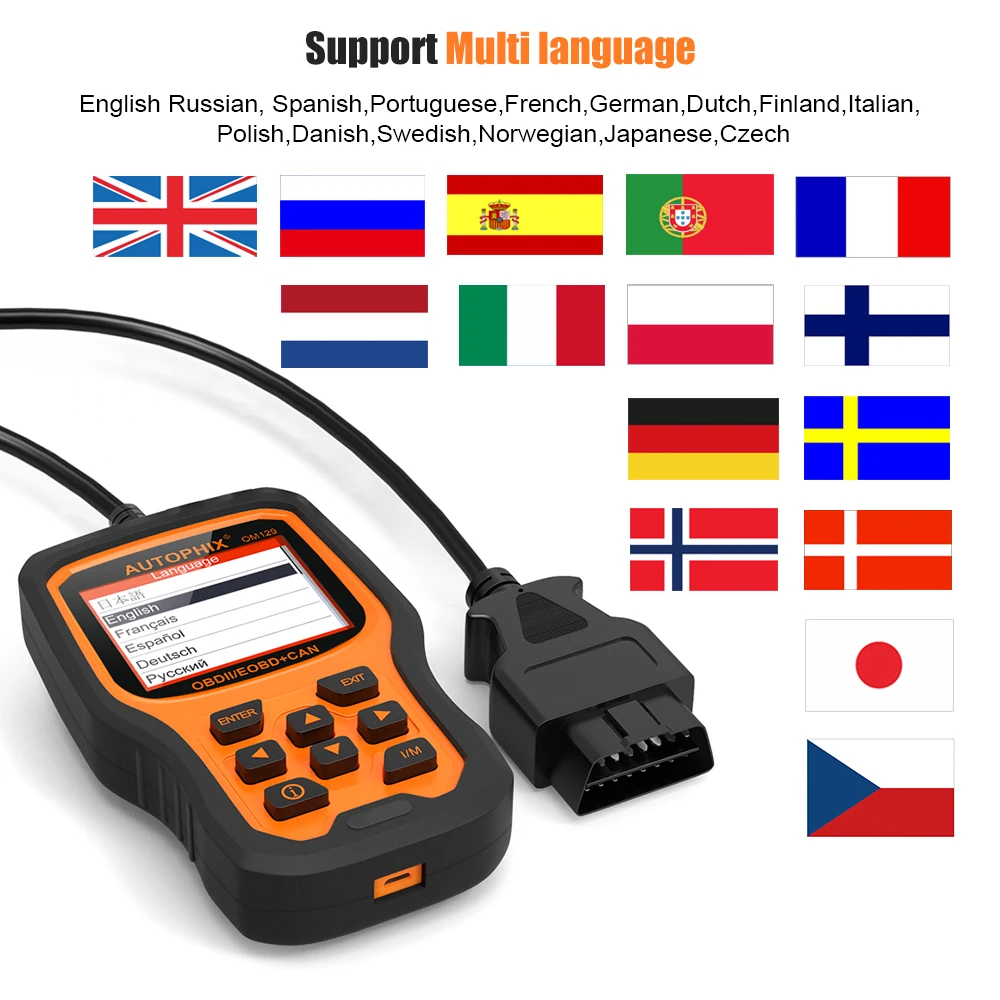
Autophix OM129 is a full mode OBDII engine, battery reader, with unique one-click I/M readiness design, which fast to scan engine healthy test battery voltage change status in graphing. Enhanced engine & battery diagnosis,free upgrade,print and storage data are its biggest advantages.
LookUp Library-thousands of trouble codes help users accurately diagnose even the toughest problems. New gernration-Autophix OM129 will be the most useful car diagnostic tool for every family and professional mechanic technician!
4.Storage Trouble Codes, Live Data,freeze frame, Playback and review data when out of vehicles.
5.Battery real-time monitoring and display voltage in graph.
OM129 Main Functions:
1.Determines the cause of the Check Engine Light(MIL) and Turns off MIL, clear codes and resets monitors
2.One-Click check I/M Readiness for State Emissions readiness check and drive cycle verification.
3.Retrieves generic (P0, P2, P3 and U0), manufacturer specific (P1, P3 and U1) codes and pending codes
4.Display PCM live data stream in text and graph
5.View freeze frame data
6.Check vehicle smoke emission level
7.Displays live O2 sensor test data
8.On-board diagnostic monitoring tests(part of vehicles not support test)
9.Evap system test(part of vehicles not support test)
10.Retrieves Vehicle information(VIN.CIN and CVN)
11.Print diagnostic reports via PC connection
12.Records & play back DTC
13.Built-in OBD-II Fault code lookup library
14.Battery voltage test and display voltage change in graphing
OM129 Diagnostic Car Maker Coverage:
OM129 supports both 12V voltage diesel and gasoline vehicles, as long as the car are compliant with stnadard OBDII protocols.
1. America Car List: (include Brazil cars)
Need standard obd2 protocols from 1996
Fit for Chrysler ,Fit for Dodge,Fit for Jeep,Fit for Ford,Fit for Lincoln,Fit for Mustang
Fit for GM ,Fit for Chevrolet,Fit for Cadillac,Fit for Buick etc
2. European Car List:
Need standard obd2 protocols from 2003
Fit for Alfa Romeo ,Fit for SAAB ,Fit for Acura ,Fit for Opel, Fit for Audi ,Fit for Seat ,Fit for Peugeot ,Fit for Renault Fit for Bentley ,Fit for Skoda ,Fit for Daewoo, Fit for Benz ,Fit for Daihatsu ,Fit for Land Rover Fit for BMW ,Fit for Vauxhall ,Fit for Citroen, Fit for Volvo ,Fit for Fiat ,Fit for VW ,Fit for Ford ,Fit for Jaguar etc
3. Asia Car List: (include Australia cars)
Japanese car Need standard obd2 from 2005
Fit for KIA ,Fit for Isuzu ,Fit for Honda ,Fit for Mitsubishi, Fit for Hyundai ,Fit for Dacia ,Fit for Lexus ,Fit for Mazda ,Fit for Nissan ,Fit for Subaru ,Fit for Suzuki, Fit for Toyota
Chinese car Need standard obd2 from 2008
Fit for Lifan, Fit for Chery, Fit for Geely, Fit for Great Wall, Fit for Changan etc
4. Special Car List:
For Ssangyong Actyon , A200 XDI Diesel , from 2007 to now ; 2.4 Diesel , from 2009 to now
Korando , 2.0 TD Diesel , from 2013 to now
Kyron , 2.0 Diesel , from 2007 to now
Rexton , 2.7 XVT Diesel , 2007 years or 2011 to now
Rodius , 2.7 Diesel , 2007 to now
For LADA Niva , 1.7 Gasoline , from 2011 to now
For LADA Priora , 1.5 Gasoline , from 2008 to now
Autophix OM129 One-click Update Step:
1. Plug USB to PC and connected OM129,meanwhile press any button of it
Notice: Please turn off anti-virus software when installing, otherwise it will not be able to install the driver properly
2.Please search on official website http://www.autophix.com/en/supports/download.html
to download OM129 client update software
3. Install client software on PC, install usb driver. Click ldquoUpdaterdquo button
4. Wait for the update process finished, we will update to latest before shipping out, normally no need to update for a long while.
OM129 Prints out data to PC:
1. After install the program on PC, connect it to PC with USB cable.
2. Open program, Select "Print" .
3. Operation on scanner: go to main menu, select " Print Data"
4. The data stream that storaged in scanner will be sent to PC software. you may modify them before printing out.
Autophix OM129 Package List:
1*OM129 OBD2 Scanner(Blue)
1*USB Cable
1* User Manual
On Nov 11, 2024 at 20:55:25 PST, seller added the following information: