Turn Your Phone Into Large Screen Cycling Computer
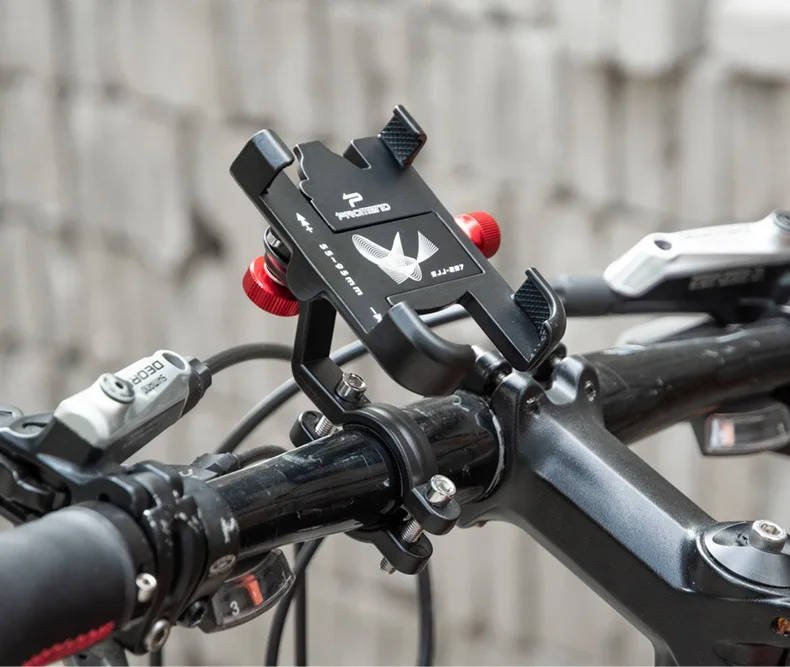
Pair your smartphone with this sturdy mount, install navigation & cycling tracking APPs to create a professional large-screen cycling data table, intuitive operation for road condition checking, speed recording and route navigation.
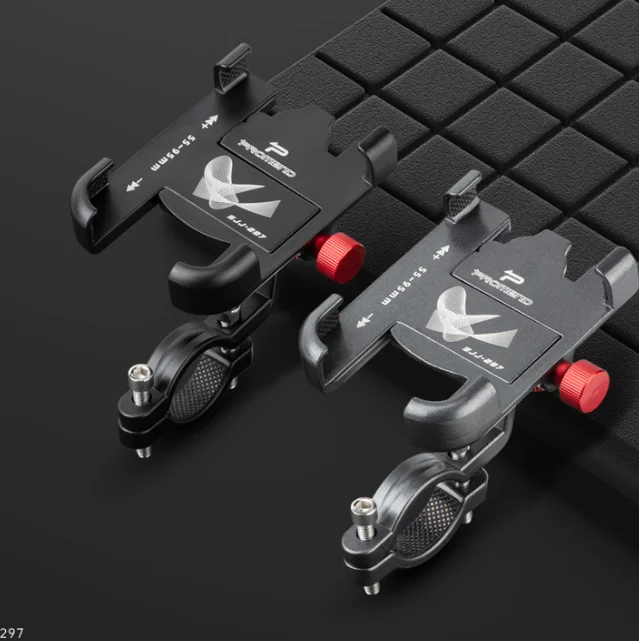
✅ Solid Premium Aluminum Alloy Construction for Long Durability
Crafted from pure solid aluminum alloy with thickened frame, reinforced thick bracket and bold thick screw rod. Four-claw locking design delivers stable clamping, anti-deform, anti-rust and shock-resistant even on bumpy mountain trails.
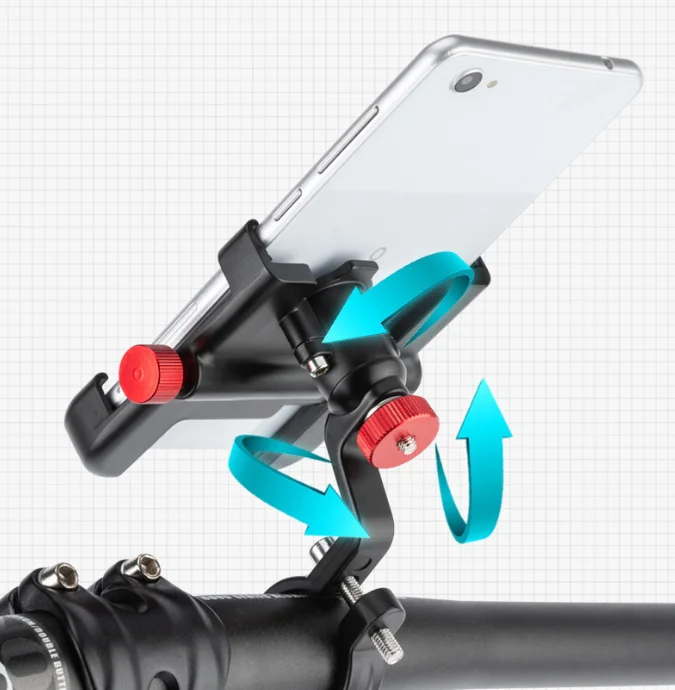
✅ Full 360° Free Rotation & Tilt Angle Adjustment
360° universal rotating joint supports arbitrary horizontal/vertical switching and tilt angle fine-tuning, you can set the most comfortable viewing angle according to riding posture and sunlight direction to avoid screen glare.
✅ 6 Practical All-Round Advantages for Safe Riding
  1. Solid Aluminum Alloy Profile: High hardness, corrosion resistant and long service life

  2. 360° Omni-Directional Adjustment: Customize any viewing angle freely

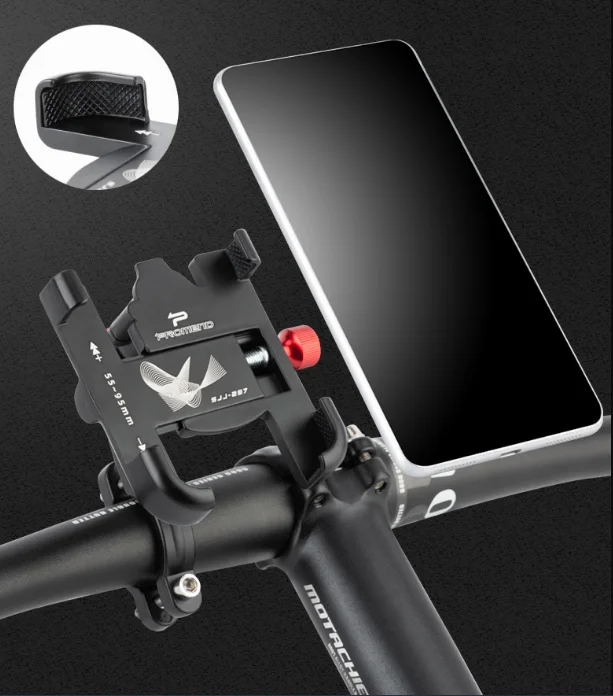
  3. Stable Anti-Shake Locking: Four-claw full wrap clamp eliminates shaking on rough roads

  4. Quick Easy Installation: Simple screw fixing tool-free assembly on handlebars

  5. Button Reserve Cutout: No blockage of phone volume/power buttons

  6. Wide Universal Compatibility: Fit almost all sizes of smartphones
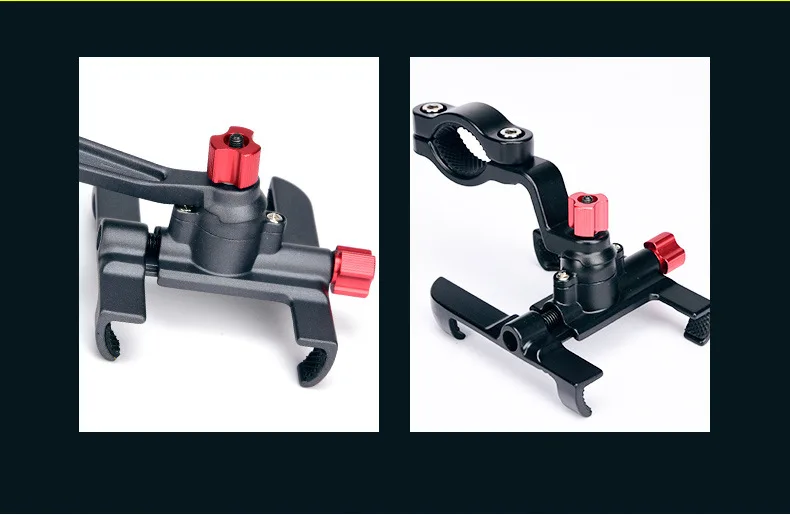
✅ Four-Claw Full Surround Clamping Protection
Independent four-claw locking arms evenly wrap the phone edges, evenly disperse vibration impact, prevent the phone from falling off during downhill or off-road bumpy rides.
✅ Minimalist Streamlined Appearance
Simple integrated aluminum alloy outline, compact structure without redundant protrusions, will not scratch your legs or cycling gloves during riding.

Installation Steps

  1. Loosen the bottom bold screw and clip the base onto bicycle handlebar.

  2. Tighten the screw manually to lock the whole bracket firmly on the bar.

  3. Pull open four side claws, place your smartphone into the middle position.

  4. Adjust four claws to fit the phone edge and lock the clamping tightness.

  5. Rotate the 360° spherical joint to set your ideal viewing angle and start riding navigation.


Important Notes

  1. Do not over-tighten the screw rod with hard tools to avoid scratching the aluminum alloy surface and handlebar paint.

  2. Check the clamping tightness of four claws before downhill and off-road riding to prevent phone falling risk.

  3. Wipe aluminum alloy surface with dry cloth to remove dust, avoid corrosive liquid cleaner.

  4. If you use a thick phone case, adjust the four claws to the maximum opening range before placing the phone.