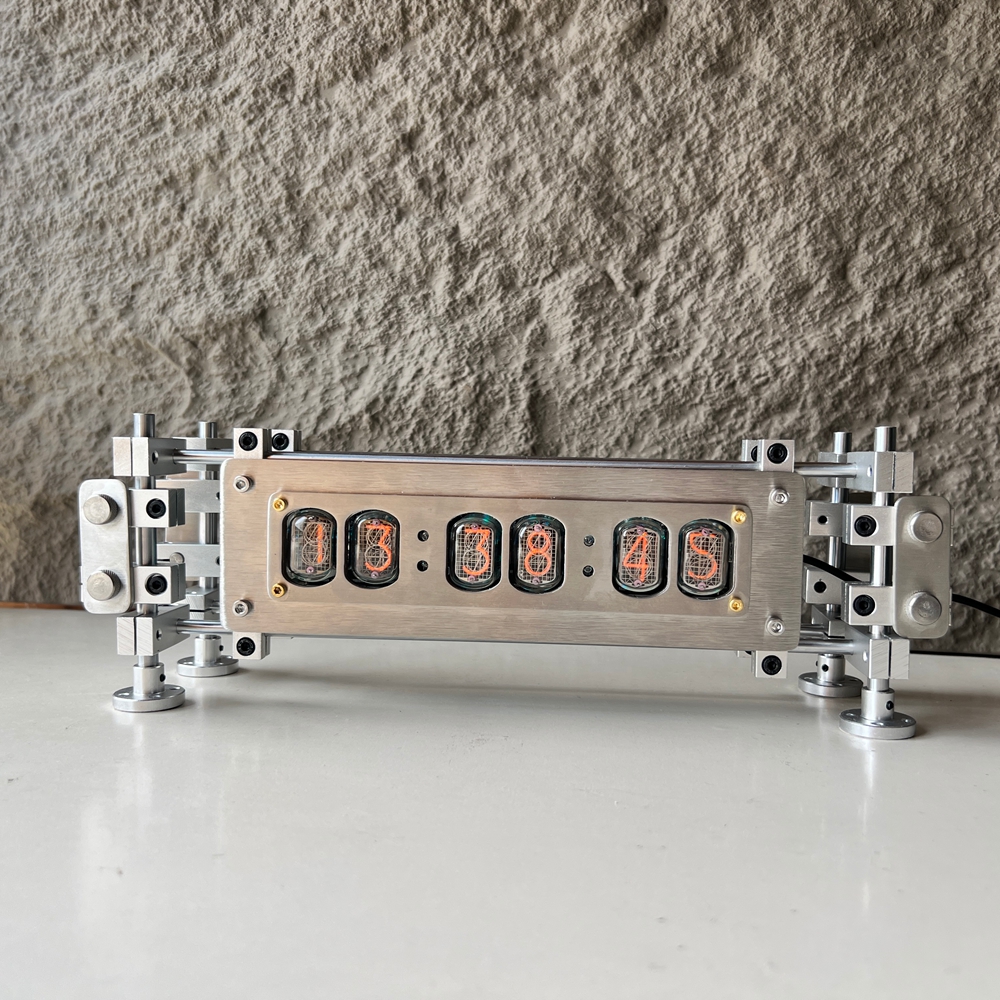
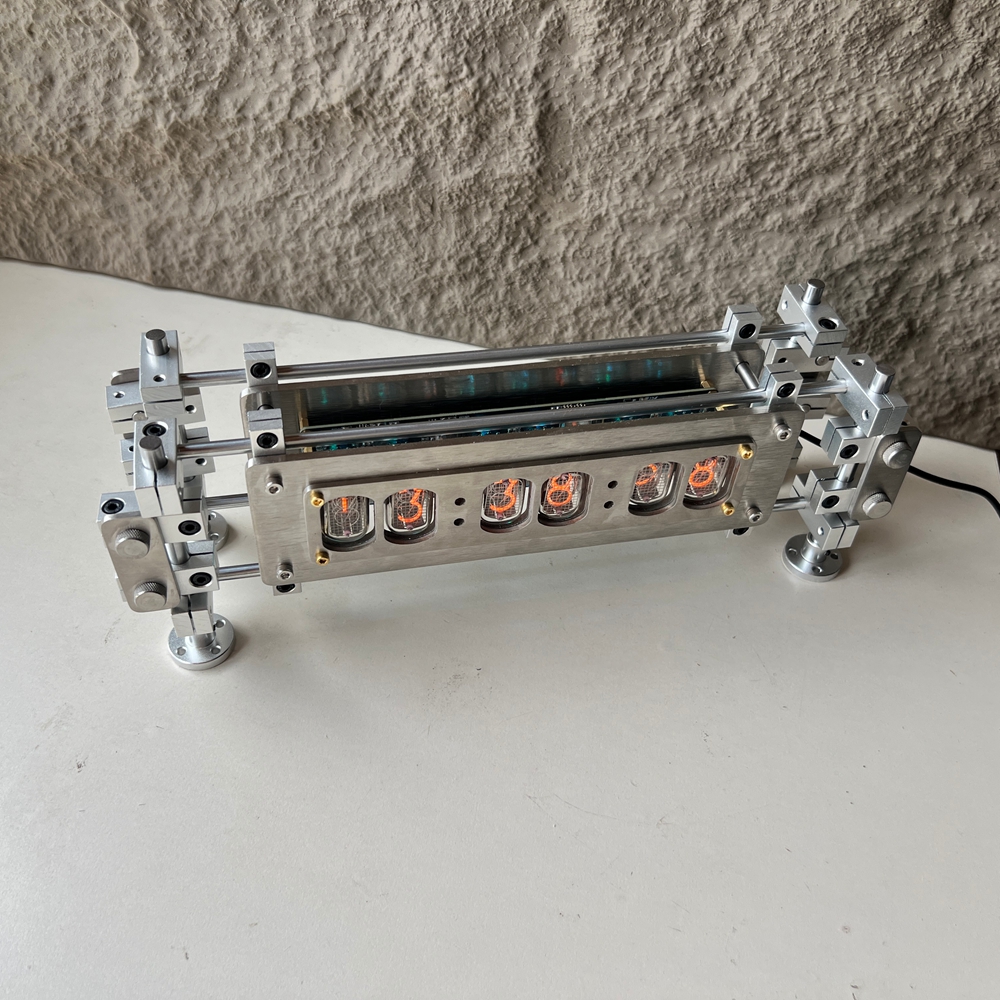
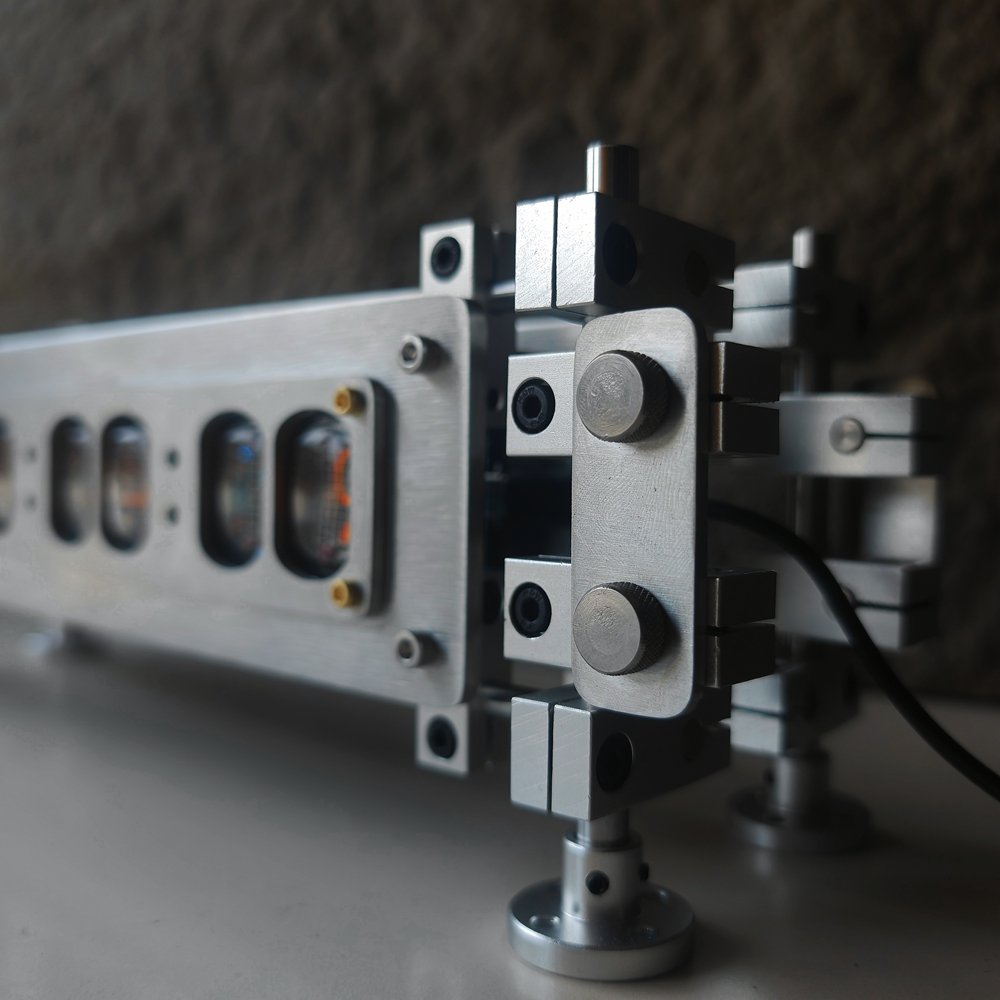
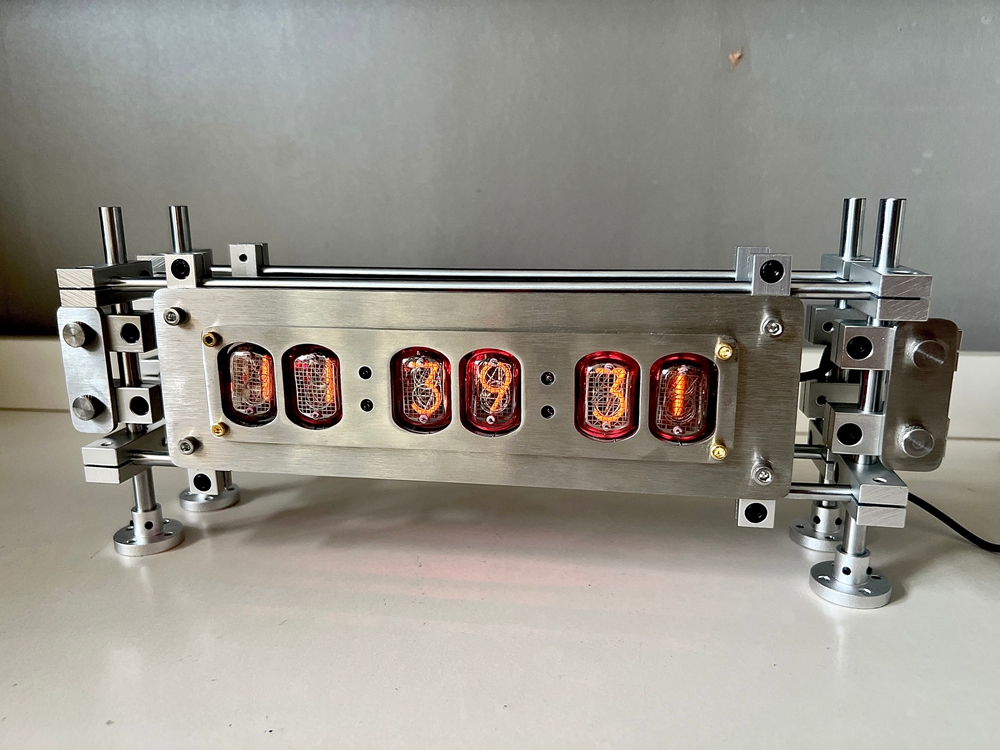
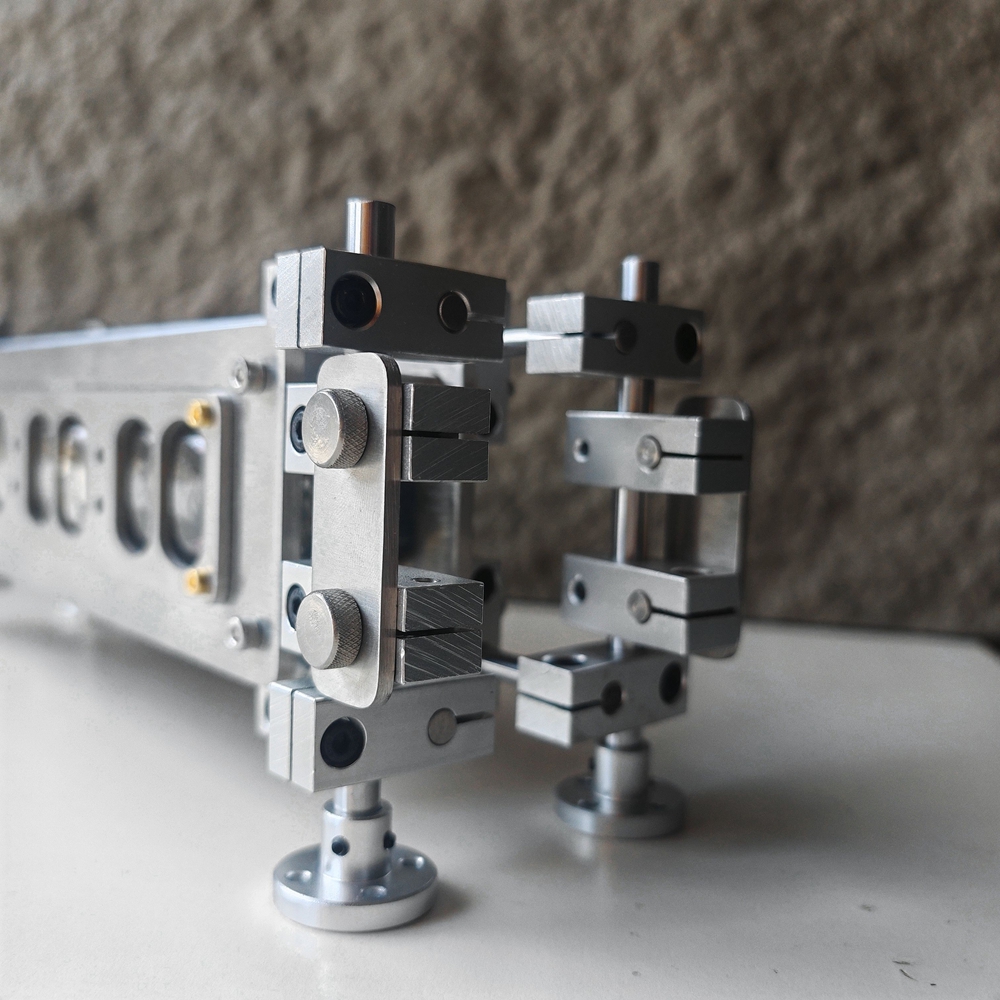
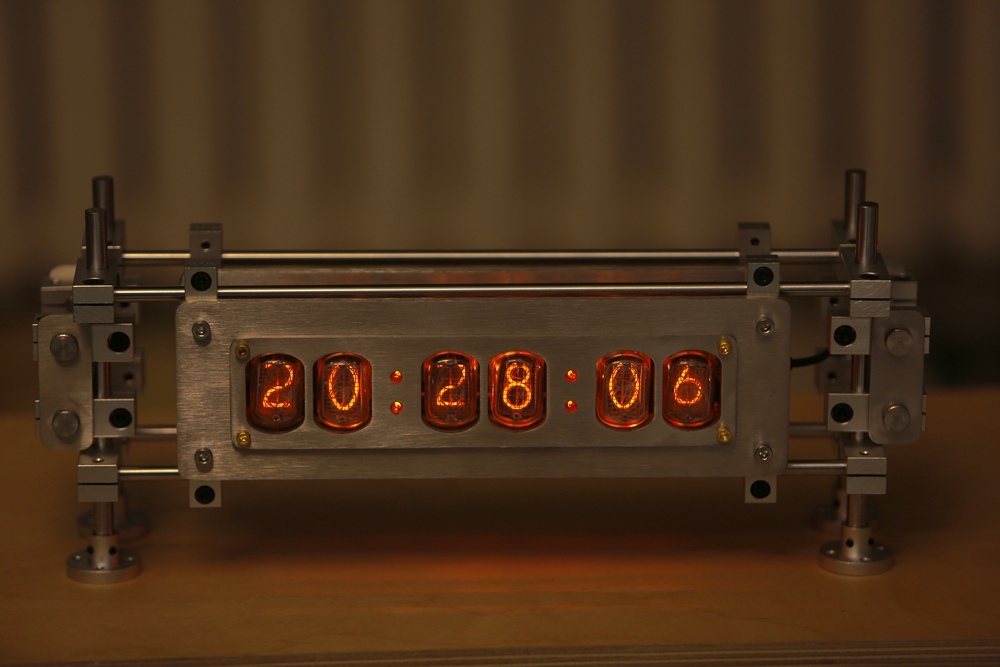
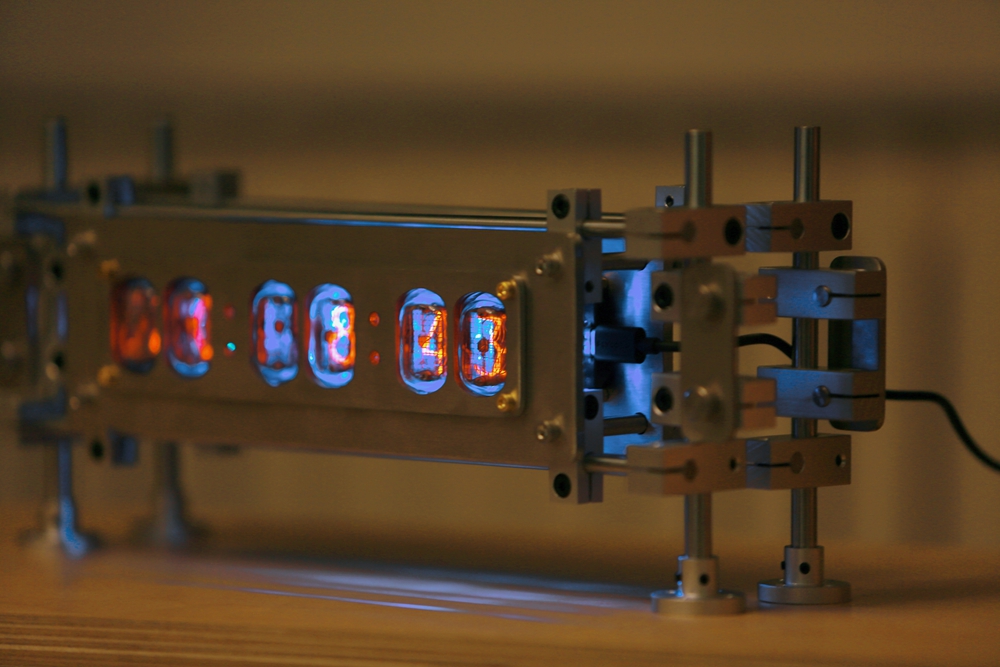
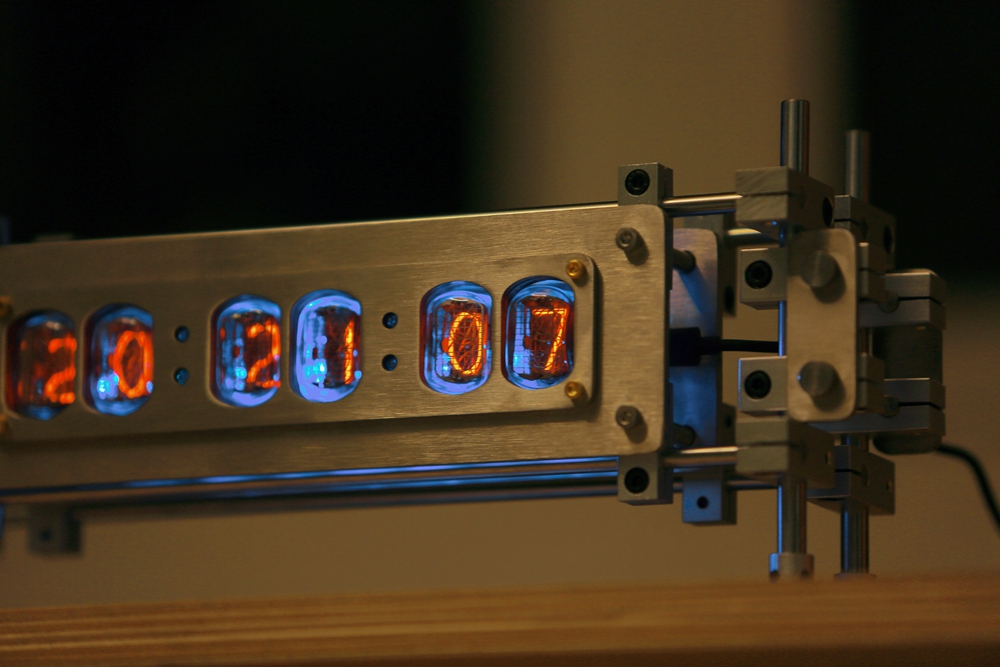
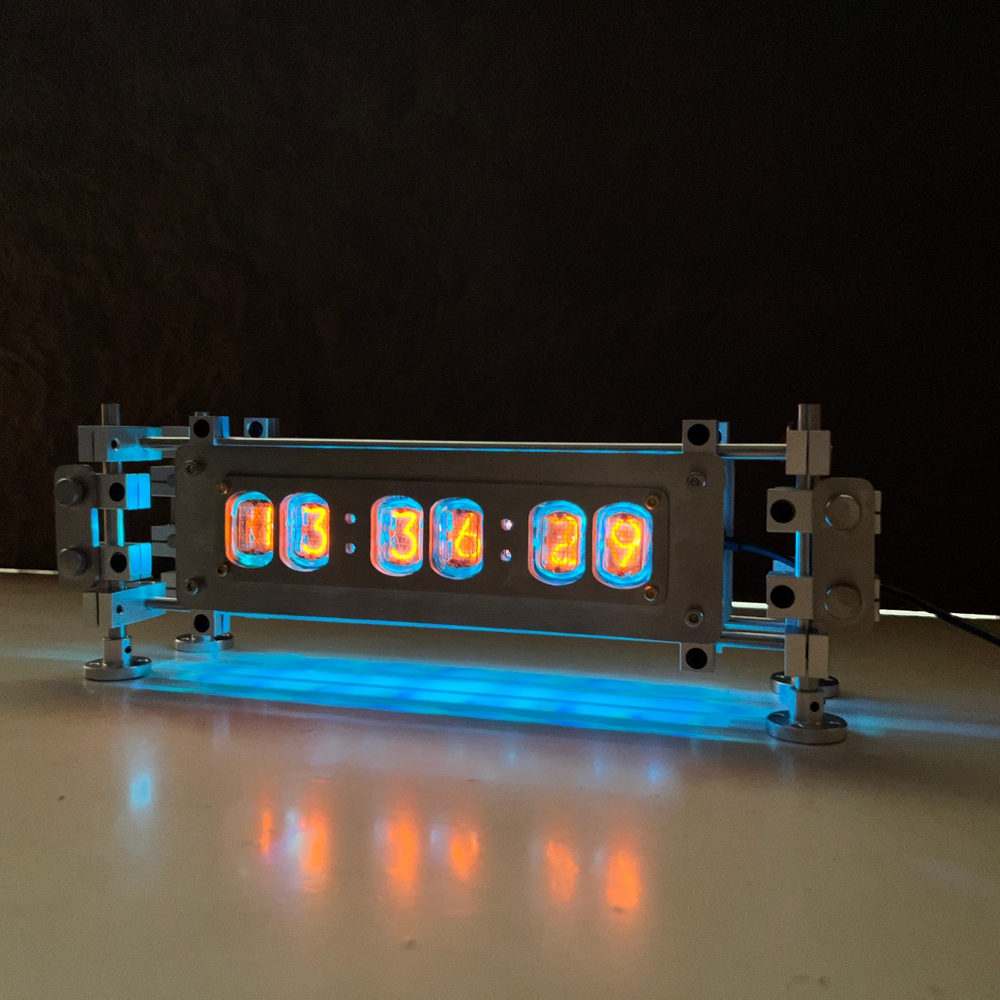
IN12 Glow Tube Clock 6-Bit DC5V 1A Type-C Retro Cyberpunk Stainless Steel Nixie Tube Clock Desktop Decoration
Description:
- After the first power on, wait to enter configuration mode. The glow tube clock will display a 5-minute countdown, the purple indicator light will light up, and the Nick2-XXXX WiFi network will be turned on. At this time, you can connect to this WiFi with your phone or mobile device, select login, and it will automatically jump to the settings interface.
- In the settings interface, enter the name and password of your own router, and select 'Save' at the bottom of the page. After successful connection, the indicator light will turn green. Re-plugging in will also save the settings and automatically connect to the WIFI network to obtain the time, without the need for repeated settings.
- Regarding settings: You can view the IP address of this clock during the first connection setup, or view the IP address of this clock (192.168.XXX.XXX) in the router settings interface - Connect Devices - Nick2-XXXXX - Details section. You can enter this IP address in the browser using a mobile device that is connected to the same WiFi network as this clock to enter the settings interface.
- If the configuration is incorrect or the IP address is forgotten, you can first turn off your own WiFi and then plug in the clock. If the clock cannot connect to your own WiFi network, it will reset and turn on the built-in Nick2-XXXX WiFi again. Repeat step 1.
Indicators:
- Purple: setting mode
- Blue: setting successful
- Green: WiFi connection successful
- Yellow: search for WiFi connection status
- Red: WiFi signal weak/no connection
Precaution:
- Please use a high-quality power adapter of 5V1A or higher and a Type-C data cable for power supply. Otherwise, high power ripple or voltage drop caused by the data cable may cause problems such as ESP32 not being able to enter working mode, glow tube flickering, and full digital brightness. Simply replace the data cable and power adapter.
- The glow tube drive requires a driving voltage of 170V. Do not open/touch the internal circuit to prevent electric shock. The glow tube emits a certain amount of heat during operation, please do not place it in a narrow and enclosed environment. Glow tube is a vacuum glass component. When using it, it is necessary to avoid collisions, drastic temperature changes, squeezing, and other operations that may cause the tube to leak/break. Built in 5V-170V step-up transformer, in some cases there may be a current sound similar to that of a CRT TV during operation, which is a normal phenomenon.
Remote Control:
- GET requests can be used to remotely control the clock, which can be used in smart home applications or remote controls.
- Clock switch: command of “on”, 1 = on / 0 = off
- Brightness: command of “bri”, 0 = low brightness / 1 = mid brightness / 2 = high brightness
- Night mode switch: command of “nmode”, 0 = turn on / 1 = turn off
- For example:
192.168.01.01/? on=1 (turn on clock)
192.168.01.01/? on=0 (turn off clock)
- Note: Punctuation marks need to be entered in English. 192.168.01.01 should be replaced with the clock IP address you are using.
- Within the same local area network (under the same WiFi), any device/smart home control terminal can remotely control by entering a GET request in the browser, and can also be associated with other IoT devices to customize the environment for use.
- If it is associated with a mobile phone or smart door lock, it can detect that the mobile phone WiFi is disconnected or leaving the house, send a GET request to the clock to close it, and detect that the mobile phone WiFi is connected or entering the house, send a GET request to the clock to open it.
- If there is no smart home, you can also set in the mobile shortcut command. Example: Set the clock to turn on after the weekday alarm on the mobile phone and turn off before bedtime.
Note:
- Controlling the clock through GET does not save values, so after restarting or restarting the power supply, it will revert back to configuring portal values.
- Night mode will override GET settings, so if you set high brightness but night mode is active, it will be ignored.
2. We ship to your eBay or Paypal address. Please make sure your eBay and Paypal address is correct before you pay.
2. For remote regions of DHL/FedEx..., extra shipping costs might be charged. Usually it costs about 30USD-50USD. We will contact you if shipping company informed us your address belongs to remote area. Thanks for your understanding.
2. Please check with your country's customs office and inform us what/how much should declare before shipping.
2. If you are dissatisfied for any reason, please don't be quick to leave us neutral or negative feedback. We work hard to make sure EVERY CUSTOMER 100% SATISFIED and resolve any problem for you and always leave positive feedback to all our customers.
On Dec 15, 2025 at 18:03:30 PST, seller added the following information: