- Brand New
- Never Opened
- Never Used
- Original Packaging
Description
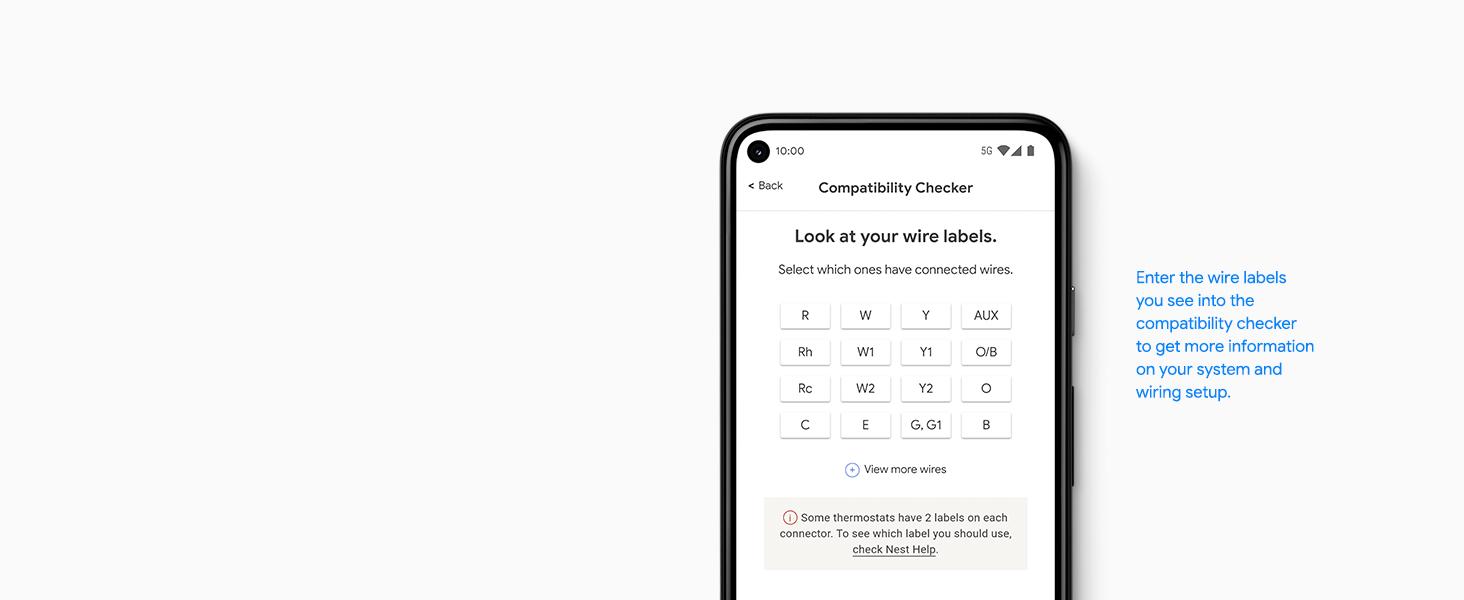
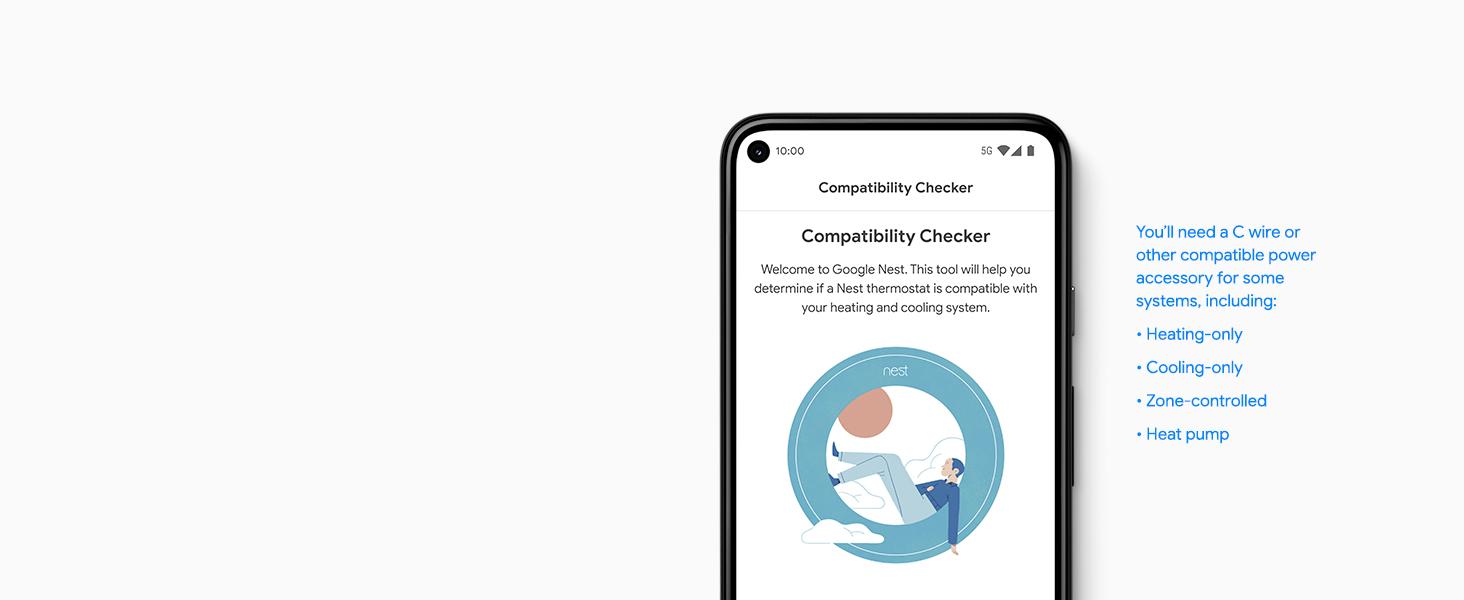
- ENERGY STAR certified smart thermostat for home that helps you save energy and stay comfortable.Product note: You can also check your system’s compatibility before purchasing a Nest thermostat with our online Nest Compatibility Checker on the Google Nest support page.Connectivity Protocol : Wi-Fi.Connectivity Protocol : Wi-Fi
- The Nest Thermostat is designed to work without a C wire in most homes, but for some systems, including heating only, cooling only, zone controlled, and heat pump systems, you’ll need a C wire or other compatible power accessory. Lock feature: No
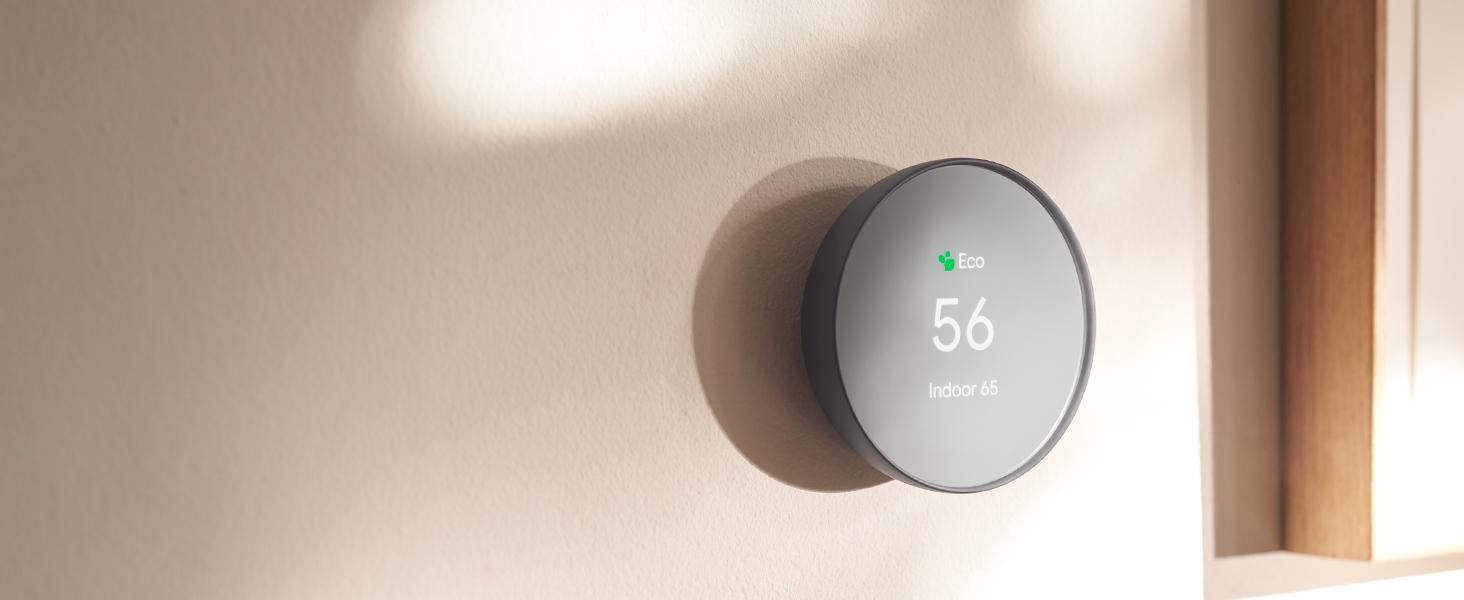
- Nest Thermostat turns itself down when you leave, so you don’t waste energy heating or cooling an empty home; easily program an energy efficient schedule in the Google home app on your Android or iPhone
- Remote control lets family members change the thermostat temperature from anywhere on a phone, laptop, or tablet[1]
- Savings Finder looks for more ways your thermostat can help you save, and suggests tweaks to your schedule in the app; check with your energy provider to learn more about rebates and more ways to save on a Nest thermostat
- Smart thermostat with HVAC monitoring, which looks out for your heating and cooling systems; sends an alert if something doesn’t seem right, along with helpful reminders to make maintenance easier[2]
- Control Nest Thermostat with Google Home and other smart home platforms. Compatible with Google Assistant and all Matter-certified voice assistants. Voice control requires a compatible smart device.


Makes it simple to support clean energy.
Nest Renew, a service from Google, works with compatible Nest thermostats to help you automatically prioritize your usage to times when energy is cleaner or less expensive. It’s free to join. And setup is a breeze, so it’s easy to start supporting a cleaner energy future, right from your home.[5,6]



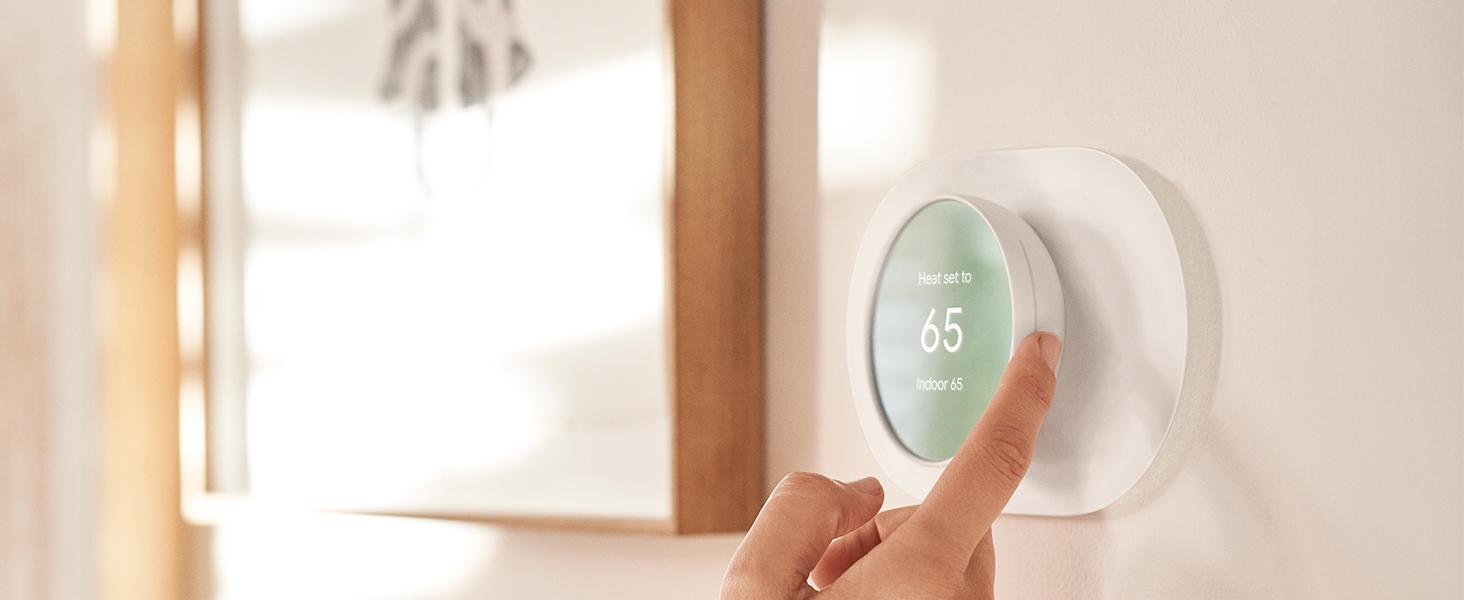



Easy to install and use.
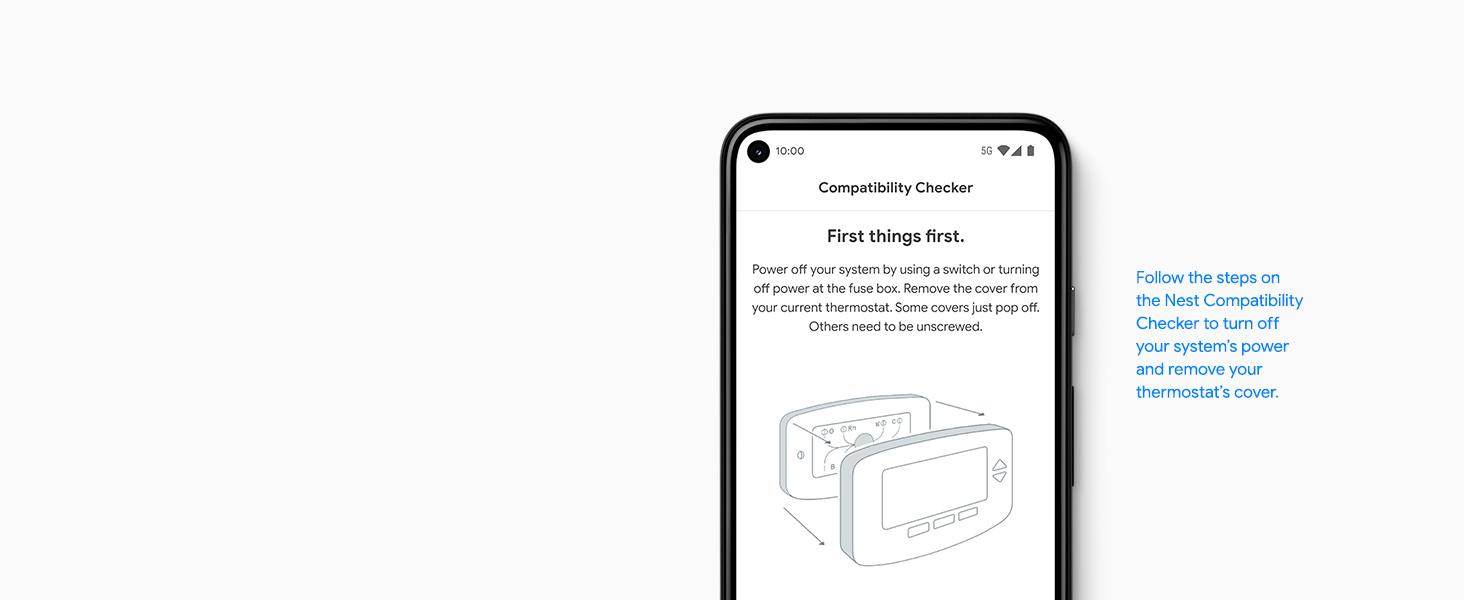
It’s designed so you can install it yourself – usually in 30 minutes or less. Just follow the simple steps in the Google Home app to quickly create a schedule that’s right for you. Or get help from a qualified pro.

